Mineuniverse
Resource Packs
URP-pack

URP-pack

RESOURCE PACK
URP Pack is a PvP-focused ressource pack designed specifically for Crystal PvP (CPvP).
by tacos_drgon
Download Claim this project
411 downloads
0 likes
Updated Oct 14, 2026
0 hypes
16x Font Packs Miscellaneous
Advertisement Remove ads with Premium →

URP Pack

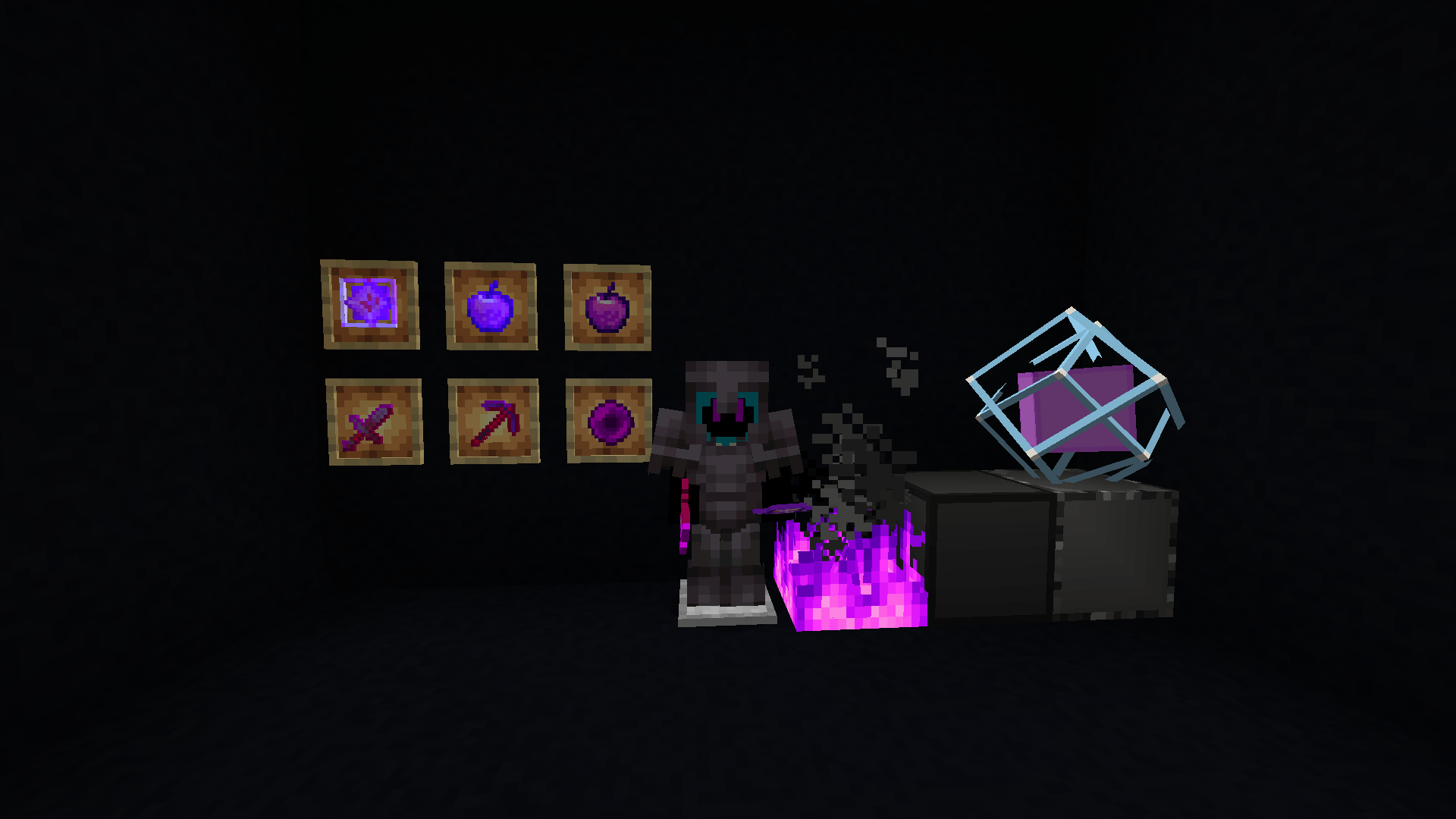
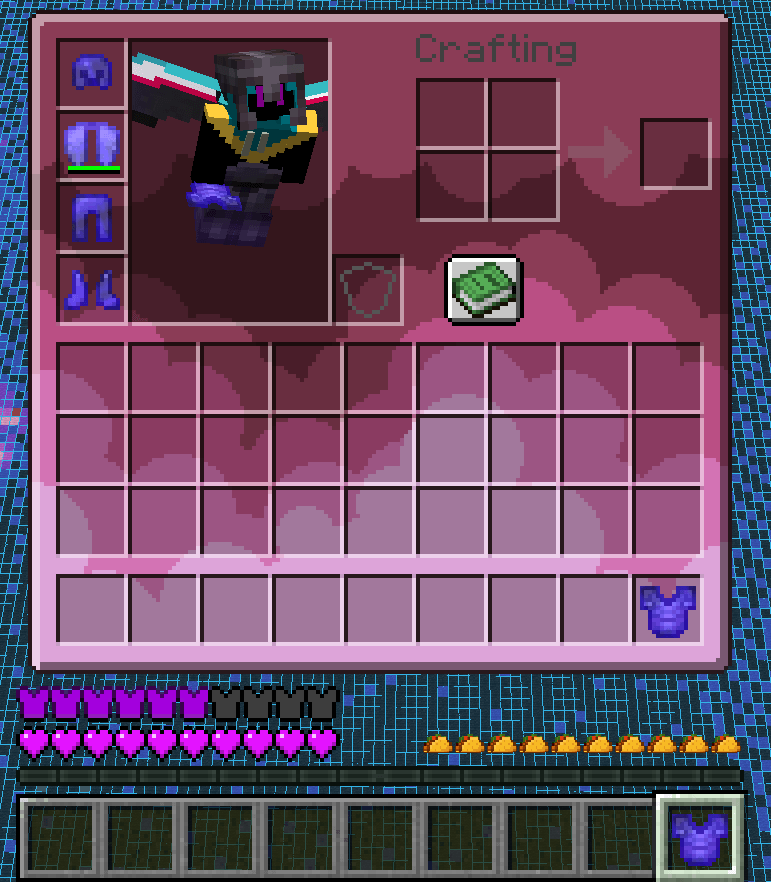
URP Pack is a PvP-focused texture pack designed specifically for Crystal PvP (CPvP).  
It provides clean visuals, high visibility, and optimized textures to help you react faster and stay focused during intense fights.

 🔥 Features

- Optimized textures for Crystal PvP
- Clear and simple design for better readability
- Improved visibility for:
  - End Crystals
  - Obsidian
  - Totems
- FPS-friendly textures
- Ideal for competitive PvP and practice

⚔️ Made for CPvP

URP Pack is built with performance and clarity in mind.  
Every texture is designed to reduce distractions and give you a tactical advantage during fast-paced CPvP battles.

📦 Recommended For

- Crystal PvP players
- Competitive PvP
- Practice servers

🛠️ Compatibility

- Minecraft Java Edition
- Works best with PvP clients (Meteor, Future, etc.)
- Compatible with most shaders (results may vary)


---

**URP Pack — Clean. Fast. Deadly.**
URP-pack V1.4.zip
MC 1.19.4
Release 2026-03-13 Get
URP-pack V1.5.zip
MC 1.20.1, 1.20
Release 2026-03-13 Get
URP-pack V1.6.zip
MC 1.20.2
Release 2026-03-13 Get
URP-pack V1.7.zip
MC 1.20.4, 1.20.3
Release 2026-03-13 Get
URP-pack V1.8.zip
MC 1.20.5, 1.20.6
Release 2026-03-13 Get
URP-pack V1.9.zip
MC 1.21, 1.21.1
Release 2026-03-13 Get
URP-pack V1.10.zip
MC 1.21.4
Release 2026-03-13 Get
URP-pack V1.11.zip
MC 1.21.5
Release 2026-03-13 Get
URP-pack V1.12.zip
MC 1.21.6
Release 2026-03-13 Get
URP-pack V1.13.zip
MC 1.21.8, 1.21.7
Release 2026-03-13 Get

Requirements & install

How to use this resource pack in Minecraft
Resolution
16x
Minecraft
1.20.6 – 1.21.8
Install folder
.minecraft/resourcepacks

How to install resource packs

  1. Download the resource pack .zip file (do not extract it).
  2. In Minecraft open Options → Resource Packs → Open Pack Folder.
  3. Drop the .zip into the resourcepacks folder (.minecraft/resourcepacks).
  4. Move the pack to the Selected column and click Done.
Browse more: 16x resource packs 32x resource packs 64x resource packs 128x resource packs 256x resource packs 512x+ resource packs Resource Packs for 1.21.8 All resource packs
Advertisement Remove ads with Premium →

You Might Also Like