Mineuniverse
Resource Packs
UnSprited Armor

UnSprited Armor

RESOURCE PACK
The pack for your consistent armor!
by GillsBills
Download Claim this project
Add a badge to your pageLink to UnSprited Armor from a README, website or forum post.
Preview: Badge

Badges update automatically and link to the resource pack page on MineUniverse.

1,874 downloads
0 likes
0 followers
Updated Oct 14, 2026
0 hypes
Follow0
16x Miscellaneous Modern
Advertisement Remove ads with Premium →

spark_server

Behold


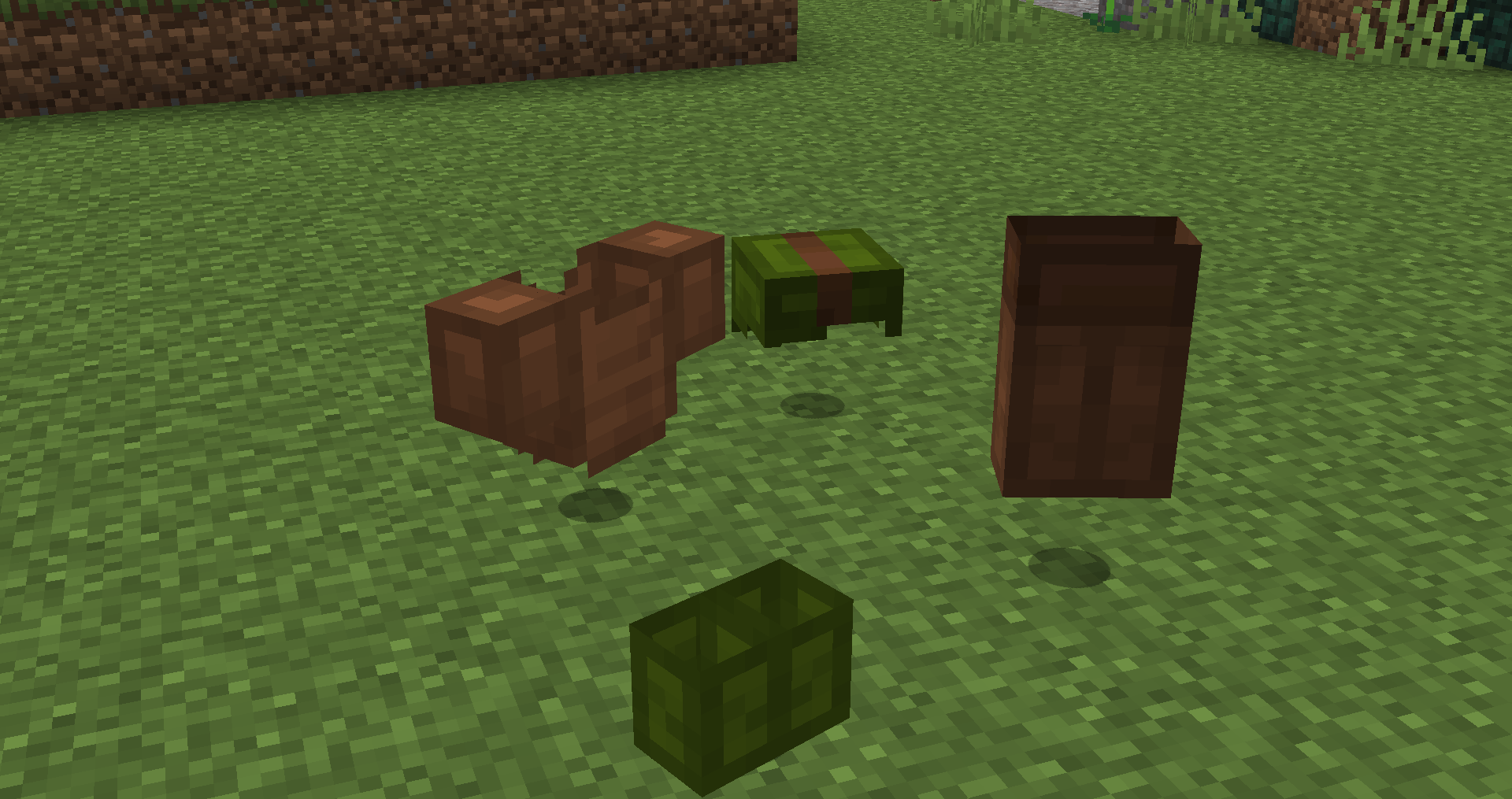
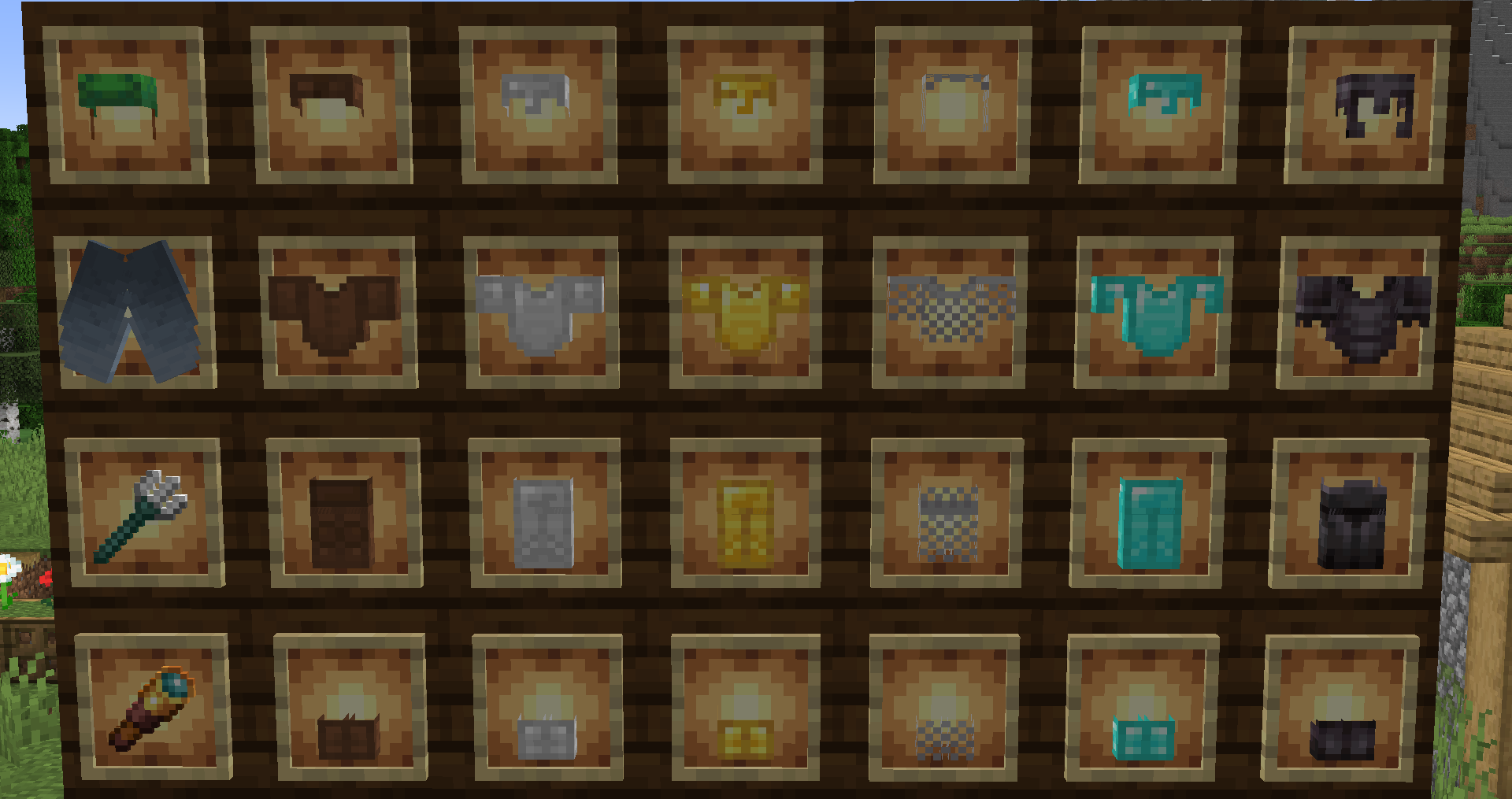
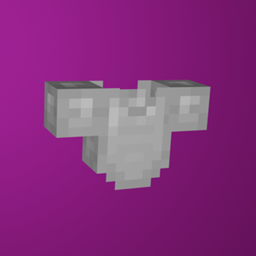
UnSprited Armor is the ultimate resource pack to keep all your wearable items consistent when not on the player. Items that are a 2D sprite or inconsistent with the model when worn have been turned 3D, this includes following:

  • All Armor
  • Elytra
  • Heads and Skulls

banner

Features


This pack converts the armor item models into the wearable models you see on the Player! This includes every wearable item in the game!

This pack even works with other armor-changing packs, so use the armor pack of your choice with this one!

UnSprited Thumbnail

socials


License


All assets that aren't mine are used with permission from their original authors!

License_button

The Content in this pack is licensed under Creative Commons Attribution-NonCommercial-ShareAlike 4.0 International License

UnSprited Armor - 1.19.X
MC 1.19.3, 1.19.4, 1.19.2, 1.19.1, 1.19
Release 2023-05-02 Get
UnSprited Armor - 1.18
MC 1.18.1, 1.18.2, 1.18, 1.18-Snapshot
Release 2022-03-01 Get
UnSprited Armor - 1.17
MC 1.17.1, 1.17, 1.17-Snapshot
Release 2022-03-01 Get
UnSprited Armor - 1.16
MC 1.16.3, 1.16.5, 1.16.4, 1.16.2
Release 2022-03-01 Get
Un-sprited Armor - 1.16
MC 1.16.3, 1.16.5, 1.16.4, 1.16.2
Release 2021-06-28 Get
Un-sprited Armor - 1.17
MC 1.17, 1.17-Snapshot
Release 2021-06-28 Get

Requirements & install

How to use this resource pack in Minecraft
Resolution
16x
Minecraft
1.18 – 1.19.4
Install folder
.minecraft/resourcepacks

How to install resource packs

  1. Download the resource pack .zip file (do not extract it).
  2. In Minecraft open Options → Resource Packs → Open Pack Folder.
  3. Drop the .zip into the resourcepacks folder (.minecraft/resourcepacks).
  4. Move the pack to the Selected column and click Done.
Browse more: 16x resource packs 32x resource packs 64x resource packs 128x resource packs 256x resource packs 512x+ resource packs Resource Packs for 1.19.4 All resource packs

More from GillsBills

Advertisement Remove ads with Premium →

You Might Also Like