Mineuniverse
Resource Packs
(Unofficial) Mandala's GUI - Dark Mode Compatibility Neo

(Unofficial) Mandala's GUI - Dark Mode Compatibility Neo

RESOURCE PACK
Neoforge version of my Unofficial Custom Mandala's GUI - Dark Mode Mod Compatibility
by Gammael
Download Claim this project
Add a badge to your pageLink to (Unofficial) Mandala's GUI - Dark Mode Compatibility Neo from a README, website or forum post.
Preview: Badge

Badges update automatically and link to the resource pack page on MineUniverse.

1,600,305 downloads
0 likes
0 followers
Updated Oct 14, 2026
0 hypes
Follow0
Data Packs Miscellaneous Mod Support
Advertisement Remove ads with Premium →

REQUIRES: Mandala's GUI - Dark mode

Discord X (formerly Twitter) URL

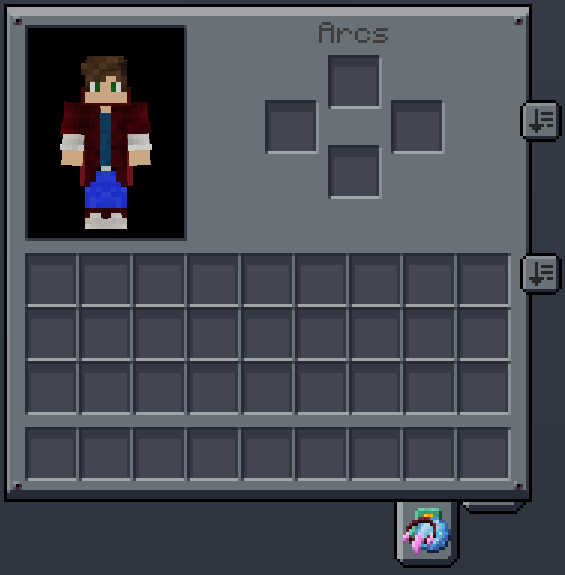
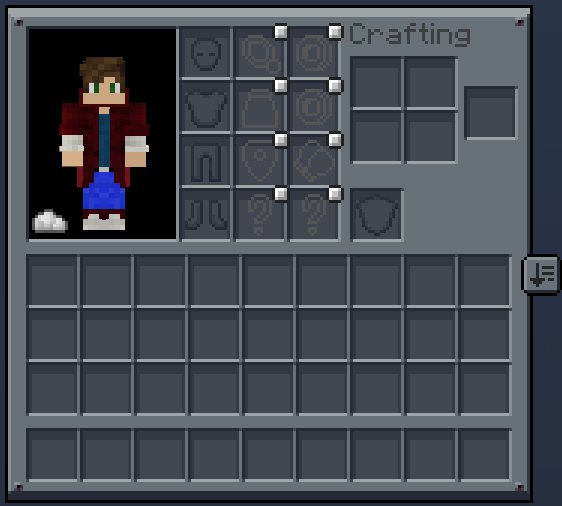
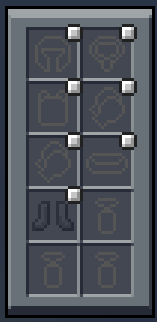
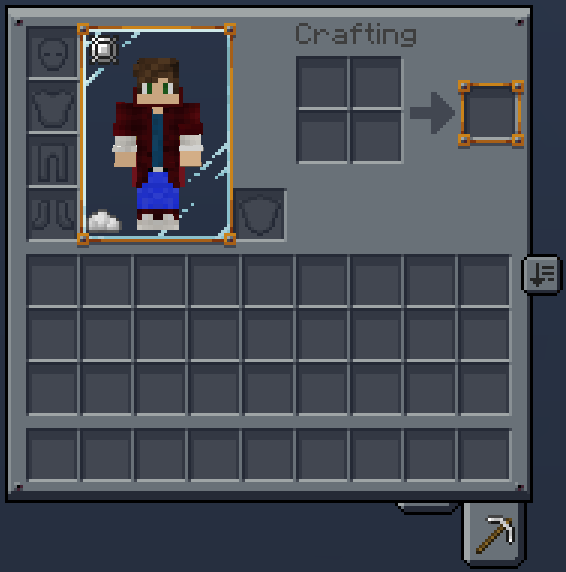
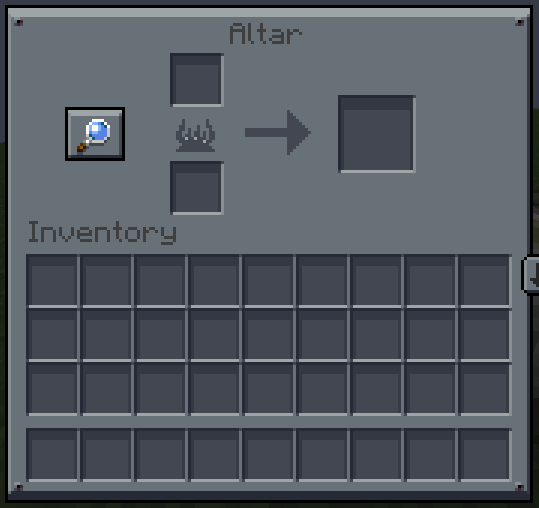
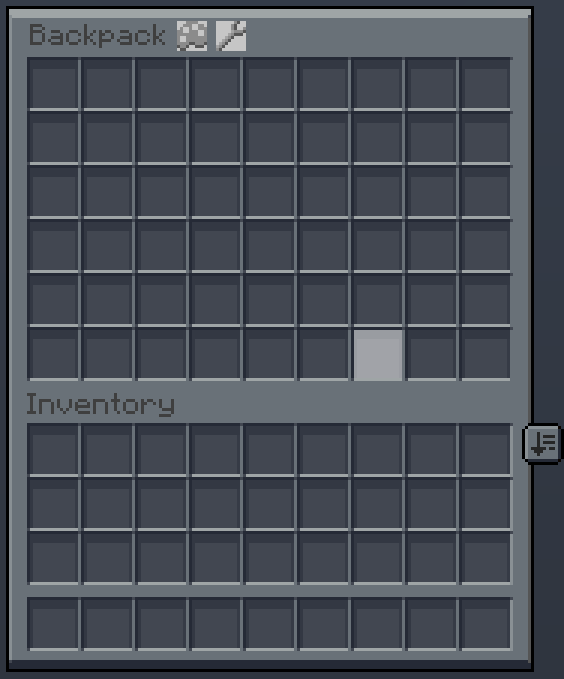
Unofficial Custom Mandala's GUI - Dark Mode Mod Compatibility Resource Pack. Made to have compatibility with mods that i like to use. (Work in Progress)

This Resourcepack works with Fabric and Forge versions. For NeoForge install both Forge and NeoForge versions, overwrite Forge.

You can make mod requests on the comments

Compatible Mods:

  • ACCESSORIES
  • AETHER
  • AETHER PROTECT YOUR MOA
  • APOTHIC ATTRIBUTES
  • ATTRIBUTES LIB
  • BACKPACKED
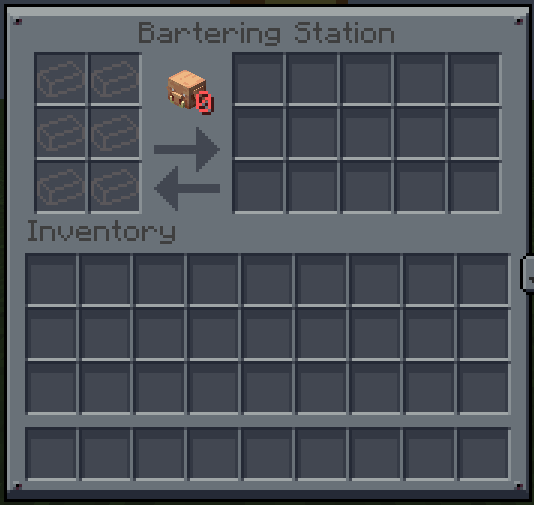
  • BARTERING STATION
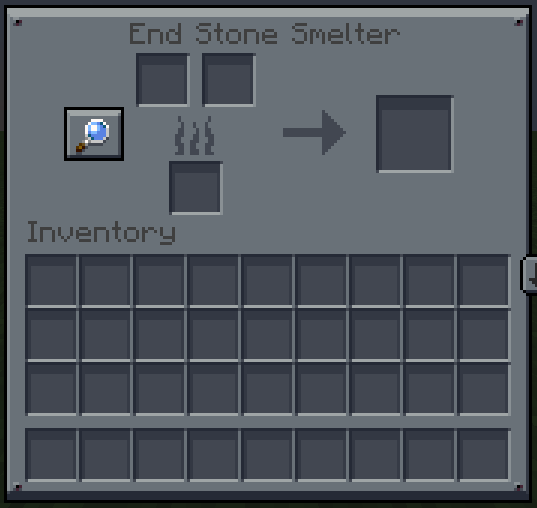
  • BETTER END
  • BLUE SKIES
  • BOSS TITLES
  • CORPSE
  • COSMETIC ARMOR REWORKED
  • CURIOS
  • DAILY SHOP
  • EMI
  • FARMER'S DELIGHT
  • INMIS
  • INVENTORY MANAGEMENT
  • INVENTORY TWEAKS REFOXED
  • IRON FURNACES
  • MYTHIC CHARMS
  • POLYMORPH
  • SAWMILL
  • SKY GUIS
  • SOPHISTICATED CORE
  • SUPPLEMENTARIES (TRINKETS)
  • TOM'S SIMPLE STORAGE
  • TOM'S TRADING NETWORK
  • TRASH SLOT
  • TRINKETS

Looking for a custom GUI resource pack for your modpack? Contact me on Discord to discuss how I can help bring your vision to life!

Donate on ko-fi if you can.

Mandala's GUI - Dark Mode Compat Neo 0.3 Fix.zip
MC 1.21, 1.20.1, 1.20, 1.21.1
Release 2025-04-05 Get
Mandala's GUI - Dark Mode Compat Neo 0.3.zip
MC 1.21, 1.20.1, 1.20, 1.21.1
Release 2025-03-28 Get

Requirements & install

How to use this resource pack in Minecraft
Resolution
Not specified
Minecraft
1.20 – 1.21.1
Install folder
.minecraft/resourcepacks

How to install resource packs

  1. Download the resource pack .zip file (do not extract it).
  2. In Minecraft open Options → Resource Packs → Open Pack Folder.
  3. Drop the .zip into the resourcepacks folder (.minecraft/resourcepacks).
  4. Move the pack to the Selected column and click Done.
Browse more: 16x resource packs 32x resource packs 64x resource packs 128x resource packs 256x resource packs 512x+ resource packs Resource Packs for 1.21.1 All resource packs

More from Gammael

Advertisement Remove ads with Premium →

You Might Also Like