Mineuniverse
Resource Packs
Unique Potions

Unique Potions

RESOURCE PACK
Easily distiniguish potions using their unique new textures.
by THE_PINPAL
Download Claim this project
1,962 downloads
0 likes
Updated Oct 14, 2026
0 hypes
16x Miscellaneous
Advertisement Remove ads with Premium →

Unique Potions

Provides an easy way to tell what type of potion an item is without having to hover over it for the tooltip.

The pack provides a mini status effect icon on the bottom left of each potion aswell as a clock to signify it is an "extended length" type, or a "II" symbol to show it is a more powerful type.


Screenshot
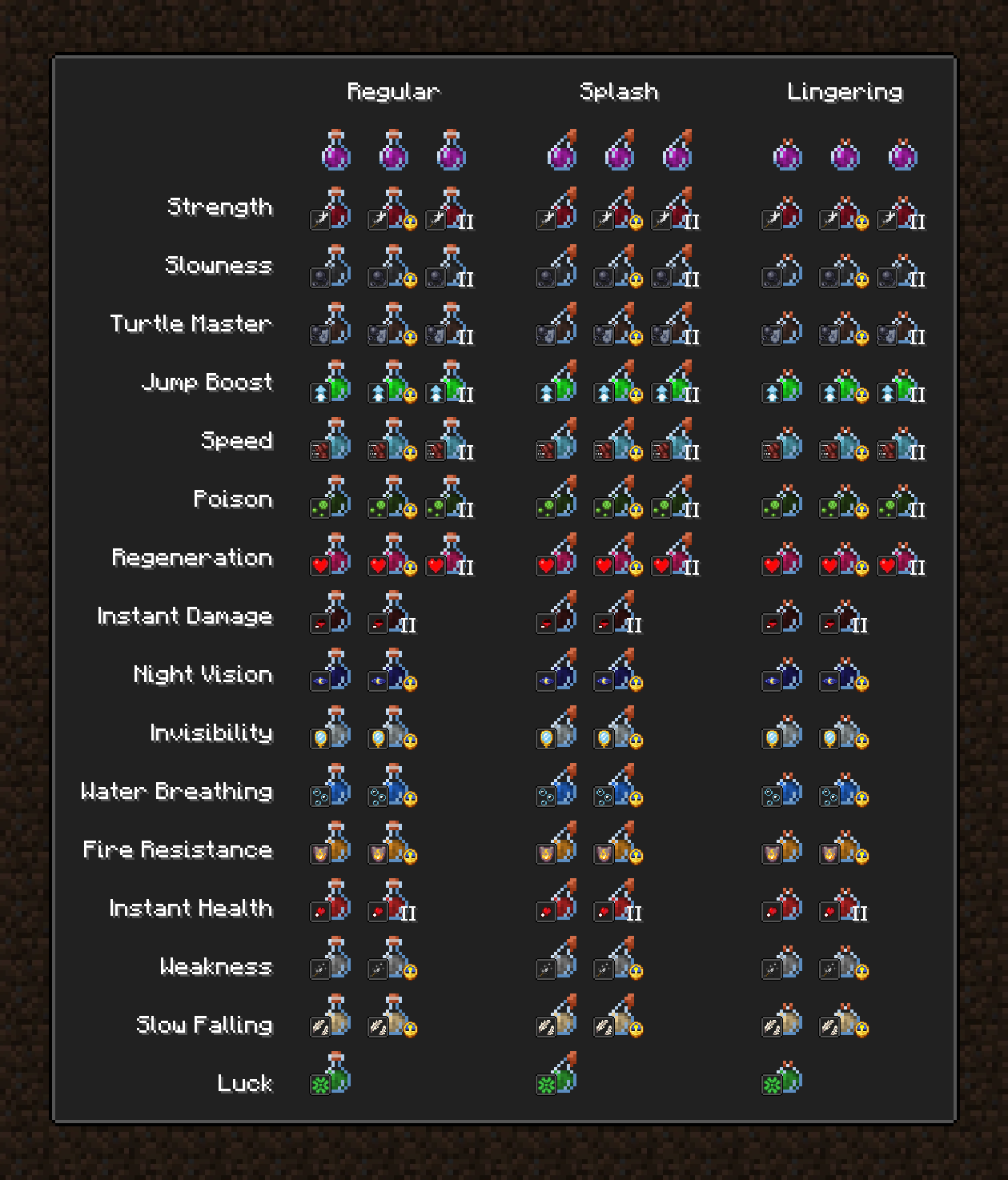
Showcase Screenshot


Other Resource-Pack Compatibility

This pack is compatible with any other resource pack without interfering.


IMPORTANT Requirements:

This pack REQUIRES the use of either OptiFine or CIT-Resewn. This allows the pack to tell the difference between potion types based on their NBT data (this is not available in vanilla).


Contribution

If you wish to contribute to the project, the source files in Photoshop Templates (PSD) format are available within the resource pack.

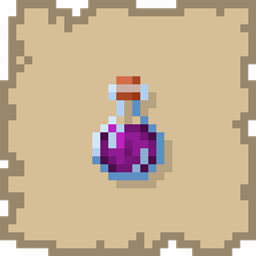
Unique Potions 1.19
MC 1.19.3, 1.19.4-Snapshot, 1.19.4, 1.19.2, 1.19.1, 1.19, 1.19.3-Snapshot
Release 2022-07-08 Get

Requirements & install

How to use this resource pack in Minecraft
Resolution
16x
Minecraft
1.19 – 1.19.4
Install folder
.minecraft/resourcepacks

How to install resource packs

  1. Download the resource pack .zip file (do not extract it).
  2. In Minecraft open Options → Resource Packs → Open Pack Folder.
  3. Drop the .zip into the resourcepacks folder (.minecraft/resourcepacks).
  4. Move the pack to the Selected column and click Done.
Browse more: 16x resource packs 32x resource packs 64x resource packs 128x resource packs 256x resource packs 512x+ resource packs Resource Packs for 1.19.4 All resource packs

More from THE_PINPAL

Advertisement Remove ads with Premium →

You Might Also Like