Mineuniverse
Resource Packs
Undopia Lower Shield

Undopia Lower Shield

RESOURCE PACK
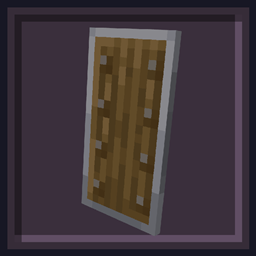
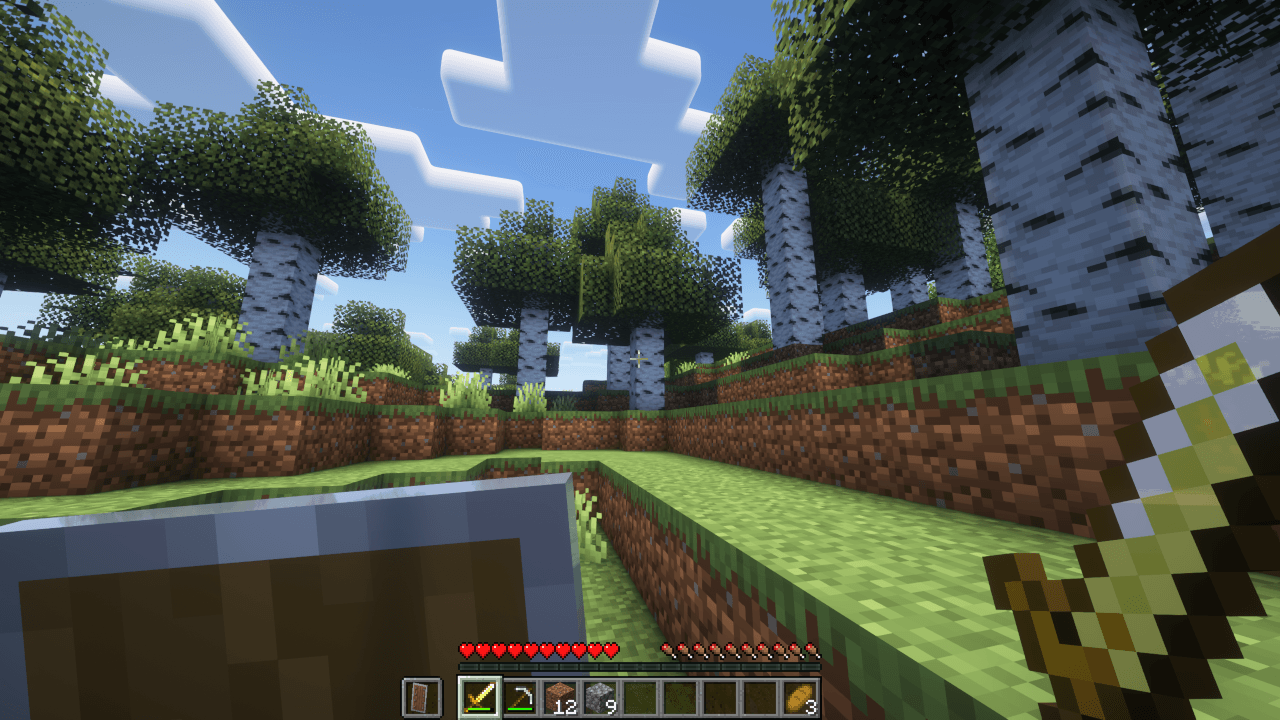
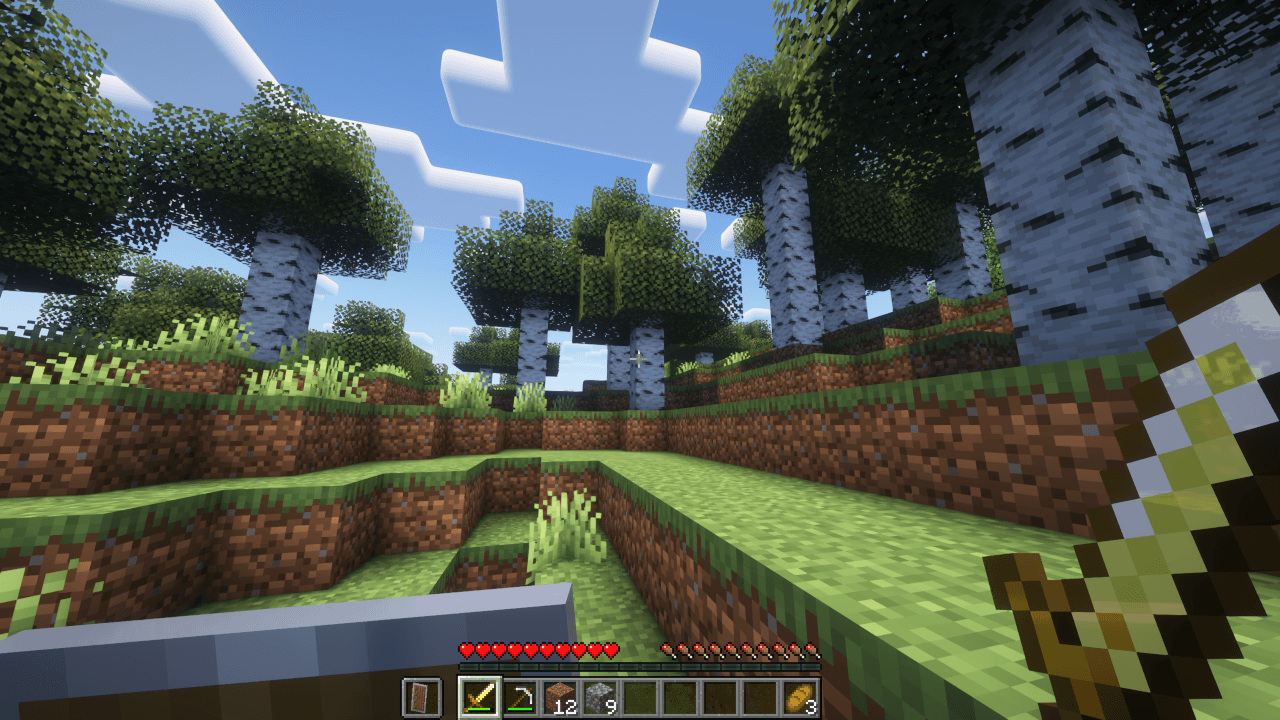
Lowers the Shield so that the view is not restricted too much
by UnduGT
Download Claim this project
95,659 downloads
0 likes
0 followers
Updated Oct 14, 2026
0 hypes
Follow0
16x Miscellaneous
Advertisement Remove ads with Premium →

lower-shield

Undopia Lower Shield

Modrinth Downloads CurseForge Downloads

ko-fi

Undopia Lower Shield moves the shield down so that it is not annoying and does not unnecessarily restrict the view.


Undopia Patch Resource Pack

This resource pack is part of the Undopia Patch family.

It is made of these Undopia Patch Features

xwZJCk2.png

If you want to customize any of these use the Undopia Patch Customizer.


Wb9cSra.png

Get your own custom Game Server from KCB Hosting!


Customizer FAQ

Terms & Conditions Bug Report / Feature Suggestion

Lower Shield 1.0
MC 1.21.11
Release 2025-12-26 Get
Lower Shield 1.0
MC 1.21.9, 1.21.10
Release 2025-11-09 Get
Lower Shield 1.0
MC 1.21.8, 1.21.7
Release 2025-07-03 Get
Lower Shield 1.0
MC 1.21.6
Release 2025-06-18 Get
Lower Shield 1.0
MC 1.21.5
Release 2025-03-26 Get
Lower Shield 1.0
MC 1.14.4, 1.14.1, 1.14.3, 1.14, 1.14.2
Release 2025-02-08 Get
Lower Shield 1.0
MC 1.16.1, 1.15, 1.16, 1.15.2, 1.15.1
Release 2025-02-08 Get
Lower Shield 1.0
MC 1.16.3, 1.16.5, 1.16.4, 1.16.2
Release 2025-02-08 Get
Lower Shield 1.0
MC 1.17.1, 1.17
Release 2025-02-08 Get
Lower Shield 1.0
MC 1.18.1, 1.18.2, 1.18
Release 2025-02-08 Get
Lower Shield 1.0
MC 1.19.2, 1.19.1, 1.19
Release 2025-02-08 Get
Lower Shield 1.0
MC 1.19.3
Release 2025-02-08 Get
Lower Shield 1.0
MC 1.19.4
Release 2025-02-08 Get
Lower Shield 1.0
MC 1.20.1, 1.20
Release 2025-02-08 Get
Lower Shield 1.0
MC 1.20.2, 1.20.5, 1.20.3, 1.20.6, 1.20.4
Release 2025-02-08 Get
Lower Shield 1.0
MC 1.21, 1.21.4, 1.21.3, 1.21.1, 1.21.2
Release 2025-02-08 Get

Requirements & install

How to use this resource pack in Minecraft
Resolution
16x
Minecraft
1.21.4 – 1.21.11
Install folder
.minecraft/resourcepacks

How to install resource packs

  1. Download the resource pack .zip file (do not extract it).
  2. In Minecraft open Options → Resource Packs → Open Pack Folder.
  3. Drop the .zip into the resourcepacks folder (.minecraft/resourcepacks).
  4. Move the pack to the Selected column and click Done.
Browse more: 16x resource packs 32x resource packs 64x resource packs 128x resource packs 256x resource packs 512x+ resource packs Resource Packs for 1.21.11 All resource packs

More from UnduGT

Advertisement Remove ads with Premium →

You Might Also Like