Mineuniverse
Resource Packs
Undertale OST Music Discs

Undertale OST Music Discs

RESOURCE PACK
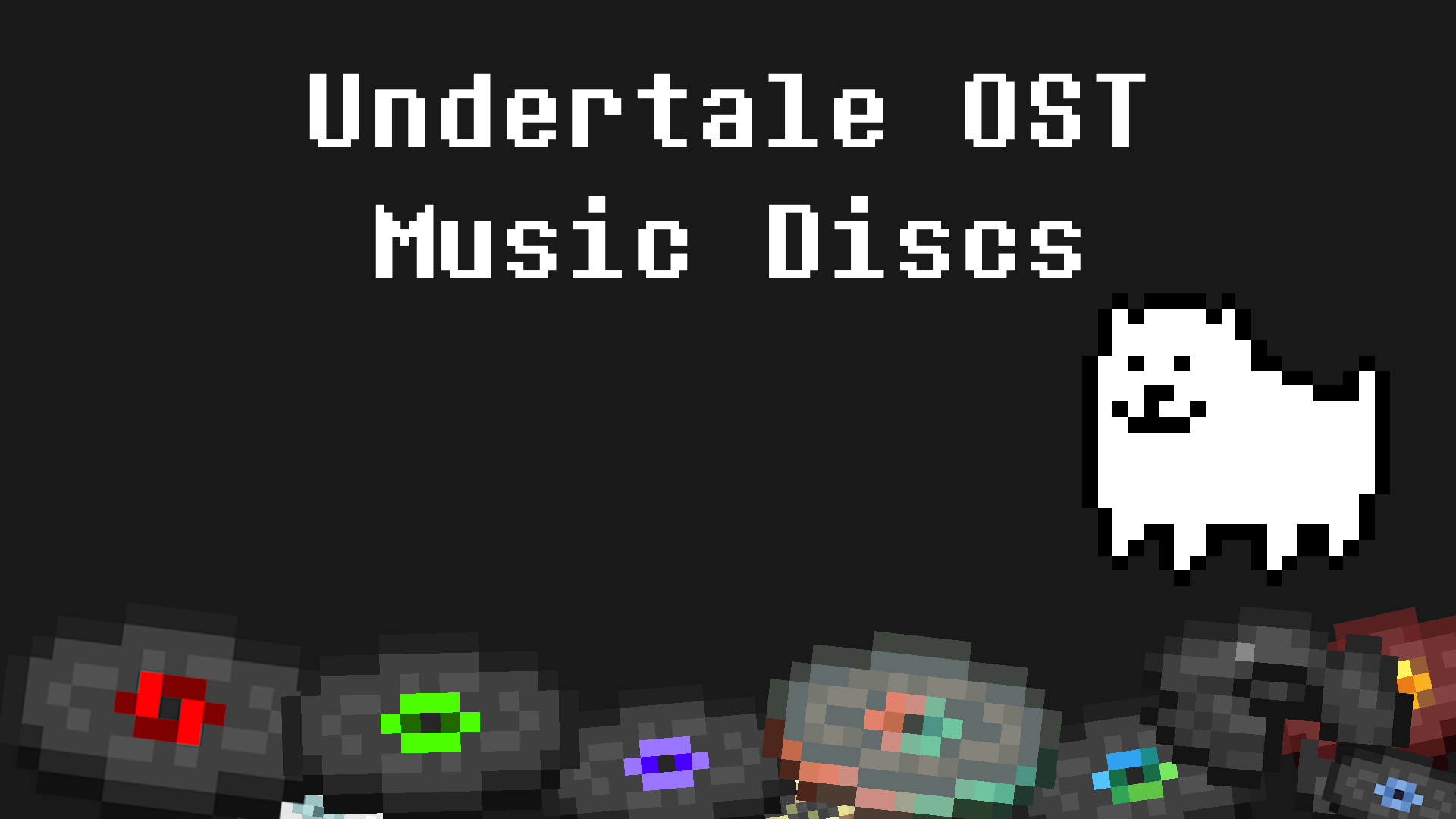
Resource Pack That Replaces Music Discs With Undertale OST
by Krystian2006
Download Claim this project
3,338 downloads
0 likes
0 followers
Updated Oct 14, 2026
0 hypes
Follow0
Font Packs Miscellaneous
Advertisement Remove ads with Premium →

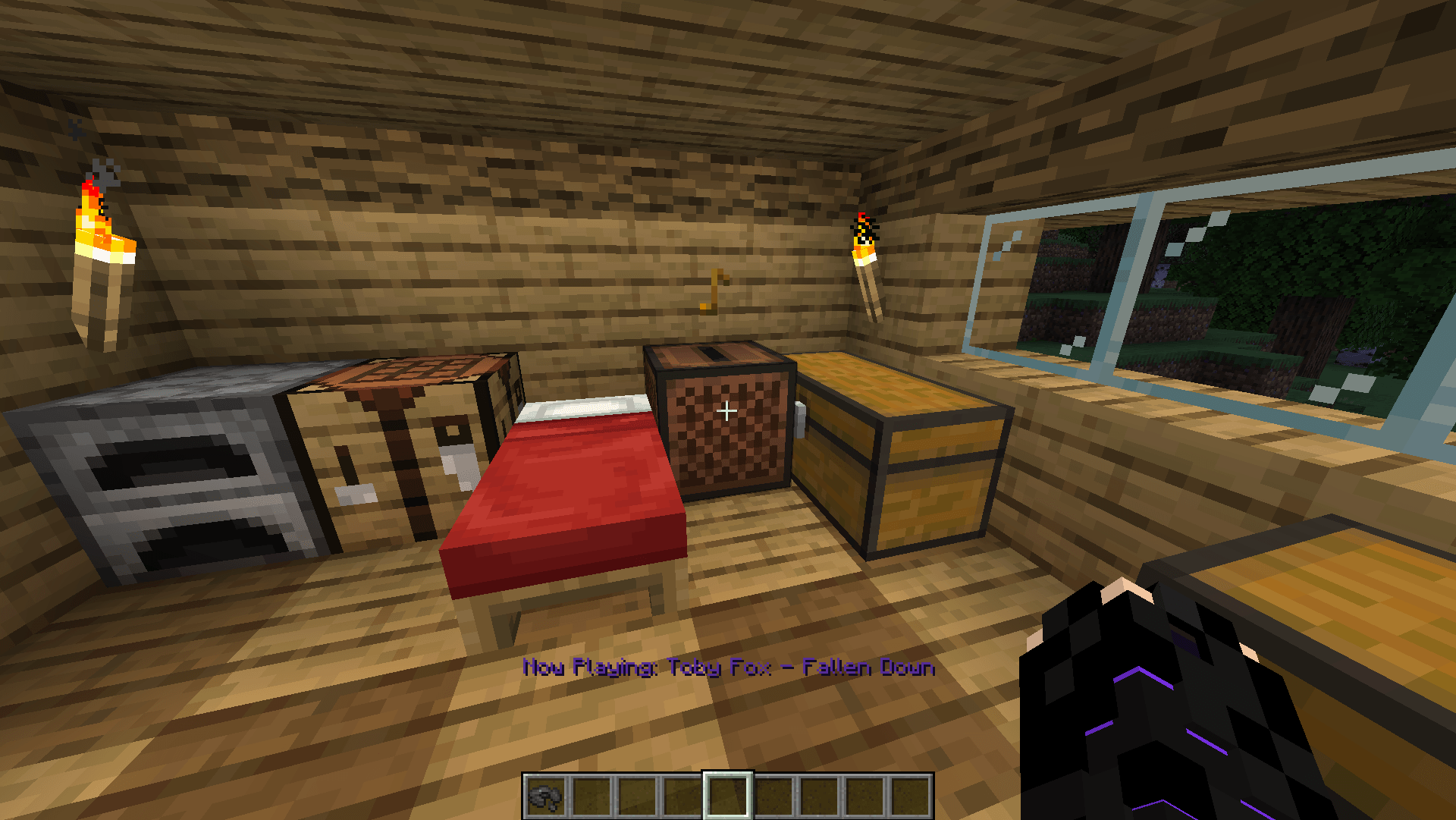
Resource Pack That Replaces Music Discs With Undertale OST

List Of OST:

  • Blocks - Core
  • Bounce - Another Medium
  • Cat - Hotel
  • Chirp - Amalglam
  • Creator - Shop
  • Creator (Music Box) - Uwa!! So Temperate♫
  • Disc 11 - Fallen Down
  • Disc 13 - Bergentrückung + ASGORE
  • Disc 5 - Bonetrousle
  • Far - Sans
  • Lava Chicken - Death by Glamour
  • Mall - Spider Dance
  • Mellohi - Finale
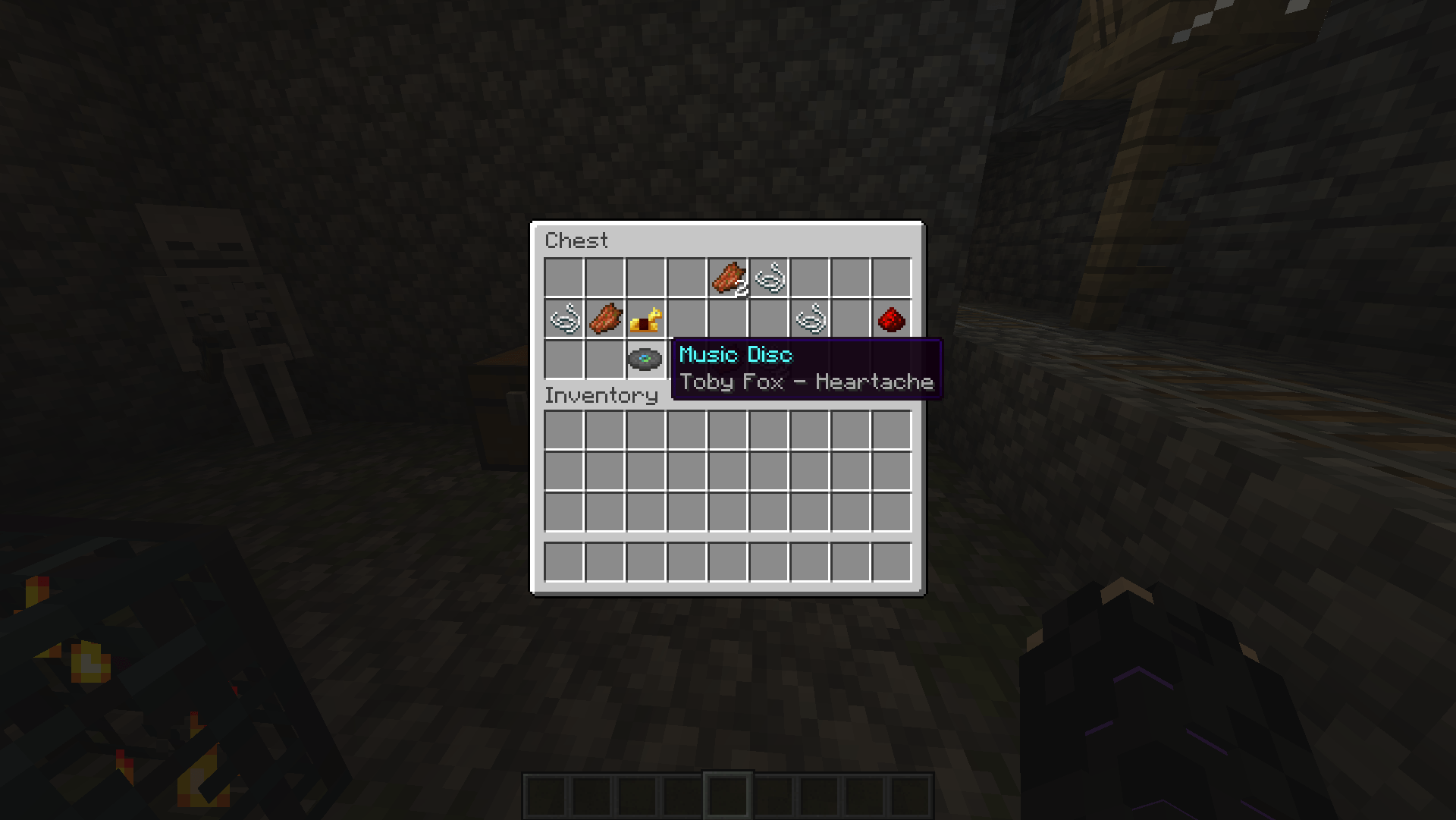
  • Otherside - Heartache
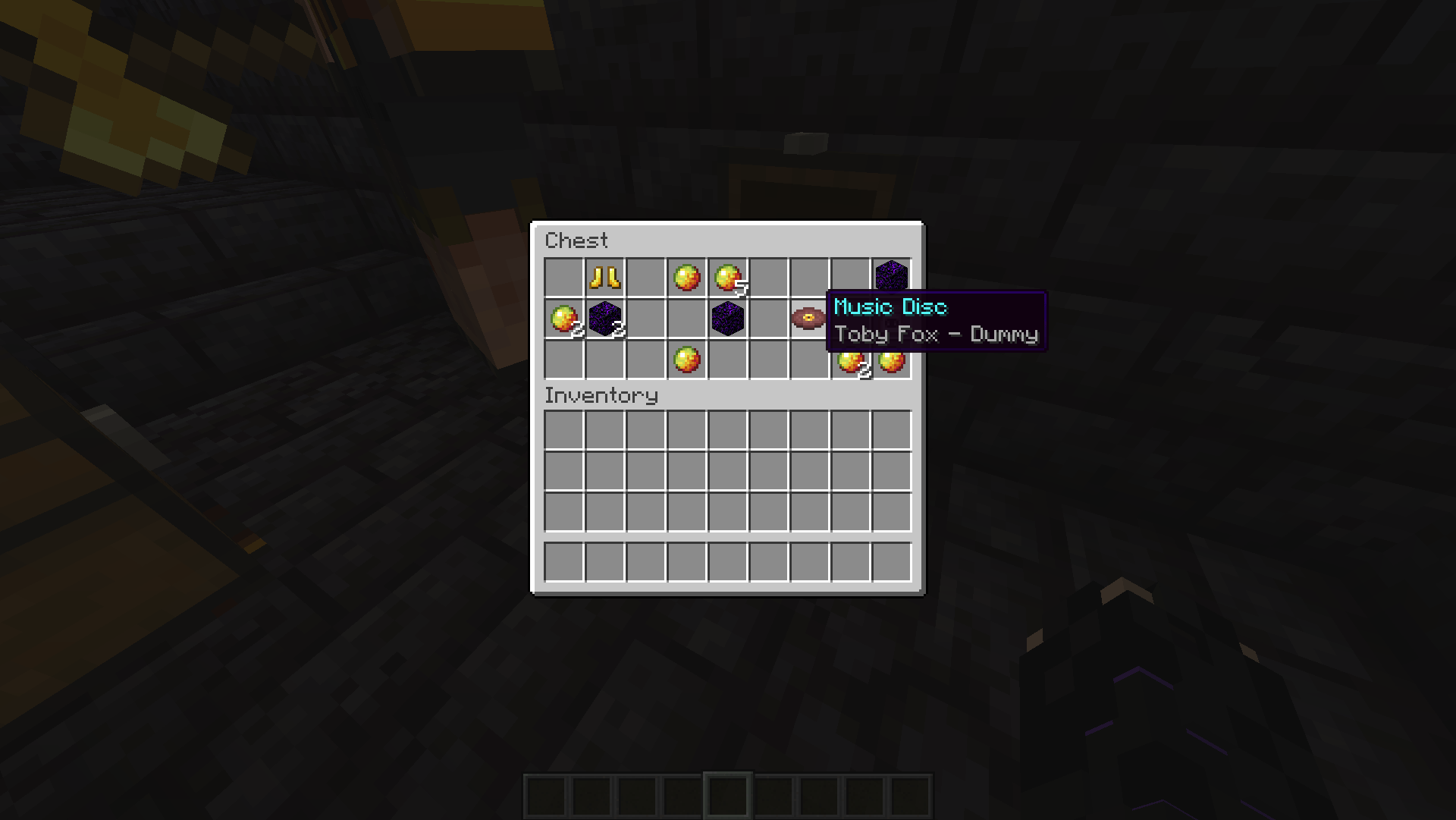
  • Pigstep - Dummy
  • Precipice - Hopes and Dreams + Save The World
  • Relic - Spear of Justice
  • Stal - Megalovania
  • Strad - Metal Crusher
  • Tears - Dating Start + Dating Fight!
  • Wait - Here We Are
  • Ward - Battle Against a True Hero

I started work on this in August 2025, now after nearly a year I decided to get to work and release it. Resource Pack features custom disc descriptions and now playing in ALL laungages, it officialy supports 1.15-26.2, but it should work all the way to 1.13.

I dont not make any money from this project

1.0.1
MC 1.21, 1.21.8, 1.21.5, 1.21.4, 1.21.1, 1.21.6, 1.21.3, 1.21.7, 1.21.2, 1.21.9, 1.21.10, 1.21.11, 26.1, 26.1.1, 26.1.2, 26.2, 26.3
Release 2026-09-29 Get
1.0
MC 1.16.1, 1.15, 1.16, 1.15.2, 1.15.1
Release 2026-07-16 Get
1.0
MC 1.16.3, 1.16.5, 1.16.2, 1.16.4
Release 2026-07-16 Get
1.0
MC 1.17.1, 1.18.1, 1.19.3, 1.20.2, 1.19.4, 1.17, 1.20.5, 1.18, 1.20.1, 1.20, 1.20.6, 1.19.1, 1.20.4, 1.18.2, 1.19.2, 1.20.3, 1.19
Release 2026-07-16 Get
1.0
MC 1.21, 1.21.8, 1.21.5, 1.21.4, 1.21.1, 1.21.6, 1.21.3, 1.21.7, 1.21.2, 1.21.9, 1.21.10, 1.21.11, 26.1, 26.1.1, 26.1.2, 26.2
Release 2026-07-16 Get

Requirements & install

How to use this resource pack in Minecraft
Resolution
Not specified
Minecraft
1.21.9 – 26.3
Install folder
.minecraft/resourcepacks

How to install resource packs

  1. Download the resource pack .zip file (do not extract it).
  2. In Minecraft open Options → Resource Packs → Open Pack Folder.
  3. Drop the .zip into the resourcepacks folder (.minecraft/resourcepacks).
  4. Move the pack to the Selected column and click Done.
Browse more: 16x resource packs 32x resource packs 64x resource packs 128x resource packs 256x resource packs 512x+ resource packs Resource Packs for 26.3 All resource packs
Advertisement Remove ads with Premium →

You Might Also Like