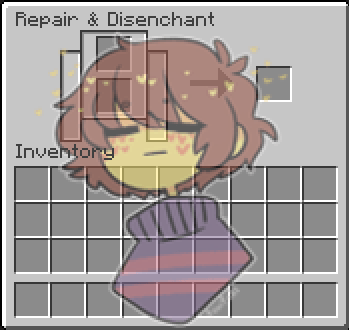
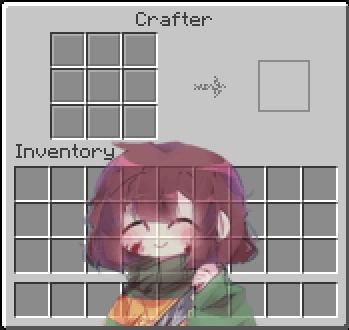
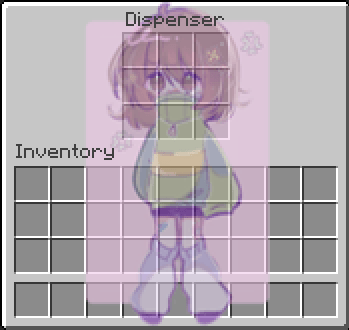
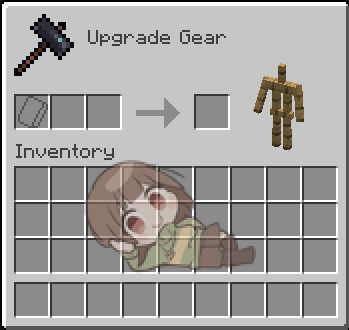
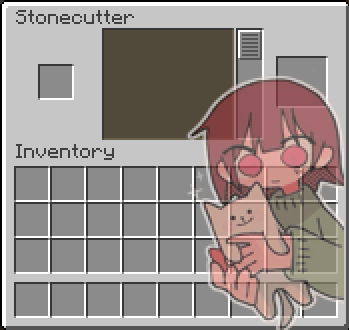
This resorce pack is made by Mr_GaMLes, it's a cute Undertale GUI pack for Undertale fans, which i Believe is the first Undertale GUI pack xd(contains mostly chara and frisk)
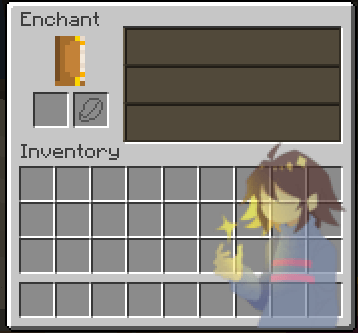
It contains several changes to Minecraft GUI, like putting Frisk(Undertale) to crafting table
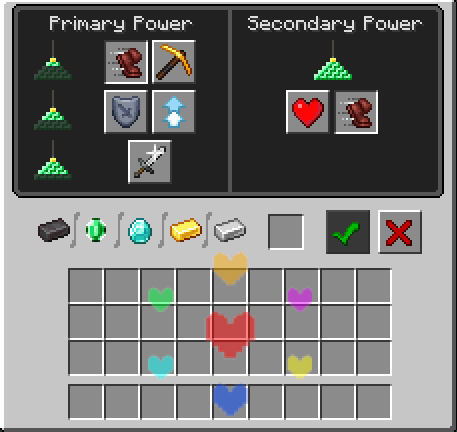
the changes do not change you gaming experience a lot it just adds Undertale characters to GUI of Minecraft but its cute :3
Shoutout's to:
Inventory/creative inventory:Pinterest=Sayani
Creative 2-3/loom: could'nt find the artist
Crafting table: could'nt find the artist
Furnace: could'nt find the artist(added the heart :3 )
Crafter: Peachy ! (peachy_006) [Youtube]
Dispenser: Haizakura Fumiko
Shulker box: chiclyGomita(i think its them)
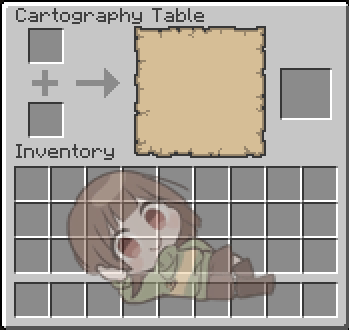
Smithing table/cartography_table: could'nt find the artist
Enchanting table: yatsunote(i think its them)
Hopper: could'nt find the artist
Grindstone: torifalls
Chest/barrel: could'nt find the artist
Smoker: found it but it was something japanes i could'nt get it to type -_- sorry...
Stonecutter: could'nt find the artist
Villager: kuruka_shi [Twiter/X]
Horse: could'nt find the artist
Brewing stand: straight up undertale sprite lol
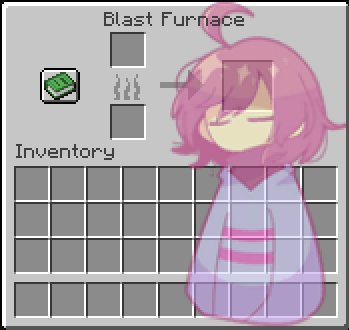
Blast furnace: could'nt find the artist
Anvil: could'nt find the artist
!!!!!!OPEN A FORUM AT DISCORD IF YOU HAVE PROBLEM WHIT ME USING YOUR ART!!!!!!