Mineuniverse
Resource Packs
Ultra Bright (FULL BRIGHT)

Ultra Bright (FULL BRIGHT)

RESOURCE PACK
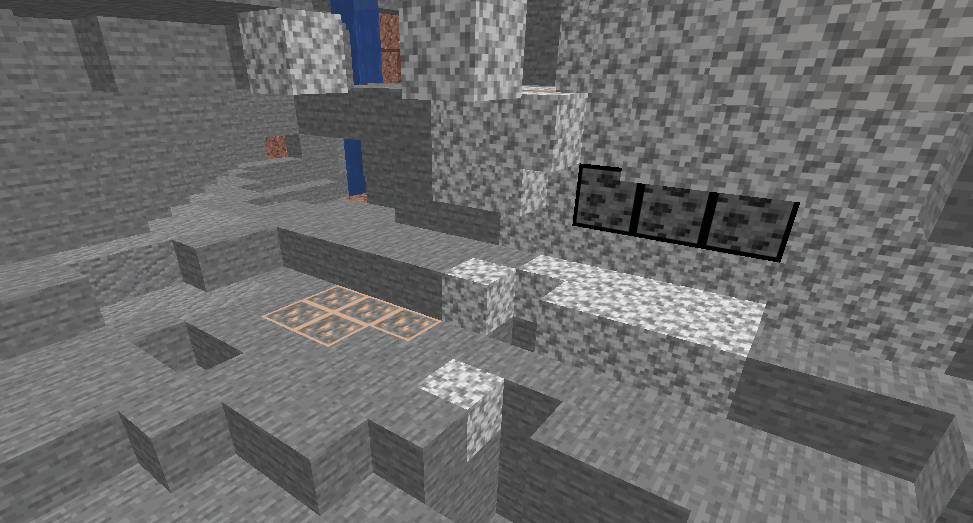
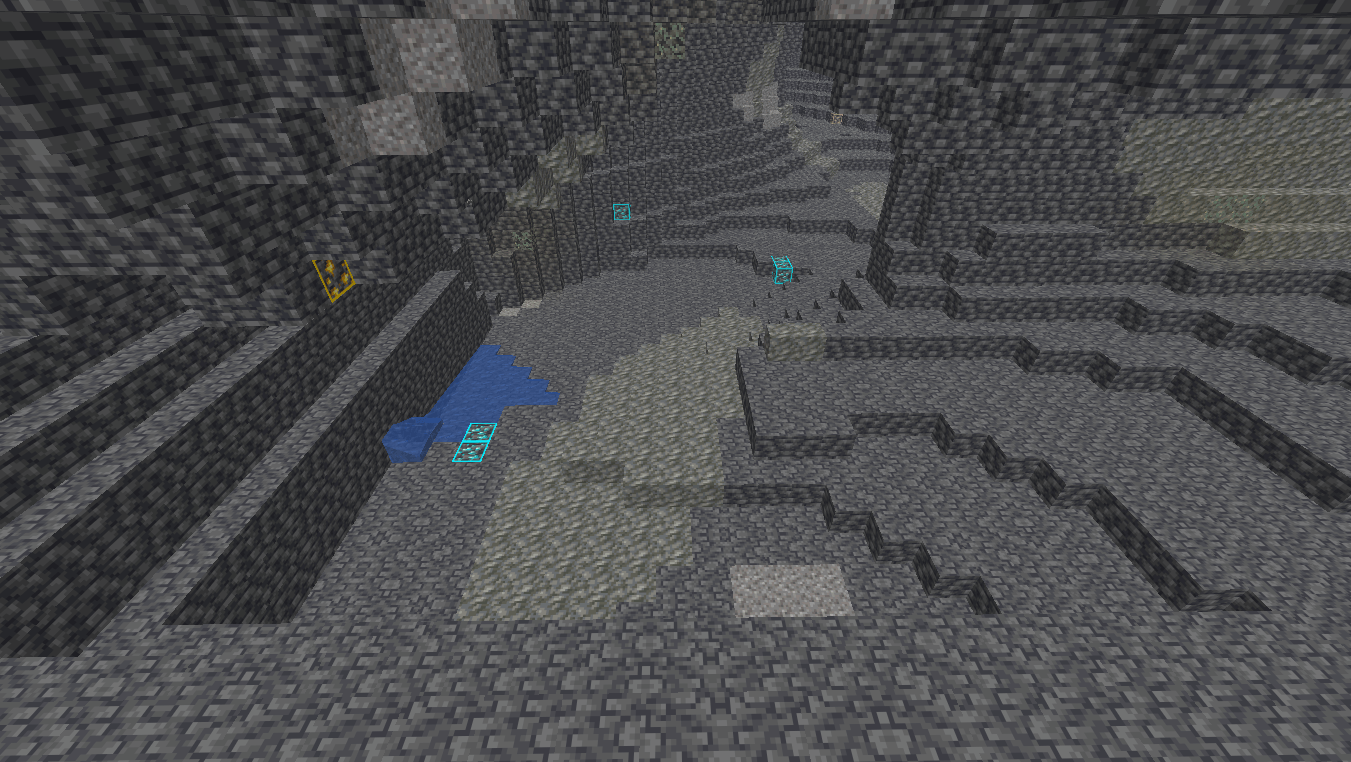
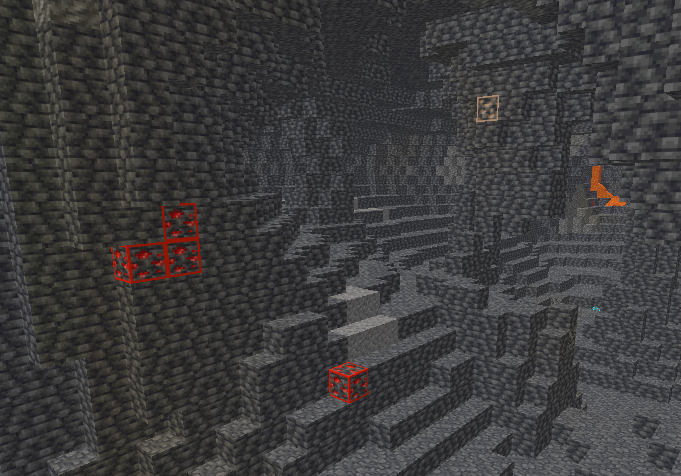
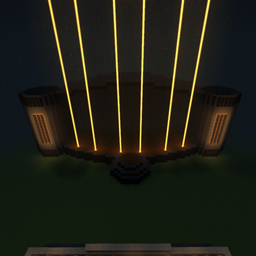
**FullBright Night Vision** gives you clear visibility in dark areas, caves, and at night without changing the original Minecraft textures. Explore darker places with ease and never struggle to see again!
by MM_Oficial
Download Claim this project
1,406 downloads
0 likes
0 followers
Updated Oct 14, 2026
0 hypes
Follow0
Data Packs Miscellaneous
Advertisement Remove ads with Premium →

FullBright Night Vision

See clearly in the darkest places! 🌙✨

FullBright Night Vision is a simple and lightweight resource pack that makes dark areas much brighter, allowing you to explore caves, mines, and the night without constantly needing torches.

✨ Features

  • 🔦 Brightens dark areas

  • 🌙 Clear visibility at night

  • ⛏️ Great for caves and mining

  • ⚡ Lightweight and easy to use

  • 🎮 Works without shaders or mods

  • 💎 Keeps Minecraft's original textures

Perfect for players who want better visibility while keeping the vanilla Minecraft look.

 

UltraBright_26.3.zip
MC 1.21.2-Snapshot, 1.21, 1.21.6-snapshot, 1.20.2-Snapshot, 1.20.5-Snapshot, 1.21.1-Snapshot, 1.20.2, 1.21.8, 1.20.5, 1.21.5, 1.21.4, 1.21.5-Snapshot, 1.20.1, 1.20, 1.20.6
Release 2026-09-22 Get
UltraBright_26.2.zip
MC 26.2
Release 2026-09-21 Get

Requirements & install

How to use this resource pack in Minecraft
Resolution
Not specified
Minecraft
1.21.1-Snapshot – 26.2
Install folder
.minecraft/resourcepacks

How to install resource packs

  1. Download the resource pack .zip file (do not extract it).
  2. In Minecraft open Options → Resource Packs → Open Pack Folder.
  3. Drop the .zip into the resourcepacks folder (.minecraft/resourcepacks).
  4. Move the pack to the Selected column and click Done.
Browse more: 16x resource packs 32x resource packs 64x resource packs 128x resource packs 256x resource packs 512x+ resource packs Resource Packs for 26.2 All resource packs

More from MM_Oficial

Advertisement Remove ads with Premium →

You Might Also Like