Mineuniverse
Resource Packs
Ultimate Car Mod-Custom Models Pack

Ultimate Car Mod-Custom Models Pack

RESOURCE PACK
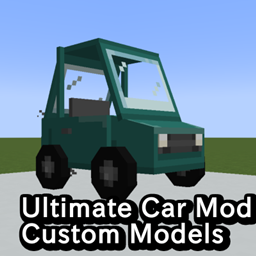
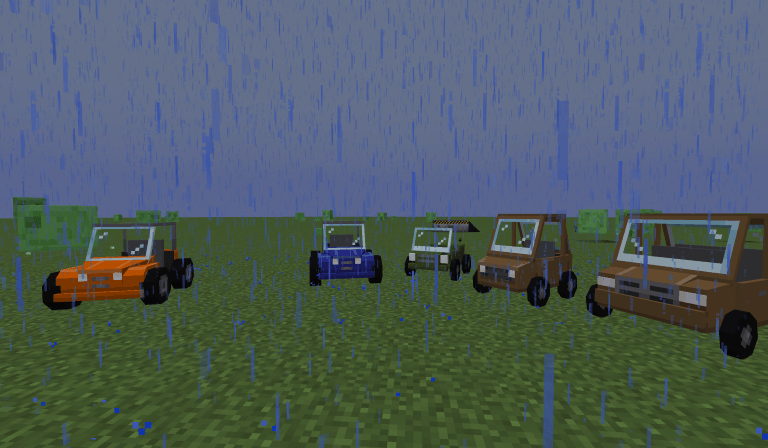
A resource pack for Ultimate Car Mod to make the cars less blocky.
by Aminoglycoside148
Download Claim this project
3,849 downloads
0 likes
Updated Oct 14, 2026
0 hypes
Data Packs Mod Support Modern
Advertisement Remove ads with Premium →

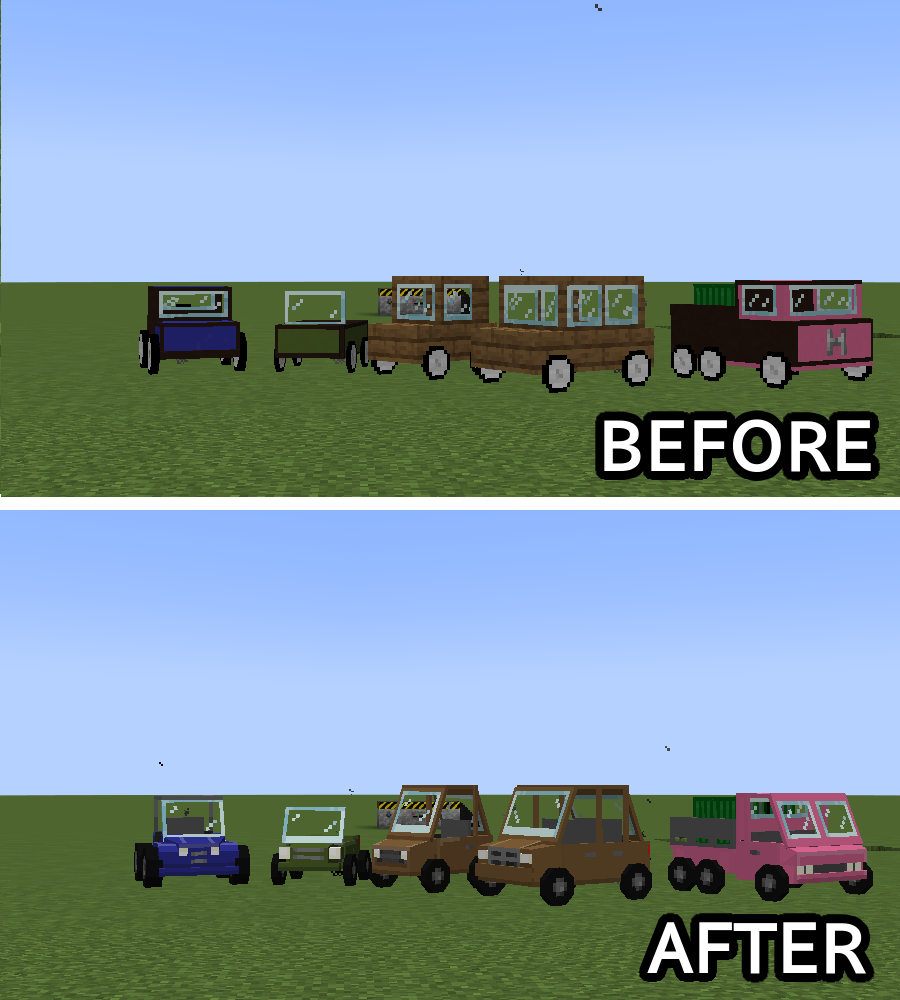
A resource pack for Ultimate Car Mod That makes the cars less blocky.


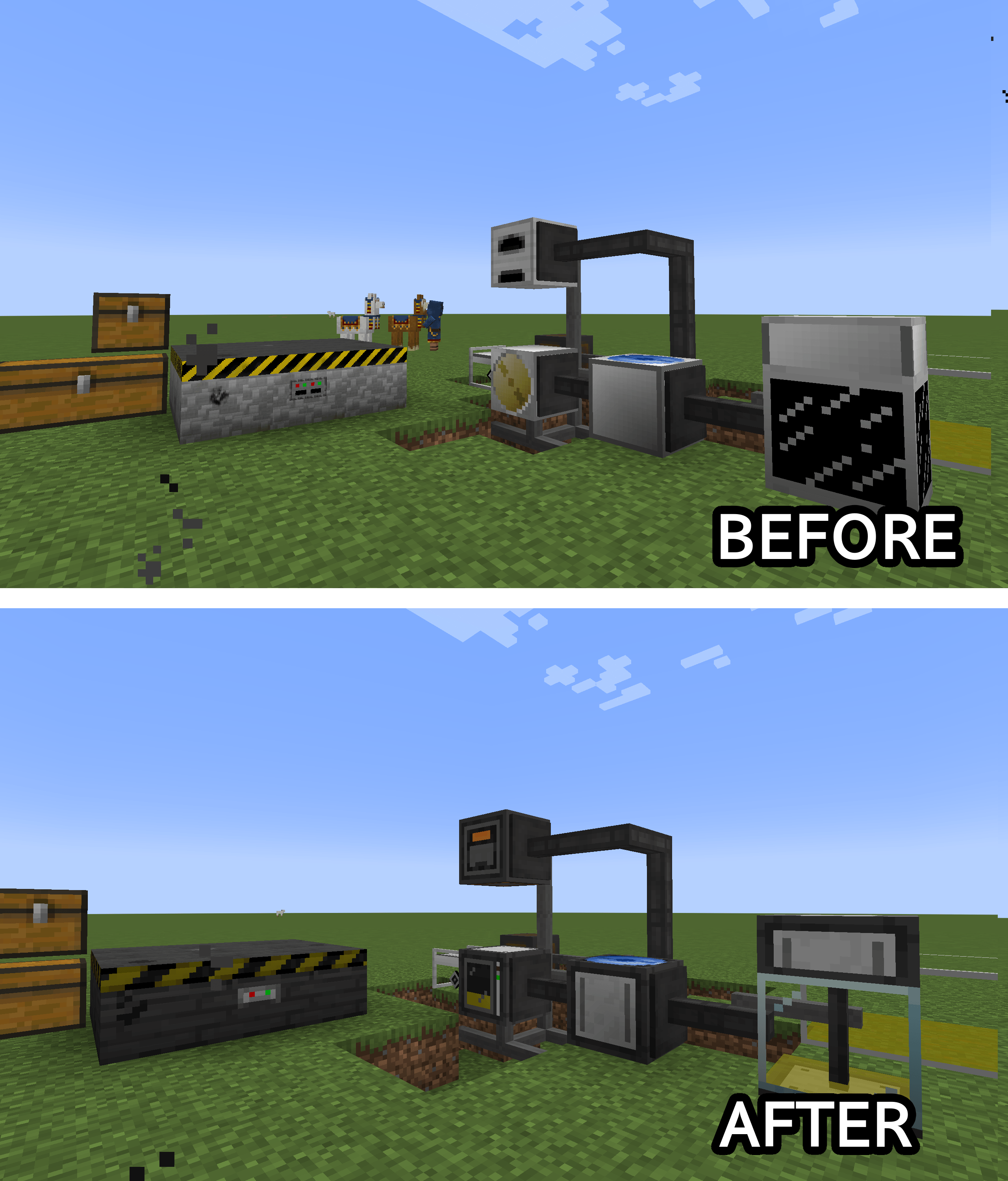
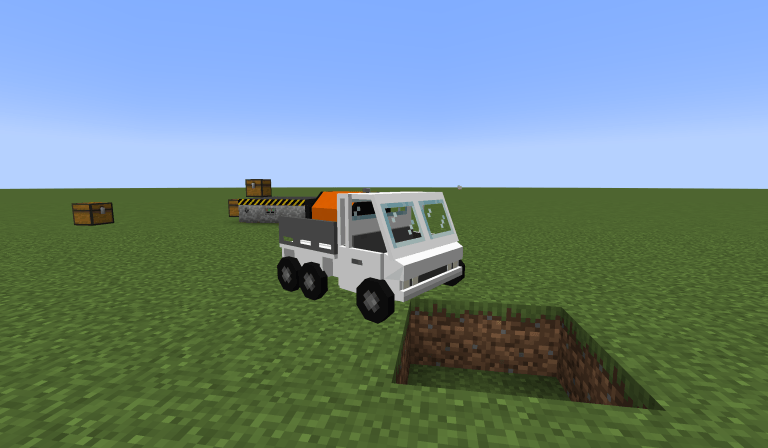
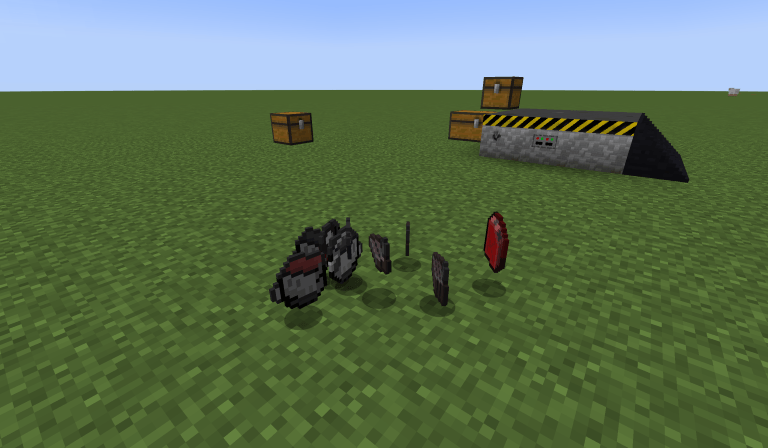
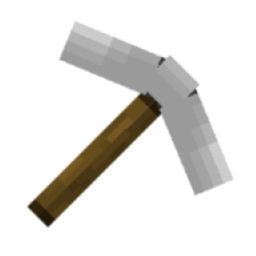
Ultimate car mod is a great mod! howver, the models might feel a bit off place for some people. therefore, I have made a simple pack that replaces the car models with custom models, and also makes a few changes to item graphics.
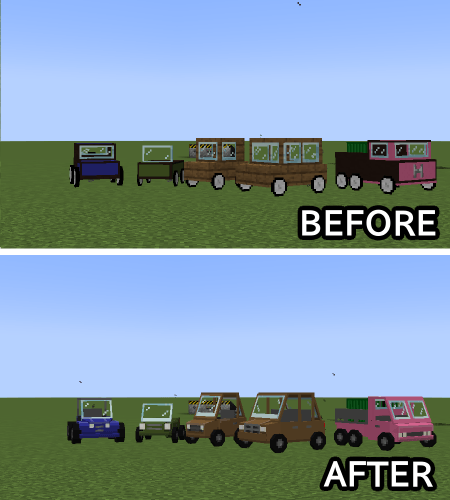
 

see the gallery for examples!

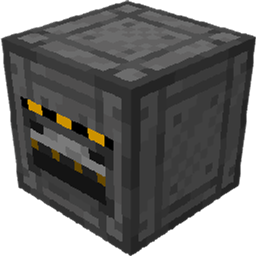
New In v2 - machine textures are also re-textured!

  • This is a Resource Pack! it requires Ultimate Car Mod To Function!
  • the models might break on first applying, try restarting the game.
  • if you have another resource pack(such as Adelink's ultimate Car textures) installed, you will need to place this pack higher up than the other pack in the resource pack menu, or deactivate the other pack, for this pack to work properly.
  • the 1.12.2 version has a different texture for the container box. this is intentional, as 1.12.2 uses a different texture than the other methods, where the texture is integrated into the truck's, and I had to make the container get a texture from parts of the truck to avoid having to re-texture them for 1.12.2.

1.12.2-AGS_UCM_models_v2.zip
MC 1.12.2
Release 2025-08-15 Get
1.18.2-AGS_UCM_models_v2.zip
MC 1.18.2
Release 2025-08-15 Get
1.20.1-AGS_UCM_models_v2.zip
MC 1.20.1
Release 2025-08-15 Get
1.20.1-AGS_UCM_models.zip
MC 1.20.1
Release 2025-08-14 Get
1.18.2-AGS_UCM_models.zip
MC 1.18.2
Release 2025-08-14 Get

Requirements & install

How to use this resource pack in Minecraft
Resolution
Not specified
Minecraft
1.12.2 – 1.20.1
Install folder
.minecraft/resourcepacks

How to install resource packs

  1. Download the resource pack .zip file (do not extract it).
  2. In Minecraft open Options → Resource Packs → Open Pack Folder.
  3. Drop the .zip into the resourcepacks folder (.minecraft/resourcepacks).
  4. Move the pack to the Selected column and click Done.
Browse more: 16x resource packs 32x resource packs 64x resource packs 128x resource packs 256x resource packs 512x+ resource packs Resource Packs for 1.20.1 All resource packs

More from Aminoglycoside148

Advertisement Remove ads with Premium →

You Might Also Like