Mineuniverse
Resource Packs
Ulities Pack

Ulities Pack

RESOURCE PACK
Simple Ulities for PvP
by SmileGames
Download Claim this project
179 downloads
0 likes
Updated Oct 14, 2026
0 hypes
16x Miscellaneous
Advertisement Remove ads with Premium →

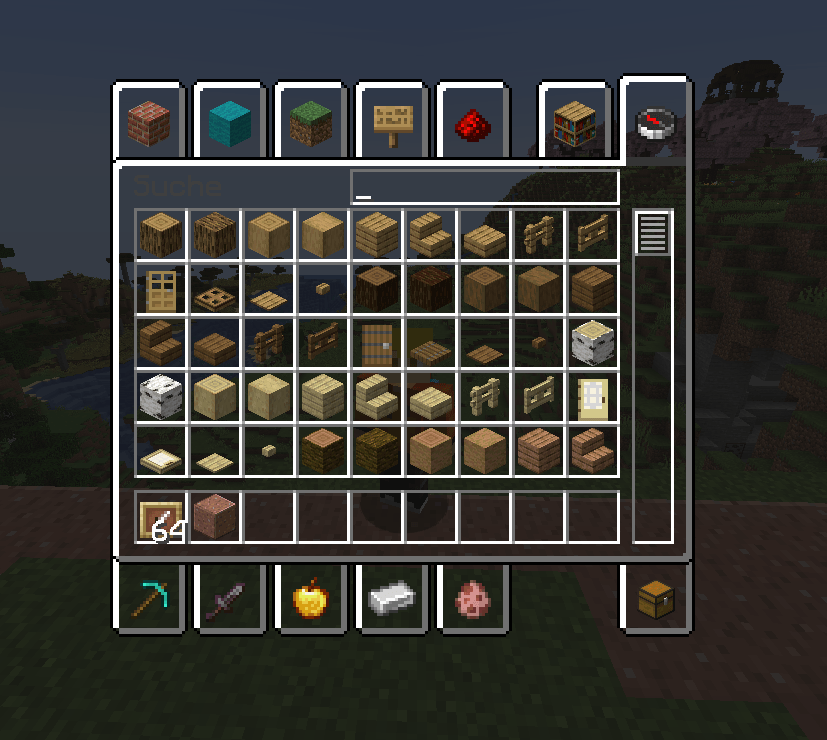
In this texture pack many textures in minecraft are adapted and optimized for PvP. 

These are many features of the pack:

Aesthetic

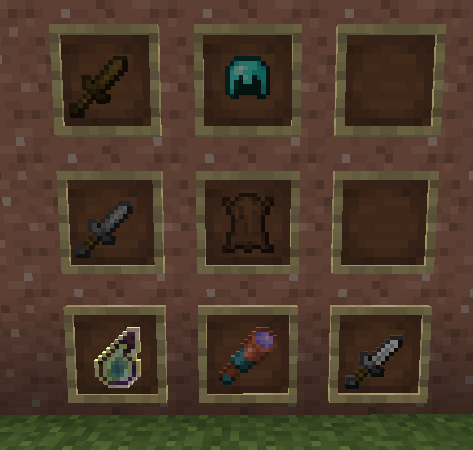
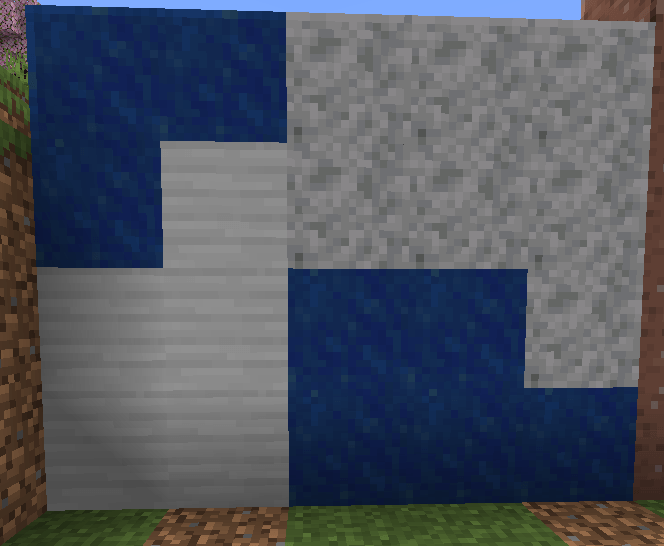
Connectet Textures -Brown Leather - Splash Bottle o´ Enchanting - Accurate Spyglass - Classic Netherite Armor Style - Fullbright

Sound

No Cave Sounds - Quiter Bats - No Wither Spawnsound - Quiter Phantoms - 

Ulities

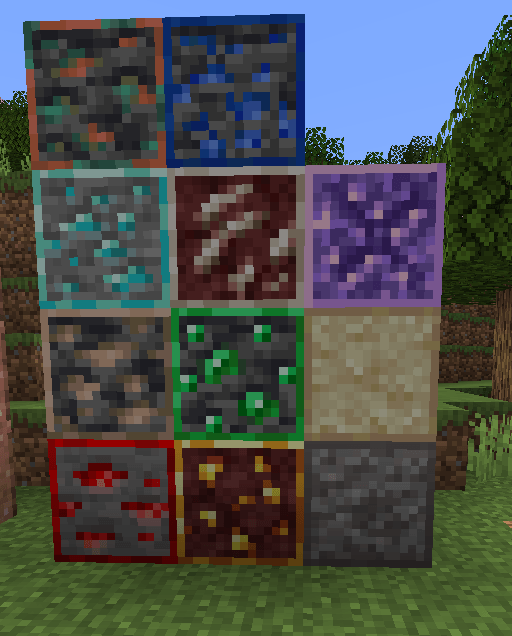
Ore Borders - Sand&Gravel Border - Amethyst Border - Visual waxed Copper- Visual infestet Stone -

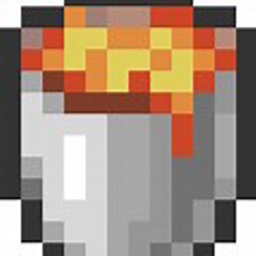
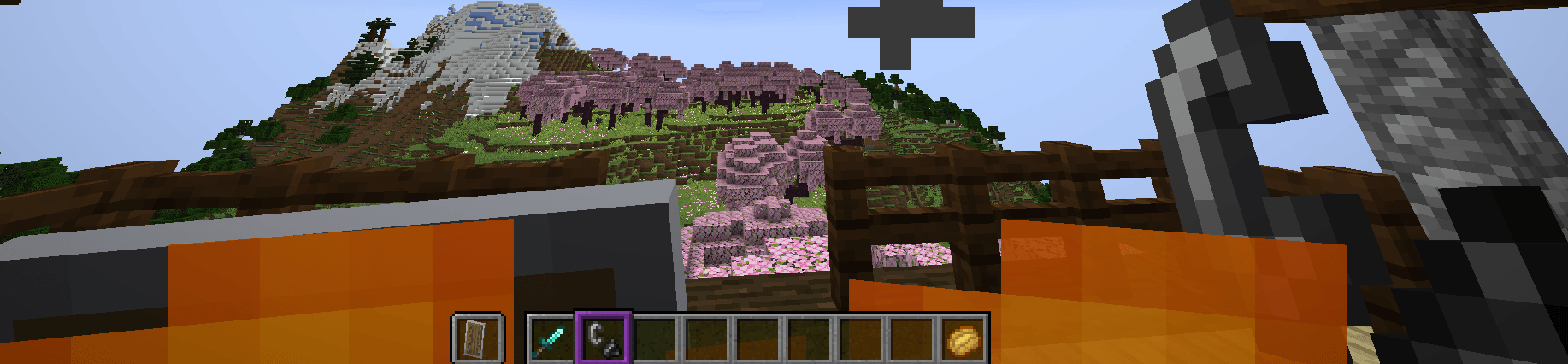
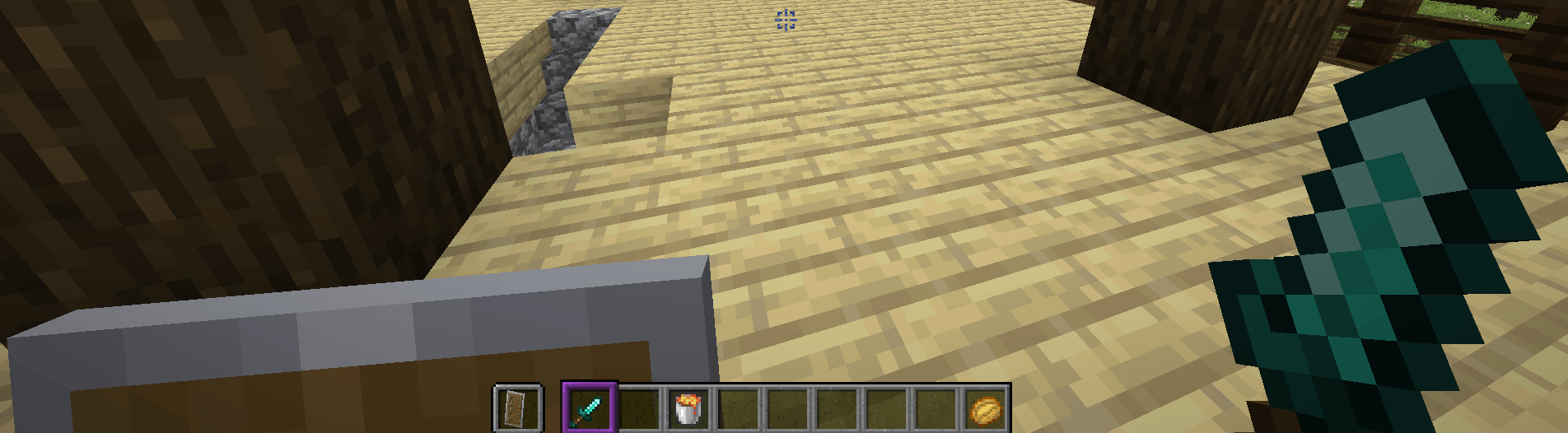
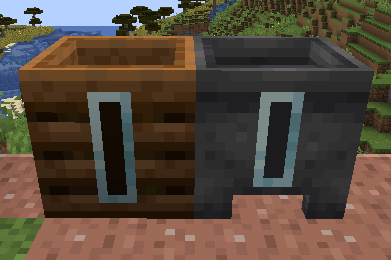
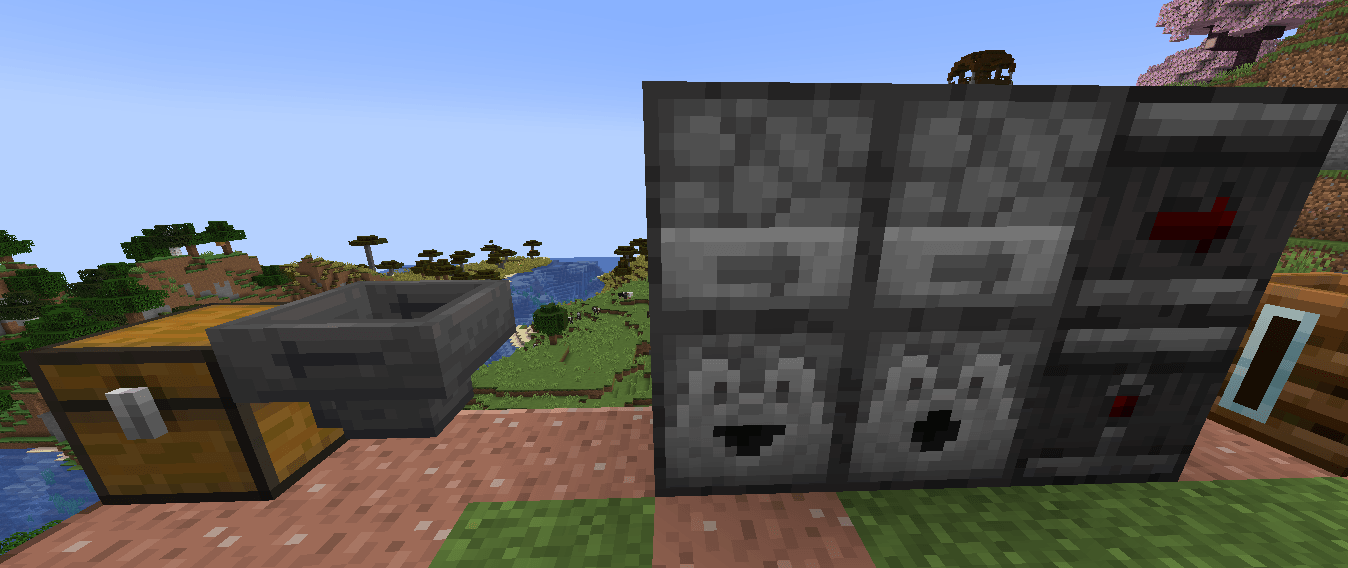
Directional Hoppers - Directional Dispensers & Droppers - Directional Observer - Visual Cauldron & Composter Stages - Unobstructive Rain & Snow - No Falling Leaves - Low Fire - Lower Shield - No Fog - No Pumpkin Overlay - No Spyglass Overlay - Short Swords - Smaller Ulities

GUI

Transparent GUI - Smoother Font - Clearer Wither Hearts - Square Plus Dot Crosshair - Melon Hunger Bar - Purple Hot Bar Selector - Amethyst Block Options Backround

Fixes

Item Stichting Fix - Consistent Helmets - Cloud Fog Fix

Ulities Pack 1.21 - 1.21.5
MC 1.21, 1.21.5, 1.21.4, 1.21.3, 1.21.1, 1.21.2
Release 2025-04-17 Get

Requirements & install

How to use this resource pack in Minecraft
Resolution
16x
Minecraft
1.21 – 1.21.5
Install folder
.minecraft/resourcepacks

How to install resource packs

  1. Download the resource pack .zip file (do not extract it).
  2. In Minecraft open Options → Resource Packs → Open Pack Folder.
  3. Drop the .zip into the resourcepacks folder (.minecraft/resourcepacks).
  4. Move the pack to the Selected column and click Done.
Browse more: 16x resource packs 32x resource packs 64x resource packs 128x resource packs 256x resource packs 512x+ resource packs Resource Packs for 1.21.5 All resource packs
Advertisement Remove ads with Premium →

You Might Also Like