Mineuniverse
Resource Packs
Ukrainian Texel Railway Pack (IR - Immersive railroading)

Ukrainian Texel Railway Pack (IR - Immersive railroading)

RESOURCE PACK
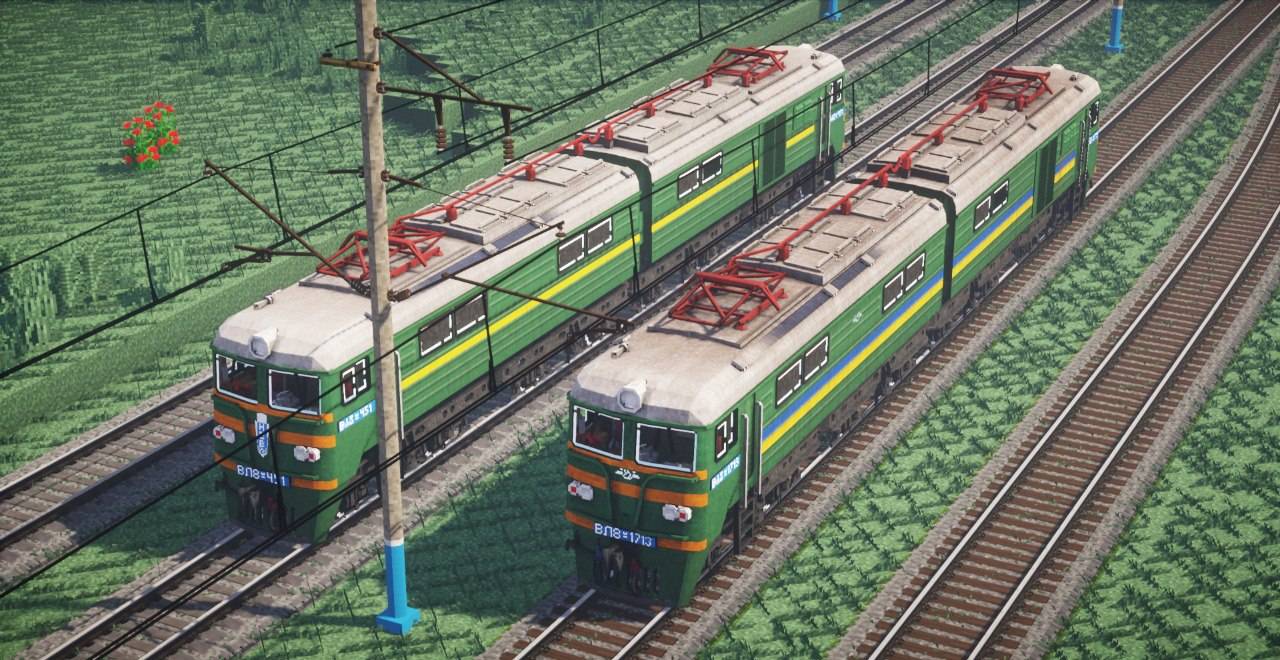
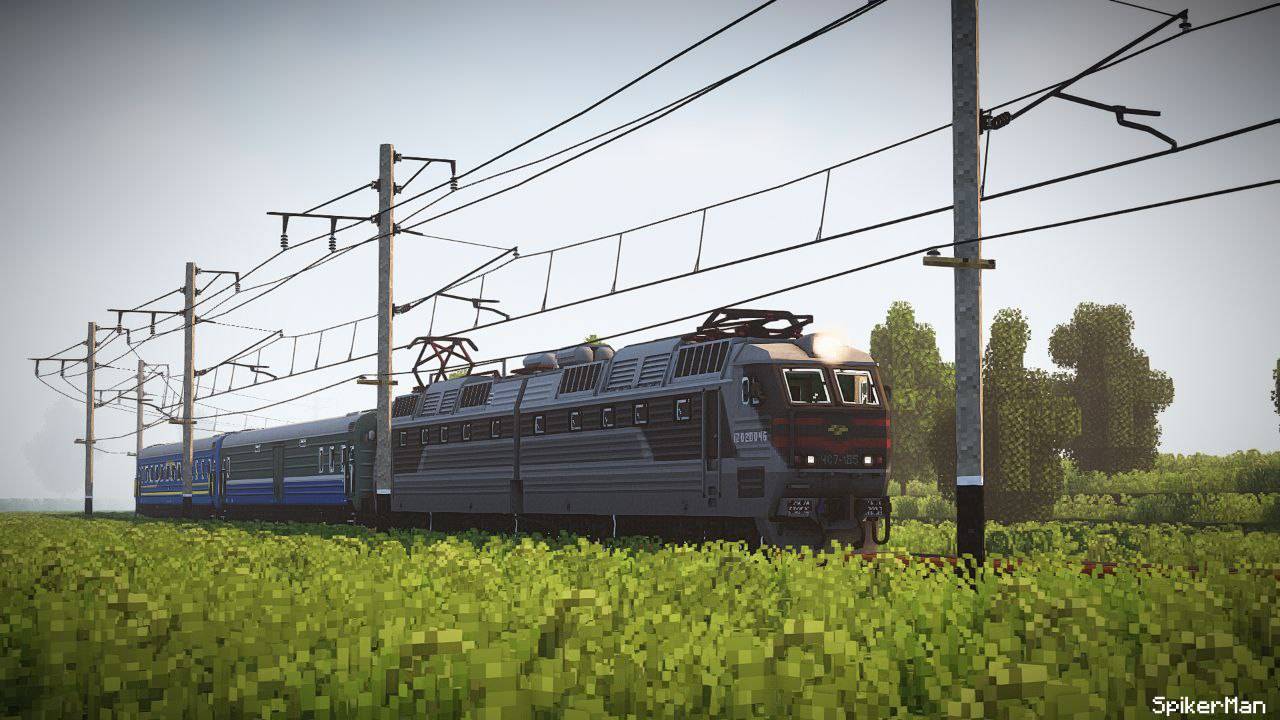
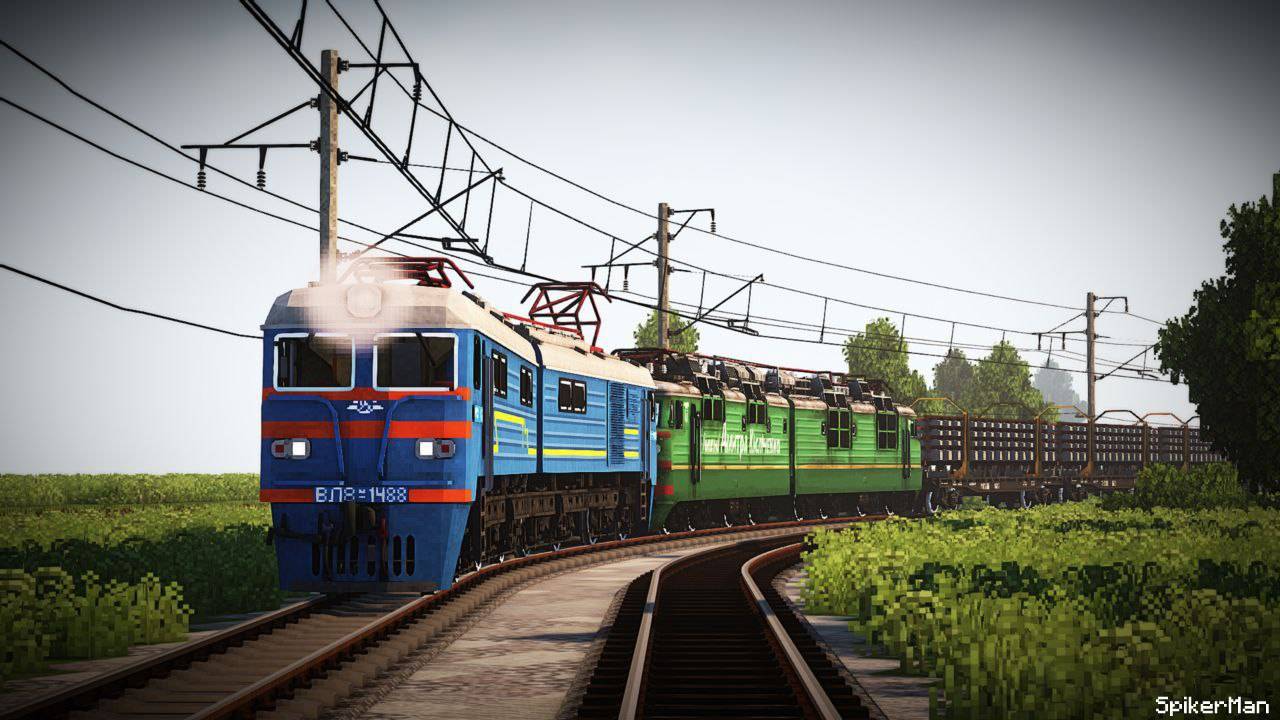
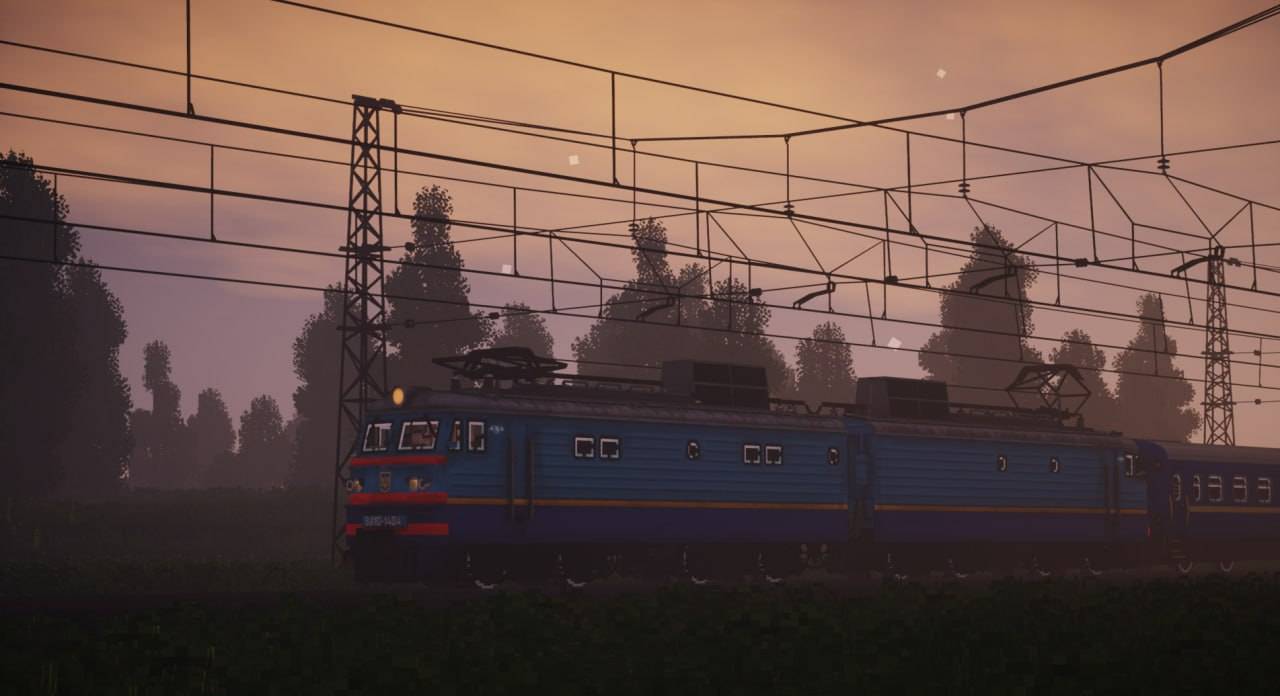
This is a project about the railways of Ukraine, and its rolling stock, wagons, locomotives, and other interesting models are in the project!
by baton_takahashi
Download Claim this project
Add a badge to your pageLink to Ukrainian Texel Railway Pack (IR - Immersive railroading) from a README, website or forum post.
Preview: Badge

Badges update automatically and link to the resource pack page on MineUniverse.

4,402 downloads
0 likes
0 followers
Updated Oct 14, 2026
0 hypes
Follow0
16x Animated Miscellaneous Mod Support Modern
Advertisement Remove ads with Premium →

This is a project about the railways of Ukraine, and its rolling stock, wagons, locomotives, and other interesting models are in the project! 
resourse pack also need immersive railroading.
most of the models are reworked from the MVP project models (Vl10,11,82)


We also have our own social networks! Discord and Telegram, where all the latest news on the development of the project is posted. If you are interested in following the life of the project, follow the link below!
discord
telegram

I also recommend you to visit discord original authors models from MVP if you want get more texel packs!
                                                                                discord MVP


release 1.2 comimg soon...
whats іn 1.1:

locomotives:

  • vl-8
  • vl-10
  • chs-7
  • vl-11m
  • vl-11m6
  • vl-82m

vagons:

  • Platform for rails model 13-401-27
  • Platform with concrete slabs
  • all old blockbench models are deleted

1.1 release
MC 1.12.2
Release 2025-05-12 Get

Requirements & install

How to use this resource pack in Minecraft
Resolution
16x
Minecraft
1.12.2
Install folder
.minecraft/resourcepacks

How to install resource packs

  1. Download the resource pack .zip file (do not extract it).
  2. In Minecraft open Options → Resource Packs → Open Pack Folder.
  3. Drop the .zip into the resourcepacks folder (.minecraft/resourcepacks).
  4. Move the pack to the Selected column and click Done.
Browse more: 16x resource packs 32x resource packs 64x resource packs 128x resource packs 256x resource packs 512x+ resource packs Resource Packs for 1.12.2 All resource packs
Advertisement Remove ads with Premium →

You Might Also Like