Mineuniverse
Resource Packs
TZP Plus Mutants

TZP Plus Mutants

RESOURCE PACK
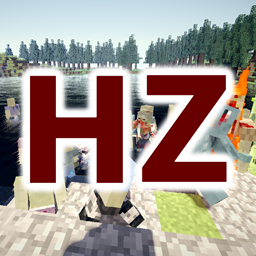
TZP Plus Mutants Resource Pack for Mutant Beasts
by Tissou
Download Claim this project
3,860,110 downloads
0 likes
Updated Oct 14, 2026
0 hypes
16x Miscellaneous
Advertisement Remove ads with Premium →

Welcome dear Survivors.

Have you ever played with the Mutant Beast Mod, and getting bored of those green ugly Mutant Zombies ?
Well if you enjoy my resource pack Tissou's Zombie Pack, this one is made for you !


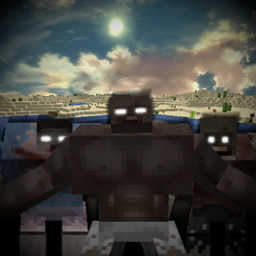
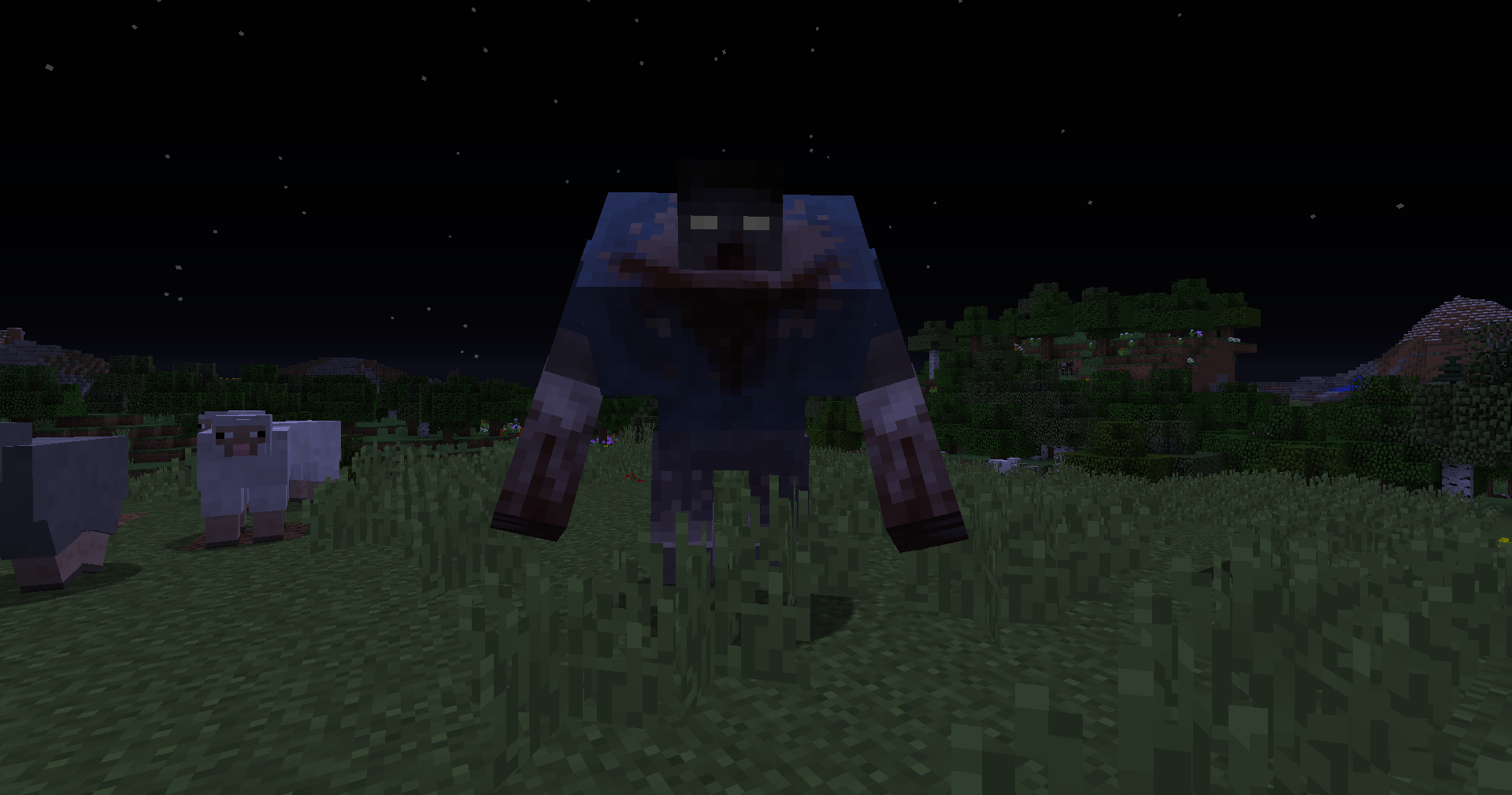
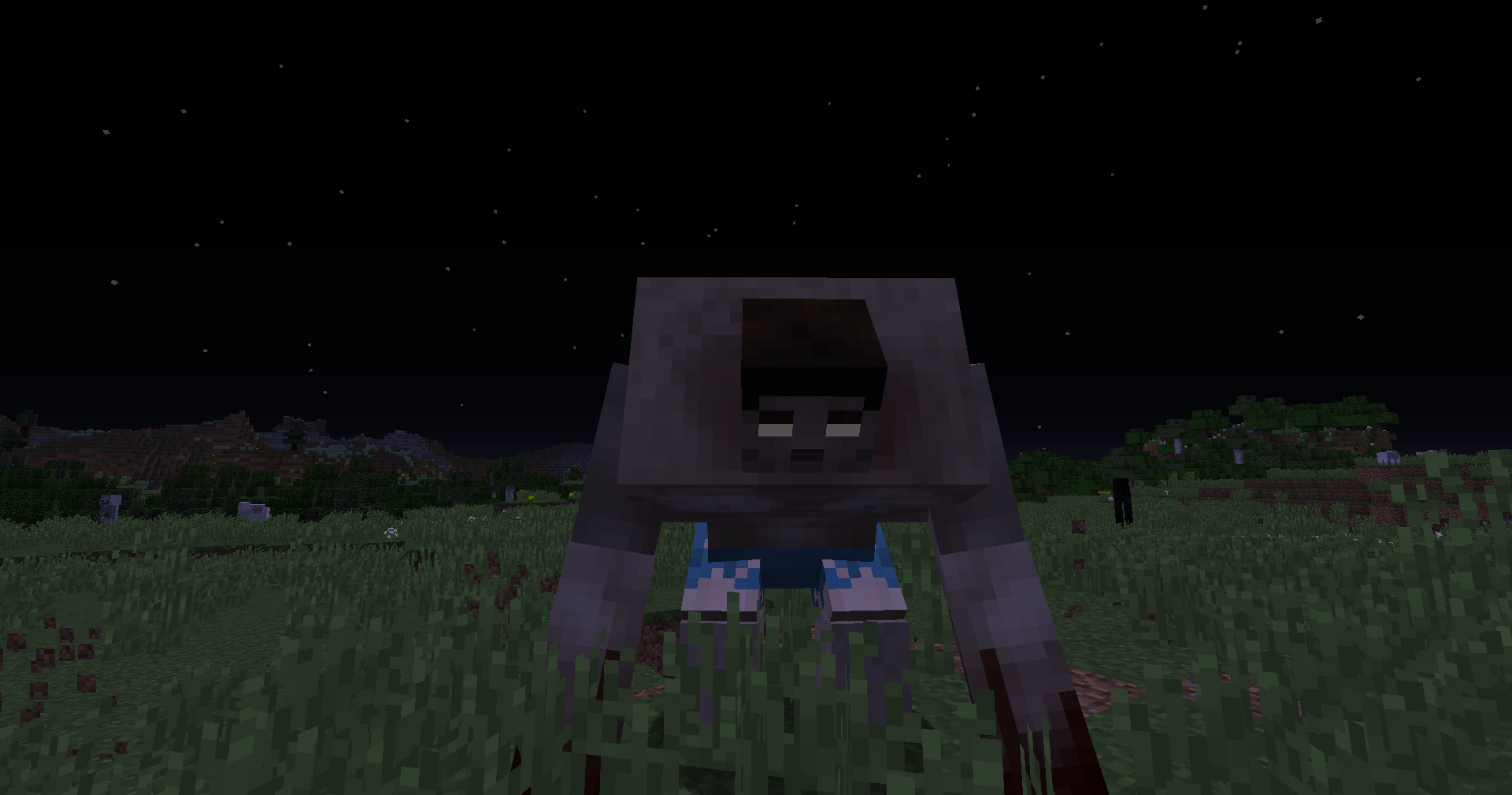
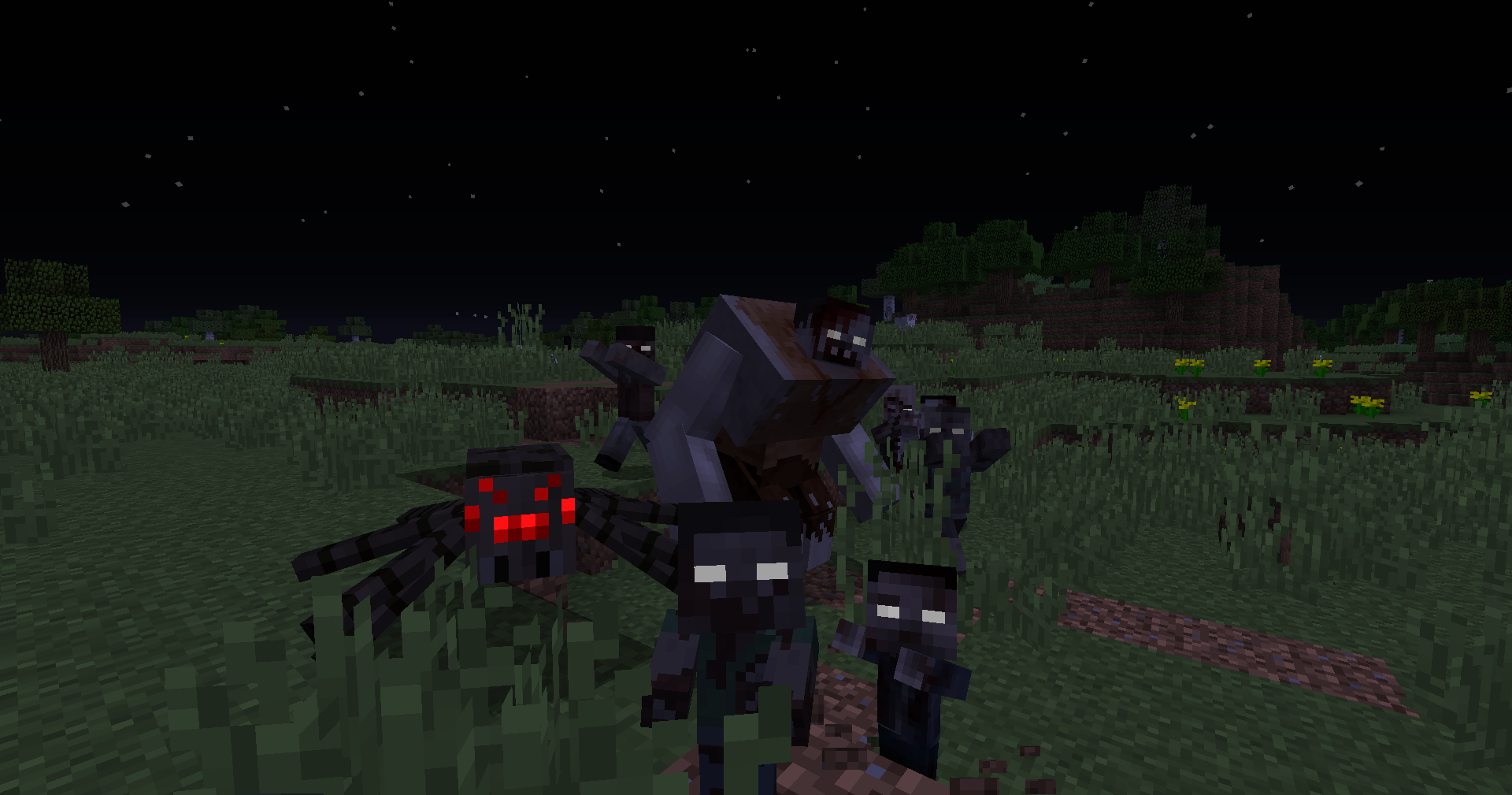
Using Optifine to work, I propose you a new visual experience ingame with mutant zombies. With over 30 new textures, TZP Plus is based on the Mutant Beasts Mod

created by Chumbanotz and mainly by shcott21.


Pic1Keep in mind that you need Optifine  and obviously Mutant Beasts to have full advantage of my texture pack 😄


pic2And once again, I want to give full credits to Chumbanotz who recreated that amazing mod based on shcott21's Mutant Creatures.

No stealing, or leaves credits.😊

TZP Plus - Mutants 1.18.2 - 1.3
MC 1.18.2
Release 2023-07-22 Get
TZP Plus - Mutants 1.19.2 - 1.3
MC 1.19.2, 1.19.1, 1.19
Release 2023-07-22 Get
TZP Plus - Mutants 1.19.3 - 1.3
MC 1.19.3
Release 2023-07-22 Get
TZP Plus - Mutants 1.19.4 - 1.3
MC 1.19.4
Release 2023-07-22 Get
TZP Plus - Mutants 1.20.1 - 1.3
MC 1.20.1, 1.20
Release 2023-07-22 Get
TZP Plus - Mutants 1.12.2 - 1.2
MC 1.12.1, 1.12, 1.12.2
Release 2022-10-19 Get
TZP Plus - Mutants 1.16.5 - 1.2
MC 1.16.3, 1.16.1, 1.16, 1.16.5, 1.16.4, 1.16.2
Release 2022-10-19 Get
TZP Mutant 1.12.2-1.1
MC 1.12, 1.12.2
Release 2022-07-23 Get
TZP Mutant 1.16-1.1
MC 1.16.5, 1.16.4
Release 2022-07-23 Get
TZP Mutants 1.16.5
MC 1.16.1, 1.16.5
Release 2022-06-21 Get
TZP Mutants 1.12.2
MC 1.12.2
Release 2022-06-21 Get

Requirements & install

How to use this resource pack in Minecraft
Resolution
16x
Minecraft
1.18.2 – 1.20.1
Install folder
.minecraft/resourcepacks

How to install resource packs

  1. Download the resource pack .zip file (do not extract it).
  2. In Minecraft open Options → Resource Packs → Open Pack Folder.
  3. Drop the .zip into the resourcepacks folder (.minecraft/resourcepacks).
  4. Move the pack to the Selected column and click Done.
Browse more: 16x resource packs 32x resource packs 64x resource packs 128x resource packs 256x resource packs 512x+ resource packs Resource Packs for 1.20.1 All resource packs

More from Tissou

Advertisement Remove ads with Premium →

You Might Also Like