Mineuniverse
Resource Packs
TZP Modded Zombies

TZP Modded Zombies

RESOURCE PACK
Adds support for other zombies in TZP (Tissou's Zombie Pack).
by cdragonn44
Download Claim this project
271,709 downloads
0 likes
Updated Oct 14, 2026
0 hypes
16x Mod Support
Advertisement Remove ads with Premium →

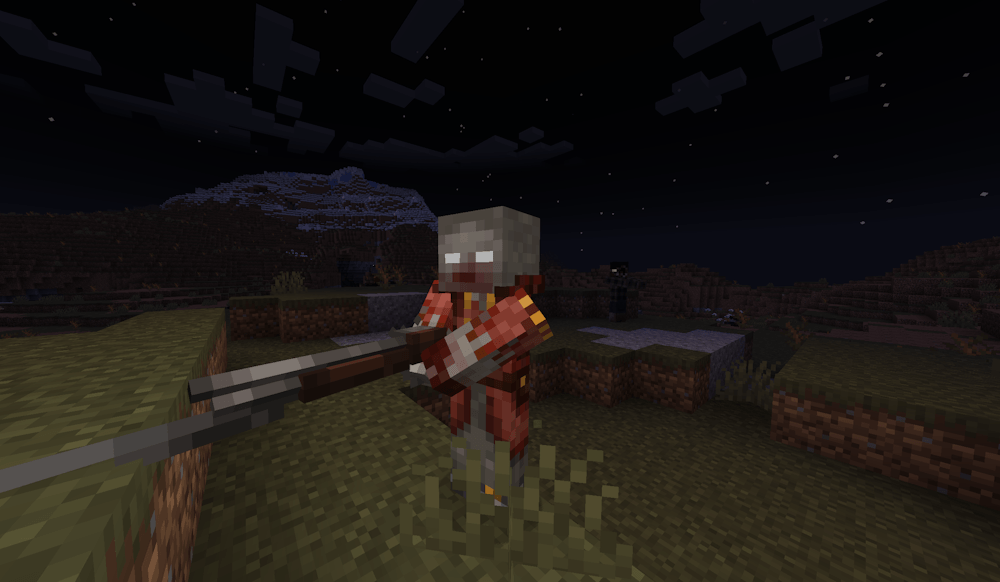
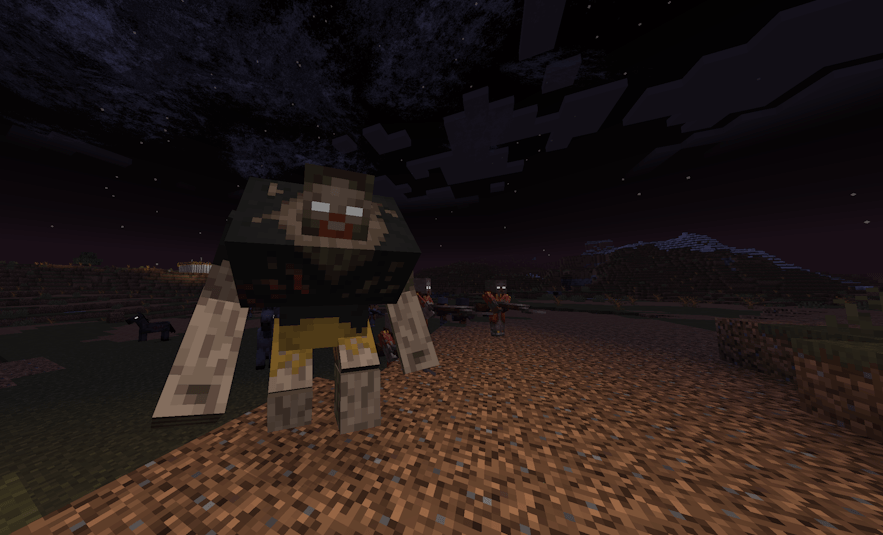
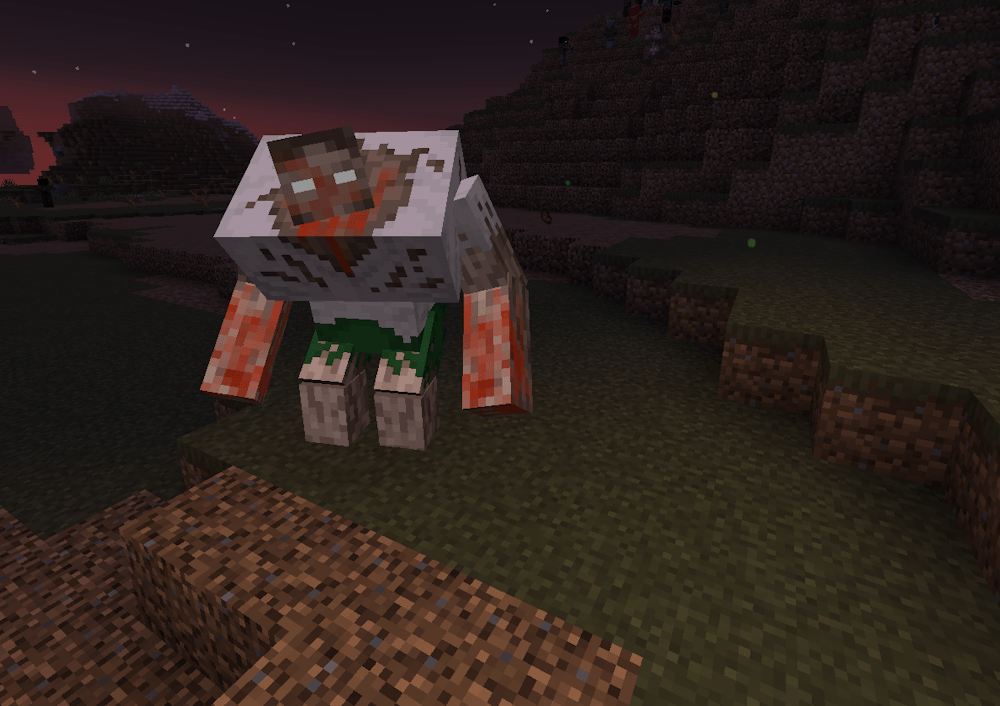
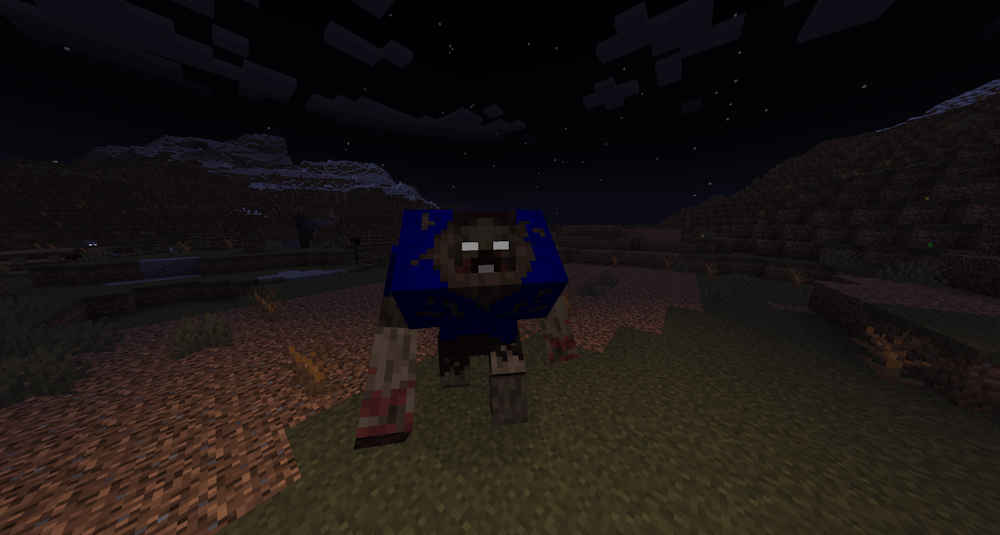
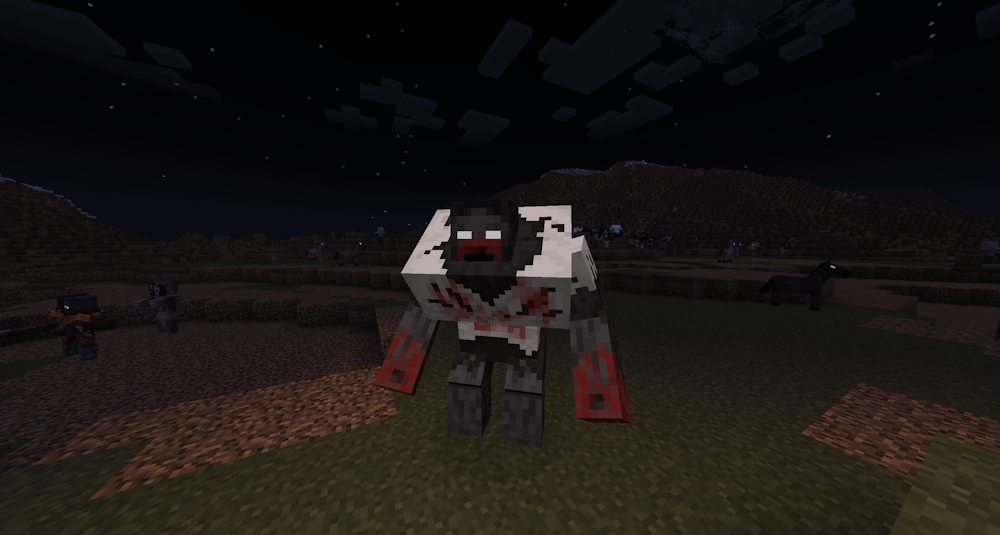
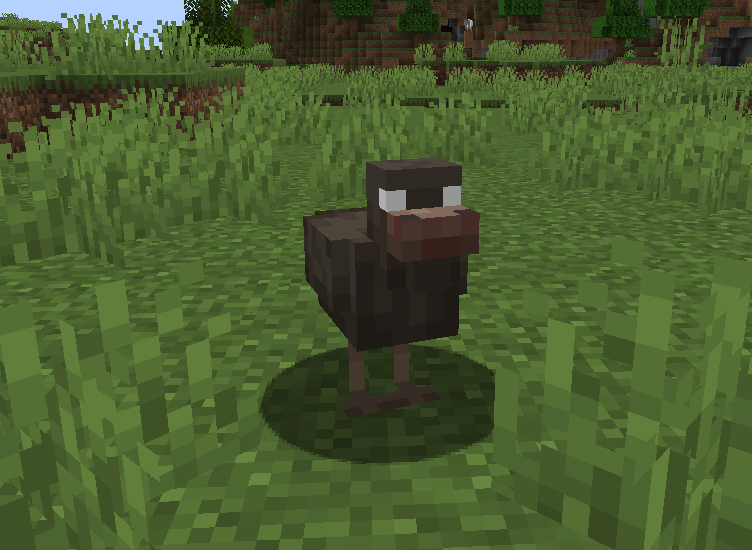
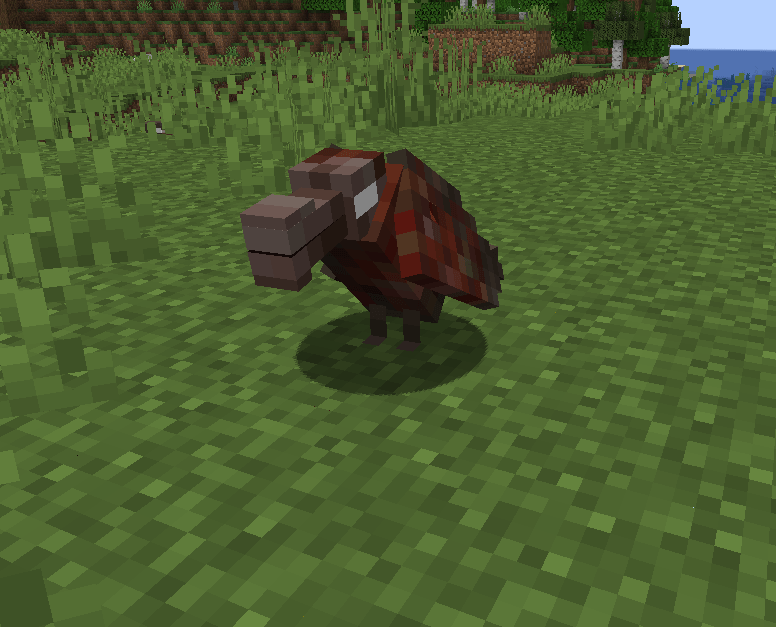
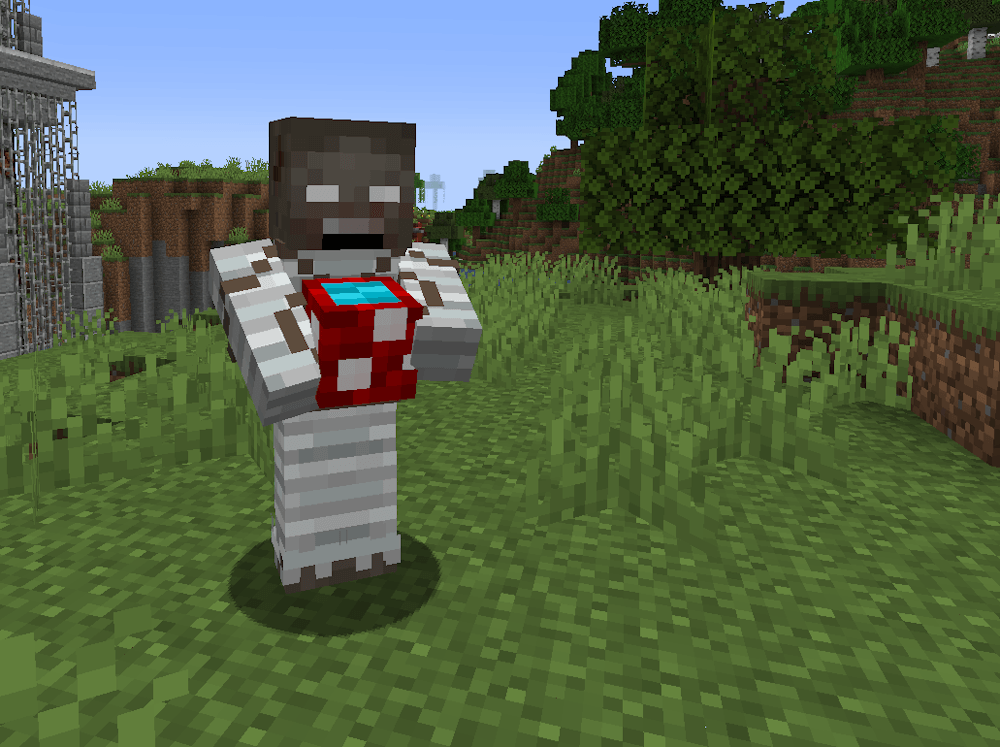
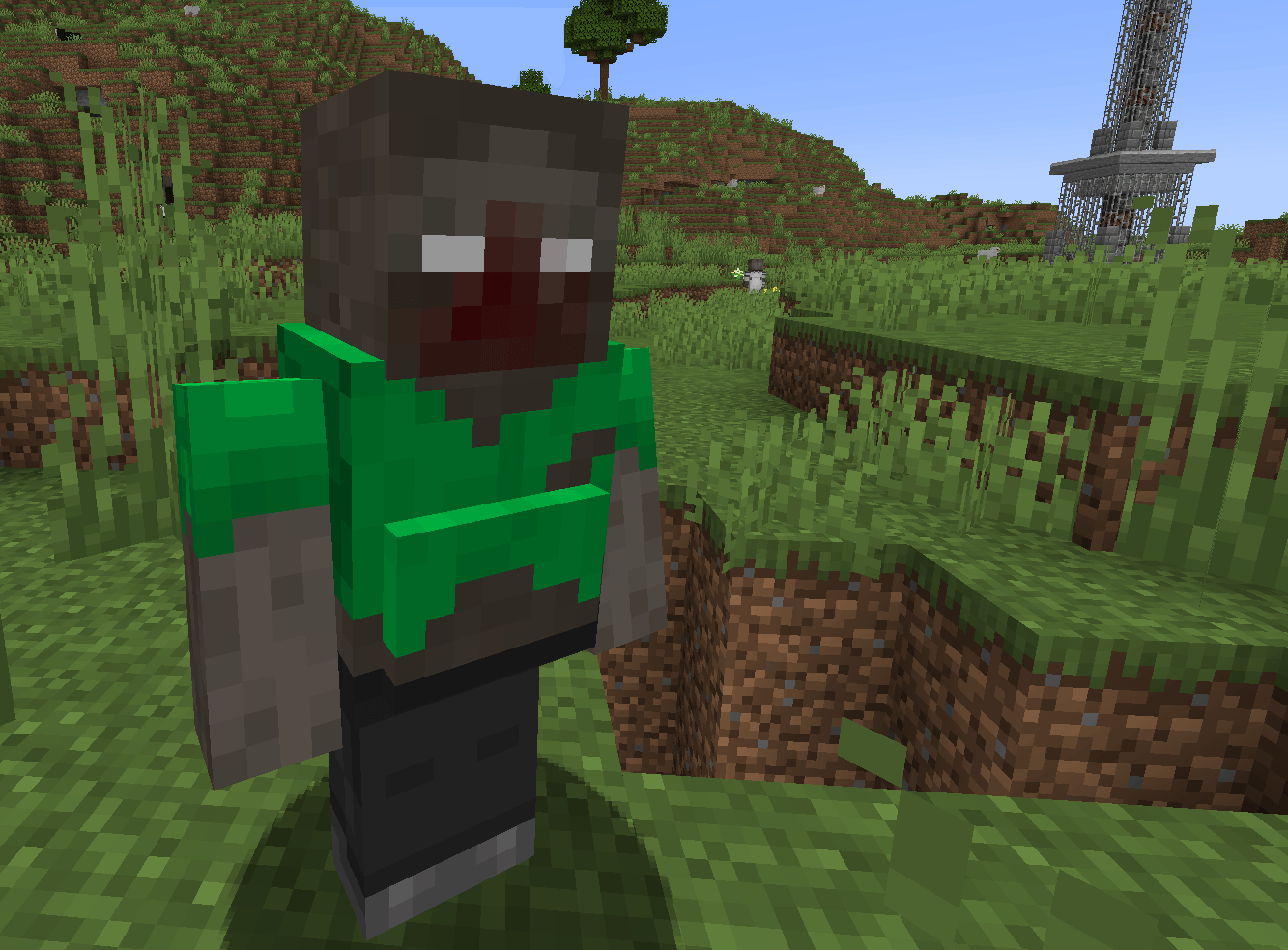
This resource pack is for those that want modded zombies to fit the style of TZP (Tissou's Zombie Pack).

About:

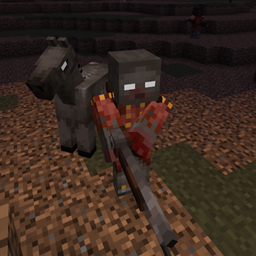
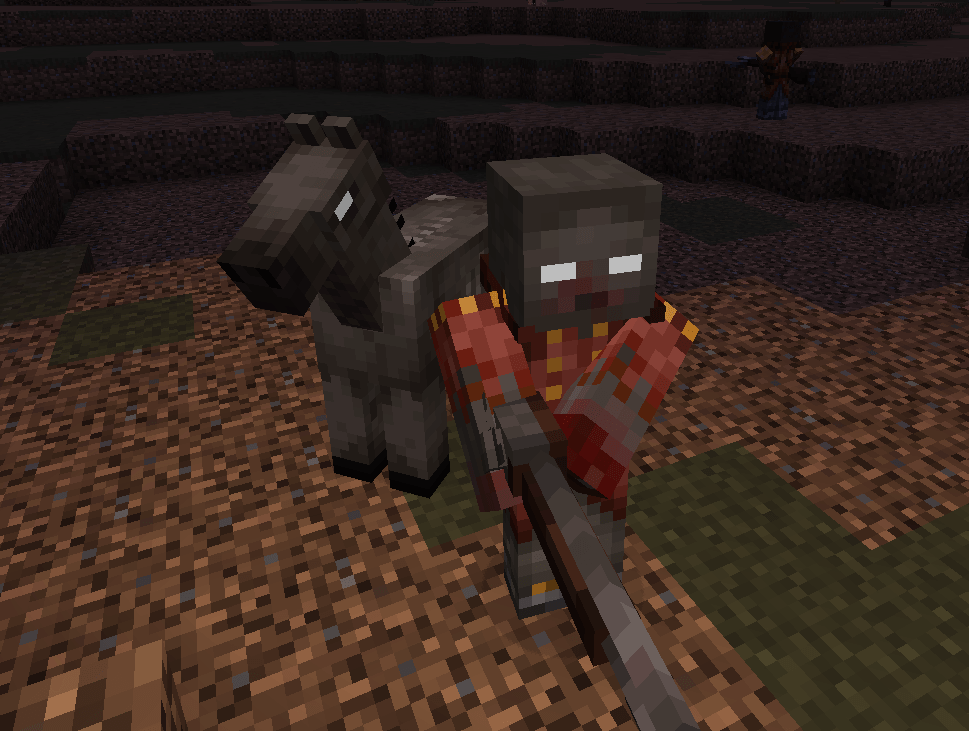
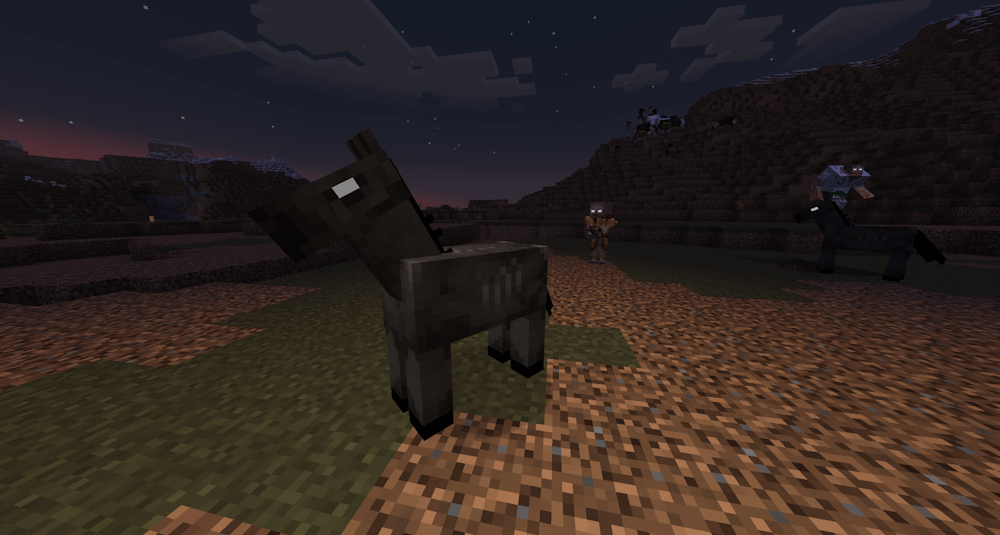
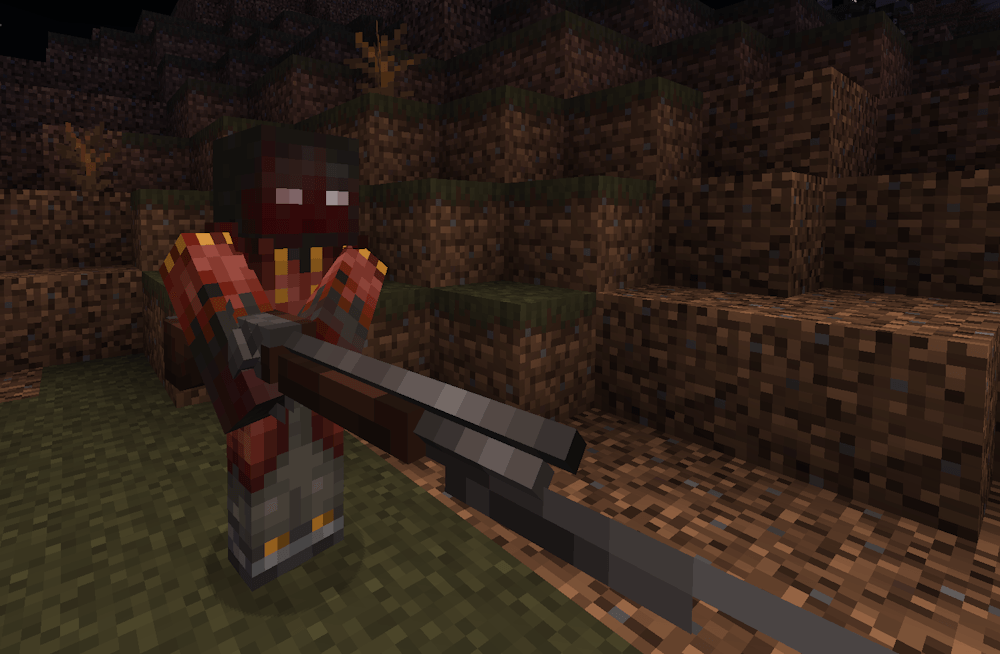
Changes some zombies from other mods and changes the vanilla zombie horse to fit the style of TZP.

Featured:

Currently this pack changes the Redcoat from Scorched Guns, the vanilla Zombie Horse, adds Mutant Zombie variants, changes all zombies from the Infectious mod, changes all the zombies from the Nether Zombies mod, changes all zombies from The Undead mod, changes all zombies from the SCP-049 mod, changes the masked zombies from SCP-035 mod, changes the zombies from Zombie Apocalypse by Murslav, changes the zombies from Zombie Variants, changes the zombies and ghouls from Resource Ghouls, changes the zombies from Rotten Creatures, and changes the zombies from Luminous: Monsters.

If you want to see zombies from other mods, request the mod in the comments!


Modpack Policy:

You are free to use this in your modpacks. Just make sure to mark it as a dependency!

TZP_Modded_Zombies_v7.zip
MC 1.19.2, 1.20.1
Release 2025-08-31 Get
TZP_Modded_Zombies_v6.zip
MC 1.19.2, 1.20.1
Release 2025-08-06 Get
TZP_Modded_Zombies_v5.zip (IMPROVED)
MC 1.19.2, 1.20.1
Release 2025-06-20 Get
TZP_Modded_Zombies_v4.zip
MC 1.19.2, 1.20.1
Release 2025-06-18 Get
TZP_Modded_Zombies_v3.zip
MC 1.19.2, 1.20.1
Release 2025-05-29 Get
TZP_Modded_Zombies_v2.zip
MC 1.19.2, 1.20.1
Release 2025-05-26 Get
TZP_Modded_Zombies.zip
MC 1.19.2, 1.20.1
Release 2025-05-24 Get

Requirements & install

How to use this resource pack in Minecraft
Resolution
16x
Minecraft
1.19.2 – 1.20.1
Install folder
.minecraft/resourcepacks

How to install resource packs

  1. Download the resource pack .zip file (do not extract it).
  2. In Minecraft open Options → Resource Packs → Open Pack Folder.
  3. Drop the .zip into the resourcepacks folder (.minecraft/resourcepacks).
  4. Move the pack to the Selected column and click Done.
Browse more: 16x resource packs 32x resource packs 64x resource packs 128x resource packs 256x resource packs 512x+ resource packs Resource Packs for 1.20.1 All resource packs

More from cdragonn44

Advertisement Remove ads with Premium →

You Might Also Like