Mineuniverse
Resource Packs
Turtle Pack

Turtle Pack

RESOURCE PACK
A resource pack made by a turtle, for turtles!
by ciber_turtle
Download Claim this project
673 downloads
0 likes
0 followers
Updated Oct 14, 2026
0 hypes
Follow0
16x Miscellaneous Modern Traditional
Advertisement Remove ads with Premium →

Turtle Pack

v1.2

Compatible with 1.17!

What's In The Pack

some screenshots may be outdated

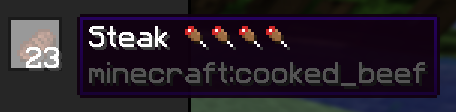
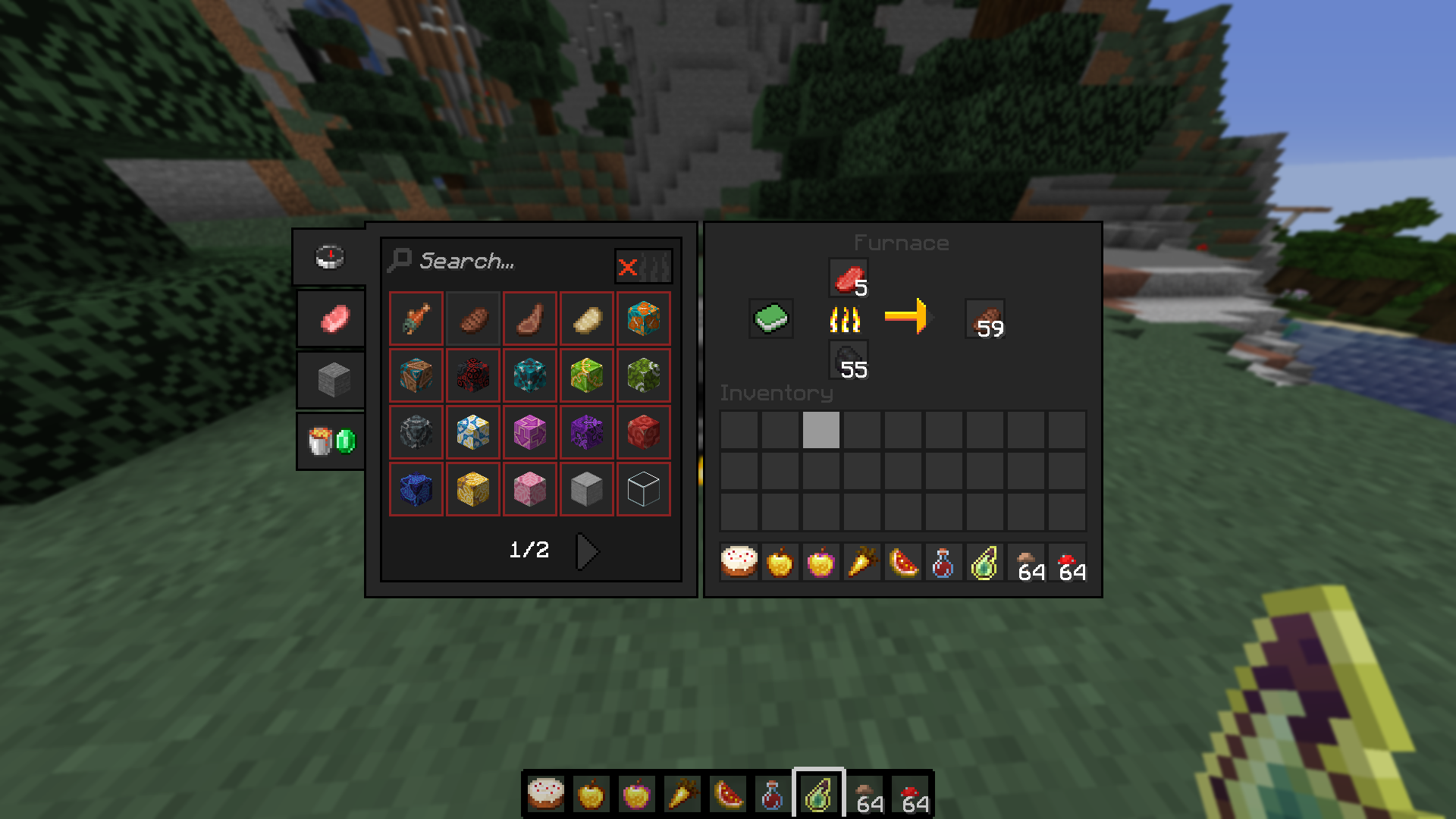
Cooking Food Value

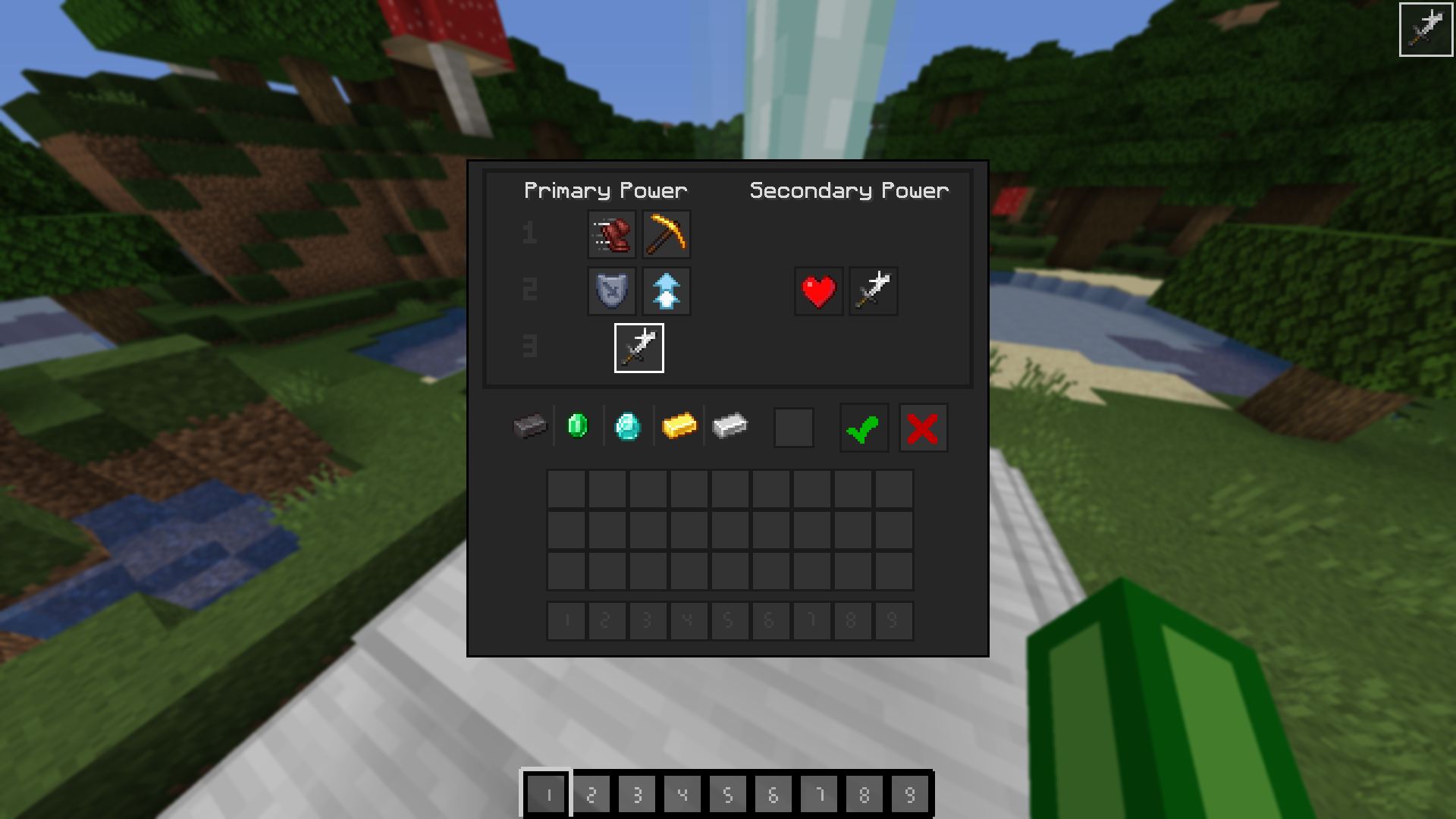
  • A flat, dark ui
  • Cleaner cake
  • Cleaner, renamed Notch Apples
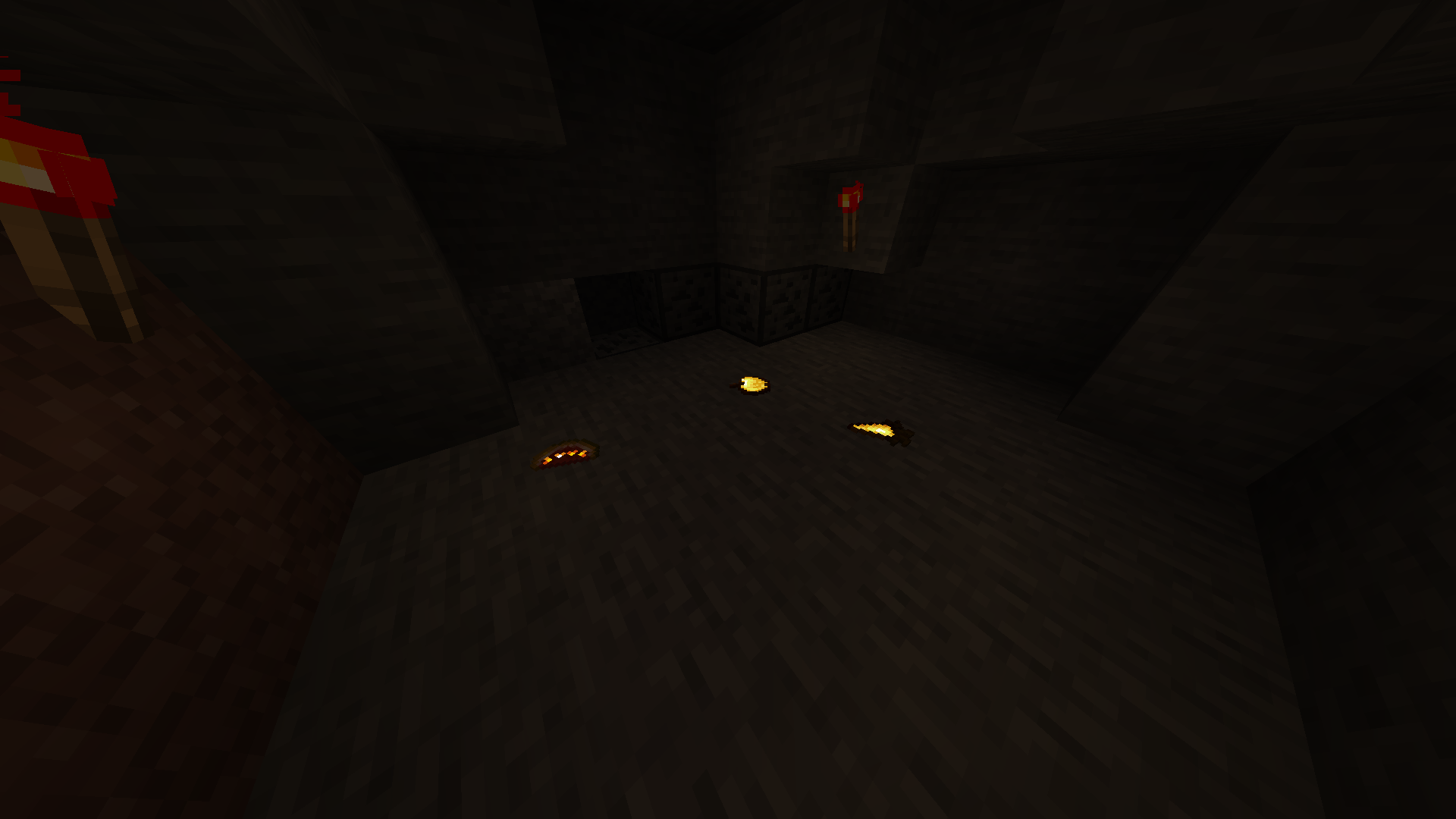
  • Glowy Carrots
  • Not glowing pots
  • Splash Exp in a bottle
  • Centered mushrooms (so it's easier to to them when there's more than one)
  • Food value indicator

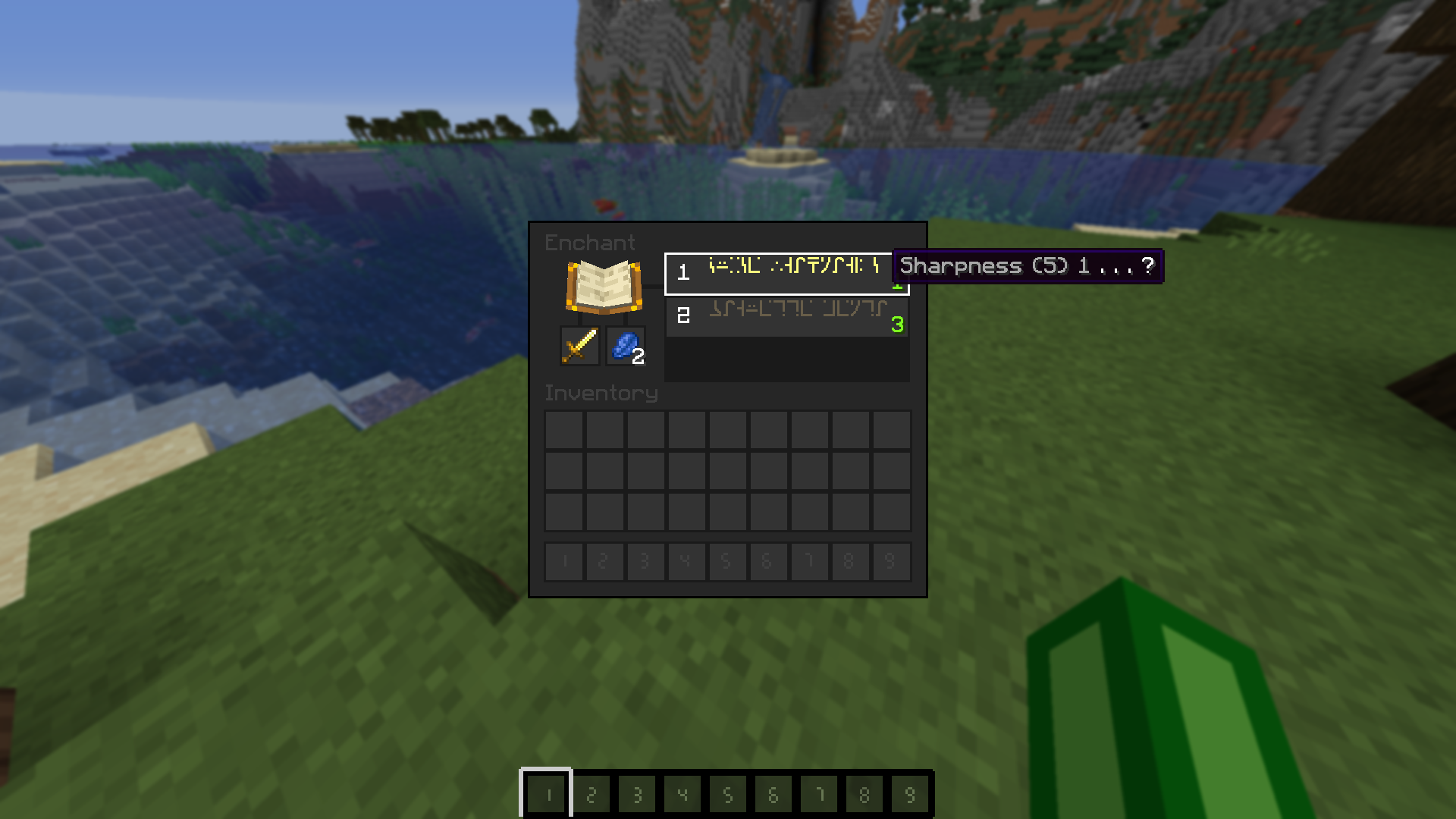
Enchanting

  • No more roman numerals
  • Max enchantment level shown

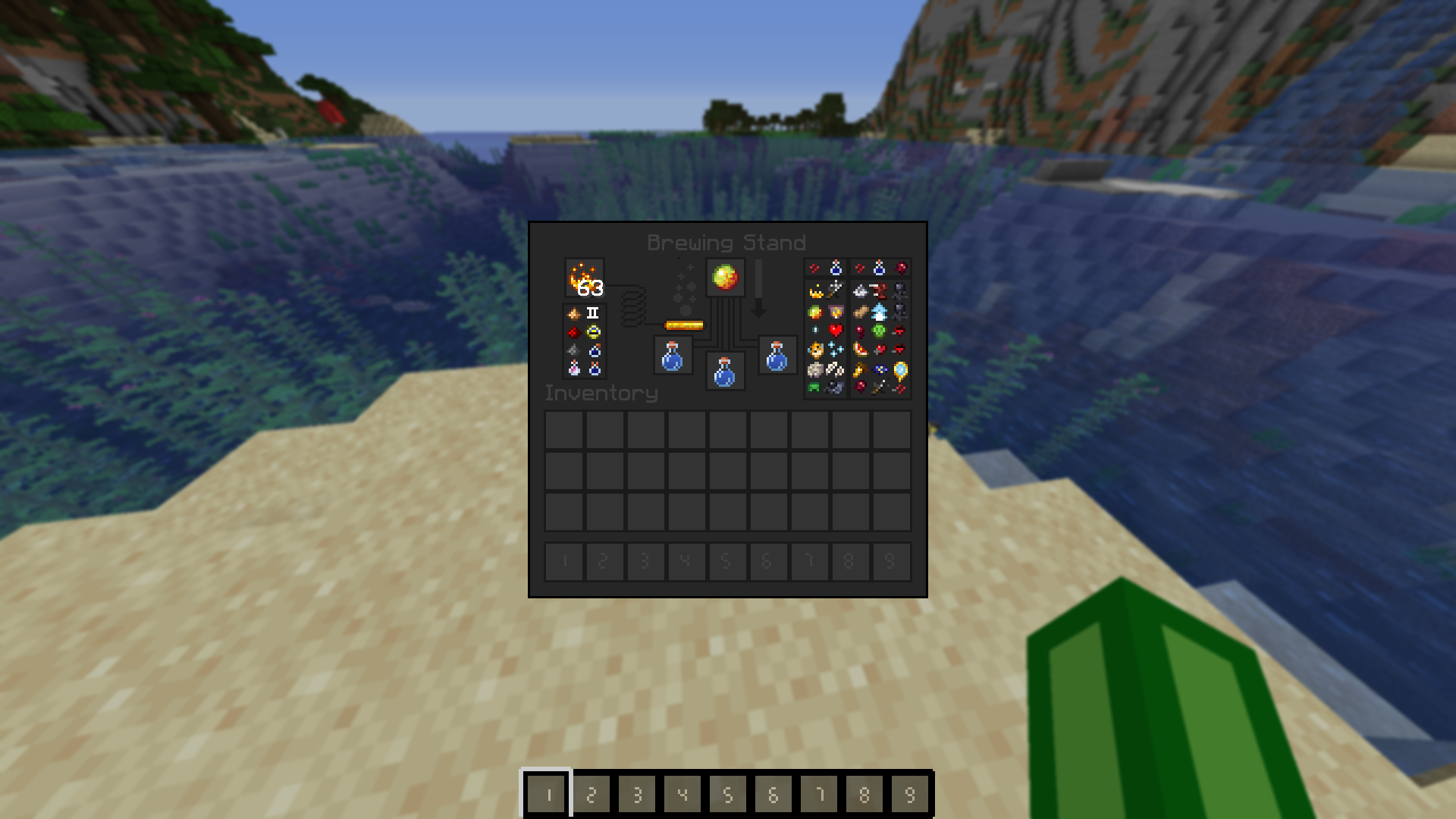
Brewing

  • A cheeky little cheetsheet shown
  • I mean it just looks nice

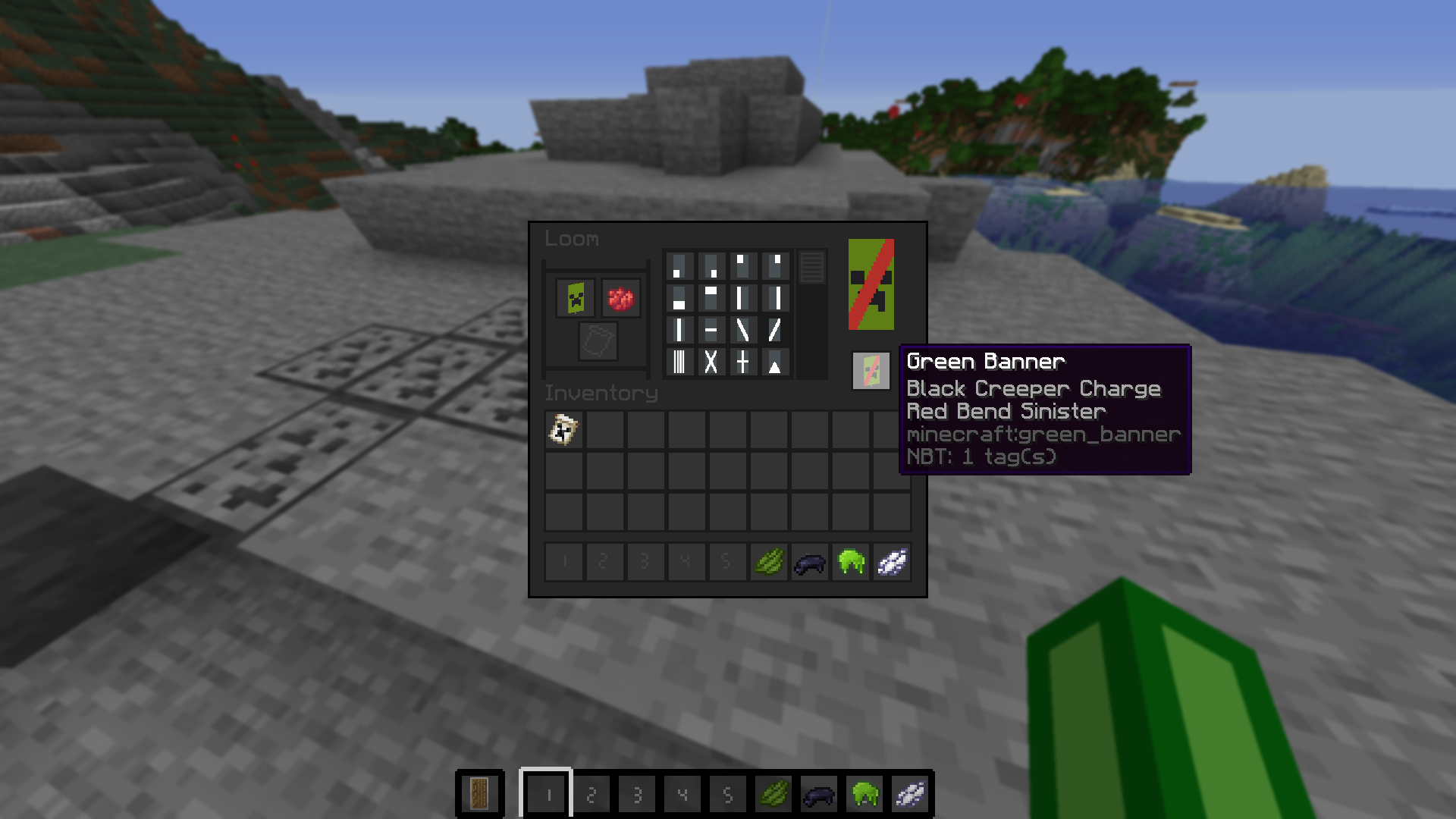
Banner Making

  • Unique dye sprites
  • Visible patten types
  • Cleaner banner patterns

Combat

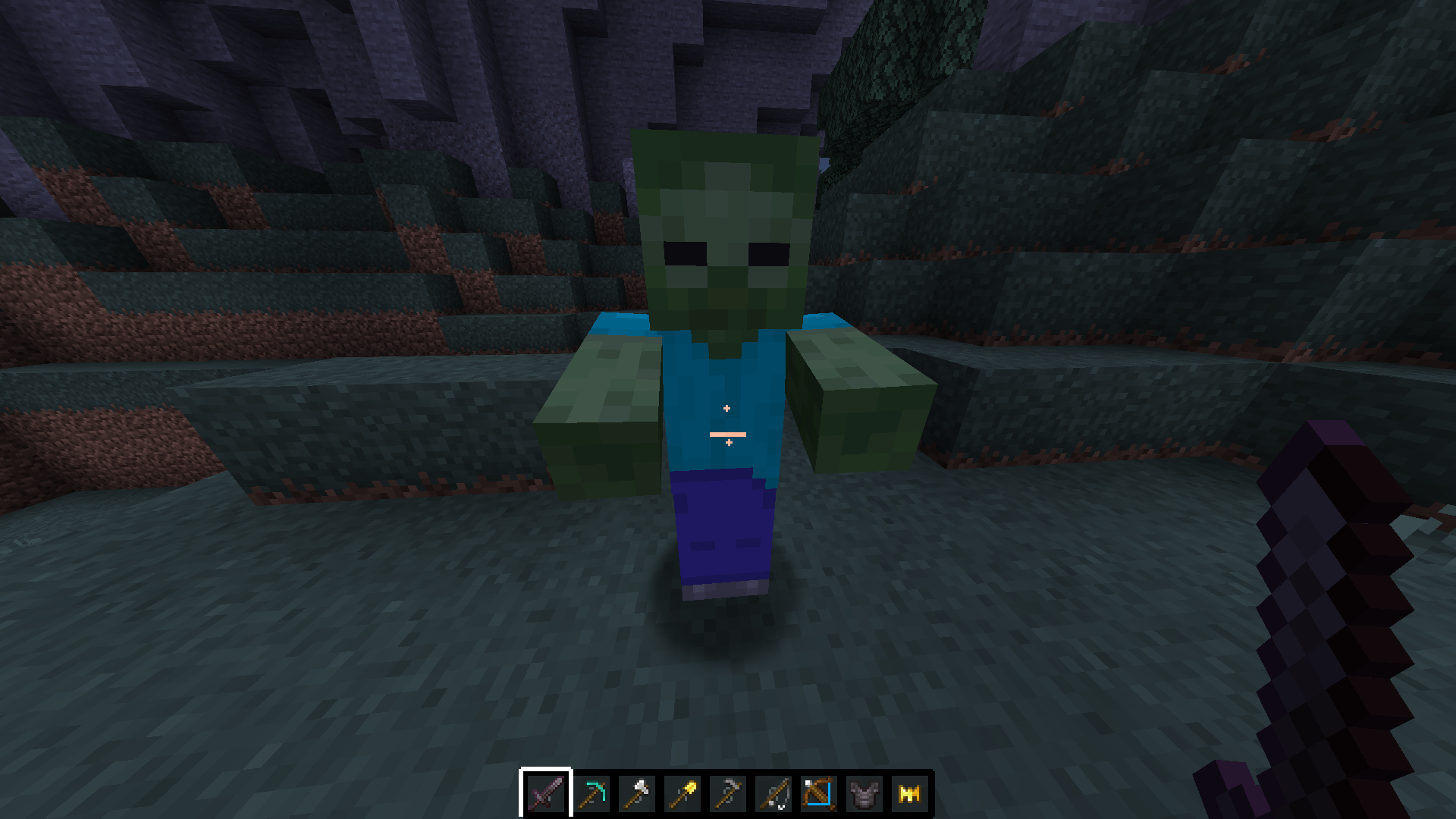
  • Cleaner attack cooldown indicator
  • Smaller (not short) swords (also done for other tools)
  • Visual crossbow charging (same for bows)
  • Consistent netherite armor
  • Gold crown helment

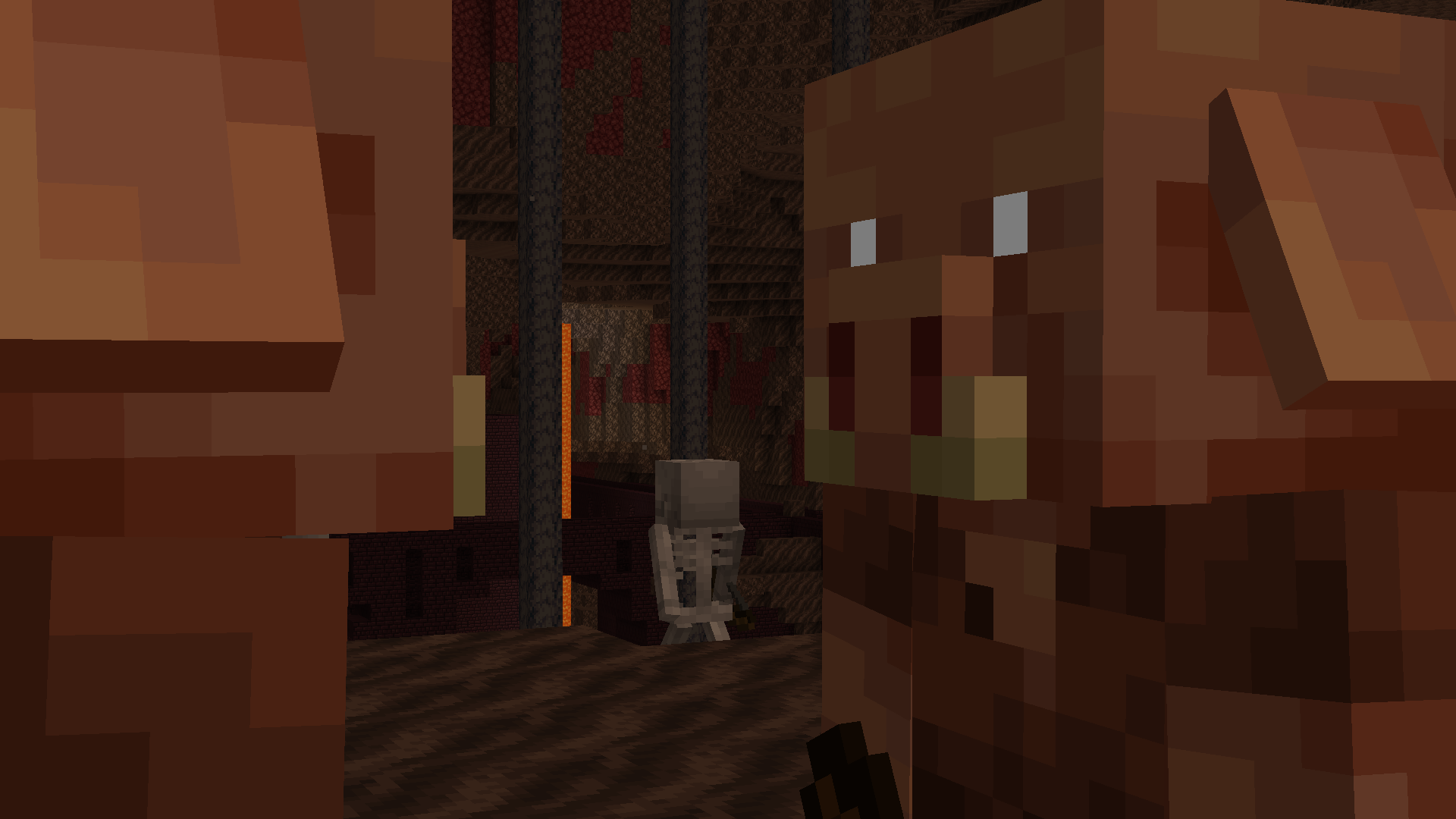
Glowy Things

Glowy Things Staredown ^ The eyes

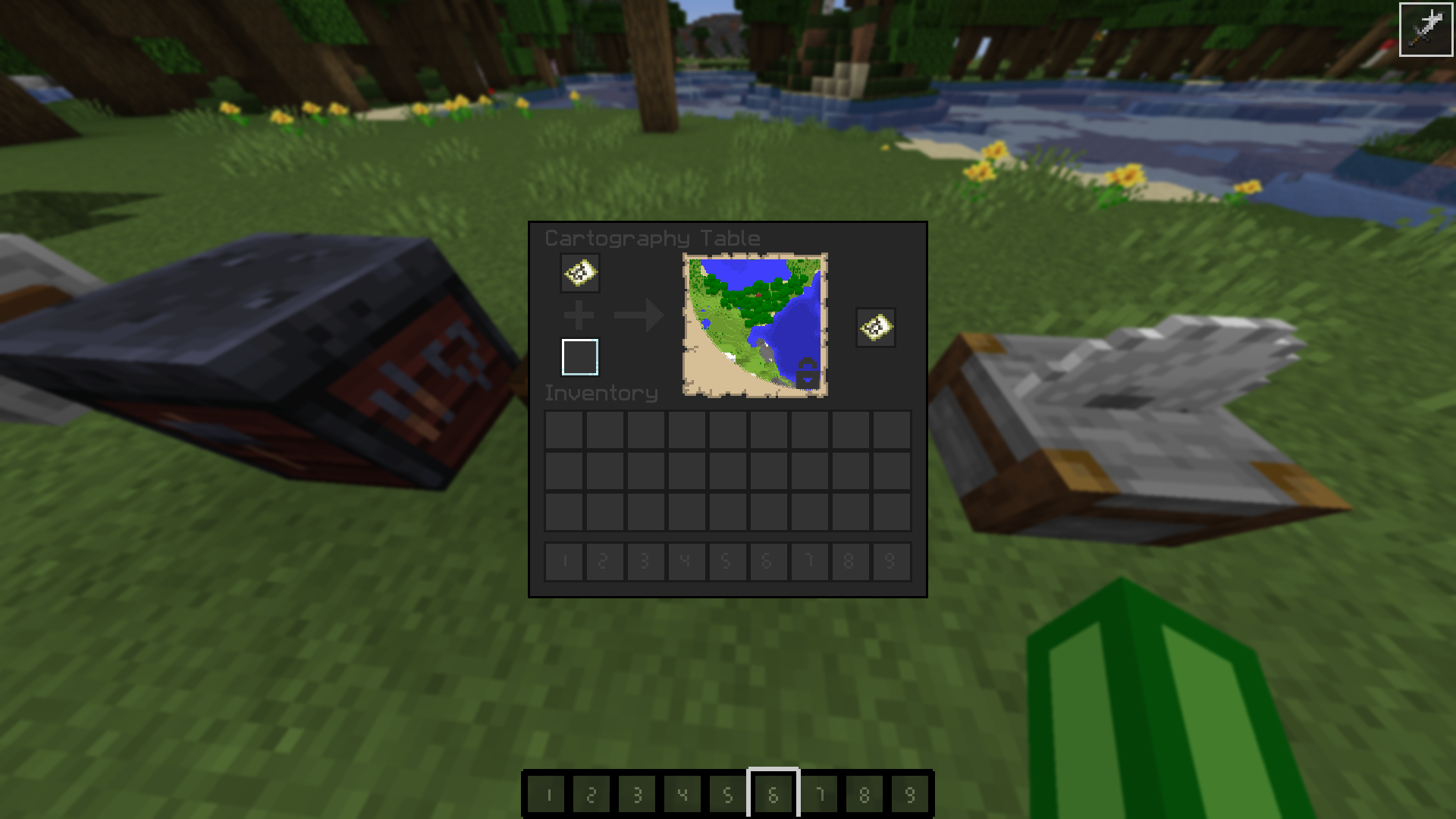
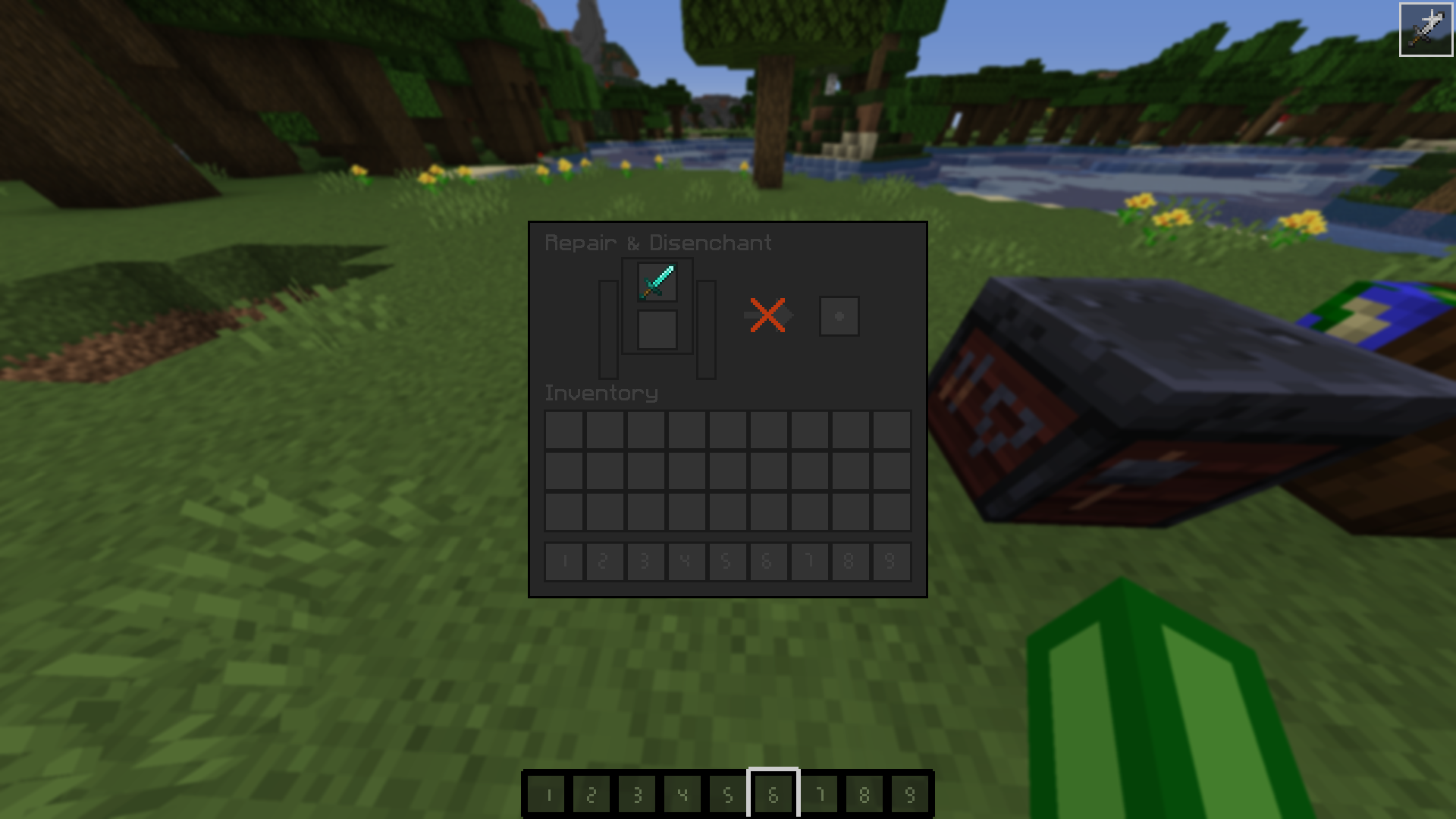
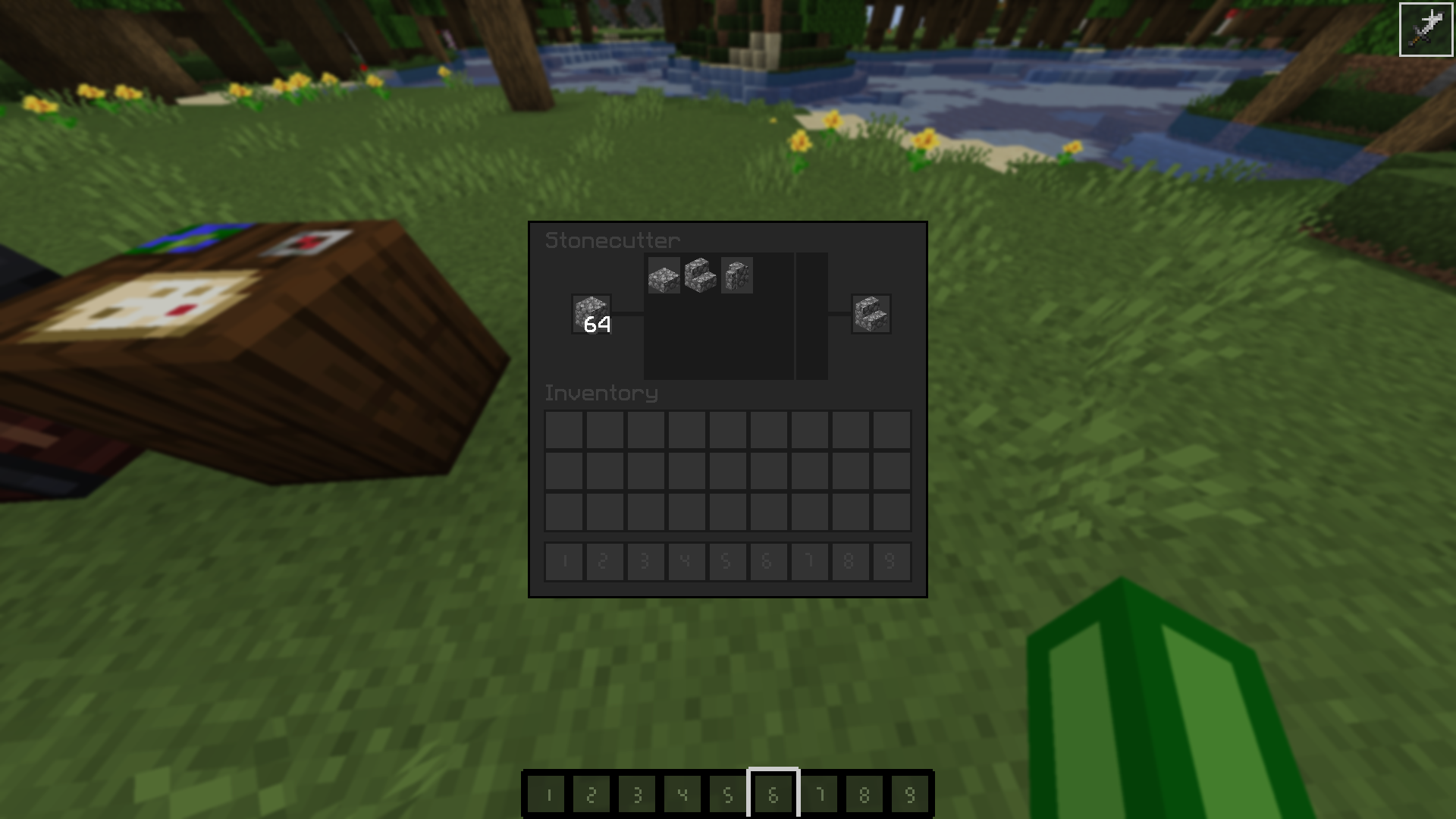
Other Tables

Beconing Cartography Gridstone ^ More clear "takeout only" inventory slots (a box with a dot in it instead of a big box) Stone Cutting

Other Things

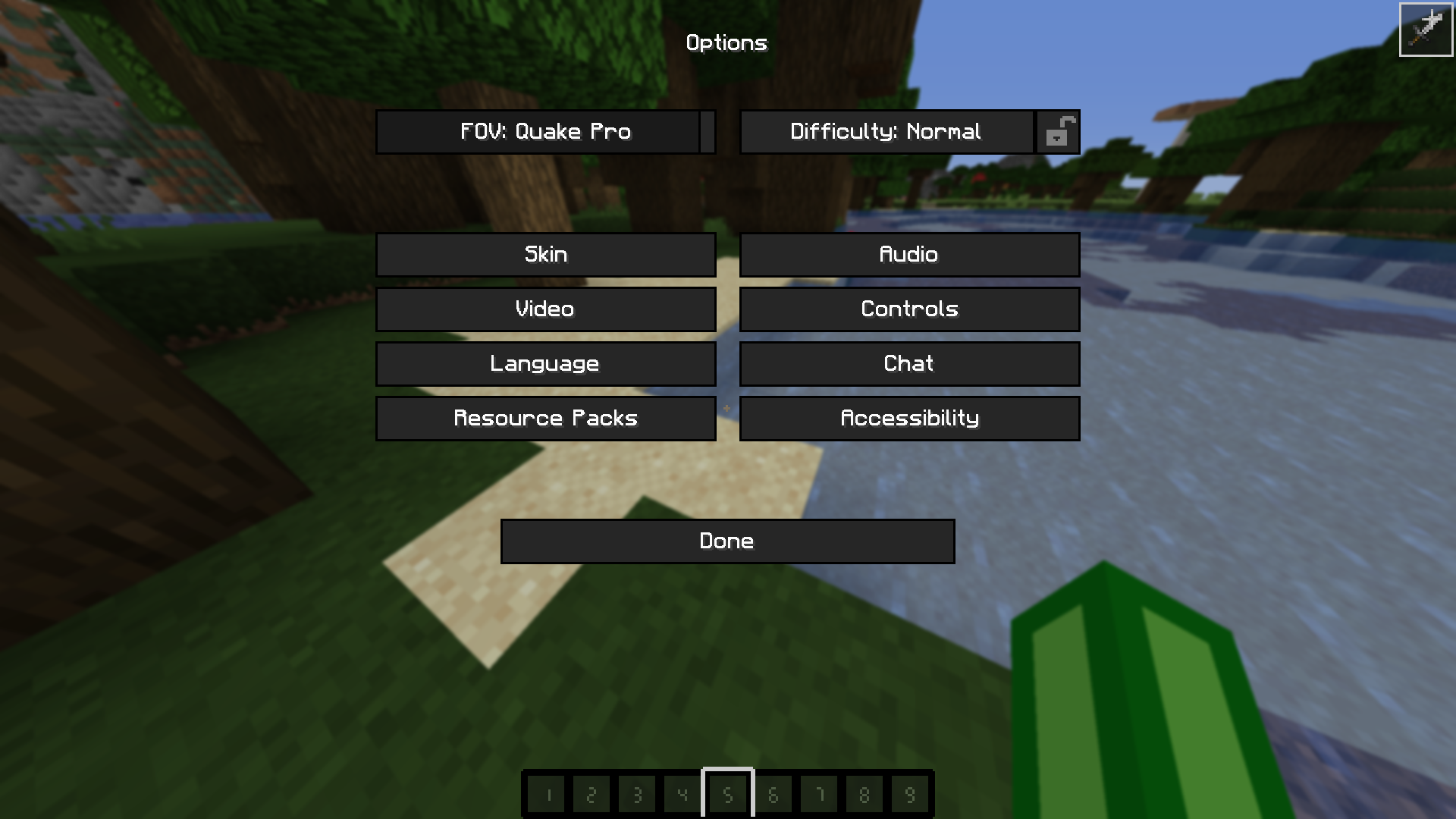
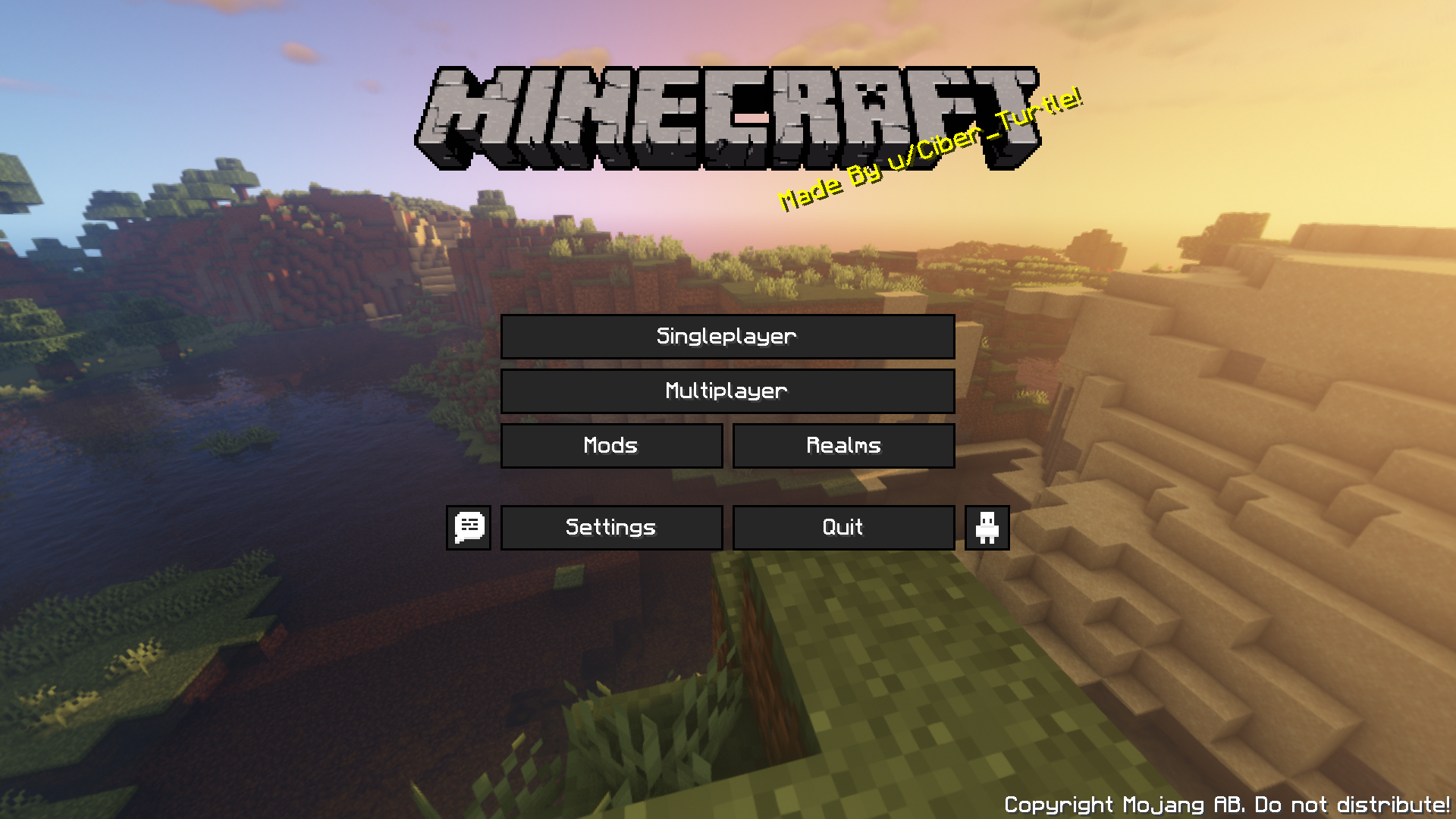
Menus

  • Higher res fonts
  • Less "..."s in the menus

Main Menu ^ Just looks cool

+ Better sound rffects and a bunch of other changes...
THX

Credits:

Turtle Pack 1.17 v1.2
MC 1.17
Release 2021-06-05 Get
Turtle Pack 1.16 v1.1
MC 1.16.3, 1.16.1, 1.17, 1.16, 1.16.5, 1.16.4, 1.16.2
Release 2021-05-31 Get
Turtle Pack 1.16 v1.0
MC 1.16.3, 1.16.1, 1.16, 1.16.5, 1.16.4, 1.16.2
Release 2021-04-01 Get

Requirements & install

How to use this resource pack in Minecraft
Resolution
16x
Minecraft
1.16 – 1.17
Install folder
.minecraft/resourcepacks

How to install resource packs

  1. Download the resource pack .zip file (do not extract it).
  2. In Minecraft open Options → Resource Packs → Open Pack Folder.
  3. Drop the .zip into the resourcepacks folder (.minecraft/resourcepacks).
  4. Move the pack to the Selected column and click Done.
Browse more: 16x resource packs 32x resource packs 64x resource packs 128x resource packs 256x resource packs 512x+ resource packs Resource Packs for 1.17 All resource packs
Advertisement Remove ads with Premium →

You Might Also Like