Mineuniverse
Resource Packs
TrueTurf

TrueTurf

RESOURCE PACK
Makes All Variants Of Grass Blocks Be The Top Texture All Around
by MrLoraxISFTT
Download Claim this project
94 downloads
0 likes
Updated Oct 14, 2026
0 hypes
16x Miscellaneous Modern Traditional
Advertisement Remove ads with Premium →

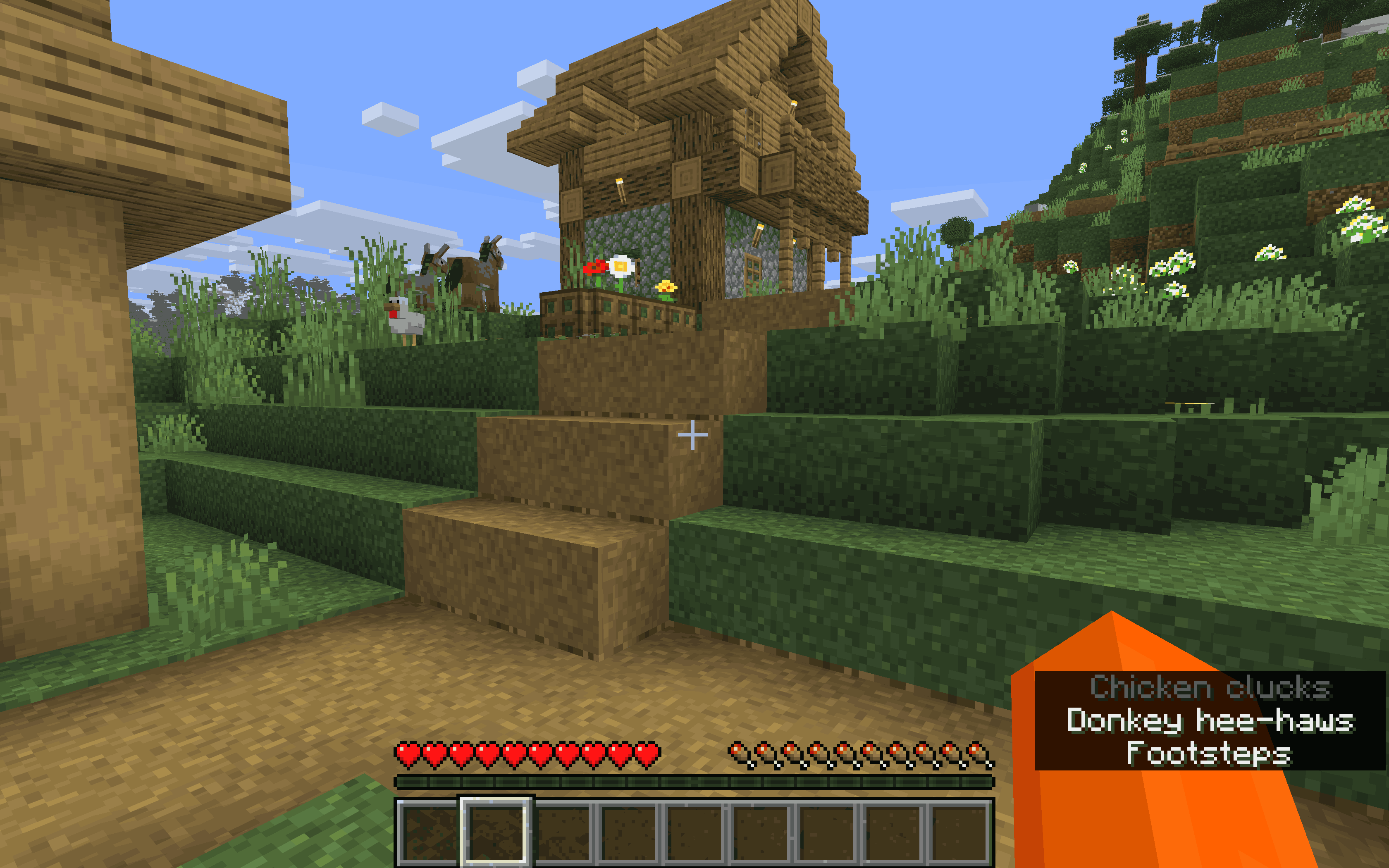
TrueTurf provides a more natural look to grass or other grass-like blocks by making the top of the blocks go all the way around the blocks.

TrueTurf renders the entire field as a grass-like surface, whether it is Overworld grass, Nether grass or any other block with a grass-type top. Instead of having plain or messy sides, the sides are covered in the same grass-type texture as the top.

Features:

- Grass texture on all sides of grass variants.

- Works with Nether grass variants

- Gives blocks a uniform turf appearance.

- Uses the block's top pixels for a seamless appearance.

- Ideal for builds, landscaping, maps, or custom terrain.

MrLoraxISFTT


👤 MRLORAXISFTT ON CURSEFORGE

👉 Click the link above to follow my profile and get notified about new updates!


TrueTurf-26.3.0.1.zip
MC 26.3
Release 2026-10-02 Get
TrueTurf-26.3.0.2.zip
MC 26.3
Beta 2026-09-27 Get
TrueTurf-26.3.zip
MC 26.3
Alpha 2026-09-24 Get

Requirements & install

How to use this resource pack in Minecraft
Resolution
16x
Minecraft
26.3
Install folder
.minecraft/resourcepacks

How to install resource packs

  1. Download the resource pack .zip file (do not extract it).
  2. In Minecraft open Options → Resource Packs → Open Pack Folder.
  3. Drop the .zip into the resourcepacks folder (.minecraft/resourcepacks).
  4. Move the pack to the Selected column and click Done.
Browse more: 16x resource packs 32x resource packs 64x resource packs 128x resource packs 256x resource packs 512x+ resource packs Resource Packs for 26.3 All resource packs

More from MrLoraxISFTT

Advertisement Remove ads with Premium →

You Might Also Like