Mineuniverse
Resource Packs
True Ore Borders By Kukiz

True Ore Borders By Kukiz

RESOURCE PACK
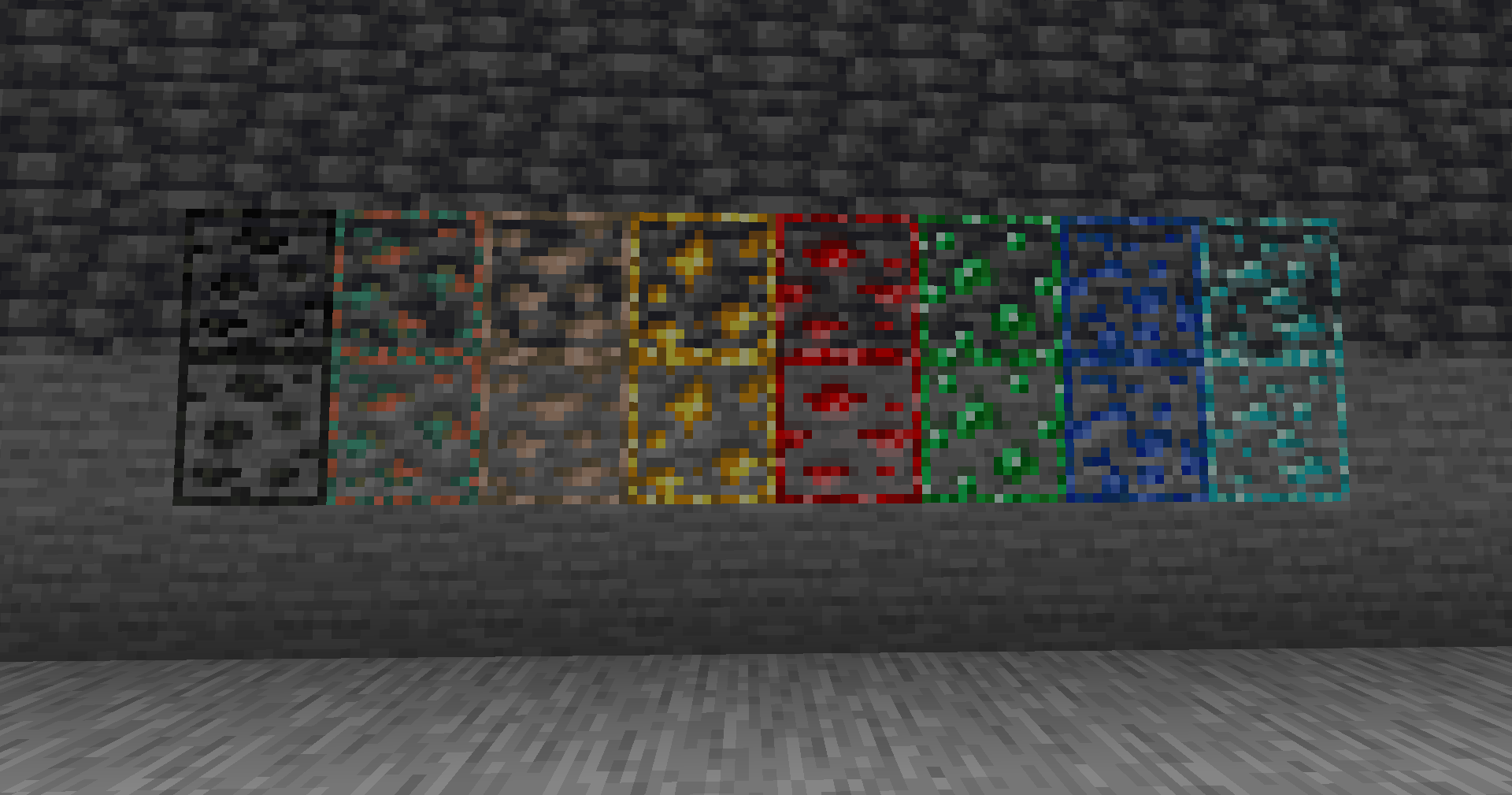
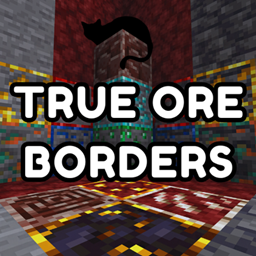
This pack adds outlines to all ores using their natural colors, making them easier to spot while keeping a true vanilla style. Perfect for players who want better visibility
by Kukiz
Download Claim this project
1,220 downloads
0 likes
0 followers
Updated Oct 14, 2026
0 hypes
Follow0
16x Miscellaneous Mod Support Traditional
Advertisement Remove ads with Premium →

Enhanced Ore Borders

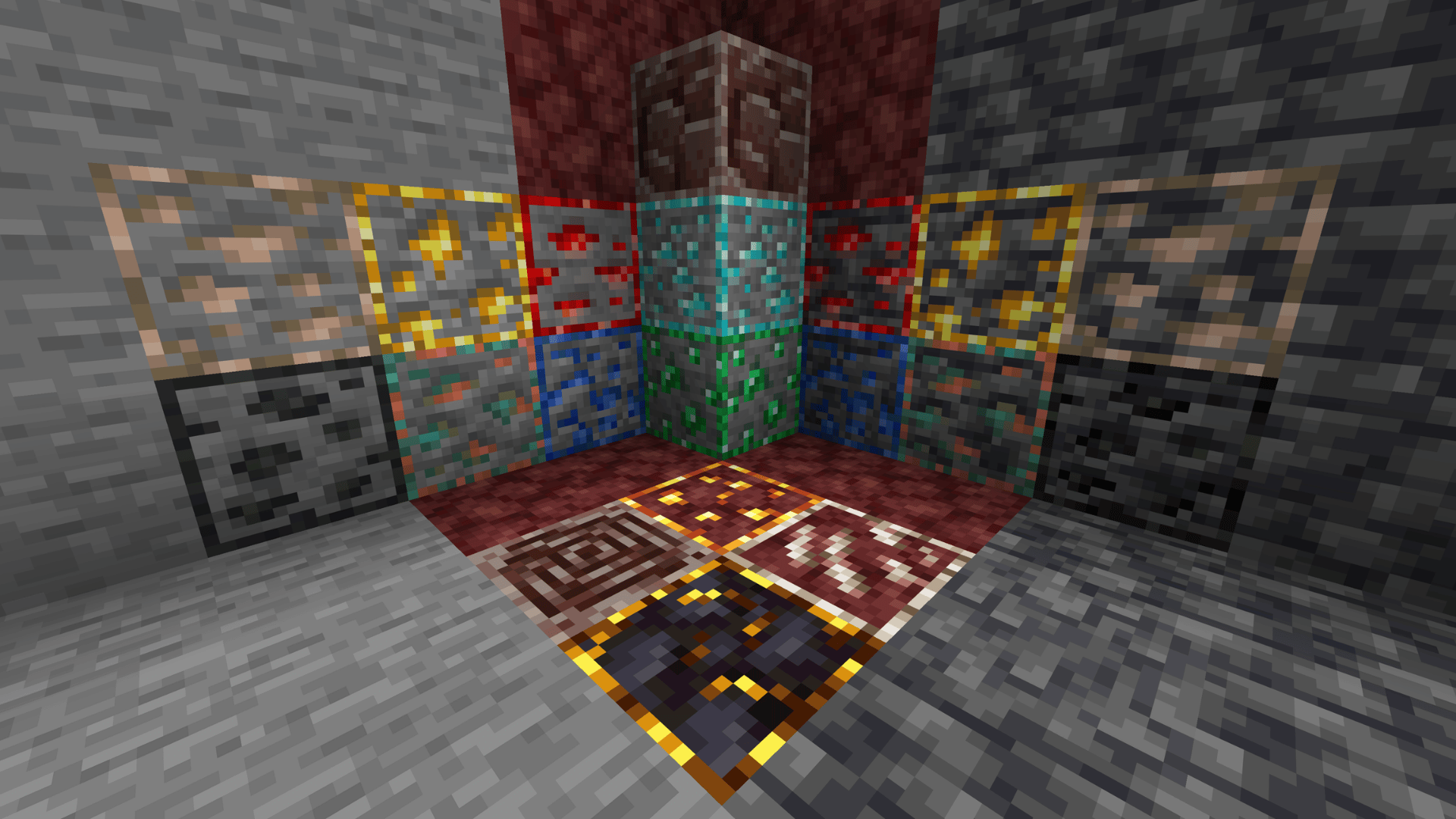
Enhanced Ore Borders is a simple, vanilla-friendly resource pack that makes ores easier to spot by adding subtle outlines that match each block’s natural colours.

The goal is to improve visibility while mining without changing Minecraft’s overall look and feel. Ores stand out more clearly against stone and other surrounding blocks, but still look like they belong in the base game.

What it changes

Overworld Ores

Outlined textures for:

  • Coal Ore
  • Iron Ore
  • Copper Ore
  • Gold Ore
  • Redstone Ore
  • Emerald Ore
  • Lapis Lazuli Ore
  • Diamond Ore
  • Deepslate variants of the main Overworld ores

Overworld Ore Outlines


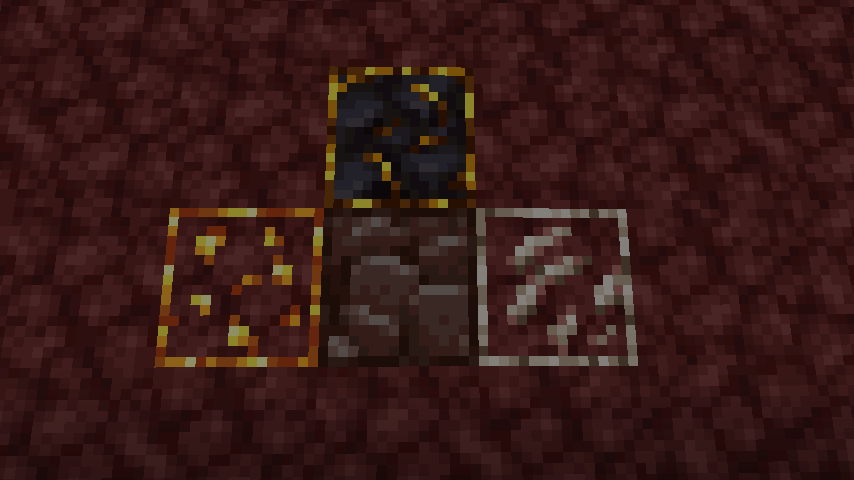
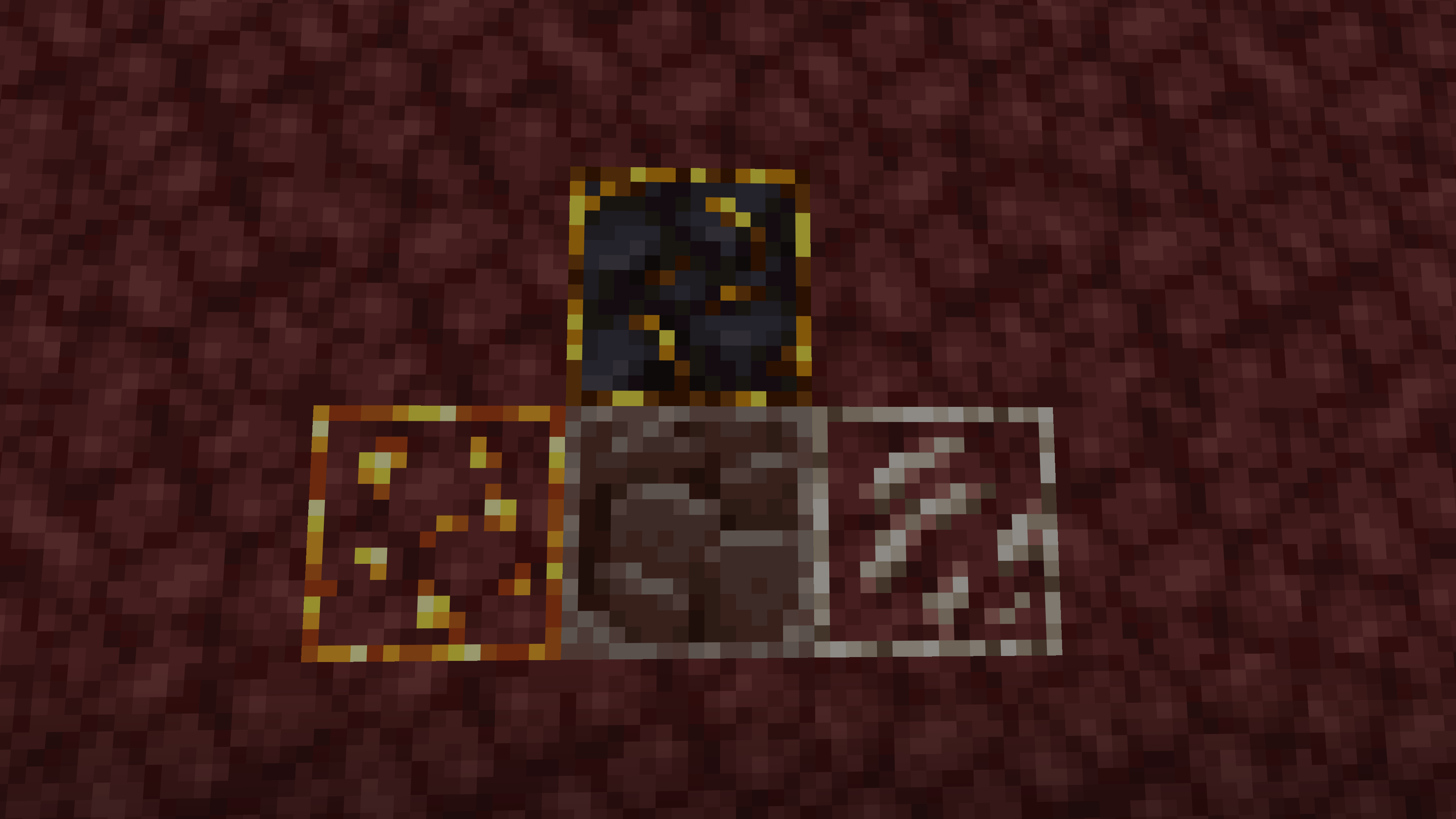
Nether Resources

Outlined textures for:

  • Nether Quartz Ore
  • Nether Gold Ore
  • Ancient Debris
  • Gilded Blackstone

Nether


Why use this pack?

  • Makes ores easier to notice while mining
  • Keeps a clean and minimal vanilla-style look
  • Helps visibility without making ores look out of place
  • Great for players who want a subtle quality-of-life improvement

Style

This pack is designed to stay close to vanilla Minecraft, only adding soft, natural-looking borders so ores are easier to see at a glance.

true_ore_borders_by_kukiz-1.1.2.zip
MC 1.16.3, 1.16-Snapshot, 1.17.1, 1.21.2-Snapshot, 1.21, 1.21.6-snapshot, 1.16.1, 1.18.1, 1.20.2-Snapshot, 1.20.5-Snapshot, 1.16, 1.19-Snapshot, 1.21.1-Snapshot, 1.16.5, 1.19.3, 1.20.2
Release 2026-10-13 Get
True Ore Borders By Kukiz 1.16 - 1.26.2
MC 1.16.3, 1.16-Snapshot, 1.17.1, 1.21.2-Snapshot, 1.21, 1.21.6-snapshot, 1.16.1, 1.18.1, 1.20.2-Snapshot, 1.20.5-Snapshot, 1.16, 1.19-Snapshot, 1.21.1-Snapshot, 1.16.5, 1.19.3, 1.20.2
Release 2025-07-22 Get

Requirements & install

How to use this resource pack in Minecraft
Resolution
16x
Minecraft
1.19.3 – 1.21.6-snapshot
Install folder
.minecraft/resourcepacks

How to install resource packs

  1. Download the resource pack .zip file (do not extract it).
  2. In Minecraft open Options → Resource Packs → Open Pack Folder.
  3. Drop the .zip into the resourcepacks folder (.minecraft/resourcepacks).
  4. Move the pack to the Selected column and click Done.
Browse more: 16x resource packs 32x resource packs 64x resource packs 128x resource packs 256x resource packs 512x+ resource packs Resource Packs for 1.21.6-snapshot All resource packs

More from Kukiz

Advertisement Remove ads with Premium →

You Might Also Like