Mineuniverse
Resource Packs
Tritanopia color blindness simulator colorblindness

Tritanopia color blindness simulator colorblindness

RESOURCE PACK
Tritanopia color blindness simulator colorblindness
by Haploid7
Download Claim this project
Add a badge to your pageLink to Tritanopia color blindness simulator colorblindness from a README, website or forum post.
Preview: Badge

Badges update automatically and link to the resource pack page on MineUniverse.

6,704 downloads
0 likes
0 followers
Updated Oct 14, 2026
0 hypes
Follow0
16x Miscellaneous
Advertisement Remove ads with Premium →

Shader vs Resource pack:


Check out the shaders:

 Tritanopia color blindess shader

 Protanopia color blindness shader

 Deuteranopia color blindness shader


Info about the resource pack:

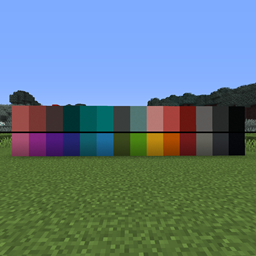
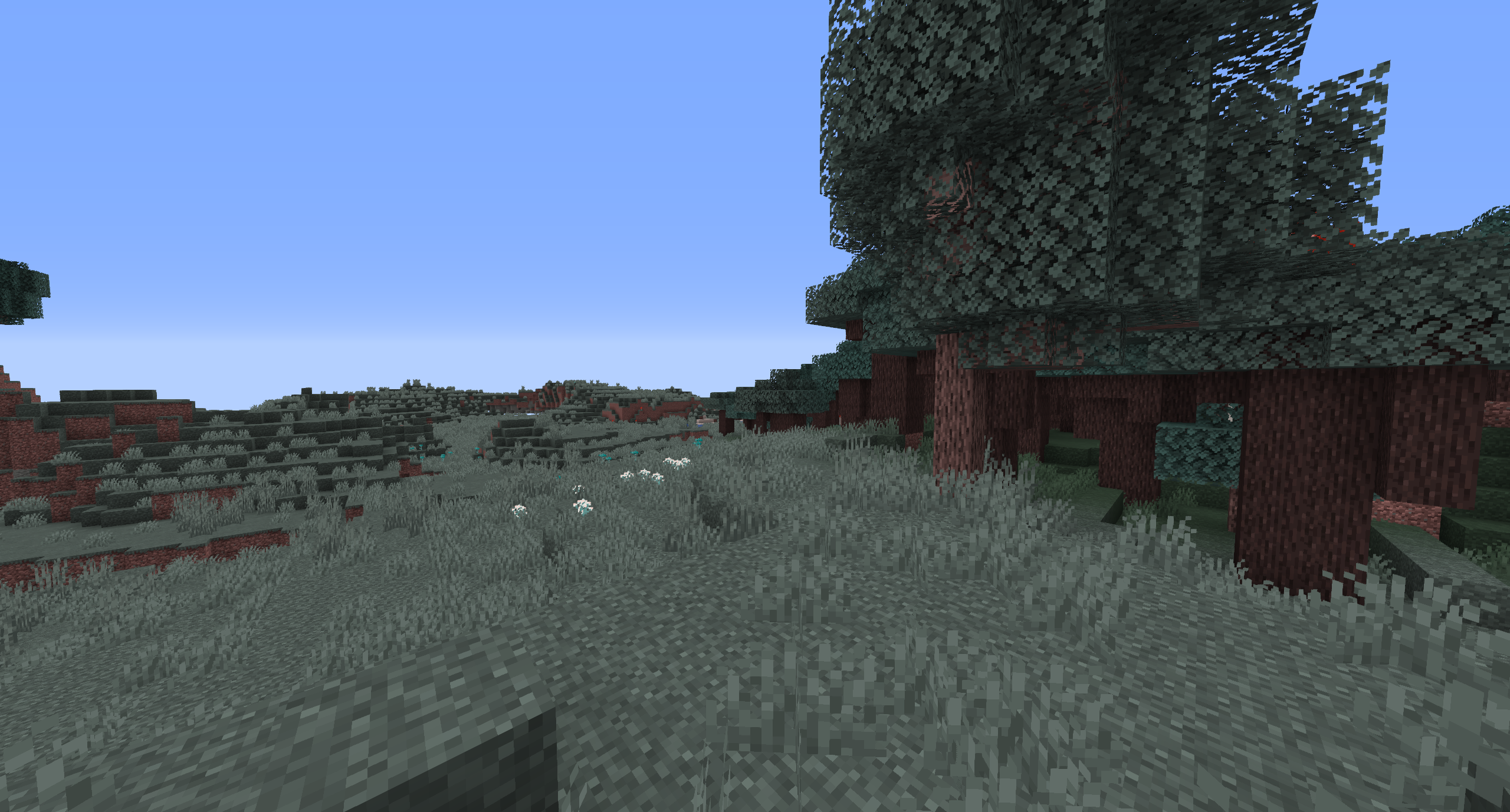
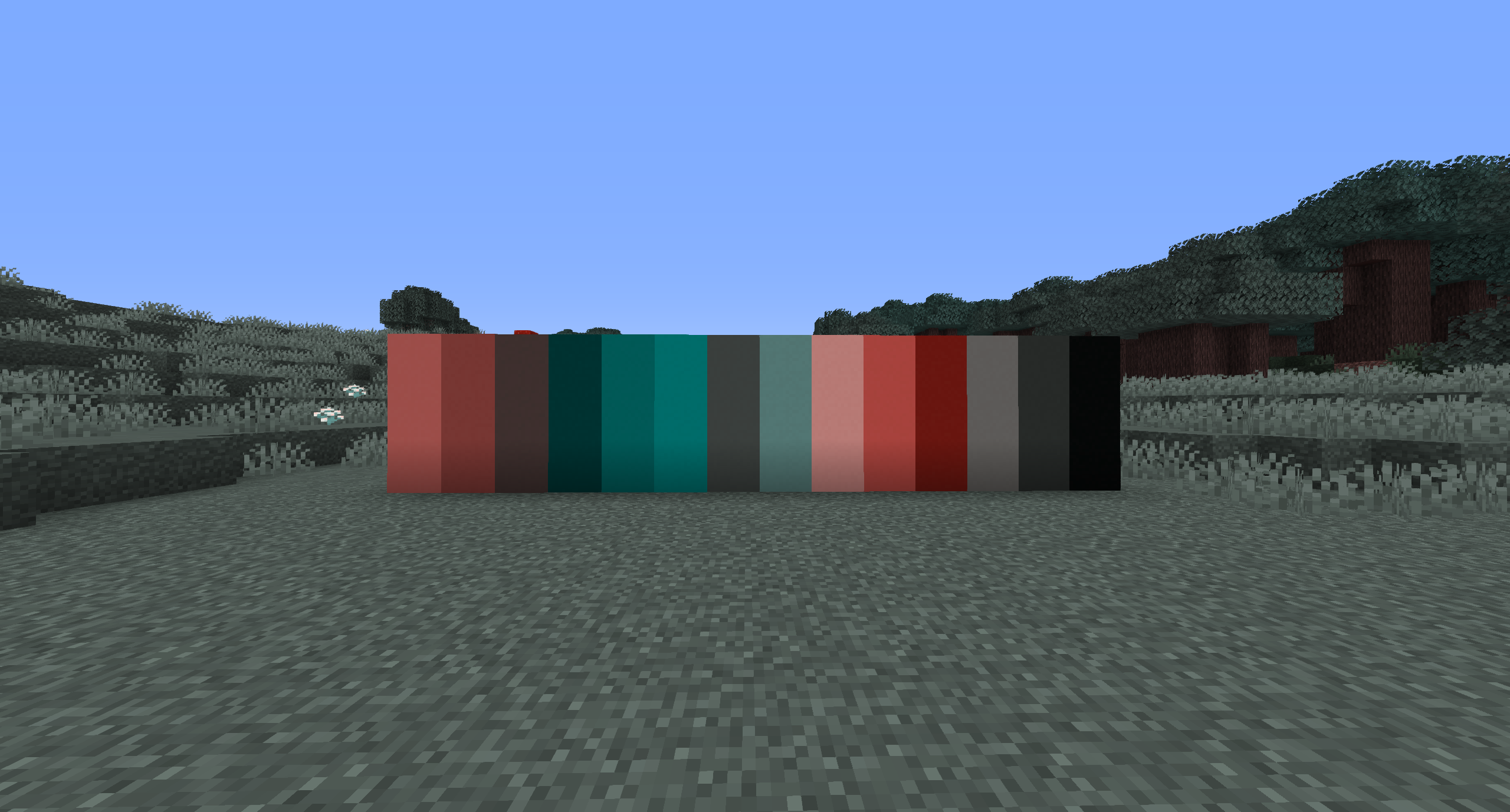
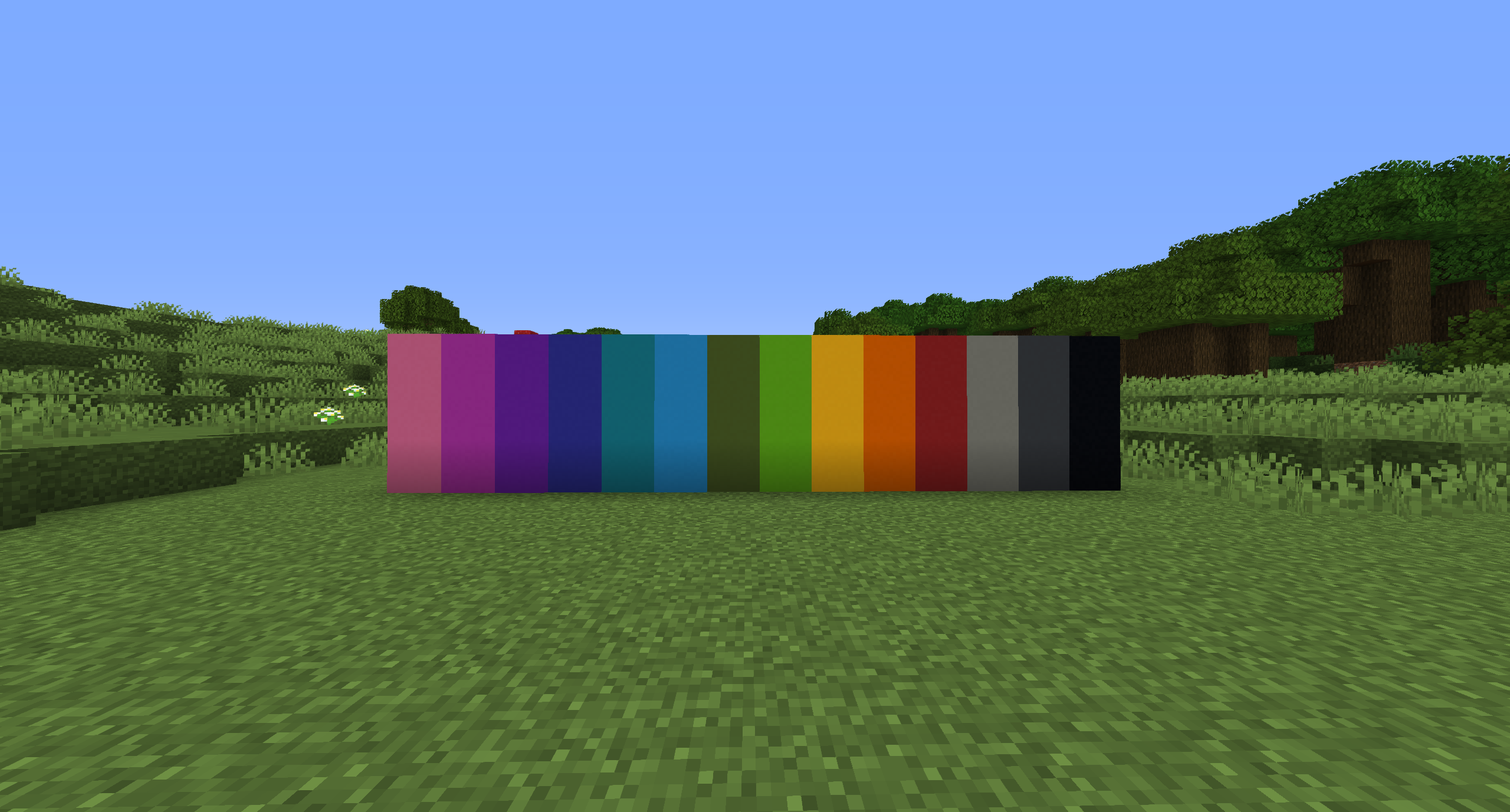
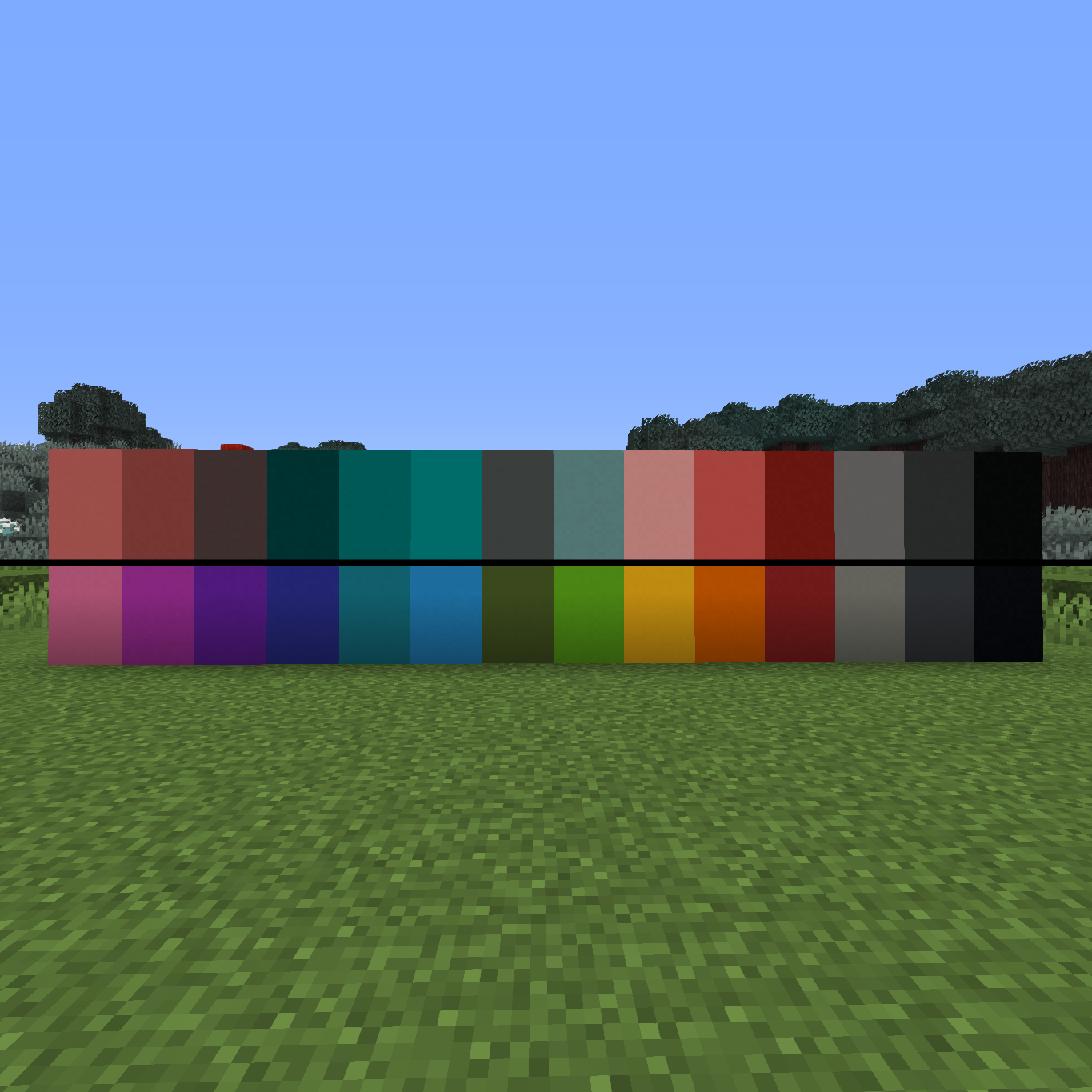
This resource pack will make it look as if you have Tritanopia (blue-yellow colorblindness)

This wasn't handmade, but instead, I wrote a program to convert the standard Minecraft texture pack into a Tritanopia colorspace.

I used this as a source:

Source


!!NOTE!!

Birch and Spruce leaves are not affected by the changed foliage map since Minecraft hasn't implemented that yet.

So those 2 blocks are in normal colors.

https://bugs.mojang.com/browse/MC-3930


installation:

1. download .zip file

2. use file explorer to get to "C:\Users\%USERNAME%\AppData\Roaming\.minecraft\resourcepacks"

3. extract .zip file into the resourcepacks folder

4. done


Other:

check out my other packs:

Deuteranopia color blindness simulator: Link

Protanopia color blindness simulator: Link


if you have any questions or requests, don't hesitate to contact me via discord:

Haploid#1936

Tritanopia Resourcepack 1.20.5
MC 1.20.5
Release 2024-04-27 Get
Tritanopia Resourcepack 1.16
MC 1.16-Snapshot, 1.16.3, 1.16.1, 1.16, 1.16.2
Release 2020-09-21 Get

Requirements & install

How to use this resource pack in Minecraft
Resolution
16x
Minecraft
1.16-Snapshot – 1.20.5
Install folder
.minecraft/resourcepacks

How to install resource packs

  1. Download the resource pack .zip file (do not extract it).
  2. In Minecraft open Options → Resource Packs → Open Pack Folder.
  3. Drop the .zip into the resourcepacks folder (.minecraft/resourcepacks).
  4. Move the pack to the Selected column and click Done.
Browse more: 16x resource packs 32x resource packs 64x resource packs 128x resource packs 256x resource packs 512x+ resource packs Resource Packs for 1.20.5 All resource packs

More from Haploid7

Advertisement Remove ads with Premium →

You Might Also Like