Mineuniverse
Resource Packs
Transparent UI + Mod Support

Transparent UI + Mod Support

RESOURCE PACK
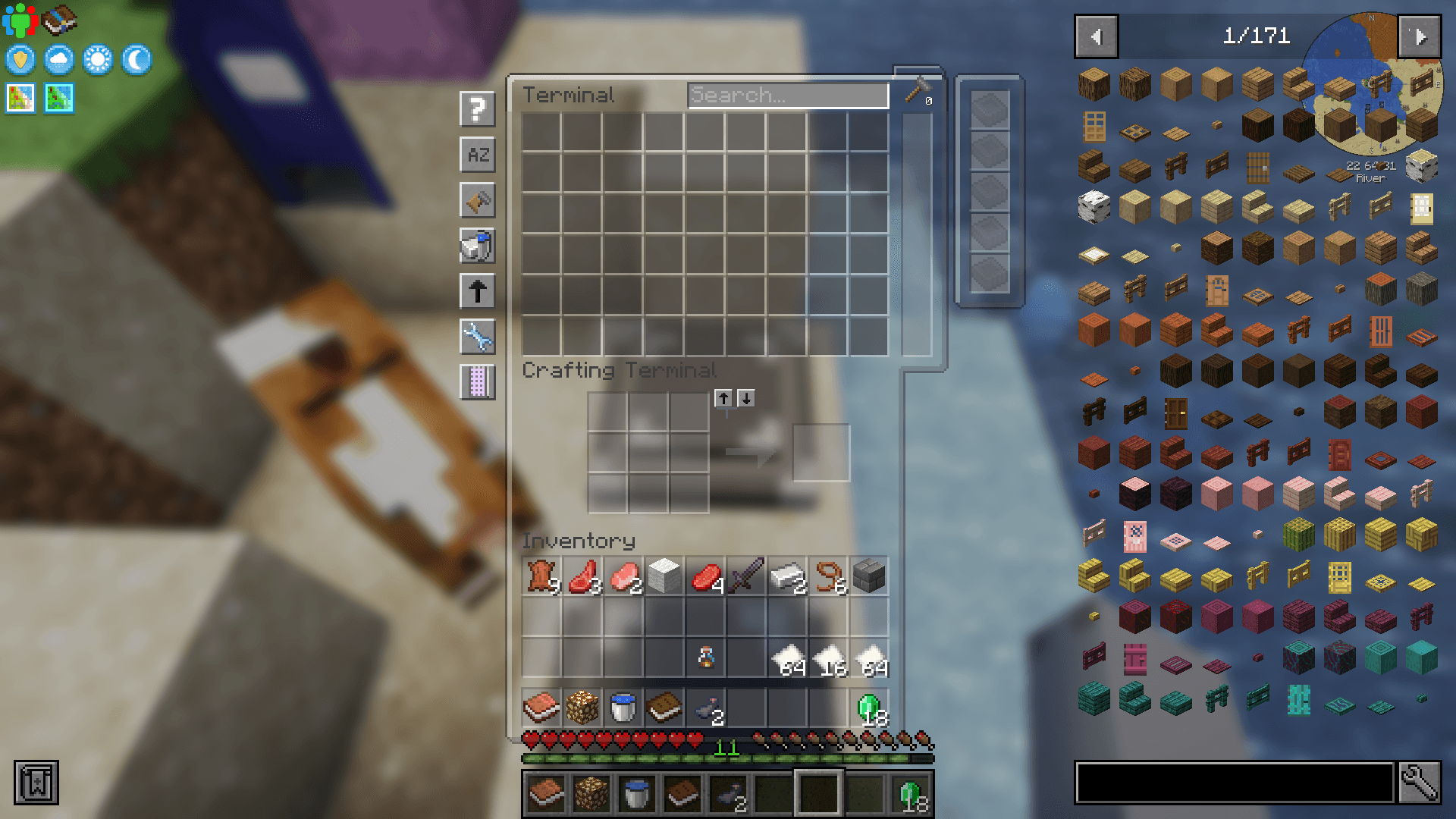
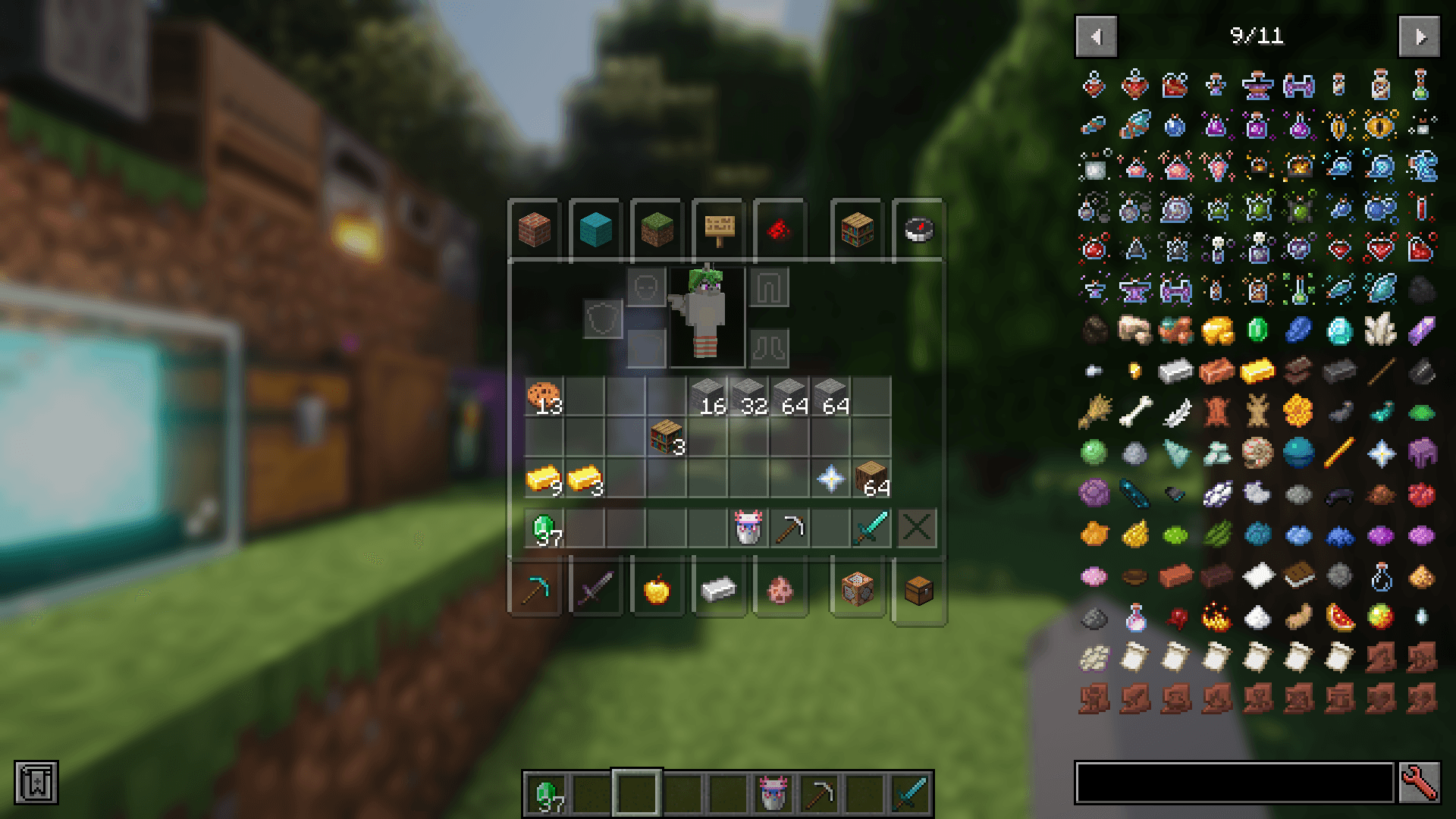
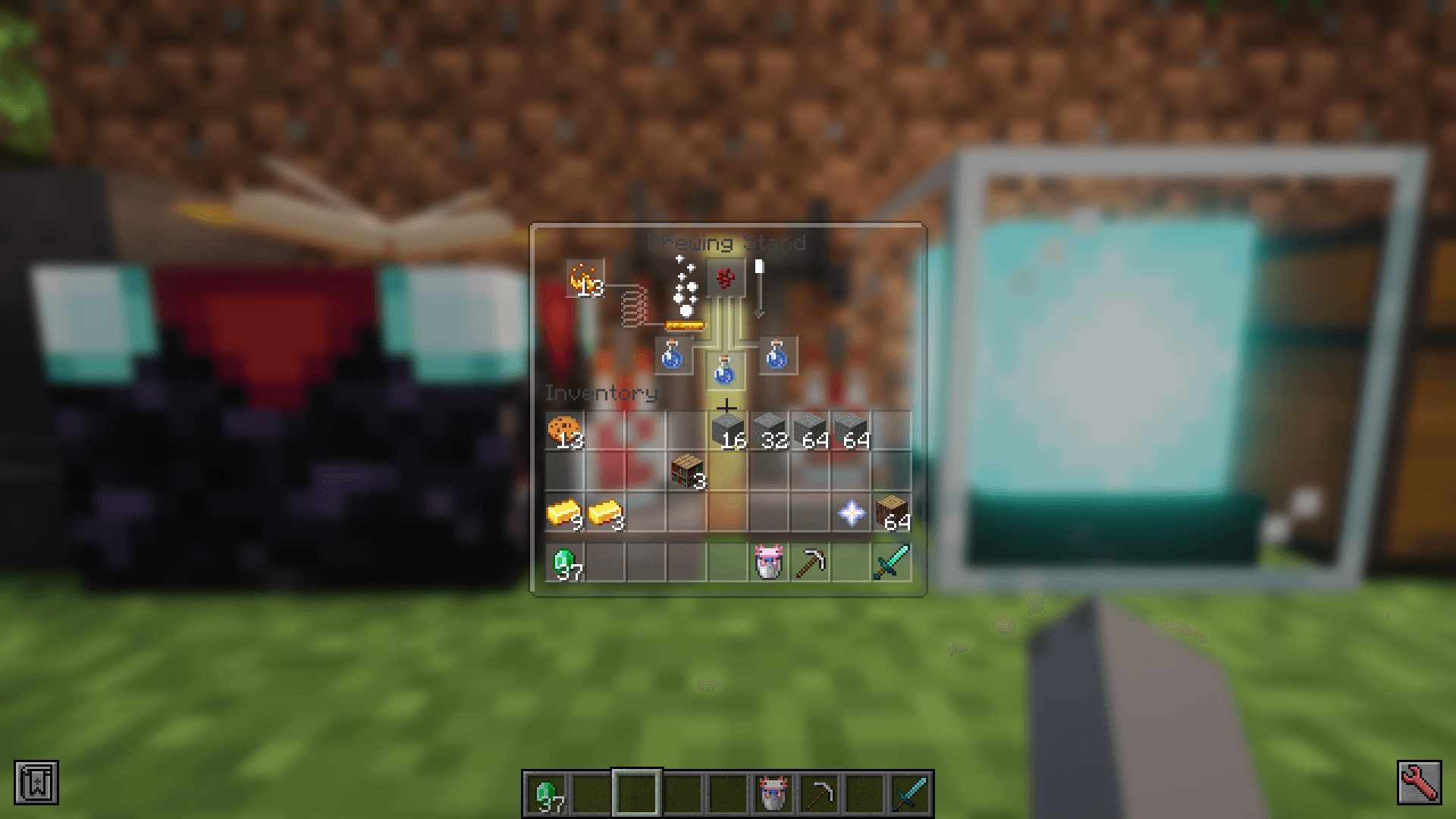
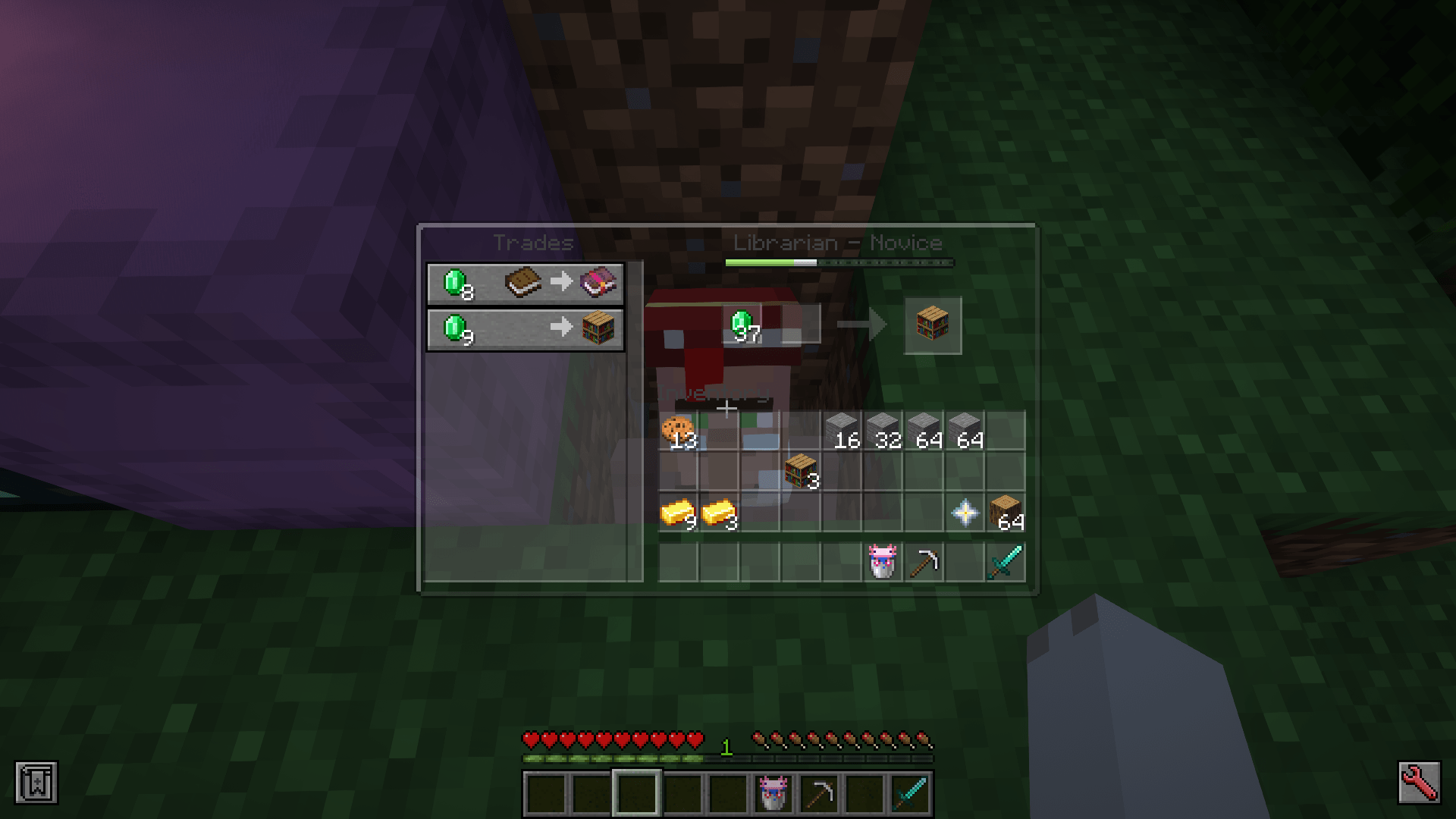
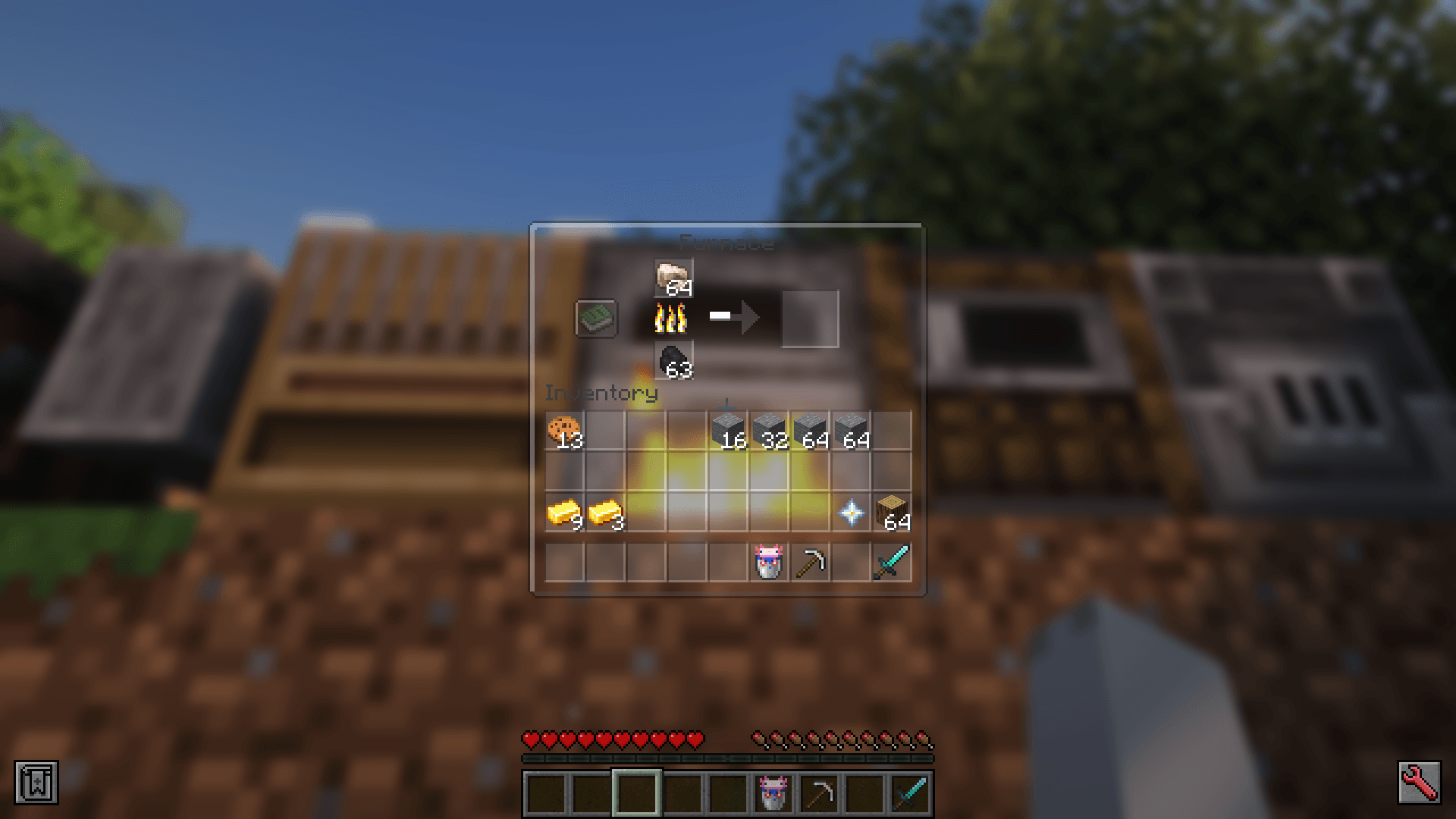
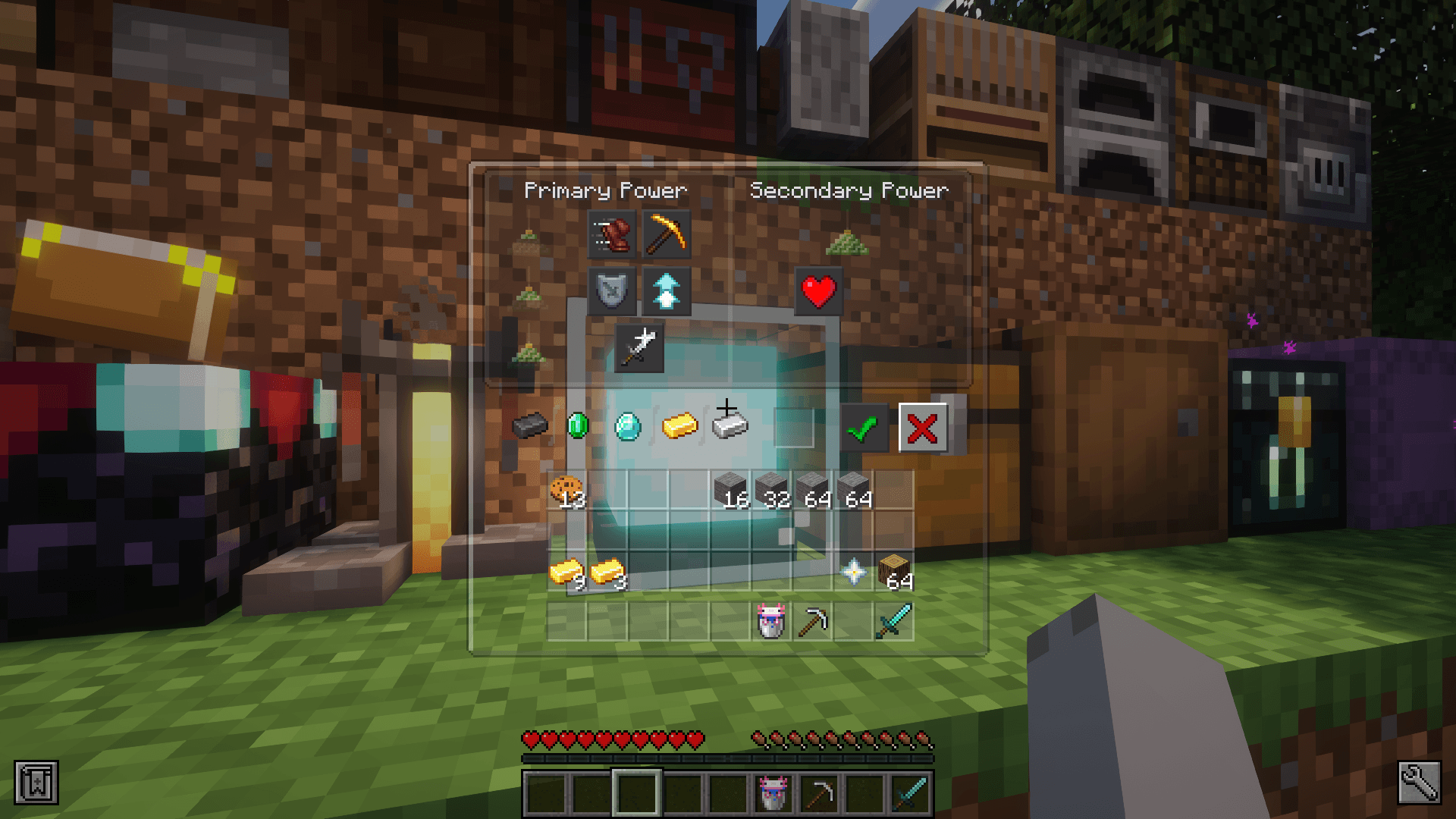
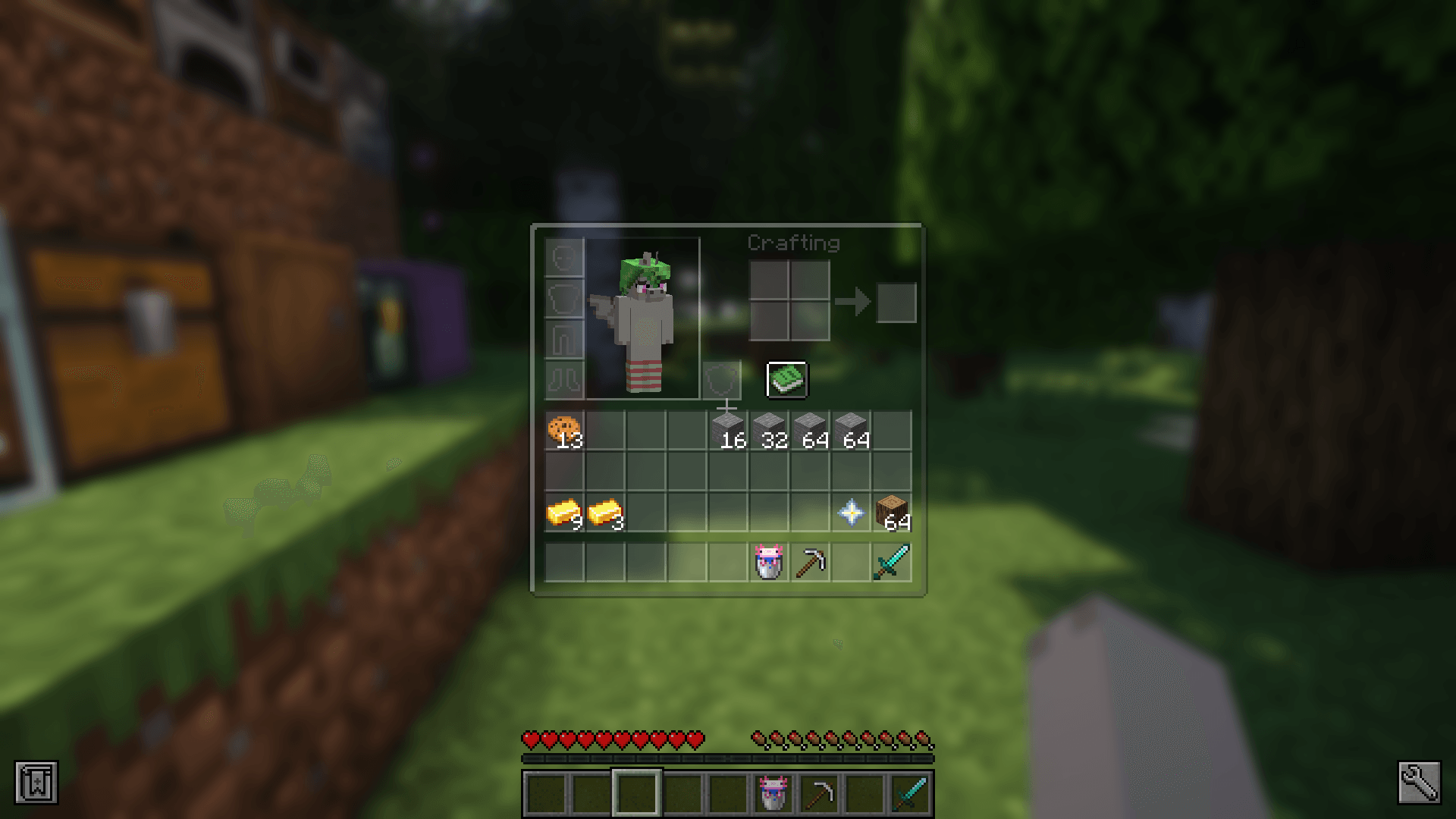
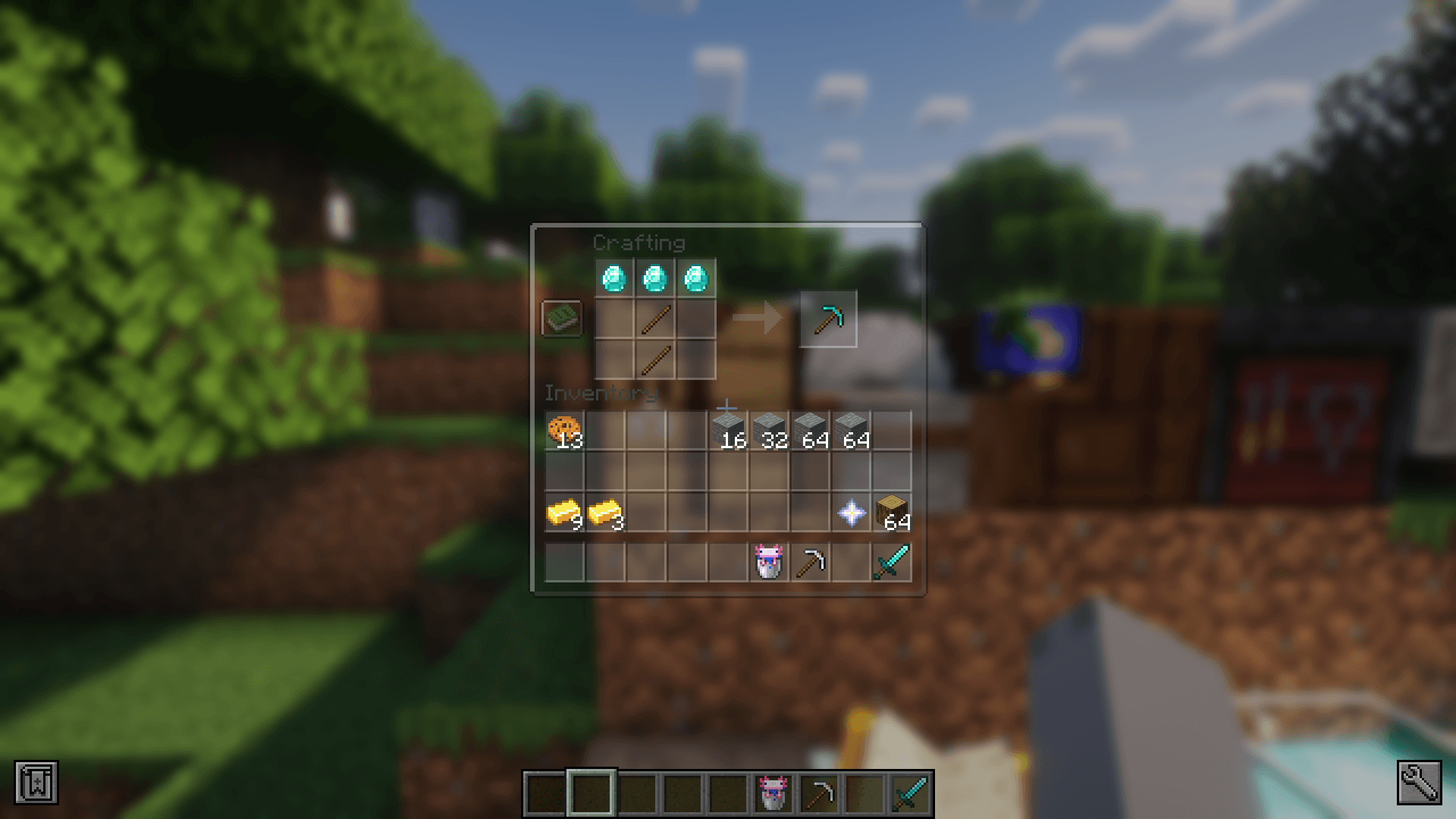
Semi-transparent UI for more modern and minimalistic look of Minecraft
by DedMaxim99
Download Claim this project
197,196 downloads
0 likes
Updated Oct 14, 2026
0 hypes
16x Miscellaneous Mod Support Modern Traditional
Advertisement Remove ads with Premium →

This pack makes UI elements of the game semi-transparent, changing the look of the game to be modern and minimalistic.

With this pack I recommend to install JEI and Blur Fabric / Blur Forge mods for the ultimate look.

- "JEI" allows UIs to support semi-transparent textures
- "Blur", well, blurs the background


The pack has extended support for mods. Support for mods is based on 1.20.1 versions of mods.


Full list of supported mods:

- Aether
- Amendments
- Apotheosis
- Apotheotic Attributes
- Applied Energistics 2
- Aquaculture 2
- Architectury
- Ars Nouveau
- Artifacts
- Athena
- Blue Skies
- Blur
- Bookshelf
- Building Gadgets 2
- Caelus
- ComputerCraft Tweaked
- MrCrayfish's Furniture Mod
- Charm of Undying
- Corpse
- Cosmetic Armor Reworked
- Crafting Tweaks
- Curios
- Dark Utilities
- Ears
- Elytra Slot
- Farmer's Delight
- Framework
- Goblin Traders
- Gurard Villagers
- Handcrafted
- Industrial Foregoing
- Iron Chests
- Iron Furnaces
- JEI
- Just Enough Professions
- Just Enough Resources
- Lootr
- Macaw's Furniture
- Mekanism
- Mekanism Generators
- Mob Grinding Utils
- Moonlight
- Mystical Agriculture
- Nether's Delight
- Ocean's Delight
- Oculus
- Optifine
- Patchouli
- Placebo
- Polymorph
- Quark
- Refined Storage
- Refined Storage Addons
- Runelic
- Sophisticated Backpacks
- Sophisticated Core
- Sophisticated Storage
- Structure Gel
- Supplementaries
- Thermal Dynamics
- Thermal Expansion
- Thermal Foundation
- Thermal Innovation
- Titanium
- Trashcans
- Trash Slot
- The Twilight Forest
- Voicechat
- Waystones


Anybody is free to use this pack anywhere. Just do not rename the pack, please.


Contact me (DedMaxim99):


My YouTube channel

My Twitch channel

My VK page

My Telegram

Transparent UI v1 mc1.14
MC 1.7.6, 1.9.1, 1.5.3, 1.13.1, 1.9.3, 1.8.7, 1.7.4, 1.7.7, 1.7.5, 1.4.6, 1.6.1, 1.0, 1.10-Snapshot, 1.9.4, 1.9.2, 1.8.4, 1.7.9, 1.14.4, 1.14.1, 1.12.1, 1.12, 1.14.3, 1.13
Release 2024-07-15 Get
Transparent UI v1 mc1.15 - 1.16
MC 1.16-Snapshot, 1.15-Snapshot, 1.16.1, 1.15, 1.16, 1.15.2, 1.15.1
Release 2024-07-15 Get
Transparent UI v1 mc1.16.5
MC 1.16.3, 1.16.5, 1.16.4, 1.16.2
Release 2024-07-15 Get
Transparent UI v1 mc1.17
MC 1.17.1, 1.17, 1.17-Snapshot
Release 2024-07-15 Get
Transparent UI v1 mc1.18
MC 1.18.1, 1.18.2, 1.18, 1.18-Snapshot
Release 2024-07-15 Get
Transparent UI v1 mc1.19.2
MC 1.19-Snapshot, 1.19.2, 1.19.1, 1.19
Release 2024-07-15 Get
Transparent UI v1 mc1.19.3
MC 1.19.3, 1.19.3-Snapshot
Release 2024-07-15 Get
Transparent UI v1 mc1.19.4
MC 1.19.4-Snapshot, 1.19.4
Release 2024-07-15 Get
Transparent UI v1 mc1.20.1
MC 1.20.1, 1.20, 1.20-Snapshot
Release 2024-07-15 Get
Transparent UI v1 mc1.20.2
MC 1.20.2, 1.20.2-Snapshot
Release 2024-07-15 Get
Transparent UI v1 mc1.20.4
MC 1.20.3-Snapshot, 1.20.3, 1.20.4
Release 2024-07-15 Get
Transparent UI v1 mc1.20.6
MC 1.20.5, 1.20.5-Snapshot, 1.20.6
Release 2024-07-15 Get
Transparent UI v1 mc1.21
MC 1.21, 1.21.1-Snapshot, 1.21-Snapshot, 1.21.1
Release 2024-07-15 Get

Requirements & install

How to use this resource pack in Minecraft
Resolution
16x
Minecraft
1.20.4 – 1.21.1
Install folder
.minecraft/resourcepacks

How to install resource packs

  1. Download the resource pack .zip file (do not extract it).
  2. In Minecraft open Options → Resource Packs → Open Pack Folder.
  3. Drop the .zip into the resourcepacks folder (.minecraft/resourcepacks).
  4. Move the pack to the Selected column and click Done.
Browse more: 16x resource packs 32x resource packs 64x resource packs 128x resource packs 256x resource packs 512x+ resource packs Resource Packs for 1.21.1 All resource packs

More from DedMaxim99

Advertisement Remove ads with Premium →

You Might Also Like