Mineuniverse
Resource Packs
Transparent HUD | UI | GUI - Insanux

Transparent HUD | UI | GUI - Insanux

RESOURCE PACK
Transparent / Clear GUI / HUD With Bordered Outline 1.8 - 1.15
by InsaneCallum
Download Claim this project
Add a badge to your pageLink to Transparent HUD | UI | GUI - Insanux from a README, website or forum post.
Preview: Badge

Badges update automatically and link to the resource pack page on MineUniverse.

3,322 downloads
0 likes
0 followers
Updated Oct 14, 2026
0 hypes
Follow0
32x Miscellaneous Traditional
Advertisement Remove ads with Premium →

Transparent HUD
Insanux 

What is this mod?

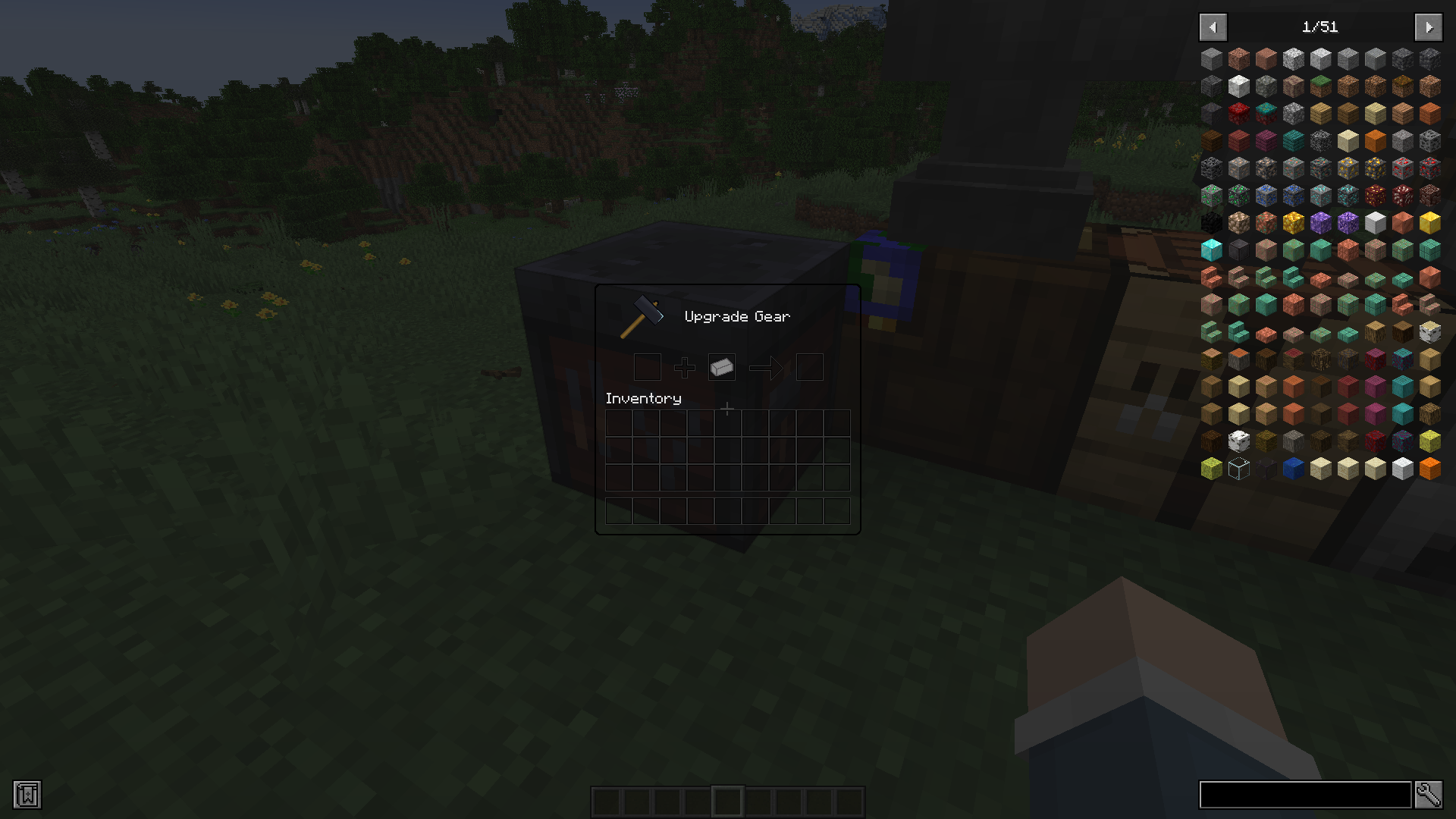
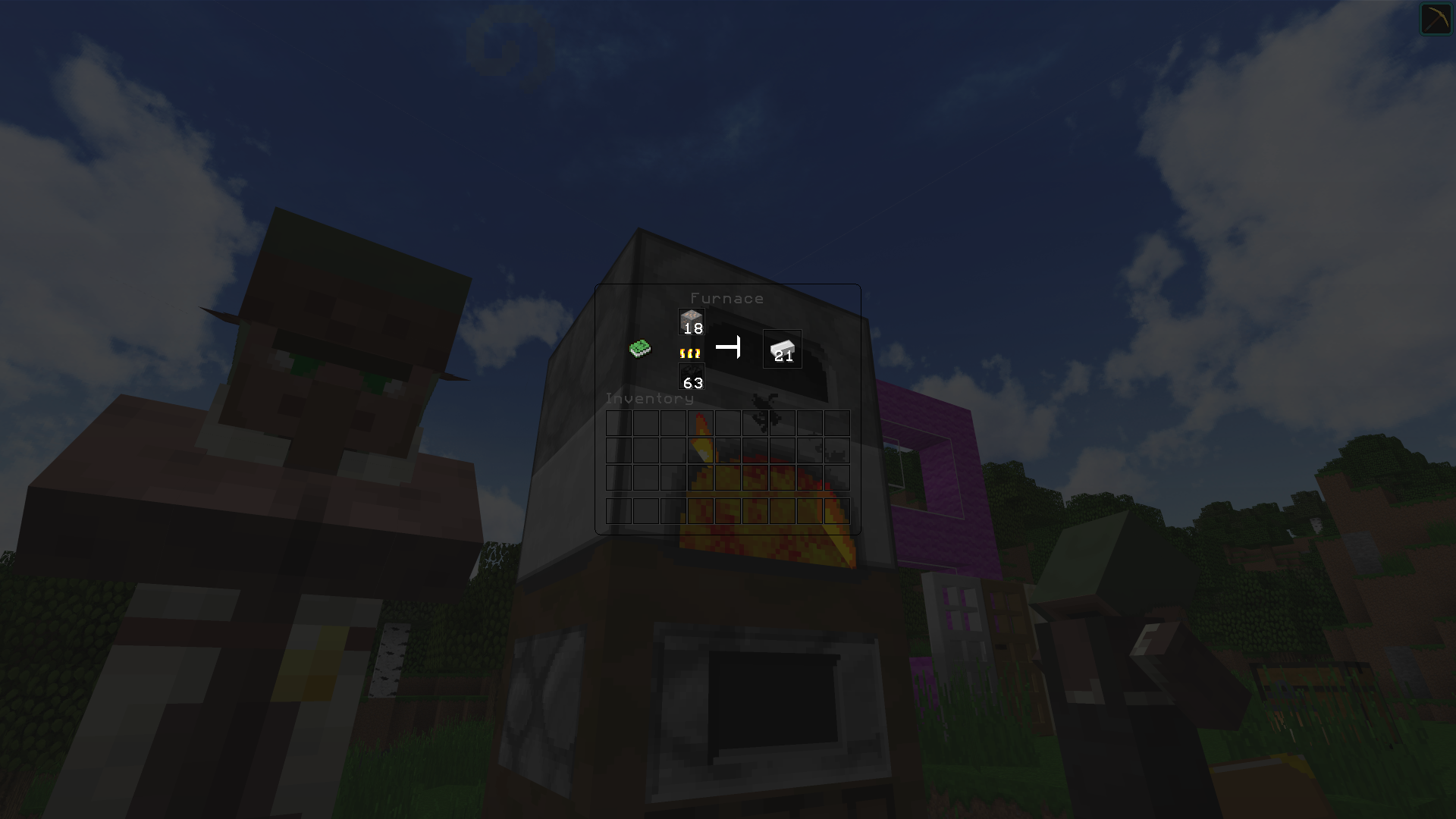
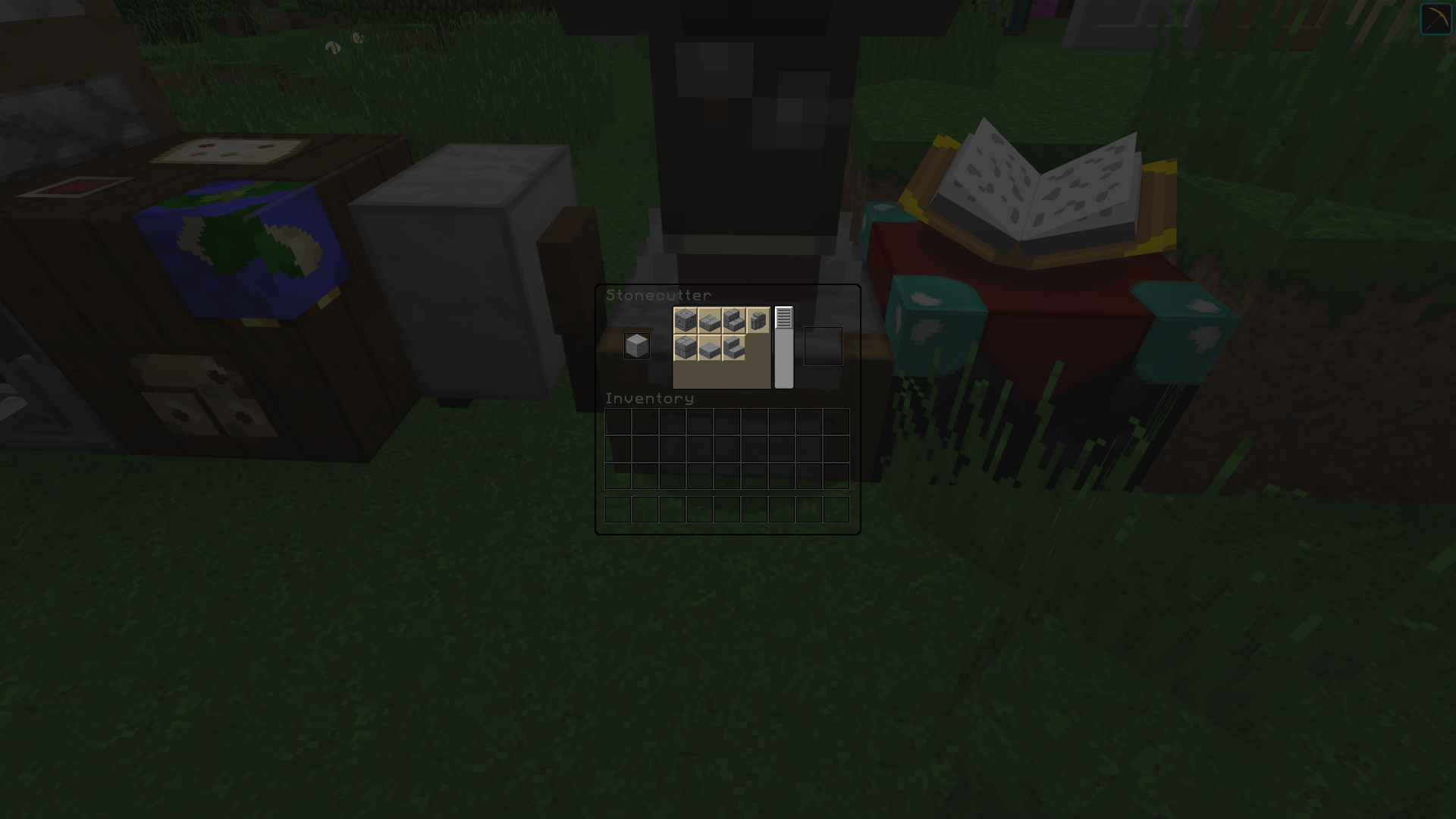
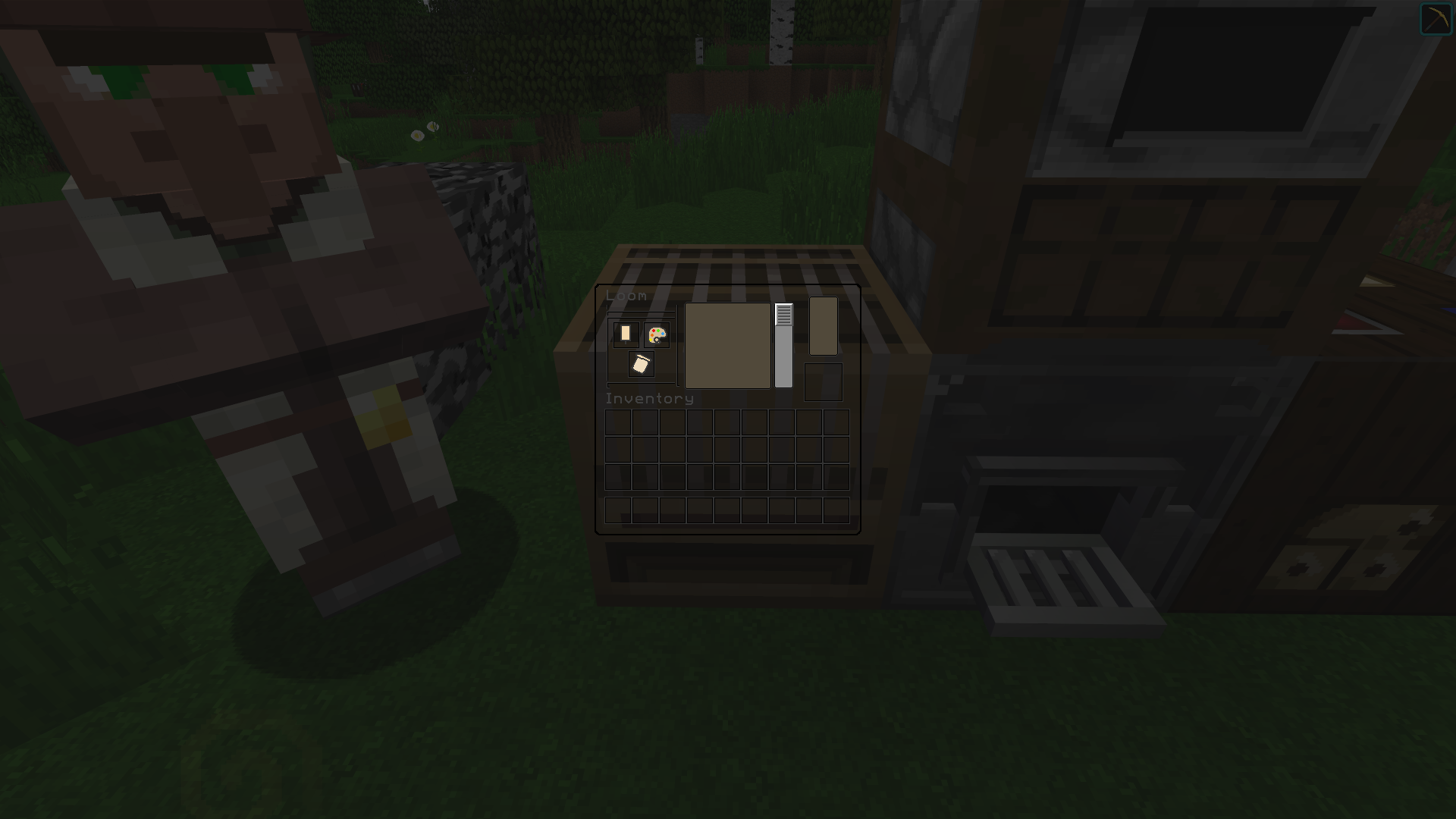
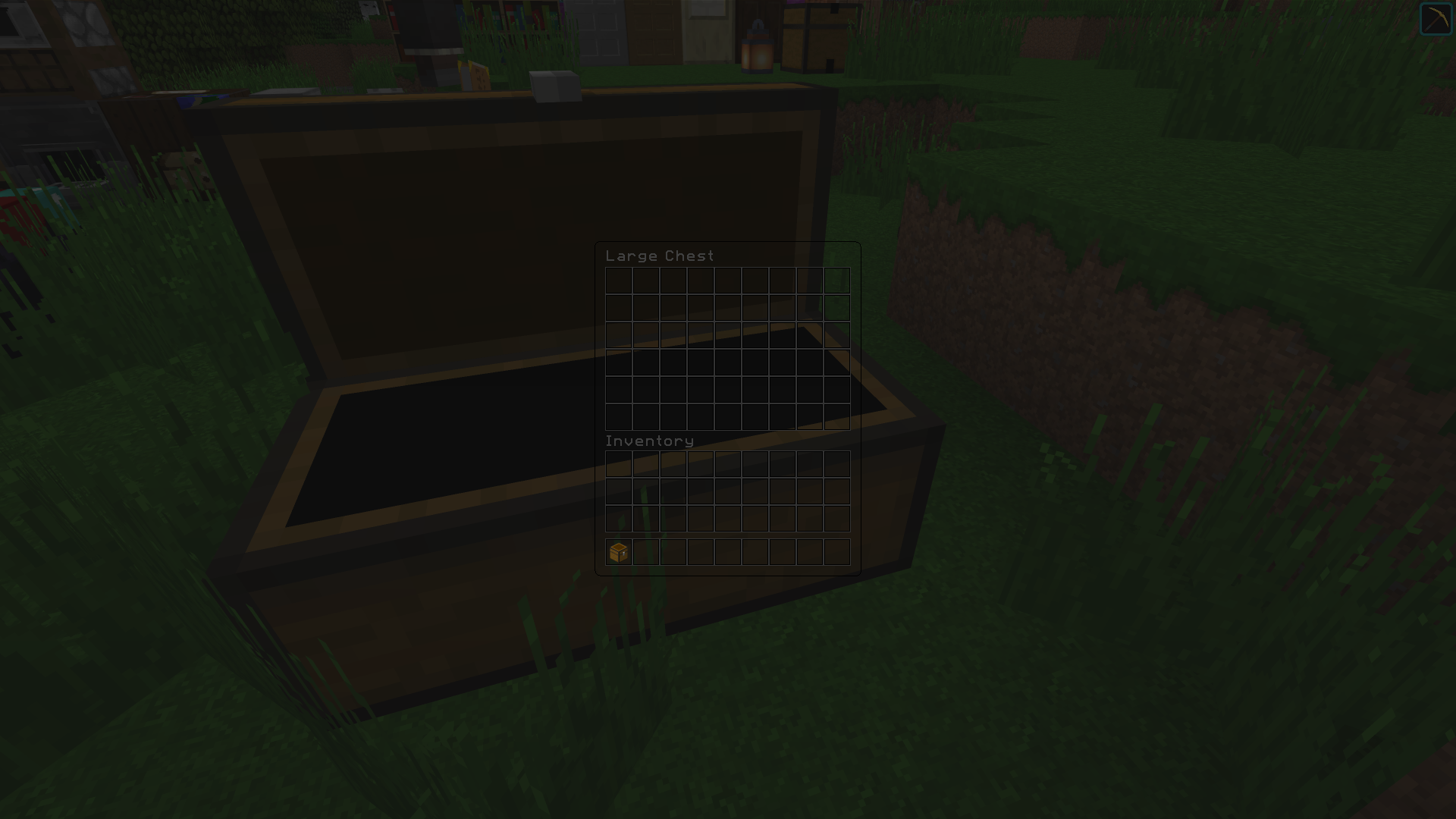
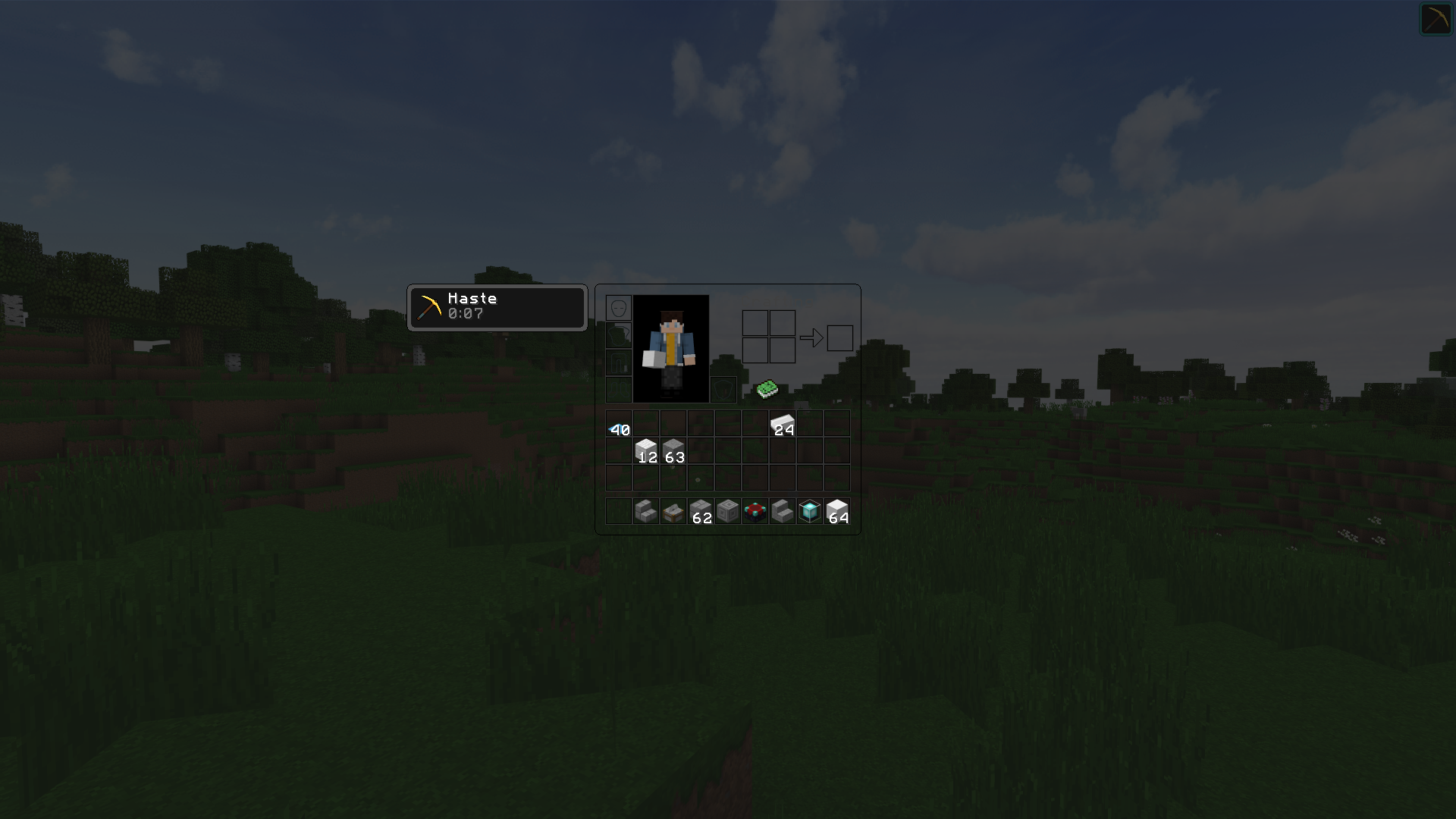
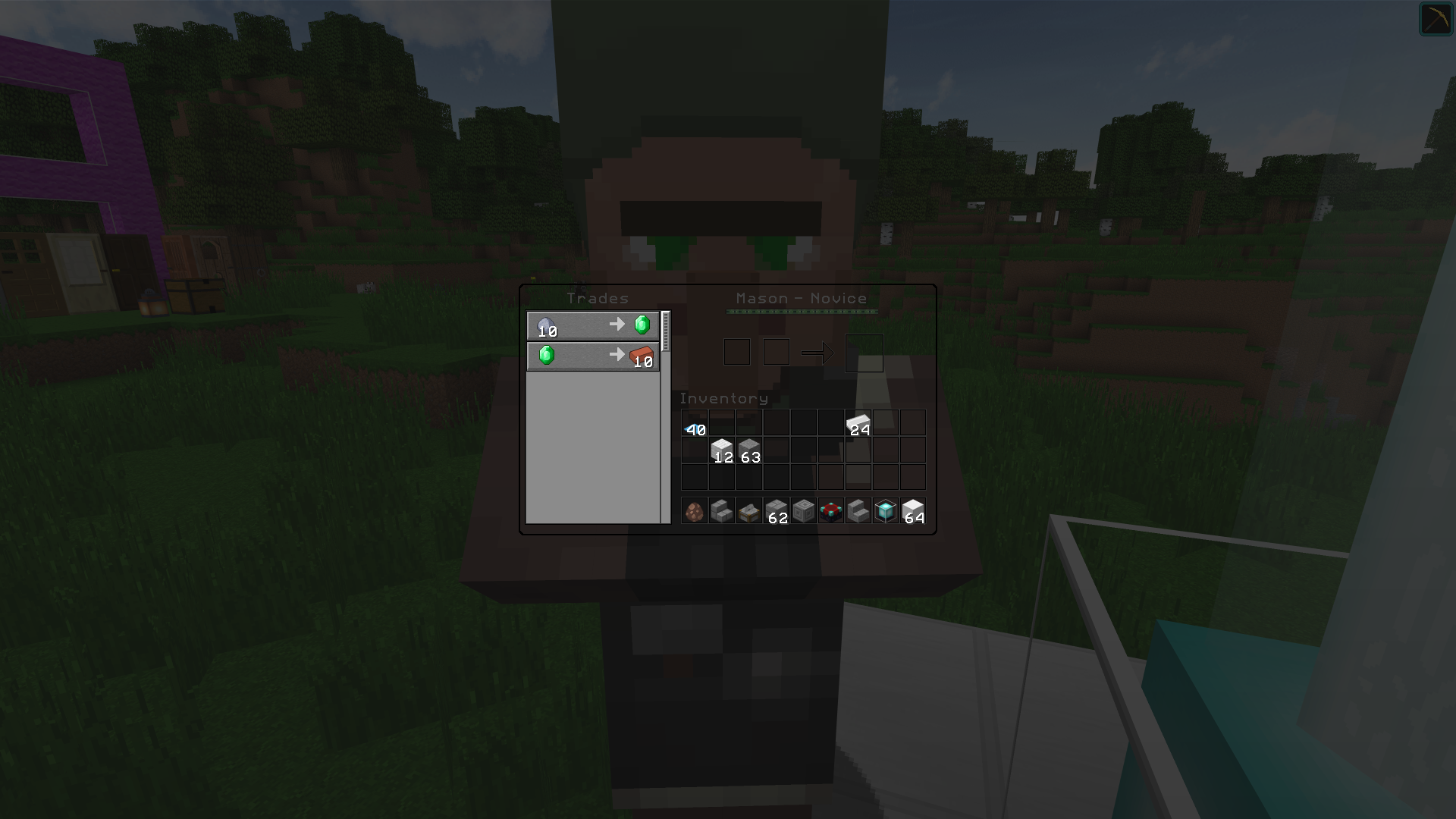
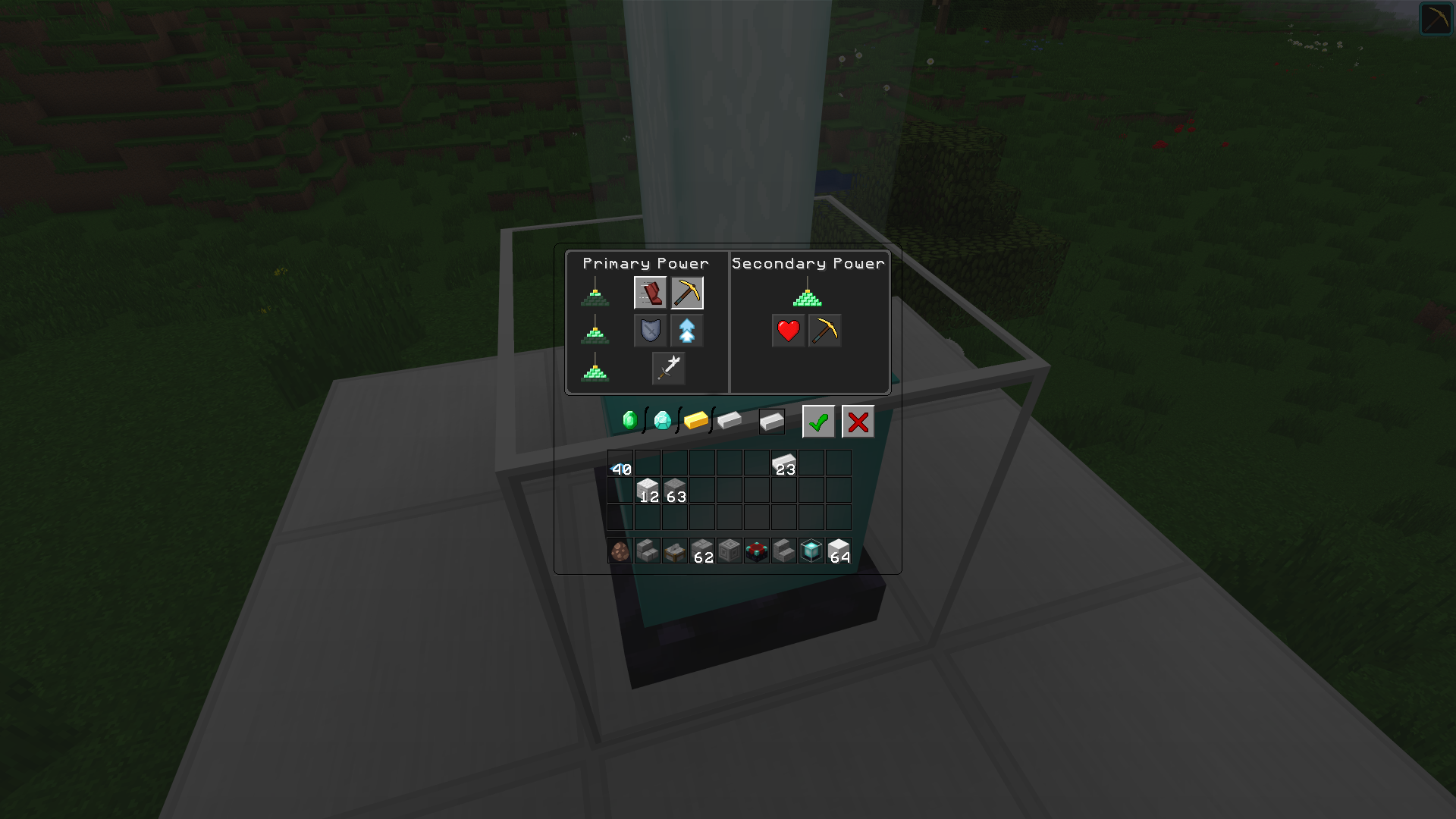
This is a texture pack that makes all of the GUI's (and HUD's) in the game clear / transparent. This means you can see the game screen behind the GUI window, without it blocking your view. The GUI's are specifically designed with a bordered outline to ensure you can still tell where the GUI is and ensure you still know where all the blocks can be placed.

 
Transparent HUD


What Textures Are Affected?

Any instance where a graphical user interface is presented has been modified to be Transparent.
Here is a list of all edited textures;

  • Anvils
  • Beacons
  • Brewing stands
  • Crafting tables
  • Dispensers
  • Droppers
  • Enchanting tables
  • Furnaces
  • Chest GUI (Single + Double)
  • Hoppers
  • Horse + Donkey Inv
  • Inventory
  • Blast furnace
  • Smoker
  • Grindstone
  • Stonecutter
  • Cartography table
  • New Villager GUI
  • Smithing Table


This Pack currently does not support;

The default Minecraft advancements GUI;

  • Tabs
  • Widgets
  • Windows
  • Backgrounds
  • Pumpkin Overlay
    • Creative inventory, item search tab, item tab and any other tabs.


Note:

  • If you want to use my pack for your own project, please ask before hand.
  • Let me know if you find any errors within the pack.
  • Using other texture packs may result in the UI not being loaded correctly, I recommend prioritizing this Pack above other Texture packs. This pack only effects GUI and Mojang Logo screen.
Transparent HUD | 1.19.x | Insanux
MC 1.19.3, 1.19-Snapshot, 1.19.2, 1.19.1, 1.19
Release 2023-02-05 Get
Transparent HUD | 1.17.X | Insanux
MC 1.17.1, 1.17, 1.17-Snapshot
Release 2021-11-24 Get
Transparent HUD | 1.16.X | Insanux
MC 1.16-Snapshot, 1.16.1, 1.16
Release 2020-07-11 Get
Clear UI - Insanux [1.8.X]
MC 1.8.7, 1.8.4, 1.8.8, 1.8-Snapshot, 1.8.3, 1.8.6, 1.8, 1.8.2, 1.8.5, 1.8.9, 1.8.1
Alpha 2020-04-18 Get
Clear GUI [1.13.X]
MC 1.13.1, 1.13, 1.13-Snapshot, 1.13.2
Release 2020-04-17 Get
Clear UI [1.14.X]
MC 1.14.4, 1.14.1, 1.14.3, 1.14, 1.14.2, 1.14-Snapshot
Release 2020-04-16 Get
Clear UI [1.15]
MC 1.15-Snapshot, 1.15, 1.15.2, 1.15.1
Release 2020-04-16 Get

Requirements & install

How to use this resource pack in Minecraft
Resolution
32x
Minecraft
1.17-Snapshot – 1.19.3
Install folder
.minecraft/resourcepacks

How to install resource packs

  1. Download the resource pack .zip file (do not extract it).
  2. In Minecraft open Options → Resource Packs → Open Pack Folder.
  3. Drop the .zip into the resourcepacks folder (.minecraft/resourcepacks).
  4. Move the pack to the Selected column and click Done.
Browse more: 16x resource packs 32x resource packs 64x resource packs 128x resource packs 256x resource packs 512x+ resource packs Resource Packs for 1.19.3 All resource packs
Advertisement Remove ads with Premium →

You Might Also Like