Mineuniverse
Resource Packs
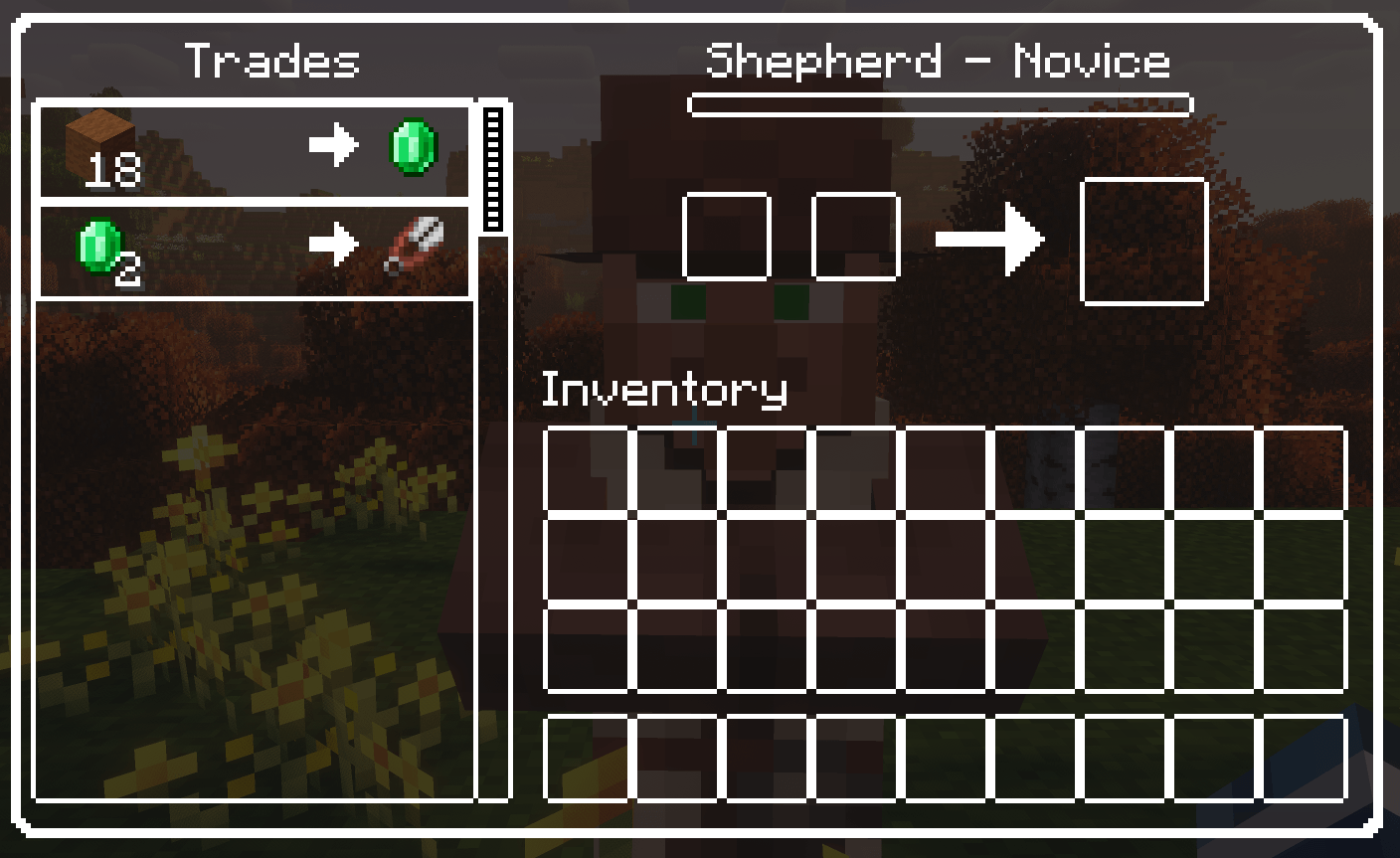
Transparent GUI and HUB (with White border)

Transparent GUI and HUB (with White border)

RESOURCE PACK
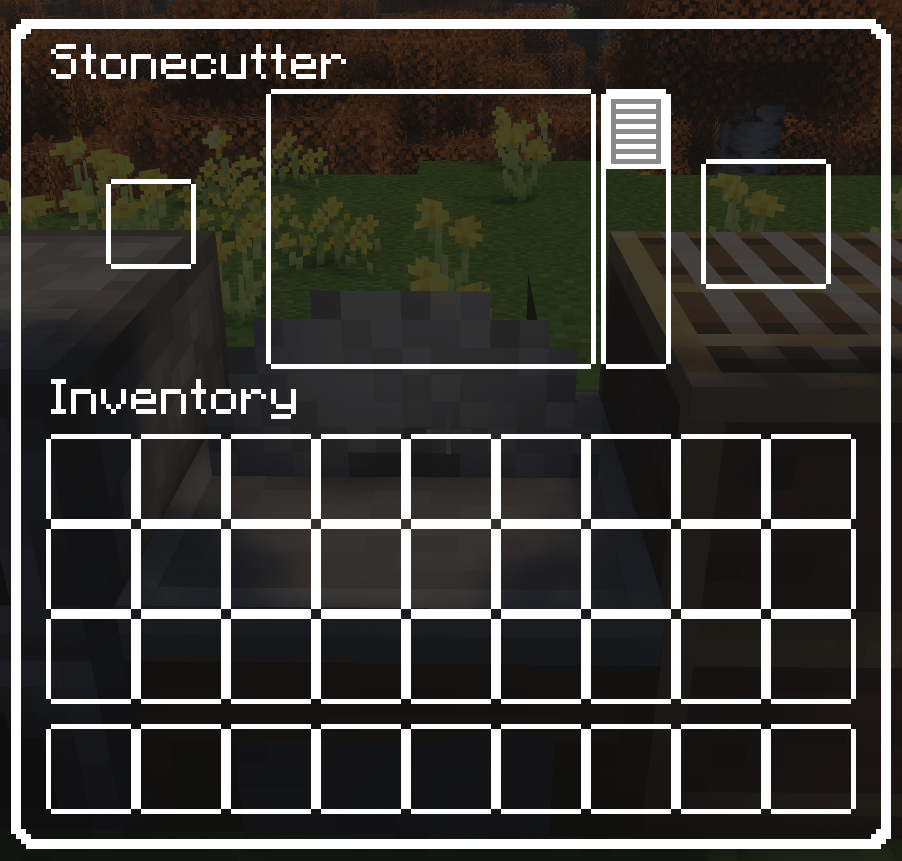
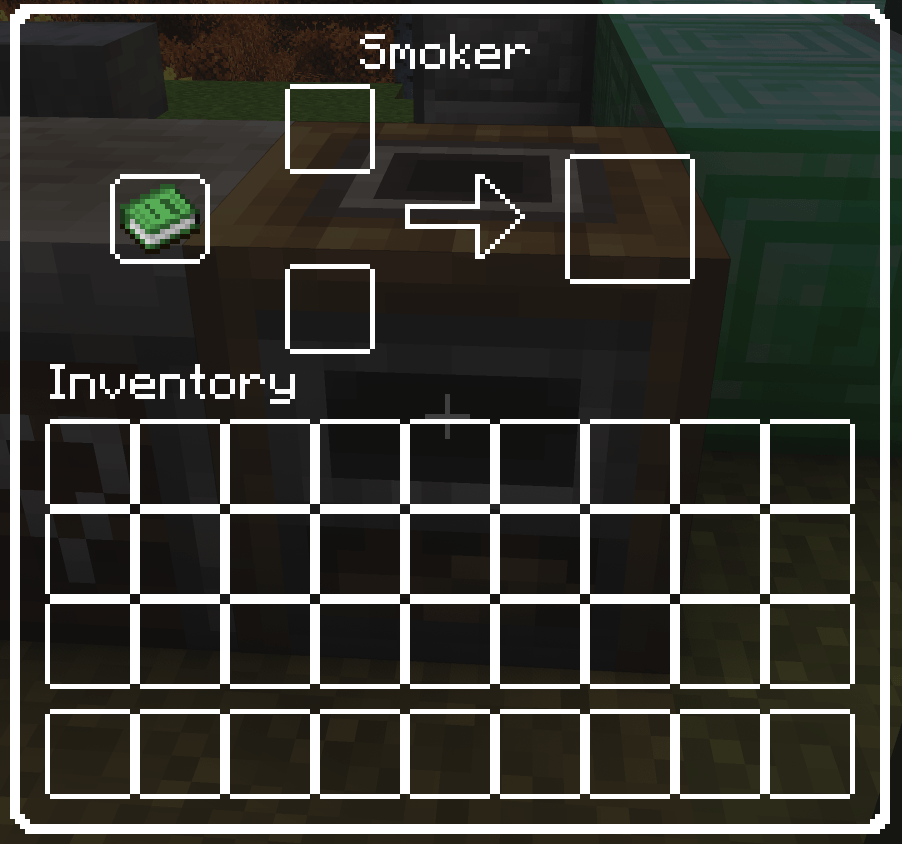
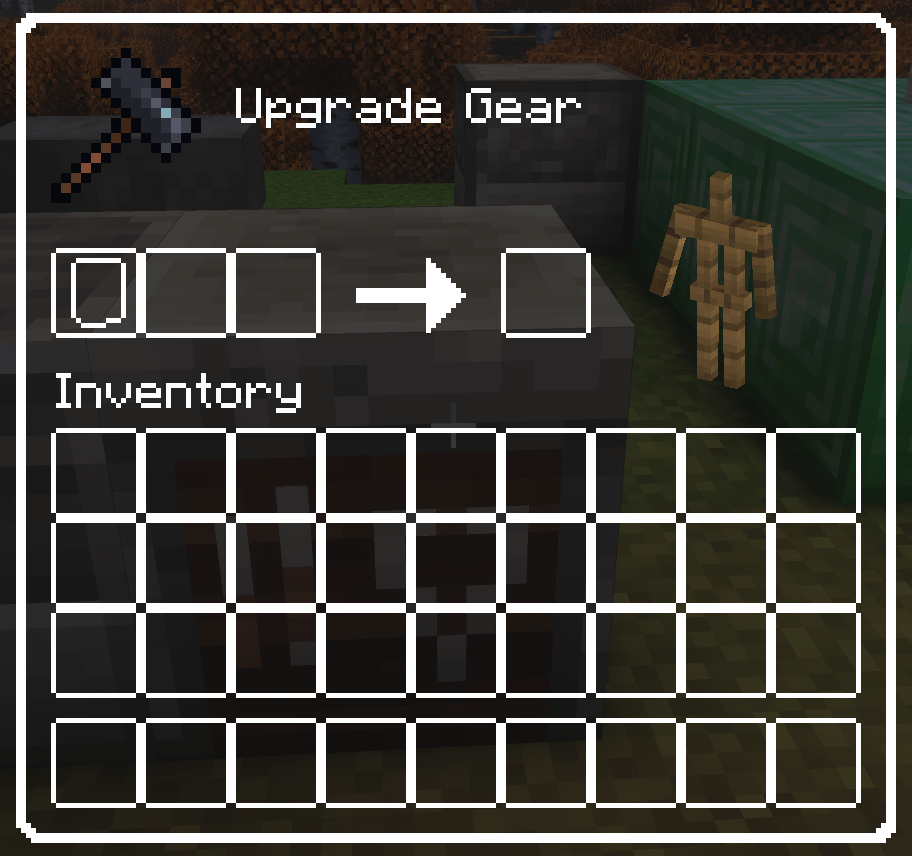
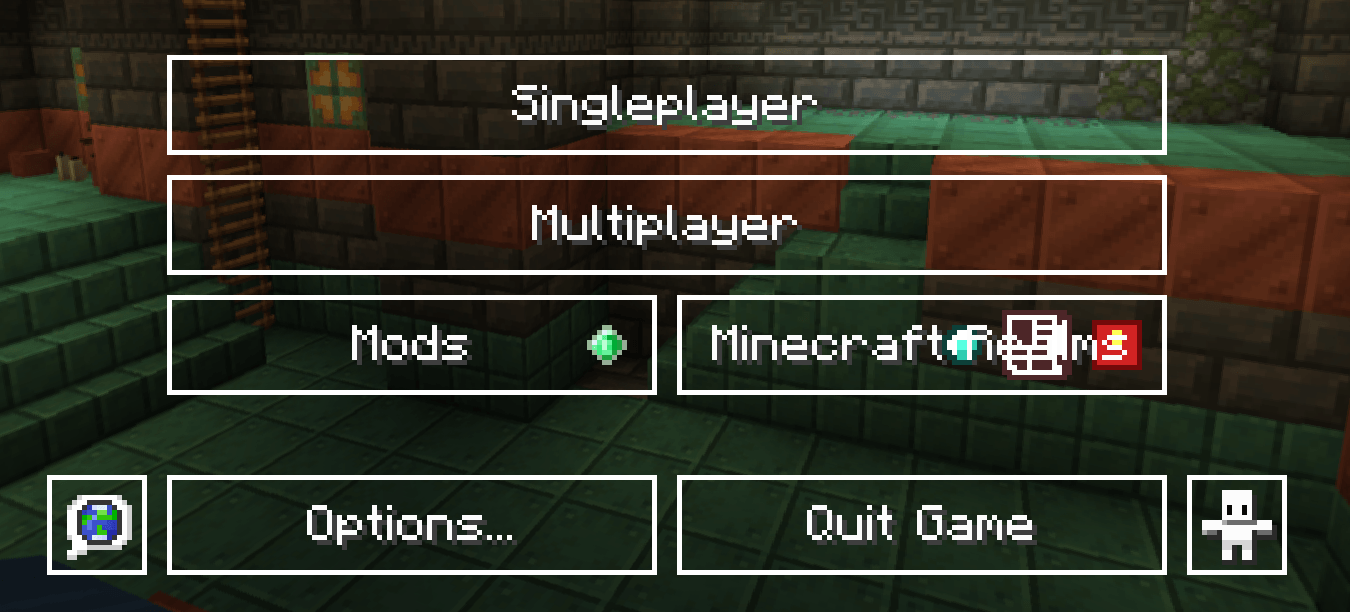
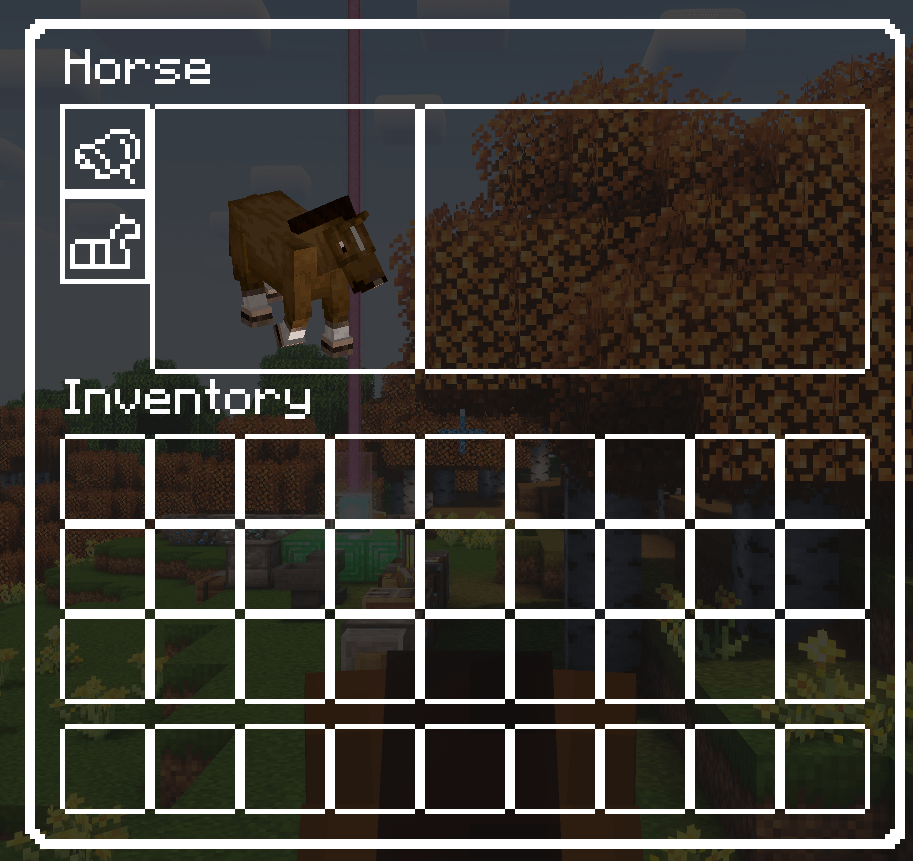
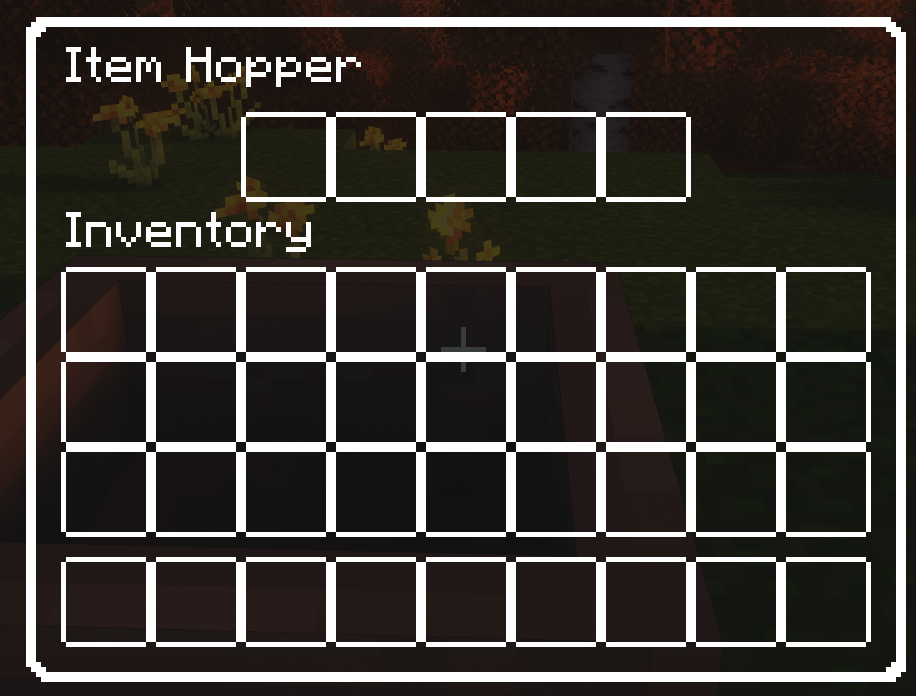
The default gui and hub are replaced with a white border and transparent background
by KhungLongBay
Download Claim this project
Add a badge to your pageLink to Transparent GUI and HUB (with White border) from a README, website or forum post.
Preview: Badge

Badges update automatically and link to the resource pack page on MineUniverse.

1,132 downloads
0 likes
0 followers
Updated Oct 14, 2026
0 hypes
Follow0
16x Traditional
Advertisement Remove ads with Premium →

NOTE

This texture pack supports minecraft VERSION 1.21x ONLY
- Versions below 1.21 will not work in some gui and hubs
(Because they have changed some texture locations and the gui itself)

- If you want this in a lower version, please let me know in the comments or join my Discord sever


DESCRIPTION

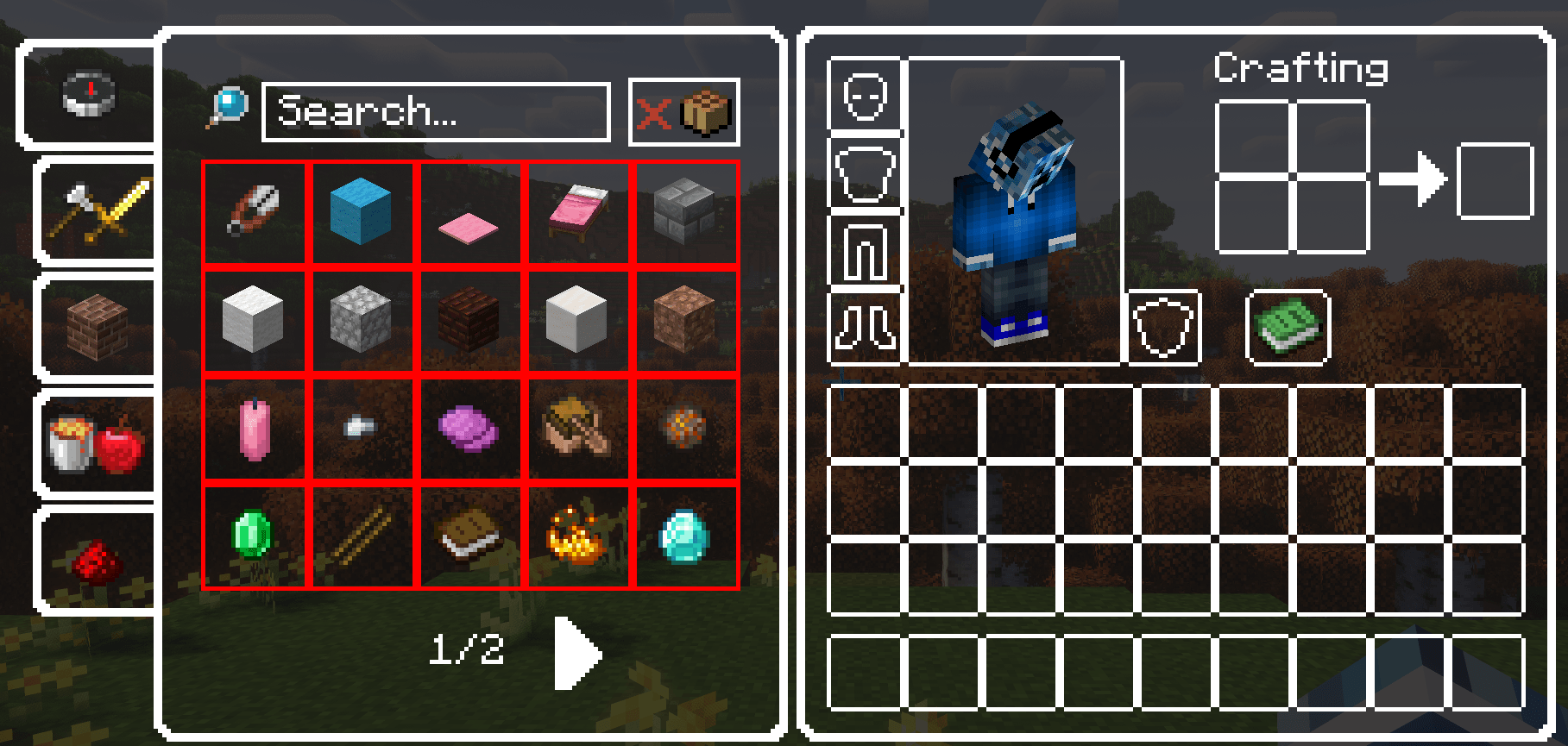
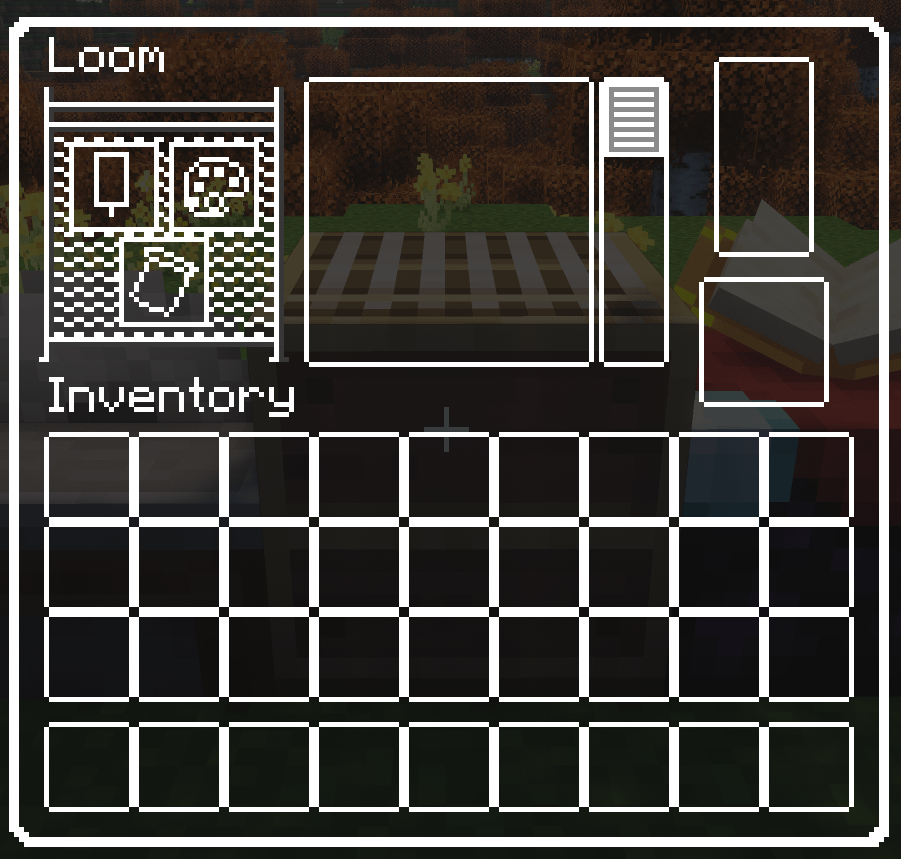
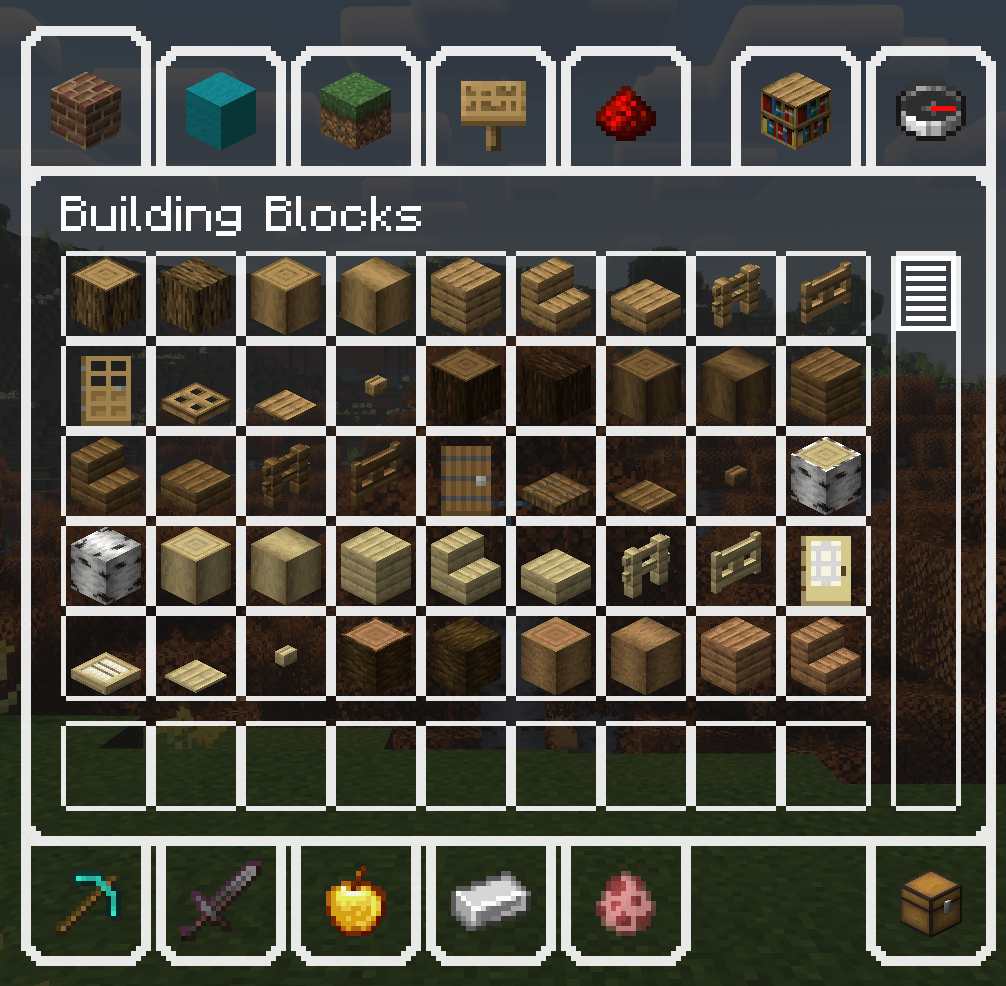
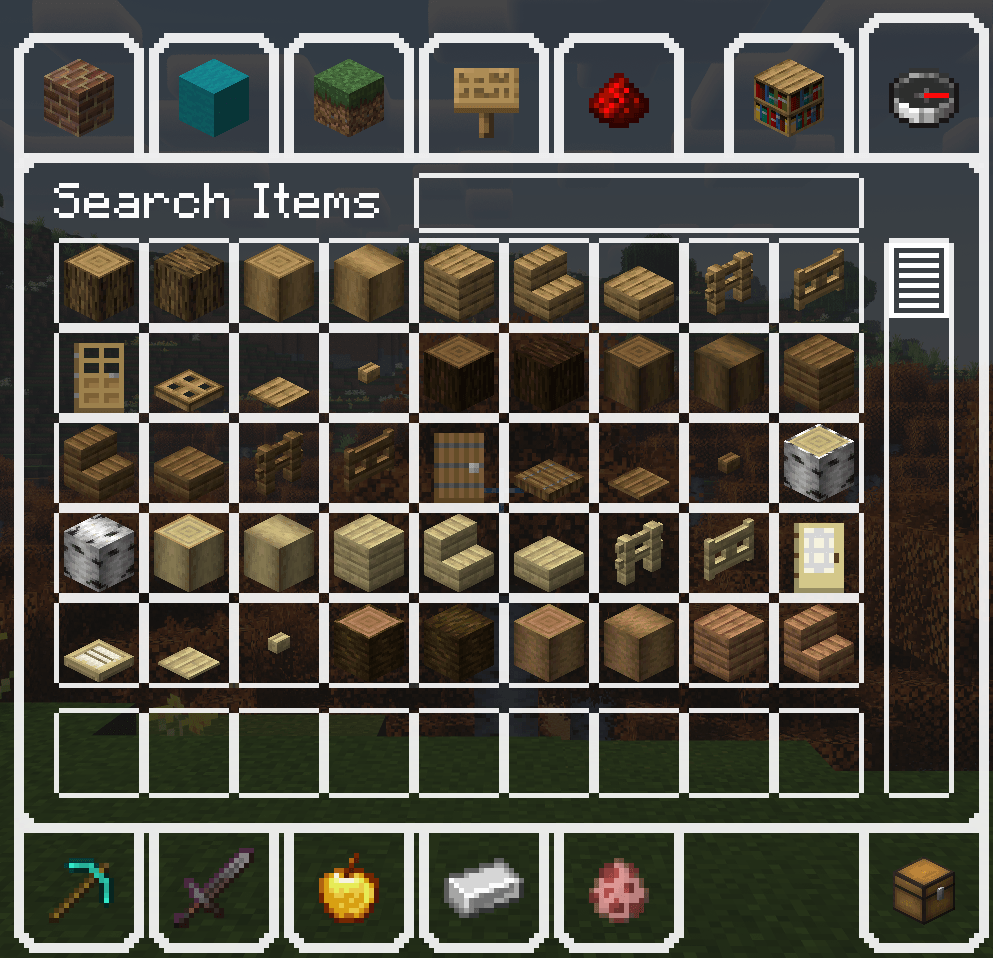
This is a texture pack that makes all the GUI (and HUD) in the game transparent so you can see ahead, and with a white outline so you can see where items should go.


 

This mod includes

v1.2:

The default Minecraft hub, container
- Change text field highlighted background color to transparent 
- Change bundle slot background to transparent
- Change bundle block slot to white
- Change page backward, forward button to default
- Change page backward, forward button highlighted to default


v1.1:

The default Minecraft containers and container elements
- Change Furnace color to white
- Change villager trades, job and level name color to white


v1.0:

The default Minecraft element name color
- Change name color to White 


The default Minecraft advancements GUI and GUI elements
- Tabs
- Widgets


The default Minecraft containers and container elements
- Creative inventory, item search tab, item tab, and the tabs themselves
- Anvils
- Beacons
- Blast furnace
- Brewing stands
- Cartography table
- Crafter
- Crafting tables
- Enchanting table
- Furnaces
- Grindstone
- Horse
- Inventory
- Loom
- Smithing table
- Smoker
- Stonecutter
- Villager interaction GUI's
- Hoppers
- Dispensers
- Droppers
- Barrel
- Chest
- Recipe backgrounds


The default Minecraft gamemode switcher, hub, popup, recipe book, social interactions
- Widgets

 
v1.2
MC 1.21, 1.21.8, 1.21.5, 1.21.4, 1.21.1, 1.21.6, 1.21.3, 1.21.7, 1.21.2, 1.21.9, 1.21.10
Release 2024-11-25 Get
v1.1
MC 1.21, 1.21.3, 1.21.1, 1.21.2
Release 2024-11-05 Get

Requirements & install

How to use this resource pack in Minecraft
Resolution
16x
Minecraft
1.21.3 – 1.21.10
Install folder
.minecraft/resourcepacks

How to install resource packs

  1. Download the resource pack .zip file (do not extract it).
  2. In Minecraft open Options → Resource Packs → Open Pack Folder.
  3. Drop the .zip into the resourcepacks folder (.minecraft/resourcepacks).
  4. Move the pack to the Selected column and click Done.
Browse more: 16x resource packs 32x resource packs 64x resource packs 128x resource packs 256x resource packs 512x+ resource packs Resource Packs for 1.21.10 All resource packs
Advertisement Remove ads with Premium →

You Might Also Like