Mineuniverse
Resource Packs
Trainer Prestige

Trainer Prestige

RESOURCE PACK
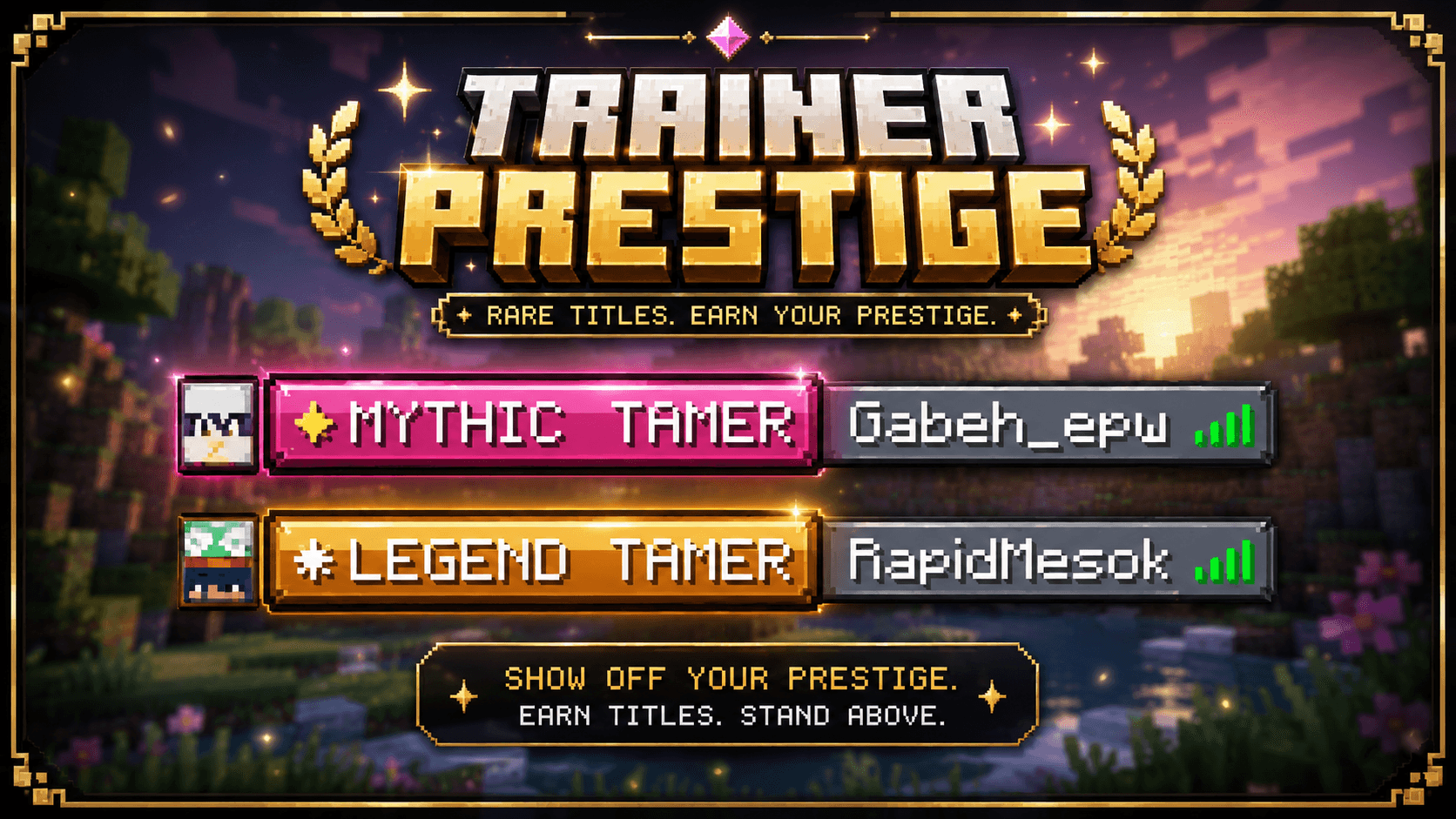
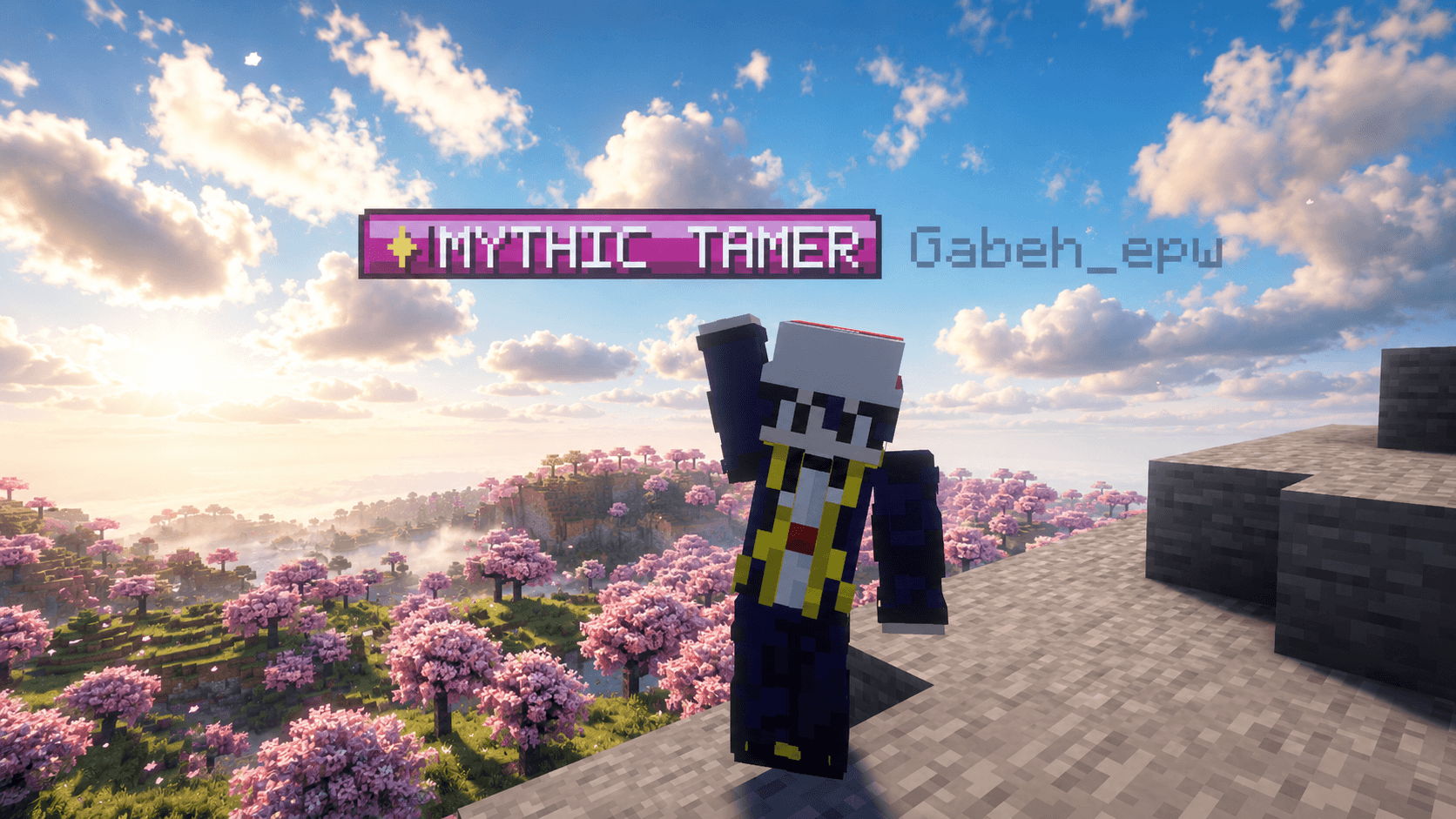
Optional pixel-art title texture pack for Cobblemon Trainer Prestige. Adds compact textured badges for titles in chat, TAB, and nameplates, while keeping the main mod fully usable without the pack.
by GabehEPW
Download Claim this project
3,705 downloads
0 likes
Updated Oct 14, 2026
0 hypes
16x Font Packs
Advertisement Remove ads with Premium →

Banner

Cobblemon Trainer Prestige Optional Title Textures

An optional resource pack that adds custom pixel-art title badges for Cobblemon Trainer Prestige.


What It Does

This resource pack changes how Trainer Prestige titles are displayed visually.

Instead of showing only plain text titles, players can see compact textured badges in:

  • Chat
  • TAB/player list
  • Nameplates above player names

The main mod still works normally without this pack.


Included Title Textures

The pack includes custom badge textures for all title groups:

  • Progression titles
  • Capture titles
  • Shiny hunting titles
  • Battle titles
  • PvP titles
  • Breeding and egg hatching titles
  • Exploration titles
  • Type mastery titles
  • Legendary titles
  • Mythical titles
  • Ultra Beast titles
  • Event titles
  • Secret titles

Special Pokemon Badges

Special ownership titles also receive custom badge textures.

Examples:

  • Hoopa
  • Mew
  • Rayquaza
  • Nihilego
  • Other legendary, mythical, and Ultra Beast Pokemon

These badges highlight the Pokemon name directly inside the title texture.


Display Modes

Servers can choose how titles should appear:

Mode Description
TEXT Uses normal text titles
TEXTURE Uses custom textured badges
BOTH Shows the texture badge and text title together

Command:

/prestige display <TEXT|TEXTURE|BOTH>

Trainer Prestige Resource.zip
MC 1.21.1
Release 2026-06-29 Get

Requirements & install

How to use this resource pack in Minecraft
Resolution
16x
Minecraft
1.21.1
Install folder
.minecraft/resourcepacks

How to install resource packs

  1. Download the resource pack .zip file (do not extract it).
  2. In Minecraft open Options → Resource Packs → Open Pack Folder.
  3. Drop the .zip into the resourcepacks folder (.minecraft/resourcepacks).
  4. Move the pack to the Selected column and click Done.
Browse more: 16x resource packs 32x resource packs 64x resource packs 128x resource packs 256x resource packs 512x+ resource packs Resource Packs for 1.21.1 All resource packs

More from GabehEPW

Advertisement Remove ads with Premium →

You Might Also Like