Mineuniverse
Resource Packs
Tradução PT BR Nastia's Miracle Stones

Tradução PT BR Nastia's Miracle Stones

RESOURCE PACK
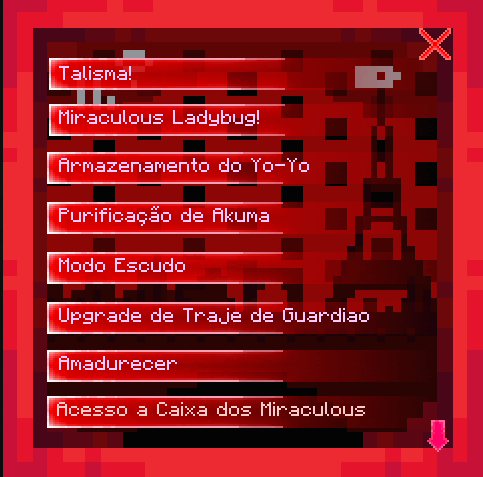
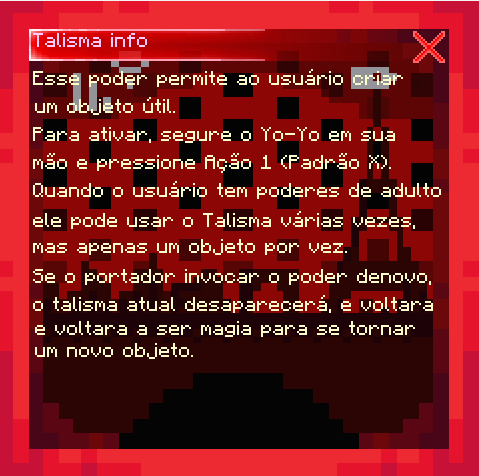
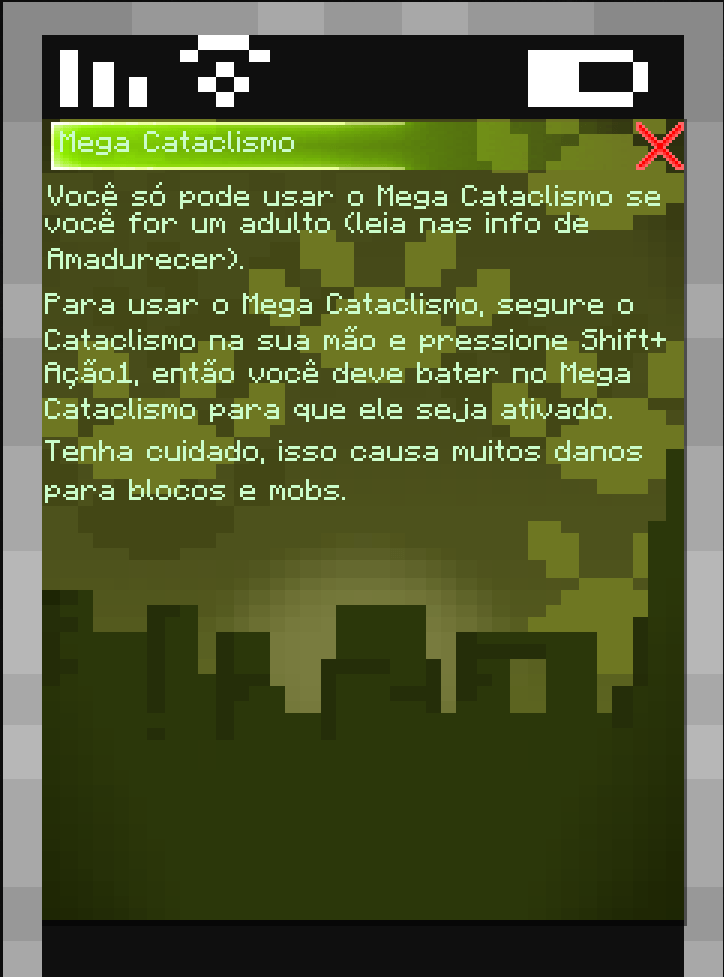
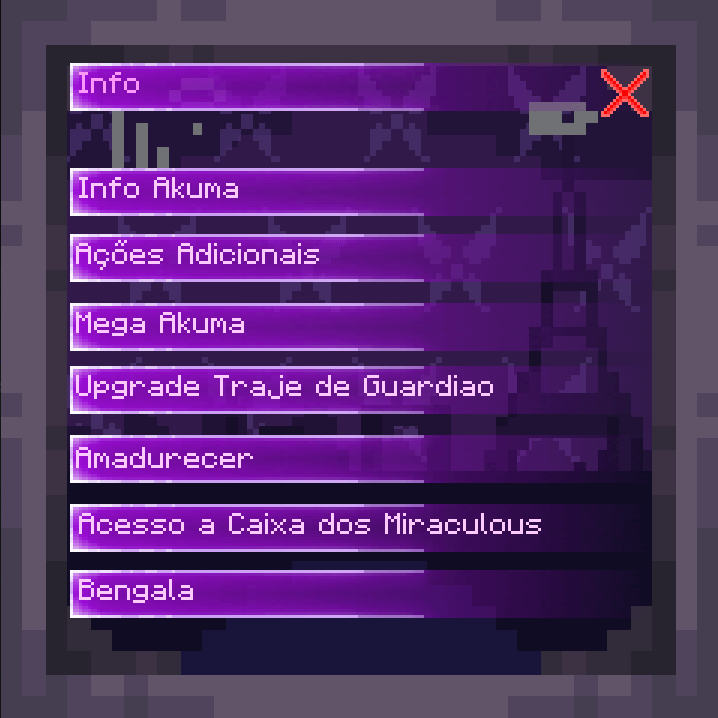
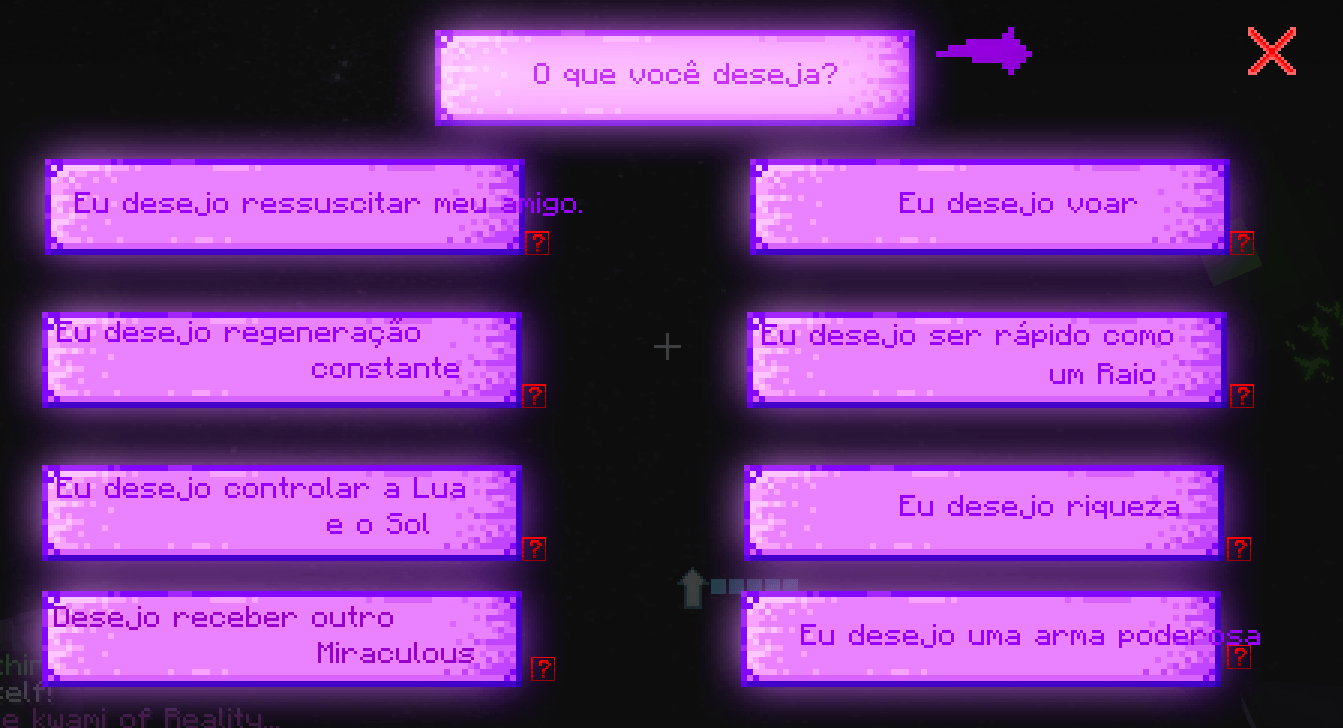
Essa é uma tradução do mod Nastia's Miracle Stones para Português Brasil. Foi traduzido apenas o possível!
by MistyTreze
Download Claim this project
Add a badge to your pageLink to Tradução PT BR Nastia's Miracle Stones from a README, website or forum post.
Preview: Badge

Badges update automatically and link to the resource pack page on MineUniverse.

1,718 downloads
0 likes
0 followers
Updated Oct 14, 2026
0 hypes
Follow0
Font Packs Mod Support
Advertisement Remove ads with Premium →

PORTUGUÊS BRASIL:

Bom dia, eu fiz a tradução do mod Miracle Stones, todos os itens, interfaces, poderes foram traduzidos. Tem algumas coisas que infelizmente em uma resource pack não dá para traduzir, mas oque deu pra traduzir está aqui! Essa textura precisa do mod original, pois afinal é uma tradução direta dele.

Possui Compatibilidade com:

Qualquer erro por favor me informem.

Mod Original: Nastia Miracle Stones


ENGLISH:

Good morning, I translated the Miracle Stones mod, all items, interfaces, and powers have been translated. There are some things that unfortunately can't be translated in a resource pack, but what I could translate is here! This texture pack requires the original mod, as it's a direct translation of it.

It is compatible with:

Please let me know of any errors.

Original Mod: Nastia Miracle Stones

Tradução Cobra + Pavão
MC 1.20.1
Release 2026-09-25 Get
Tradução Terceira Beta Pavão
MC 1.20.1
Release 2025-12-15 Get
Tradução Segunda Beta Pavão + Addons
MC 1.20.1
Release 2025-11-30 Get
Tradução Primeira Beta Pavão
MC 1.20.1
Release 2025-11-09 Get
Traducao PT BR Nastia Miracle Stones
MC 1.20.1
Release 2025-11-05 Get

Requirements & install

How to use this resource pack in Minecraft
Resolution
Not specified
Minecraft
1.20.1
Install folder
.minecraft/resourcepacks

How to install resource packs

  1. Download the resource pack .zip file (do not extract it).
  2. In Minecraft open Options → Resource Packs → Open Pack Folder.
  3. Drop the .zip into the resourcepacks folder (.minecraft/resourcepacks).
  4. Move the pack to the Selected column and click Done.
Browse more: 16x resource packs 32x resource packs 64x resource packs 128x resource packs 256x resource packs 512x+ resource packs Resource Packs for 1.20.1 All resource packs

More from MistyTreze

Advertisement Remove ads with Premium →

You Might Also Like