Mineuniverse
Resource Packs
Traditional Chinese 24w14potato  繁體中文資源包

Traditional Chinese 24w14potato 繁體中文資源包

RESOURCE PACK
Translate 24w14potato's new content into Traditional Chinese
by vipvincent
Download Claim this project
Add a badge to your pageLink to Traditional Chinese 24w14potato 繁體中文資源包 from a README, website or forum post.
Preview: Badge

Badges update automatically and link to the resource pack page on MineUniverse.

496 downloads
0 likes
0 followers
Updated Oct 14, 2026
0 hypes
Follow0
Font Packs
Advertisement Remove ads with Premium →

Modrinth | CurseForge | Planet Minecraft | Discord | YouTube

Traditional Chinese 24w14potato
繁體中文資源包


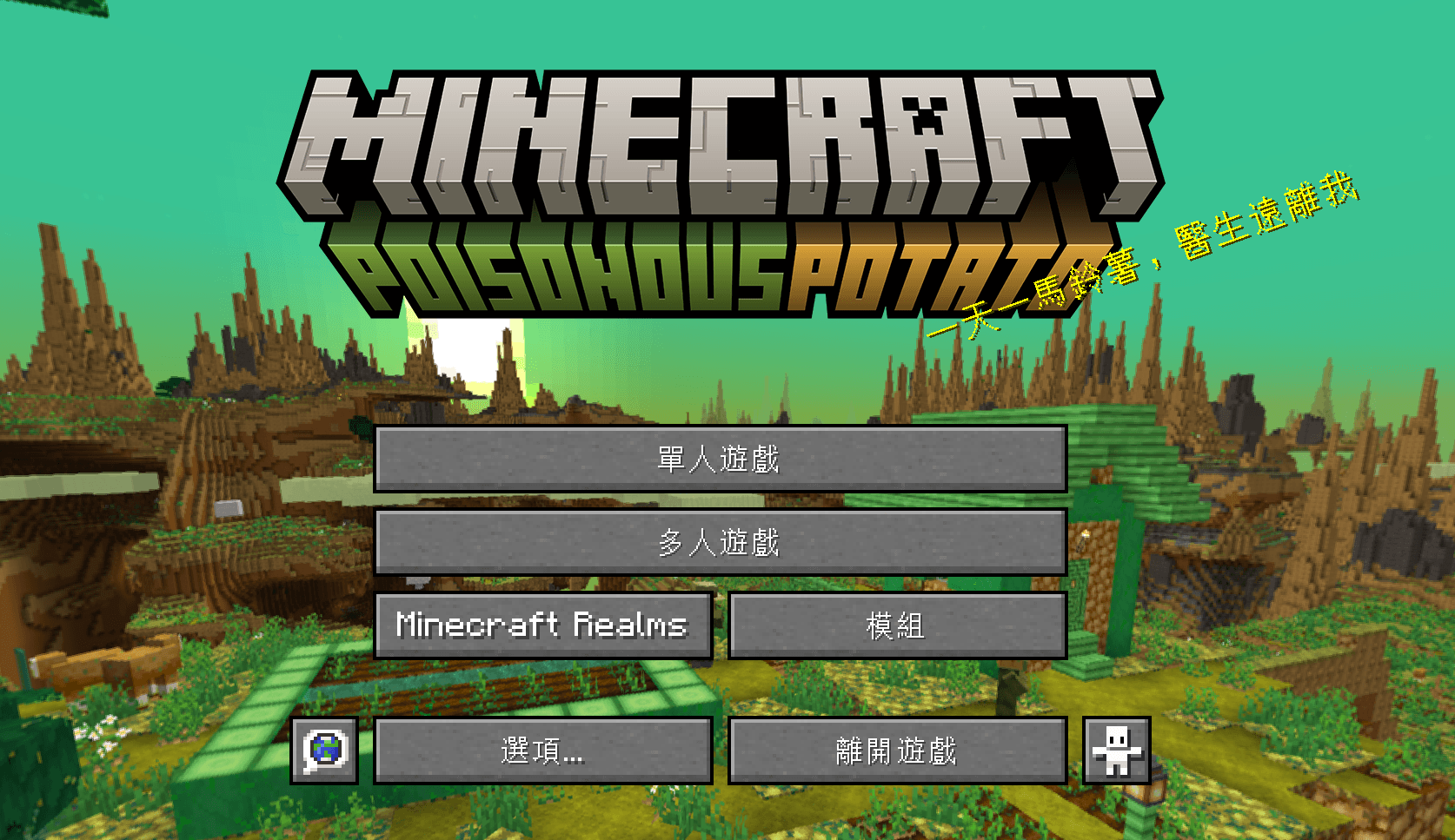
Translate April Fool's Day snapshot 24w14potato into Traditional Chinese.
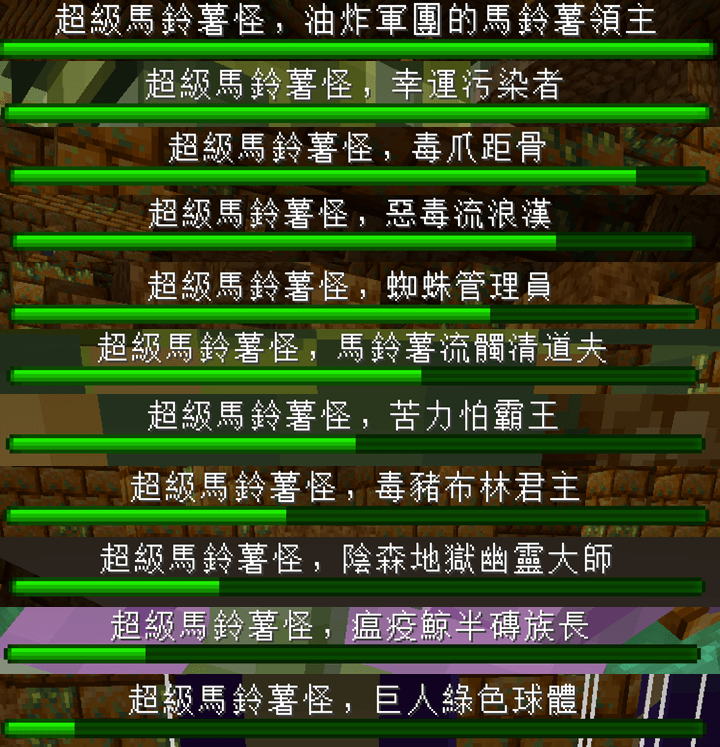
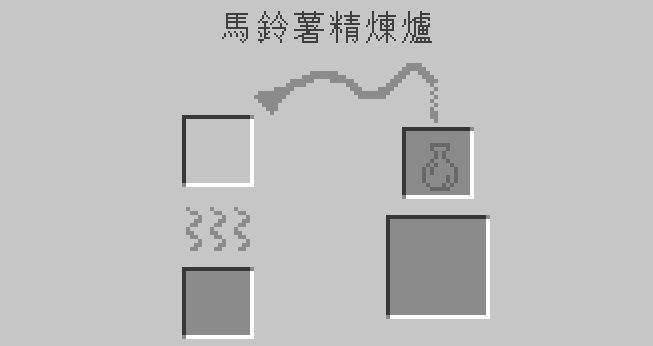
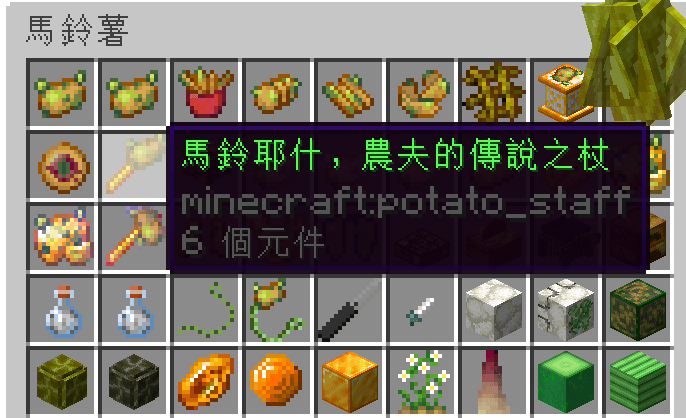
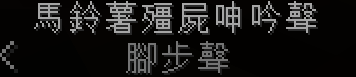
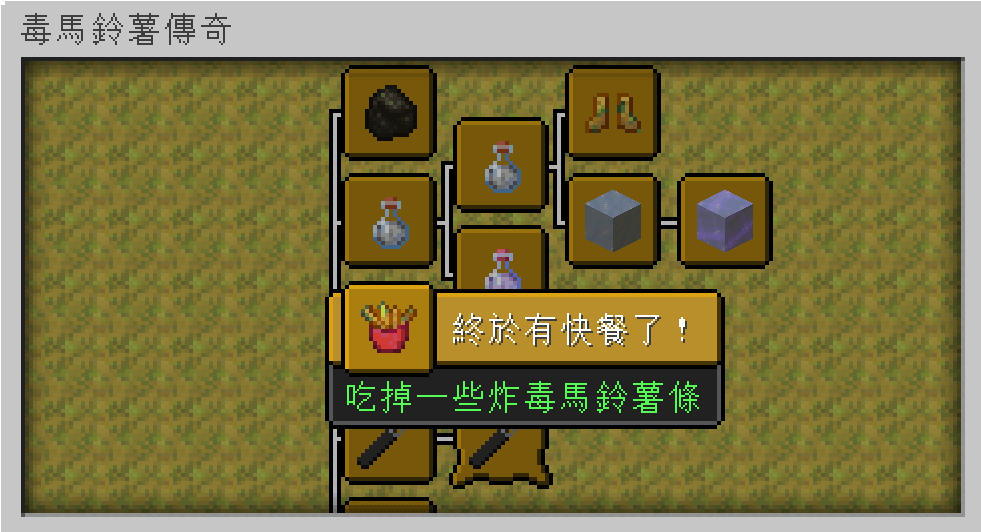
Items/blocks/entitys/advancements/Gui/quests/subtitles and most new content.
Contains translation of text that fell into the void from potato dimension.

將愚人節快照24w14potato新增的馬鈴薯內容翻譯成繁體中文。
物品/方塊/生物/進度/介面/任務/顯示字幕以及大多數新增的內容。
包含翻譯從馬鈴薯緯度掉進虛空的文字內容。
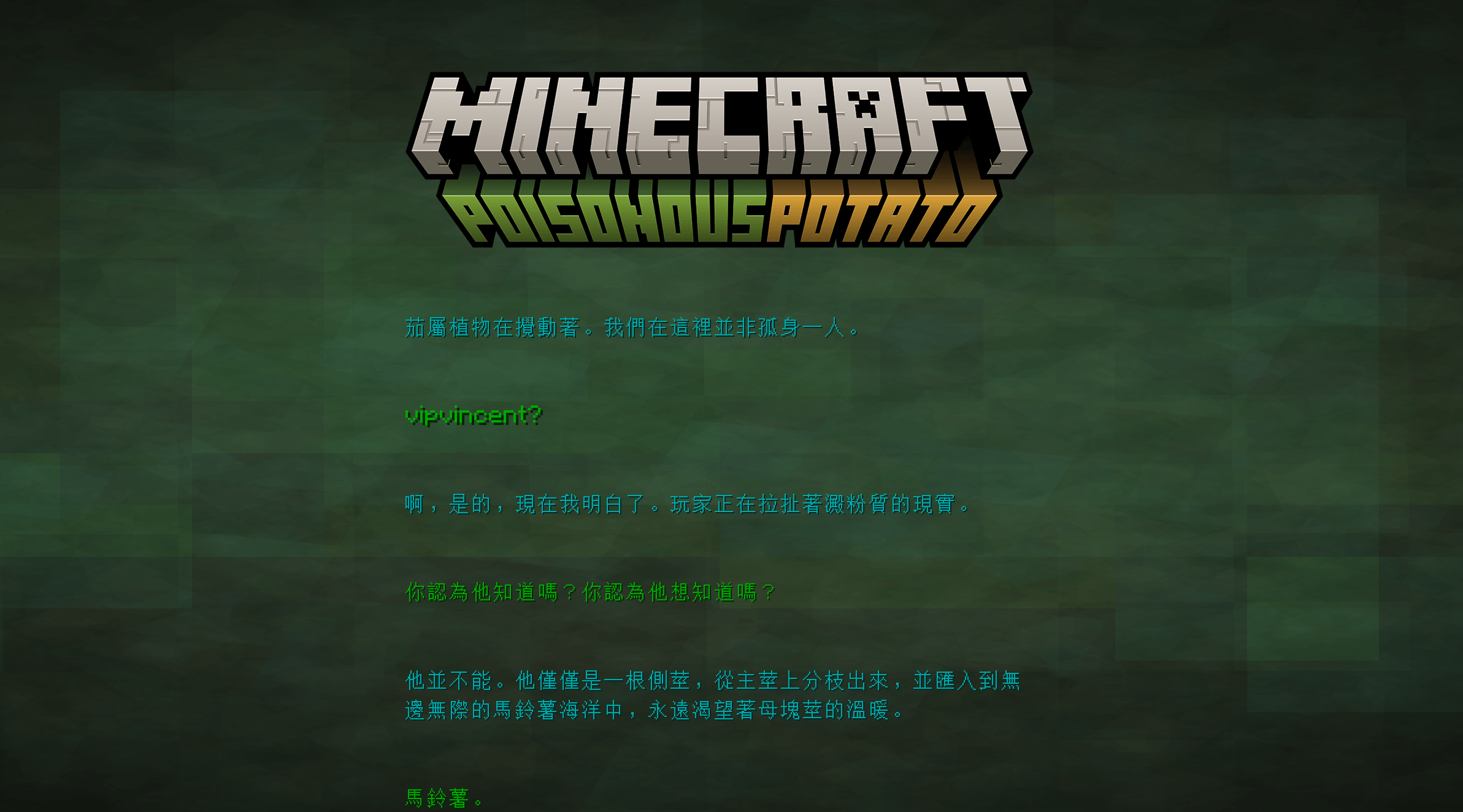

See more image in Gallay 查看更多圖片在圖庫

Translated content will give priority to Minecraft Wiki translations to facilitate players to compare information during play.
Some content use machine translate. If there are any translation errors, please report it on Discord.

翻譯內容優先使用Minecraft Wiki的譯名,以方便玩家遊玩時對照資料。
部分內容採用機器和人工翻譯,如有翻譯錯誤,請到Discord回報。

How to install? 如何安裝?

Just like a normal resource pack, but the game language must be set to "Traditional Chinese (Taiwan)" before it can be successfully applied.
就像一般的資源包一樣,但必須要將遊戲語言設為"繁體中文(台灣)",才會成功套用繁體中文化資源包。


3.0
MC 1.20.5-Snapshot
Release 2024-04-06 Get
1.0
MC 1.20.5-Snapshot
Release 2024-04-04 Get
2.0
MC 1.20.5-Snapshot
Release 2024-04-04 Get

Requirements & install

How to use this resource pack in Minecraft
Resolution
Not specified
Minecraft
1.20.5-Snapshot
Install folder
.minecraft/resourcepacks

How to install resource packs

  1. Download the resource pack .zip file (do not extract it).
  2. In Minecraft open Options → Resource Packs → Open Pack Folder.
  3. Drop the .zip into the resourcepacks folder (.minecraft/resourcepacks).
  4. Move the pack to the Selected column and click Done.
Browse more: 16x resource packs 32x resource packs 64x resource packs 128x resource packs 256x resource packs 512x+ resource packs Resource Packs for 1.20.5-Snapshot All resource packs

More from vipvincent

Advertisement Remove ads with Premium →

You Might Also Like