Mineuniverse
Resource Packs
TR: Textures Reimagined

TR: Textures Reimagined

RESOURCE PACK
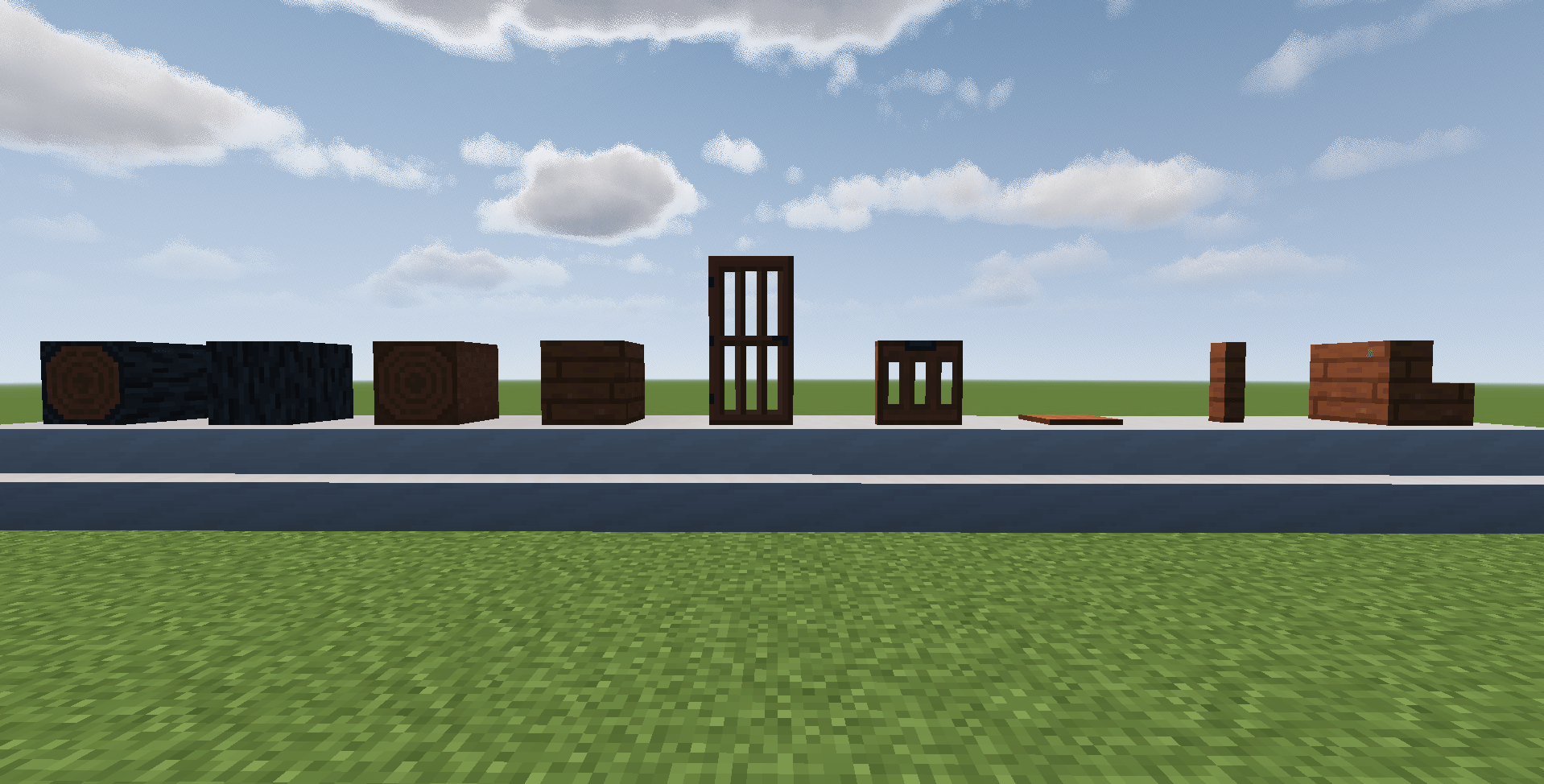
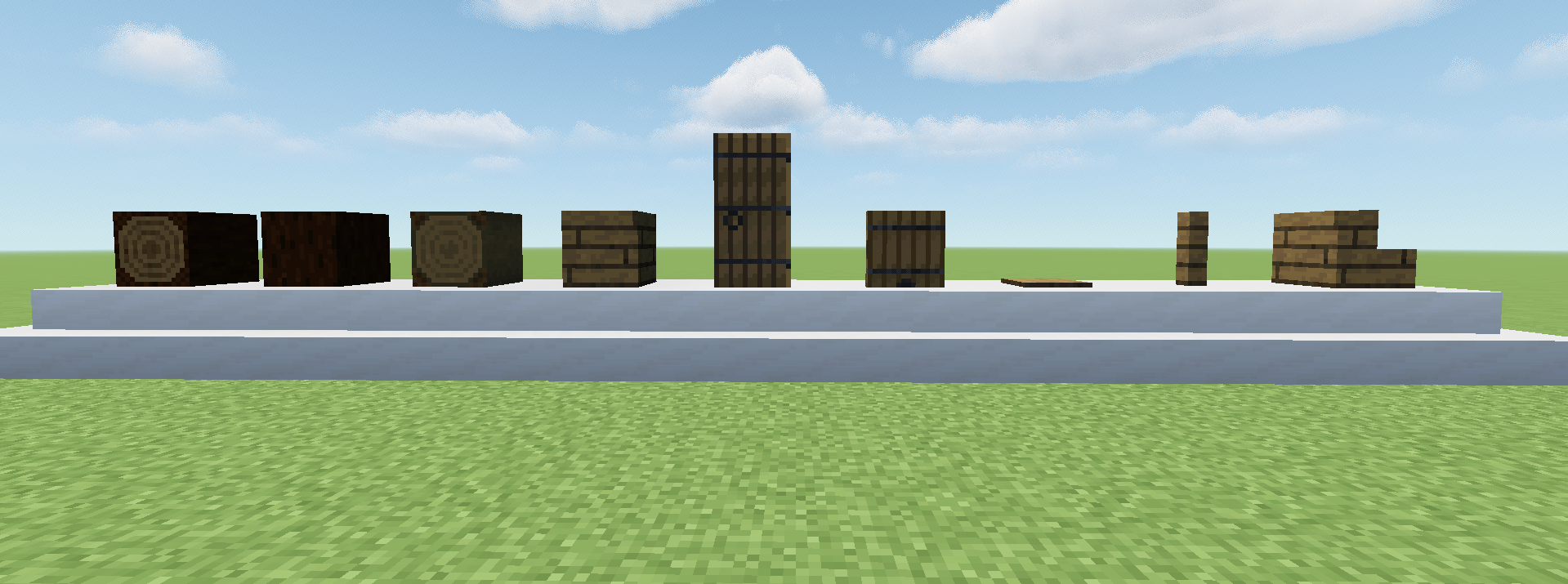
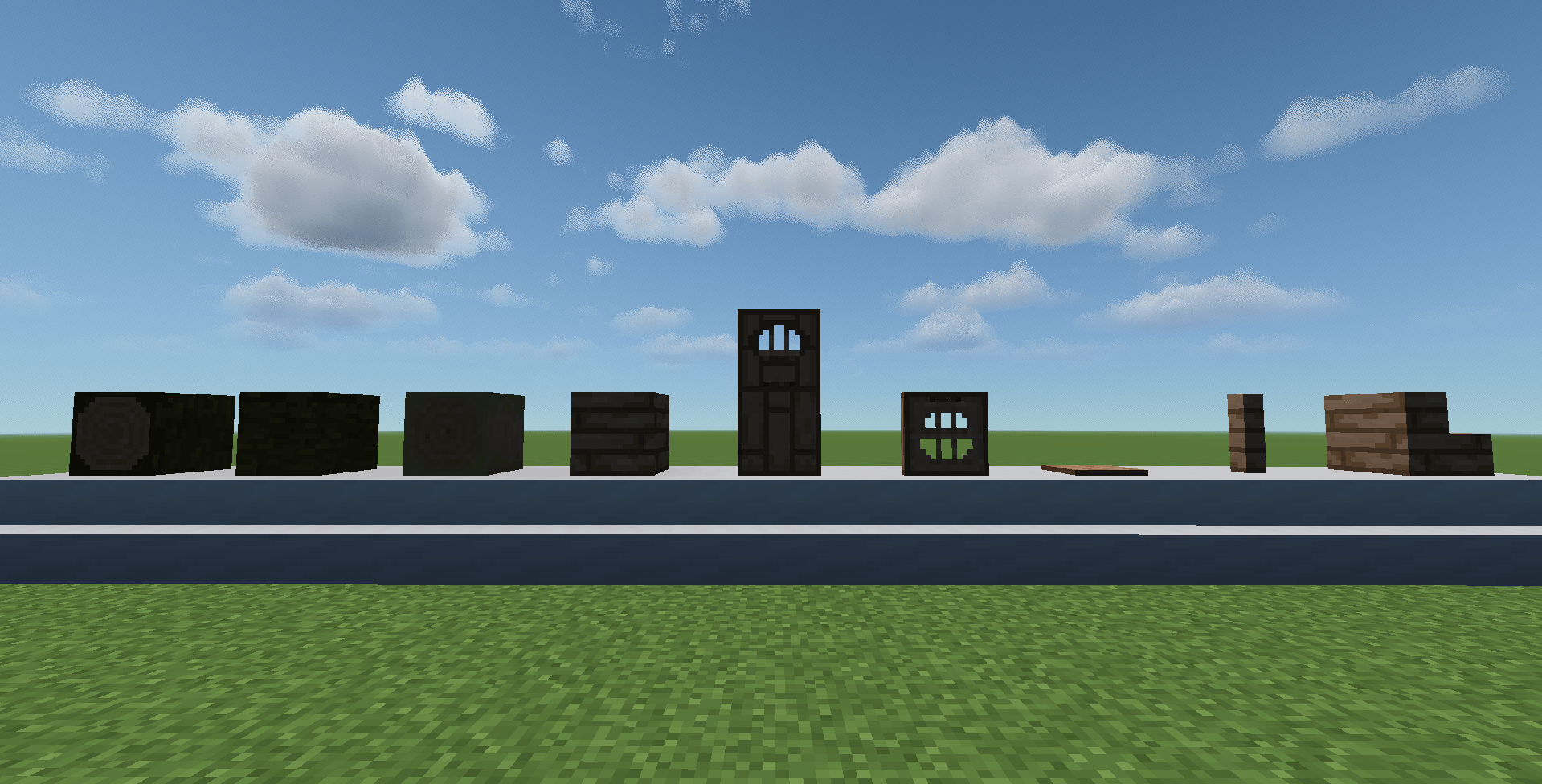
Textures Reimagined (tr) is a pack that have better textures for any block in minecraft (version 1.0 just wood textures).
by jjplayer92
Download Claim this project
172 downloads
0 likes
0 followers
Updated Oct 14, 2026
0 hypes
Follow0
16x Animated Miscellaneous Modern
Advertisement Remove ads with Premium →

Elevate your Minecraft worlds with Textures Reimagined, clean resource pack that reimagines every single block in minecraft. From the rugged cracks of stone to the shimmering veins of emerald ore, no block escapes this meticulous redesign—delivering 100% coverage across vanilla Minecraft (1.20+ compatible).

  •  Made by Minecraft Modders, each block features:
  • Realistic details: Enhanced shading, cleaner textures, details and many more!
  • Seamless cohesion: Unified art direction blending modern realism with classic Minecraft charm—no mismatched eyesores.
  • Performance optimized: Lightweight files (16x resolution default) ensuring smooth FPS on mid-range rigs.
  • Custom variants: Connected textures for glass, paths, and more, plus emissive glows for lava, glowstone, and redstone 

Perfect for builders, survivalists, and redstone engineers seeking that "pro" edge. Installs in seconds via Minecraft's resource pack menu—pairs flawlessly with shaders like Complementary or BSL.

 Over 81 unique block textures for now, every day creating new ones. Download now and redefine your builds!


Newer versions may need Entity Texture and entity model features!

TR_TexturesReimagined_(Beta).zip
MC 1.21.11-snapshot, 1.21.11, 26.1, 26.1.1, 26.1.2
Beta 2026-05-04 Get

Requirements & install

How to use this resource pack in Minecraft
Resolution
16x
Minecraft
1.21.11-snapshot – 26.1.2
Install folder
.minecraft/resourcepacks

How to install resource packs

  1. Download the resource pack .zip file (do not extract it).
  2. In Minecraft open Options → Resource Packs → Open Pack Folder.
  3. Drop the .zip into the resourcepacks folder (.minecraft/resourcepacks).
  4. Move the pack to the Selected column and click Done.
Browse more: 16x resource packs 32x resource packs 64x resource packs 128x resource packs 256x resource packs 512x+ resource packs Resource Packs for 26.1.2 All resource packs
Advertisement Remove ads with Premium →

You Might Also Like