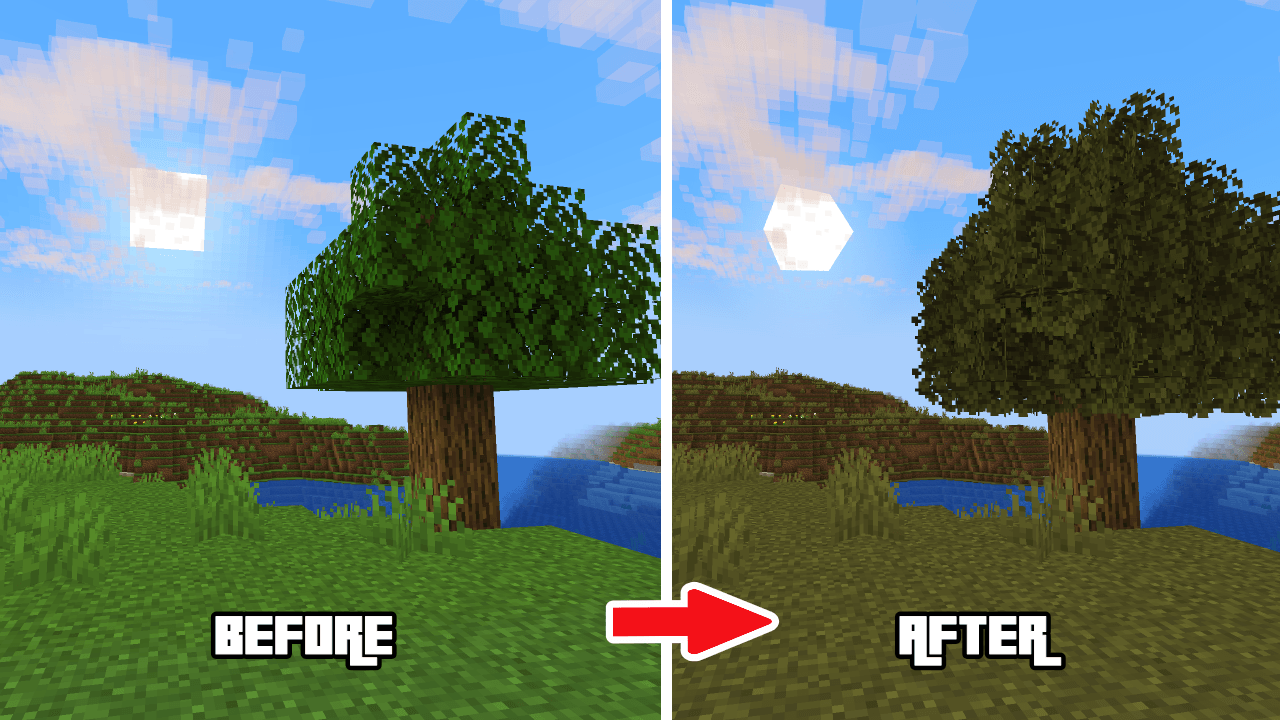
✨ A clean, immersive, and performance-friendly upgrade to your vanilla Minecraft!
The Toxic Storm resource pack brings a storm of subtle 3D textures, sound optimizations, and visual polish — all without breaking the classic Minecraft feel. Perfect for survival players, builders, and content creators who want a better-looking world without installing mods.
🎨 Enhanced Visuals
✔️ Fixes slab gaps, fog rendering, item holding, cactus base, and more
🖼️ No vignette, no pumpkin overlay, lower fire & shield
🌱 Unobtrusive snow, rain, and particles
📦 3D Models
🔧 3D ladders, mushrooms, rails, stonecutters, sugarcane, amethyst, and chiseled bookshelves
📚 Beautifully detailed 3D bookshelves & pots
🔊 Quieter Minecraft
🤫 Tired of noisy mobs? This pack reduces sound spam from:
🐄 Cows, 🐷 pigs, 🐑 sheep, 🐺 wolves, 🐉 Ender Dragon, and 30+ more!
🌩️ Also tones down thunder, fire, portals, rain & minecarts
🧠 Smart Visuals
🍯 Visual honey levels
🌱 Sapling growth indicators
🍖 Hunger preview
❤️ Wither hearts
🧱 Texture Variants
🧱 Variated bricks, cobblestone, bookshelves, and fancy sunflowers
🌳 Circular log tops
🖤 Dark UI
🎯 Clean crosshairs
📶 Ping color indicators
🪓 Tool durability visualization
🔧 Designed for players who want clarity, performance, and beauty — all in one pack.
💡 Drop it in your resourcepacks folder and enjoy a better vanilla experience today!