Mineuniverse
Resource Packs
Totem of Defoko

Totem of Defoko

RESOURCE PACK
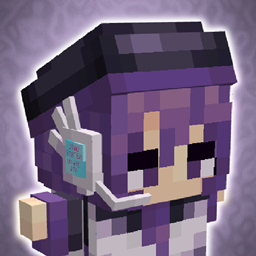
Defoko (Utane Uta) Totem of Undying! Do you enjoy Utane Uta, the default Utauloid? Do you wish you could carry her around wherever you go?
by tyler2269
Download Claim this project
Add a badge to your pageLink to Totem of Defoko from a README, website or forum post.
Preview: Badge

Badges update automatically and link to the resource pack page on MineUniverse.

425 downloads
0 likes
0 followers
Updated Oct 14, 2026
0 hypes
Follow0
16x
Advertisement Remove ads with Premium →

This project includes 3 different resource packs. 

Totem of Defoko 

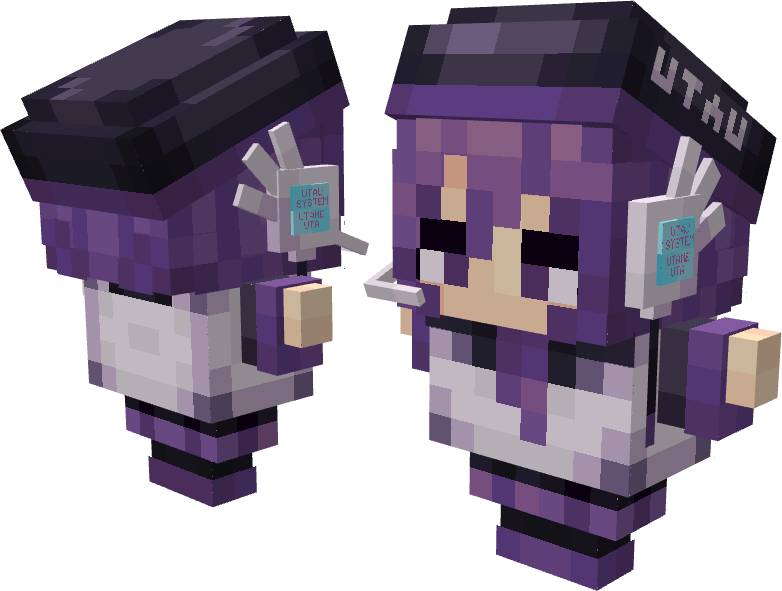
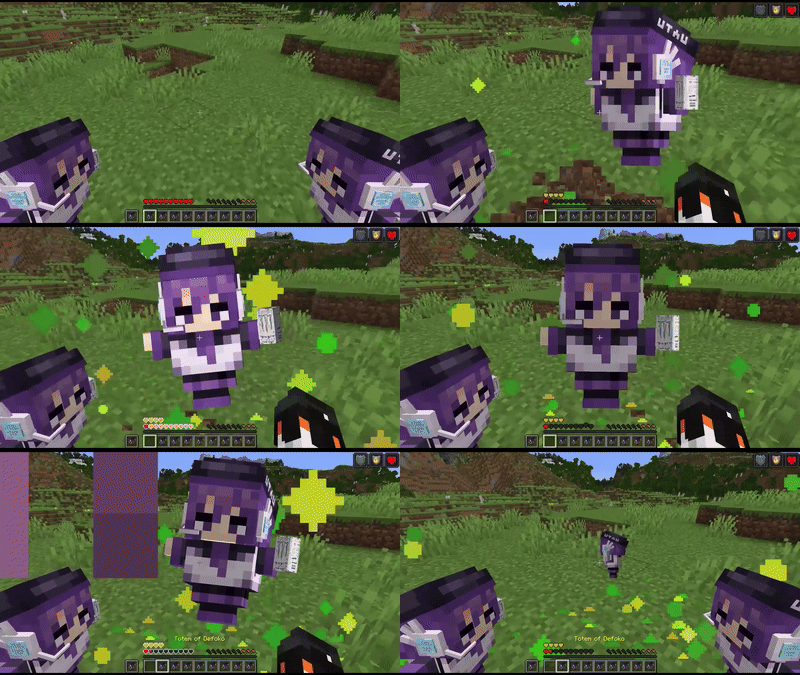
This is the default resource pack most people will be coming here to download. This pack replaces the flat Totem of Undying sprite with a 3D item model resembling the default Utauloid singer Utane Uta, or "Defoko". 
This model aims to resemble the character while still keeping the general shape and silhouette of the original Totem of Undying item.
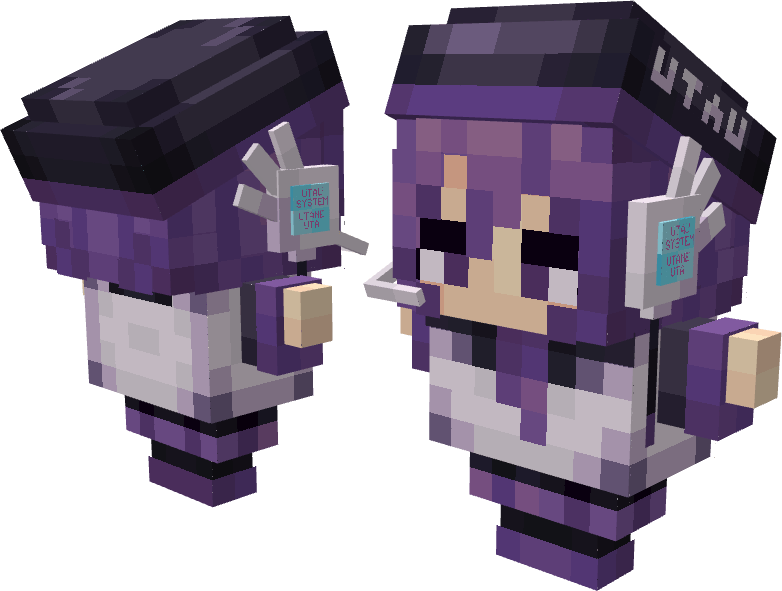
Totem of Defoko


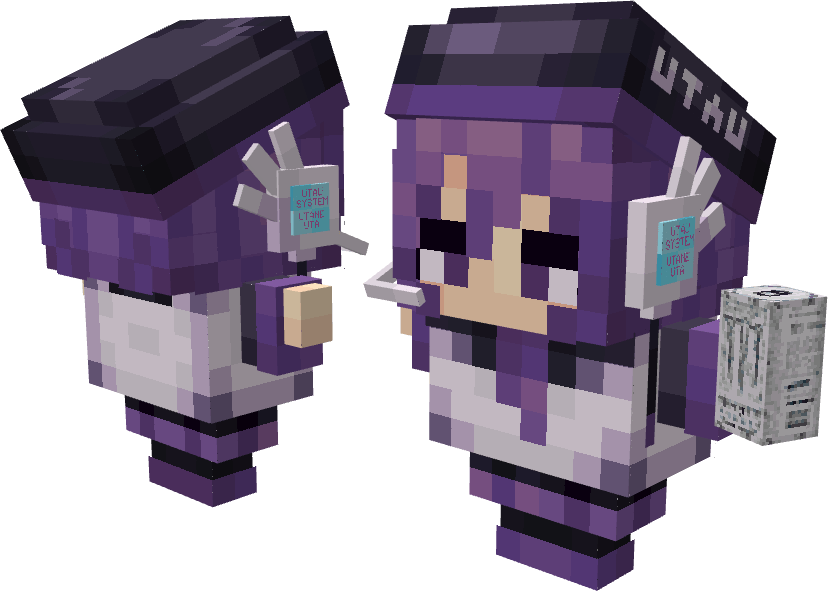
Totem of Defoko + Monster Energy

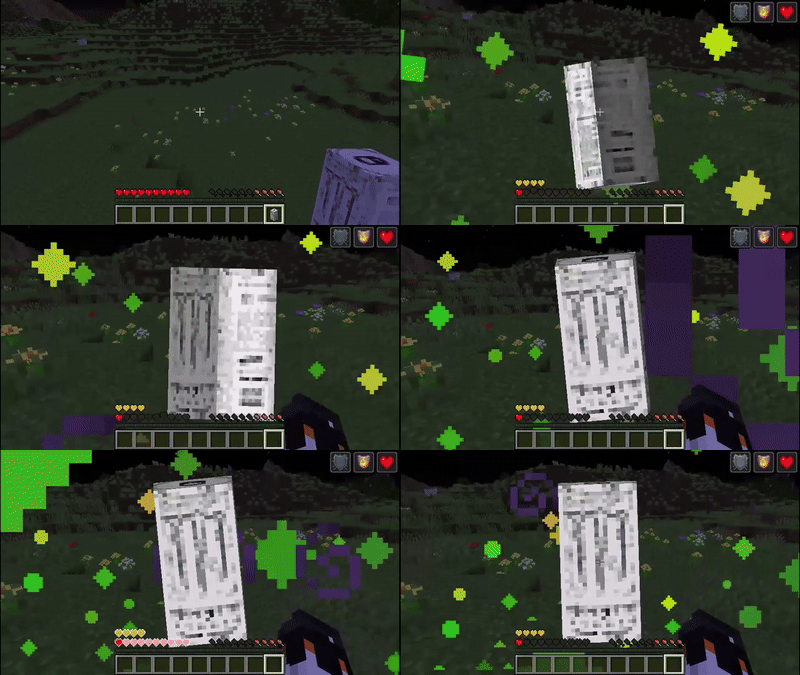
In tribute to the Discord UTAU EN Community, This Defoko has been given a White Monster Energy Zero Ultra! 
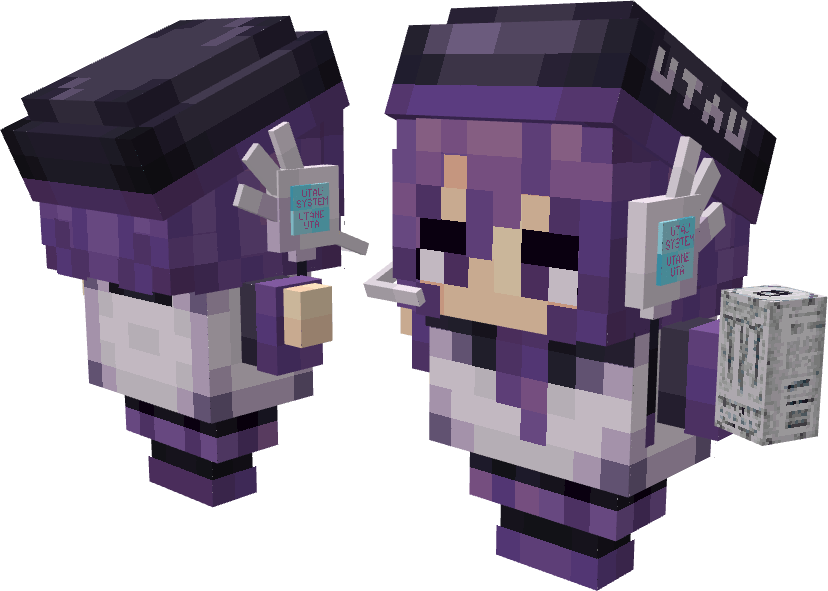
Totem of Defoko with a Monster Energy

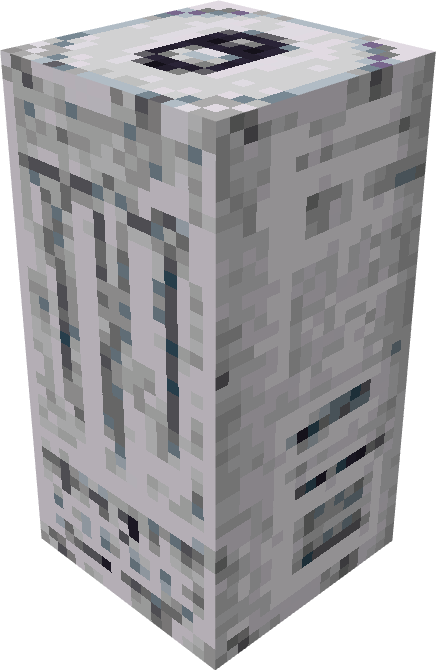
Totem of Monster Energy

Did you only come here for Monster Energy for some reason? Have fun I guess.
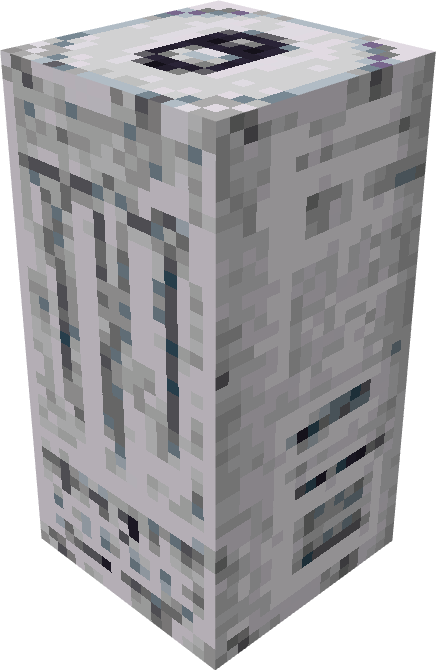
Totem of Monster Energy


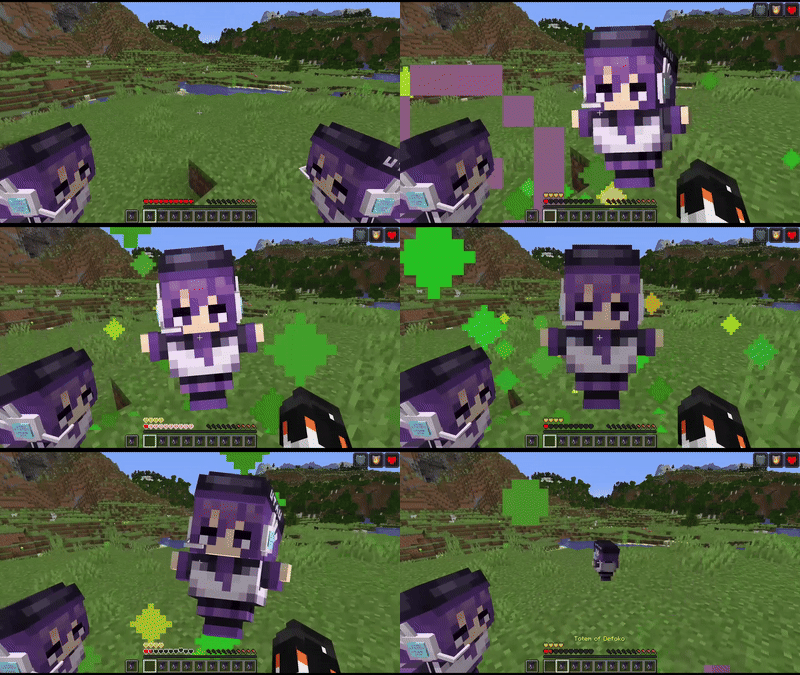
**See them in action!

**

Totem of Defoko
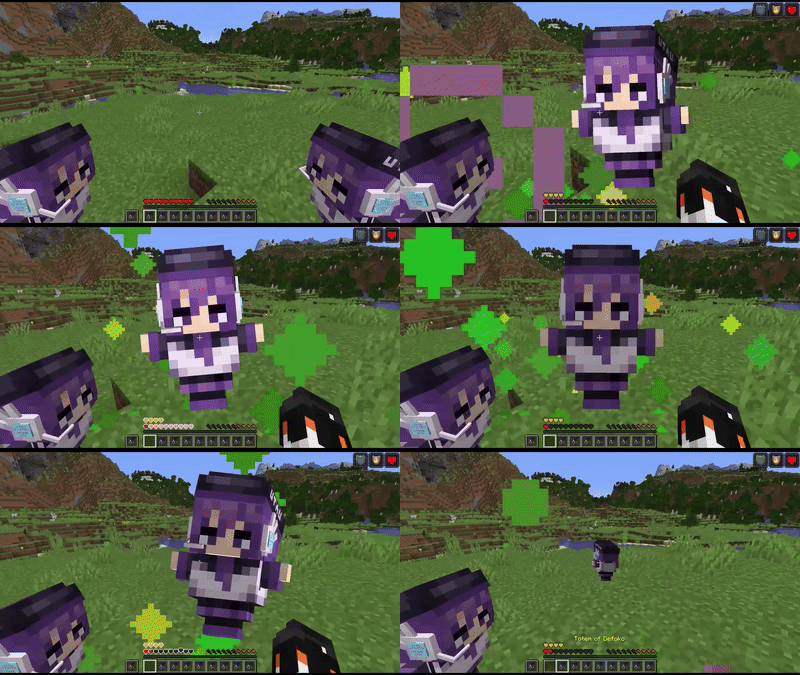
Totem of Defoko


Totem of Defoko + Monster Energy
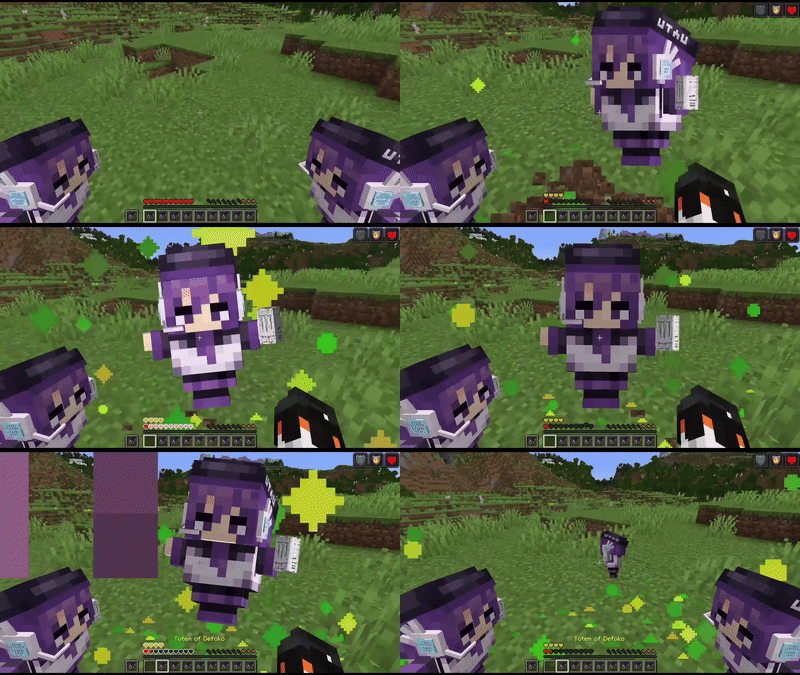
Totem of Defoko + Monster Energy


Totem of Monster Energy
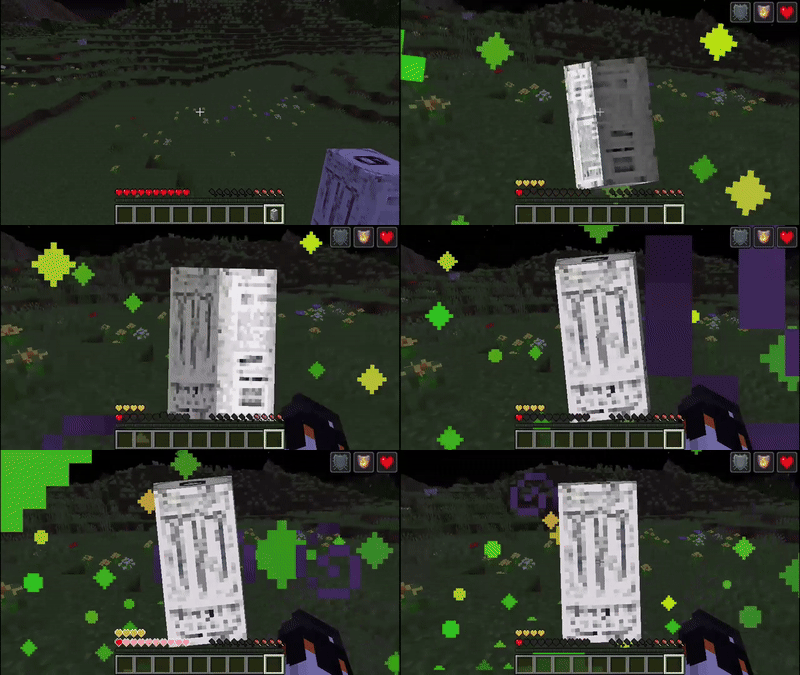
Totem of Monster Energy


**ONLY TESTED ON 1.20.1

**Please leave a comment if the Resource Pack is broken on other versions!
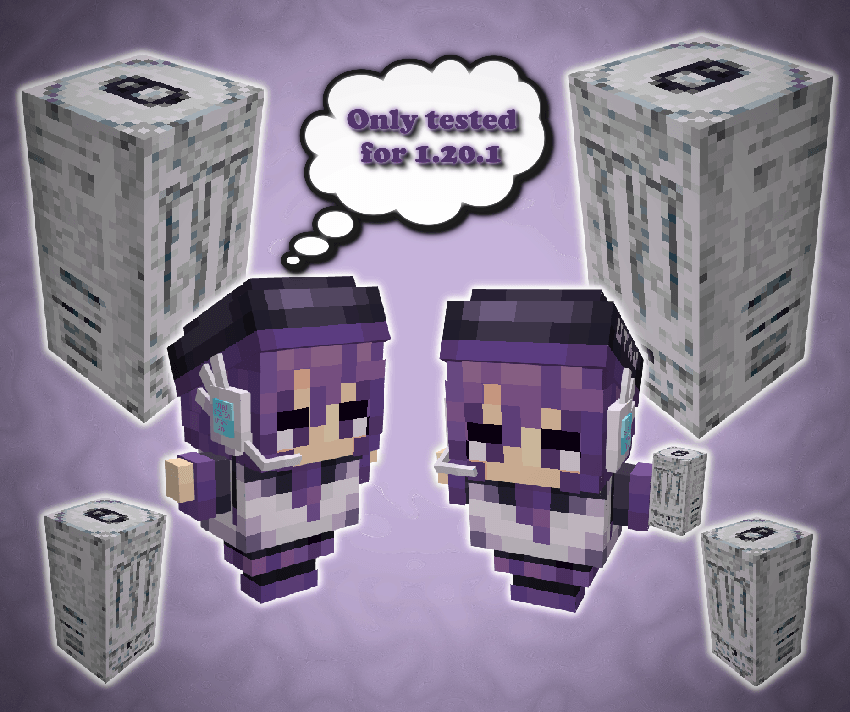
Only tested on 1.20.1

Totem of Defoko
MC 1.20.1
Release 2025-06-22 Get
Totem of Monster Energy
MC 1.20.1
Release 2025-05-29 Get
Totem of Defoko + Monster Energy
MC 1.20.1
Release 2025-05-29 Get
Totem of Defoko
MC 1.20.1
Release 2025-05-29 Get

Requirements & install

How to use this resource pack in Minecraft
Resolution
16x
Minecraft
1.20.1
Install folder
.minecraft/resourcepacks

How to install resource packs

  1. Download the resource pack .zip file (do not extract it).
  2. In Minecraft open Options → Resource Packs → Open Pack Folder.
  3. Drop the .zip into the resourcepacks folder (.minecraft/resourcepacks).
  4. Move the pack to the Selected column and click Done.
Browse more: 16x resource packs 32x resource packs 64x resource packs 128x resource packs 256x resource packs 512x+ resource packs Resource Packs for 1.20.1 All resource packs
Advertisement Remove ads with Premium →

You Might Also Like