Mineuniverse
Resource Packs
Torrezx-Trims new armors!

Torrezx-Trims new armors!

RESOURCE PACK
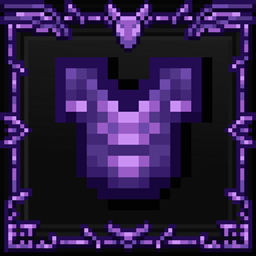
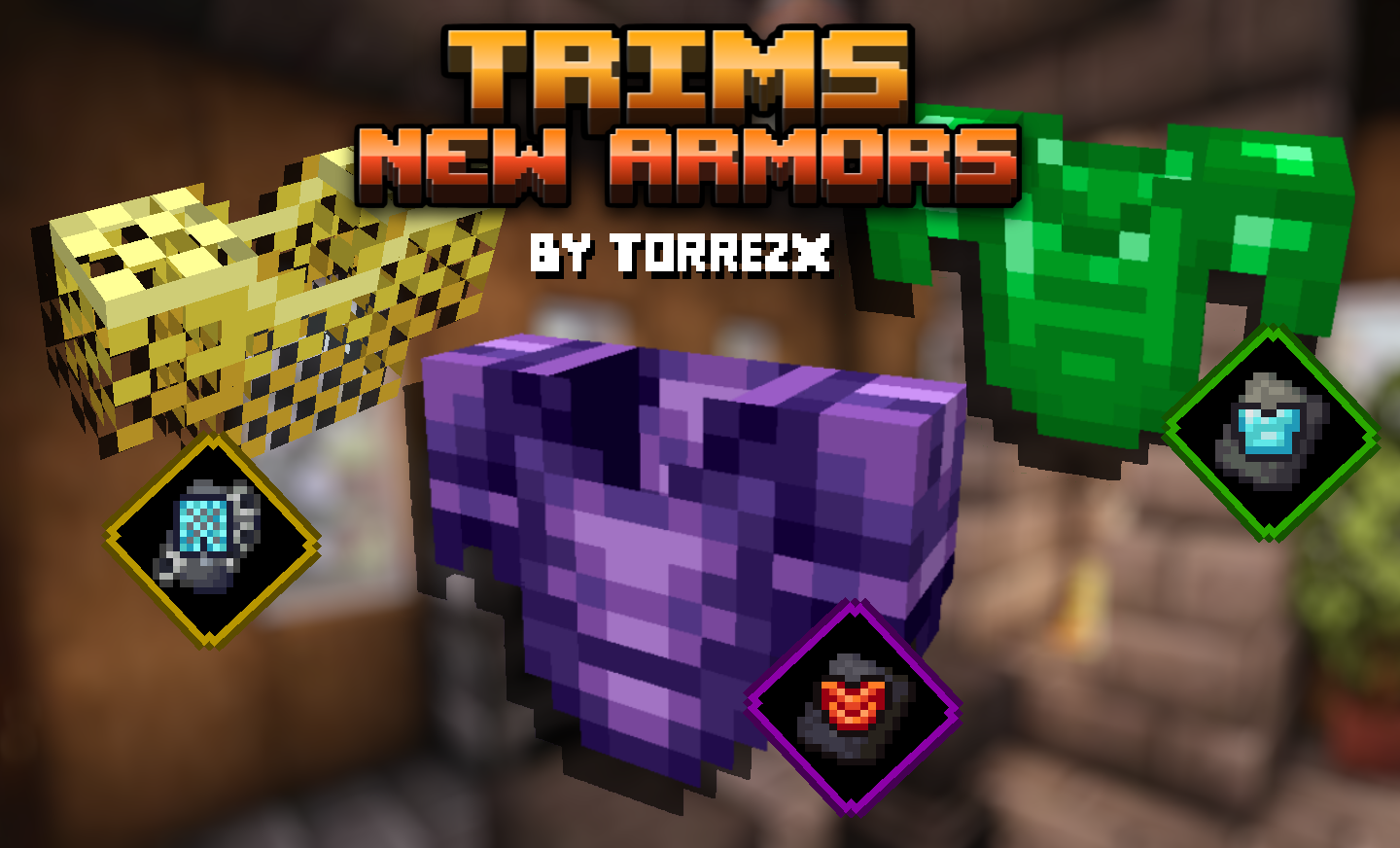
New armors, now you can create complete armors of your favorite material ! emerald armor, amathist armor with netherite style, golden drop armor gold drop armor, and much more!
by Torrezx
Download Claim this project
4,686 downloads
0 likes
0 followers
Updated Oct 14, 2026
0 hypes
Follow0
16x Medieval Miscellaneous Traditional
Advertisement Remove ads with Premium →

Torrezx-Trims new armors!

ESPAÑOL

Nuevas armaduras,ahora podras crear armaduras completas de tu material favorito !
armadura de esmeralda,armadura de amathista con estilo de netherite,armadura de
gota de oro,y mucho mas !


usa los trims de Coats-Sentry-Snout y luego usa el color que quieras
(importante si creas la armor de cota de maya debes usar el trim coat-
si quieres hacer una armor de amatista estilo netherite,usa la trim de
snout y te dara ese aspecto,y la de Sentry te dara el estilo de armor
clasica de mc )


Ejemplo: trim snout + armadura de netherite + ore


ENGLISH

New armors, now you can create complete armors of your favorite material !
emerald armor, amathist armor with netherite style, golden drop armor
gold drop armor, and much more!

use the Coats-Sentry-Snout trims and then use the color you want !
(important if you create the maya coats armor you must use the trim coat-
if you want to make a netherite style amethyst armor, use the snout trim and it will give you the
snout and it will give you that look, and the Sentry trim will give you the classic mc style armor.
classic mc style armor)

Example: snout trim + netherite armor + ore

Translated with www.DeepL.com/Translator (free version)

Torrezx-Trim_new_armors.zip
MC 1.20.1, 1.20, 1.20-Snapshot
Release 2023-06-28 Get
Torrezx-Trims new armors!
MC 1.19.3
Release 2023-01-31 Get
Torrezx-Trim_new_armors.zip
MC 1.19.3
Release 2023-01-30 Get

Requirements & install

How to use this resource pack in Minecraft
Resolution
16x
Minecraft
1.19.3 – 1.20.1
Install folder
.minecraft/resourcepacks

How to install resource packs

  1. Download the resource pack .zip file (do not extract it).
  2. In Minecraft open Options → Resource Packs → Open Pack Folder.
  3. Drop the .zip into the resourcepacks folder (.minecraft/resourcepacks).
  4. Move the pack to the Selected column and click Done.
Browse more: 16x resource packs 32x resource packs 64x resource packs 128x resource packs 256x resource packs 512x+ resource packs Resource Packs for 1.20.1 All resource packs

More from Torrezx

Advertisement Remove ads with Premium →

You Might Also Like