Mineuniverse
Resource Packs
Torrezx-Ominus tools

Torrezx-Ominus tools

RESOURCE PACK
Ominus tools replace diamond tools
by Torrezx
Download Claim this project
2,443 downloads
0 likes
Updated Oct 14, 2026
0 hypes
16x Miscellaneous Traditional
Advertisement Remove ads with Premium →

Torrezx-Ominus tools

Español
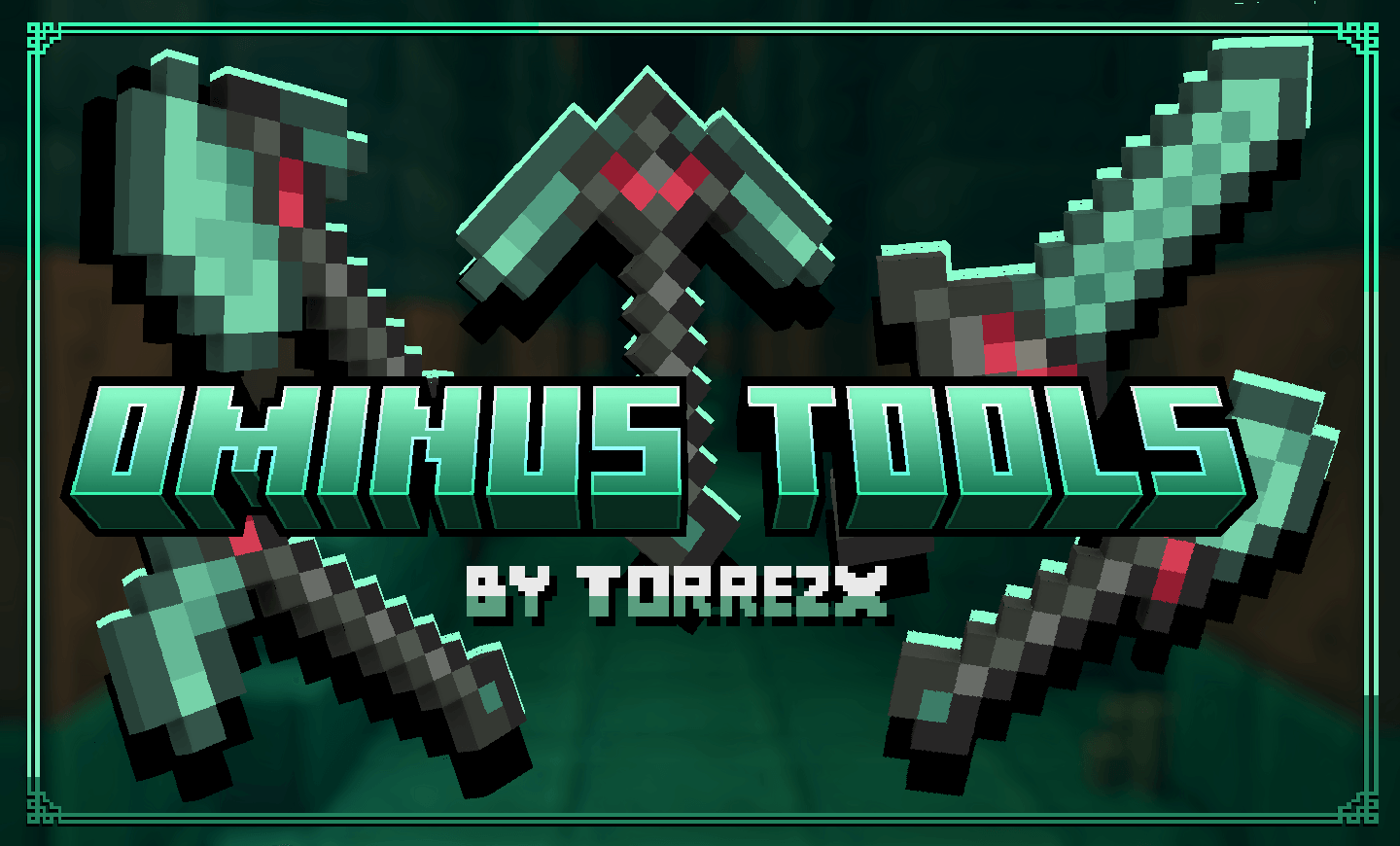
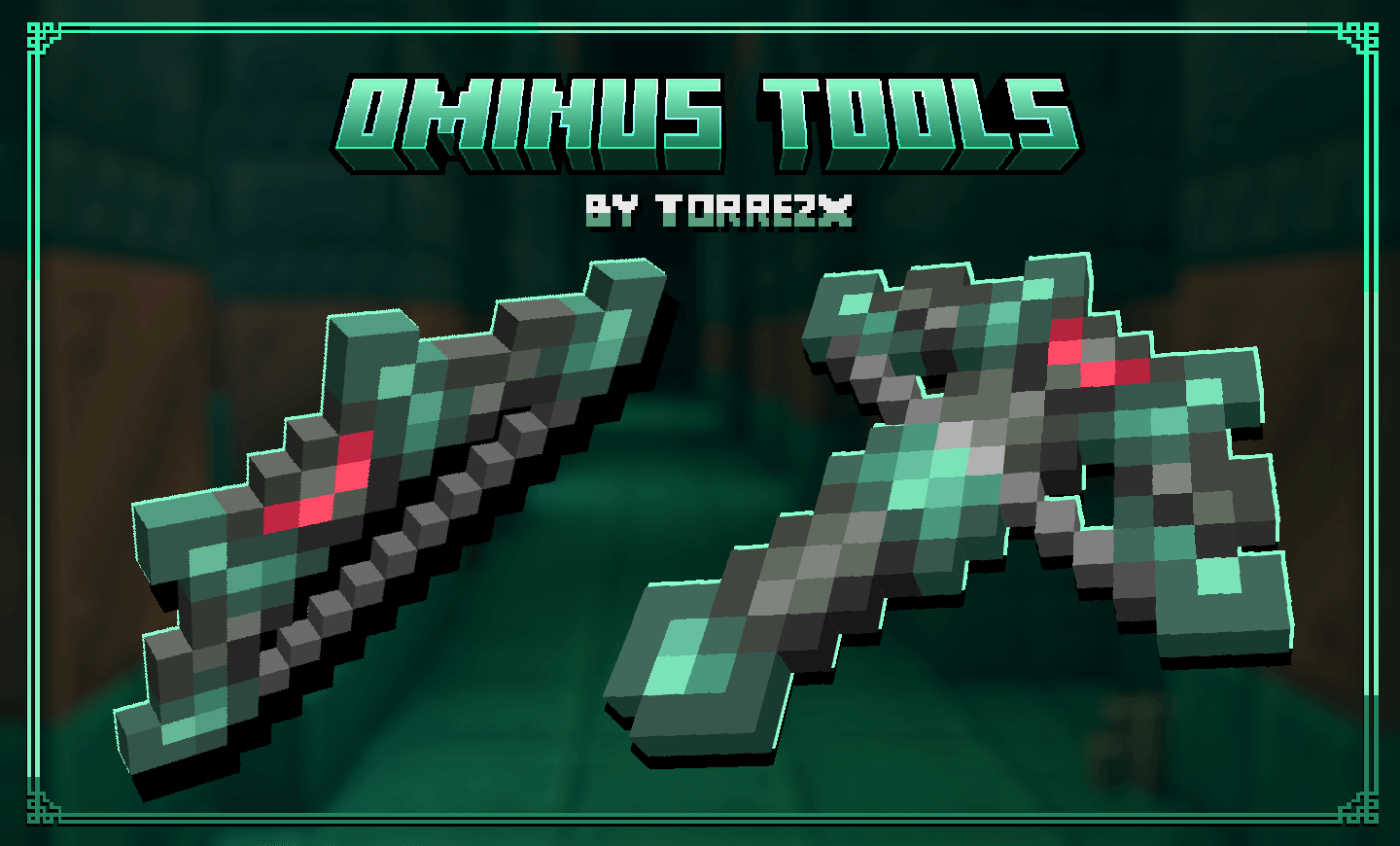
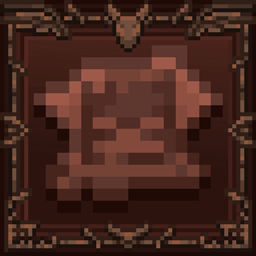
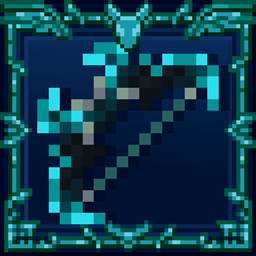
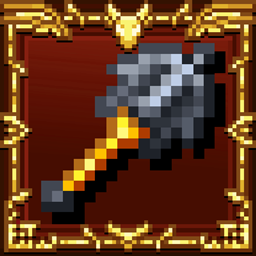
Debieron meter herramientas o un mineral nuevo a las trial chambers? te quedaste con ganas de mas? entonces este texturepack es para ti,agrega las herramientas Ominus,inspiradas en un ambiente agresivo,mistico y oxidado.

English
Did they add new tools or a new mineral to the trial chambers? Did you want more? Then this texture pack is for you. It adds the Ominus tools, inspired by an aggressive, mystical, and rusty environment.

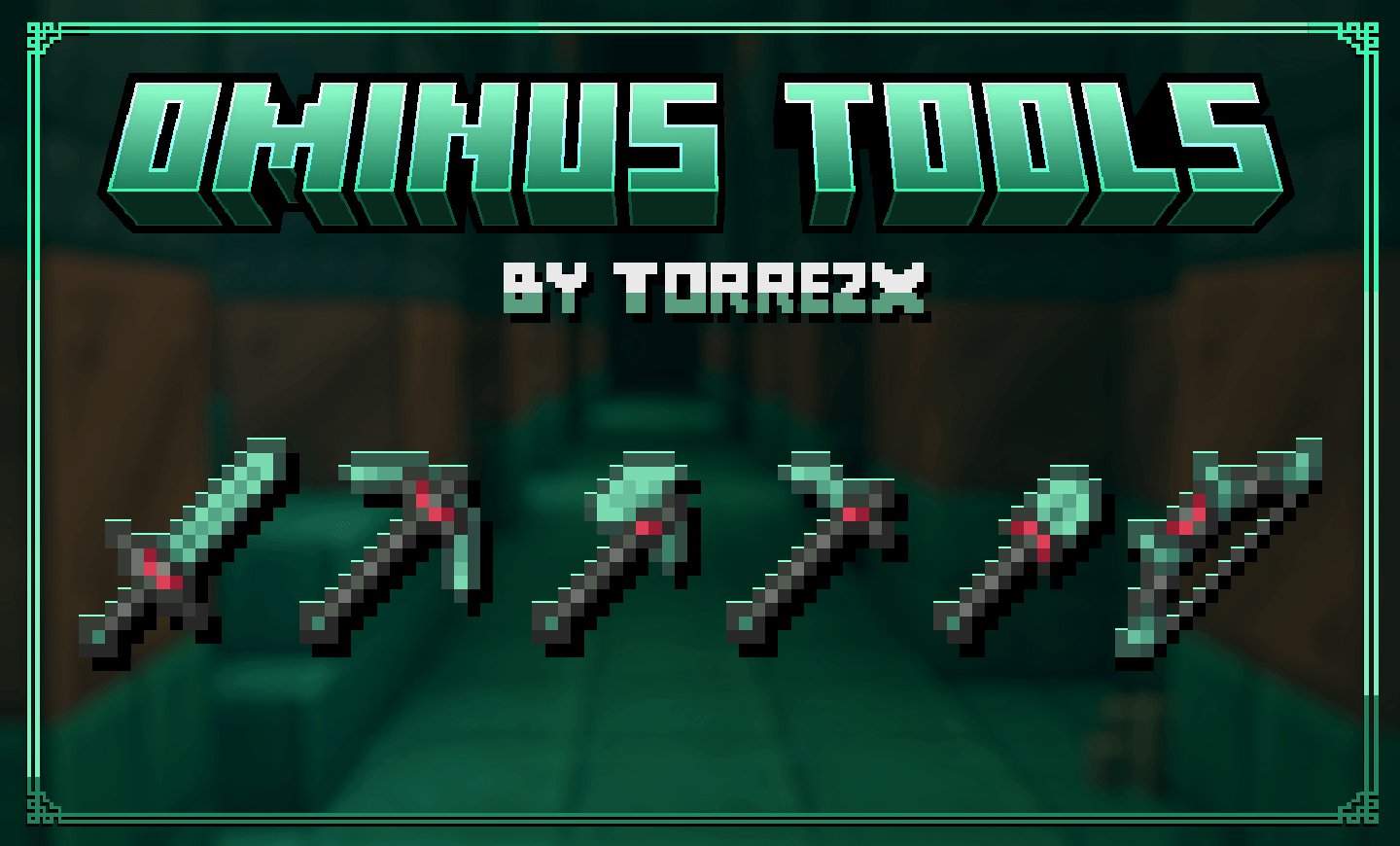
1.21.5x-1.21.11 Rename in anvil tools copper,iron,diamond and netherite to:
-Ominus sword
-Ominus pickaxe
-Ominus bow
-Ominus axe
-Ominus shovel
-Ominus hoe
-Ominus crossbow

In 1.20x-1.21x-1.21.4 Reemplaza-Replace :
-Diamond tools

Requerimientos-Requirements:
-No requiere de ningún complemento-Does not require any complement

Twitter: @TorrezxMC

Torrezx-Ominus_tools.zip
MC 1.21.8, 1.21.5, 1.21.6, 1.21.7, 1.21.9, 1.21.10, 1.21.11, 26.1, 26.1.1, 26.1.2, 26.2
Release 2026-07-01 Get
Torrezx-Ominus_tools.zip
MC 1.21.8, 1.21.5, 1.21.6, 1.21.7, 1.21.9, 1.21.10, 1.21.11, 26.1, 26.1.1
Release 2026-04-02 Get
Torrezx-Ominus_tools.zip
MC 1.21.8, 1.21.5, 1.21.6, 1.21.7, 1.21.9, 1.21.10, 1.21.11
Release 2026-03-10 Get
Torrezx-Ominus_tools.zip
MC 1.21.8, 1.21.5, 1.21.6, 1.21.7, 1.21.9, 1.21.10, 1.21.11
Release 2025-12-25 Get
Torrezx-Ominus_tools.zip
MC 1.21, 1.20.2, 1.20.5, 1.21.4, 1.20.6, 1.21.1, 1.21.3, 1.20.4, 1.20.3, 1.21.2
Release 2025-12-21 Get
Torrezx-Ominus_tools.zip
MC 1.20.1, 1.20
Release 2025-12-08 Get

Requirements & install

How to use this resource pack in Minecraft
Resolution
16x
Minecraft
1.21.8 – 26.2
Install folder
.minecraft/resourcepacks

How to install resource packs

  1. Download the resource pack .zip file (do not extract it).
  2. In Minecraft open Options → Resource Packs → Open Pack Folder.
  3. Drop the .zip into the resourcepacks folder (.minecraft/resourcepacks).
  4. Move the pack to the Selected column and click Done.
Browse more: 16x resource packs 32x resource packs 64x resource packs 128x resource packs 256x resource packs 512x+ resource packs Resource Packs for 26.2 All resource packs

More from Torrezx

Advertisement Remove ads with Premium →

You Might Also Like