Mineuniverse
Resource Packs
Torrezx-Cape Collection

Torrezx-Cape Collection

RESOURCE PACK
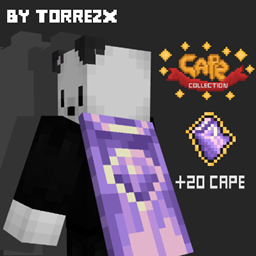
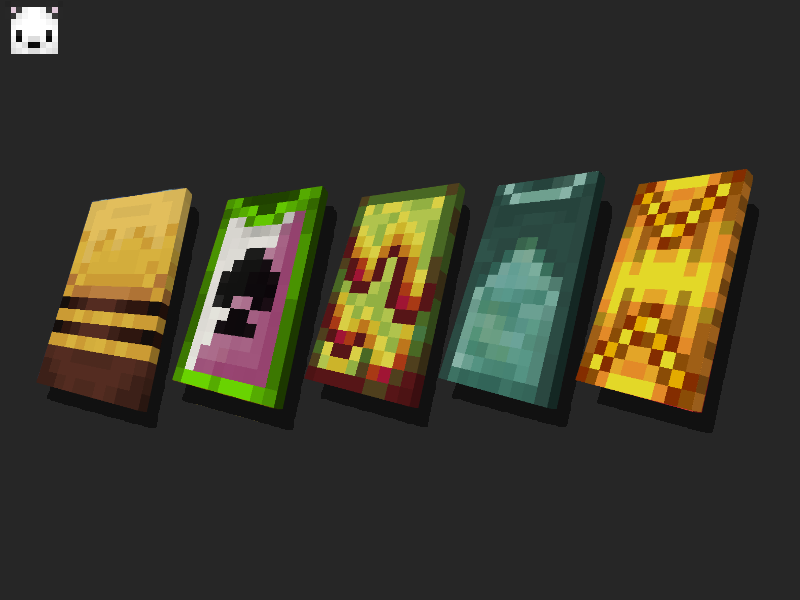
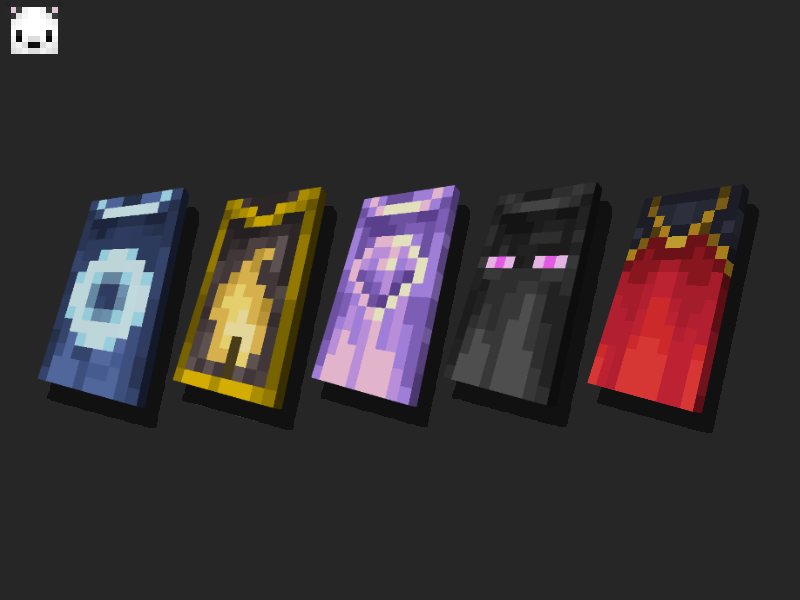
adds the layers to minecraft, with a total of 20 layers, some official from Mojang and others new
by Torrezx
Download Claim this project
Add a badge to your pageLink to Torrezx-Cape Collection from a README, website or forum post.
Preview: Badge

Badges update automatically and link to the resource pack page on MineUniverse.

14,185 downloads
0 likes
0 followers
Updated Oct 14, 2026
0 hypes
Follow0
16x Miscellaneous Traditional
Advertisement Remove ads with Premium →

CAPE COLLECTION-BY TORREZX AND SHADOWSCROW

created by Torrezx ft. Shadow

ESPAÑOL

Este texturepack que requiere de optifine,añaden las capas a minecraft ,con un total de 20 capas,algunas oficiales de Mojang y otras nuevas.

INGLES

This texturepack that requires optifine, adds the layers to minecraft, with a total of 20 layers, some official from Mojang and others new.

Como obtener las capas-how to get the capes

-reenombra una calabaza en un yunque con cualquiera de estos nombres

-rename a pumpkin on an anvil with any of these names:


amatis cape bee cape blaze cape rabit cape classic mojang cape
coblat cape glow cape gold cape magma cube cape migrator cape
minecon 2019 cape minecon 2016 cape mojang studios cape mojiro cape netherite cape
pancake cape prismarine cape scrools cape spade cape traslator japanese cape
Torrezx-Cape_Collection.zip
MC 1.20.1, 1.20
Release 2023-10-20 Get
Torrezx-Cape_Collection.zip
MC 1.19.4
Release 2023-06-27 Get
Torrezx_CapeCollection.zip
MC 1.19.2, 1.19.1, 1.19
Release 2022-12-14 Get
Torrezx-cape collection
MC 1.19.2, 1.19.1, 1.19
Release 2022-08-09 Get
Torrezx_CapeCollection.zip
MC 1.19.1, 1.19
Release 2022-07-31 Get

Requirements & install

How to use this resource pack in Minecraft
Resolution
16x
Minecraft
1.19 – 1.20.1
Install folder
.minecraft/resourcepacks

How to install resource packs

  1. Download the resource pack .zip file (do not extract it).
  2. In Minecraft open Options → Resource Packs → Open Pack Folder.
  3. Drop the .zip into the resourcepacks folder (.minecraft/resourcepacks).
  4. Move the pack to the Selected column and click Done.
Browse more: 16x resource packs 32x resource packs 64x resource packs 128x resource packs 256x resource packs 512x+ resource packs Resource Packs for 1.20.1 All resource packs

More from Torrezx

Advertisement Remove ads with Premium →

You Might Also Like