Mineuniverse
Resource Packs
Tonko's Diverse Weapon's Pack

Tonko's Diverse Weapon's Pack

RESOURCE PACK
Changed textures for all weapons and armour sets.
by Tonko
Download Claim this project
Add a badge to your pageLink to Tonko's Diverse Weapon's Pack from a README, website or forum post.
Preview: Badge

Badges update automatically and link to the resource pack page on MineUniverse.

732 downloads
0 likes
0 followers
Updated Oct 14, 2026
0 hypes
Follow0
16x Miscellaneous
Advertisement Remove ads with Premium →

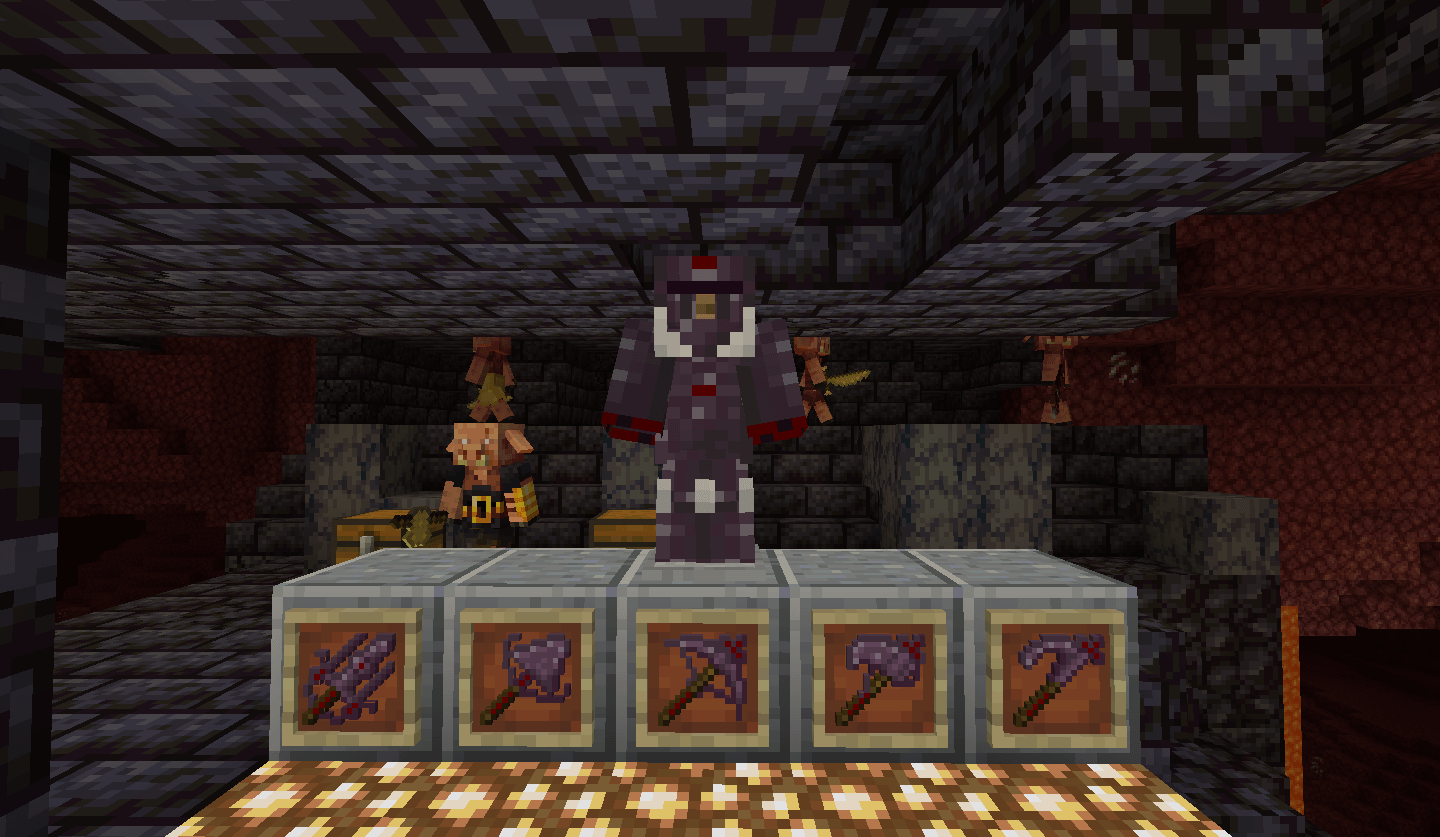
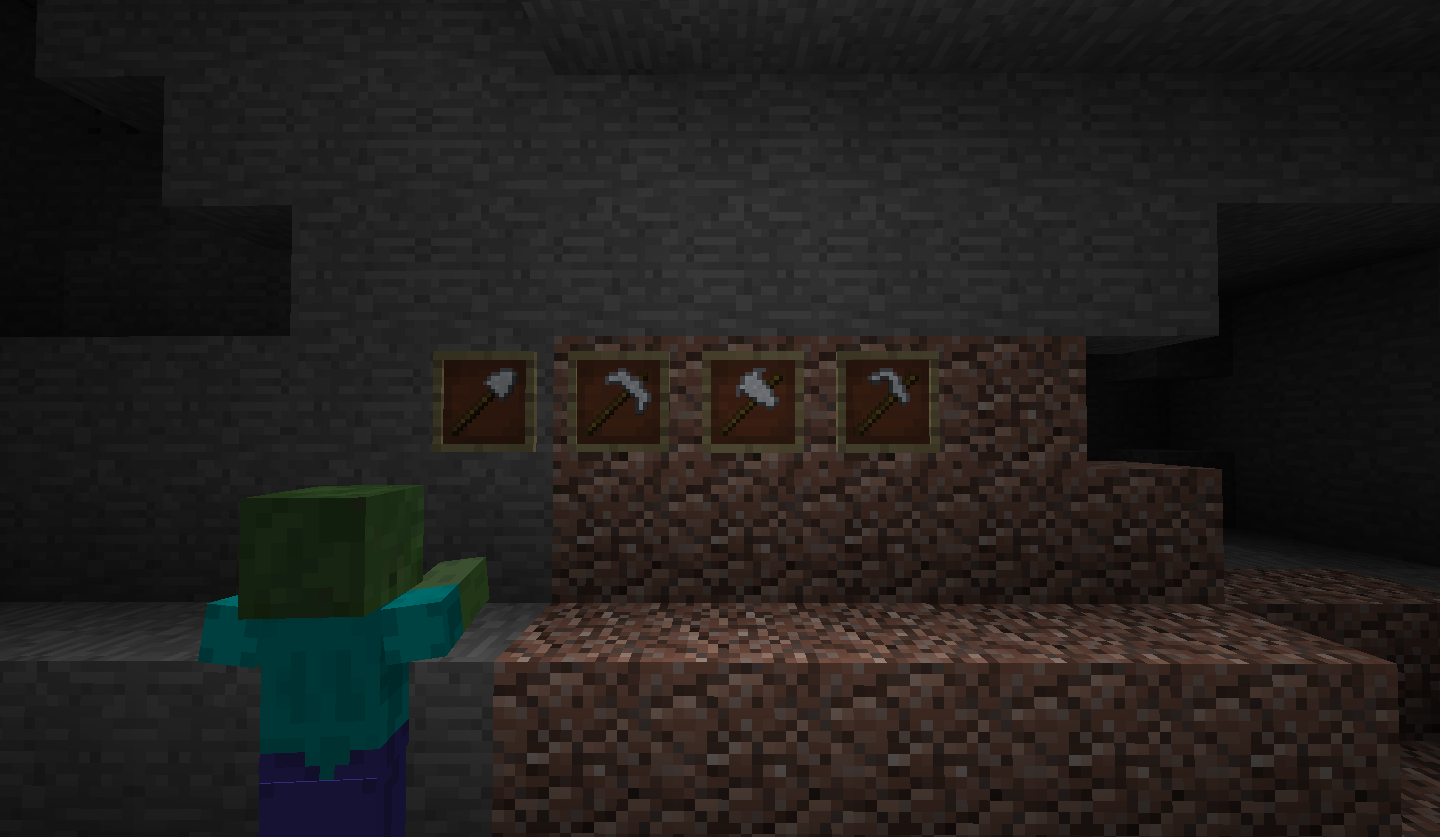
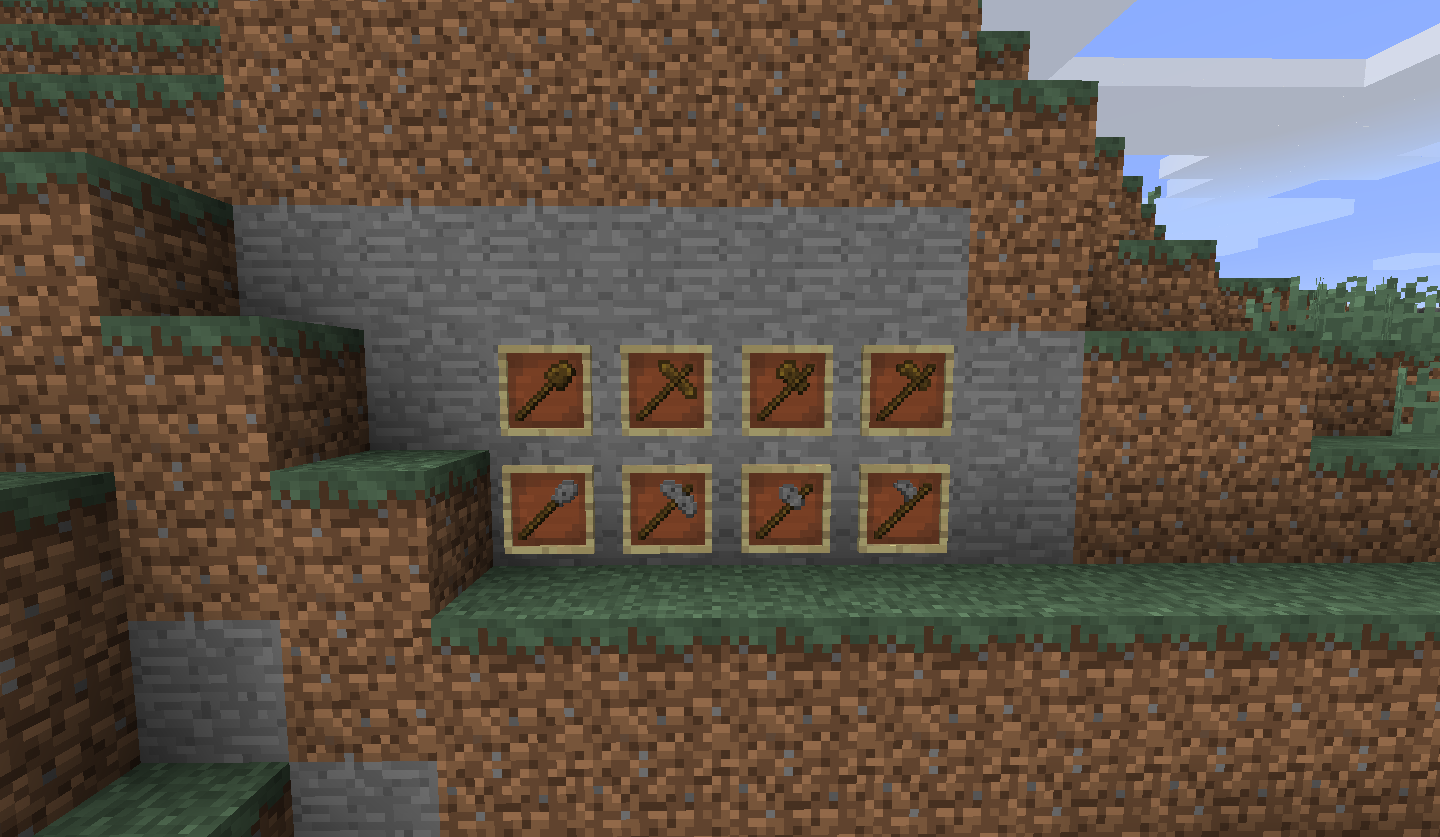
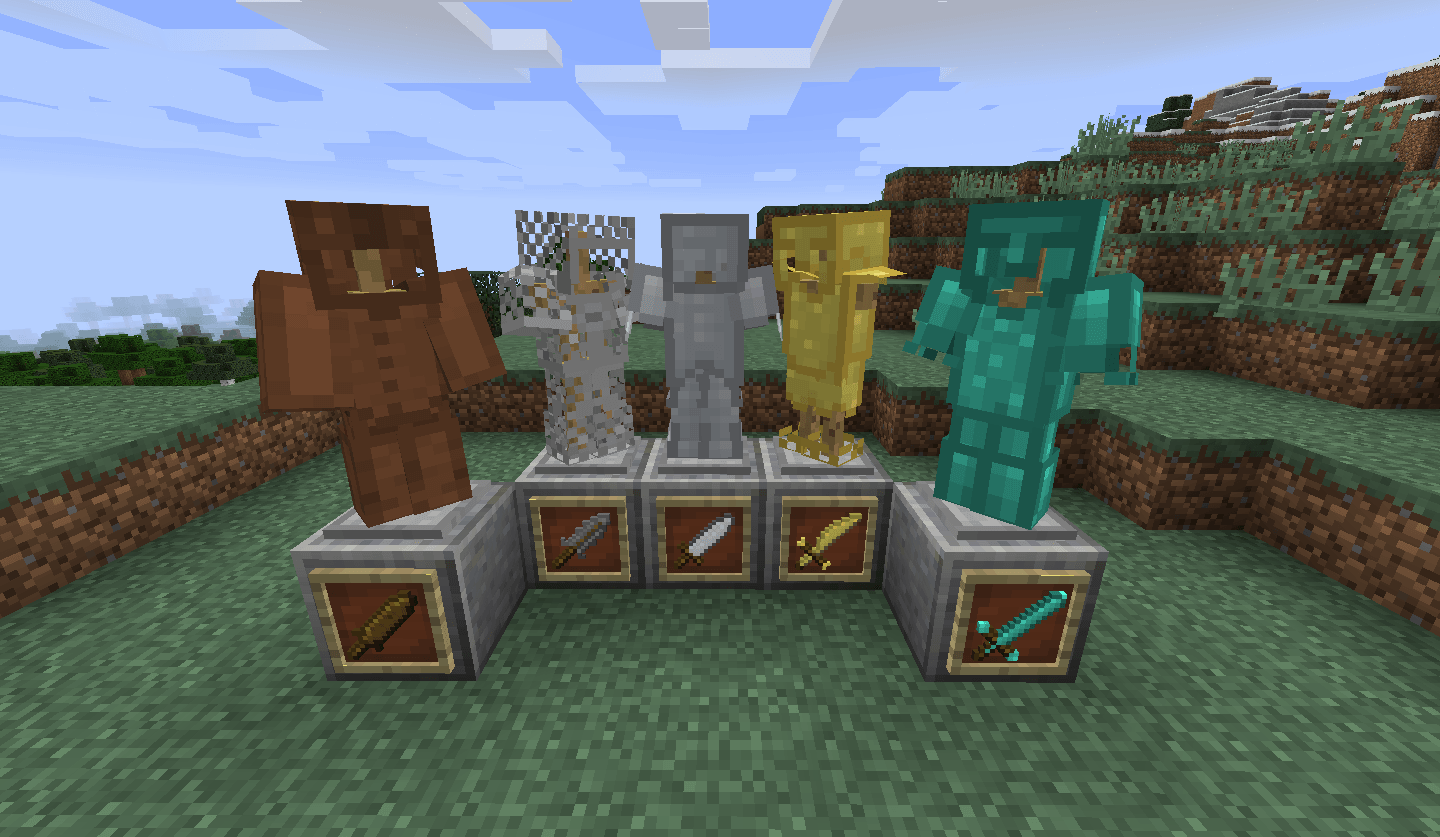
Every single texture for armour, weapons and tools has either been tweaked or completely changed, to have a more diverse set to reflect each material's properties, instead of the dull recolour of the same texture as in vanilla.

Why do this? The blandness of the armour sprites and model were always just bland, just like enchanted books, and when I saw Xali's enchanted books. I thought, hey I can do something like that, maybe with the armour and weapons. And here we are.

Wooden tools, are very basic looking, with the "sword" being basically a war club, representing the start of the player's journey, same with the stone tool set, however less carved, more lumped, like the player just grabbed a rock and shoved it on a stick.

Leather and chainmail armour are pretty vanilla looking with only slight adjustments, noteably a lining on the chainmail armour and long leather boots and leather sleaves.

The iron tools and armour set are much more deliberate, like a more skilled craftsmen made them, and akin to medieval tools and armour.

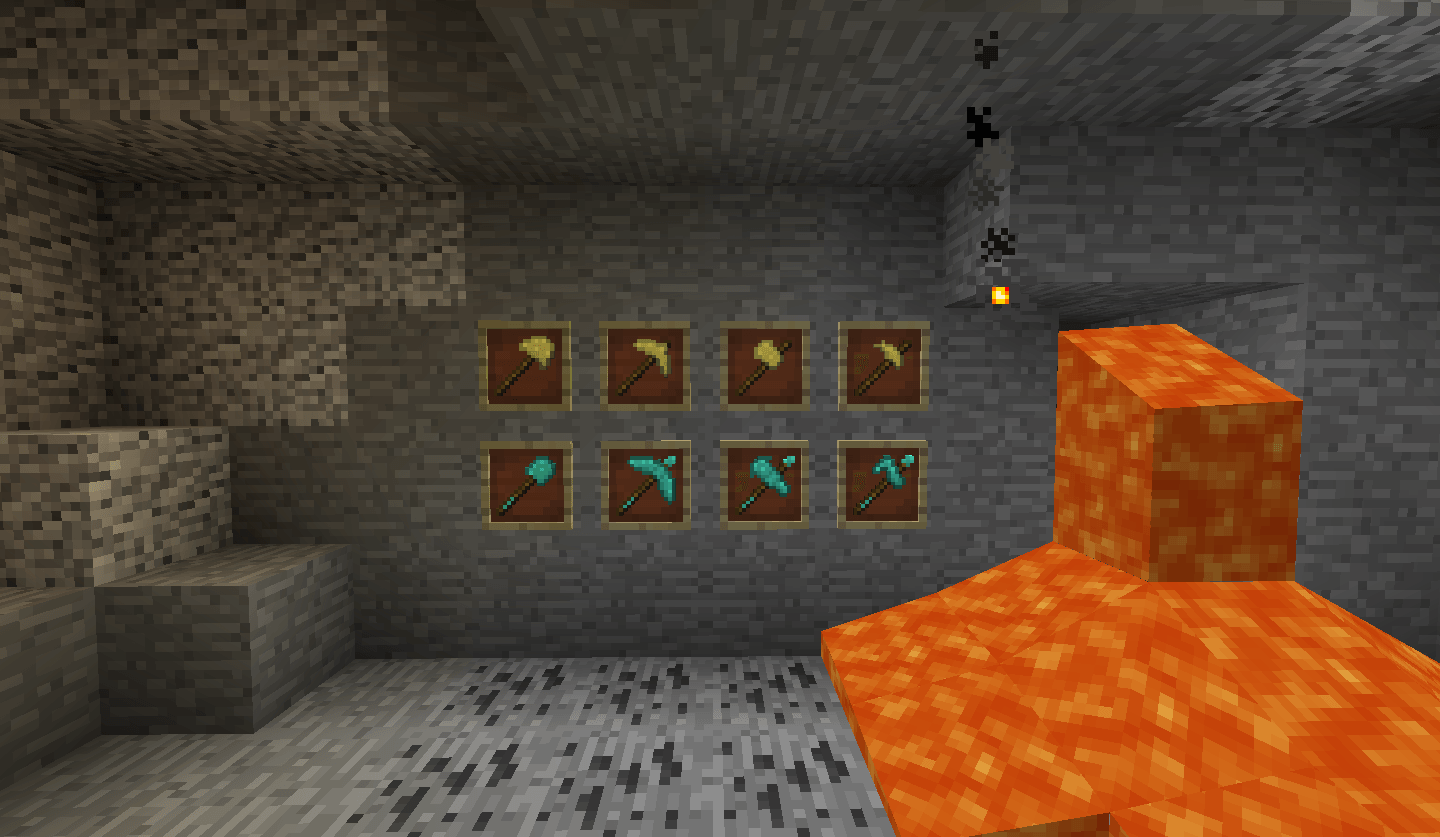
The gold tools and armour are in a similar look, however a distinct difference in armour style, more spartan with the breastplate. helmet and gold sandles, the tools themselves are much softer looking, with a more lumpy appearence while still being well forged, to represent the weakness of gold.

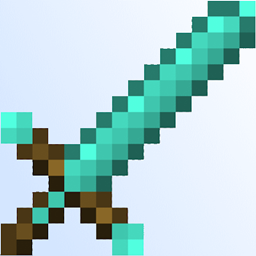
The diamond tools and armour set appear to be at the highest skill set. With decorated tools and armour, like great care was taken in making them.

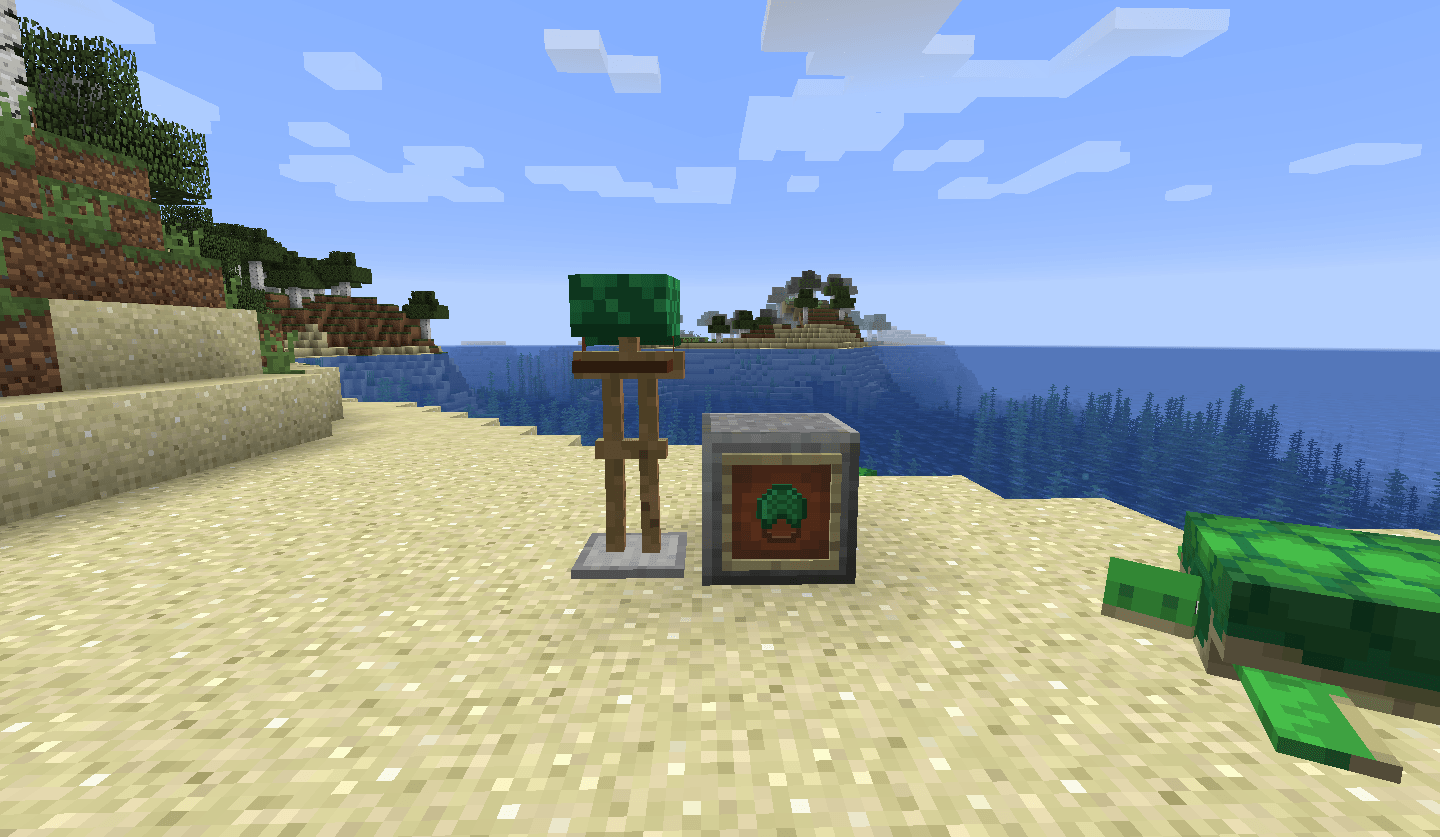
The turtle helmet, is slightly taller to cover the eyes completely and a chinstrap.

TDWP 1.16+.zip
MC 1.17.1, 1.16.3, 1.19.3, 1.20.2, 1.21, 1.16.1, 1.18.1, 1.20.5, 1.17, 1.16, 1.19.4, 1.16.5, 1.18.2, 1.19.2, 1.20.3, 1.20.1, 1.20, 1.20.6, 1.19.1, 1.20.4, 1.21.1, 1.18, 1.16.4
Release 2024-08-10 Get
TDWP 1.8.zip
MC 1.8.7, 1.8.4, 1.8.8, 1.8.3, 1.8.6, 1.8, 1.8.2, 1.8.5, 1.8.9, 1.8.1
Release 2024-08-09 Get
TDWP 1.9.zip
MC 1.9.1, 1.9.4, 1.9.2, 1.9
Release 2024-08-09 Get
TDWP 1.10.zip
MC 1.10.2, 1.10, 1.10.1
Release 2024-08-09 Get
TDWP 1.11.zip
MC 1.11, 1.11.1, 1.11.2
Release 2024-08-09 Get
TDWP 1.12.zip
MC 1.12.1, 1.12, 1.12.2
Release 2024-08-09 Get
TDWP 1.13.zip
MC 1.13.1, 1.13, 1.13.2
Release 2024-08-09 Get
TDWP 1.14 + 1.15zip
MC 1.14.4, 1.14.1, 1.14.3, 1.15, 1.15.2, 1.14, 1.14.2, 1.15.1
Release 2024-08-09 Get

Requirements & install

How to use this resource pack in Minecraft
Resolution
16x
Minecraft
1.20.1 – 1.21.1
Install folder
.minecraft/resourcepacks

How to install resource packs

  1. Download the resource pack .zip file (do not extract it).
  2. In Minecraft open Options → Resource Packs → Open Pack Folder.
  3. Drop the .zip into the resourcepacks folder (.minecraft/resourcepacks).
  4. Move the pack to the Selected column and click Done.
Browse more: 16x resource packs 32x resource packs 64x resource packs 128x resource packs 256x resource packs 512x+ resource packs Resource Packs for 1.21.1 All resource packs

More from Tonko

Advertisement Remove ads with Premium →

You Might Also Like