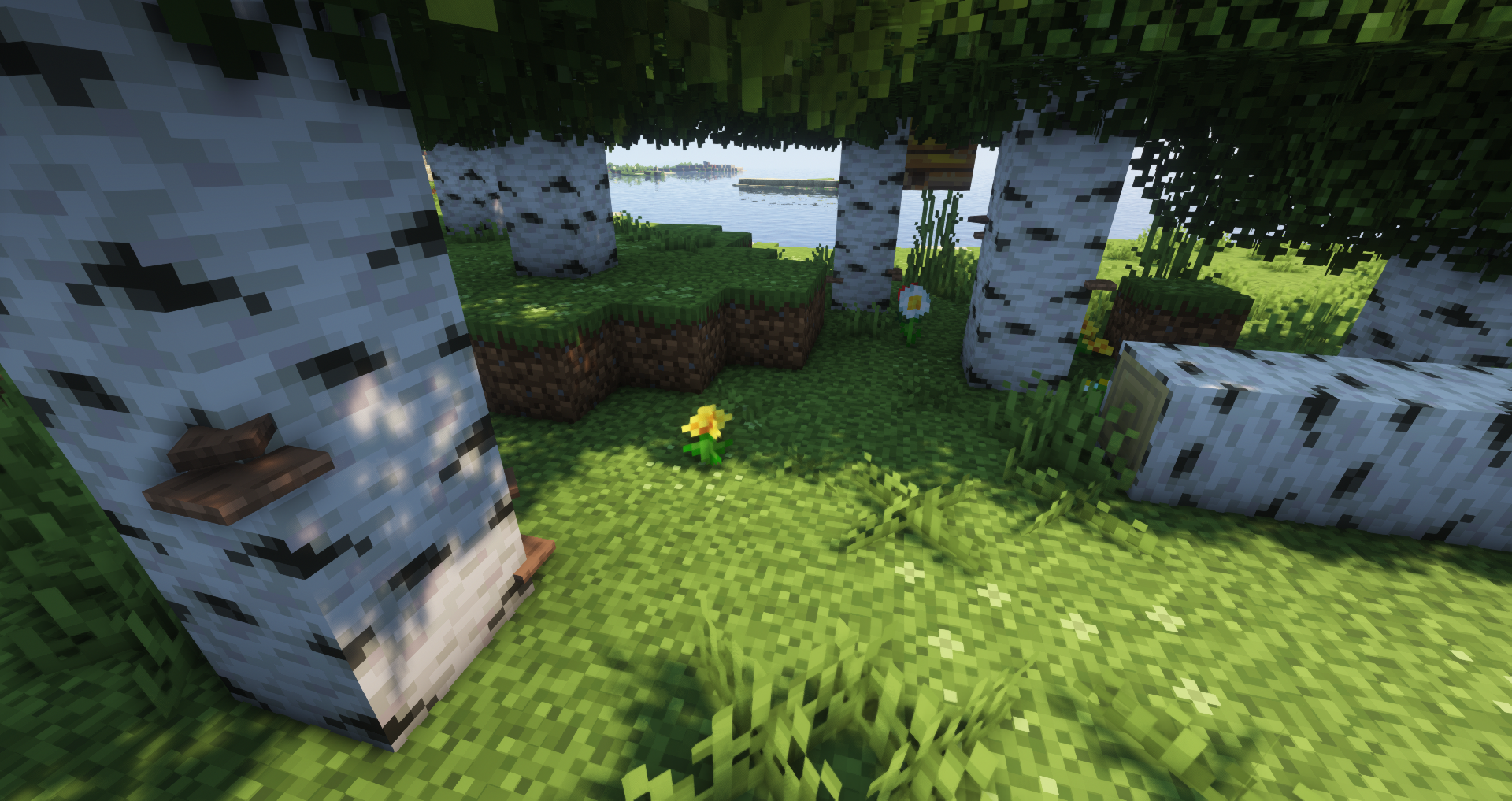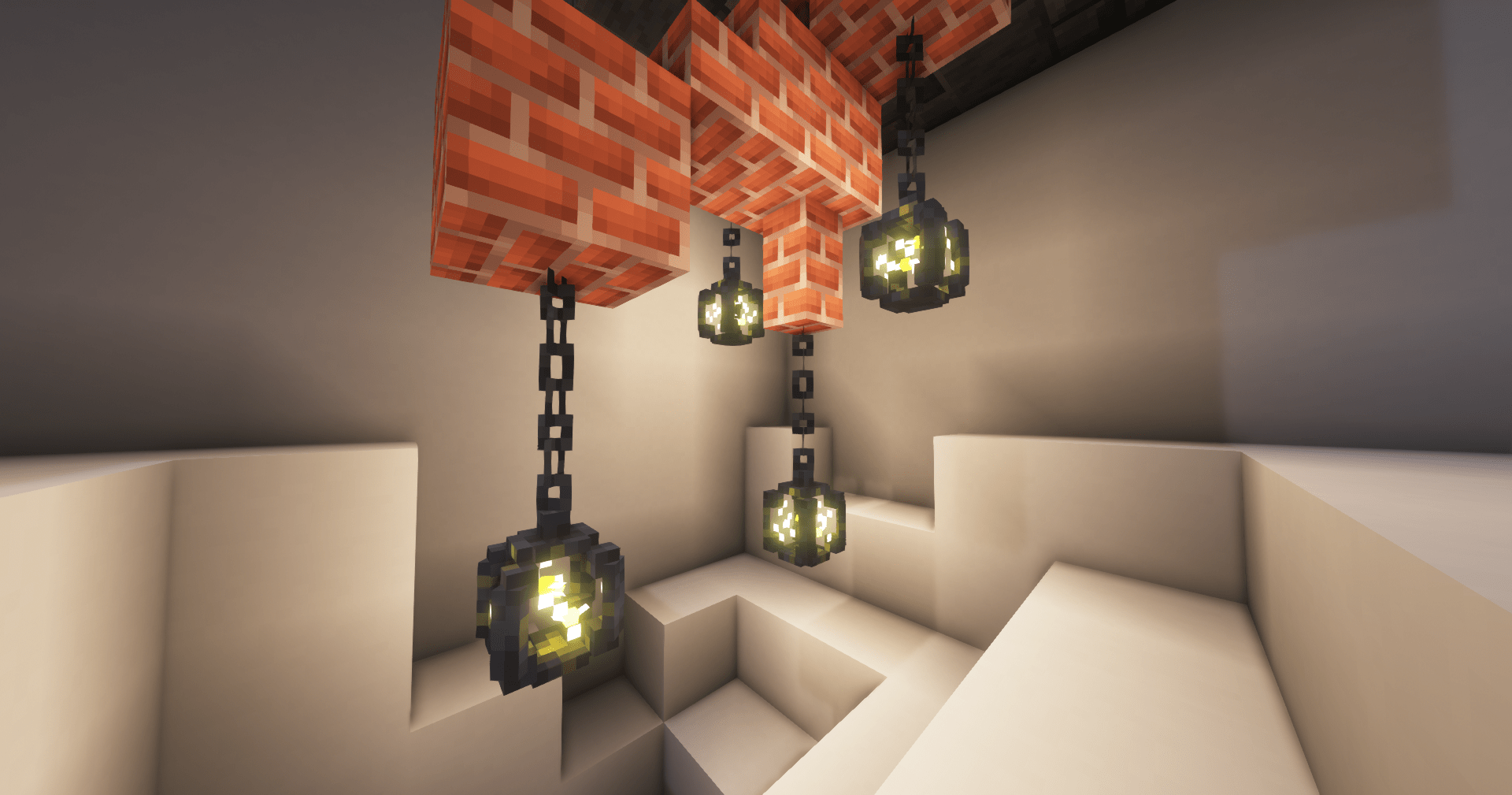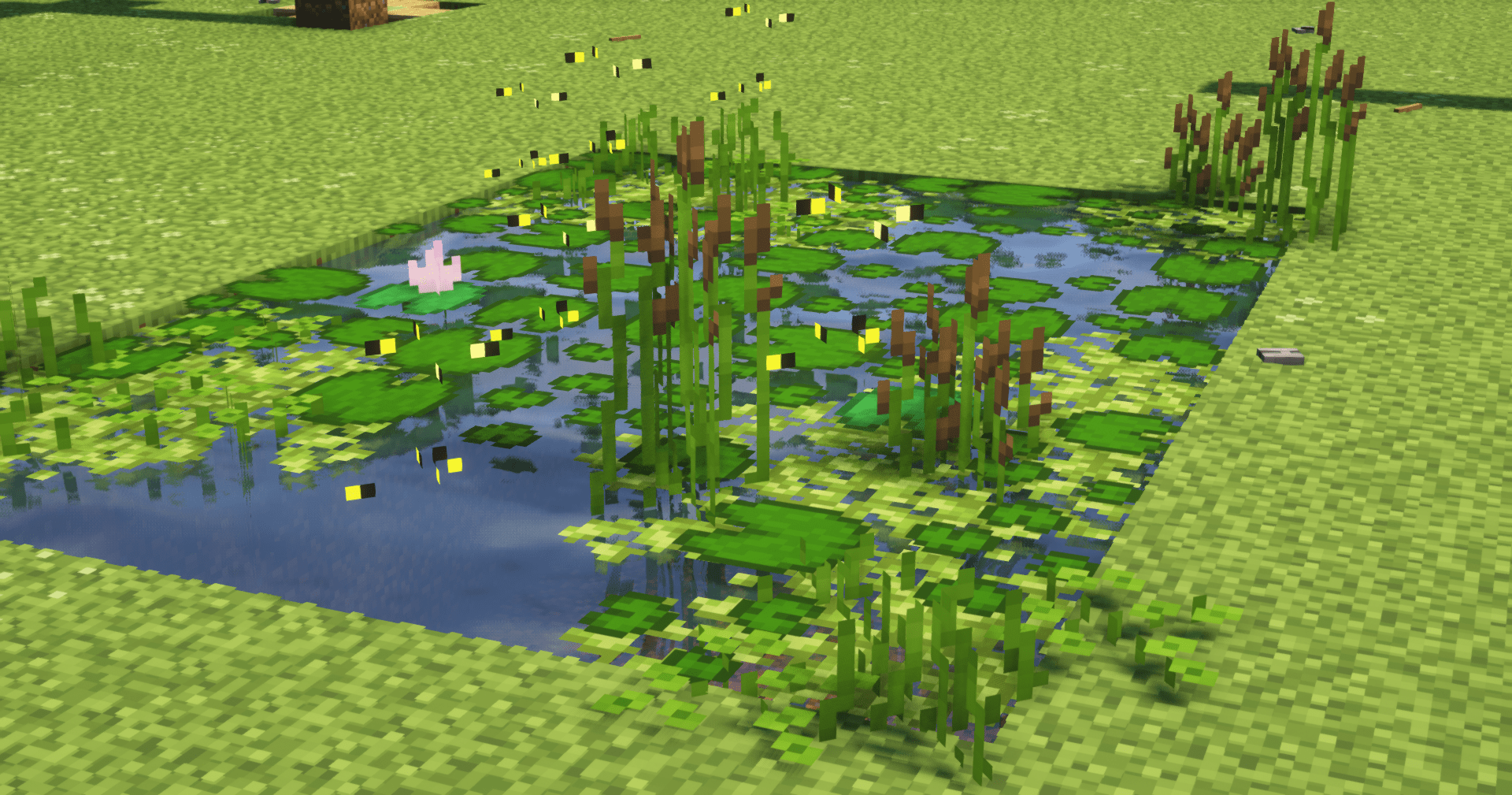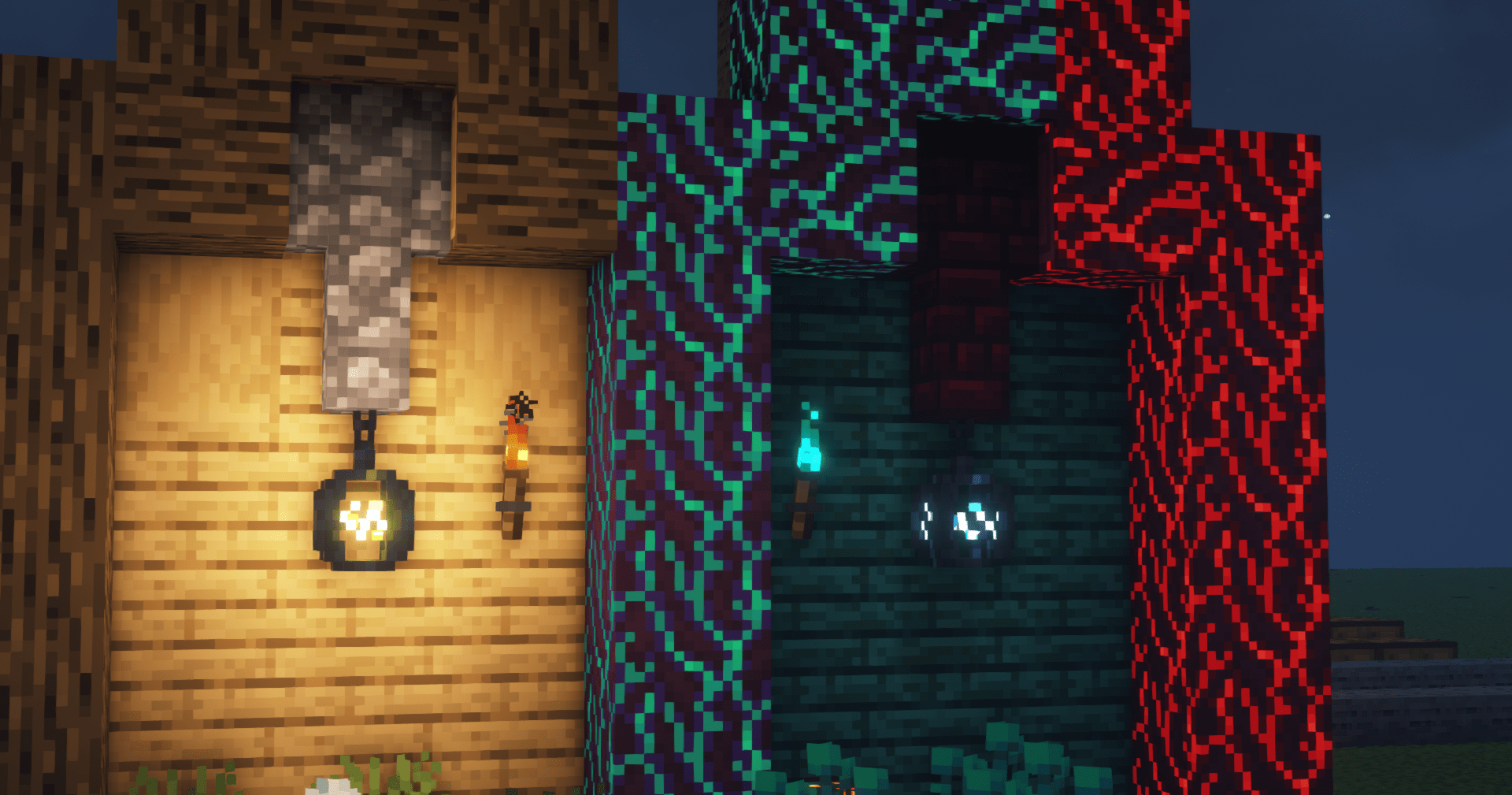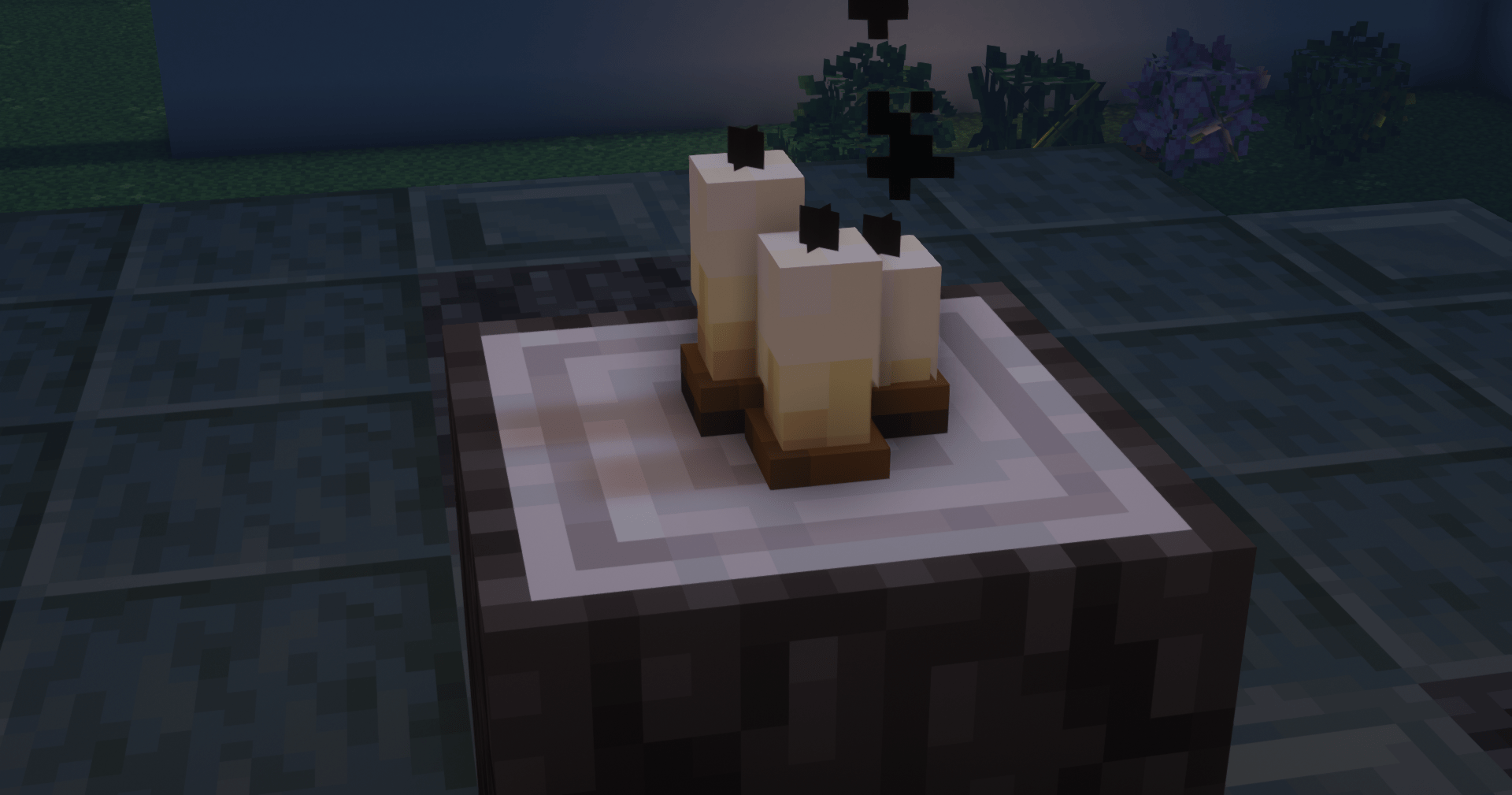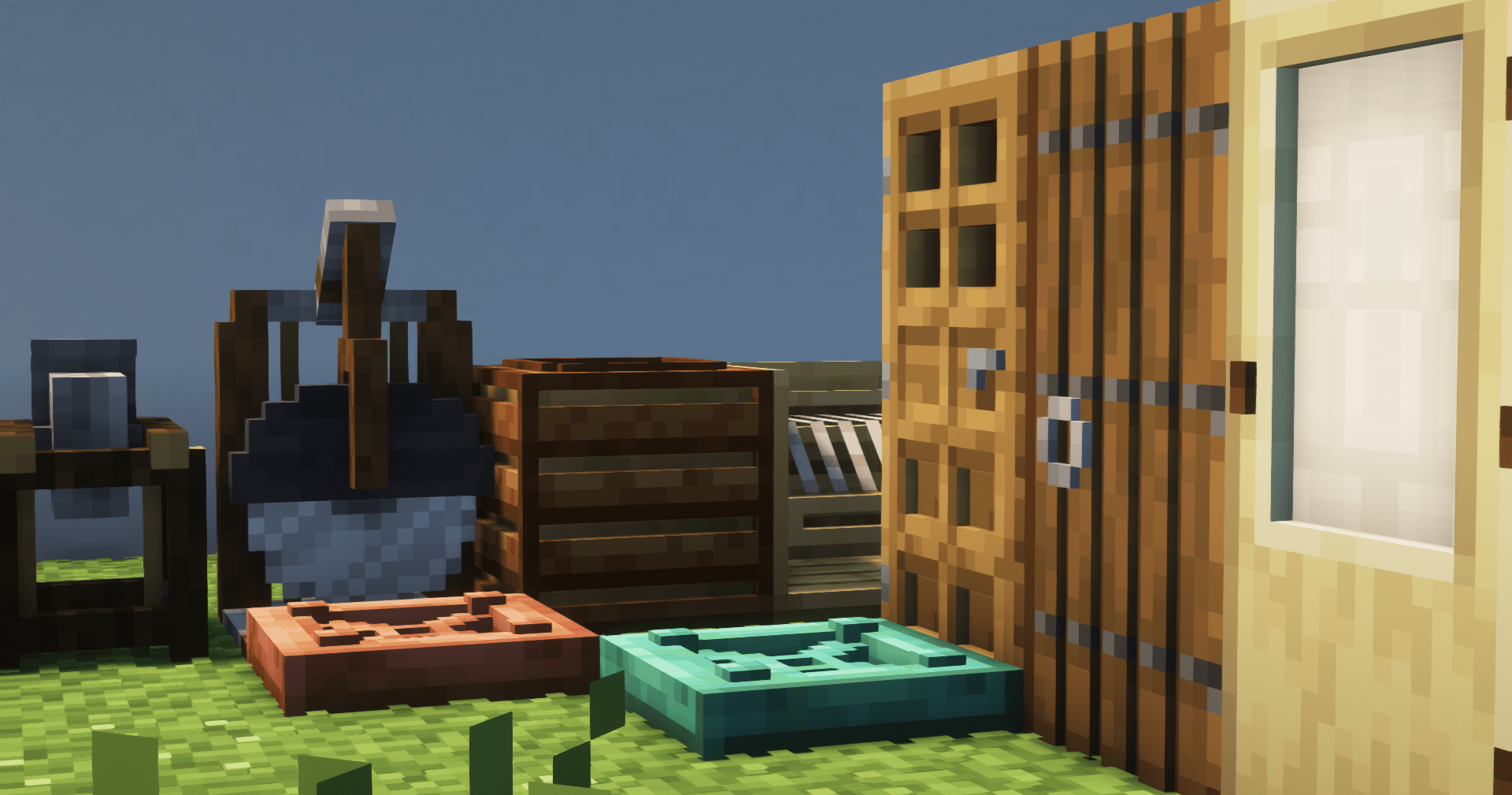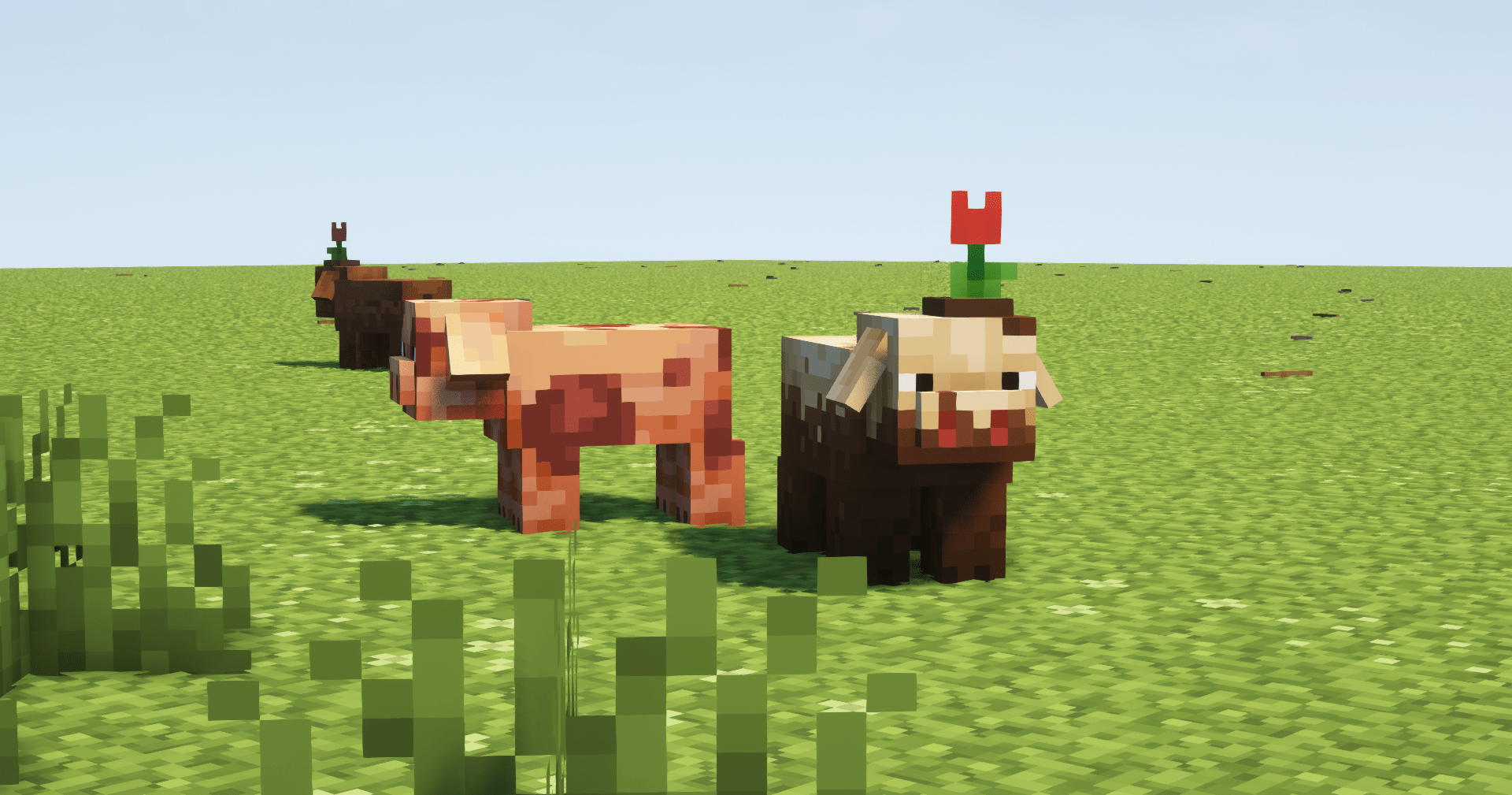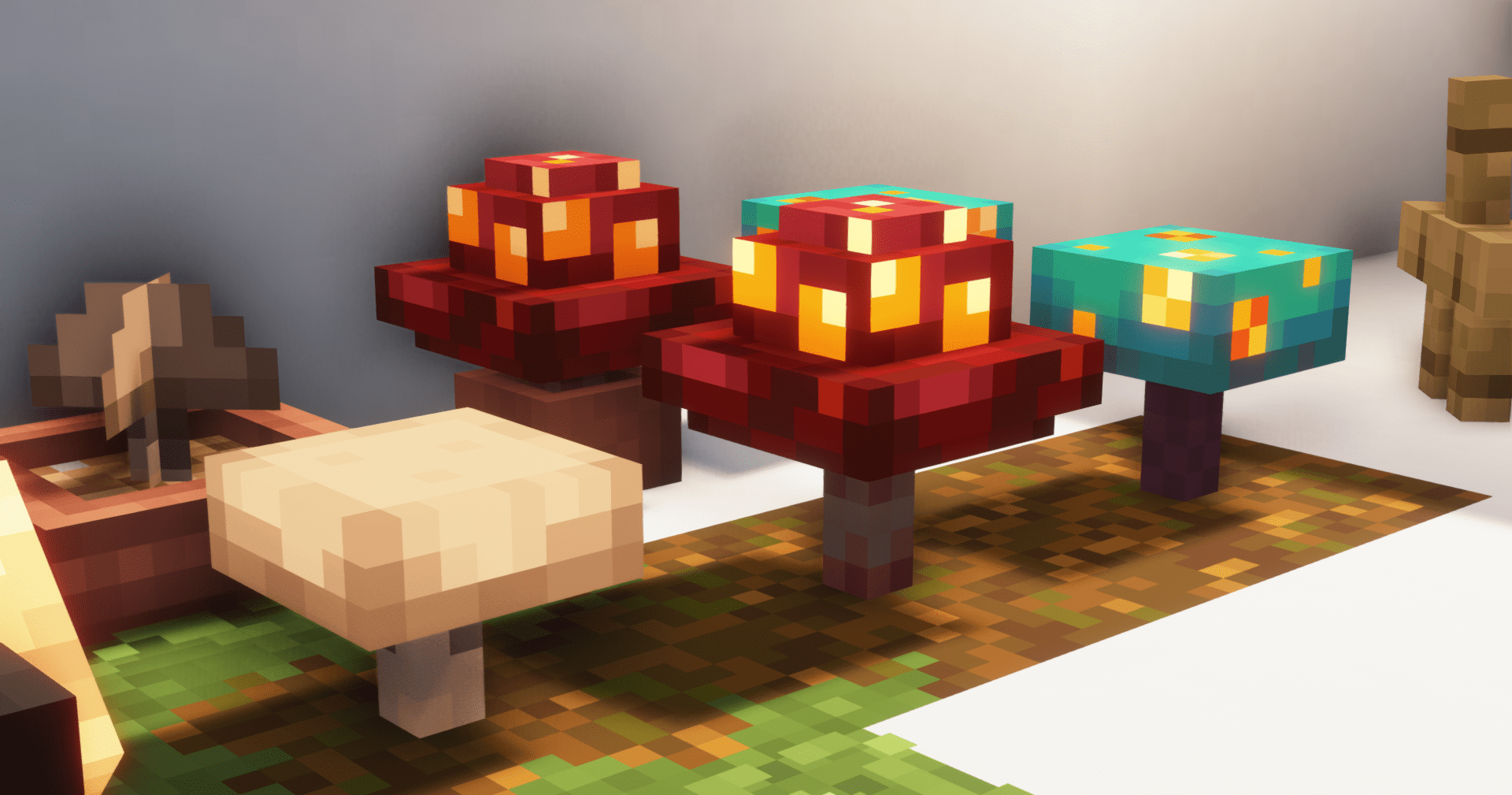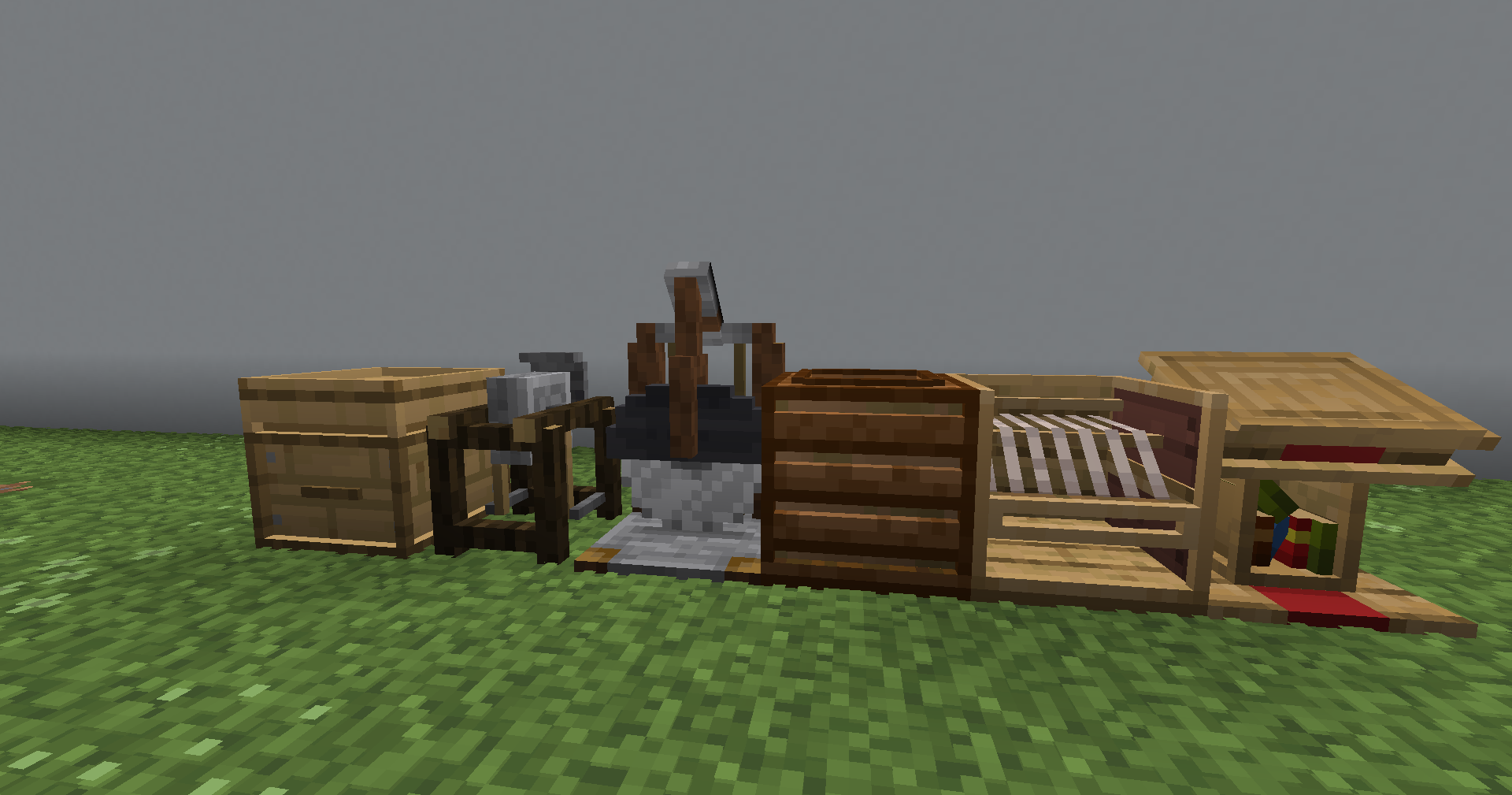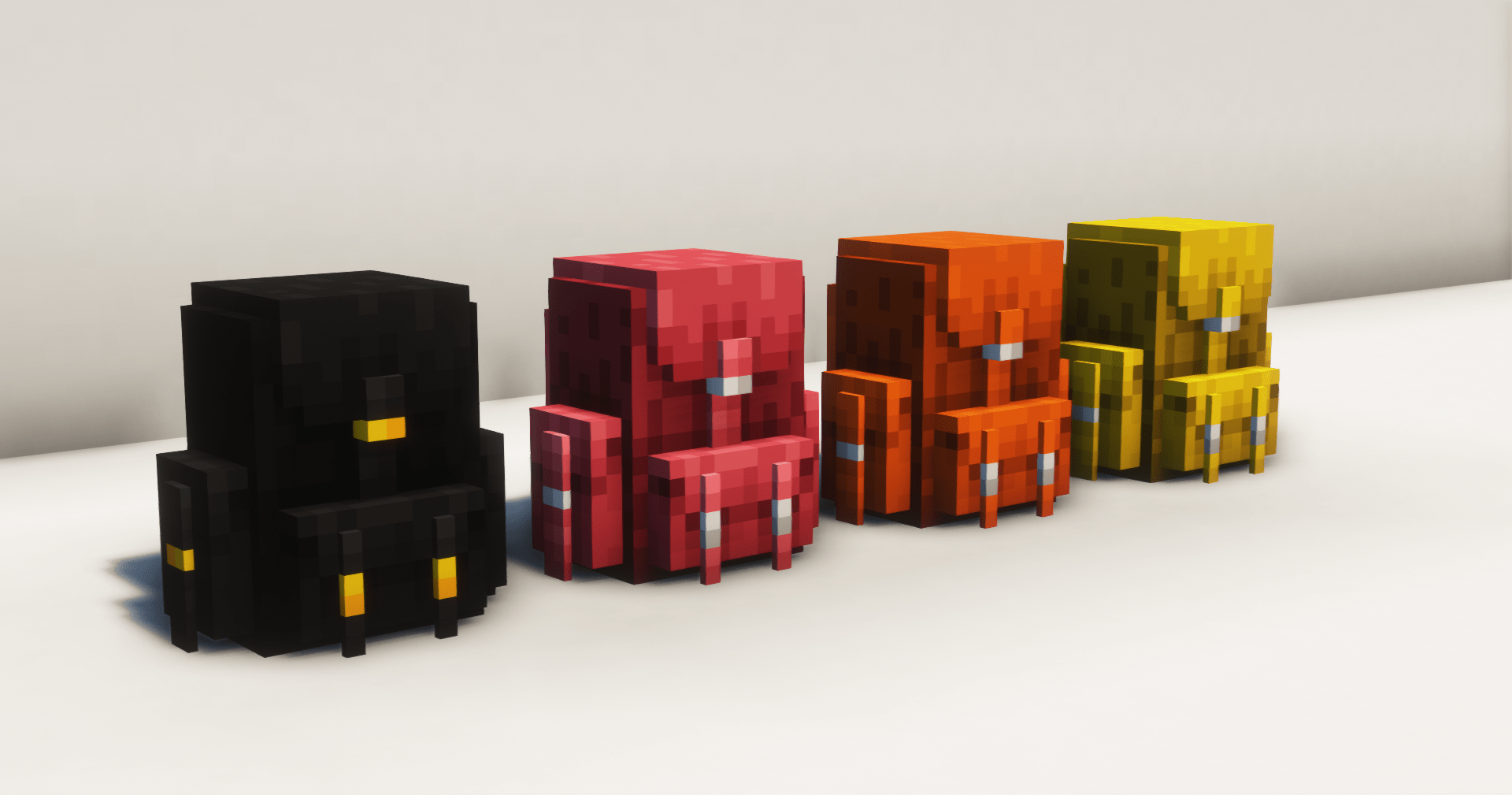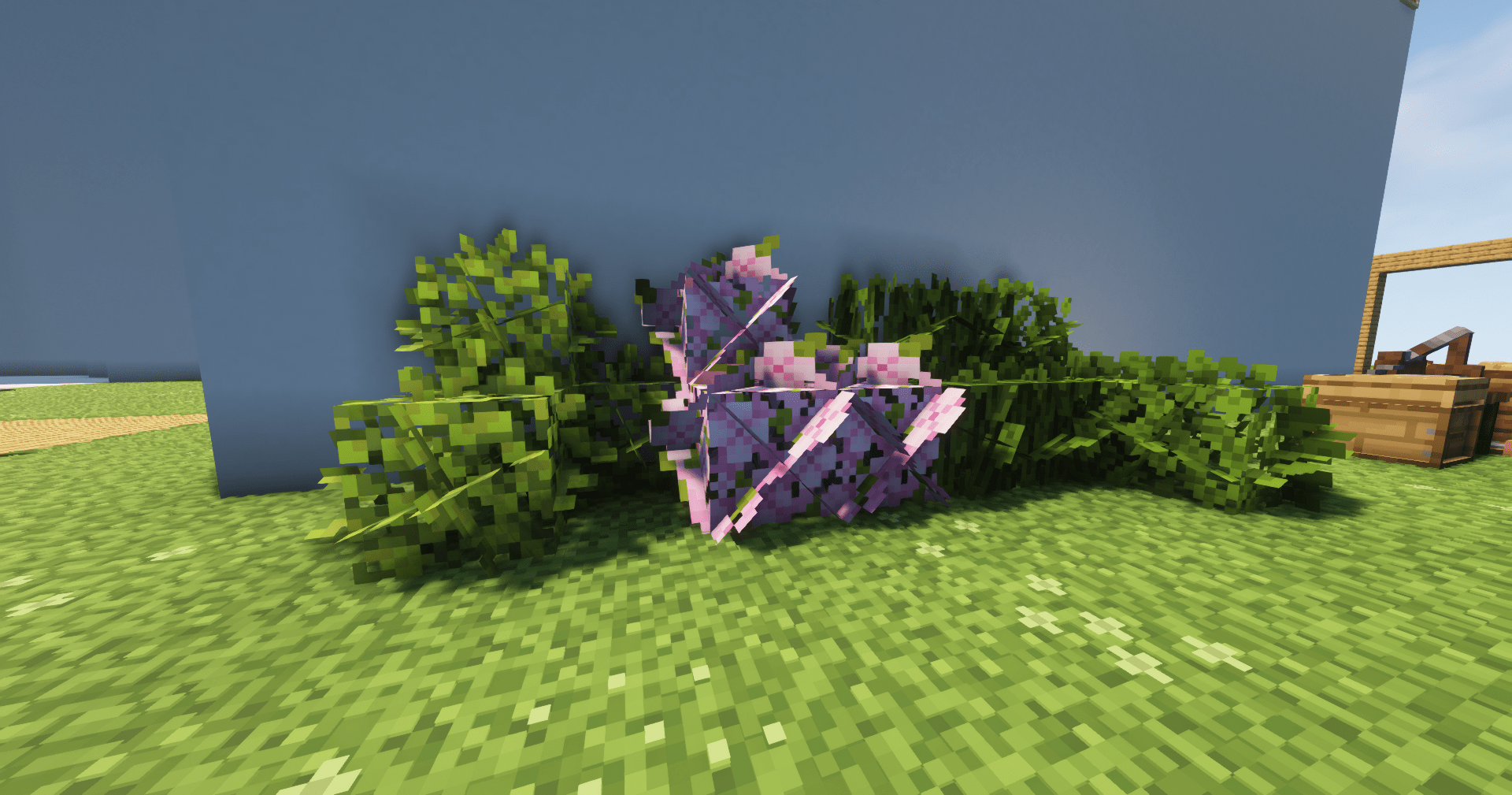
A fantastic texturepack that modifies many blocks and items to make them 3D or more realistic
while maintaining the cubic style of minecraft. There are many objects that can be renamed for
a roleplay experience and many little things that make the difference: like animated objects or
grass and derivative textures that mix with blocks. I also wanted to implement mobs that in the
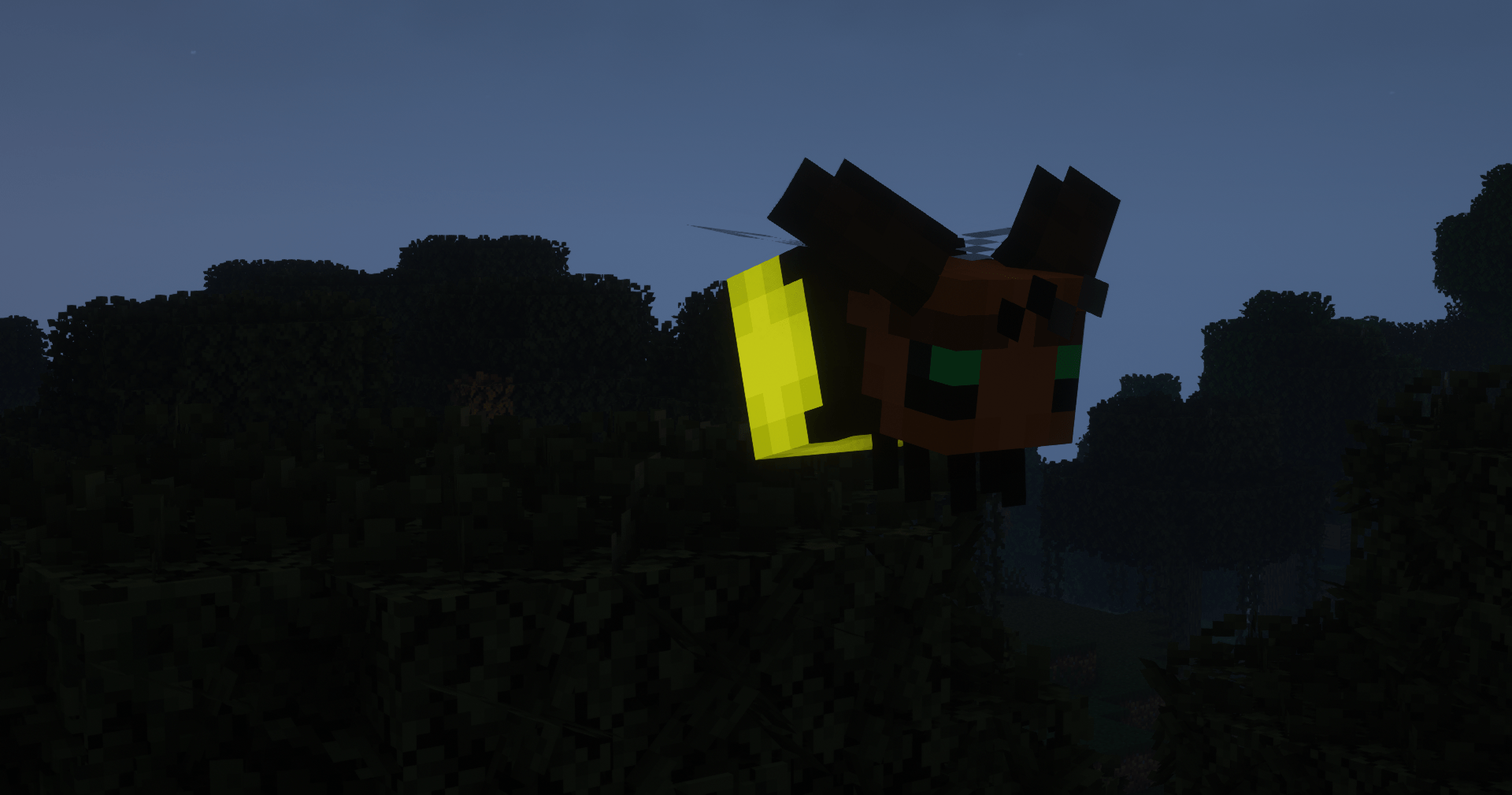
end were never added: like the copper golem (which in my texture is an anvil and the more it
wears out, the more it rusts) or the fireflies (they are bees that change texture in the swamps)
or even mushrooms in the birch forest (which they had to put in 1.19).
There are many bright textures: like almost all minerals so as to make them easier to see in the
dark. But there are many things that will help you in playing Minecraft: like the potions gui
found in the Brewing Stand or if you don't remember the name of a mob now all the eggs above
their name have a small picture or if you don't remember. what color was your axolotl each one
has a different color inside the bucket.
One of my favorite textures is that of villagers and pillagers. they are all different and they
are potatoes and they are very nice; but also the pigs are all different from the dirtiest of mud
to the least dirty and with some super rare variations.
For the builders I have created 1 new block for each type of wood: it is created with two slabs
of the type of wood and the block will be rotated ninety degrees; then there are also stone,
andesite, diorite, graniuto, cobblestone and mossy cobblestone which with two slabs completely
change texture.
For this texture the optifine is ESSENTIAL and without it 90% will not work
Additionally, the following options are highly recommended for a better image:
In options>video settings>quality:
-Mipmap Levels: Maximum
-MipMap Types: Bilinear
-Antialiasing: 16
-Custom Entity Models/Items/GUI: ON
NEW 1.20+ UPDATE!
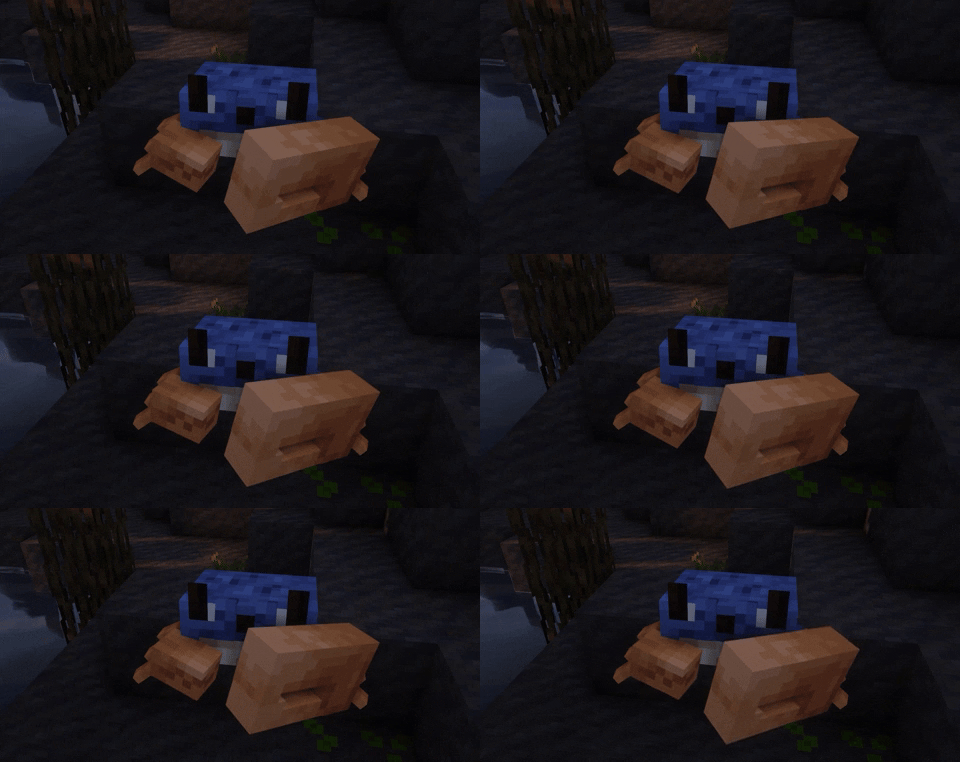
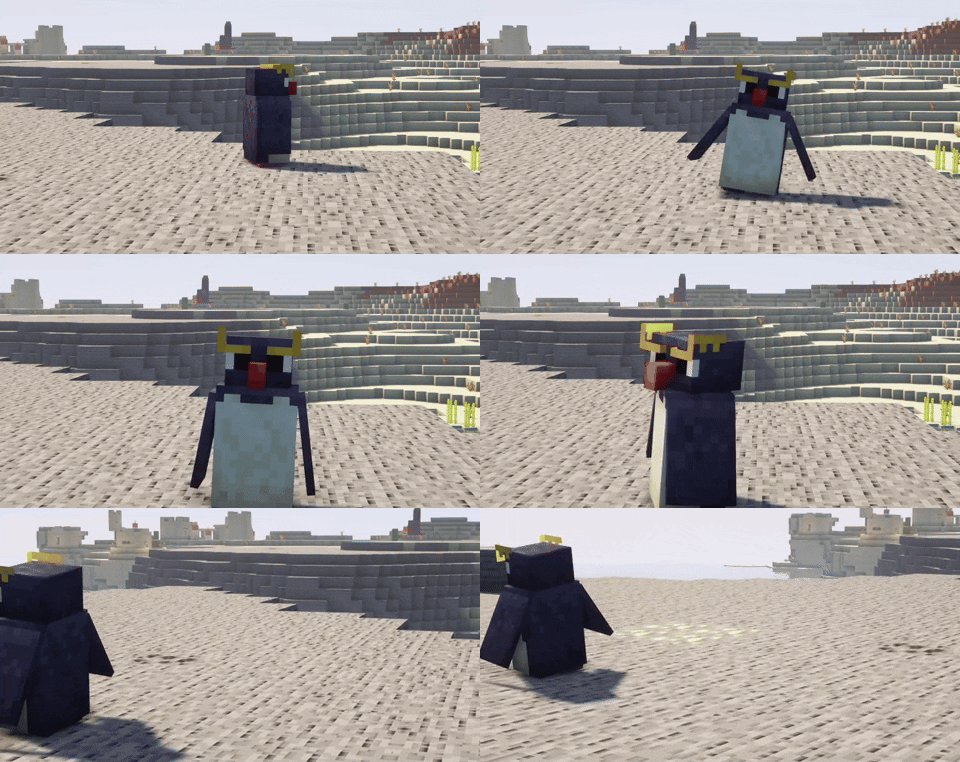
Crab
spiders in the swamps
Penguin
cows in the frozen biomes
What TomTexturesPack edit
Bow:
- "slingshot"
elytra:
- "elytra heart"
-"elytra christmas"
-"elytra blue fire"
-"goron elytra"
-"gerudo elytra"
-"crimson elytra"
-"warped elytra"
-"cake elytra"
-"netherite block elytra"
-"ancient debris elytra"
-"BugTracker Elytra"
-"Cobalt Elytra"
-"Crowdin Translator Elytra"
pumpkin :
- "cappello da mago"
-"Drowned"
-"Evoker"
-"Zombie"
-"Zombie Villager"
-"Illusioner"
-"Piglin"
-"Piglin Brute"
-"Pillager"
-"Villager"
-"Wandering Trader"
-"Zombified Piglin"
- "green scarf"
- "red scarf"
- "yellow scarf"
- "pink and blue scarf"
- "red and green scarf"
- "turquoise and orange scarf"
- "yellow and black scarf"
- "yellow and green scarf"
- "red and white scarf"
Moondrop : - CLIC
parrots:
- "Default"
- "Gem"
- "Mystic"
- "Avian"
Dolphin:
- "crocodile"
How to install TomTexturePack
1) install the latest version of optifine from optifine site
2) after opening optifine and installing it open minecraft
3) from the main minecraft screen click options> Resource packs> open pack folder and insert
the texture you downloaded into this folder
4) have fun using my texturepack