Mineuniverse
Resource Packs
Tiny Tools+

Tiny Tools+

RESOURCE PACK
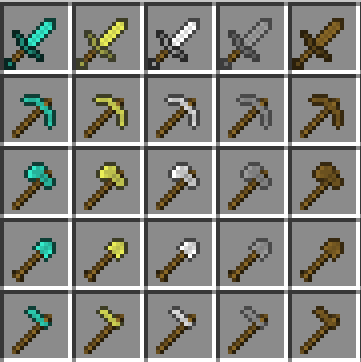
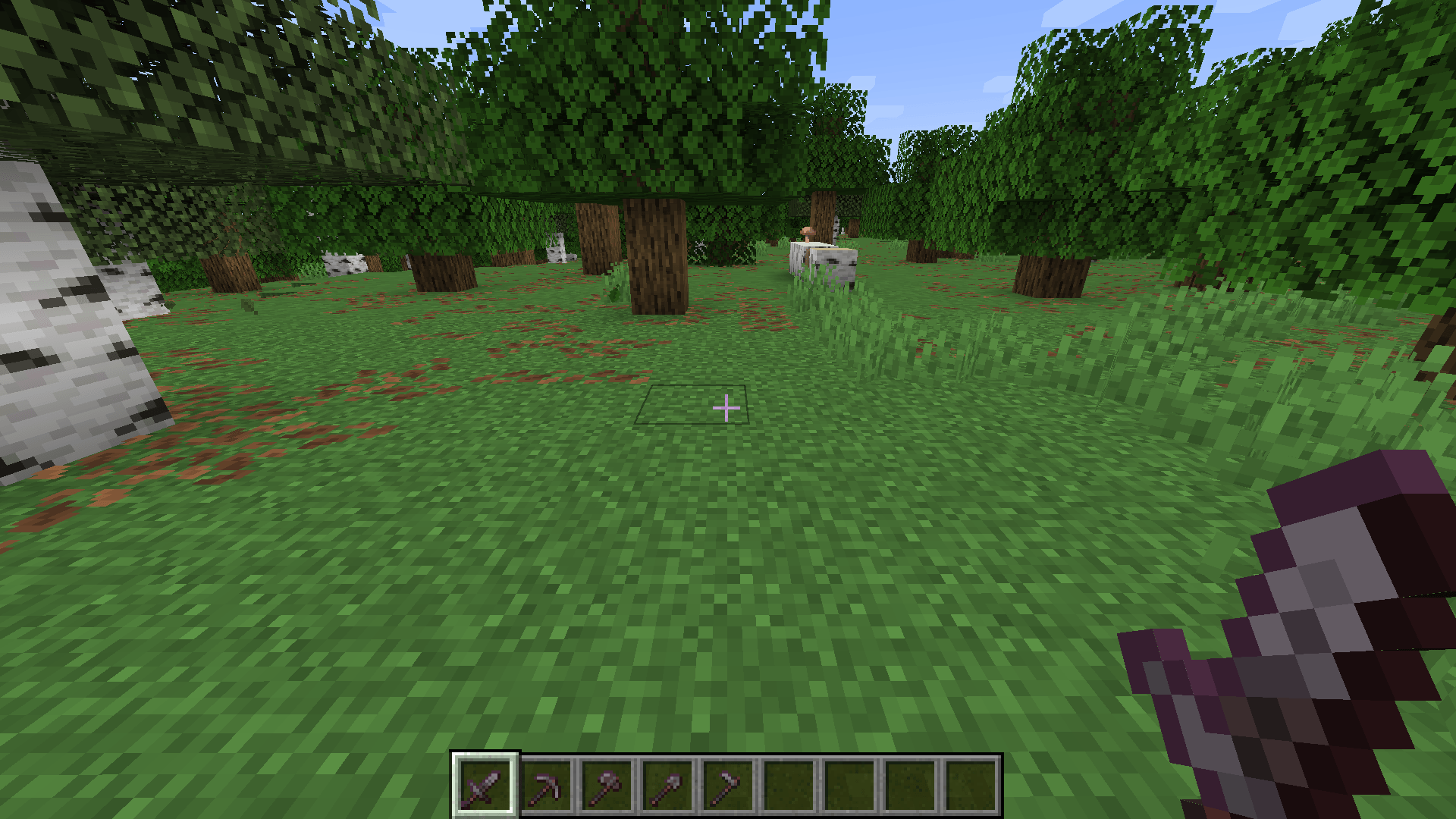
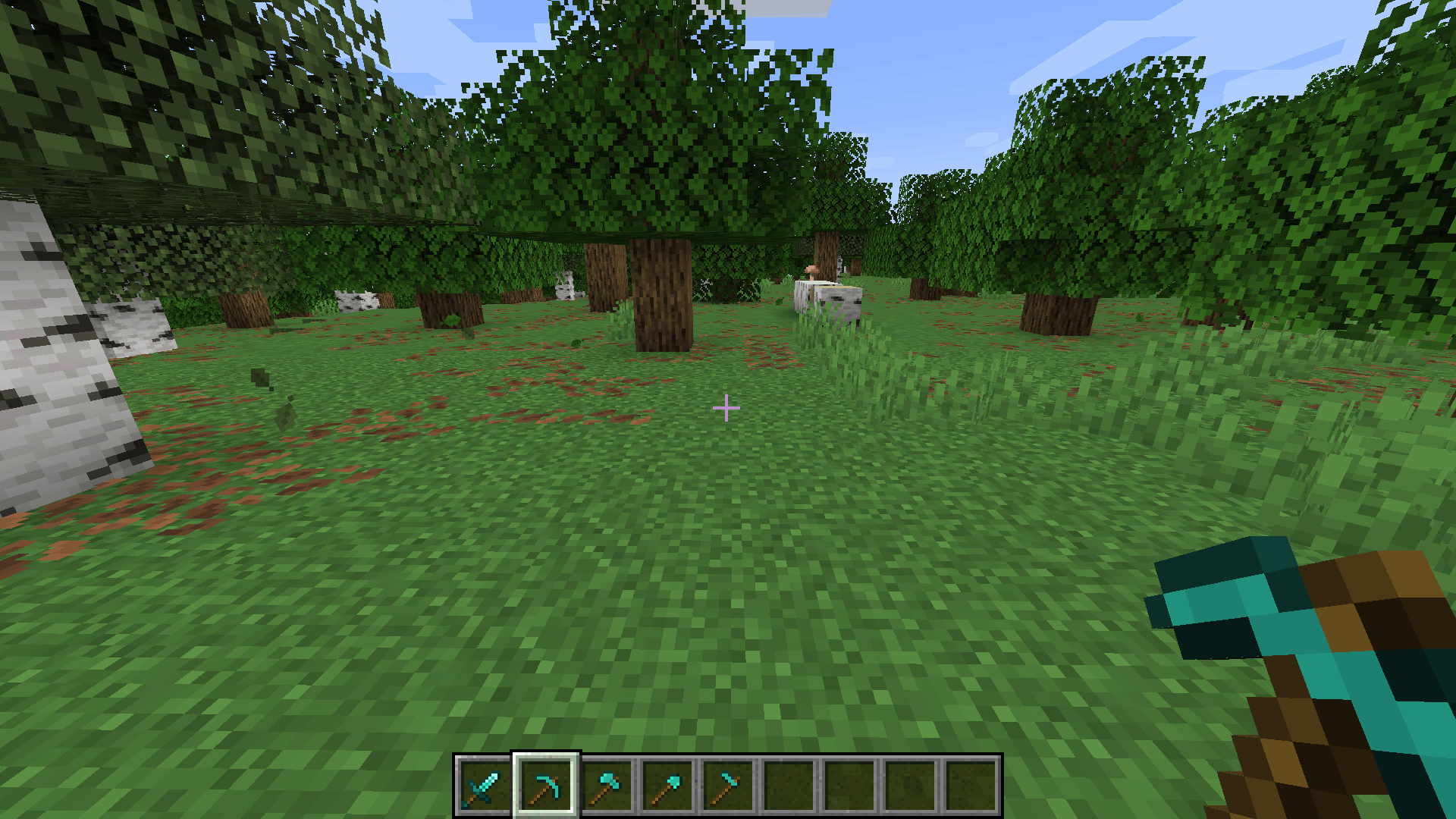
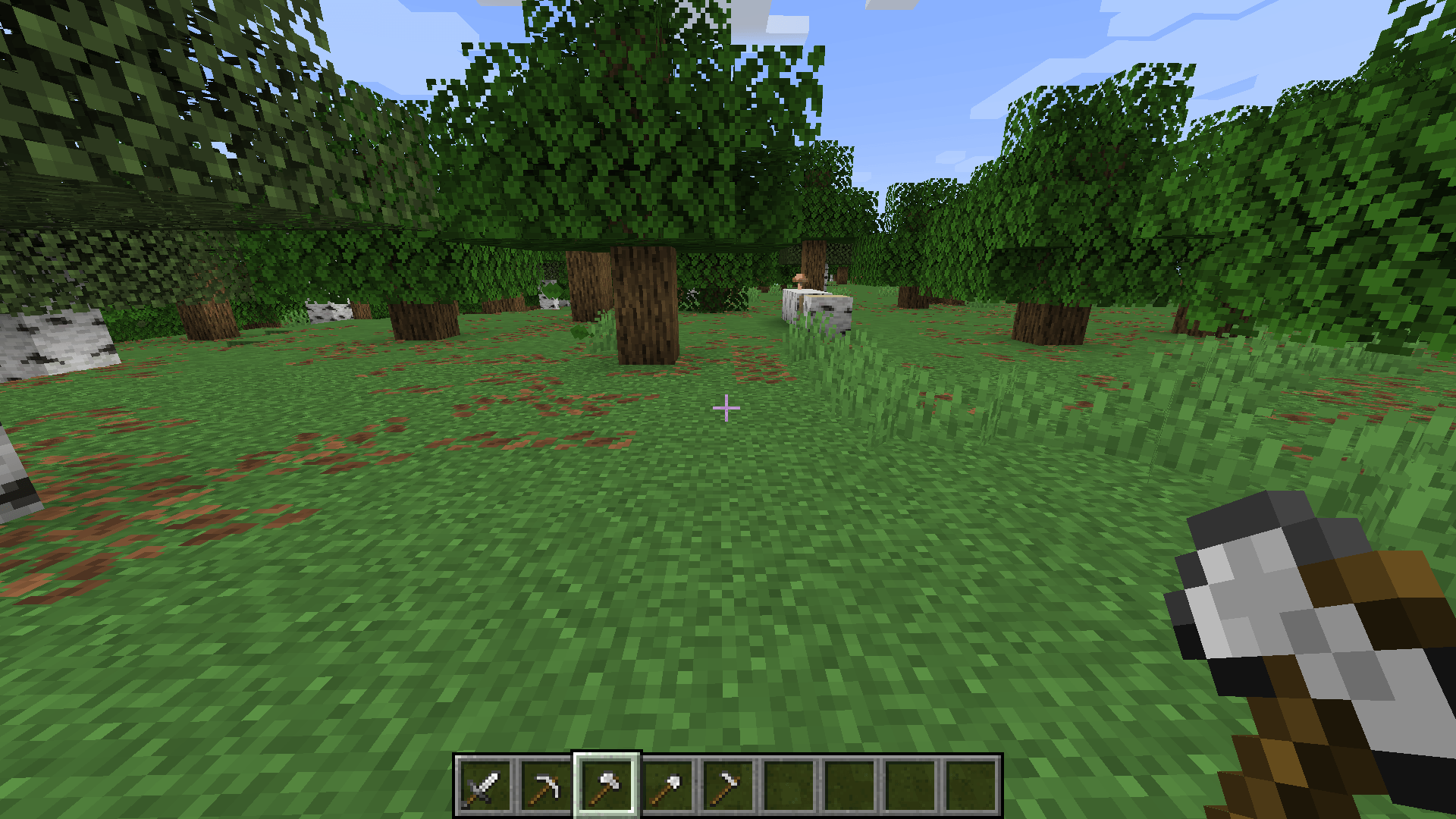
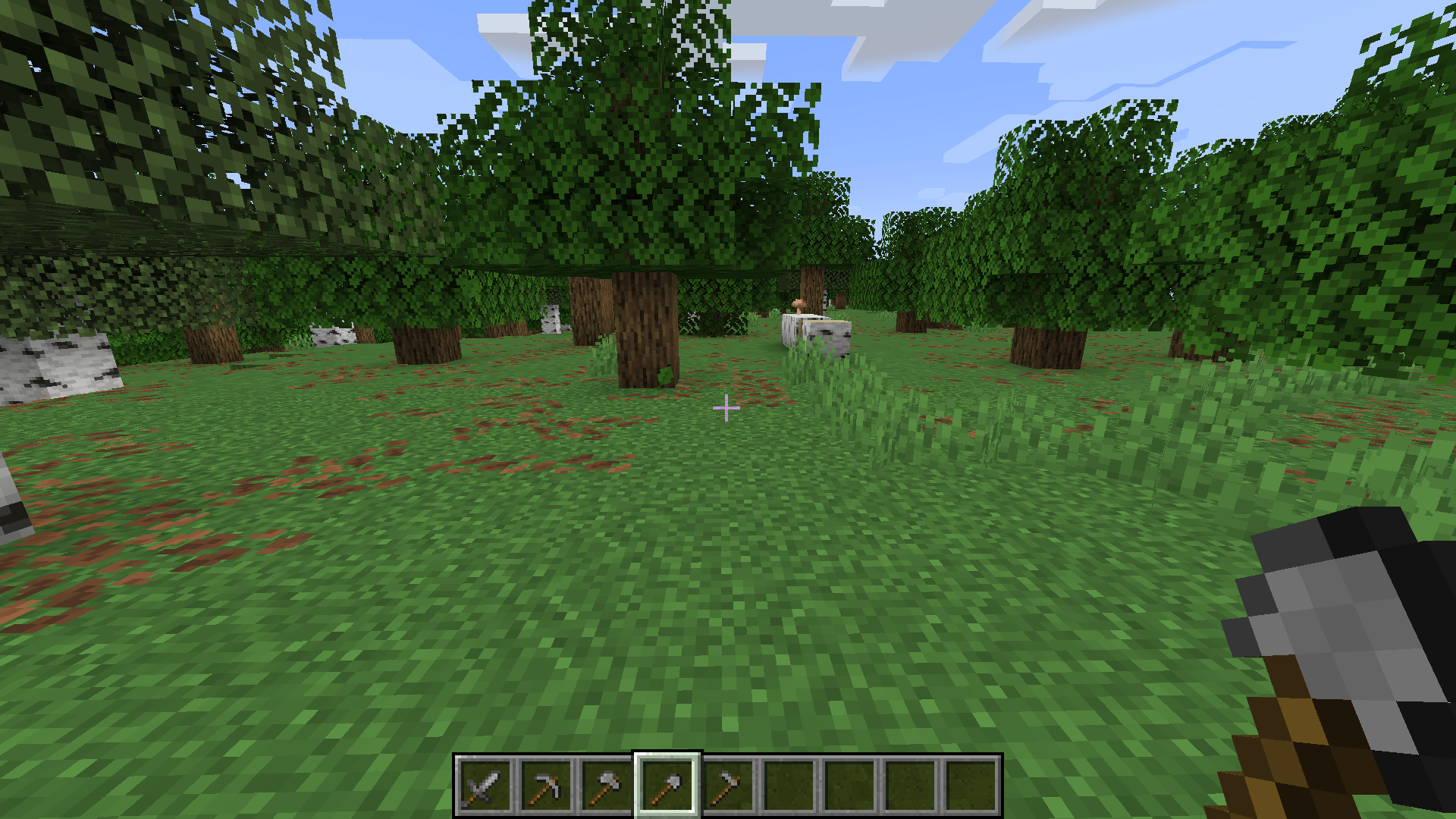
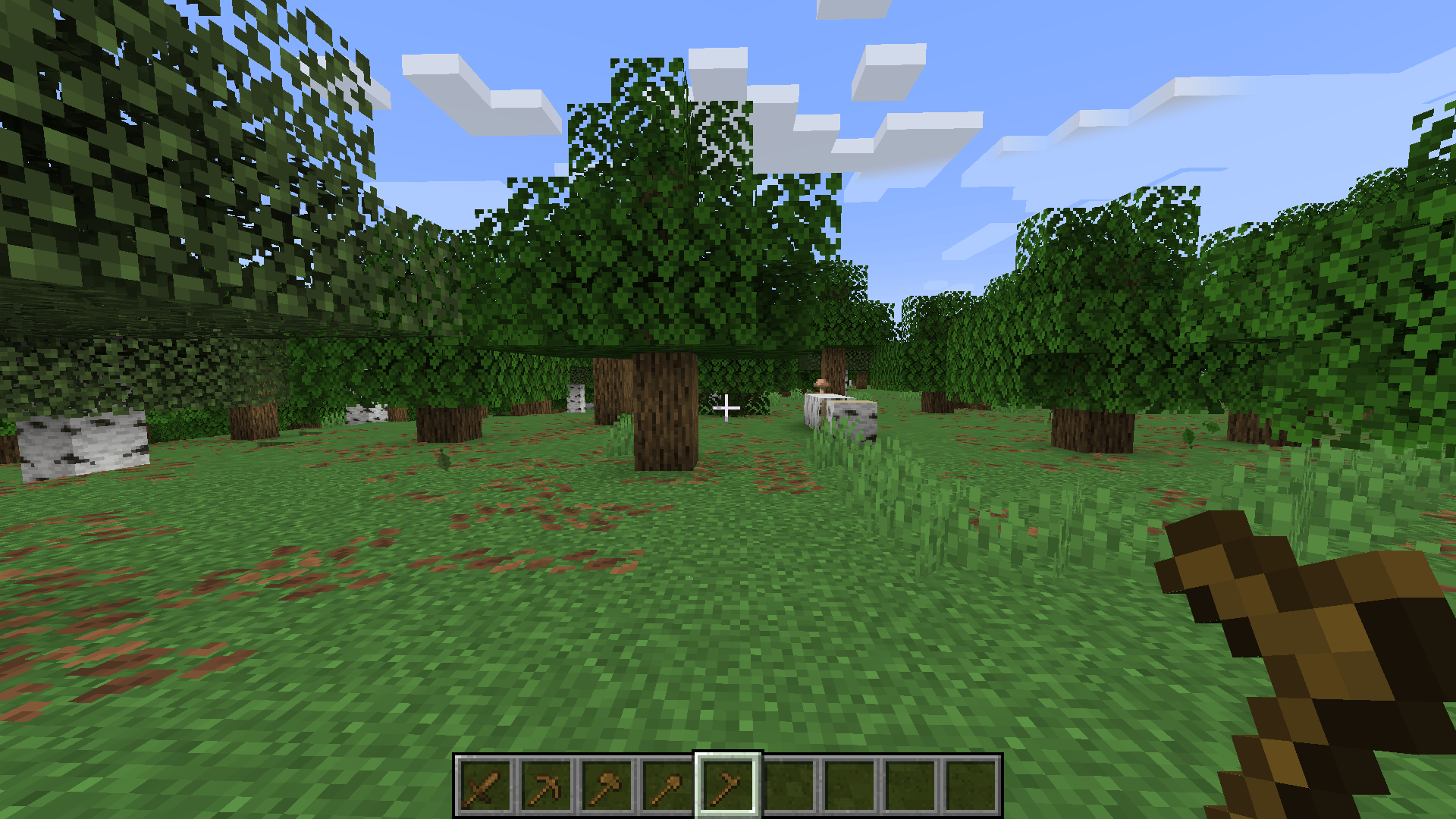
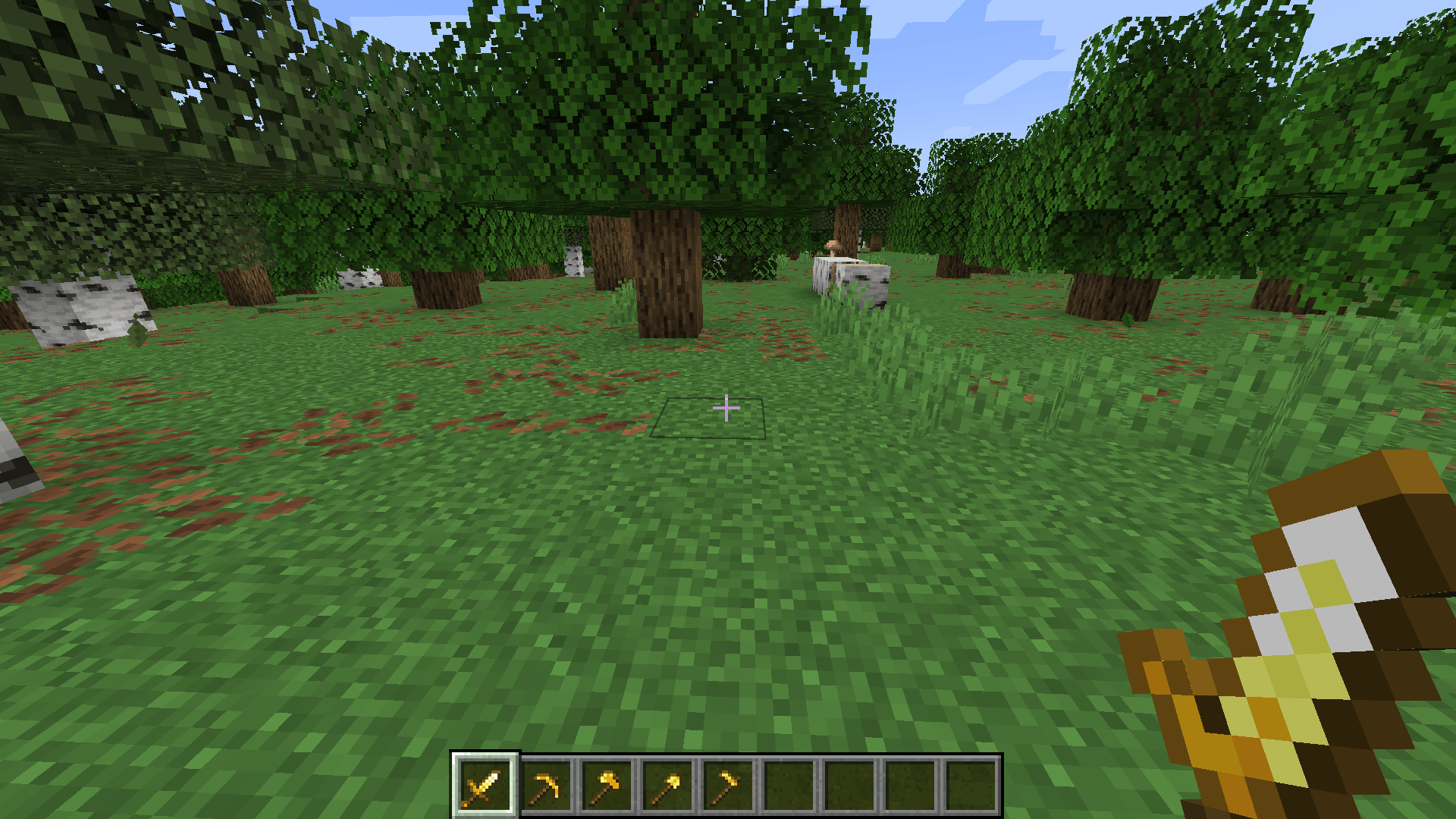
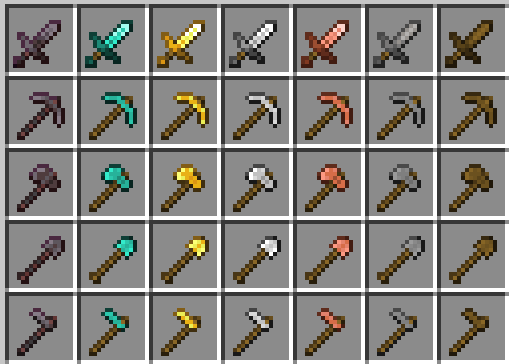
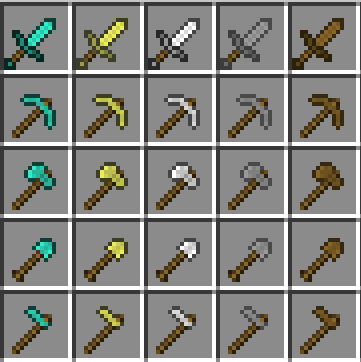
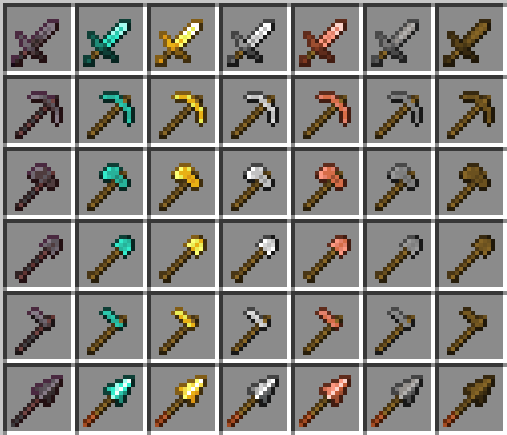
"Tiny Tools+" offers a clean and subtle redesign of all essential items - Sword, Pickaxe, Axe, Shovel, and Hoe - now in smaller, sleeker versions!
by AfonsobM
Download Claim this project
Add a badge to your pageLink to Tiny Tools+ from a README, website or forum post.
Preview: Badge

Badges update automatically and link to the resource pack page on MineUniverse.

21,143 downloads
0 likes
0 followers
Updated Oct 14, 2026
0 hypes
Follow0
16x
Advertisement Remove ads with Premium →

Do the default tools take up too much screen space?
Tiny Tools+ offers a clean, simple, and unobtrusive redesign of all essential items—sword, pickaxe, axe, shovel, hoe, and now even the spear—in smaller, sleeker versions.
This pack preserves the original Minecraft feel while making your tools more compact—perfect for PvP or simply for a cleaner visual experience.


Tiny Tools+ 26.3

Checksum (SHA256): f08078778bd17737762af9b86f9de396e58abc0d8224ab9bf2a50e88adb3daef
Tiny Tools+ 26.3
MC 26.3
Release 2026-09-17 Get
Tiny Tools+ 26.2
MC 26.2
Release 2026-06-26 Get
Tiny Tools+ 26.2
MC 26.2
Release 2026-06-17 Get
Tiny Tools+ 26.1.2
MC 26.1.2
Release 2026-06-03 Get
Tiny Tools+ 26.1
MC 26.1
Release 2026-03-29 Get
Tiny Tools+ 26.1
MC 26.1
Release 2026-03-26 Get
Tiny Tools+ 1.21.11
MC 1.21.11
Release 2025-12-19 Get
Tiny Tools+ 1.21.9
MC 1.21.9
Release 2025-09-30 Get
Tiny Tools+ 1.6.1-1.8.9
MC 1.7.6, 1.8.7, 1.7.4, 1.7.7, 1.7.5, 1.6.1, 1.8.4, 1.7.9, 1.8.8, 1.7.3, 1.7.2, 1.8.3, 1.8.6, 1.7.8, 1.6.4, 1.7.10, 1.8, 1.8.2, 1.8.5, 1.8.9, 1.8.1, 1.6.2
Release 2025-07-30 Get
Tiny Tools+ 25w31a
MC 1.21.9-snapshot
Release 2025-07-29 Get
Tiny Tools+ 1.21.7, 1.21.8
MC 1.21.8, 1.21.7
Release 2025-06-30 Get
Tiny Tools+ 1.21.6
MC 1.21.6
Release 2025-06-17 Get
Tiny Tools+ 1.21.5
MC 1.21.5
Release 2025-05-10 Get

Requirements & install

How to use this resource pack in Minecraft
Resolution
16x
Minecraft
1.21.8 – 26.3
Install folder
.minecraft/resourcepacks

How to install resource packs

  1. Download the resource pack .zip file (do not extract it).
  2. In Minecraft open Options → Resource Packs → Open Pack Folder.
  3. Drop the .zip into the resourcepacks folder (.minecraft/resourcepacks).
  4. Move the pack to the Selected column and click Done.
Browse more: 16x resource packs 32x resource packs 64x resource packs 128x resource packs 256x resource packs 512x+ resource packs Resource Packs for 26.3 All resource packs
Advertisement Remove ads with Premium →

You Might Also Like