Mineuniverse
Resource Packs
Tinu's PvP Pack

Tinu's PvP Pack

RESOURCE PACK
A clean PvP resource pack for Minecraft 1.21.11 that refreshes combat textures while keeping the vanilla style. Features improved swords, armor, bows, end crystals, golden apples, wool, grass, and more for a cleaner and more enjoyable PvP experience.
by TinuBack
Download Claim this project
802 downloads
0 likes
0 followers
Updated Oct 14, 2026
0 hypes
Follow0
16x
Advertisement Remove ads with Premium →

Tinu's PvP Pack

Minecraft Version: 1.21.11

Tinu's PvP Pack is a clean and modern resource pack that enhances Minecraft's PvP experience while staying true to the vanilla style. It refreshes combat-related textures, models, and visuals to make PvP feel cleaner, clearer, and more enjoyable without changing gameplay.

Whether you enjoy Crystal PvP, Sword PvP, Survival, or SMPs, this pack is designed to improve visibility and make important items easier to recognize.

✨ Features

  • ⚔️ Custom PvP sword textures

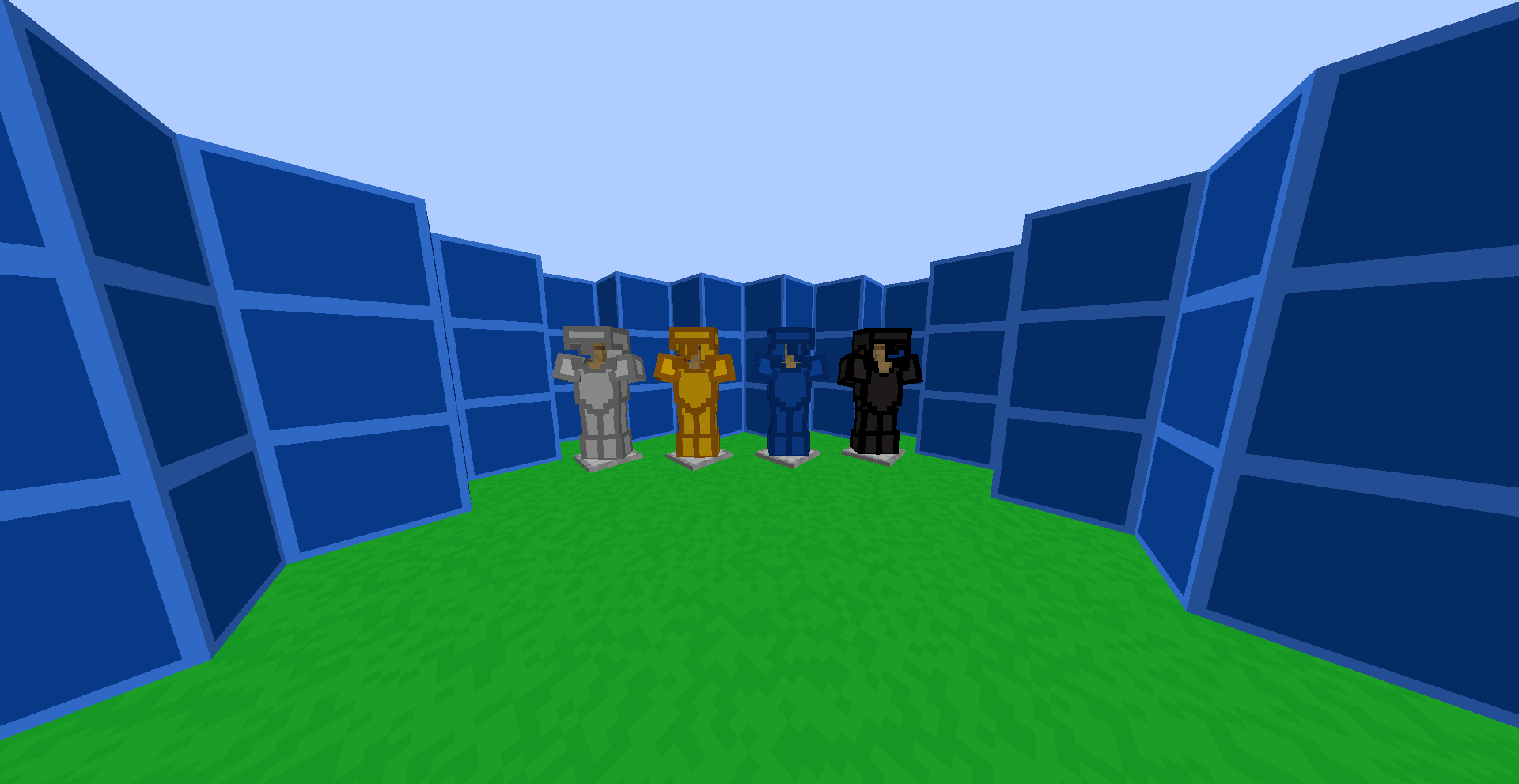
  • 🛡️ Updated armor textures

  • 🍎 Improved Golden Apple texture

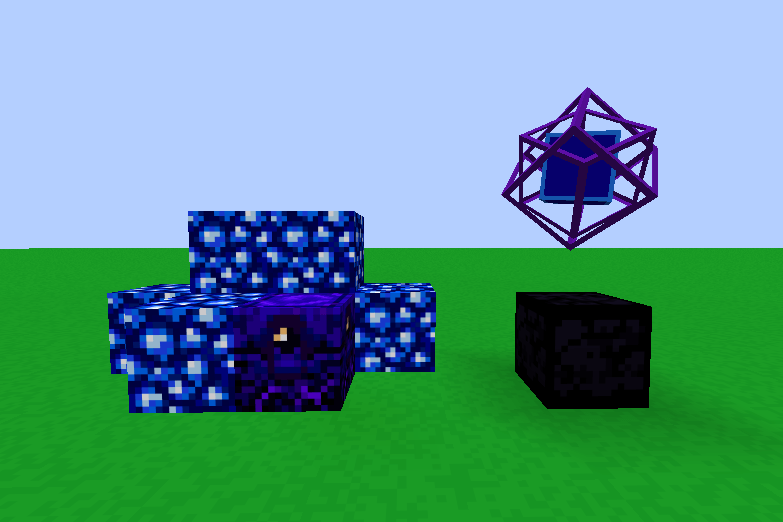
  • 💎 Custom End Crystal texture

  • 🏹 Enhanced Bow textures

  • 🔨 Custom Mace model and texture

  • 🌿 Cleaner grass textures

  • 🧶 Refreshed wool colors for improved visibility

  • 🎉 Custom splash texts

  • ✨ Various visual improvements throughout the pack

🎯 Why Use Tinu's PvP Pack?

  • Improves visibility during combat

  • Keeps Minecraft's vanilla aesthetic

  • Makes important PvP items easier to identify

  • Lightweight with no performance impact

  • Perfect for both competitive and casual players

  • Compatible with vanilla Minecraft

📥 Installation

  1. Download the resource pack.

  2. Open Minecraft.

  3. Go to Options → Resource Packs.

  4. Enable Tinu's PvP Pack.

  5. Click Done and enjoy!

📌 Compatibility

  • Minecraft: 1.21.11

  • Type: Resource Pack

  • Works with: Vanilla Minecraft and most client-side performance mods

  • Gameplay Changes: None (visual changes only)

❤️ Support

If you enjoy the pack, please consider leaving a ⭐ on the project and following it for future updates. Your support helps keep the pack improving with every release!

Tinu's PvP Pack - 4
MC 1.21.11
Release 2026-08-03 Get
Tinu's PvP Pack - 3
MC 1.21.11
Release 2026-07-19 Get
Tinu's PvP Pack - 2
MC 1.21.11
Release 2026-07-12 Get
Tinu's PvP Pack - 1
MC 1.21.11
Release 2026-07-11 Get

Requirements & install

How to use this resource pack in Minecraft
Resolution
16x
Minecraft
1.21.11
Install folder
.minecraft/resourcepacks

How to install resource packs

  1. Download the resource pack .zip file (do not extract it).
  2. In Minecraft open Options → Resource Packs → Open Pack Folder.
  3. Drop the .zip into the resourcepacks folder (.minecraft/resourcepacks).
  4. Move the pack to the Selected column and click Done.
Browse more: 16x resource packs 32x resource packs 64x resource packs 128x resource packs 256x resource packs 512x+ resource packs Resource Packs for 1.21.11 All resource packs

More from TinuBack

Advertisement Remove ads with Premium →

You Might Also Like