The modpack has been released, you can find it here: https://www.curseforge.com/minecraft/modpacks/tinkers-netherflat-challenge
What this DataPack does:
* Give a starting kit to the player upon entering the world:
Lava Bucket, Cauldron, Pointed Dripstone and Dripstone Block.
* World changes:
Overworld, The Nether and The End are superflat,
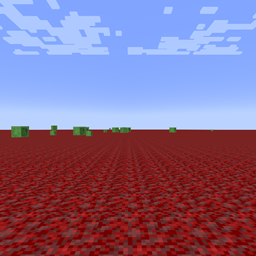
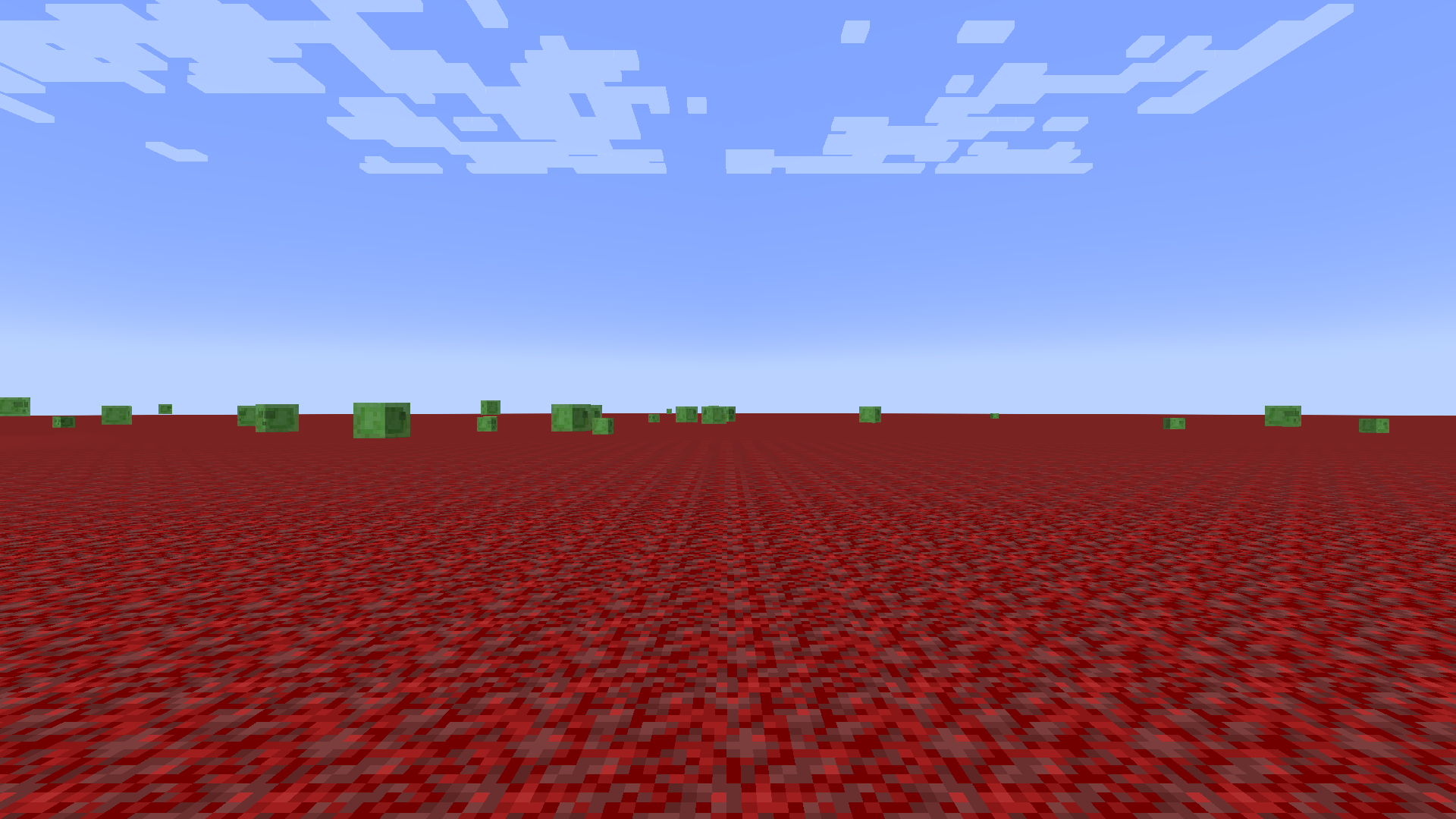
Netherrack and Nylium as the top block (Crimson in Overworld and Warped in the nether). The end has a thicc layer of end stone.
Overworld biome is Windswept Hills and Nether one is Nether Wastes.
No structures.
Wither Skeletons and Blazes can freely spawn in The Nether.
Water in overworld is in theme with the world color;
Windswept hills biome can generate all the flowers and no longer only the vanilla ones;
End Portal is generated upon world creation at 0, 0;
* Drop Changes:
Skeletons have small chance to drop Zinc from Create;
Witches always drop a Water Bottle;
Wandering Traders are more loot bags than traders and drop various farming items (moss, saplings, cactus, etc.);
Slimes drop Earth Slime Grass Seeds from TConstruct;
Wither drops Ancient Debris;
Drowned chance to drop Copper Ingot is doubled;
Glow Squids can drop amethyst and Glow ink drop is reduced;
* Recipes:
Elytra can be crafted with a Casting Basin by pouring 4 Debris on Dragon Scale;
Cobalt can be obtained by melting Warped Nylium;
* Other:
Endermen in The End can now spawn holding a grass block;