~~~ T H E R M A L D E L I G H T ~~~
~~~~~~ Summary ~~~~~~
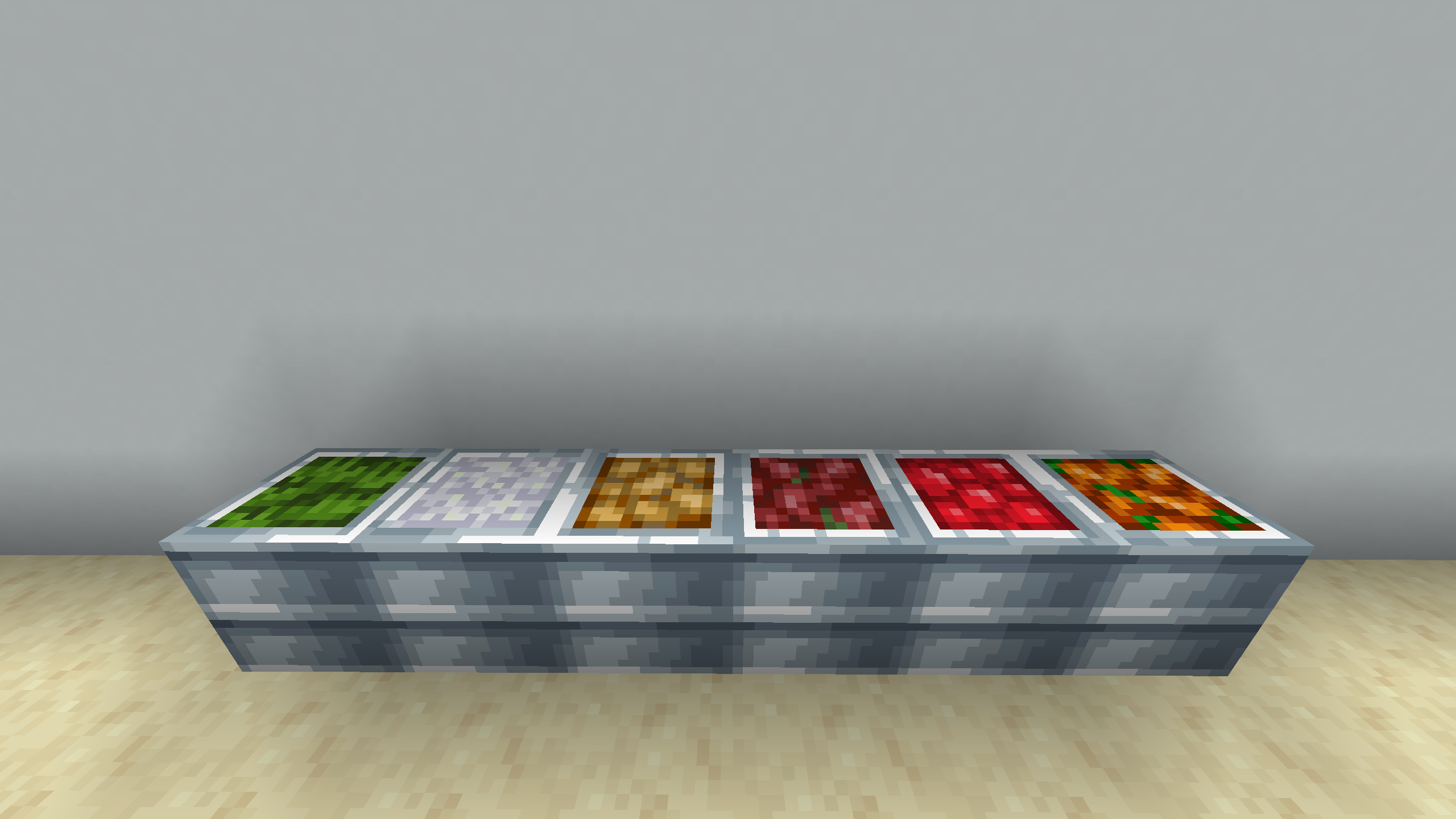
As the title suggests, this is a resource/texture pack for anyone playing with Farmer's Delight and Thermal Cultivation.
You really only need Thermal Cultivation installed for this pack to take effect, but it is HIGHLY recommended to have Farmer's Delight and the other Thermal mods installed as well.
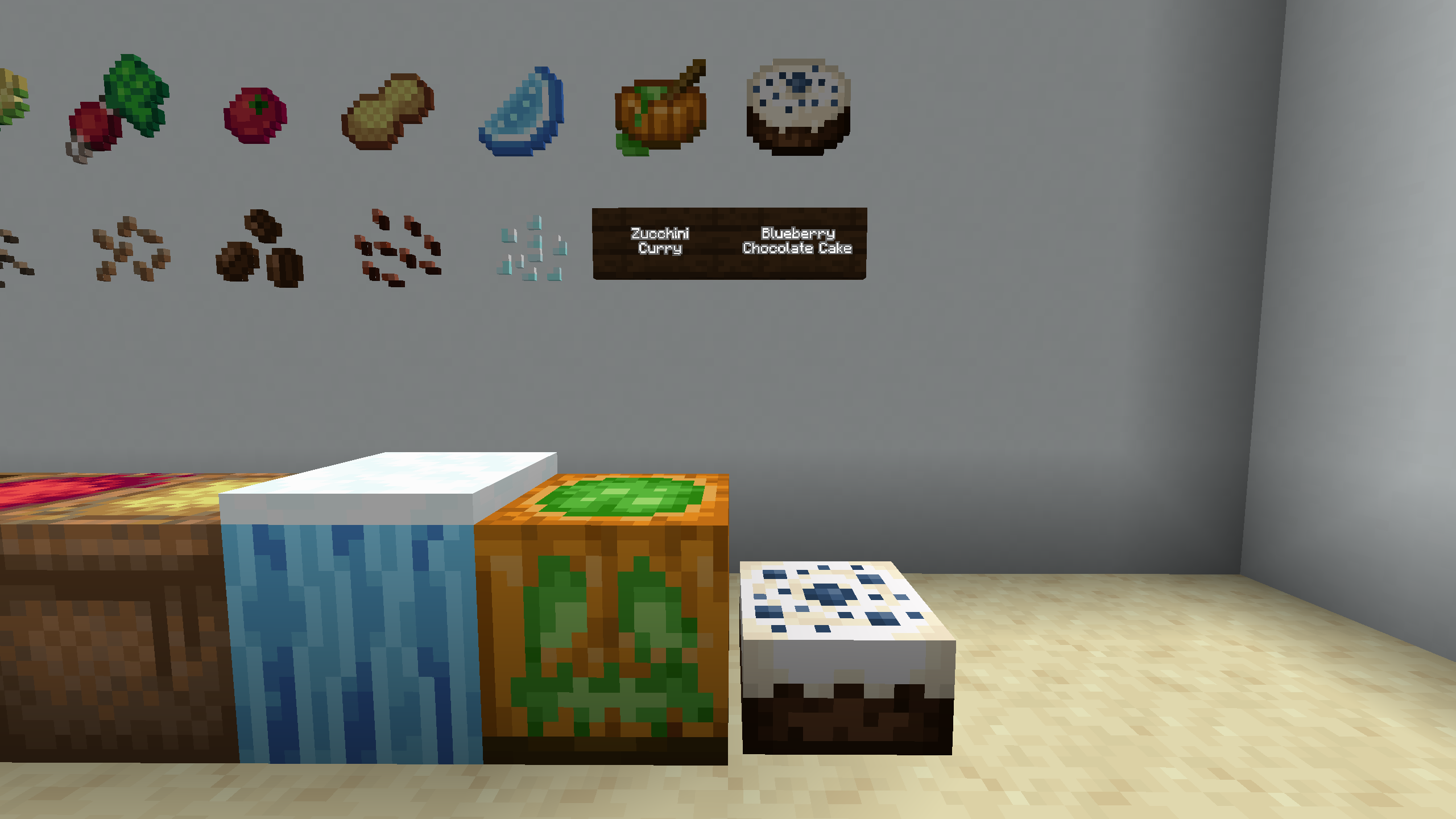
This pack also provides compatibility with Supplementaries, Cultural Delights, and Neapolitan, and any mods that introduce strawberries, corn, rice, flax, tomatoes, onions, and eggplants.
You can find a more detailed overview below.
~~~~~~ Disclaimer ~~~~~~
First, I need to say that most textures in this pack are modified from the original textures of Thermal Cultivation and Farmer's Delight.
All rights for the original artwork of Thermal Cultivation goes to TeamCoFH.
All rights for the original artwork of Farmer's Delight goes to vectorwing.
My intention is not to steal the beautiful artwork these individuals have worked so hard on. My only intention in using their work is to make this pack feel more authentic.
Please support these wonderful modders in any way you can! You can click on their names above to visit their project pages.
Because this pack uses textures from Thermal Cultivation, I unfortunately can't allow anyone to distribute this pack outside of CurseForge. That said, if you so desire, feel free to use Thermal Delight in your modpack or videos! All I ask is that you link back to this project page if you do so.
I have received approval from TeamCoFH to use their assets in this pack and distribute it on CurseForge. Proof of this is found in the images section of the project page.
~~~~~~ Overview ~~~~~~
So, what does this pack do, and how exactly does it make Thermal Cultivation and Farmer's Delight compatible? It does so in a few major ways. It's a bit confusing, so stick with me.
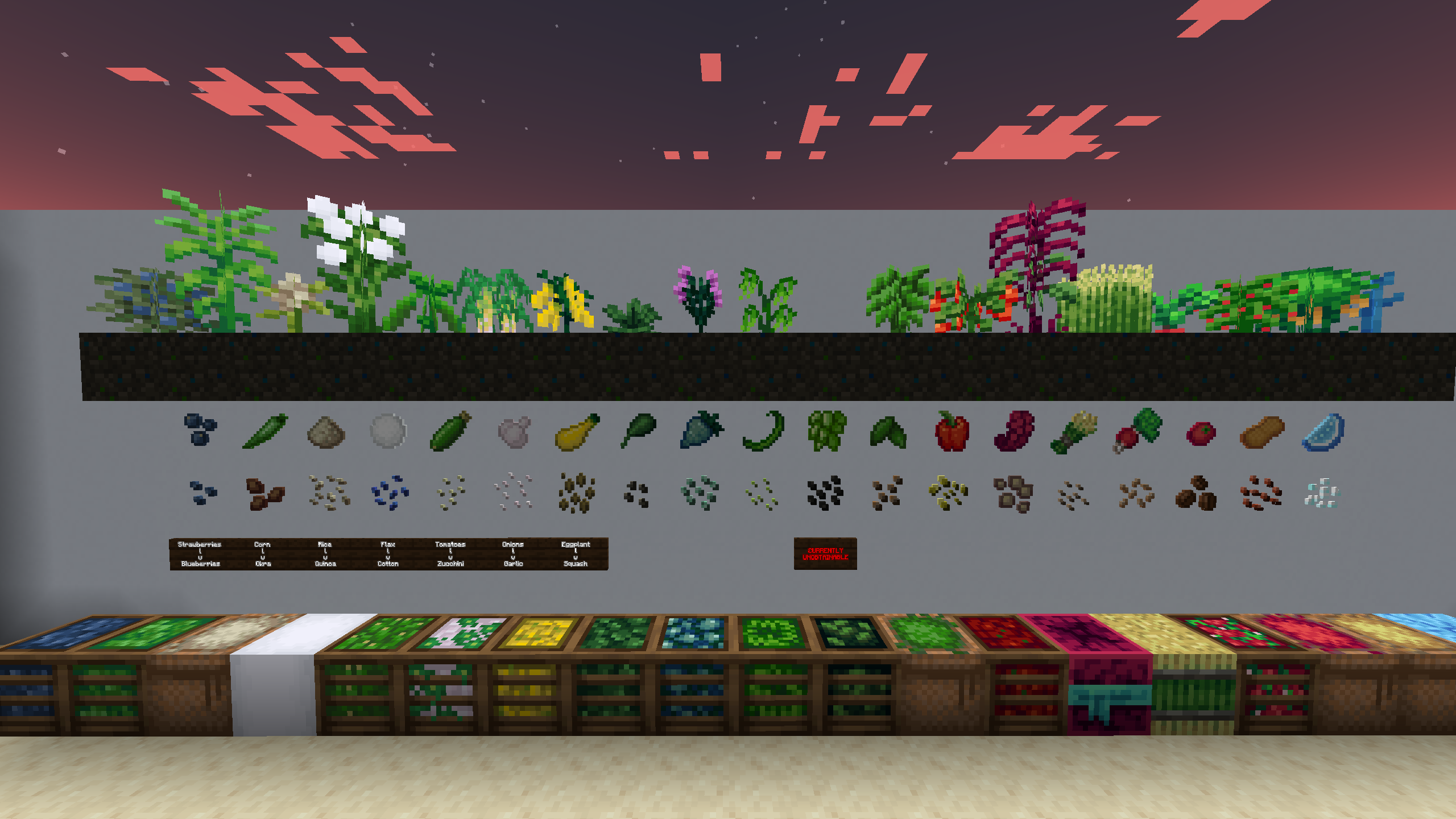
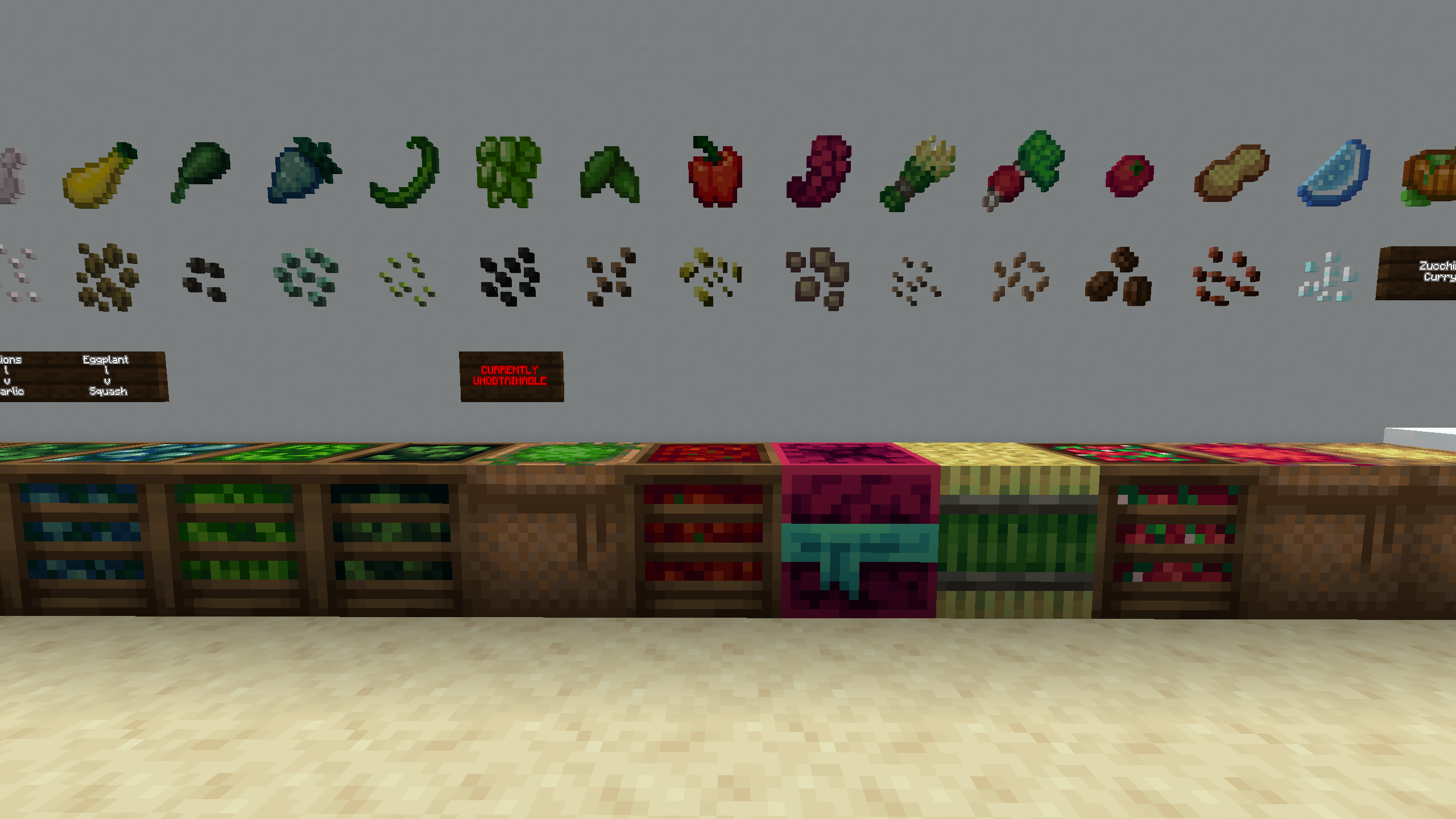
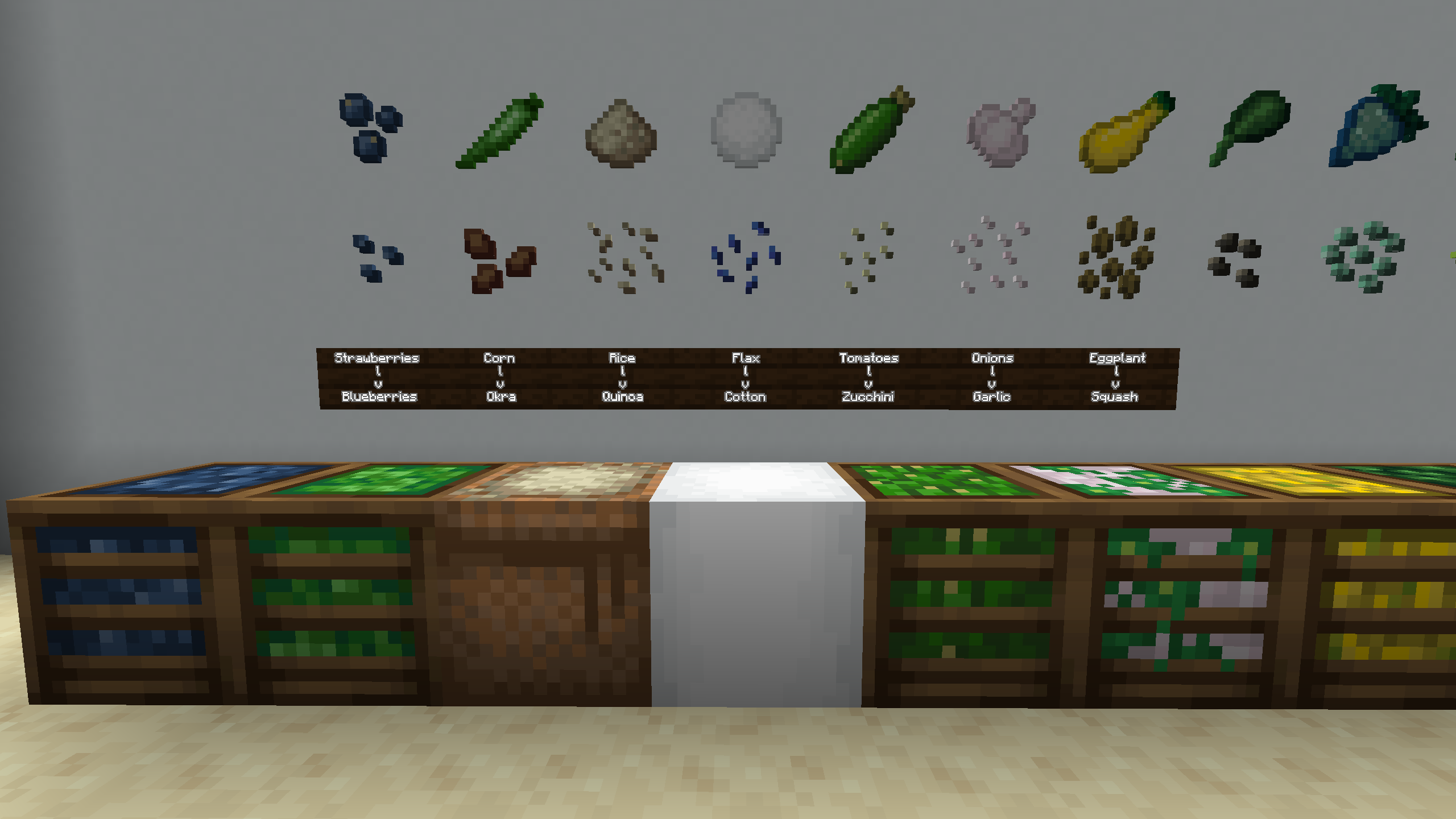
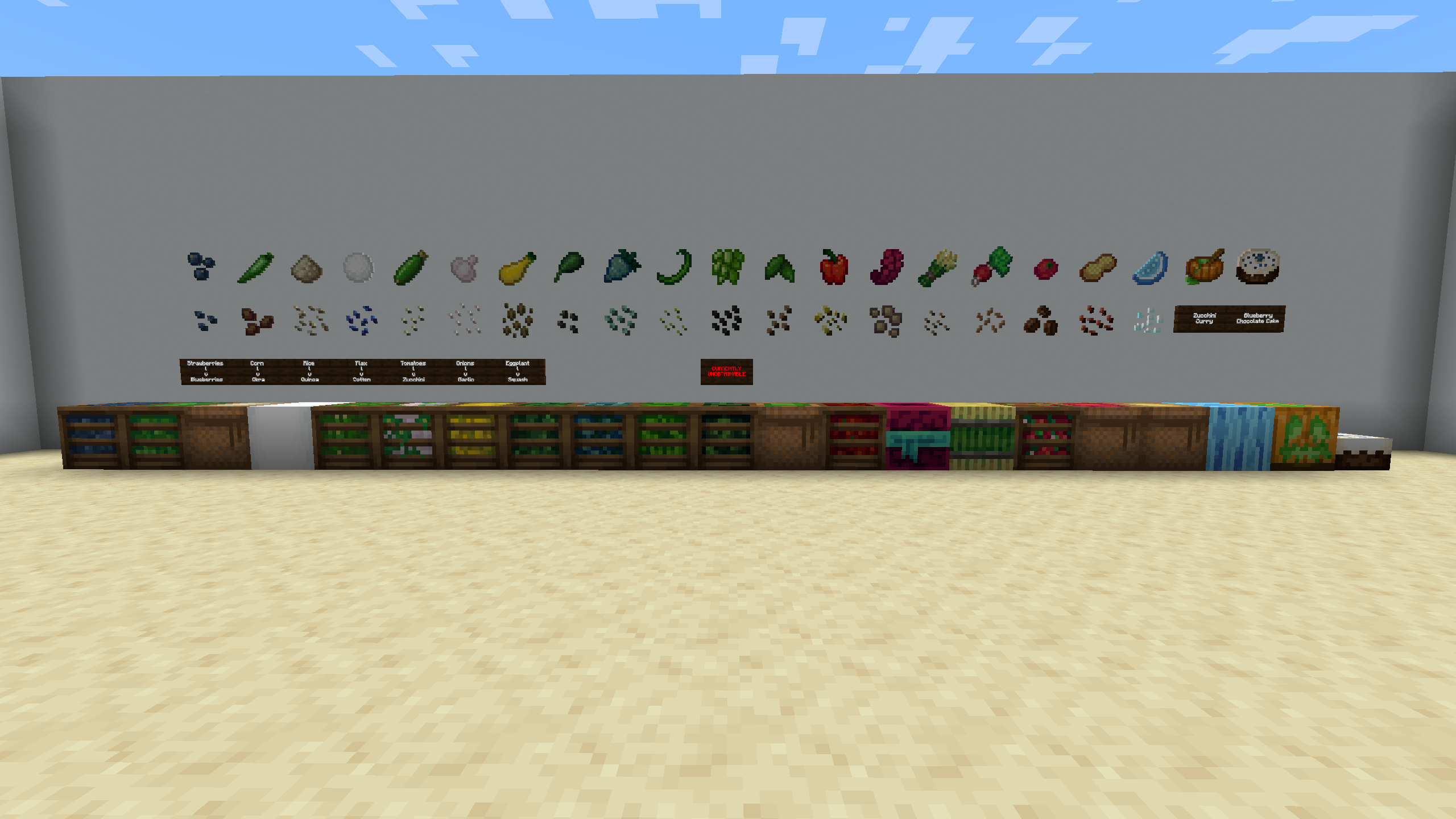
This pack edits the lang file and textures for some of the crops in Thermal Cultivation to make them completely different crops, both in appearance and even in name! This is so you don't have the same crop introduced by both mods. Instead, you have two different crops that can be used in the same way! Do note, even though they have new names, they're functionally the exact same as they are without the pack.
Here is the list of altered crops:
As stated before, all seeds, items, and blocks associated with these crops have had their names changed appropriately.
But what of the other crops? I didn't forget about them, trust me! Most of the crops have had their seed textures modified, their crates/sacks edited, and their item textures touched up. Even the Hops have been given quite a bit of love!
If you're looking for a pack similar to this for the other content in the Thermal Series, I recommend you visit the following page:
Any and all feedback is appreciated! Please also report any issues you find!
There really isn't anything else to say except enjoy!