Mineuniverse
Resource Packs
TheBotanics

TheBotanics

RESOURCE PACK
A new look at minecraft with flowers, variety, and beauty!
by skyanggel
Download Claim this project
1,551 downloads
0 likes
0 followers
Updated Oct 14, 2026
0 hypes
Follow0
16x Data Packs Medieval Miscellaneous Mod Support
Advertisement Remove ads with Premium →


The Botanics, a package of resources for flowers and beauty in minecraft

The resource package is growing:
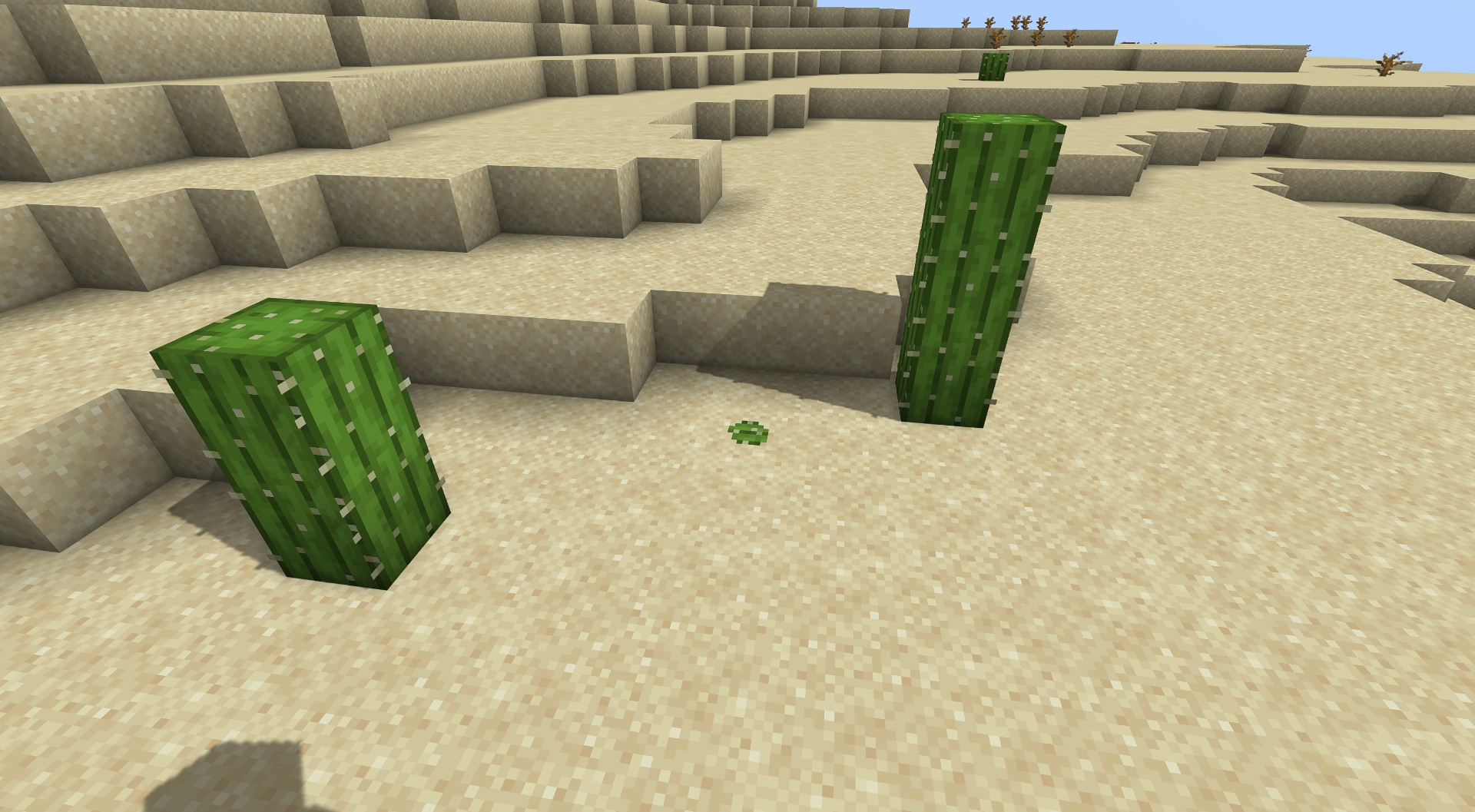
• Flowers on a block of grasses, each biome has its own characteristics of flowers or objects, for example, white flowers in the mountains and shells on the shore
• Each flower in minecraft has its own new look

This resource pack is still being refined and improved, so at the moment the increase is increasing more often


For the resource pack, you need the "OptiFine" mod without it, some chips will not work in the resource pack
You can download it below, just poke at the picture:


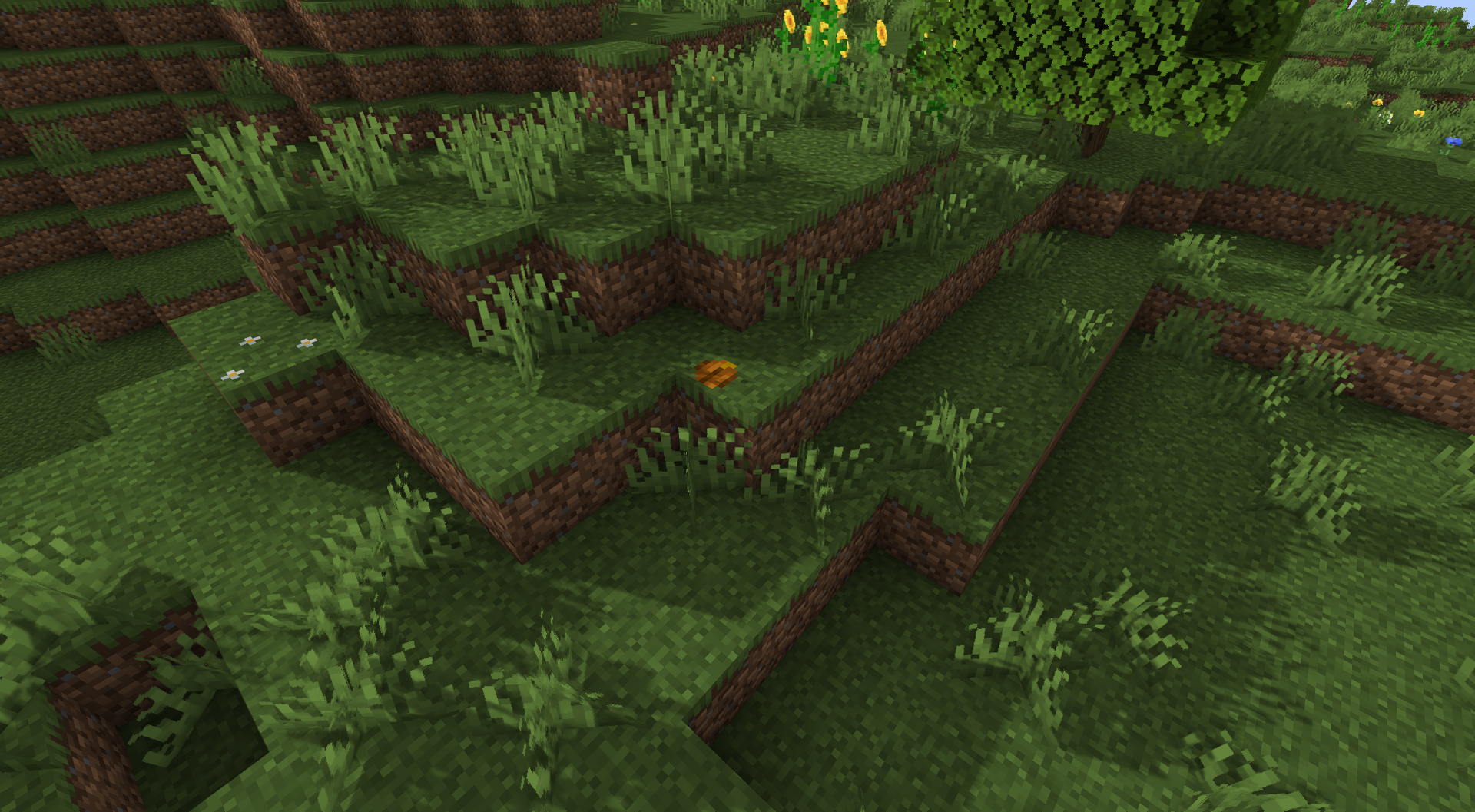
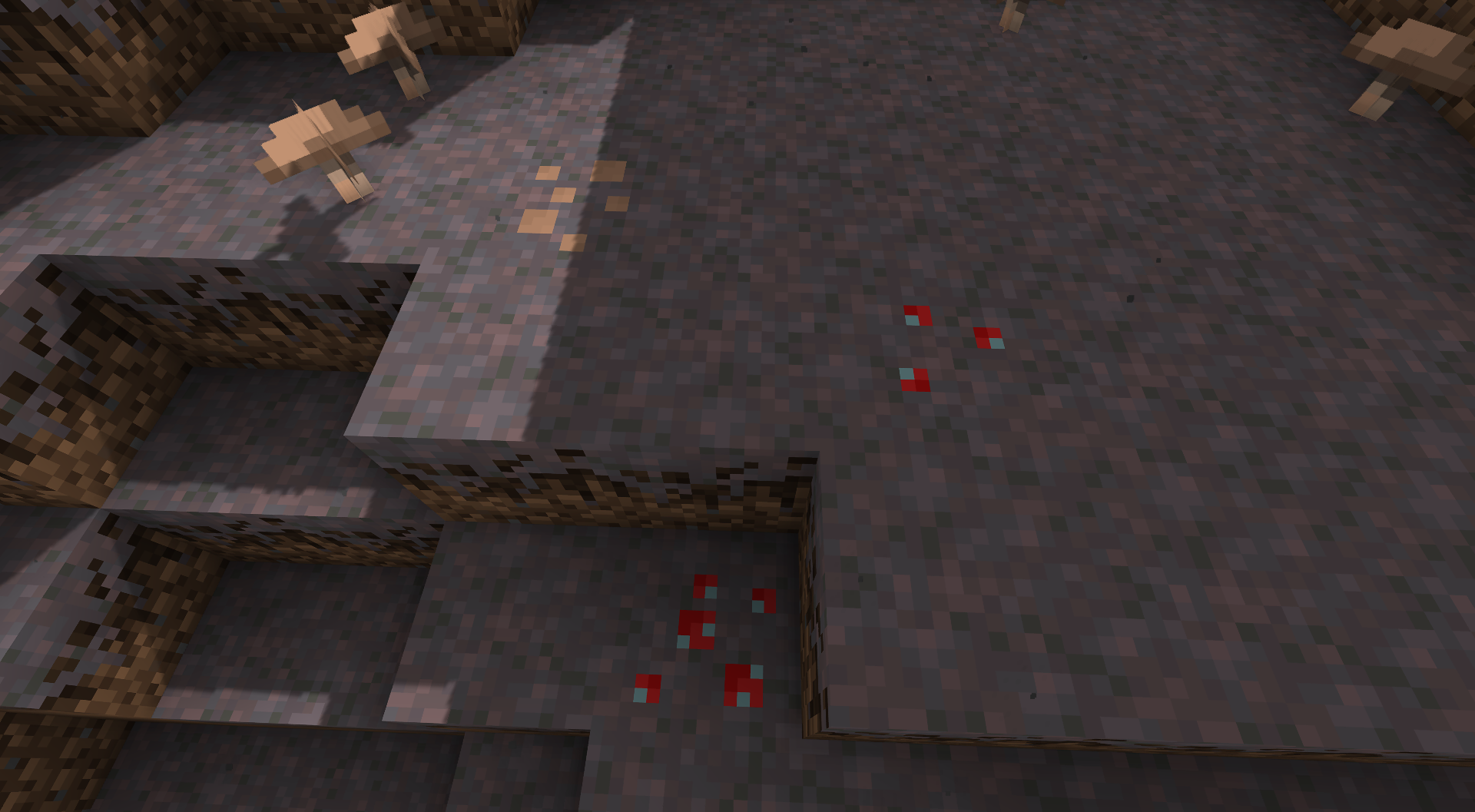
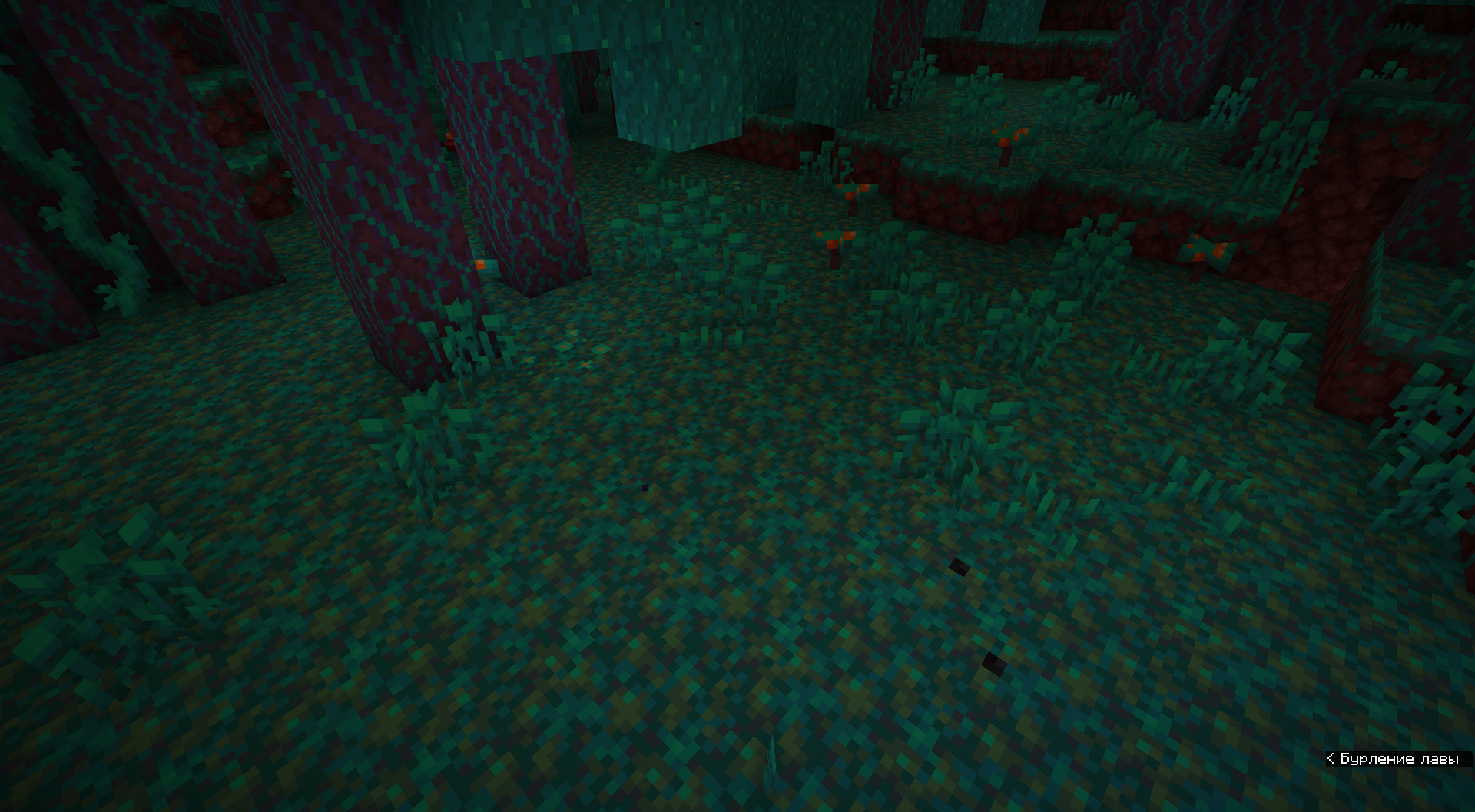
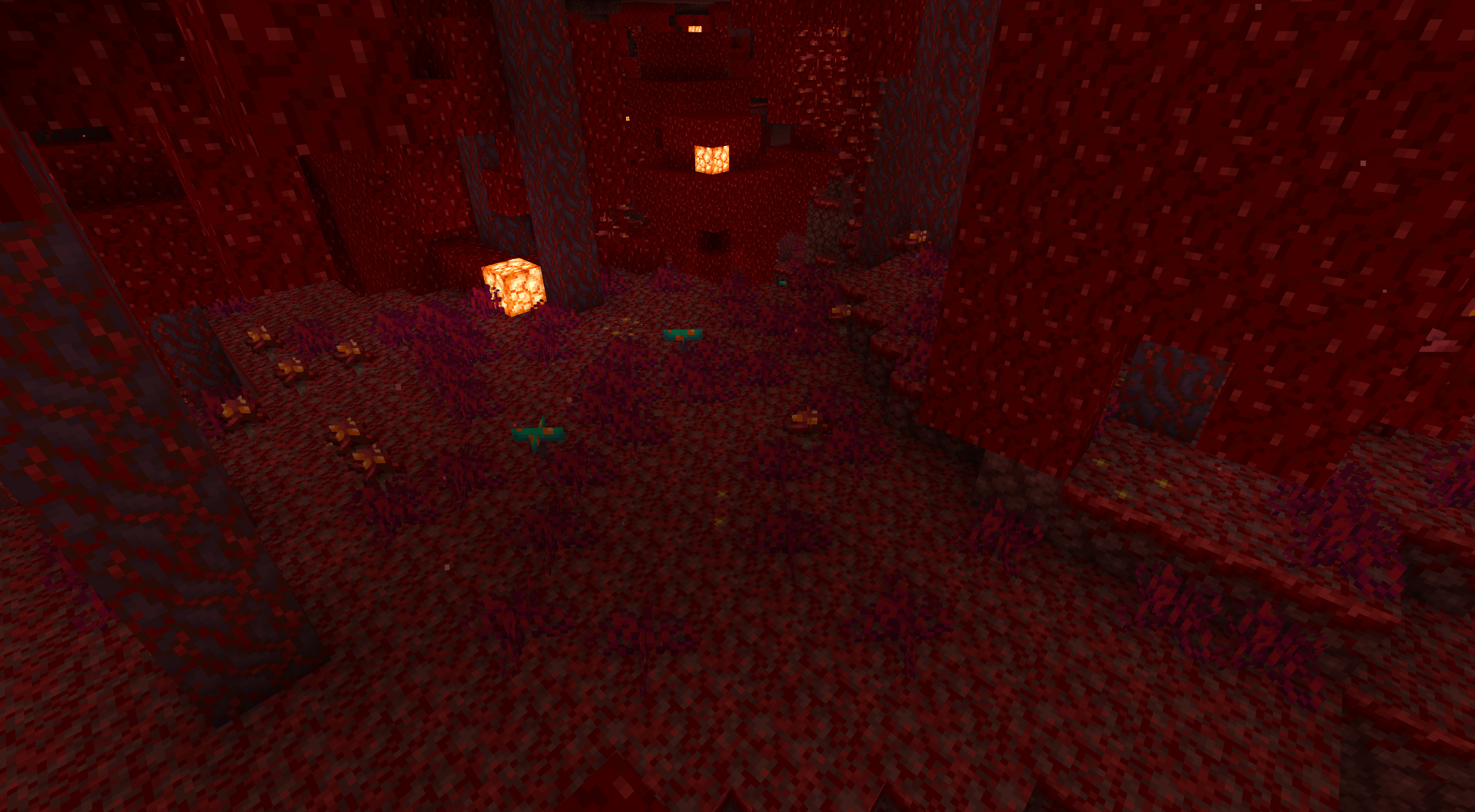
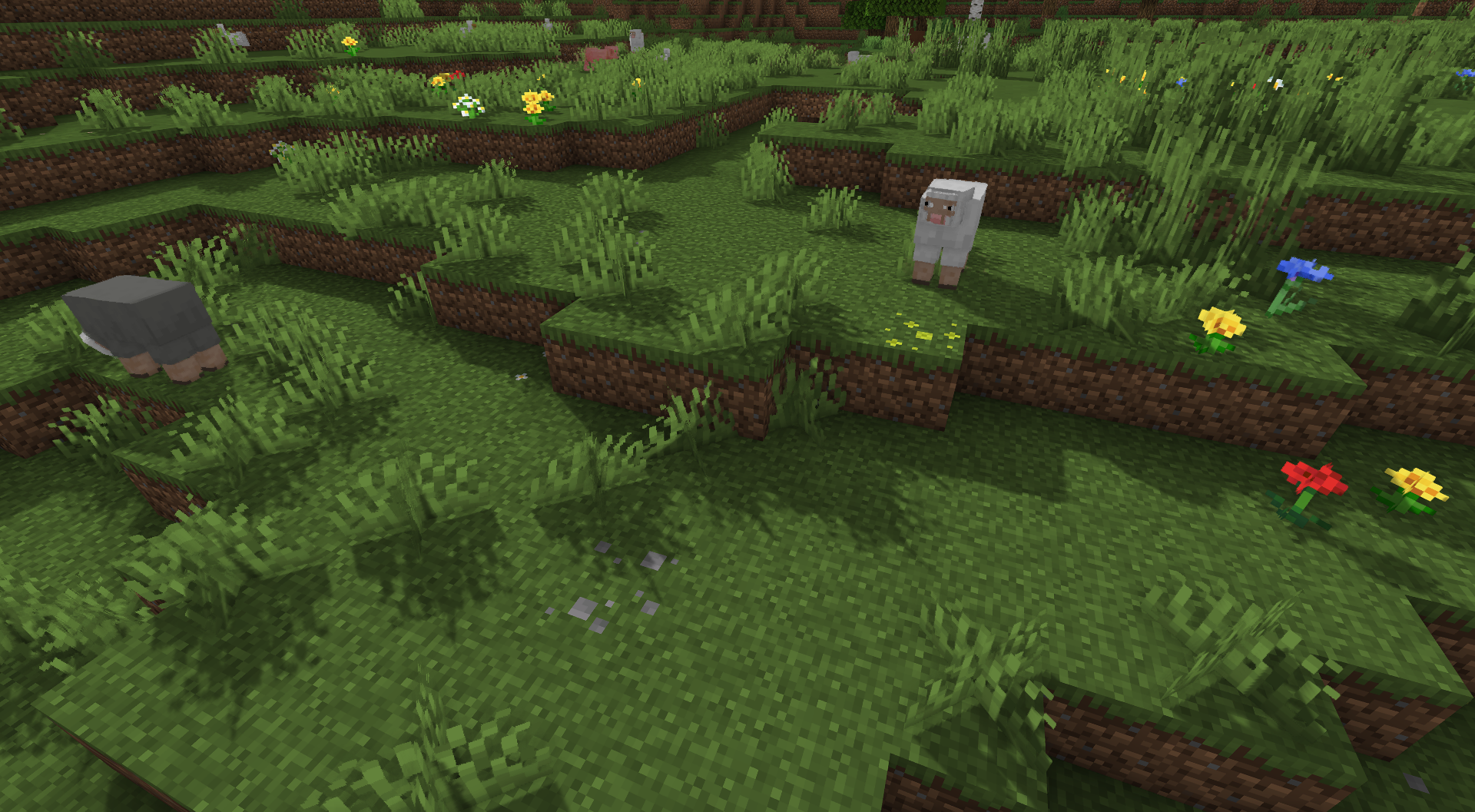
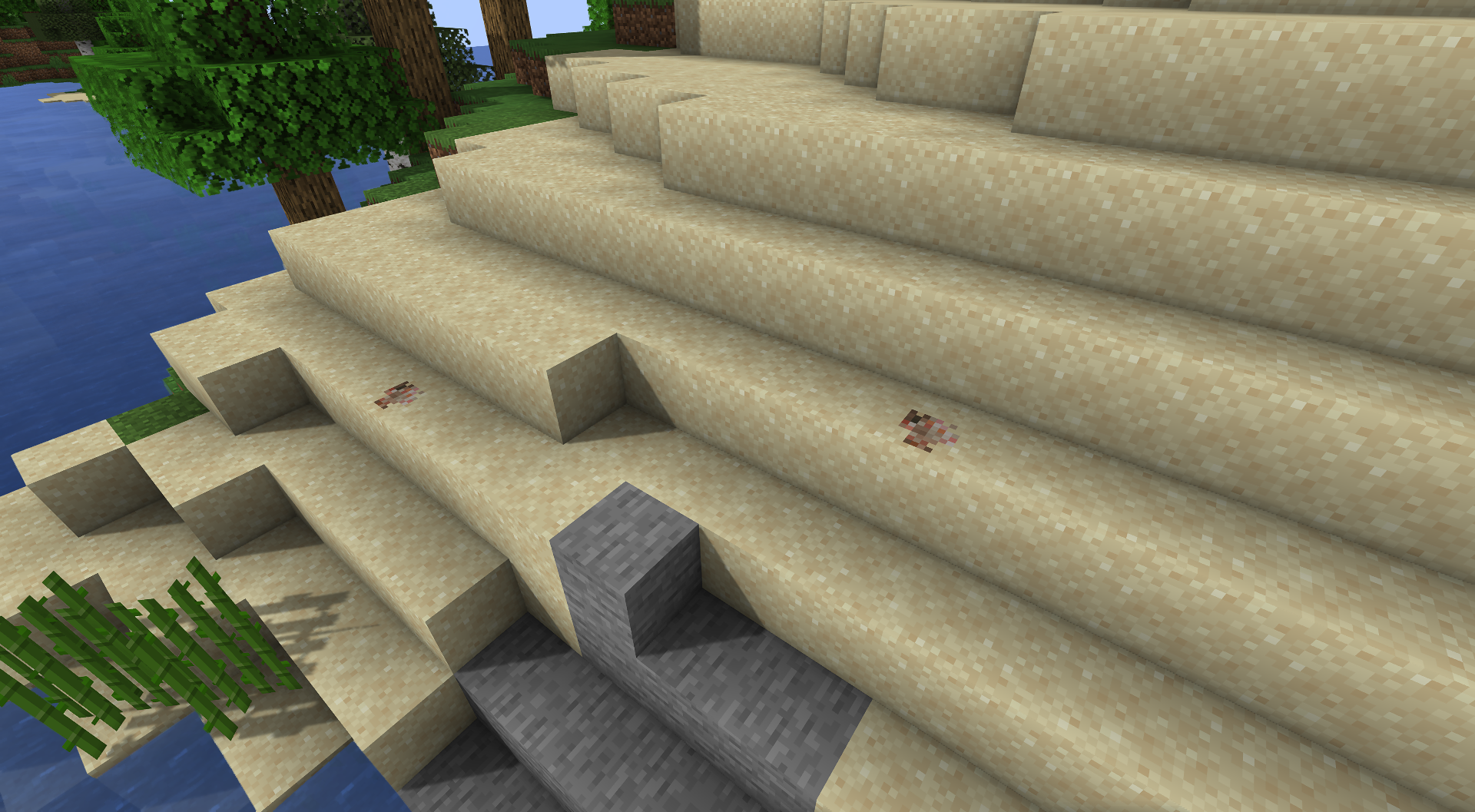
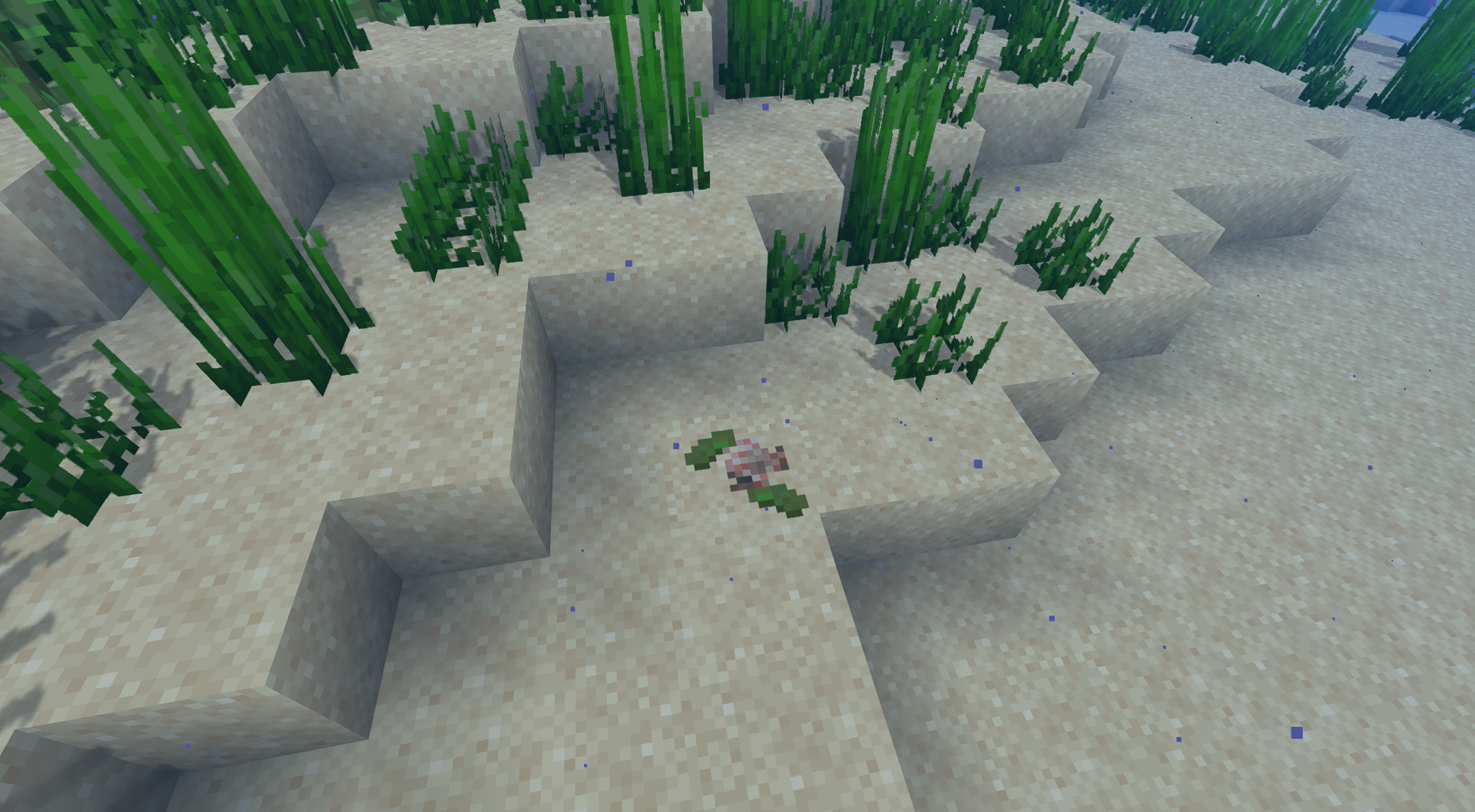


TheBotanics v1.6
MC 1.17.1, 1.19.3, 1.18.1, 1.17, 1.16.5, 1.18.2, 1.19.2, 1.19.1, 1.18, 1.19
Release 2023-01-30 Get
TheBotanics v1.5
MC 1.17.1, 1.19.3, 1.18.1, 1.17, 1.16.5, 1.18.2, 1.19.2, 1.19.1, 1.18, 1.19
Release 2022-12-27 Get
TheBotanics v1.4
MC 1.17.1, 1.18.1, 1.17, 1.16.5, 1.18.2, 1.19.1, 1.18, 1.19
Release 2022-07-22 Get
TheBotanics v1.3
MC 1.17.1, 1.18.1, 1.17, 1.16.5, 1.18.2, 1.18, 1.19
Release 2022-06-25 Get
TheBotanics Beta1 v1.3
MC 1.17.1, 1.18.1, 1.17, 1.16.5, 1.18.2, 1.18, 1.19
Beta 2022-06-24 Get
TheBotanics Alpha3 v1.3
MC 1.17.1, 1.18.1, 1.17, 1.16.5, 1.18.2, 1.18, 1.19
Alpha 2022-06-24 Get
TheBotanics Alpha1 v1.3
MC 1.17.1, 1.18.1, 1.17, 1.16.5, 1.18.2, 1.18, 1.19
Alpha 2022-06-23 Get
TheBotanics Alpha2 v1.3
MC 1.17.1, 1.18.1, 1.17, 1.16.5, 1.18.2, 1.18, 1.19
Alpha 2022-06-23 Get
TheBotanics v1.2
MC 1.17.1, 1.18.1, 1.17, 1.16.5, 1.18.2, 1.18, 1.19
Release 2022-06-22 Get
TheBotanics v1.0
MC 1.17.1, 1.18.1, 1.17, 1.16.5, 1.18.2, 1.18, 1.19
Release 2022-06-21 Get
TheBotanics v1.1
MC 1.17.1, 1.18.1, 1.17, 1.16.5, 1.18.2, 1.18, 1.19
Release 2022-06-21 Get

Requirements & install

How to use this resource pack in Minecraft
Resolution
16x
Minecraft
1.17.1 – 1.19.3
Install folder
.minecraft/resourcepacks

How to install resource packs

  1. Download the resource pack .zip file (do not extract it).
  2. In Minecraft open Options → Resource Packs → Open Pack Folder.
  3. Drop the .zip into the resourcepacks folder (.minecraft/resourcepacks).
  4. Move the pack to the Selected column and click Done.
Browse more: 16x resource packs 32x resource packs 64x resource packs 128x resource packs 256x resource packs 512x+ resource packs Resource Packs for 1.19.3 All resource packs

More from skyanggel

Advertisement Remove ads with Premium →

You Might Also Like