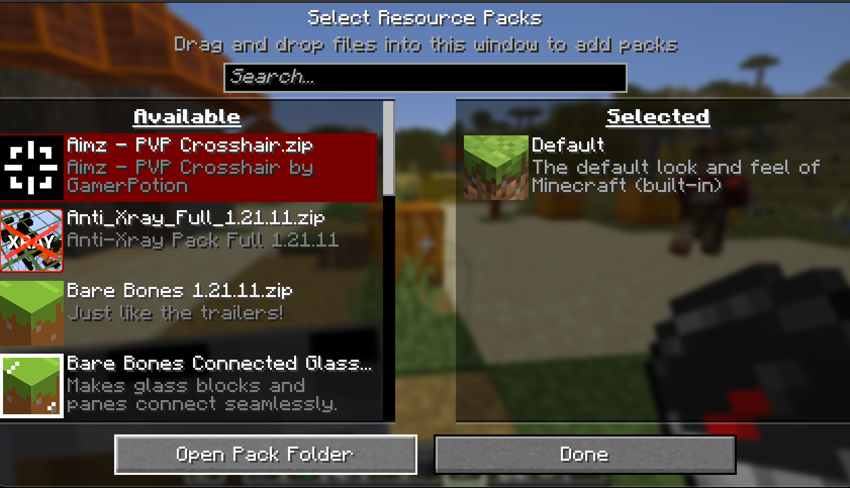
Mineuniverse
Resource Packs
The Scary Ghast

The Scary Ghast

RESOURCE PACK
This will bring the black Ghast to your game! please leave a comment of what you think!
by TurboBlade
Download Claim this project
161 downloads
0 likes
0 followers
Updated Oct 14, 2026
0 hypes
Follow0
16x Modern
Advertisement Remove ads with Premium →

I'm sure you know how to install a texture pack, but incase you don't here is how.

So first step is to locate your resourse pack folder.
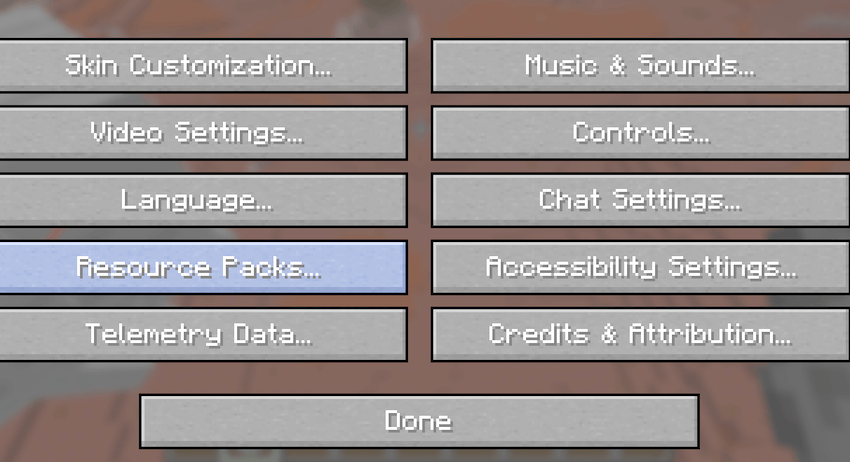
Sorry I will give picture proof in future!


Next step is to open it, then drag your zip folder into the resourse pack folder,it is fine if the pack says broken because it is not.
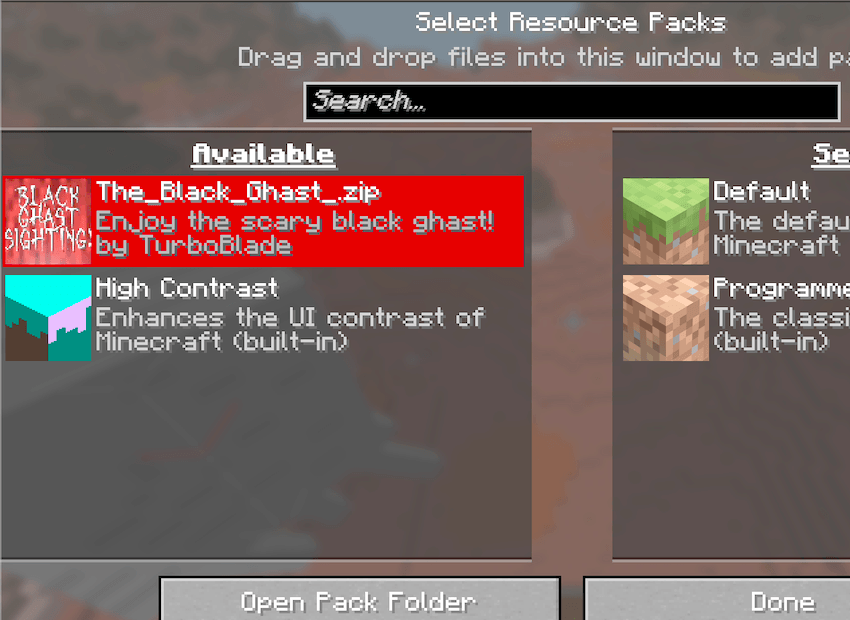
 

So there you have it, please follow me for more projects, and please consider telling your friends about my channel, thank you!



MyTexturePack.zip
MC 1.21.9, 1.21.10
Release 2026-04-14 Get
MyTexturePack (1).zip
MC 1.21.11
Release 2026-04-14 Get
The_Black_Ghast_.zip
MC 26.1, 26.1.1, 26.1.2
Release 2026-04-04 Get

Requirements & install

How to use this resource pack in Minecraft
Resolution
16x
Minecraft
1.21.9 – 26.1.2
Install folder
.minecraft/resourcepacks

How to install resource packs

  1. Download the resource pack .zip file (do not extract it).
  2. In Minecraft open Options → Resource Packs → Open Pack Folder.
  3. Drop the .zip into the resourcepacks folder (.minecraft/resourcepacks).
  4. Move the pack to the Selected column and click Done.
Browse more: 16x resource packs 32x resource packs 64x resource packs 128x resource packs 256x resource packs 512x+ resource packs Resource Packs for 26.1.2 All resource packs

More from TurboBlade

Advertisement Remove ads with Premium →

You Might Also Like