Mineuniverse
Resource Packs
The Ginger Pack

The Ginger Pack

RESOURCE PACK
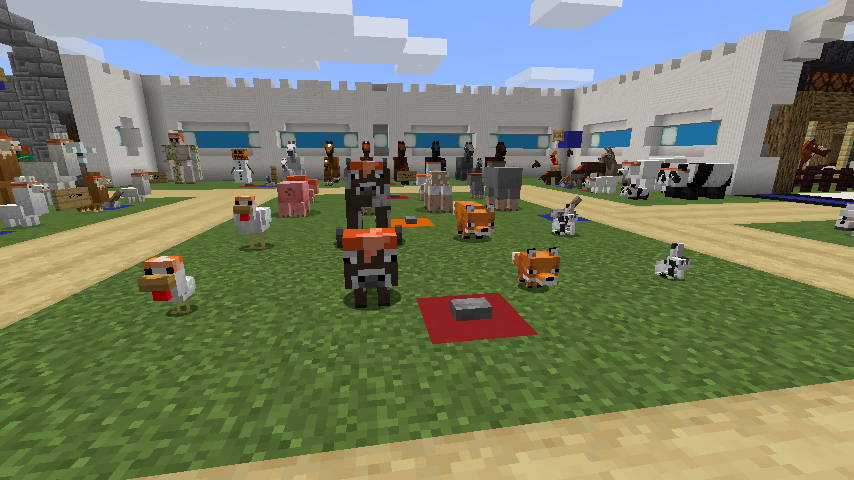
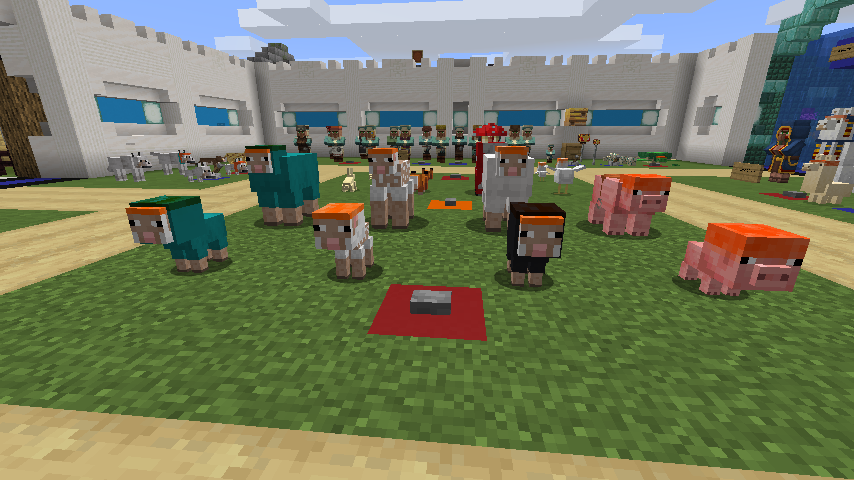
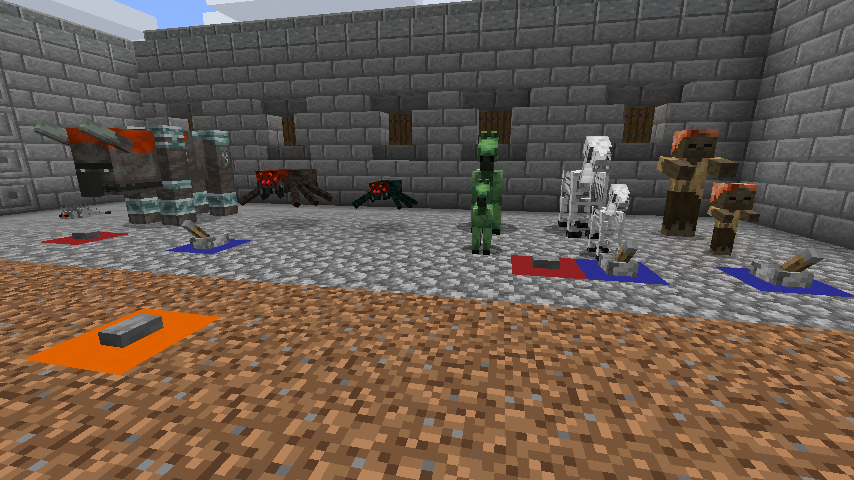
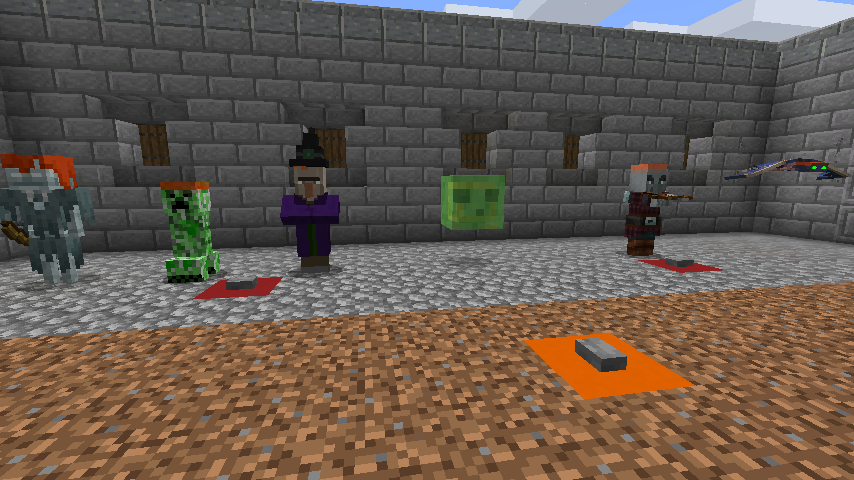
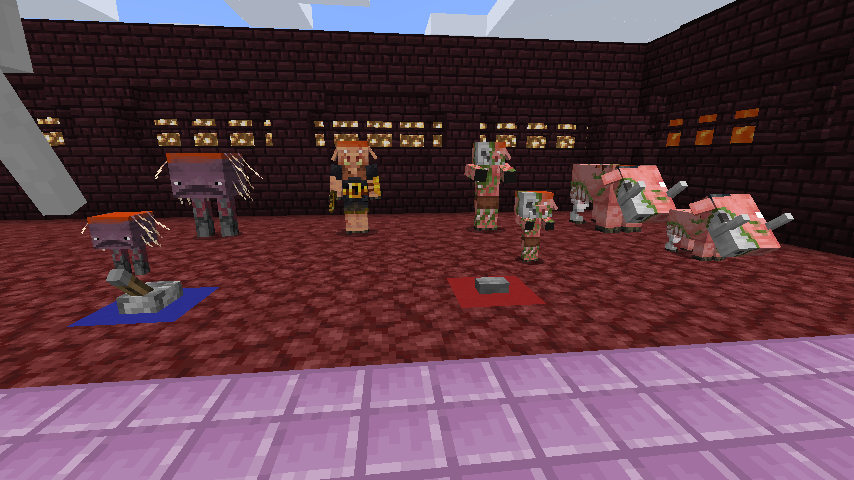
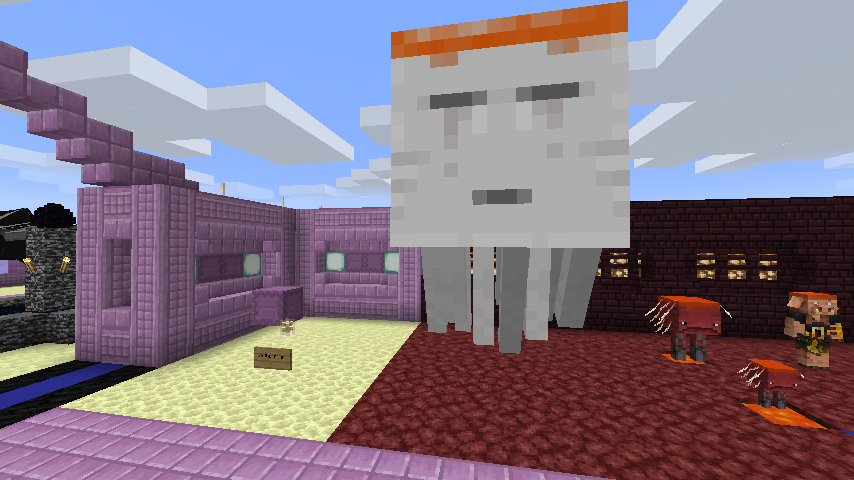
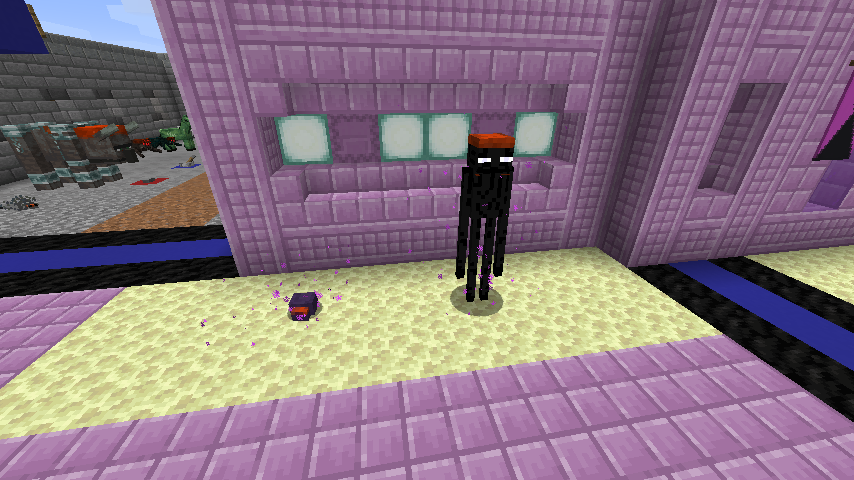
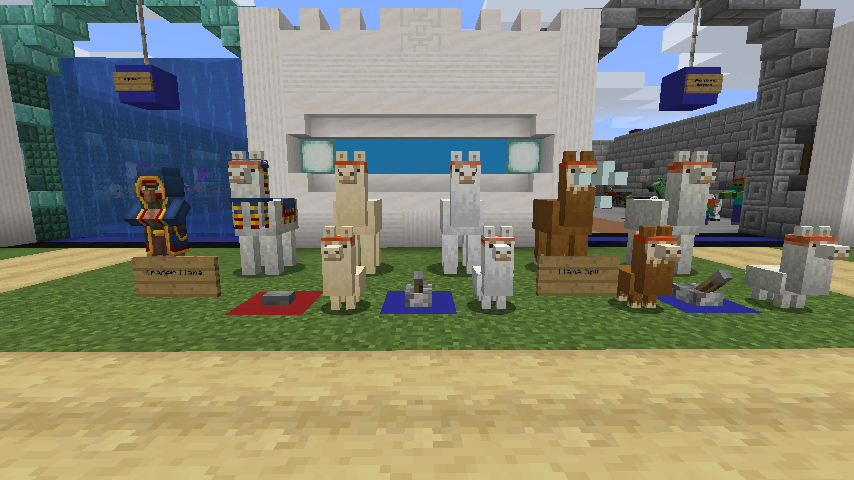
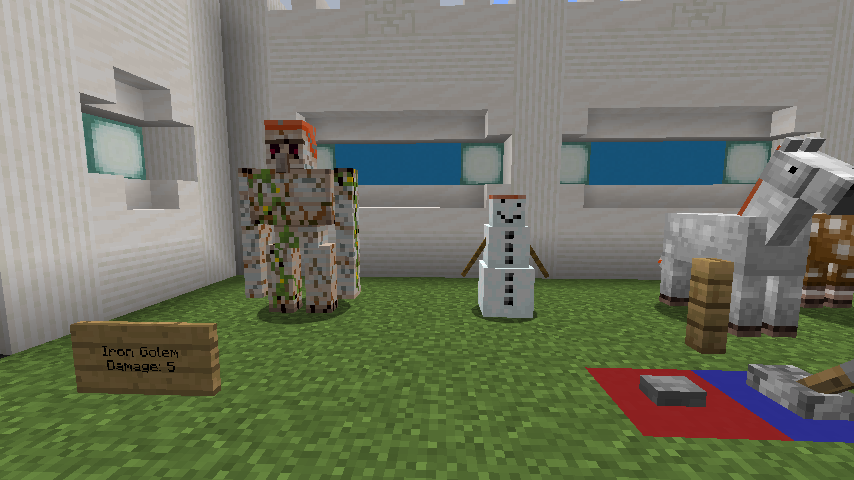
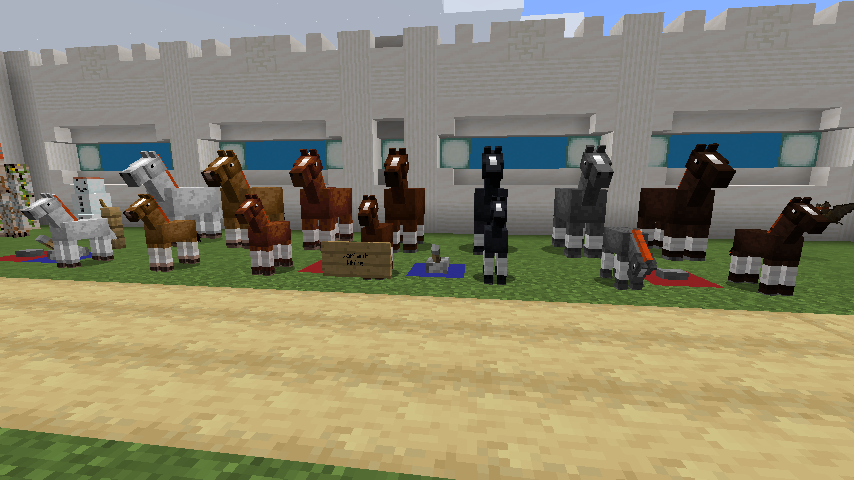
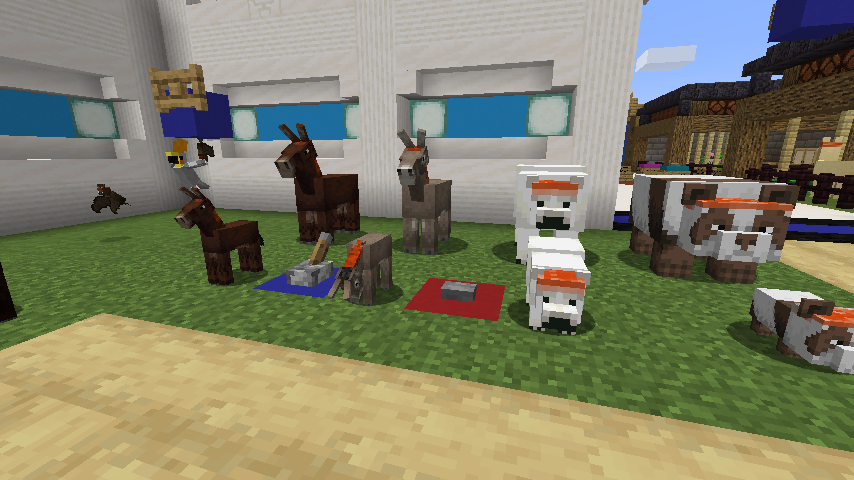
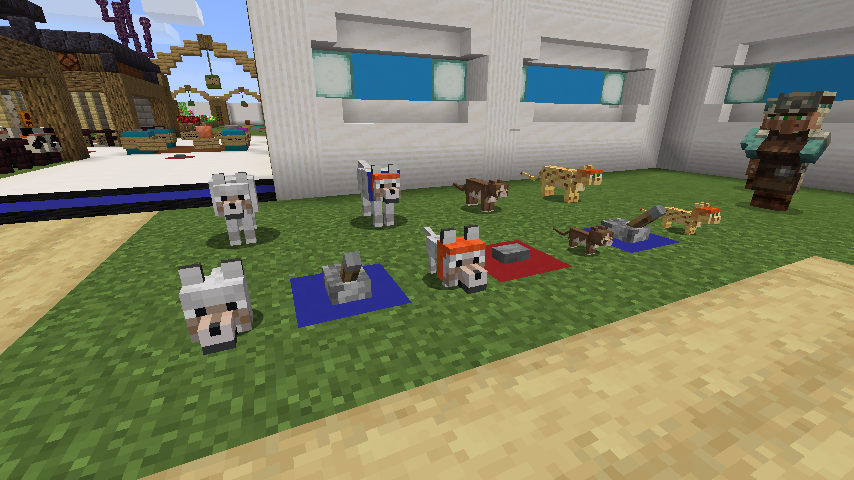
This texture pack gingerfies mobs, diamonds, diamond tool and the elytra!
by Its_Sky02
Download Claim this project
Add a badge to your pageLink to The Ginger Pack from a README, website or forum post.
Preview: Badge

Badges update automatically and link to the resource pack page on MineUniverse.

834 downloads
0 likes
0 followers
Updated Oct 14, 2026
0 hypes
Follow0
32x Miscellaneous
Advertisement Remove ads with Premium →

This texture pack modifies the appearance of all mobs in vanilla Minecraft making them ginger!

This pack also turns the diamond tools, gear, ores, and blocks ginger too. This also changes the interfaces, hearts, XP Bar, and a few of the mob names to ginger... and deaths to make it a little more fun

Custom splash names that coincide with BBS_ProZ's twitch community.

This pack was created for BBS_ProZ over on Twitch!

Go check him out: https://www.twitch.tv/bbs_proz

If you need help with this pack or have any feedback please contact the creator on Twitter

https://www.twitter.com/RealPixelIngot

Ginger Pack v1.00 for 1.20.2+
MC 1.20.2, 1.20.3, 1.20.4
Release 2024-02-10 Get
Ginger Pack v1.00 for 1.19+
MC 1.19
Release 2022-06-08 Get
Ginger Pack v1.01 for 1.18+
MC 1.18.1, 1.18.2, 1.18, 1.18-Snapshot
Release 2022-04-24 Get
Ginger Pack v1.00 for 1.18+
MC 1.18.1, 1.18.2, 1.18, 1.18-Snapshot
Release 2021-11-12 Get
Ginger Pack v1.02 for 1.17+
MC 1.17.1, 1.17, 1.17-Snapshot
Release 2021-07-20 Get
Ginger Pack v1.03 for 1.17
MC 1.17.1, 1.17, 1.17-Snapshot
Release 2021-07-20 Get
Ginger Pack v1.01 for 1.17+
MC 1.17
Release 2021-06-23 Get
Ginger Pack v1.00 for 1.17+
MC 1.17
Release 2021-06-04 Get
Ginger Pack v1.01 for 1.16+
MC 1.16.3, 1.16.1, 1.16, 1.16.5, 1.16.4, 1.16.2
Release 2021-04-16 Get
Ginger Pack 1.16+
MC 1.16.3, 1.16.1, 1.16, 1.16.5, 1.16.4, 1.16.2
Release 2021-04-08 Get

Requirements & install

How to use this resource pack in Minecraft
Resolution
32x
Minecraft
1.18-Snapshot – 1.20.4
Install folder
.minecraft/resourcepacks

How to install resource packs

  1. Download the resource pack .zip file (do not extract it).
  2. In Minecraft open Options → Resource Packs → Open Pack Folder.
  3. Drop the .zip into the resourcepacks folder (.minecraft/resourcepacks).
  4. Move the pack to the Selected column and click Done.
Browse more: 16x resource packs 32x resource packs 64x resource packs 128x resource packs 256x resource packs 512x+ resource packs Resource Packs for 1.20.4 All resource packs
Advertisement Remove ads with Premium →

You Might Also Like