Mineuniverse
Resource Packs
The FNaF Mod PBR Pack

The FNaF Mod PBR Pack

RESOURCE PACK
A PBR pack for the Five Nights at Freddy's mod!
by MowenXyZ
Download Claim this project
1,207 downloads
0 likes
0 followers
Updated Oct 14, 2026
0 hypes
Follow0
16x Miscellaneous Mod Support
Advertisement Remove ads with Premium →

OVERVIEW

This is a PBR pack for the FNaF Mod, the mod created by Mephilis and the FNaF Mod Team. The release of this pack is dedicated to the FNaF Mod hitting 1 MILLION downloads!!!

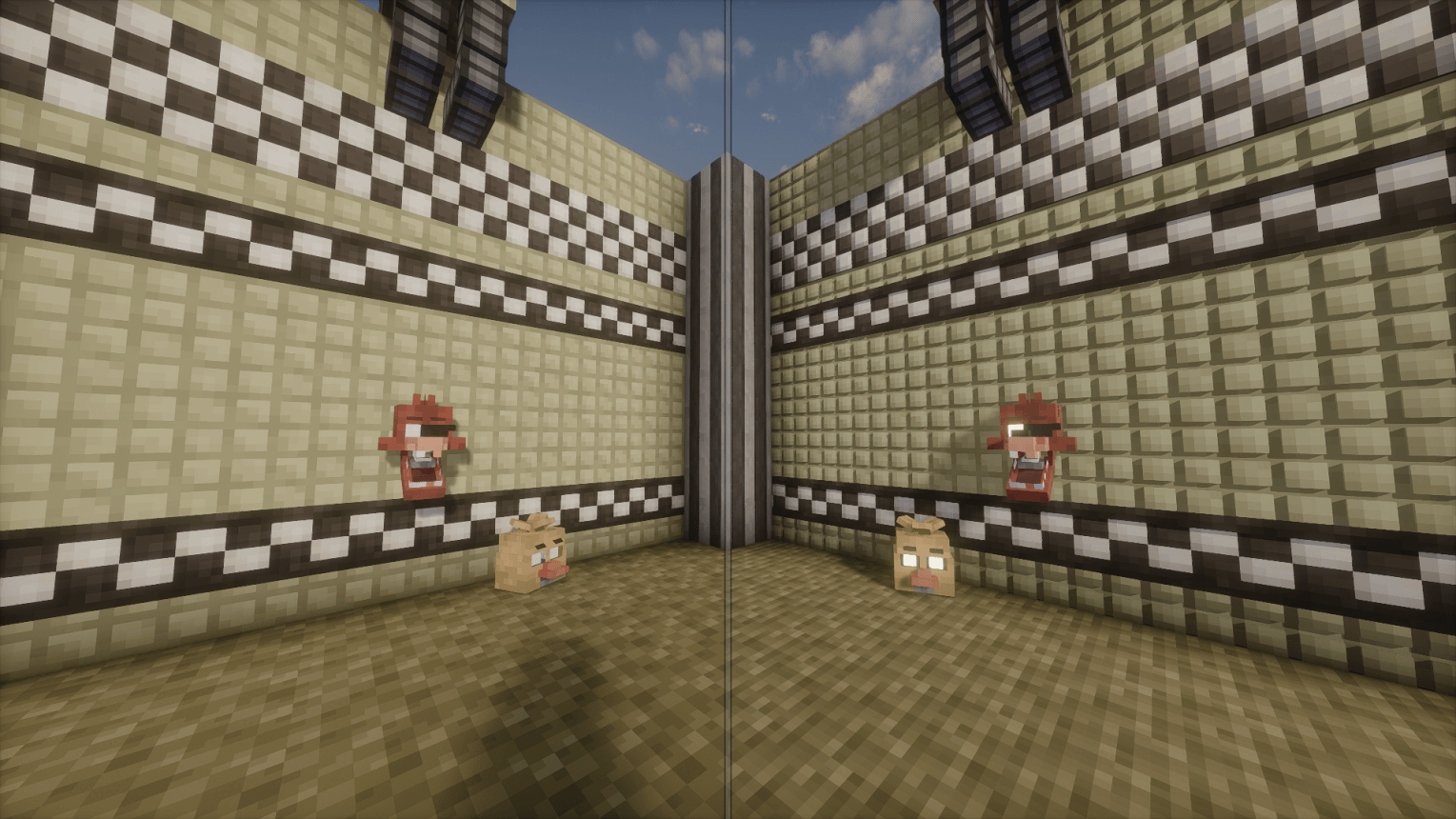
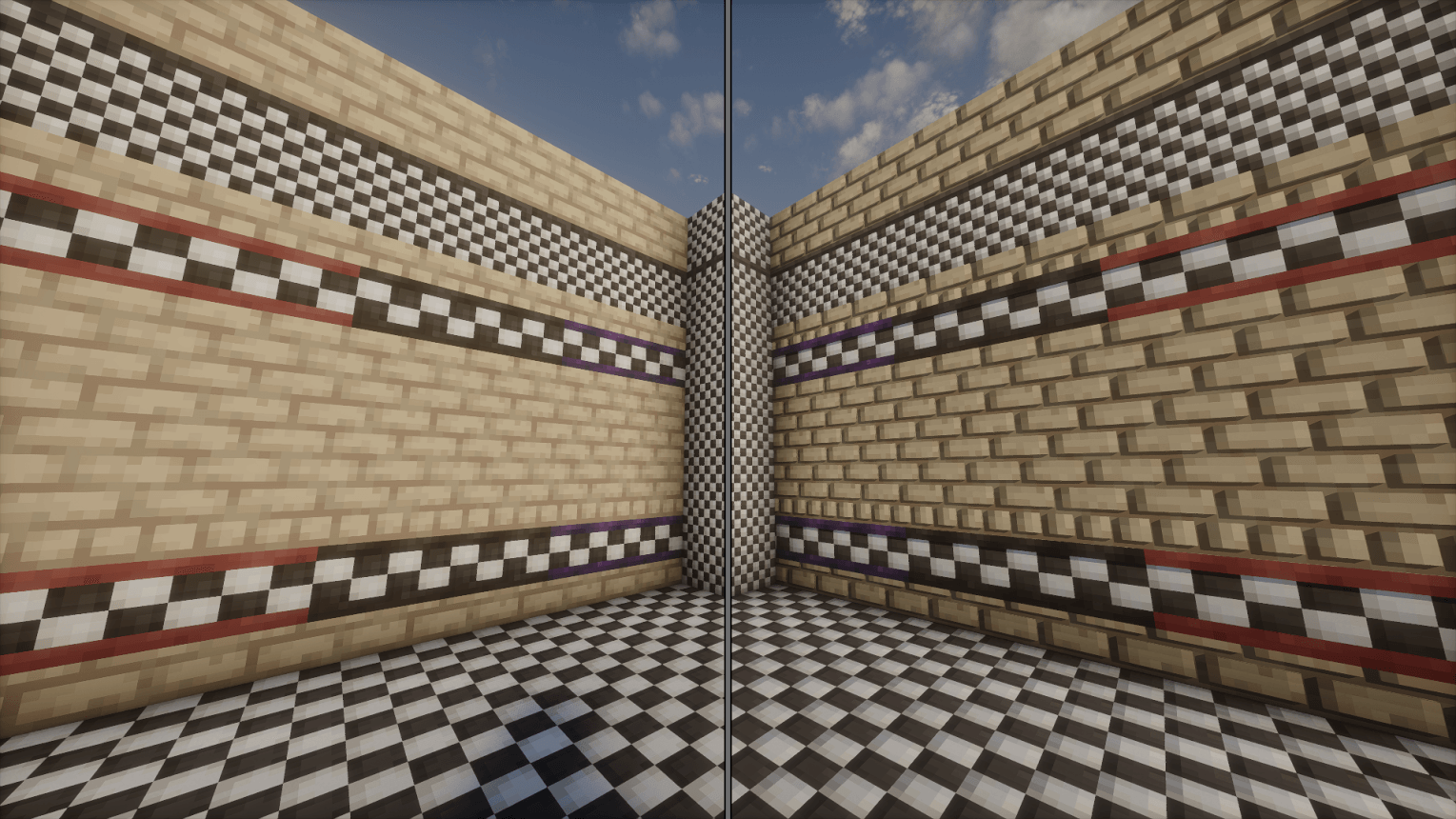
This pack adds normal, specular, and parallax occlusion mapping to various blocks from the FNaF Mod!

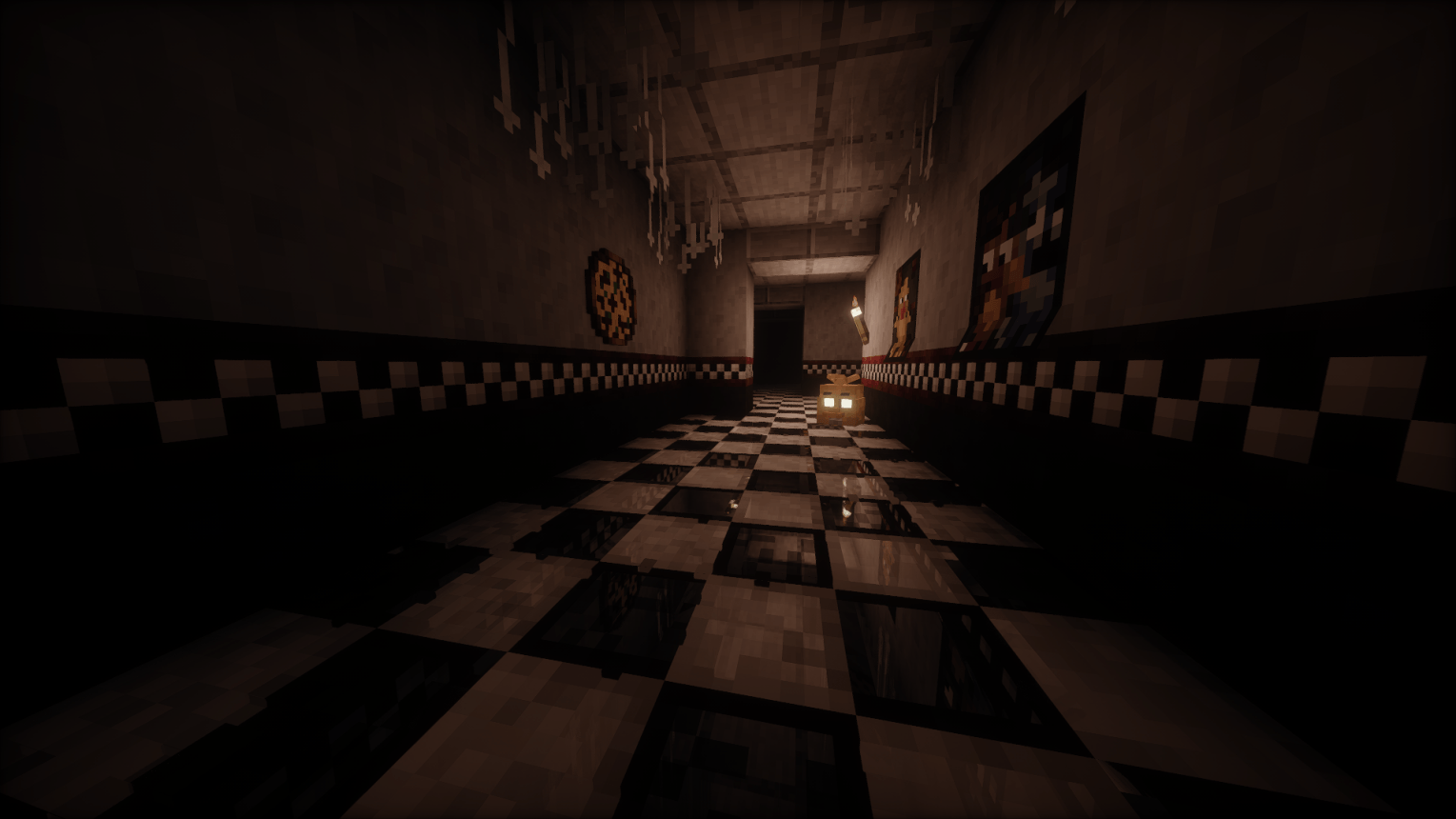
Floor tiles reflect light similar to how they do in the games. Bricks, wall tiles, cracked floor tiles and some other blocks have some added depth with parallax occlusion mapping.

 This pack may not be for everyone, but I hope that it will be nice extra detail for your builds! If you have any ideas for how I can improve upon the pack or encounter any issues in relation to the pack, please let me know in the comments. I love feedback!!! I plan on adding more to this pack beyond whats in this initial release, there is still lots to be added and improved upon in this pack.

INSTRUCTIONS

To activate the PBR textures and for the best experience use Oculus (this pack has not been tested with optifine) and a shader with labPBR support. Go into your shader's material/PBR settings and do the following:

  • Make sure the shader is using the labPBR format, and not any other PBR format such as Integrated or SEUS.
  • Find and enable normal, specular, and parallax occlusion mapping in labPBR/PBR settings.
  • Find and enable directional blocklight/lightmaps if present in settings.
  • Find and enable reflections if present in settings.
  • And optionally, tweak various PBR settings to your heart's content!

RECOMMENDATIONS

The look and feel of this pack varies from shader to shader, and my personal recommendation is to use either version of Complementary + Euphoria Patches, or Photon (get v1.1 of photon on modrinth if v1.2a behaves strangely for you.) In all of the screenshots shown, I used Photon.

Additionally, I recommend using the PBR Pack Embrace Pixels for PBR vanilla textures.
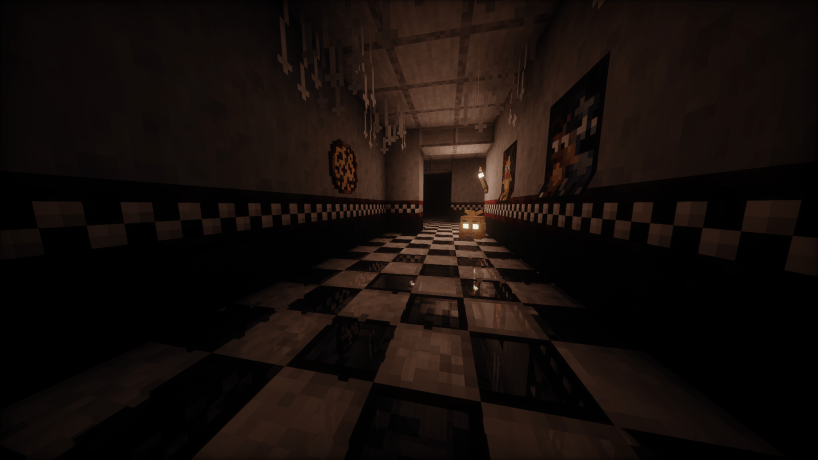
Floor tile reflections


FNaFModPBRPack-1.19.2-1.0.0.zip
MC 1.19.2
Beta 2025-08-19 Get

Requirements & install

How to use this resource pack in Minecraft
Resolution
16x
Minecraft
1.19.2
Install folder
.minecraft/resourcepacks

How to install resource packs

  1. Download the resource pack .zip file (do not extract it).
  2. In Minecraft open Options → Resource Packs → Open Pack Folder.
  3. Drop the .zip into the resourcepacks folder (.minecraft/resourcepacks).
  4. Move the pack to the Selected column and click Done.
Browse more: 16x resource packs 32x resource packs 64x resource packs 128x resource packs 256x resource packs 512x+ resource packs Resource Packs for 1.19.2 All resource packs
Advertisement Remove ads with Premium →

You Might Also Like