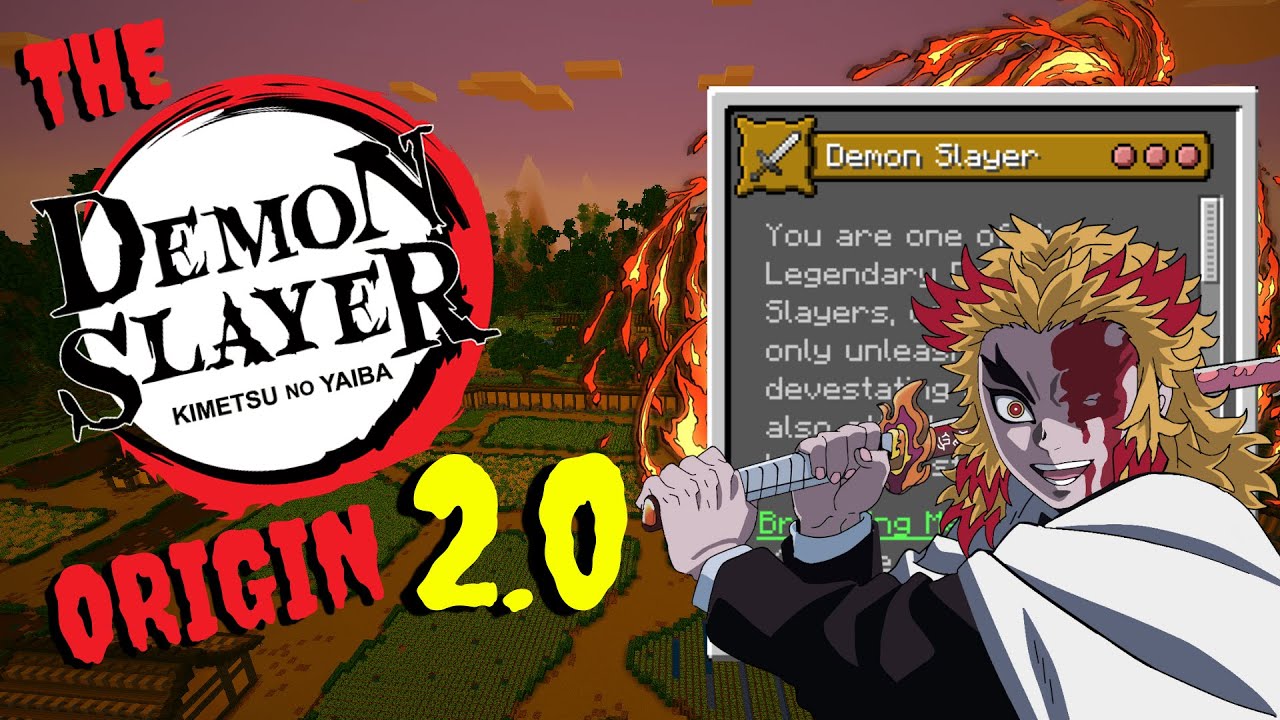
THE ALL NEW DEMON SLAYER ORIGIN 2.0 IS OUT!
The Demon Slayer is not only inspired by the Demon Slayer Show, but it also bring forth new combat mechanics, progression systems, and a new playstyle to minecraft!
Here is a Video Covering the Origin! VIDEO
Made for 1.19-1.19.4
Origins Mod FABRIC (Plan on having an update to 1.20 and Forge Support)
The
Pehkui Mod Can be added to improve aesthetics
What Changed?
Removed the Poison debuff on Water Breathing
Removed Beast Breathing's Fall Damage Debuff
Increased Weaker Attack Debuff for Insect Breathing from 35% less dmg to 50% less dmg. Additonally reduced the level of poison
Changed the Requirements to unlock certain Breathing Styles in the Advancement Panel
All Damage Scales with Mark levels Now
Stamina now consumes 10 for every weapon, The Recharge rate depends on the Mark Level
What's New?
MARKS! A whole new progression system in the origin that allows you to not only gain new powers, but get stronger as you progress!
FLAME BREATHING! Light your enemies on fire in style!
NEW GUI IMPROVEMENTS! Now you can see everything you need to know about the Origin! No longer need to research on my YT!
TOGGLEABLE COMBAT MODE! Now you can toggle whether you want to have demon slayer attacks and marks activated
ADDED MODDED WEAPON SUPPORT!
CRUSHED BUGS!
BALANCED ALL BREATHING STYLES TO BE EQUALLY POWERFUL!
Thank you all for supporting my work! YOU MUST CREDIT ME IF YOU ARE USING MY CODE FOR YOUR ORIGIN!