Mineuniverse
Resource Packs
The Default Texture Pack

The Default Texture Pack

RESOURCE PACK
The complete official Minecraft Default Pack template
by Truyty
Download Claim this project
8,257 downloads
0 likes
Updated Oct 14, 2026
0 hypes
16x Miscellaneous Traditional
Advertisement Remove ads with Premium →


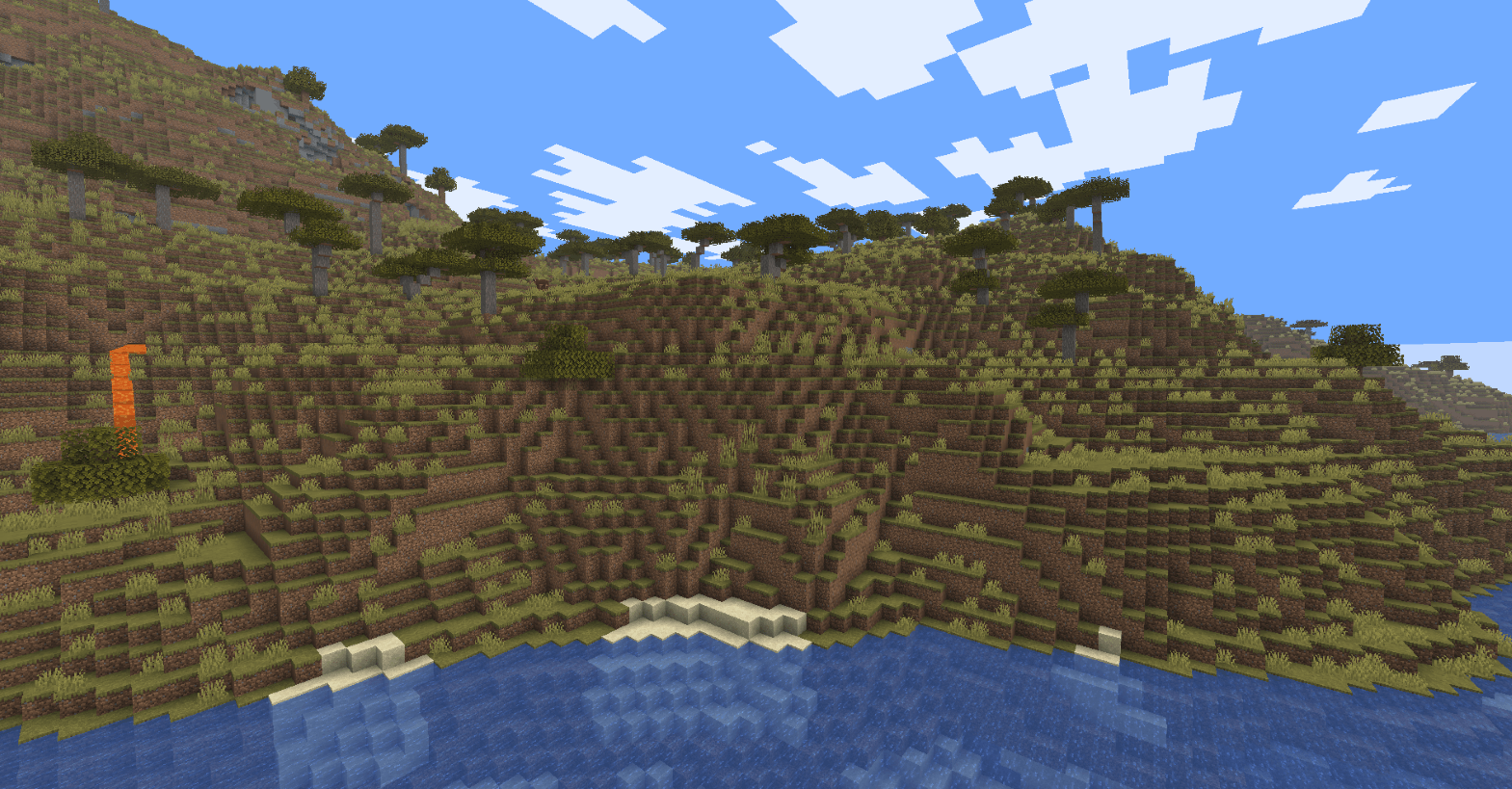
Default Resource/Template Pack (All Minecraft Versions)

Are you looking for the official default Minecraft texture pack to create your own custom resource pack, edit original textures, or replace missing assets?

This project provides clean, unmodified, and ready-to-use Vanilla resource pack templates extracted directly from every major version of Minecraft Java Edition.

📦 Features

  • All versions included: Get the exact texture files from versions 1.6 to 1.26.2.
  • Ready to edit: Pre-configured pack.mcmeta files for each specific Minecraft version.
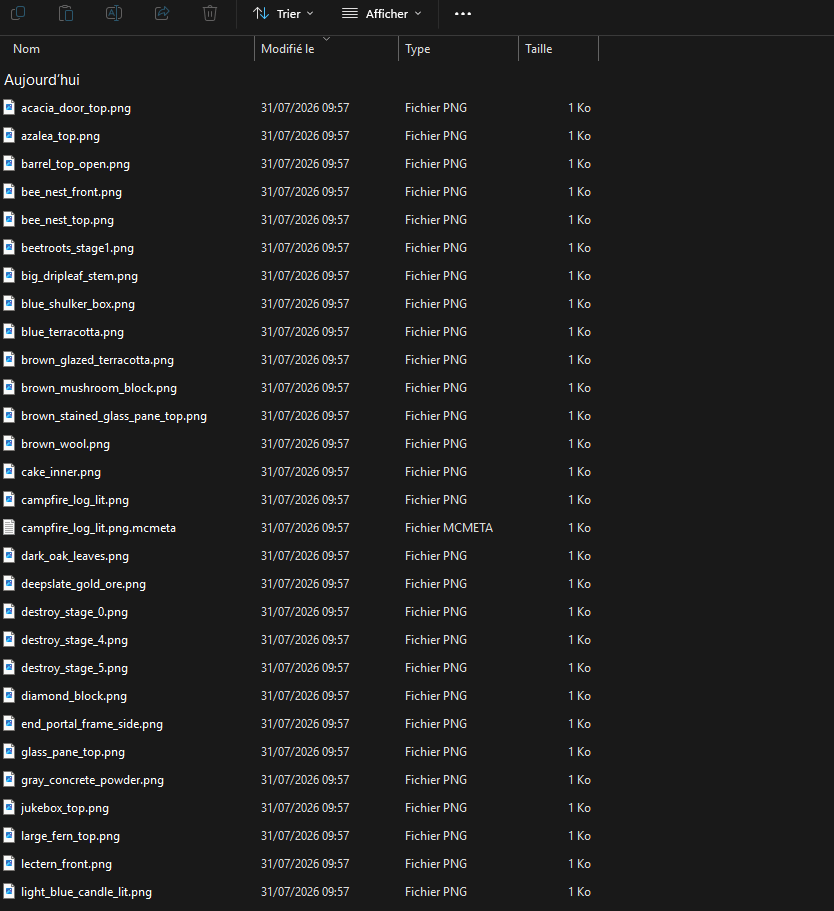
  • 100% original Vanilla files: Clean folder structures (assets/minecraft/textures/...) containing blocks, items, entities, particle effects, and GUI elements.
  • Fast & easy download: Choose the exact version you need directly from the Files tab. Lightning-fast downloads thanks to CurseForge, the best mod site around!

🚀 How to Use

  1. Go to the Files section and download the .zip file corresponding to your target Minecraft version.

  2. Unzip the file into your workspace or edit it directly.

  3. Modify or replace any block, item, or GUI texture.

  4. Save, zip, and drop the folder into your .minecraft/resourcepacks/ directory to test it in-game!


Disclaimer: This project is not affiliated with, endorsed by, or associated with Mojang Studios; it is simply a practical tool designed to help creators easily access raw base game assets for resource pack development.


🔍 Keywords

Minecraft default texture pack, vanilla resource pack template, Minecraft asset extractor, blank resource pack, MCMETA pack template, default texture download, Minecraft modding assets.


texture-pack-default-1.13-1.18.2.zip
MC 1.16.3, 1.13.1, 1.16-Snapshot, 1.17.1, 1.15-Snapshot, 1.16.1, 1.18.1, 1.14.3, 1.15, 1.16, 1.13, 1.16.5, 1.14.4, 1.14.1, 1.17, 1.17-Snapshot, 1.18, 1.15.2, 1.14, 1.18.2
Release 2026-07-30 Get
texture-pack-default-1.19-1.19.4.zip
MC 1.19-Snapshot, 1.19.3, 1.19.4, 1.19.4-Snapshot, 1.19.1, 1.19.2, 1.19, 1.19.3-Snapshot
Release 2026-07-30 Get
texture-pack-default-1.20-1.20.4.zip
MC 1.20.2-Snapshot, 1.20.2, 1.20.1, 1.20, 1.20-Snapshot, 1.20.4, 1.20.3-Snapshot, 1.20.3
Release 2026-07-30 Get
texture-pack-default1.20.5-26.2.zip
MC 1.21.2-Snapshot, 1.21, 1.21.6-snapshot, 1.20.5-Snapshot, 1.21.1-Snapshot, 1.21.8, 1.20.5, 1.21.5, 1.21.4, 1.21.5-Snapshot, 1.20.6, 1.21.1, 1.21.6, 1.21.3, 1.21.7, 1.21-Snapshot
Release 2026-07-30 Get

Requirements & install

How to use this resource pack in Minecraft
Resolution
16x
Minecraft
1.21.3 – 1.21.8
Install folder
.minecraft/resourcepacks

How to install resource packs

  1. Download the resource pack .zip file (do not extract it).
  2. In Minecraft open Options → Resource Packs → Open Pack Folder.
  3. Drop the .zip into the resourcepacks folder (.minecraft/resourcepacks).
  4. Move the pack to the Selected column and click Done.
Browse more: 16x resource packs 32x resource packs 64x resource packs 128x resource packs 256x resource packs 512x+ resource packs Resource Packs for 1.21.8 All resource packs

More from Truyty

Advertisement Remove ads with Premium →

You Might Also Like