Mineuniverse
Resource Packs
The CreatorPack - Better Leaves Addon

The CreatorPack - Better Leaves Addon

RESOURCE PACK
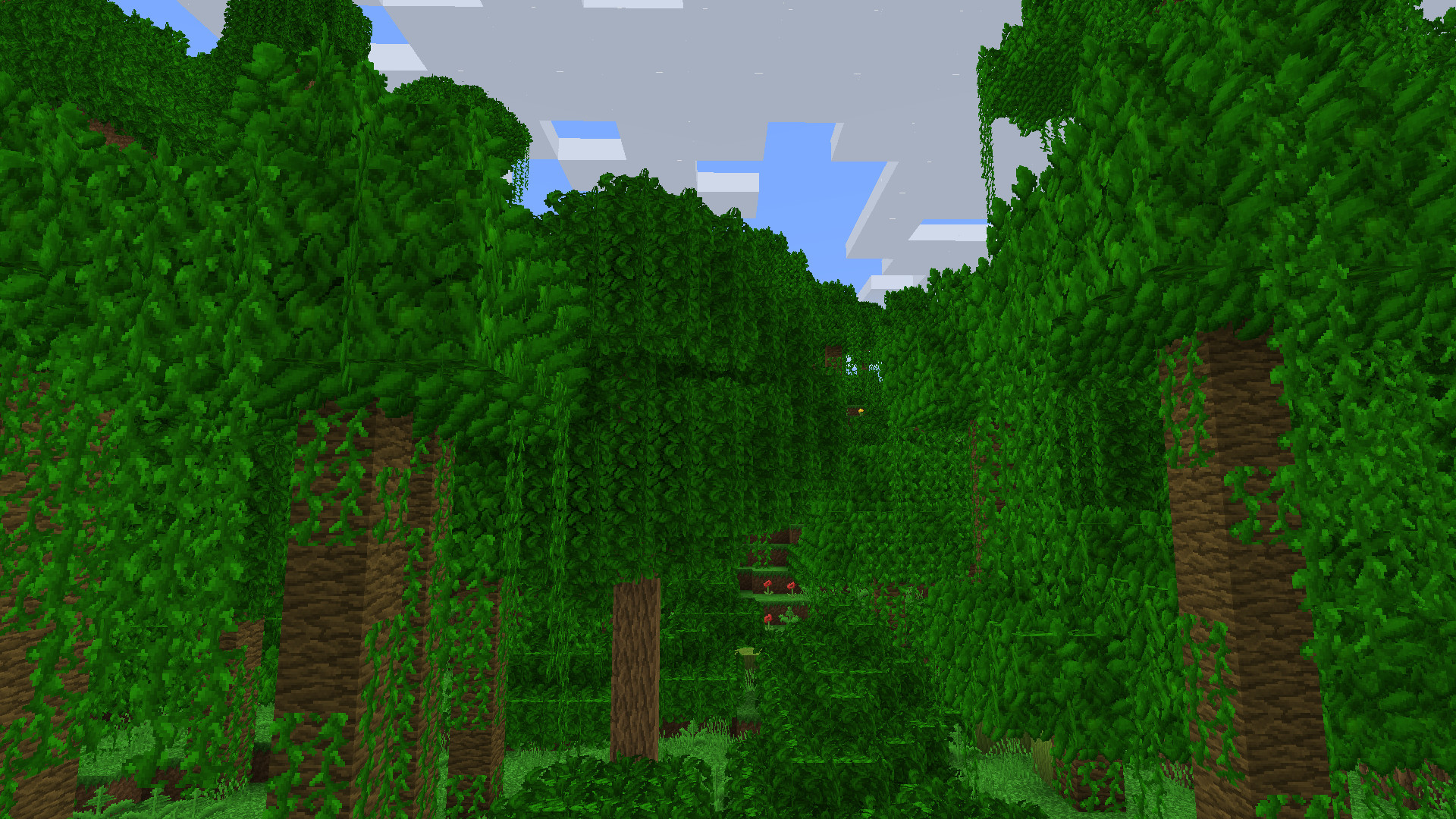
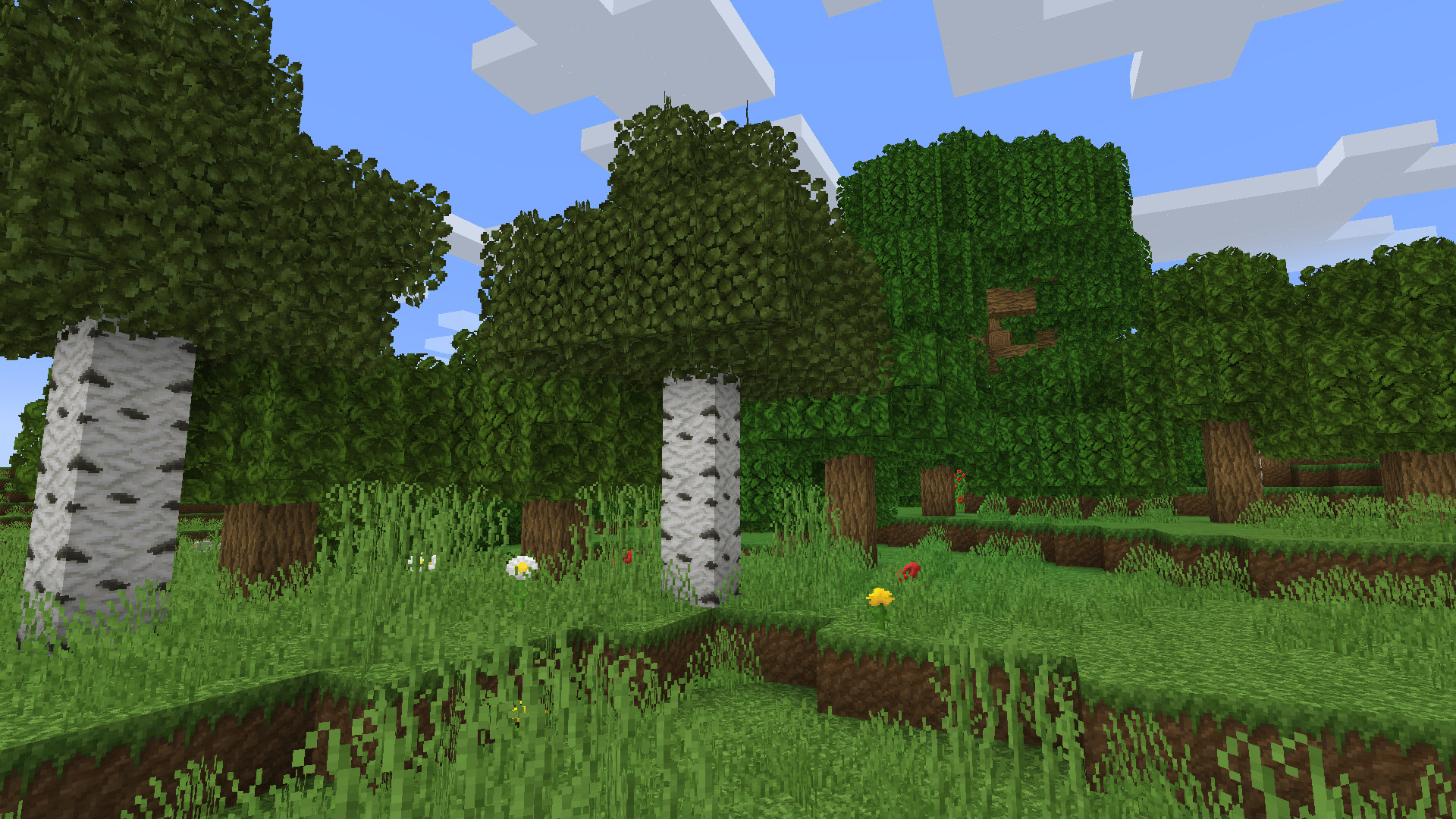
This addon makes leaves in the CreatorPack more realistic.
by creatorLabs
Download Claim this project
26,415 downloads
0 likes
0 followers
Updated Oct 14, 2026
0 hypes
Follow0
32x Traditional
Advertisement Remove ads with Premium →

This addon requires the CreatorPack resourcepack as a main resourcepack.


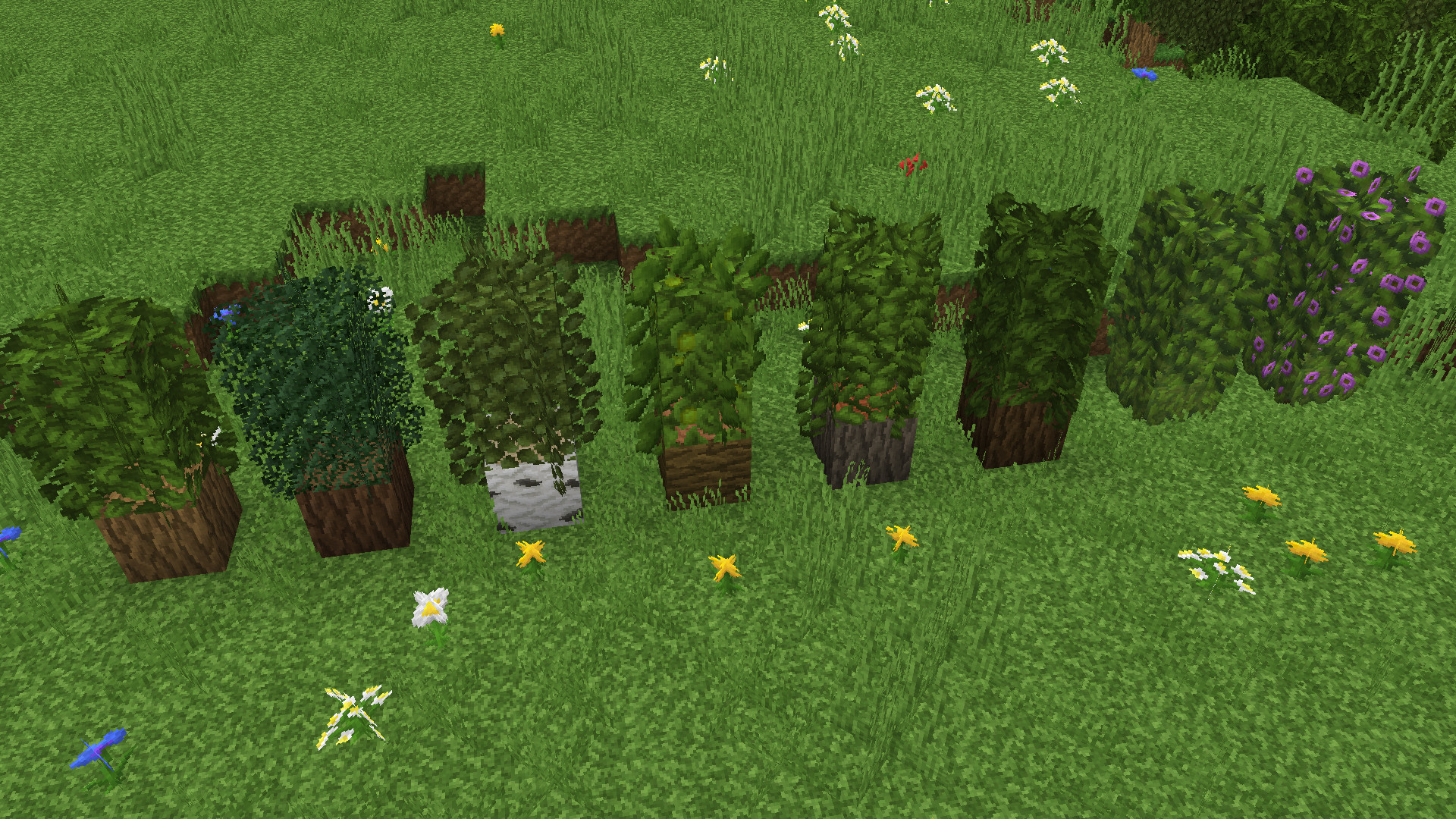
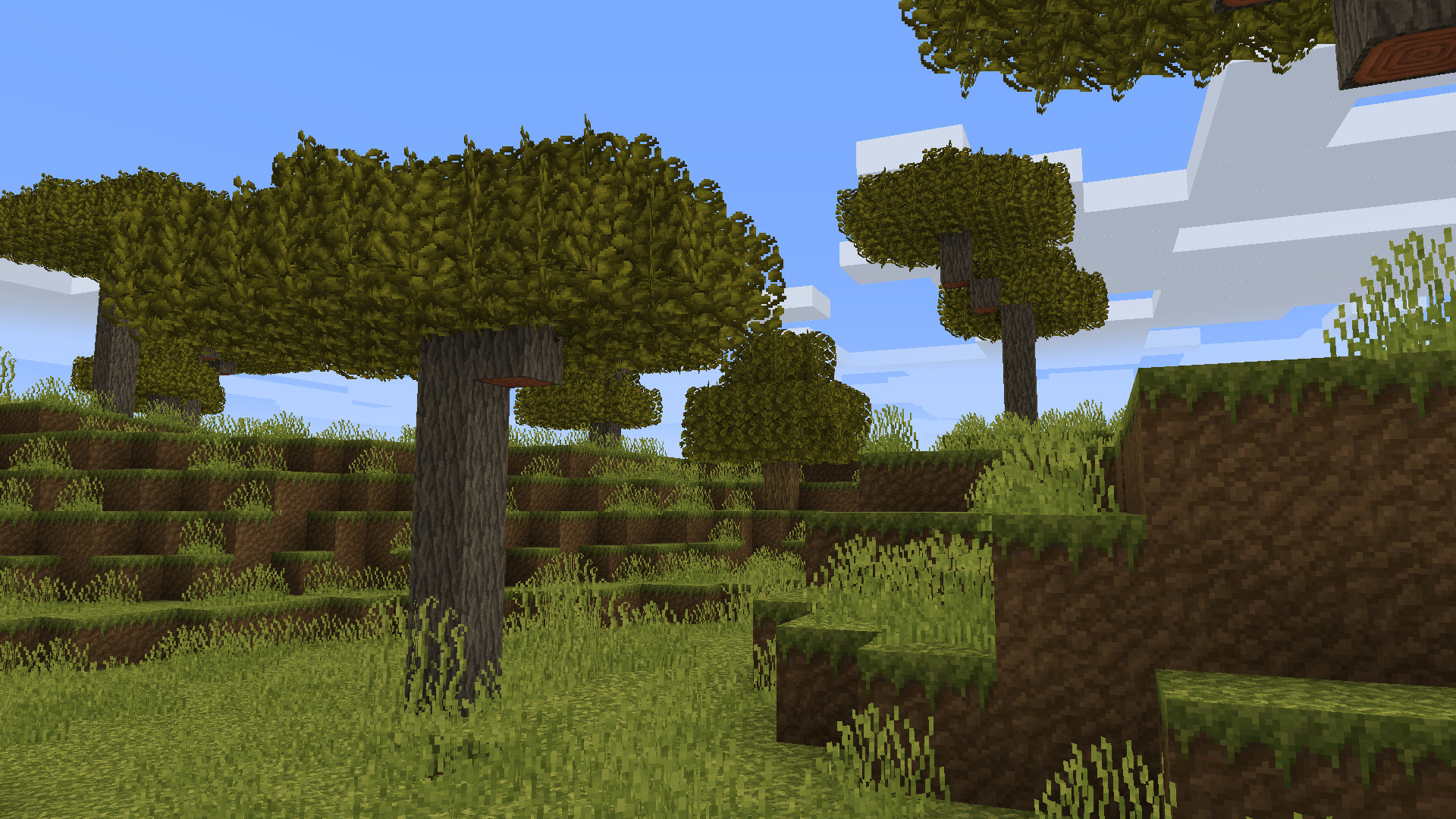
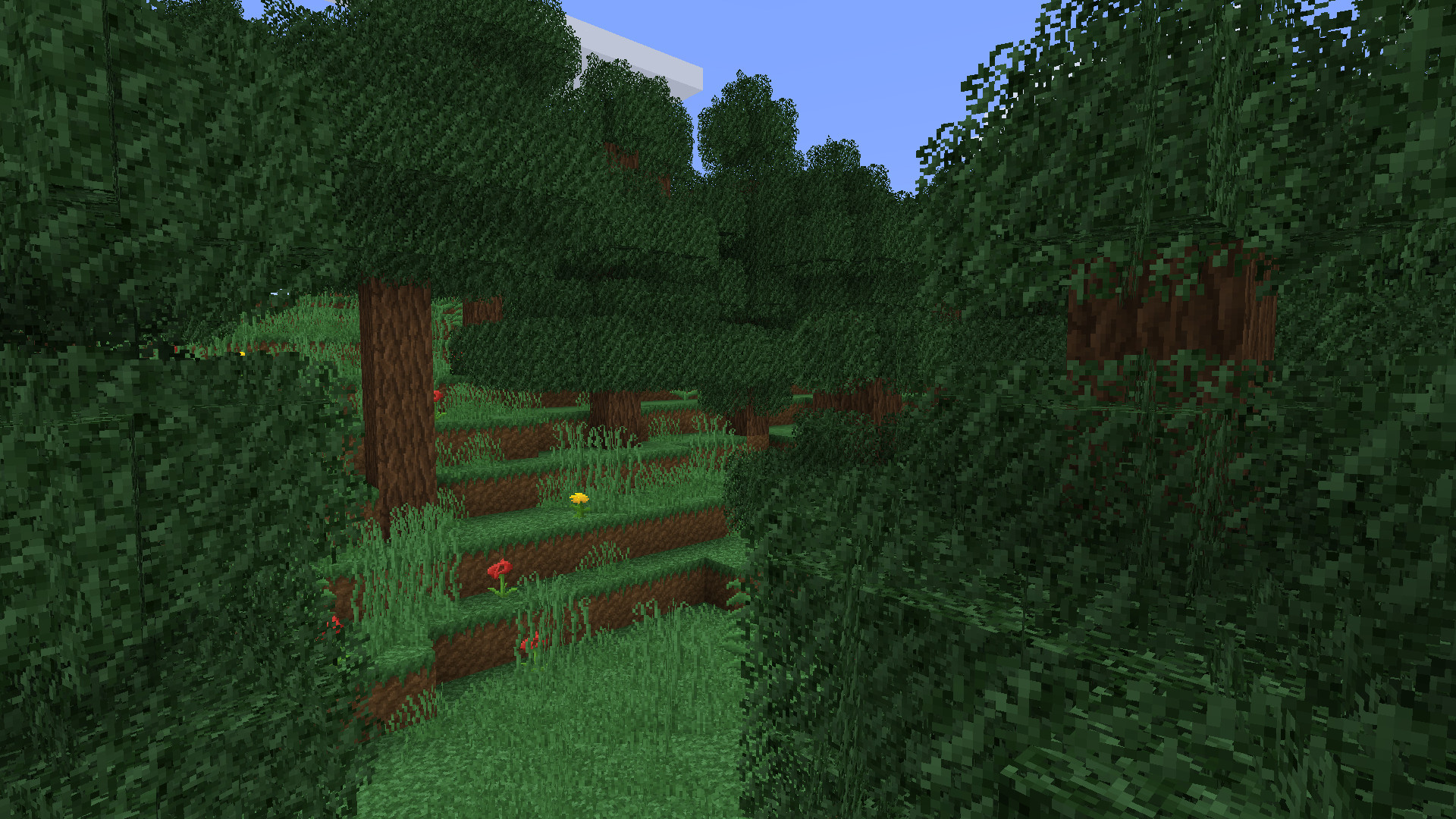
The Better Leaves Addon tries to make leaves more realistic. It changes the default model of leaves and adds two new planes to the model. Therefore the leaves have a bit more depth and trees look a lot more interesting.


The addon must be put on top of the CreatorPack in the resourcepack selection.


Important Info:

When using the Better Leaves Addon, make sure that leaves are being displayed transparent.


In Minecraft vanilla this setting can be found here: 

"Options..."->"Video Settings..."->"Graphics".

Make sure to set "Graphics" to "Fancy".


In OptiFine this setting can be found here:

"Options..."->"Video Settings..."->"Details..."->"Trees".

Make sure to set "Trees" to "Fancy".

CreatorPack-Better-Leaves-1.19.3-V1.0.4.zip
MC 1.19.3
Release 2022-12-21 Get
CreatorPack-Better-Leaves-1.19-V1.0.3.zip
MC 1.19.2, 1.19.1, 1.19
Release 2022-08-03 Get
CreatorPack-Better-Leaves-1.18-V1.0.2.zip
MC 1.18.1, 1.18
Release 2021-12-12 Get
CreatorPack-Better-Leaves-1.16-V1.0.2.zip
MC 1.16.3, 1.16.1, 1.16, 1.16.5, 1.16.4, 1.16.2
Release 2021-07-09 Get
CreatorPack-Better-Leaves-1.17-V1.0.2.zip
MC 1.17.1, 1.17, 1.17-Snapshot
Release 2021-07-09 Get
CreatorPack-Better-Leaves-1.16-V1.0.1.zip
MC 1.16.3, 1.16.4, 1.16.2
Release 2020-09-18 Get
CreatorPack-Better-Leaves-1.15-V1.0.1.zip
MC 1.16-Snapshot, 1.16.1, 1.15, 1.16, 1.15.2, 1.15.1
Release 2020-04-26 Get
CreatorPack-Better-Leaves-1.14-V1.0.0.zip
MC 1.14.4, 1.14.1, 1.14.3, 1.14, 1.14.2
Release 2020-02-06 Get
CreatorPack-Better-Leaves-1.15-V1.0.0.zip
MC 1.16-Snapshot, 1.15, 1.15.2, 1.15.1
Release 2020-02-06 Get

Requirements & install

How to use this resource pack in Minecraft
Resolution
32x
Minecraft
1.17 – 1.19.3
Install folder
.minecraft/resourcepacks

How to install resource packs

  1. Download the resource pack .zip file (do not extract it).
  2. In Minecraft open Options → Resource Packs → Open Pack Folder.
  3. Drop the .zip into the resourcepacks folder (.minecraft/resourcepacks).
  4. Move the pack to the Selected column and click Done.
Browse more: 16x resource packs 32x resource packs 64x resource packs 128x resource packs 256x resource packs 512x+ resource packs Resource Packs for 1.19.3 All resource packs

More from creatorLabs

Advertisement Remove ads with Premium →

You Might Also Like