Mineuniverse
Resource Packs
Thaumic Textures: w1bestion Edition

Thaumic Textures: w1bestion Edition

RESOURCE PACK
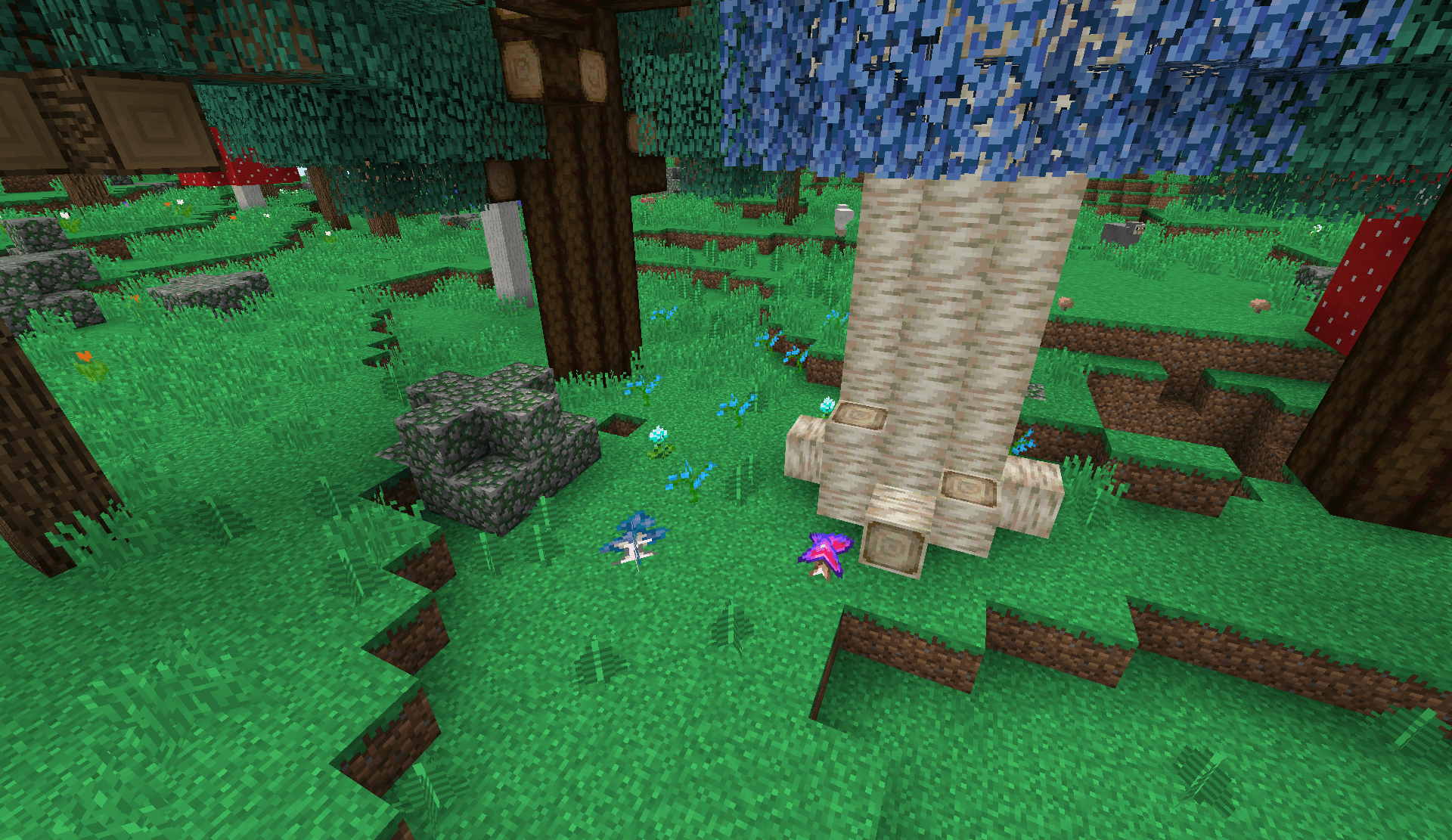
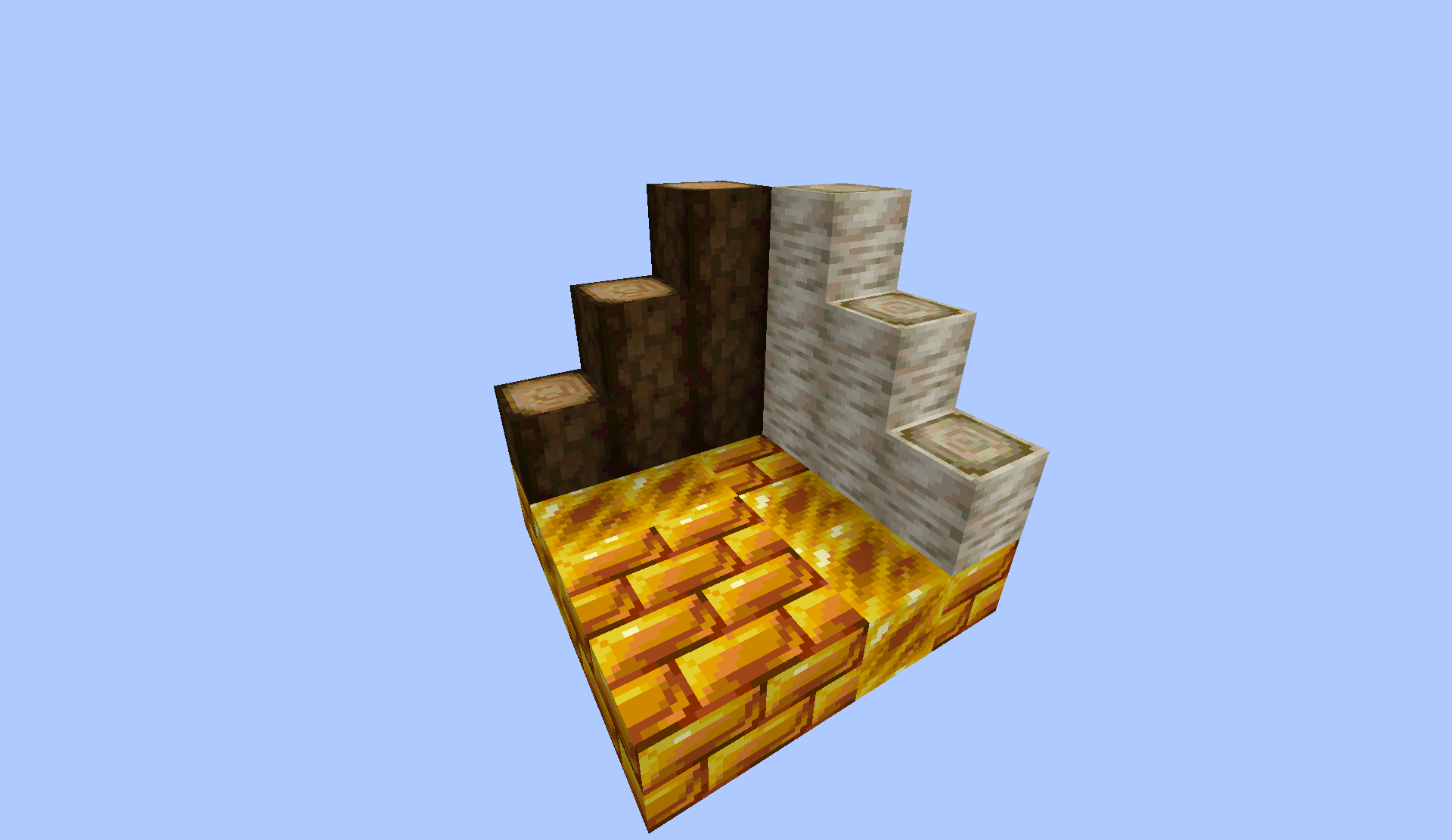
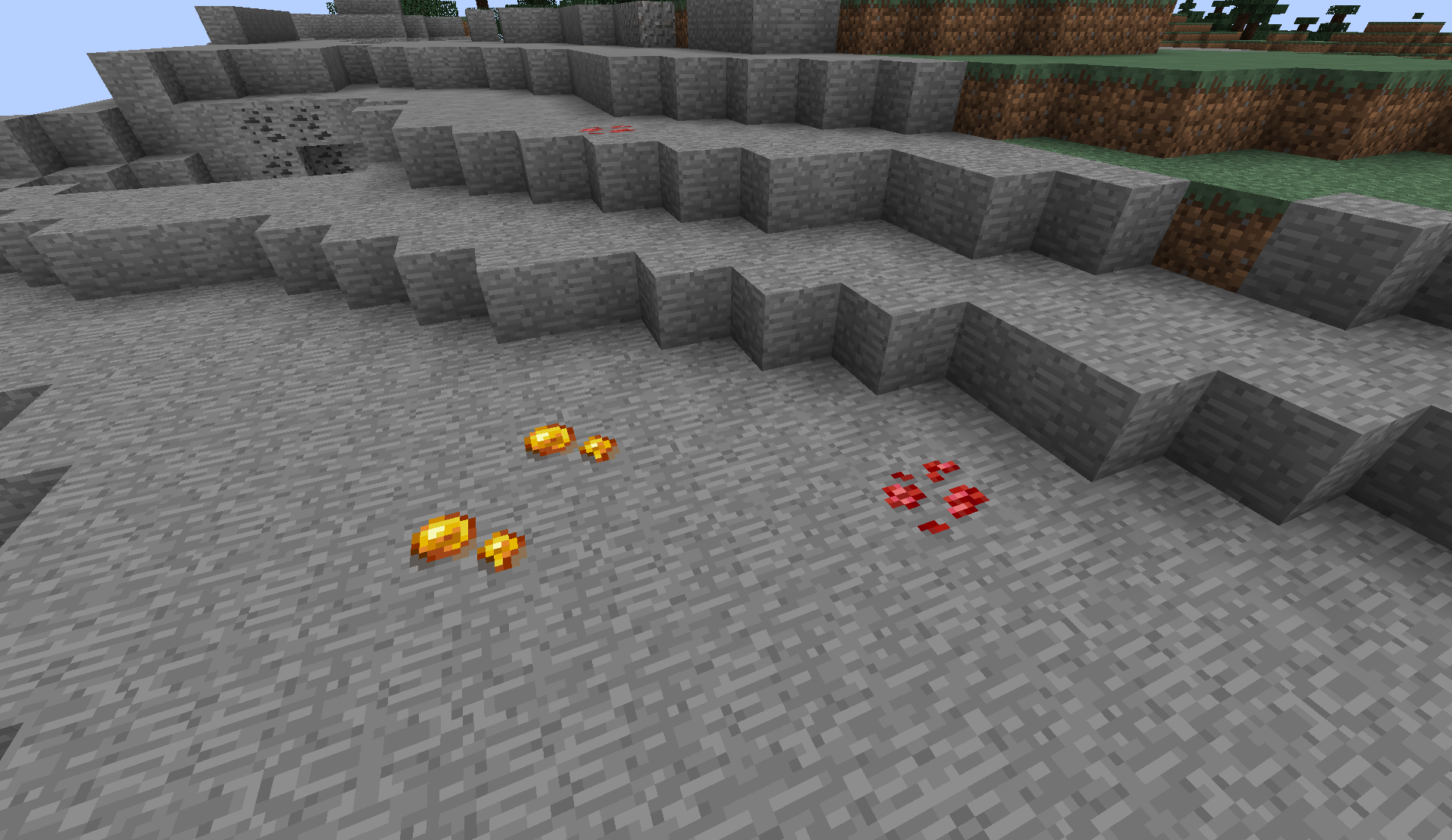
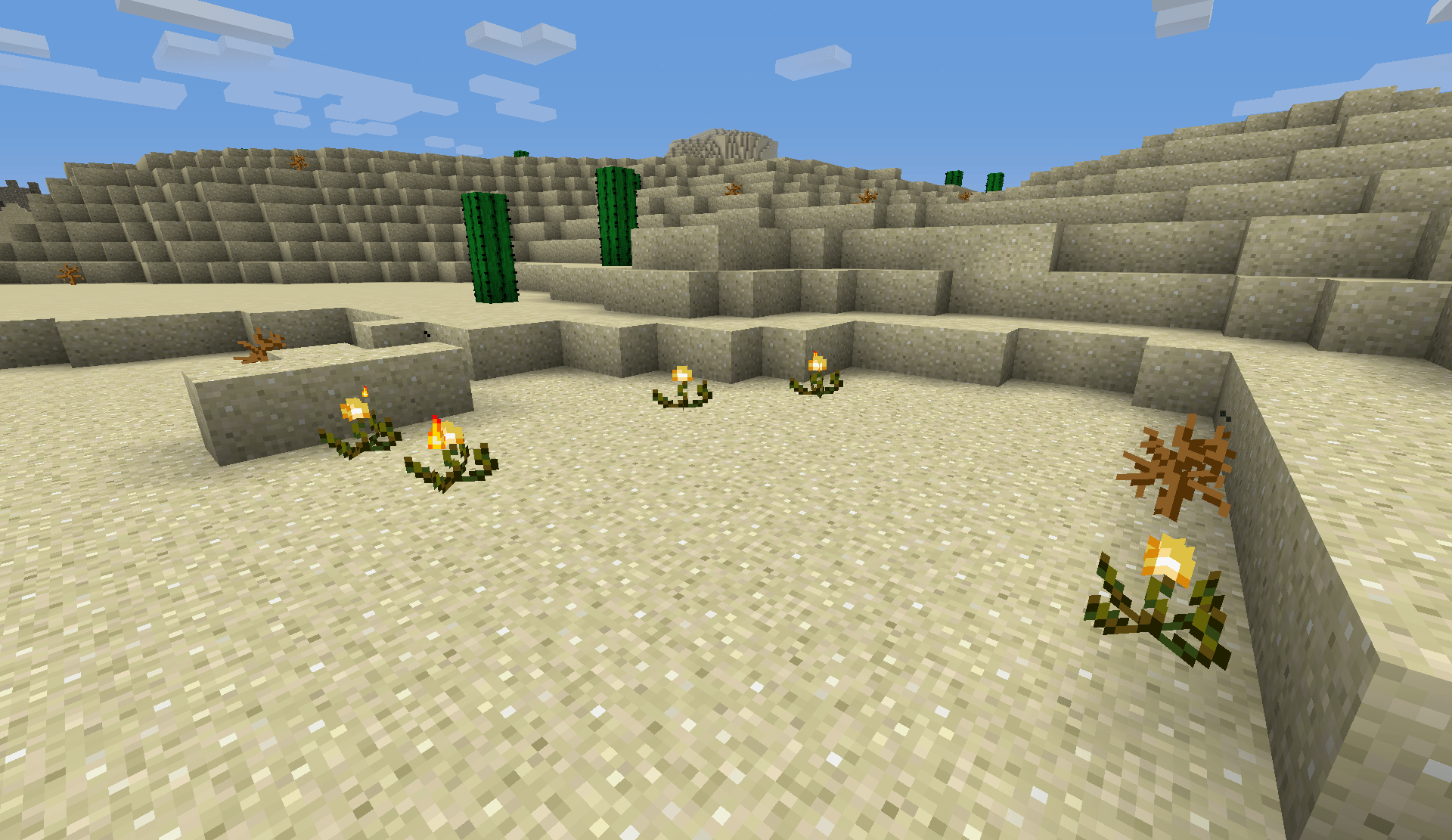
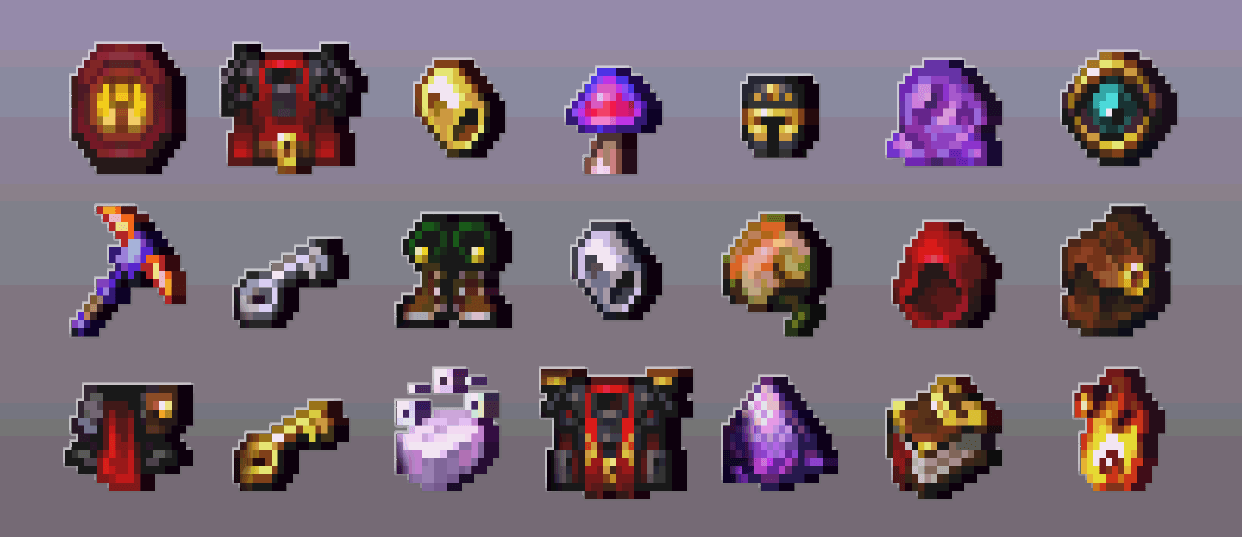
Redesigned Thaumcraft assets featuring vibrant, detailed pixel art. Give your arcane gear and artifacts a fresh modern makeover.
by w1bestion
Download Claim this project
Add a badge to your pageLink to Thaumic Textures: w1bestion Edition from a README, website or forum post.
Preview: Badge

Badges update automatically and link to the resource pack page on MineUniverse.

114 downloads
0 likes
0 followers
Updated Oct 14, 2026
0 hypes
Follow0
16x Miscellaneous Modern Traditional
Advertisement Remove ads with Premium →

🔮 Thaumic Textures: w1bestion Edition

A crisp, faithful refresh of iconic Thaumcraft textures, tuned for modern aesthetics.


✨ About the Project

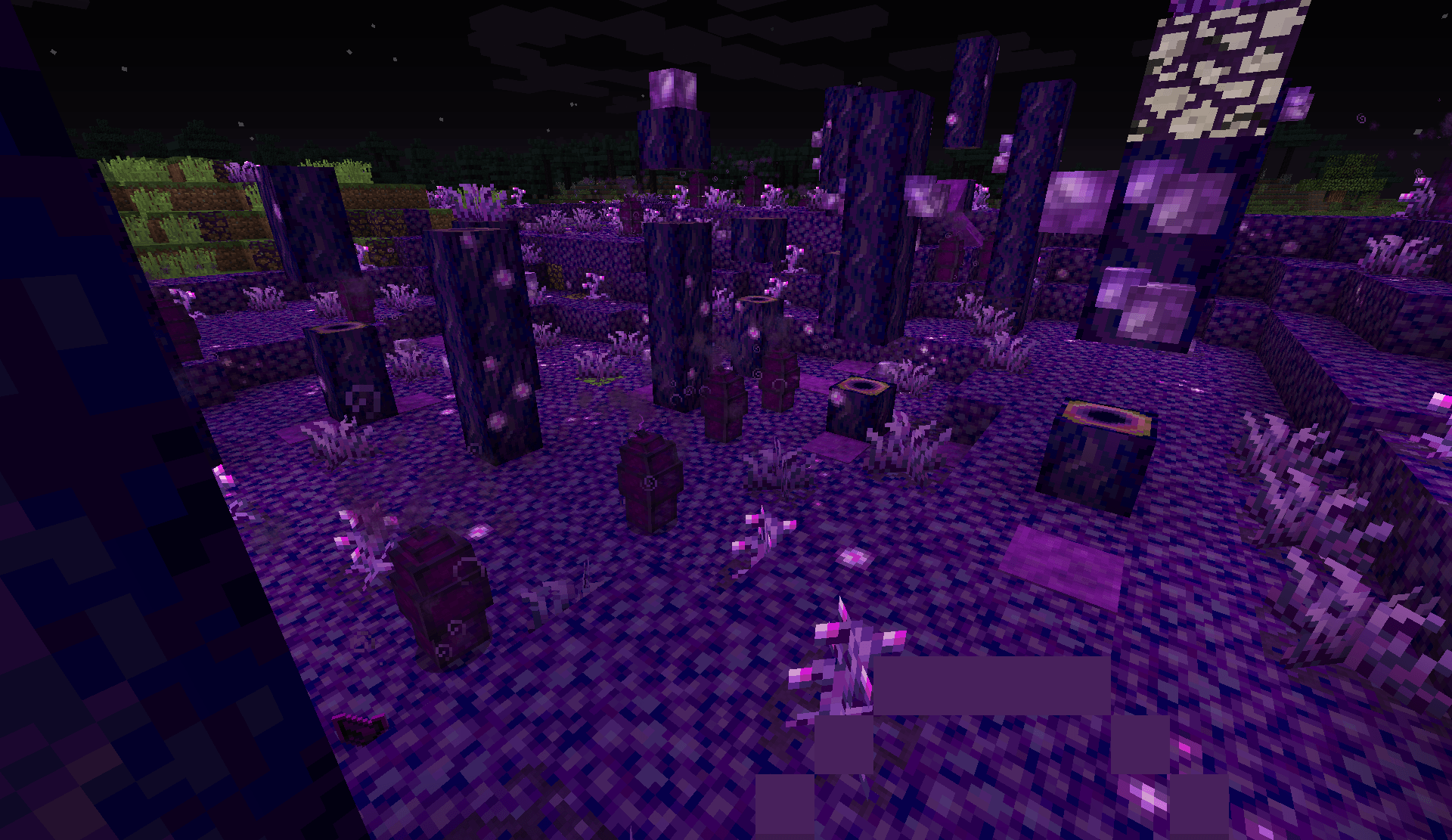
Thaumcraft has always boasted some of the most stylish and atmospheric art in the history of Minecraft modding. While the original textures hold up remarkably well, this pack gives them a meticulous, modern touch-up — sharpening details, refining color palettes, and smoothing out rough edges while strictly respecting the classic vanilla-adjacent vibe.

Whether you are revisiting classic Thaumcraft 4 or preparing for nostalgic runs, this pack breathes fresh life into your magical journey.


📦 Version Support

Mod Version Status
Thaumcraft 4 & 6 🟢 Available Now
Thaumcraft 3 🟡 In Development
Thaumcraft 5 🟡 In Development

⚠️ A note on older versions: Due to how older Thaumcraft versions are structured internally, porting to them is considerably more complex and tedious than working with the newer ones. If a port does happen, it'll mostly be a fun side-project of mine — and the more interest this pack gets, the more motivated I'll be to push through the extra work!


🗺️ Roadmap & Upcoming Features

The project is actively being expanded. Here is what is on the horizon:

  • Custom themed GUI & Interface redesign
  • High-detail Mob & Entity re-textures
  • Popular Addon Support (e.g., Thaumic Tinkerer, Forbidden Magic, etc. — tell me which ones you want to see!)
  • A standalone companion mod (planned) — because of how this texture pack is built under the hood, I'm planning a dedicated add-on mod that will allow much deeper customization of textures and items. For example, giving every crystal shard or candle its own unique shape and color palette instead of sharing one generic model.

🖼️ Example of the kind of customization the add-on mod will unlock:

The image shows four groups of Minecraft style pixel art items arranged on a gray checkerboard background. In the upper left are six colorful candles, each with a different color and a small flame. In the lower left are four similar books with brown and gold covers and visible red and white page details. In the upper right are seven brightly colored crystalline shards in different colors, including yellow, red, blue, green, purple, gray, and cyan. In the lower right are six circular crystal rings or crystal infused rings, matching several of the shard colors. All items have a small pixel art style with dark outlines, highlights, and shading.


🛠️ How to Install

  1. Download the .zip archive.
  2. Launch Minecraft and open Options ➔ Resource Packs (or Texture Packs in older versions).
  3. Click Open Pack Folder and drop the downloaded .zip file inside.
  4. Select the pack in the list and enjoy the fresh arcane look!

💬 Feedback & Collaboration

I would love to hear your thoughts, feedback, and suggestions!

🤝 Open for Collaboration: Have an addon idea, need custom textures, or want to work together? Feel free to reach out via any of the channels above!

Thaumic Textures .zip
MC 1.7.10
Release 2026-10-13 Get
Thaumic Textures (2).zip
MC 1.12.2
Release 2026-10-13 Get
Thaumic Textures.zip
MC 1.7.10
Release 2026-08-16 Get
Thaumic Textures.zip
MC 1.12.2
Release 2026-08-16 Get

Requirements & install

How to use this resource pack in Minecraft
Resolution
16x
Minecraft
1.7.10 – 1.12.2
Install folder
.minecraft/resourcepacks

How to install resource packs

  1. Download the resource pack .zip file (do not extract it).
  2. In Minecraft open Options → Resource Packs → Open Pack Folder.
  3. Drop the .zip into the resourcepacks folder (.minecraft/resourcepacks).
  4. Move the pack to the Selected column and click Done.
Browse more: 16x resource packs 32x resource packs 64x resource packs 128x resource packs 256x resource packs 512x+ resource packs Resource Packs for 1.12.2 All resource packs
Advertisement Remove ads with Premium →

You Might Also Like