Mineuniverse
Resource Packs
That creeper is a spy!

That creeper is a spy!

RESOURCE PACK
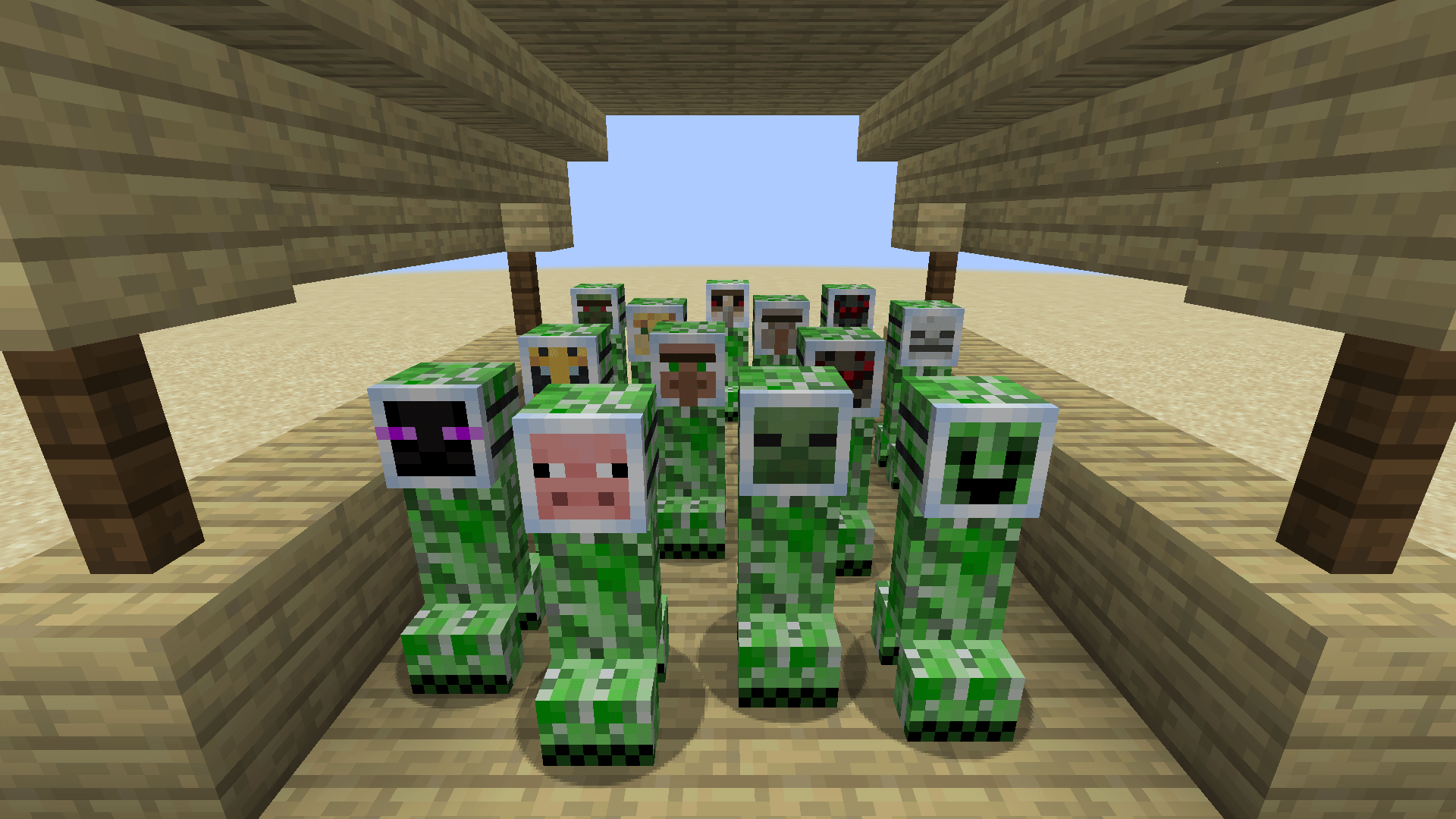
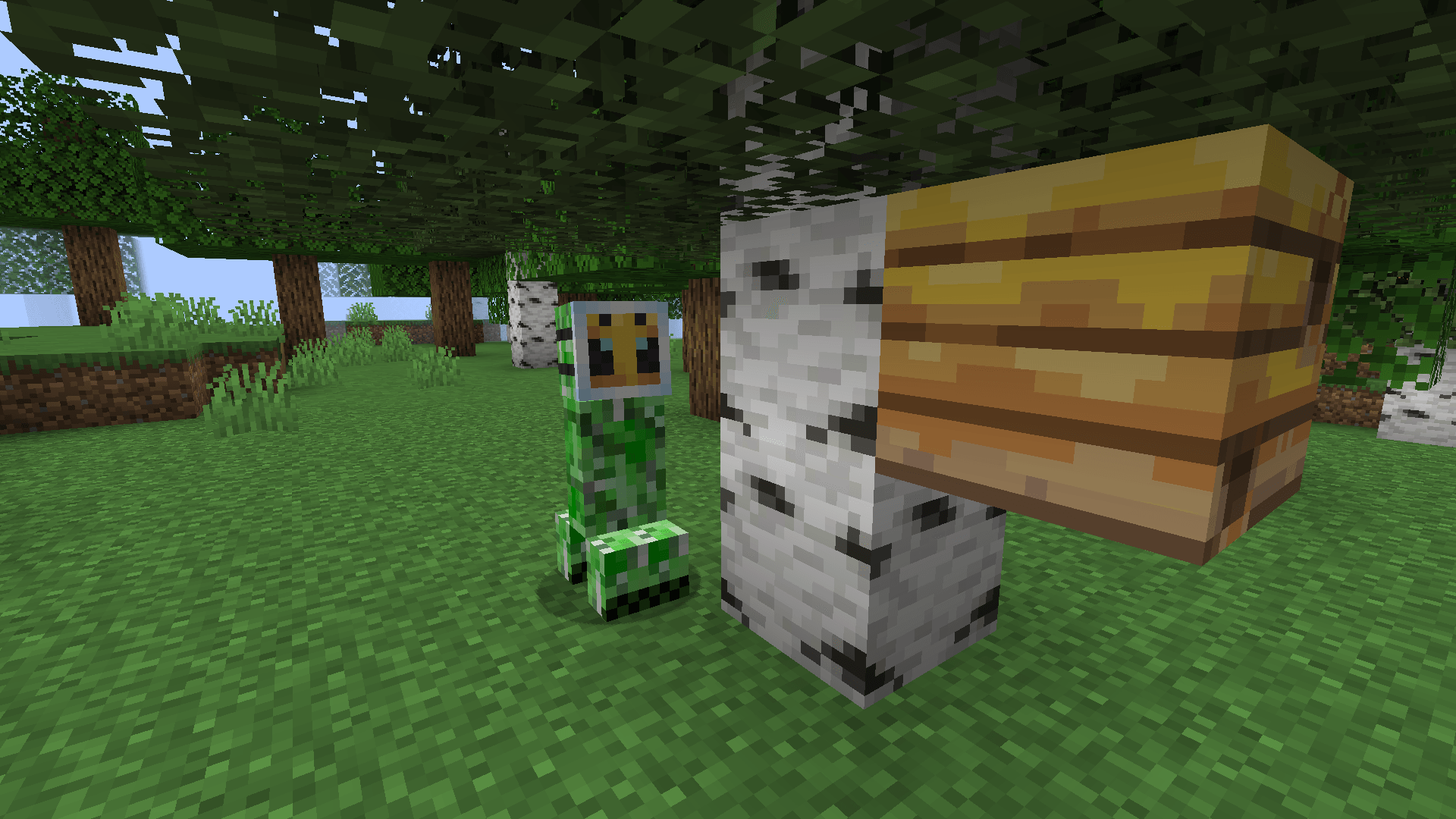
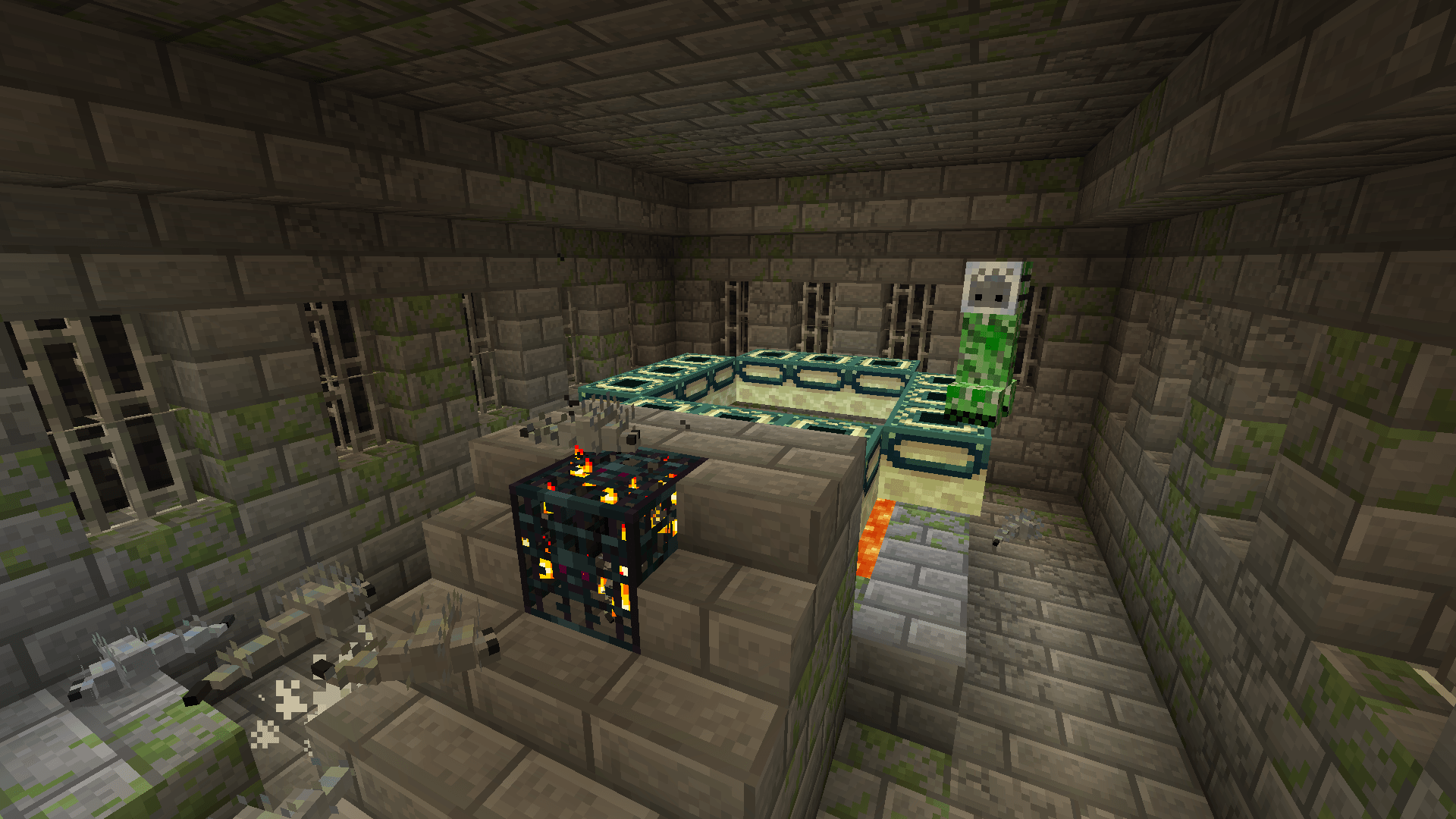
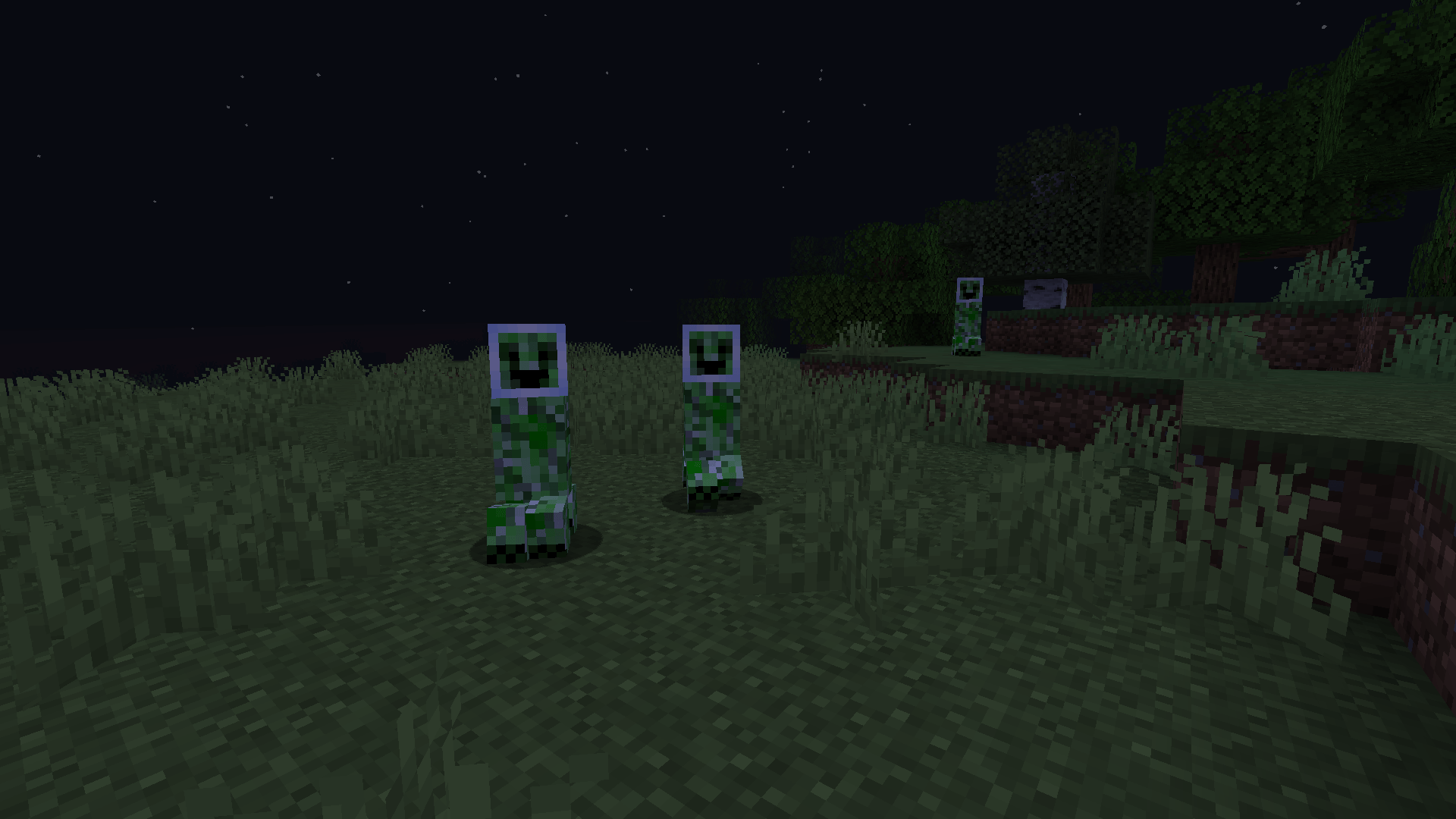
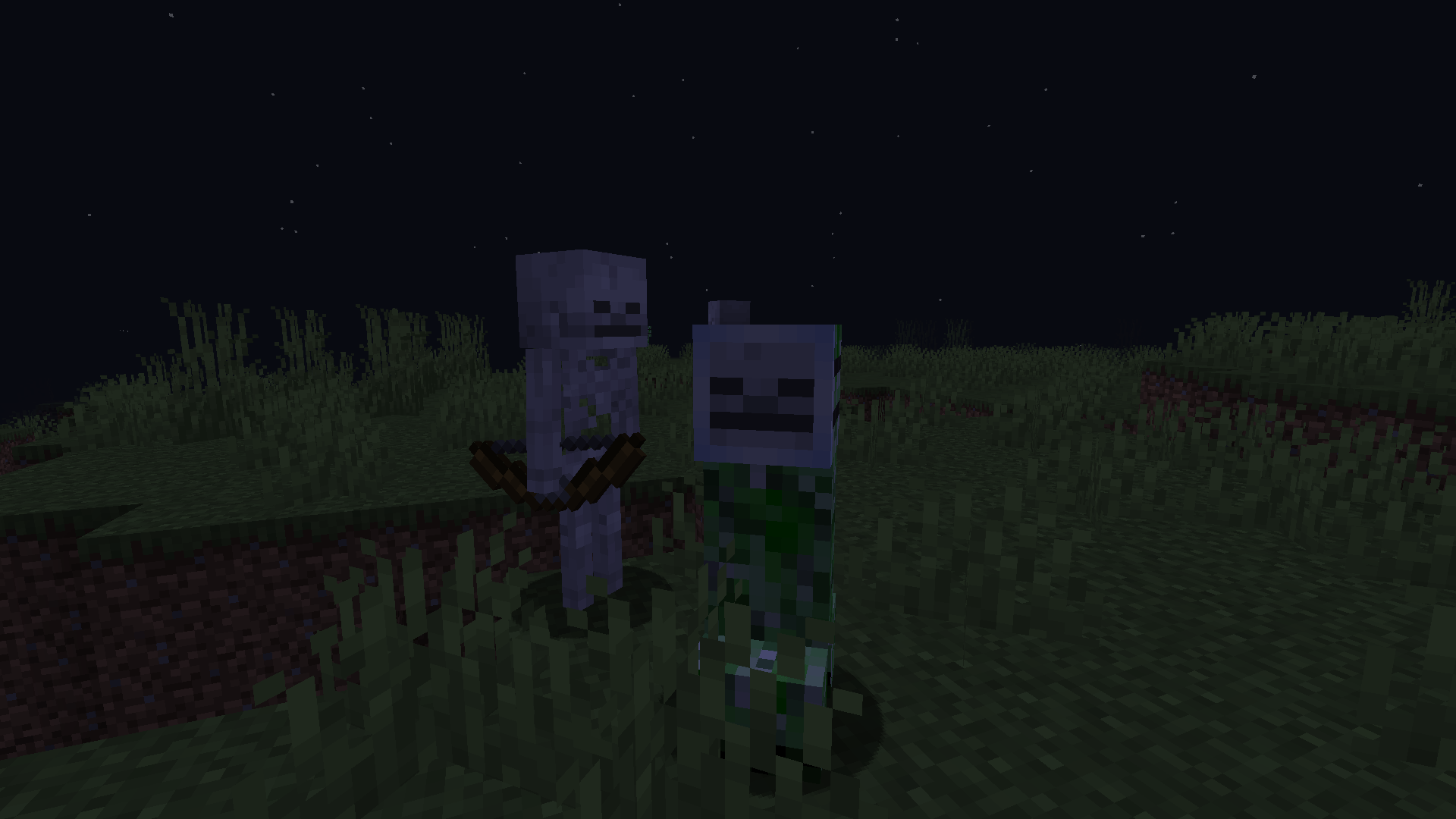
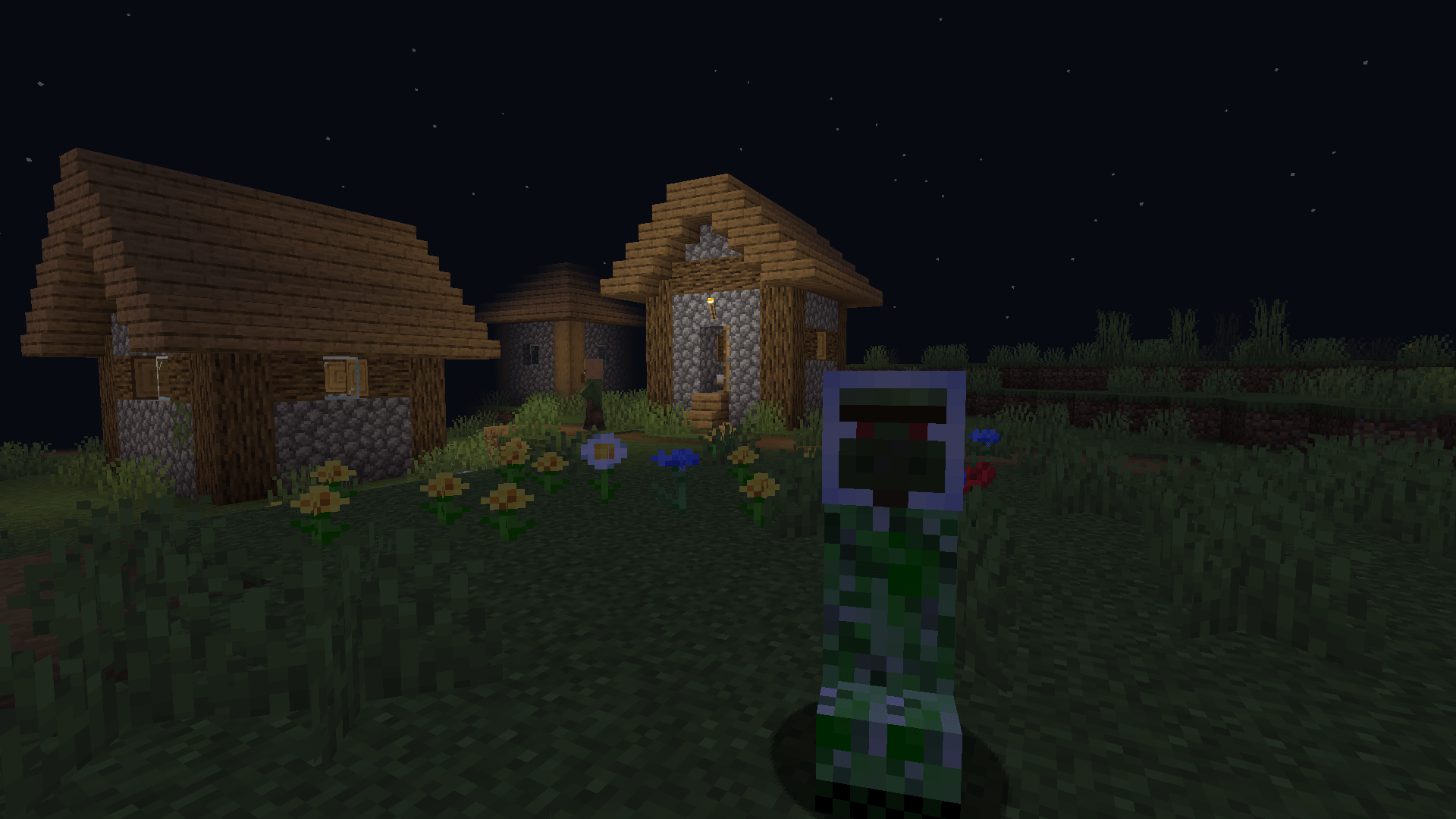
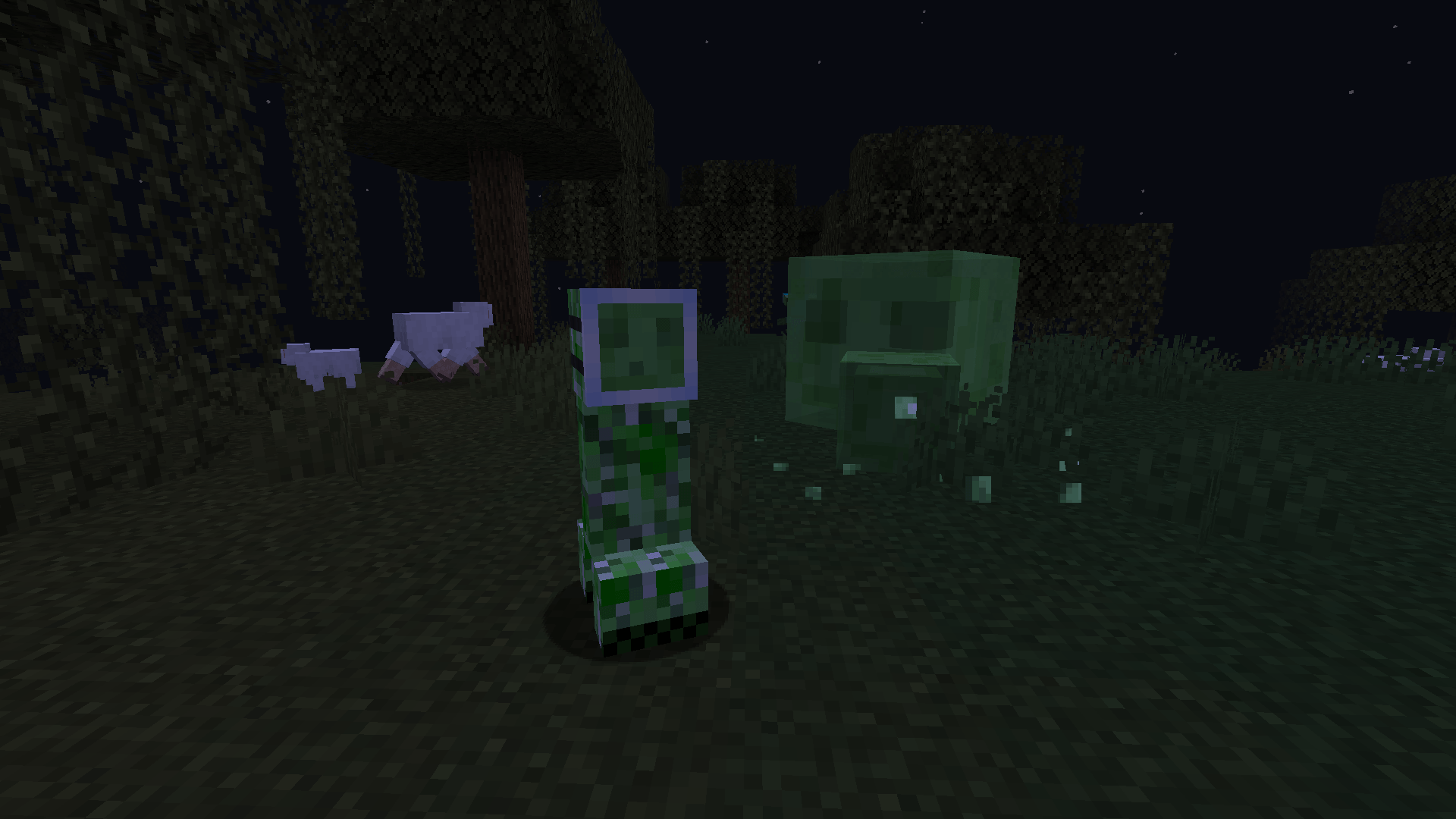
Creepers will now use foolproof disguise masks just like the tf2 spy
by maxsteelbro
Download Claim this project
4,101 downloads
0 likes
0 followers
Updated Oct 14, 2026
0 hypes
Follow0
16x
Advertisement Remove ads with Premium →

This resource pack requires either OptiFine or ETF

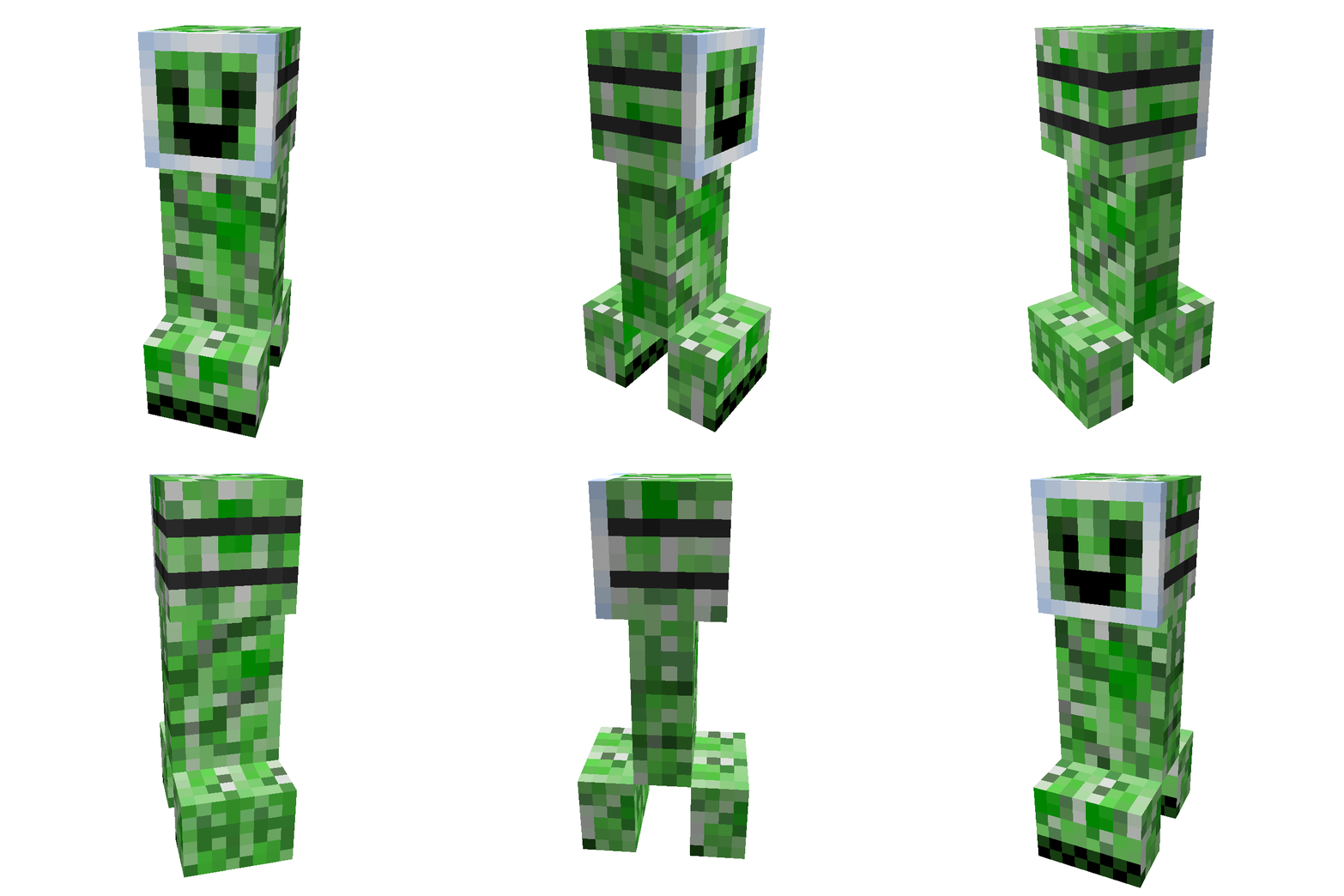
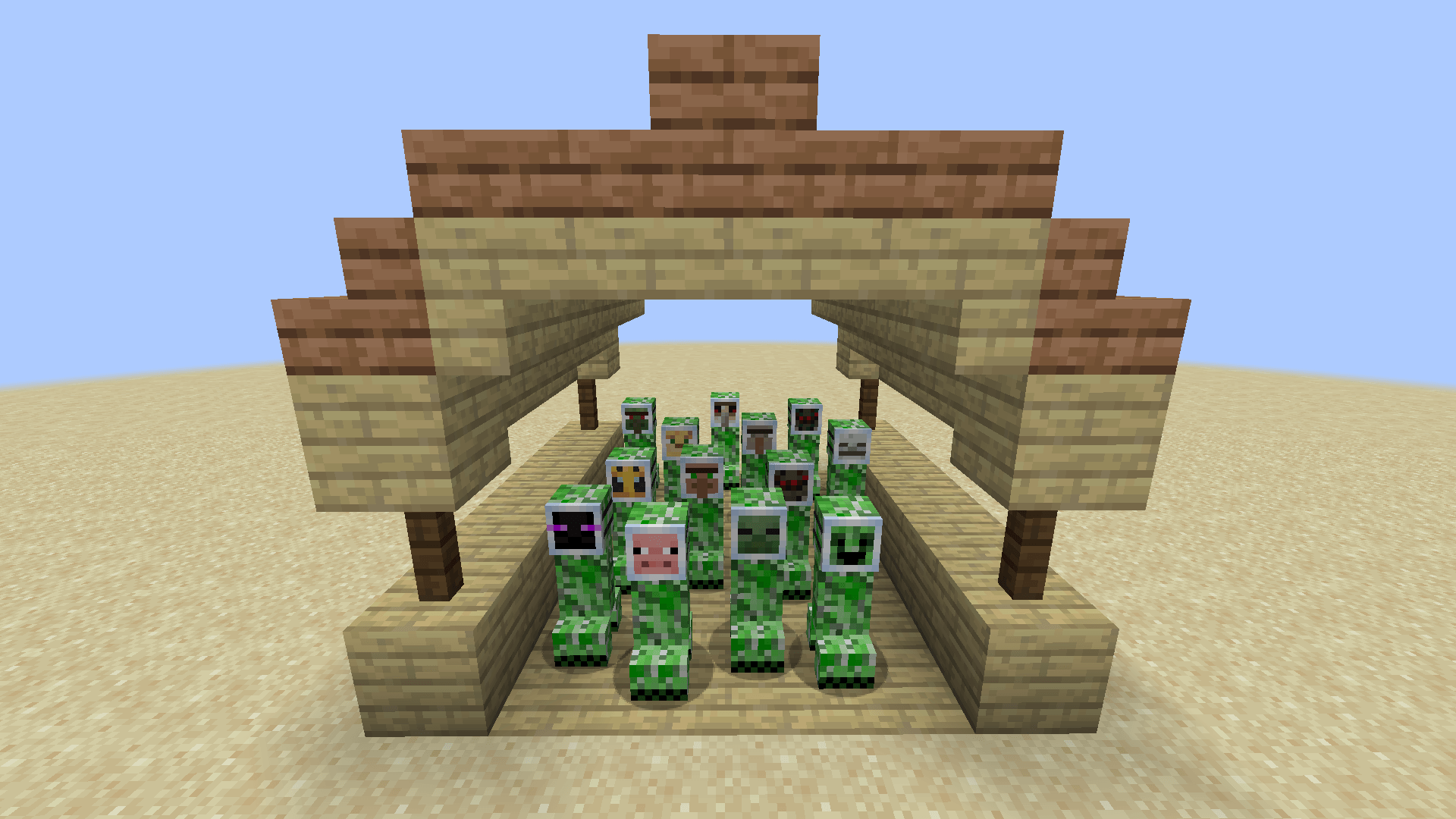
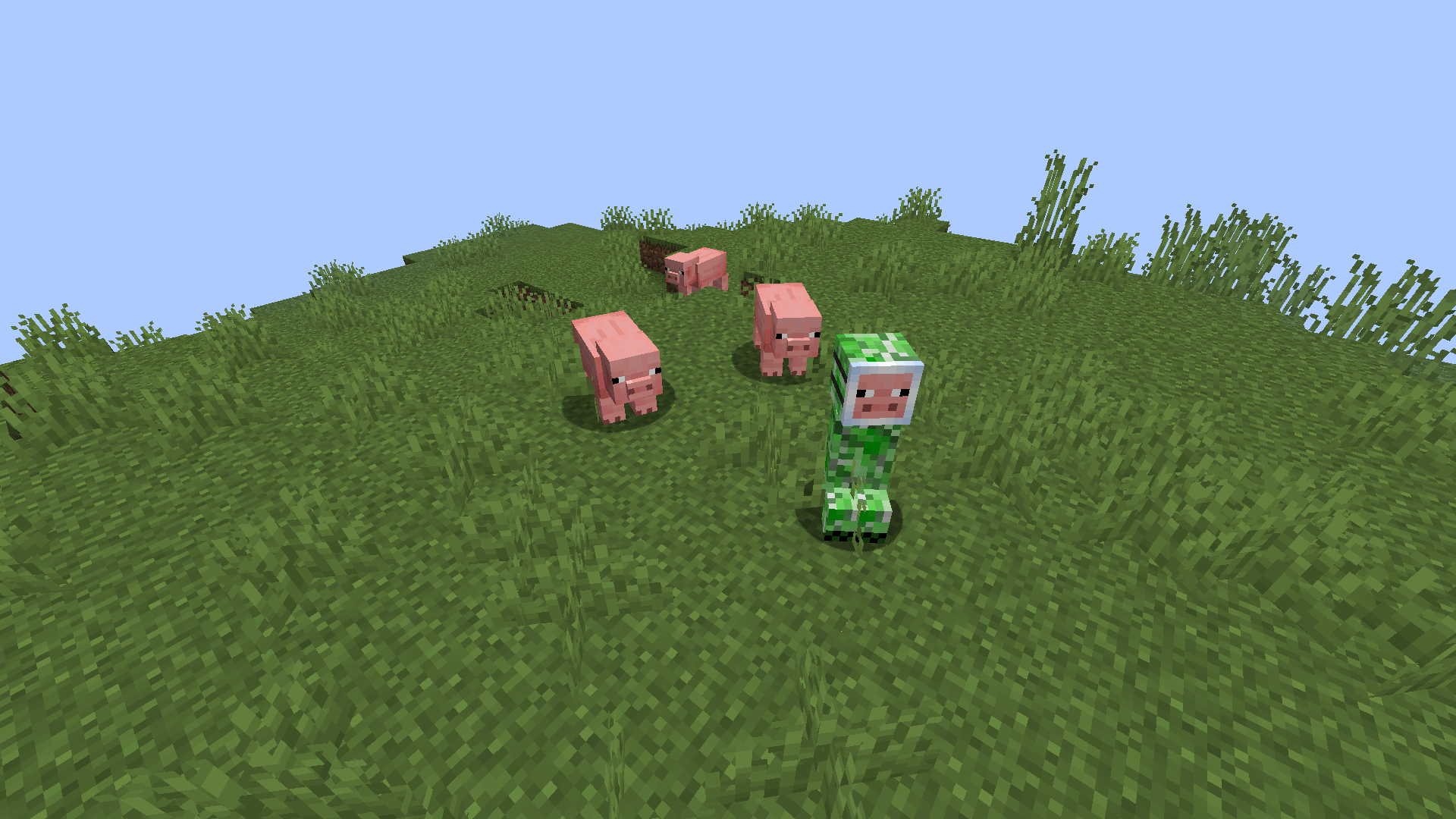
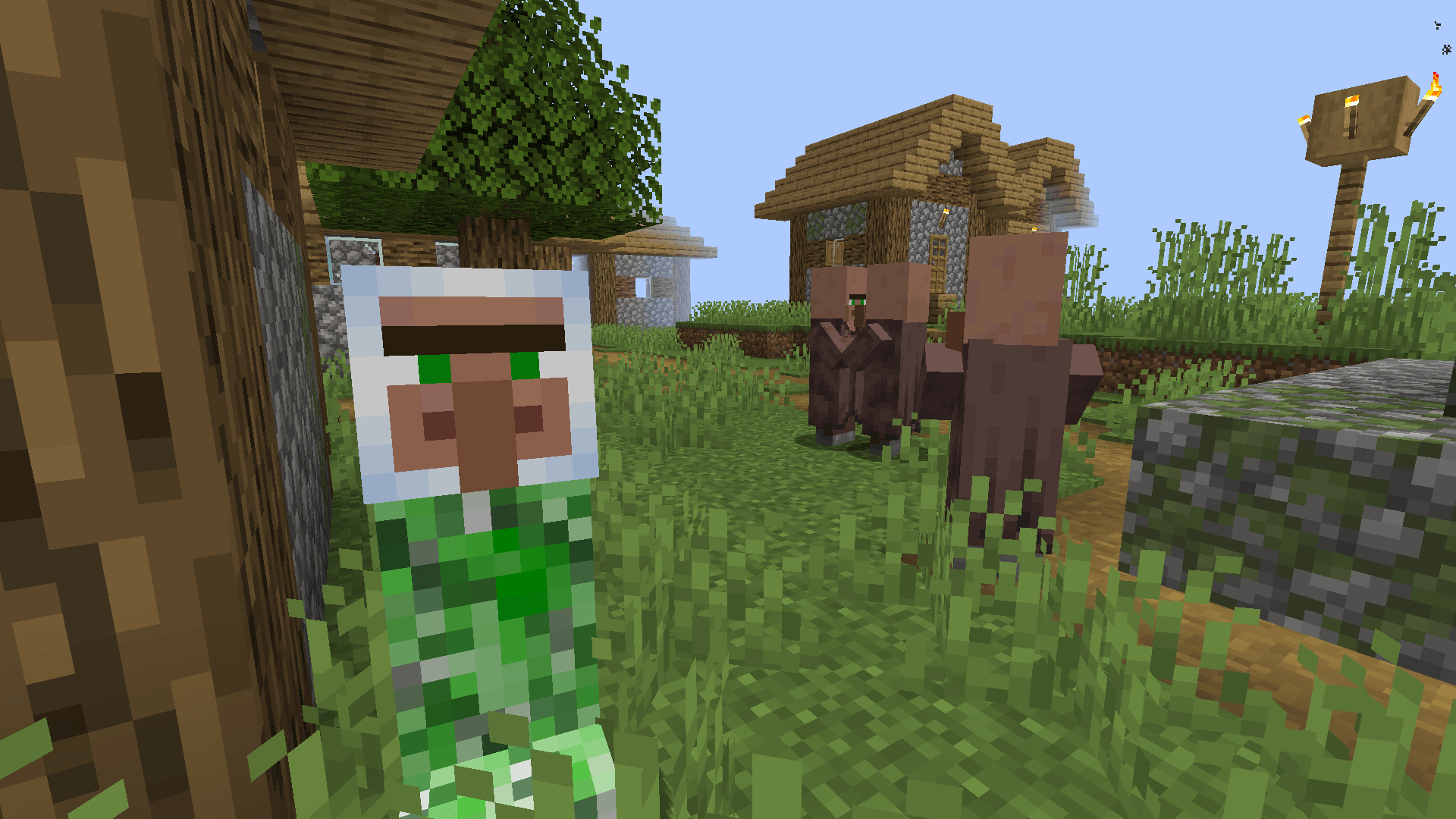
This resource pack makes creepers spawn using a random disguise mask of a vanilla Minecraft mob.

Does this help the creepers sneak up on you more easily?, not really, I just think is kinda funny.

- - - - - - - - - - - - - - - - - - - - - - - - - - - - List of all mask variants - - - - - - - - - - - - - - - - - - - - - - - - - - - -

  • 1. Creeper (Happy)
  • 2. Steve
  • 3. Zombie
  • 4. Husk
  • 5. Drowned
  • 6. Skeleton
  • 7. Stray
  • 8. Bogged
  • 9. Wither Skeleton
  • 10. Spider
  • 11. Cave Spider
  • 12. Enderman
  • 13. Villager
  • 14. Wandering Trader
  • 15. Iron Golem
  • 16. Snow Golem
  • 17. Zombie Villager
  • 18. Vindicator
  • 19. Pillager
  • 20. Witch
  • 21. Silverfish
  • 22. Endermite
  • 23. Slime
  • 24. Magma Cube
  • 25. Breeze
  • 26. Blaze
  • 27. Ghast
  • 28. Piglin
  • 29. Piglin Brute
  • 30. Zombified Piglin
  • 31. Pig
  • 32. Cow
  • 33. Red Mooshroom
  • 34. Brown Mooshroom
  • 35. Sheep
  • 36. Chicken
  • 37. Rabbit
  • 38. Wolf
  • 39. Ocelot
  • 40. Cat
  • 41. Bee
  • 42. Squid
  • 43. Glow Squid
  • 44. Turtle
  • 45. Axolotl
  • 46. Guardian
  • 47. Elder Guardian
  • 48. Allay
  • 49. Vex
  • 50. Shulker

If you want to change a creeper's mask, you can use a name tag on it with the name of the mob you want!


That creeper is a spy! - mc1.20.1 - v1.1
MC 1.20.1
Release 2026-01-03 Get
That creeper is a spy! - mc1.21.8 - v1.1
MC 1.21.8
Release 2026-01-03 Get
That creeper is a spy! - mc1.21.4 - v1.1
MC 1.21.4
Release 2025-02-06 Get
That creeper is a spy! - mc1.21.1 - v1.0
MC 1.21.1
Release 2025-02-05 Get
That creeper is a spy! - mc1.21.1 - v1.1
MC 1.21.1
Release 2025-02-05 Get

Requirements & install

How to use this resource pack in Minecraft
Resolution
16x
Minecraft
1.20.1 – 1.21.8
Install folder
.minecraft/resourcepacks

How to install resource packs

  1. Download the resource pack .zip file (do not extract it).
  2. In Minecraft open Options → Resource Packs → Open Pack Folder.
  3. Drop the .zip into the resourcepacks folder (.minecraft/resourcepacks).
  4. Move the pack to the Selected column and click Done.
Browse more: 16x resource packs 32x resource packs 64x resource packs 128x resource packs 256x resource packs 512x+ resource packs Resource Packs for 1.21.8 All resource packs

More from maxsteelbro

Advertisement Remove ads with Premium →

You Might Also Like