Mineuniverse
Resource Packs
Thalyrus II Medieval Age

Thalyrus II Medieval Age

RESOURCE PACK
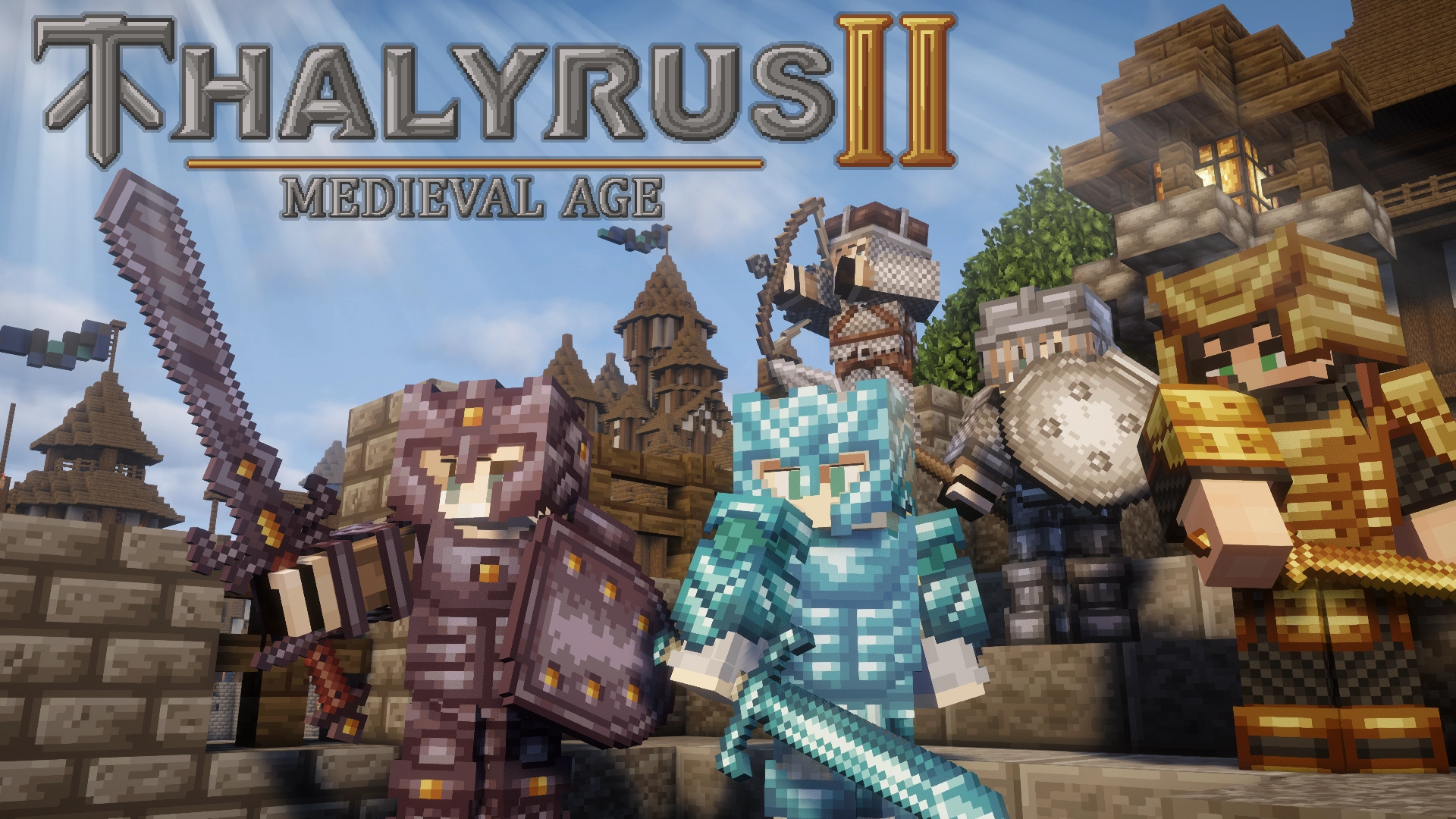
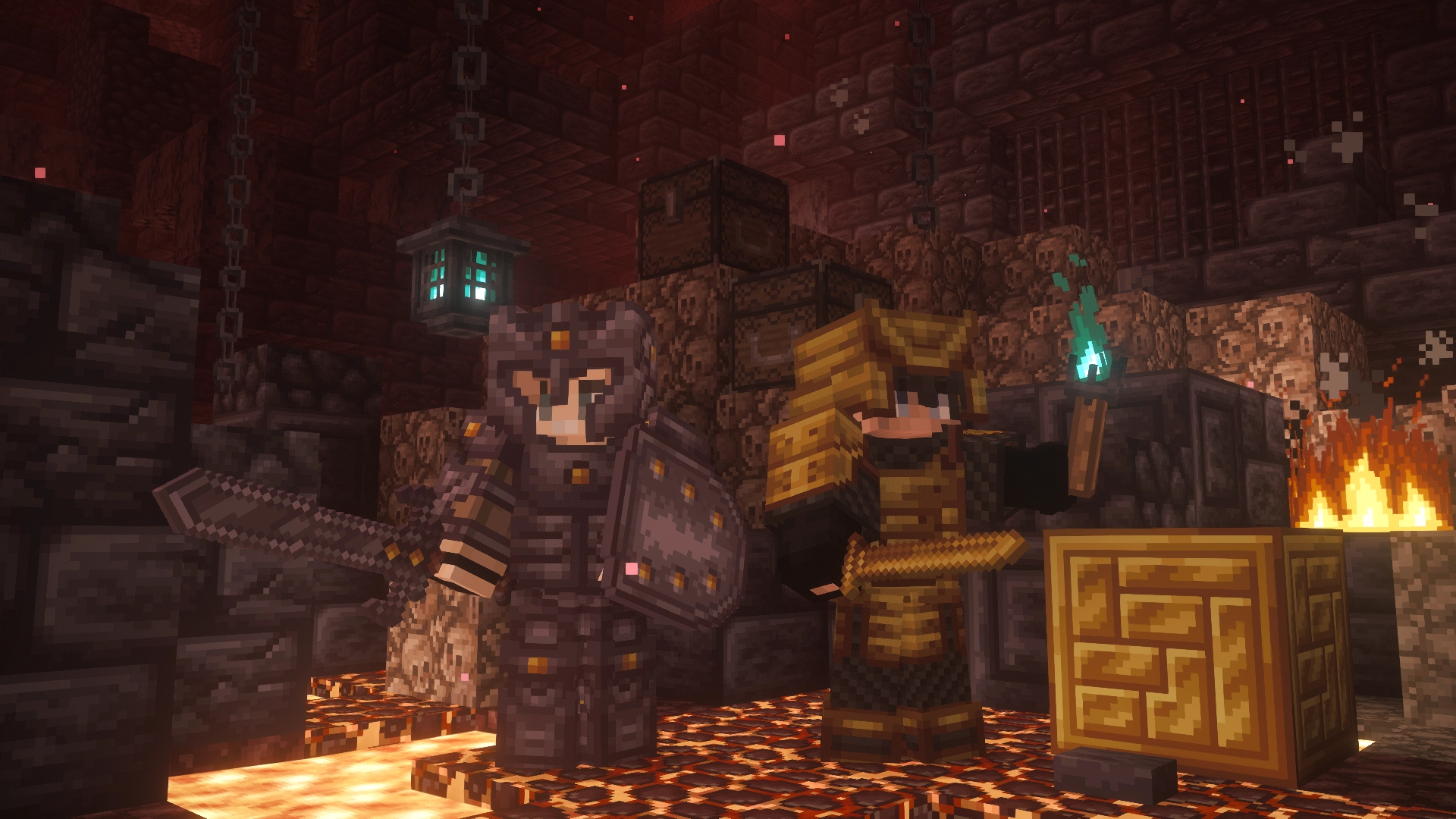
This texture pack adds epic battle sounds and themed visuals to your adventure. Dive into a unique medieval experience featuring a wide variety of medieval weapons, shields, and items.
by ZachoPixel
Download Claim this project
96,868 downloads
0 likes
0 followers
Updated Oct 14, 2026
0 hypes
Follow0
32x Medieval Miscellaneous Traditional
Advertisement Remove ads with Premium →

thalyrus2-title

📘 Naming weapons guide:

https://zachopixel.com/texture-packs/thalyrus2/guide

🏰 Discover Thalyrus II

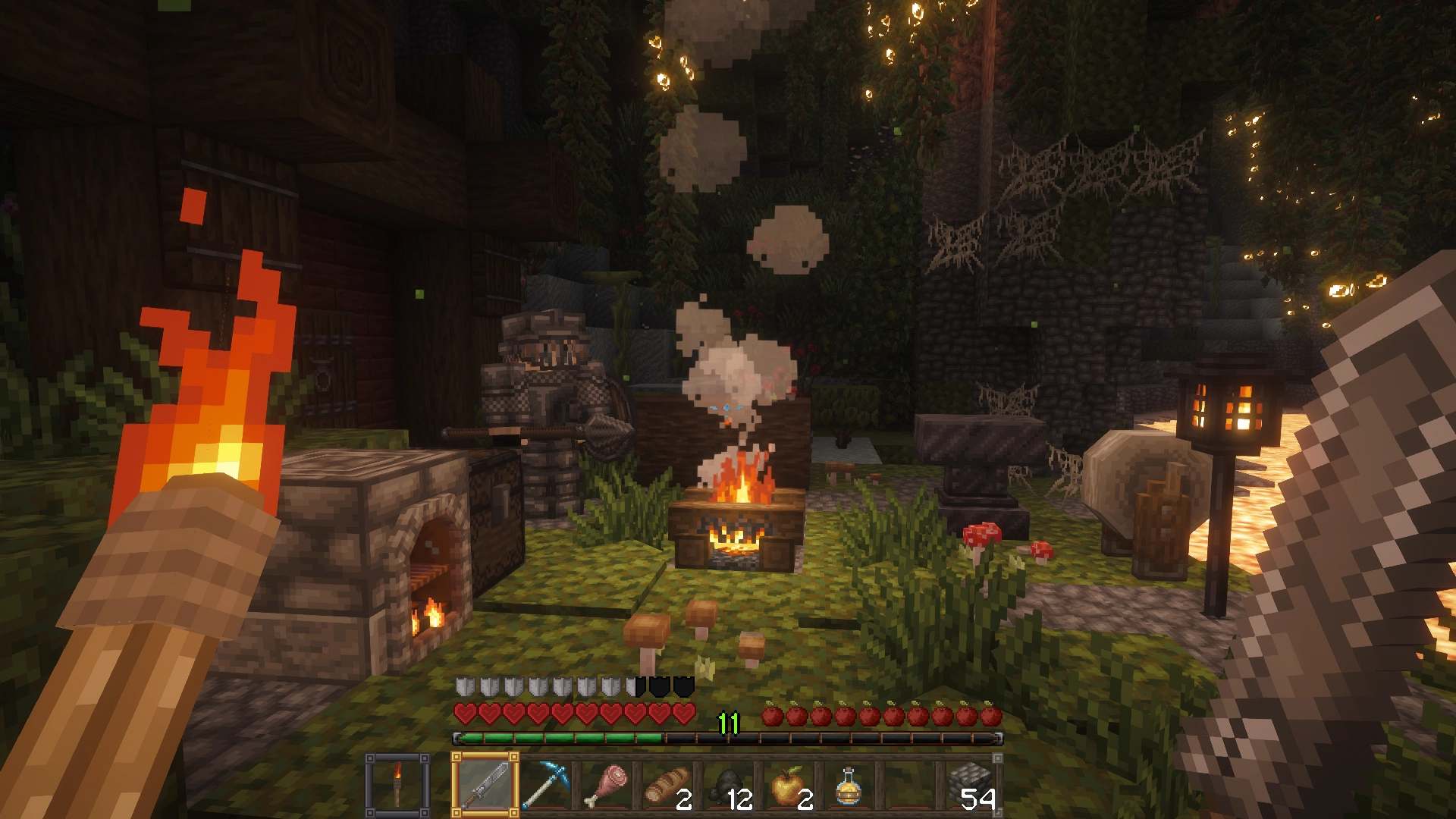
This resource pack transforms your Minecraft world into a completely new medieval experience, heavily inspired by iconic games like Chivalry, Age of Empires, and Skyrim.

Combat now features immersive sounds, including sword slashes, metallic clashes and the crunch of bones, bringing you into the heart of an authentic knight’s duel.

🎨 Theme and Textures

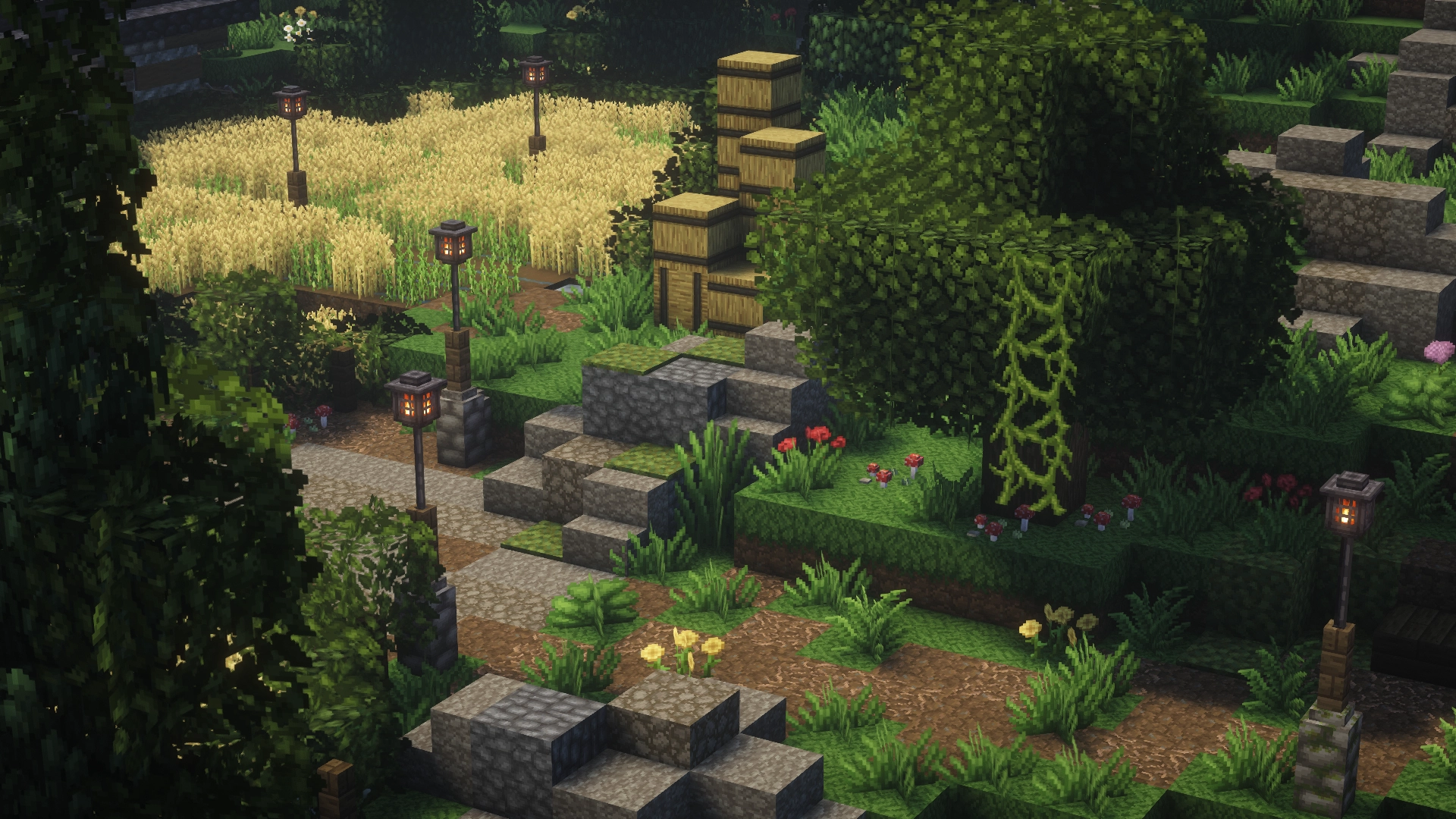
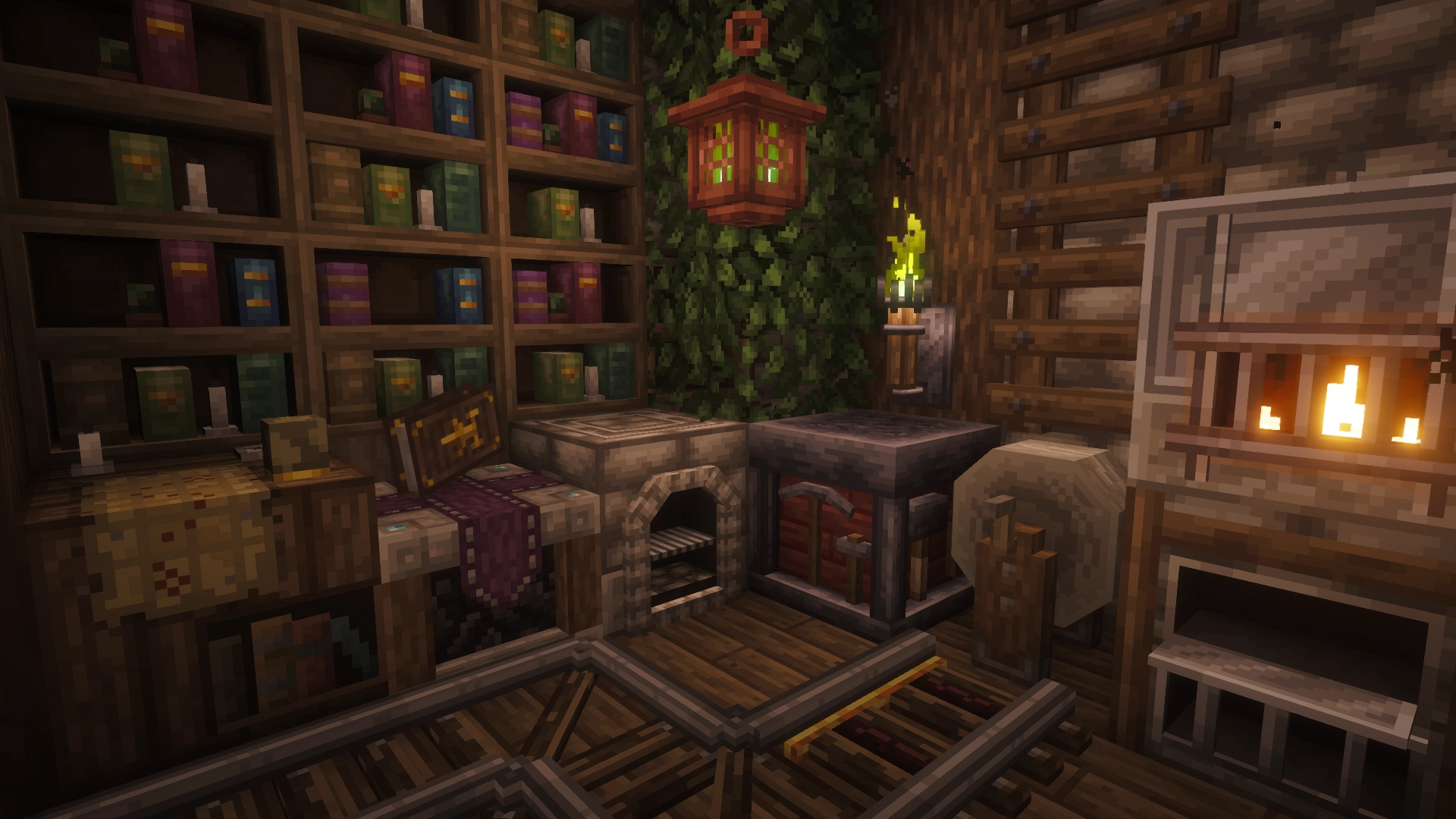
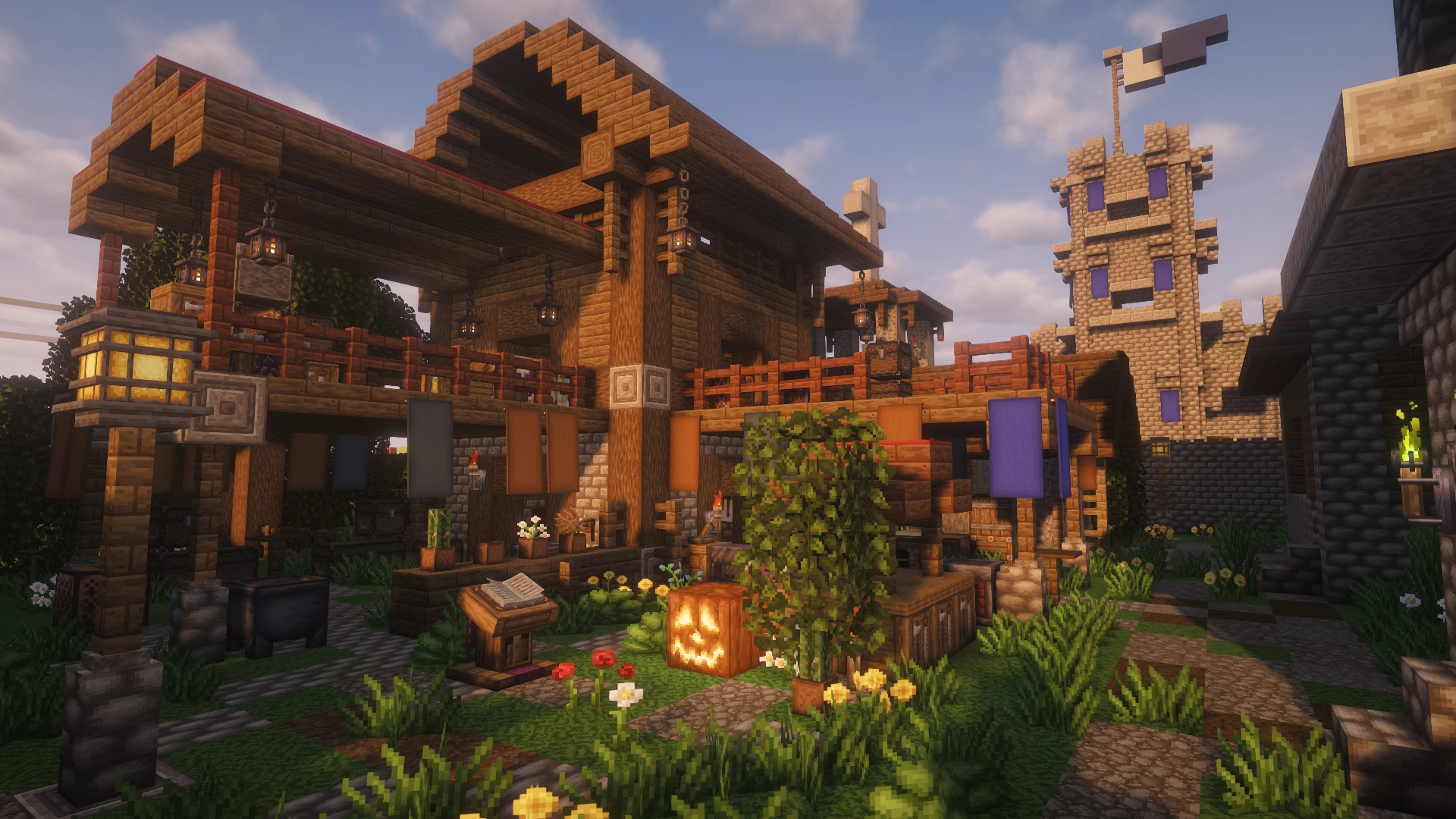
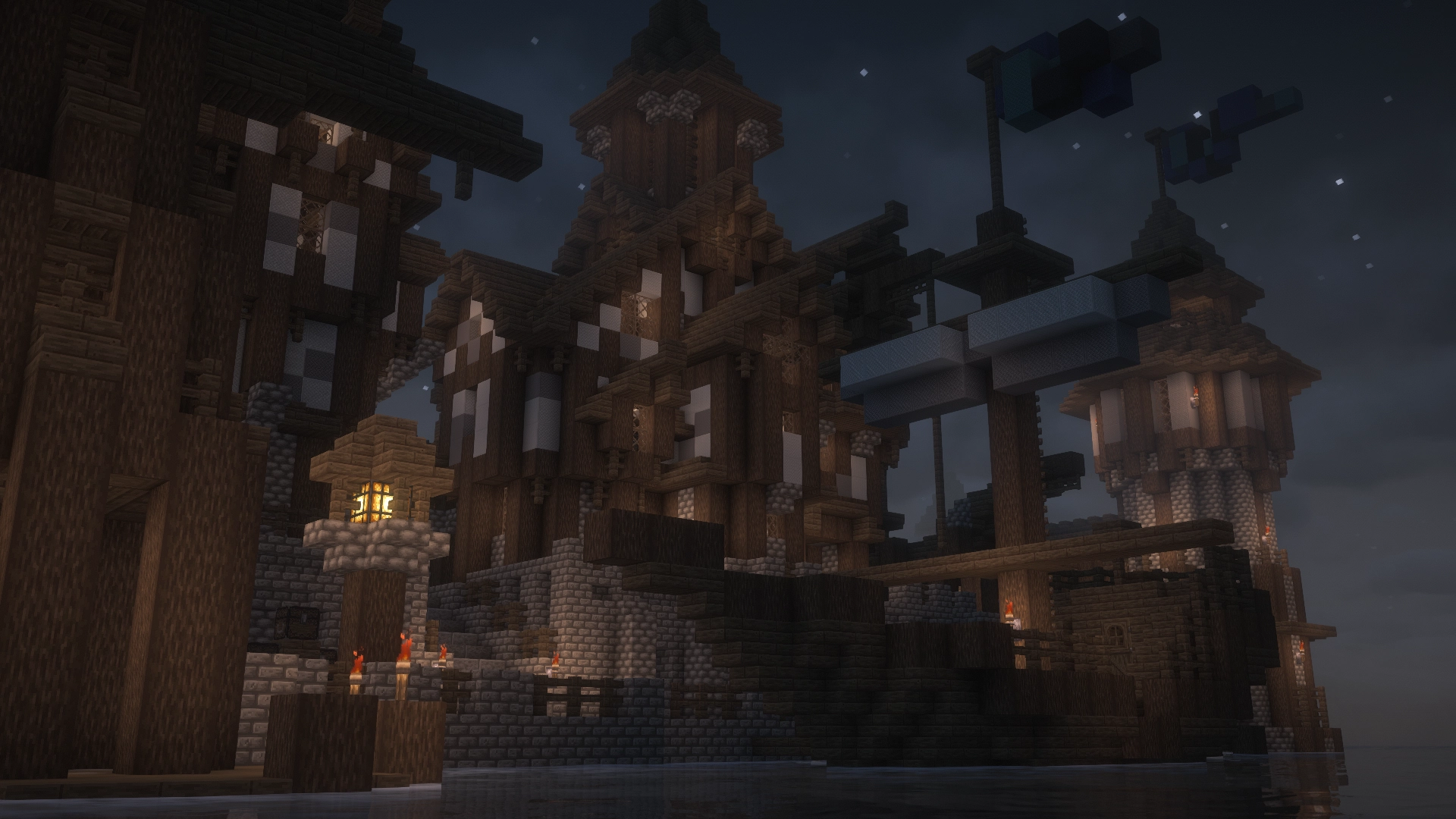
The textures are carefully forged to immerse you in a medieval atmosphere, with a somber aesthetic and desaturated colors.

The combination of elements like weathered stone and aged wood will make you feel like you're living in a time where war and survival are everything.

⚔️ Weapons and Shields

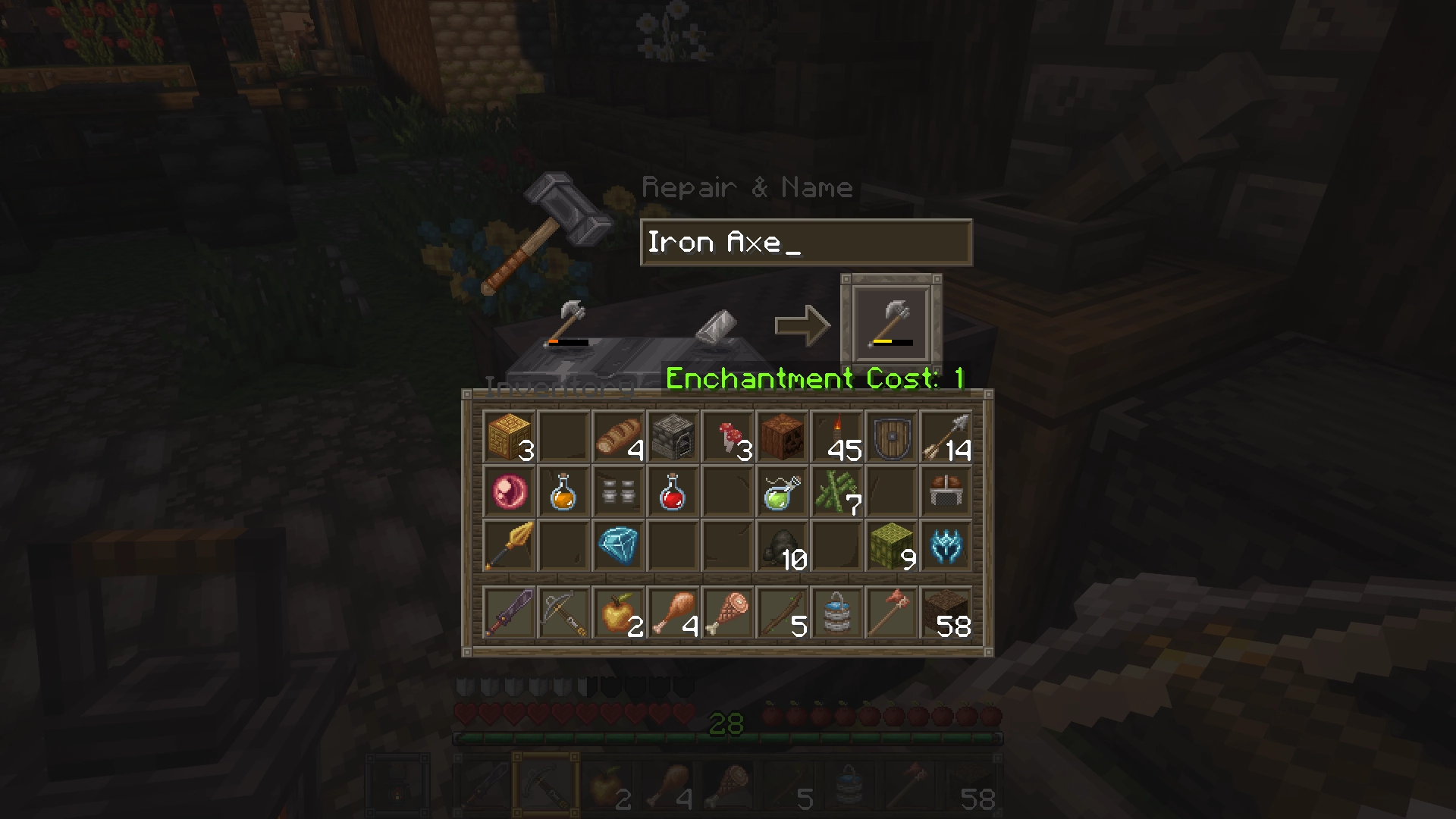
Renaming specific items in an anvil, you’ll be able to change their appearance

See the full list of available items here:

https://zachopixel.com/texture-packs/thalyrus2/guide

📄 License:

You can:

  • Personal Use: Decompile or remix the pack for your own private use.
  • Servers: Use this pack on your Minecraft server, provided it is downloaded from CurseForge or Modrinth.
  • Adventure Maps: Include the pack in your map with a link to the official source and clear credit to Zacho.
  • Showcases: Feature the pack in YouTube reviews, including a link to this website and credits in the description.

You can't:

  • Public Remixes: Publish or distribute any "edits," "remixes," or "mashups" of these textures.
  • Re-uploading: Post this work on other websites or cloud storage (Mediafire, MEGA, etc.).
  • Monetization: Use any part of this pack for commercial purposes or use "pay-per-click" links (like Adf.ly).
  • Theft: Claim these textures/models as your own or use them in your own public resource pack.
  • Porting: Convert or port this pack to other versions, such as Minecraft Bedrock.

More information:

https://www.zachopixel.com/license

ThalyrusII_v0.6a_1.21.11
MC 1.21.9, 1.21.10, 1.21.11
Release 2026-05-02 Get
ThalyrusII_v0.5a_1.20.1
MC 1.20.1
Release 2025-08-08 Get
ThalyrusII_v0.5a_1.20.2
MC 1.20.2, 1.20.3
Release 2025-08-08 Get
ThalyrusII_v0.5a_1.20.4
MC 1.20.4
Release 2025-08-08 Get
ThalyrusII_v0.5a_1.20.5
MC 1.20.5
Release 2025-08-08 Get
ThalyrusII_v0.5a_1.20.6
MC 1.20.6
Release 2025-08-08 Get
ThalyrusII_v0.5a_1.21
MC 1.21
Release 2025-08-08 Get
ThalyrusII_v0.5a_1.21.1
MC 1.21.1
Release 2025-08-08 Get
ThalyrusII_v0.5a_1.21.2
MC 1.21.2
Release 2025-08-08 Get
ThalyrusII_v0.5a_1.21.4
MC 1.21.4
Release 2025-08-08 Get
ThalyrusII_v0.5a_1.21.5
MC 1.21.5
Release 2025-08-08 Get
ThalyrusII_v0.5a_1.21.6
MC 1.21.6
Release 2025-08-08 Get
ThalyrusII_v0.5a_1.21.7
MC 1.21.7
Release 2025-08-08 Get
ThalyrusII_v0.5a_1.21.8
MC 1.21.8
Release 2025-08-08 Get
Thalyrus_II_v0.5a_(1.18.1)
MC 1.18.1, 1.18.2, 1.18, 1.18-Snapshot
Release 2023-07-09 Get
Thalyrus_II_v0.5a_(1.19.4)
MC 1.19.3, 1.19.4-Snapshot, 1.19.4, 1.19-Snapshot, 1.19.2, 1.19.1, 1.19, 1.19.3-Snapshot
Release 2023-07-09 Get
Thalyrus_II_v0.5a_(1.20.1)
MC 1.20
Release 2023-07-09 Get
Thalyrus_II_v0.4.1a_(1.16.5)
MC 1.16-Snapshot, 1.16.3, 1.16.1, 1.16, 1.16.5, 1.16.4, 1.16.2
Release 2021-12-13 Get
Thalyrus_II_v0.4.1a_(1.17.1)
MC 1.17.1, 1.17, 1.17-Snapshot
Release 2021-12-13 Get

Requirements & install

How to use this resource pack in Minecraft
Resolution
32x
Minecraft
1.21.4 – 1.21.11
Install folder
.minecraft/resourcepacks

How to install resource packs

  1. Download the resource pack .zip file (do not extract it).
  2. In Minecraft open Options → Resource Packs → Open Pack Folder.
  3. Drop the .zip into the resourcepacks folder (.minecraft/resourcepacks).
  4. Move the pack to the Selected column and click Done.
Browse more: 16x resource packs 32x resource packs 64x resource packs 128x resource packs 256x resource packs 512x+ resource packs Resource Packs for 1.21.11 All resource packs

More from ZachoPixel

Advertisement Remove ads with Premium →

You Might Also Like