Mineuniverse
Resource Packs
Thailand Voxel Railway IR

Thailand Voxel Railway IR

RESOURCE PACK
Immersive Railroading extension pack
by Prefend
Download Claim this project
Add a badge to your pageLink to Thailand Voxel Railway IR from a README, website or forum post.
Preview: Badge

Badges update automatically and link to the resource pack page on MineUniverse.
4,662 downloads
0 likes
0 followers
Updated Oct 14, 2026
0 hypes
Follow0
16x Miscellaneous Modern
Advertisement Remove ads with Premium →

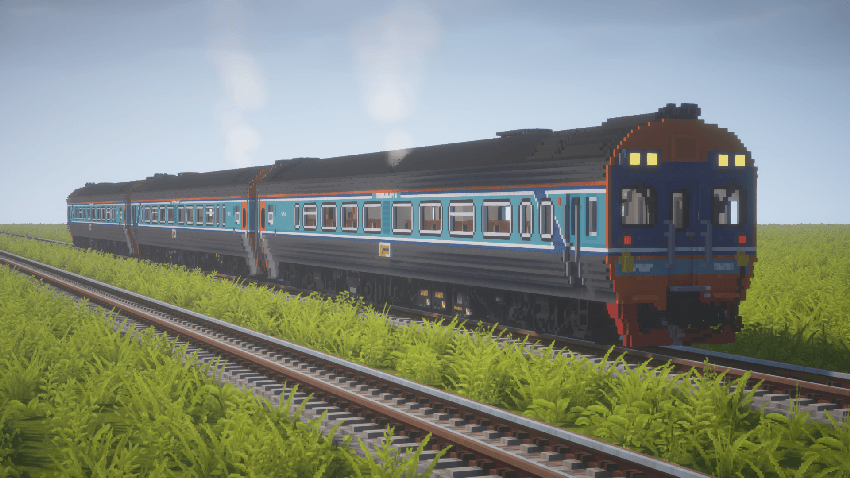
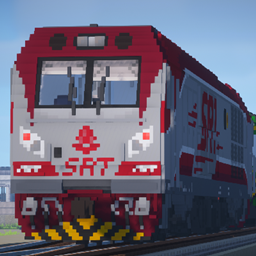
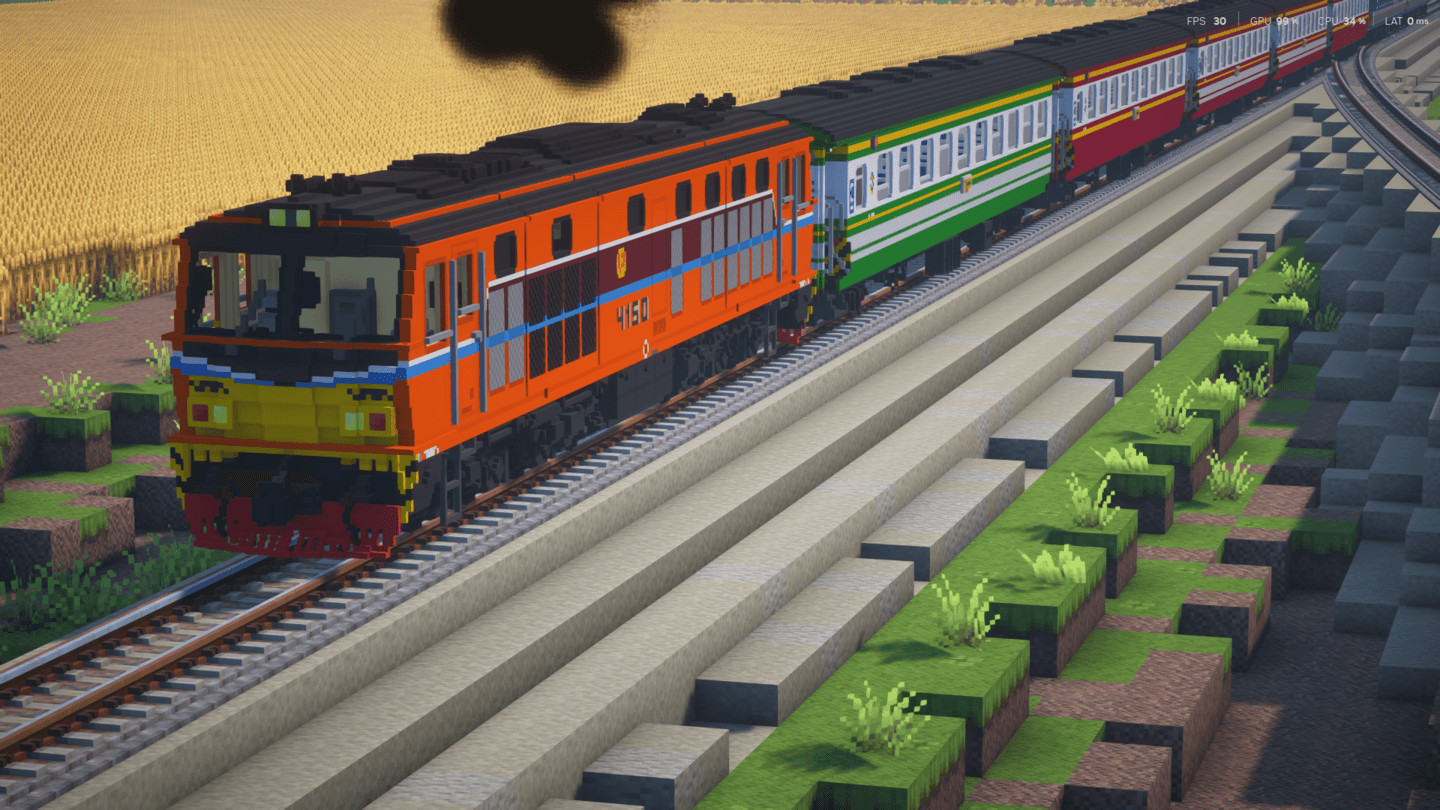
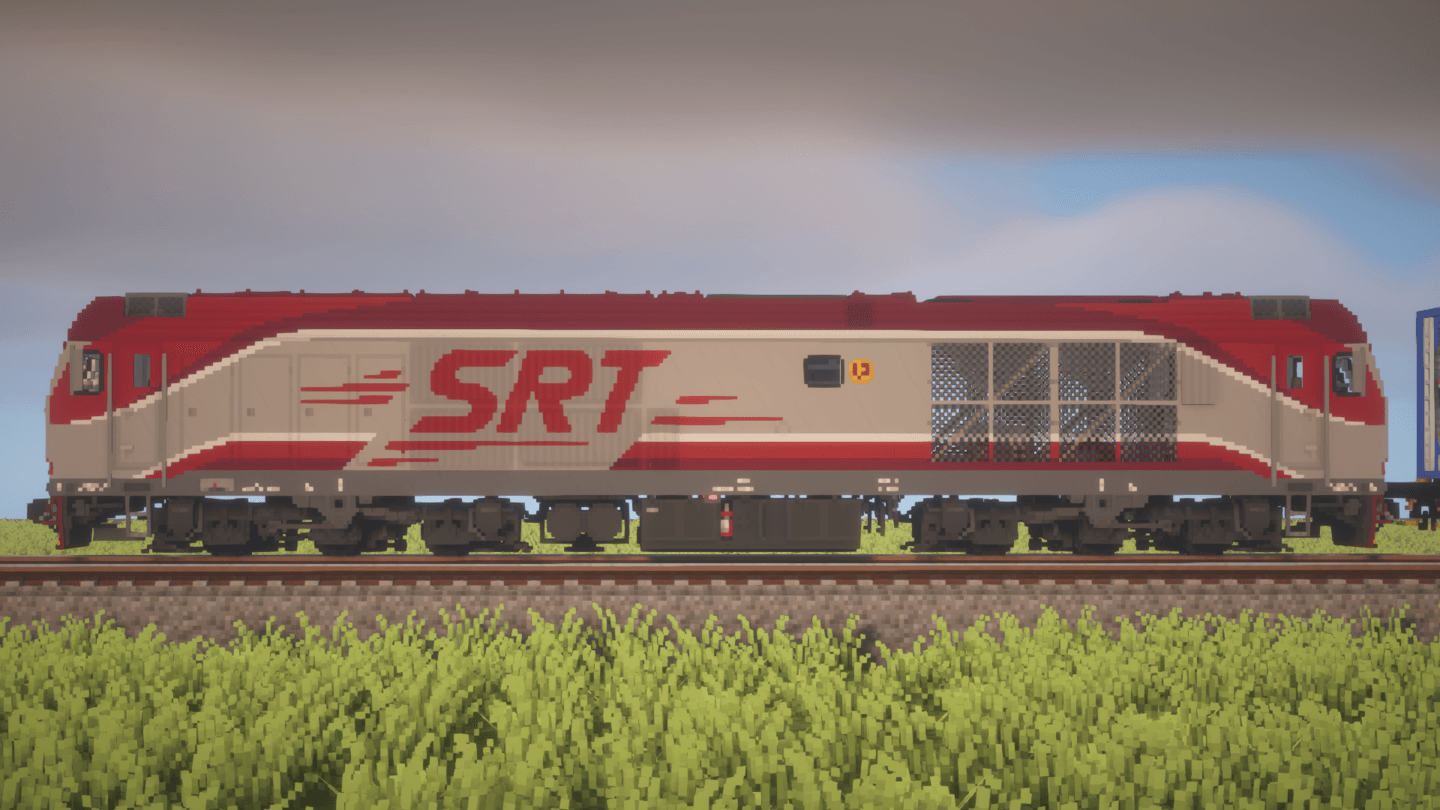
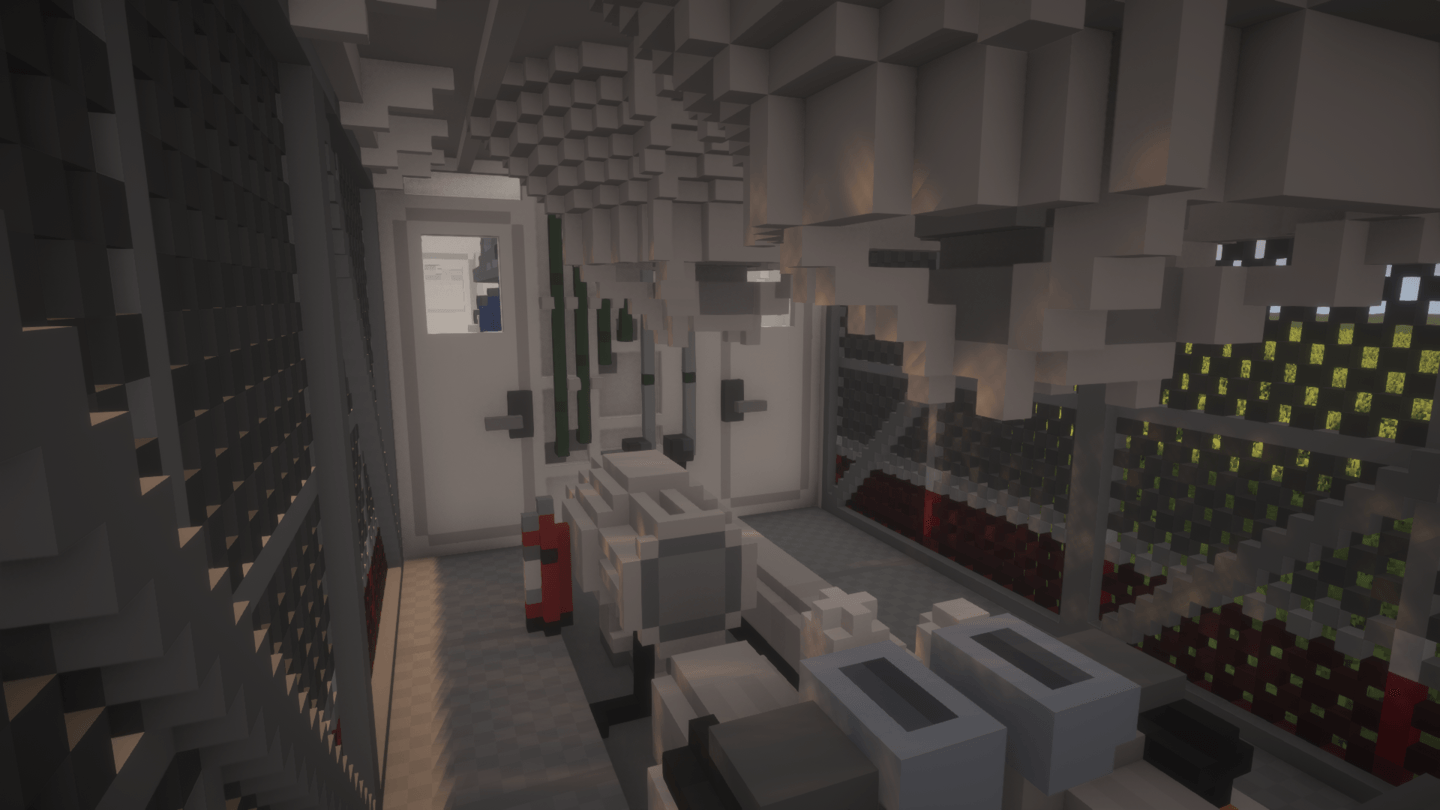
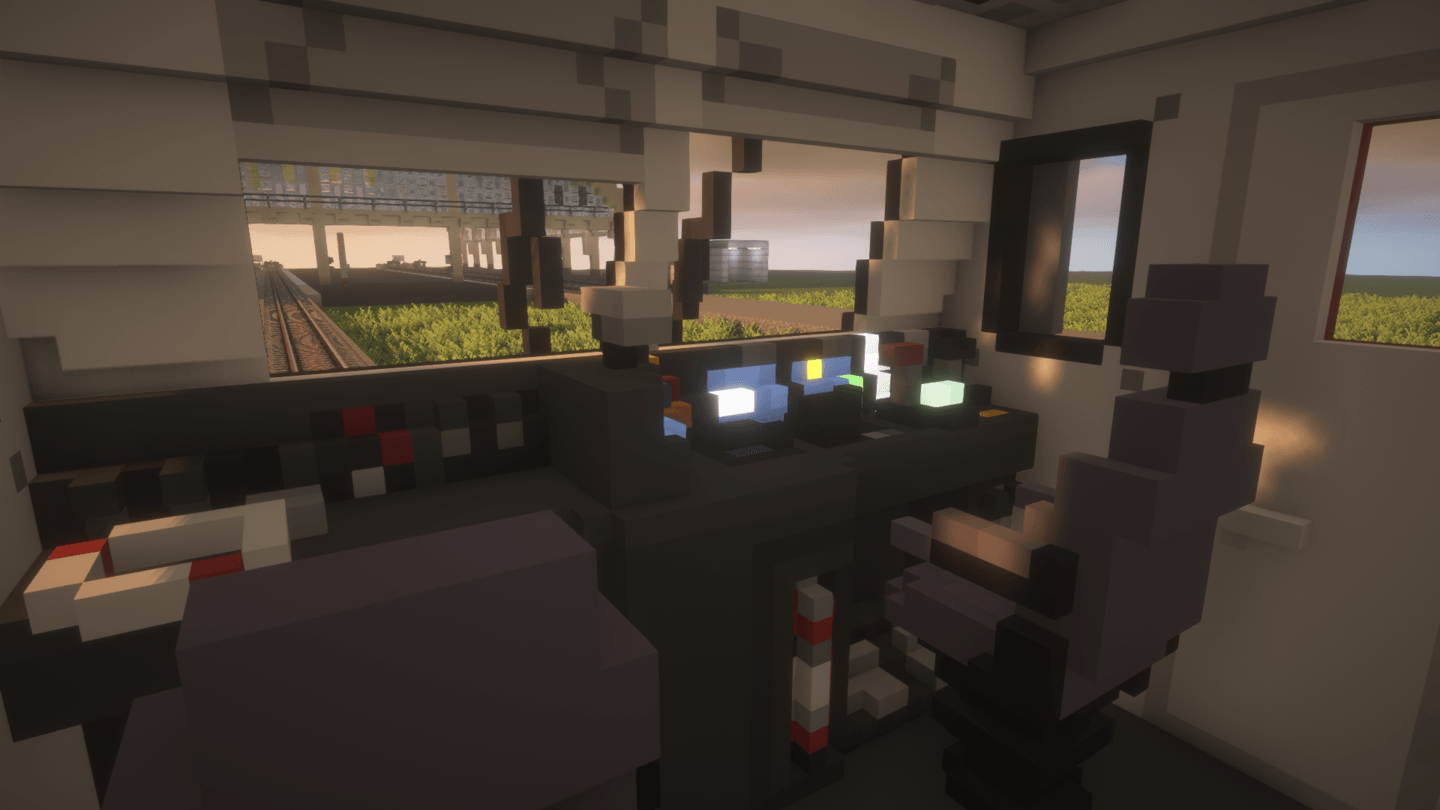
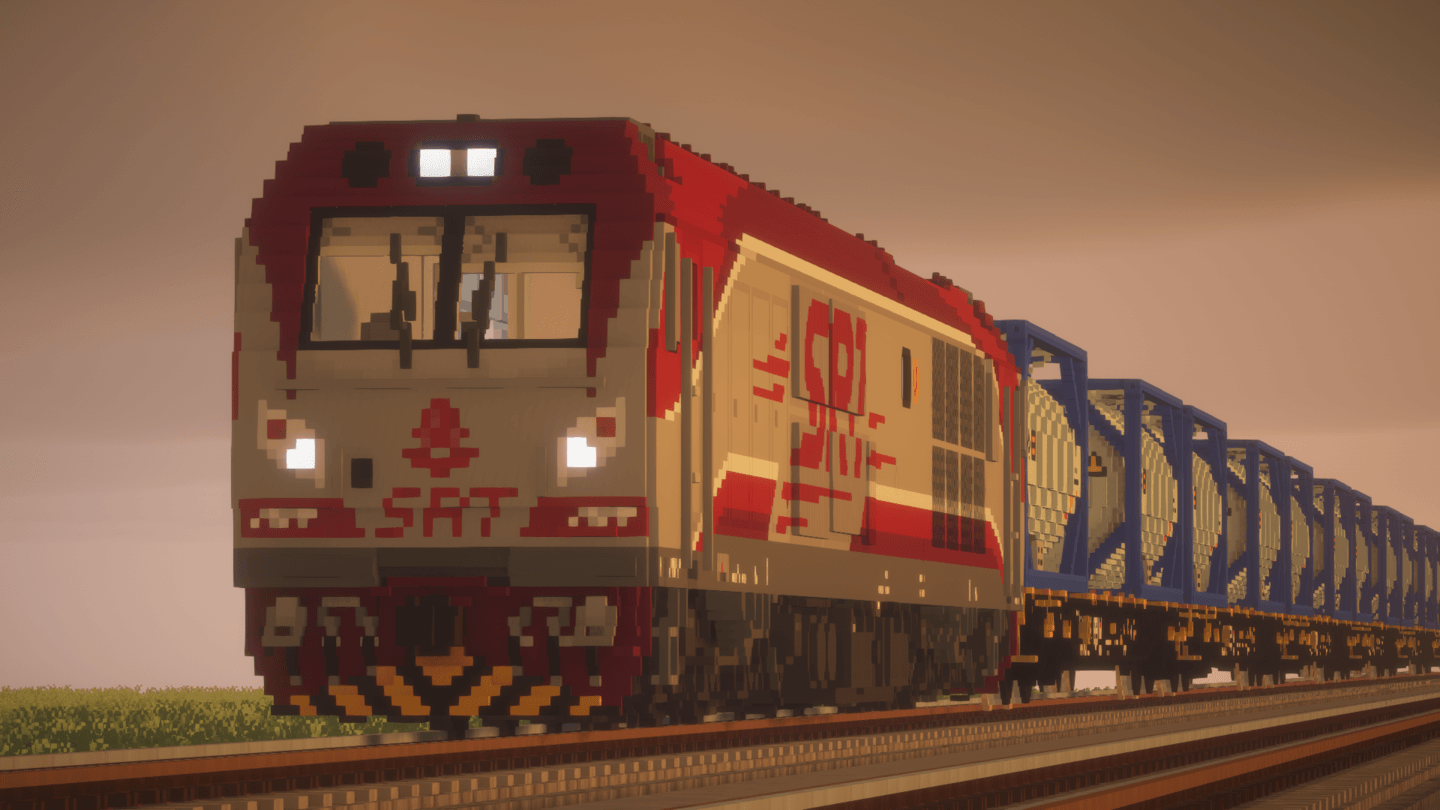
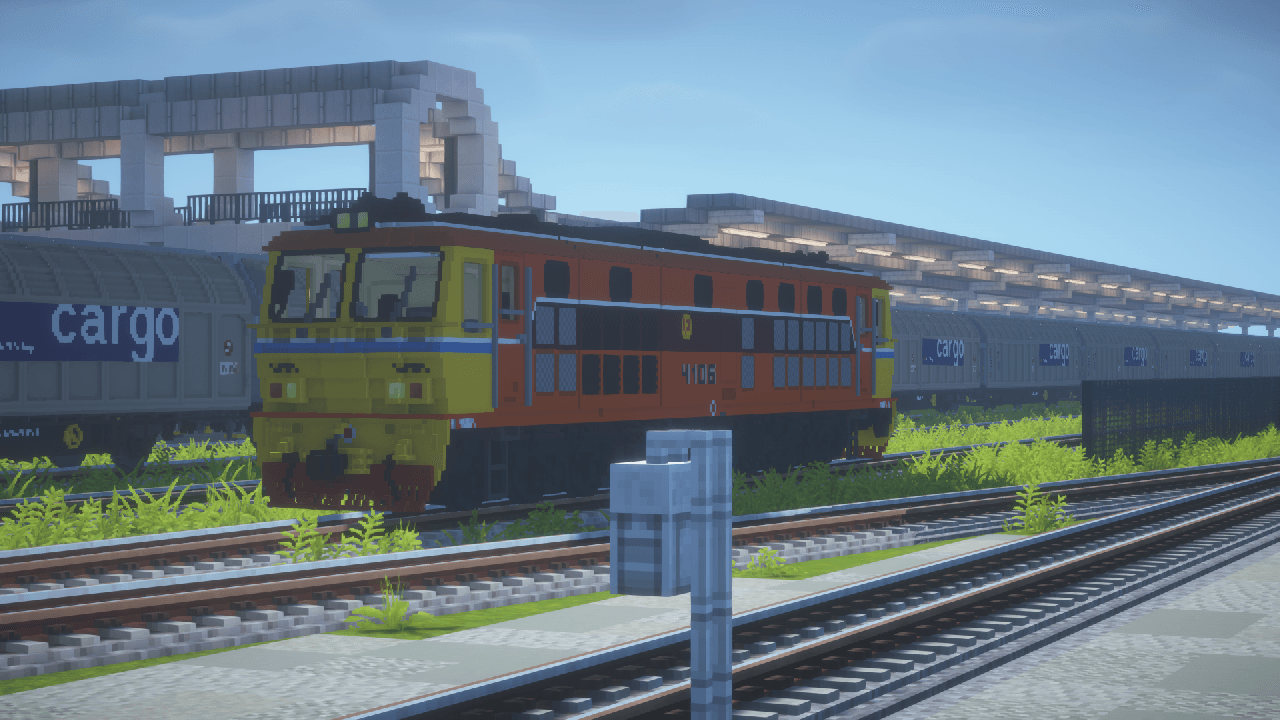
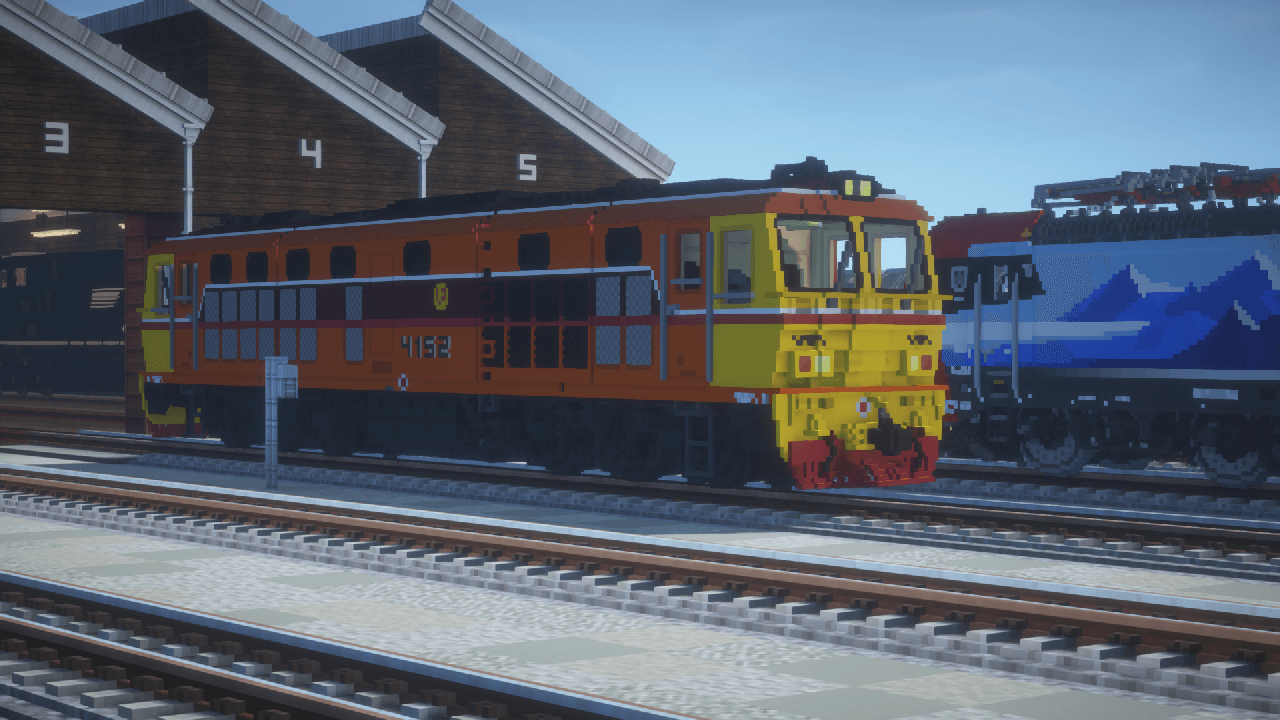
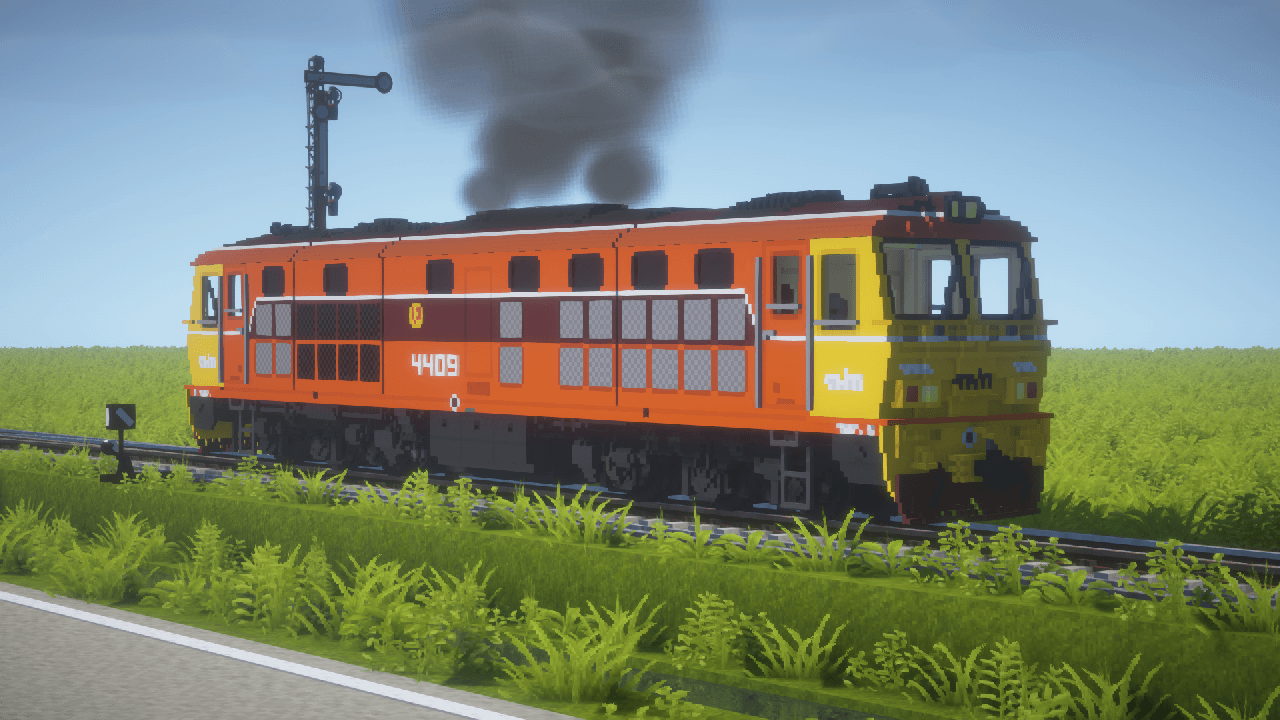
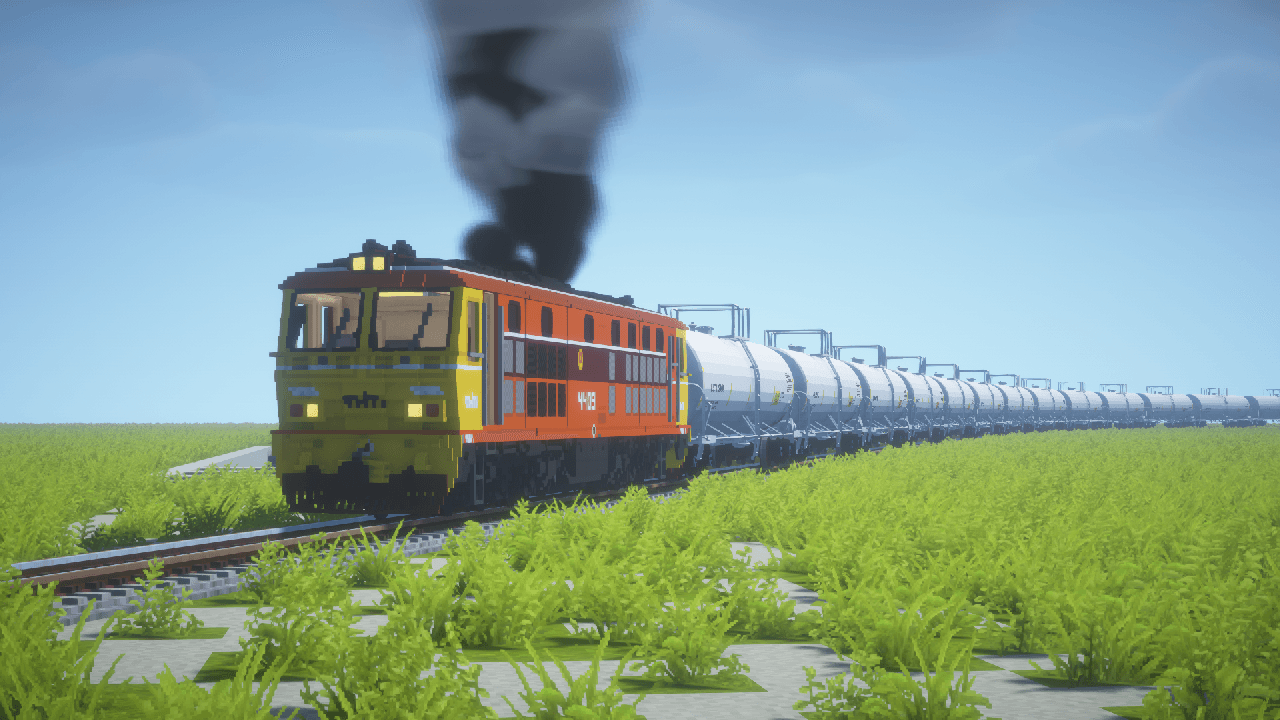
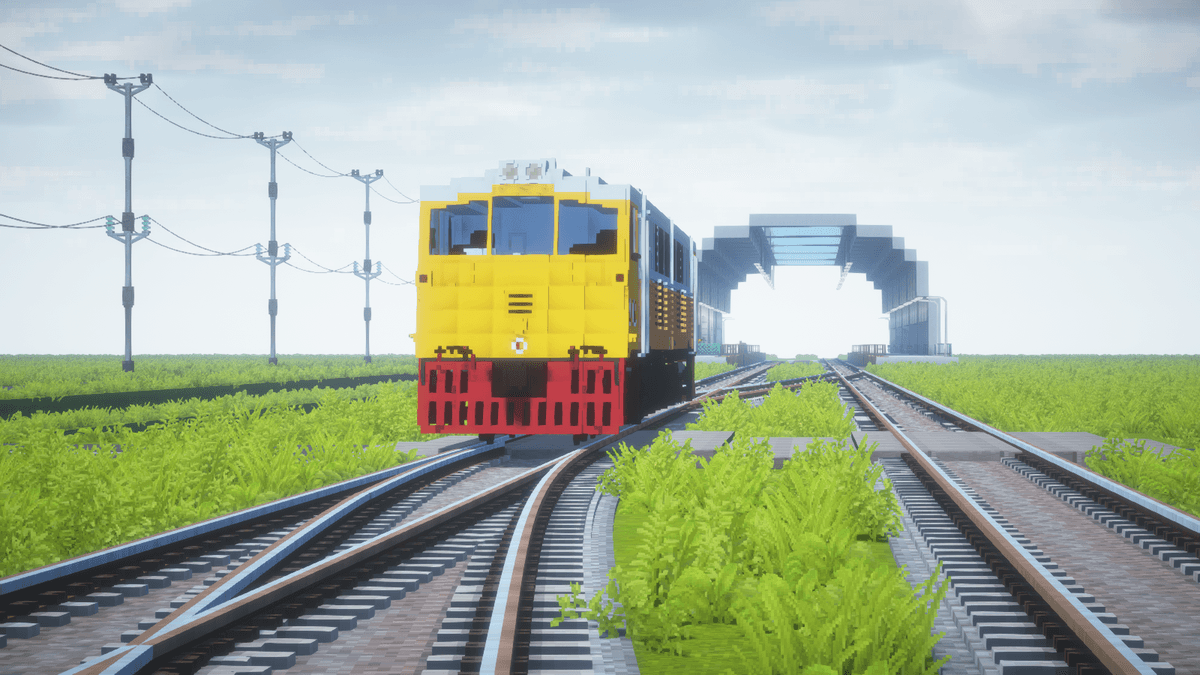
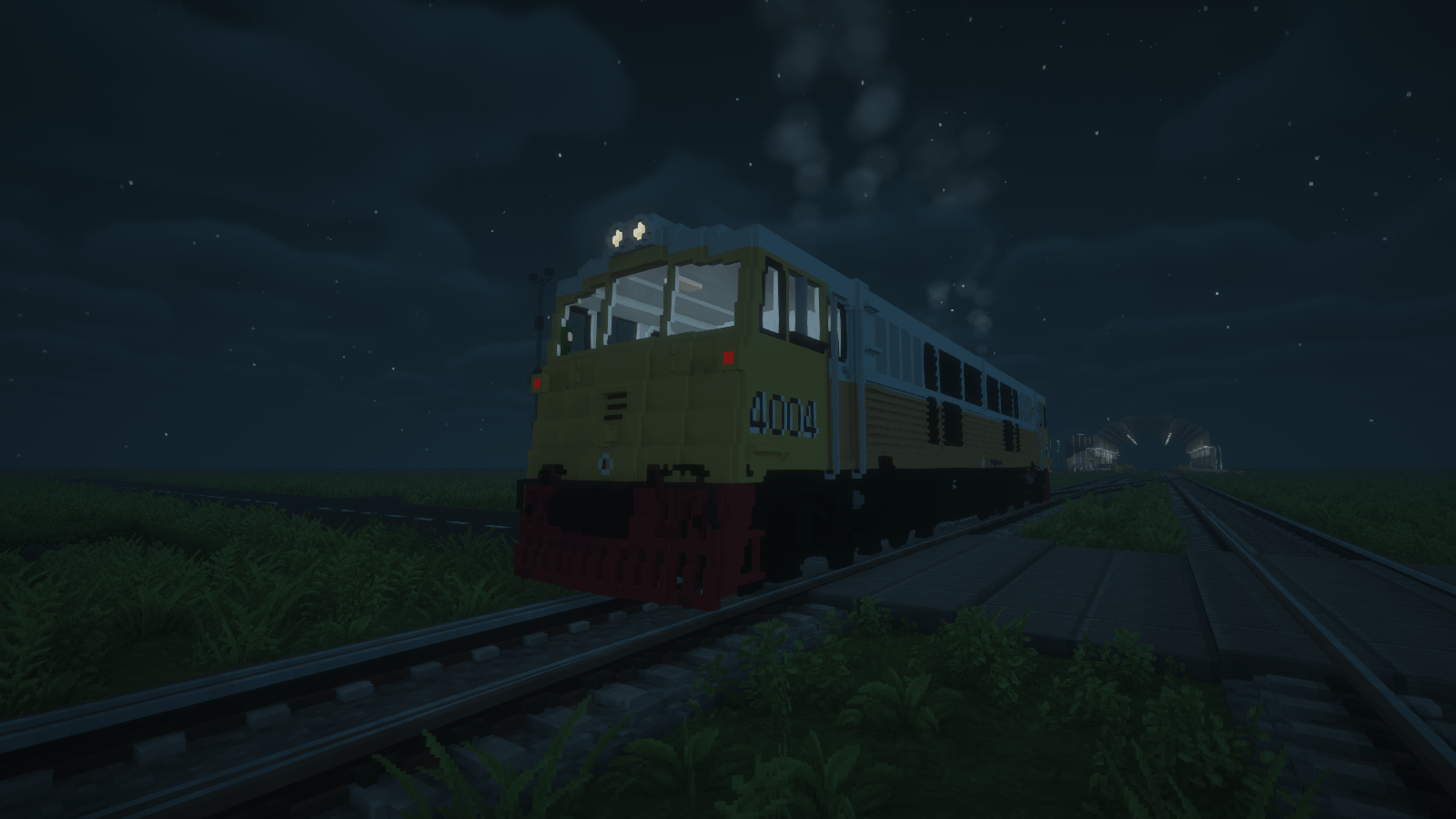
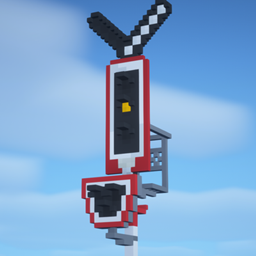
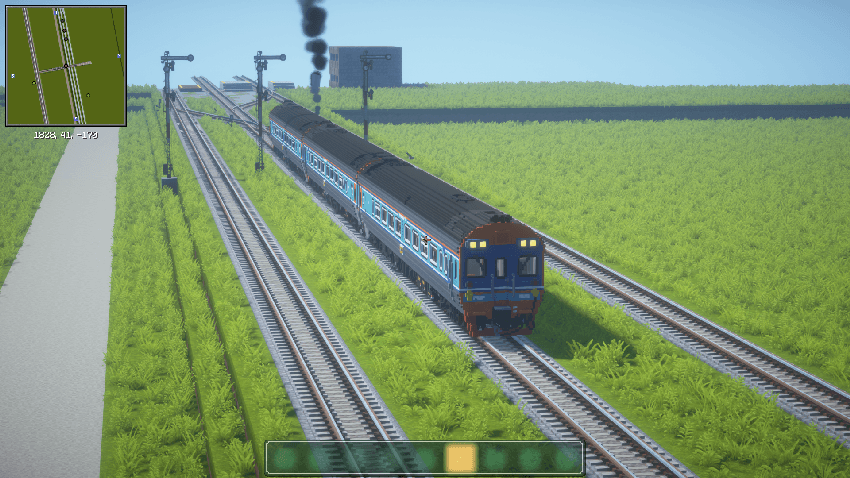
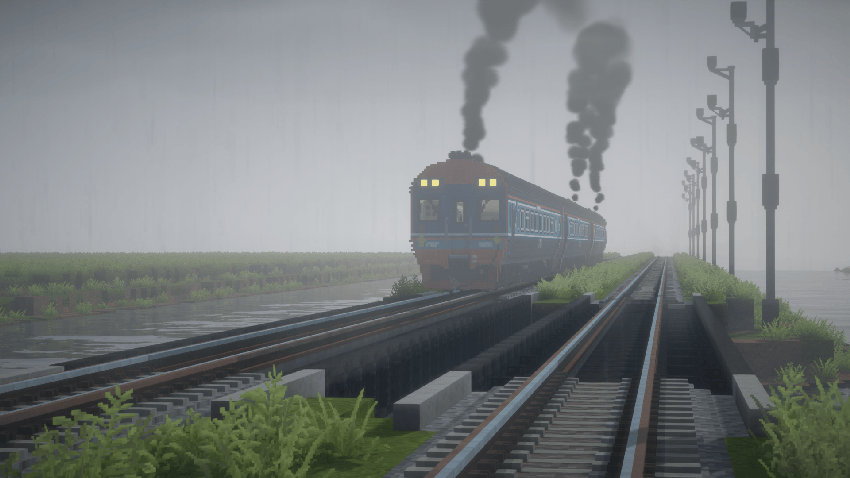
This pack is made as Immersive Railroading extension that will add more Thai's and other trains!
In this pack u will find a rail vehicles especially Thai's trains, the wheels it will looks smaller than tracks cause the train are will quite bigger if in 16x16 bits = 1 block
but i will resolve this problem in the next project

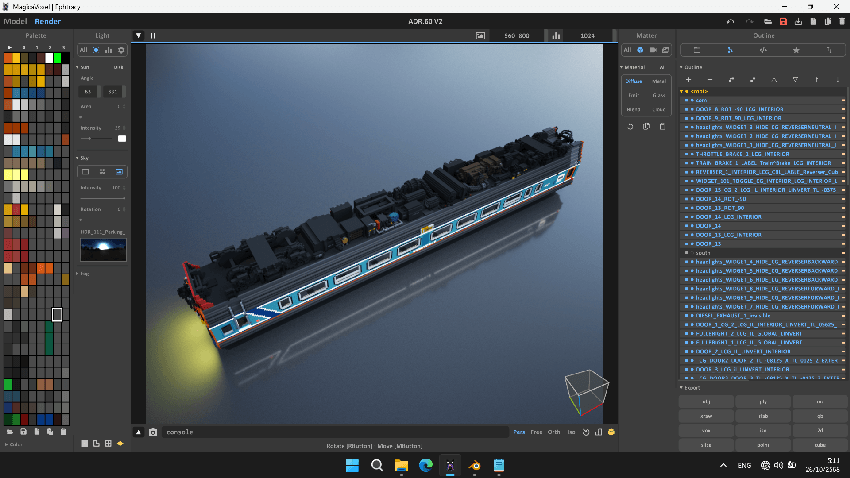
SCREENSHOT of APD.60


MADE IN Magica Voxel


Locomotive
-UM12C (General Electric)
-CDA5B1 (CRRC Qishuyan)
-ADD (alstom)

-AHK (alstom)

-ALS (alstom)

-APD.60 (Daewoo)


Stock
-N/A

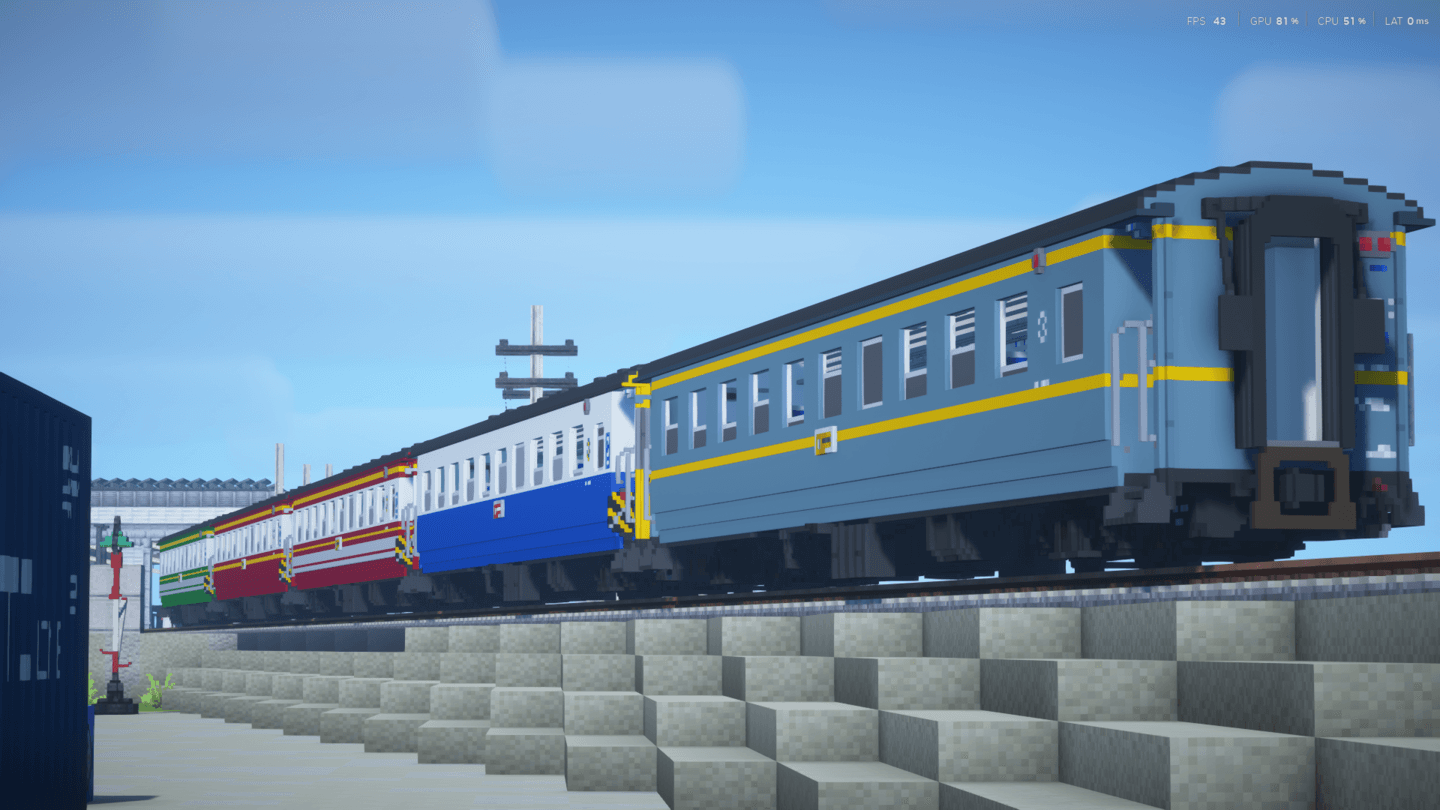
Passenger
-Daewoo DPG (ตู้นอนปรับอากาศแดวู)


Necessary mods that must install before activate resource pack
Immersive Railroading

Track API

Universal Mod Core

Immersive Engineering

 
Many new things are coming in future, so don't forget to follow the pack on discord.

Discord server
Youtube Channel

HAVE FUN :)

Thailand Voxel Railway IR 1.4
MC 1.16.5, 1.7.10
Release 2026-02-17 Get
Thailand_Voxel_Railway_1.3.zip
MC 1.16.5, 1.12.2
Release 2026-01-25 Get
Thailand_Voxel_Railway_1.2.zip
MC 1.16.5, 1.7.10, 1.12.2
Release 2025-10-26 Get
Thailand_Voxel_Railway_1.1.1E .zip
MC 1.16.5, 1.12.2
Release 2025-10-05 Get
Thailand_Voxel_Railway_V1.1.zip
MC 1.16.5, 1.12.2
Release 2025-06-23 Get
SRT Voxel Railway V1.zip
MC 1.16.5, 1.7.10
Release 2024-09-28 Get

Requirements & install

How to use this resource pack in Minecraft
Resolution
16x
Minecraft
1.7.10 – 1.16.5
Install folder
.minecraft/resourcepacks

How to install resource packs

  1. Download the resource pack .zip file (do not extract it).
  2. In Minecraft open Options → Resource Packs → Open Pack Folder.
  3. Drop the .zip into the resourcepacks folder (.minecraft/resourcepacks).
  4. Move the pack to the Selected column and click Done.
Browse more: 16x resource packs 32x resource packs 64x resource packs 128x resource packs 256x resource packs 512x+ resource packs Resource Packs for 1.16.5 All resource packs

More from Prefend

Advertisement Remove ads with Premium →

You Might Also Like