Mineuniverse
Resource Packs
ThaiFontFix-Kanit

ThaiFontFix-Kanit

RESOURCE PACK
Make Thai fonts easier to read
by HewkawAr
Download Claim this project
481 downloads
0 likes
Updated Oct 14, 2026
0 hypes
Font Packs
Advertisement Remove ads with Premium →

ThaiFontFix

Introduction

For Minecraft Java Edition only! (สำหรับ Minecraft Java Edition)

Features (คุณสมบัติ)

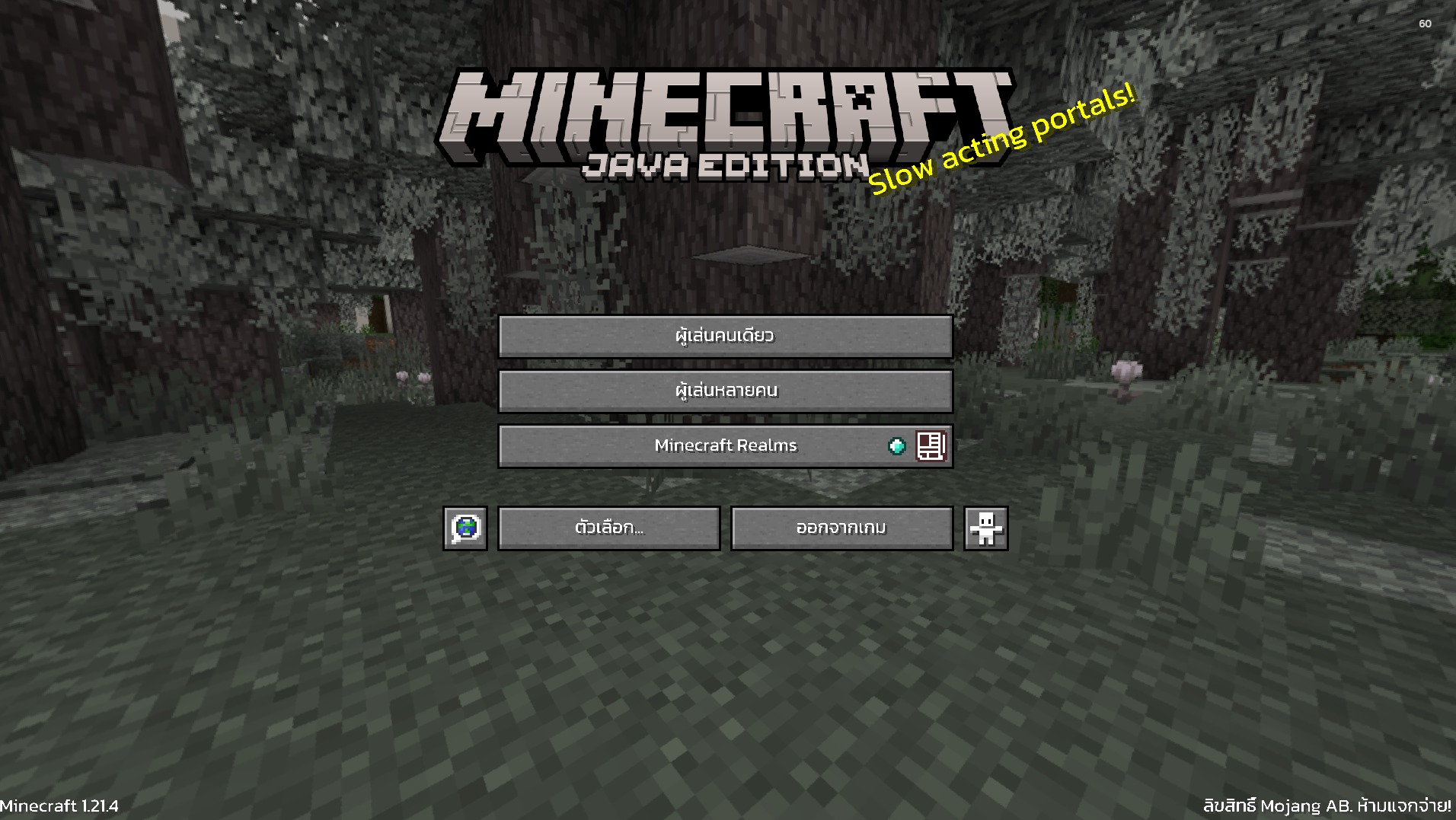
  • Float correction (แก้สระลอย)
  • Make the font easier to read in Thai (ทำให้ฟอนต์ไทยอ่านง่ายขึ้น)

Font used (ฟอนต์ที่ใช้)

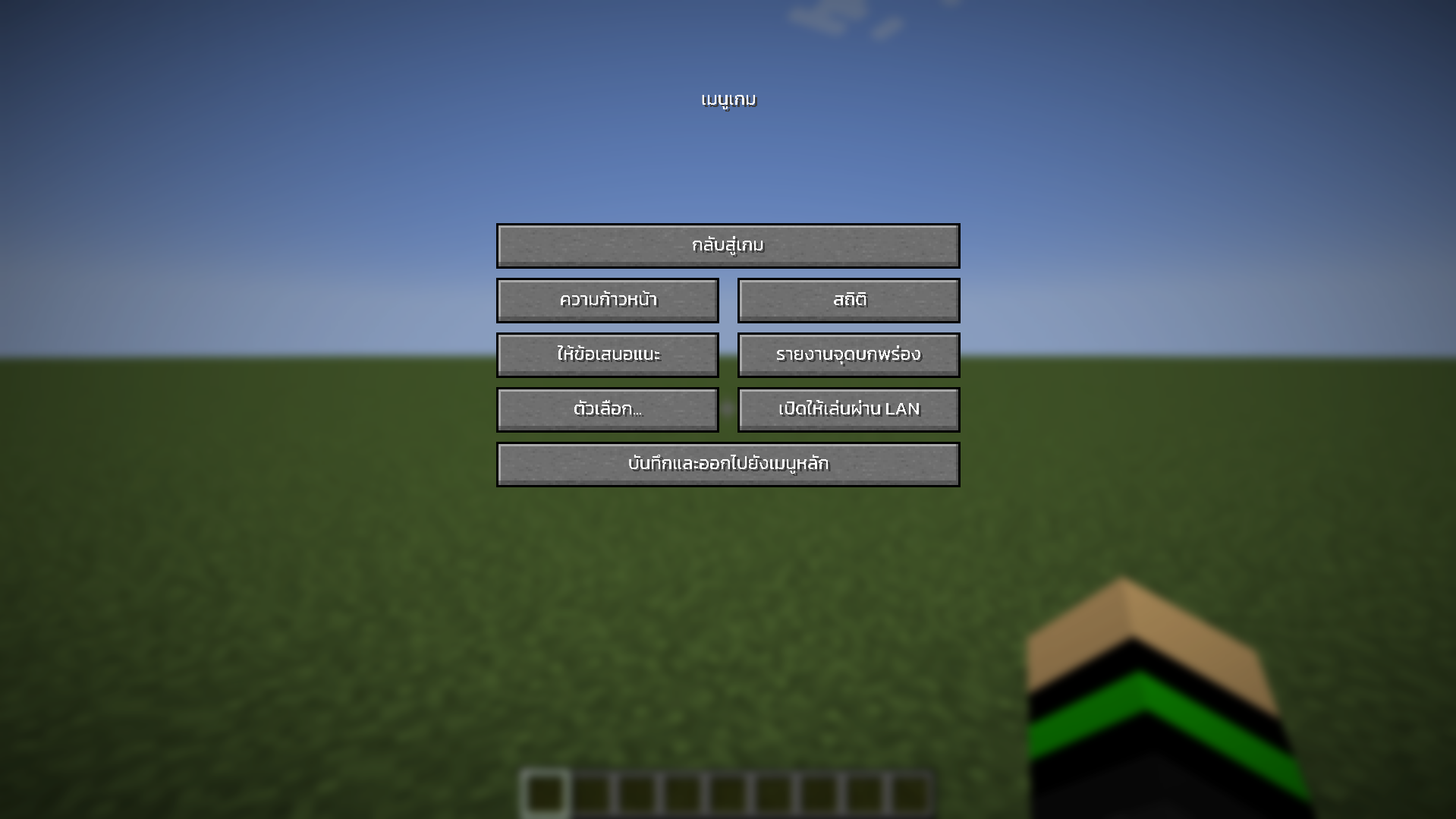
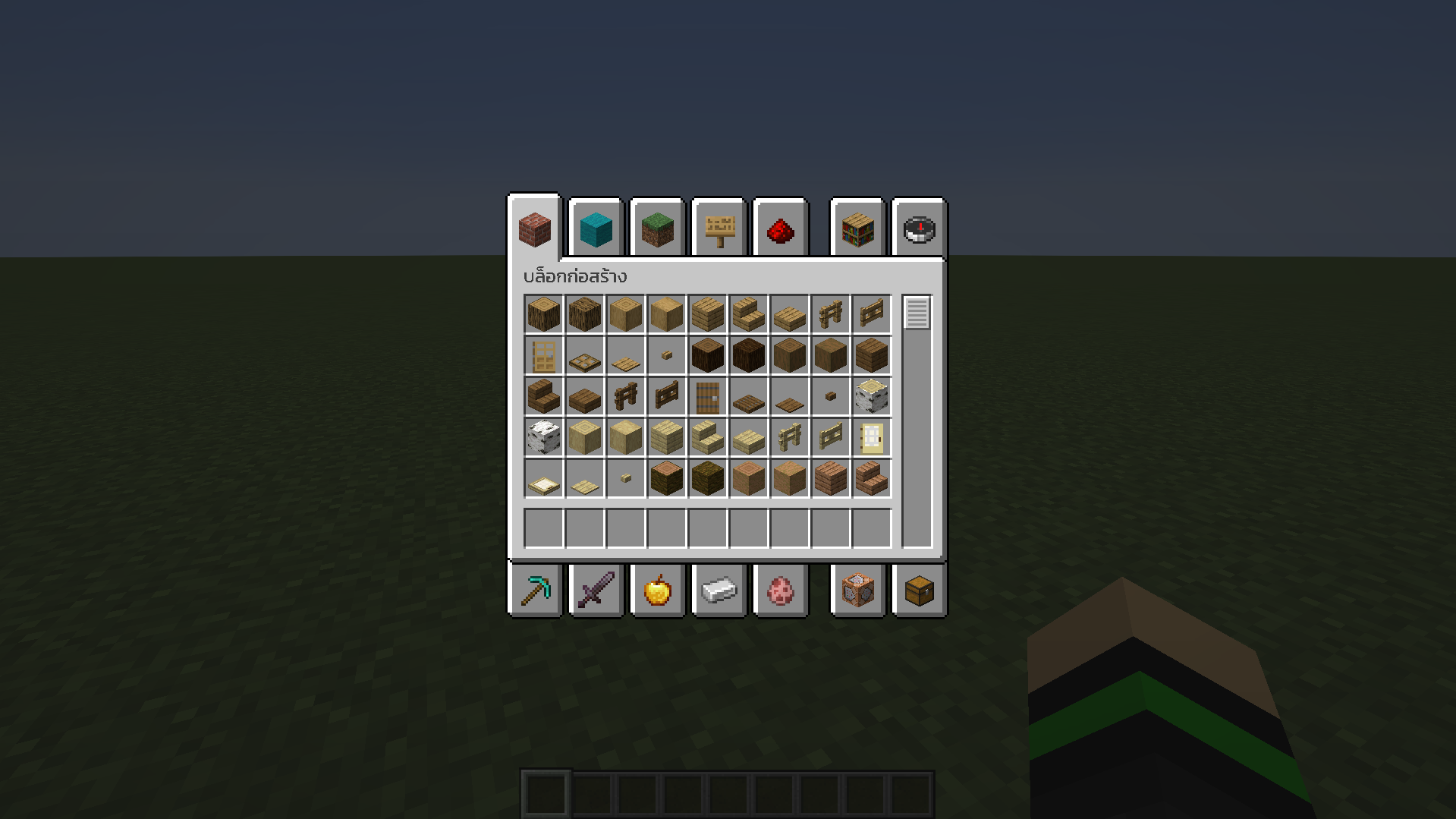
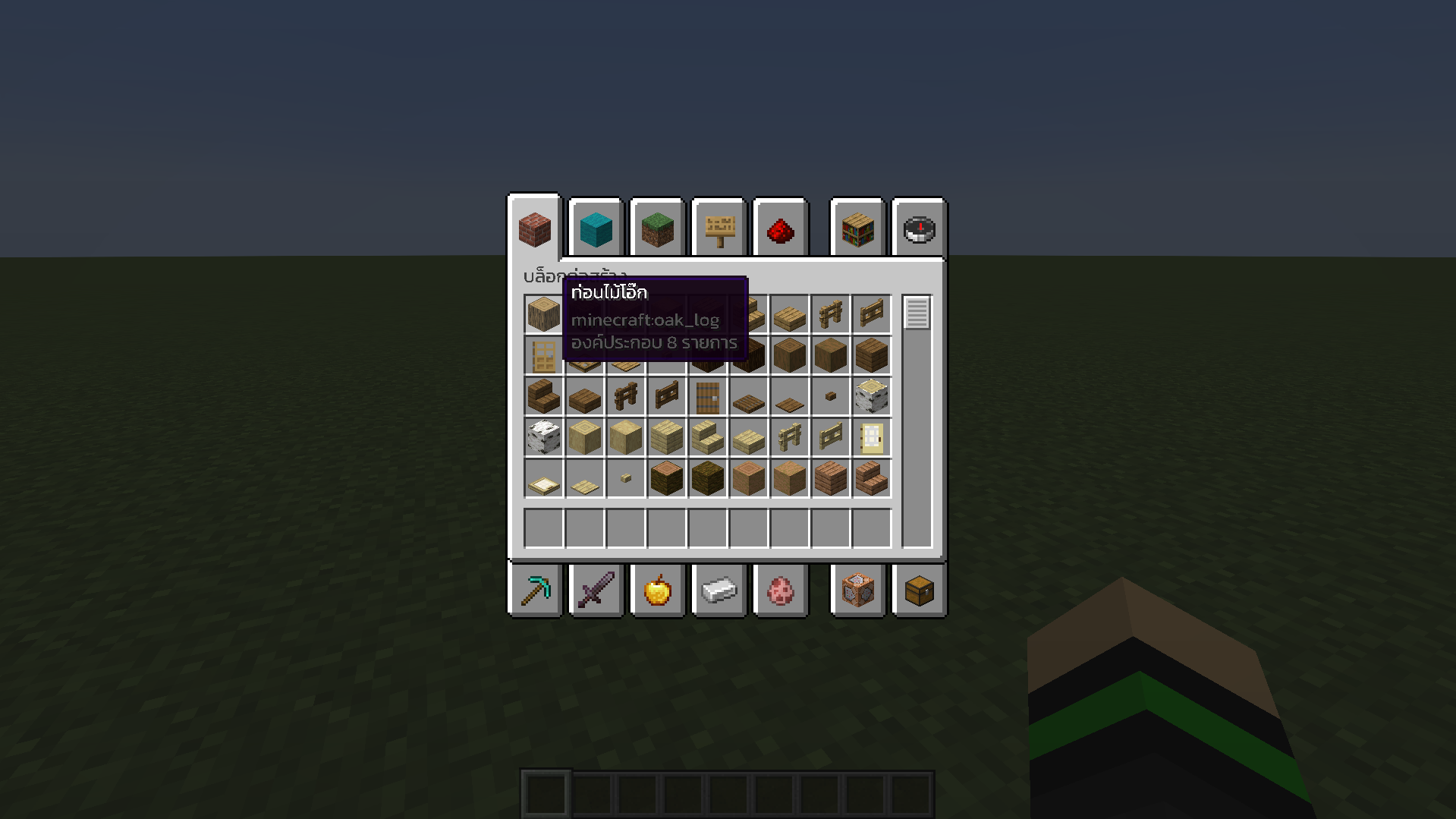
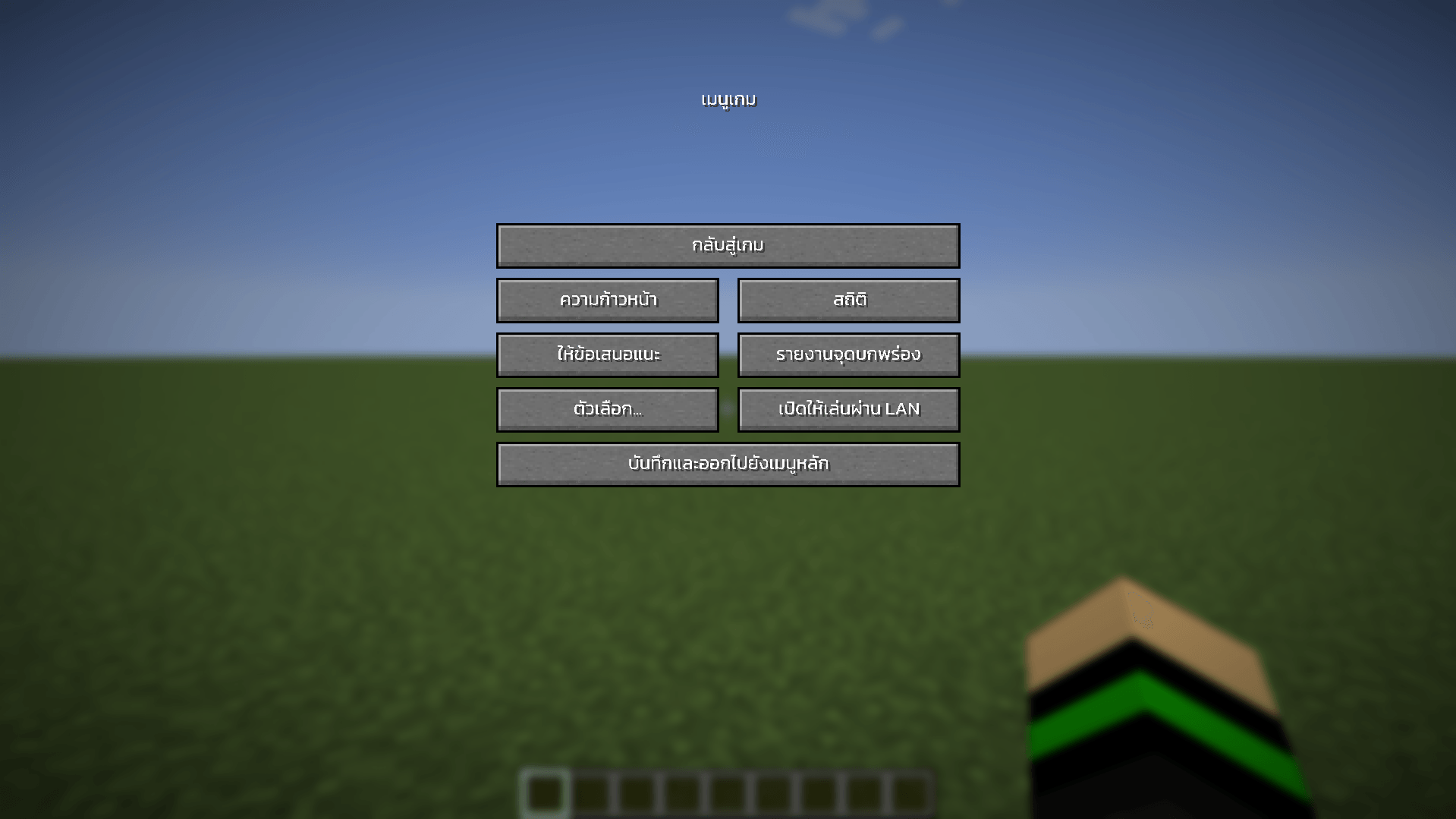
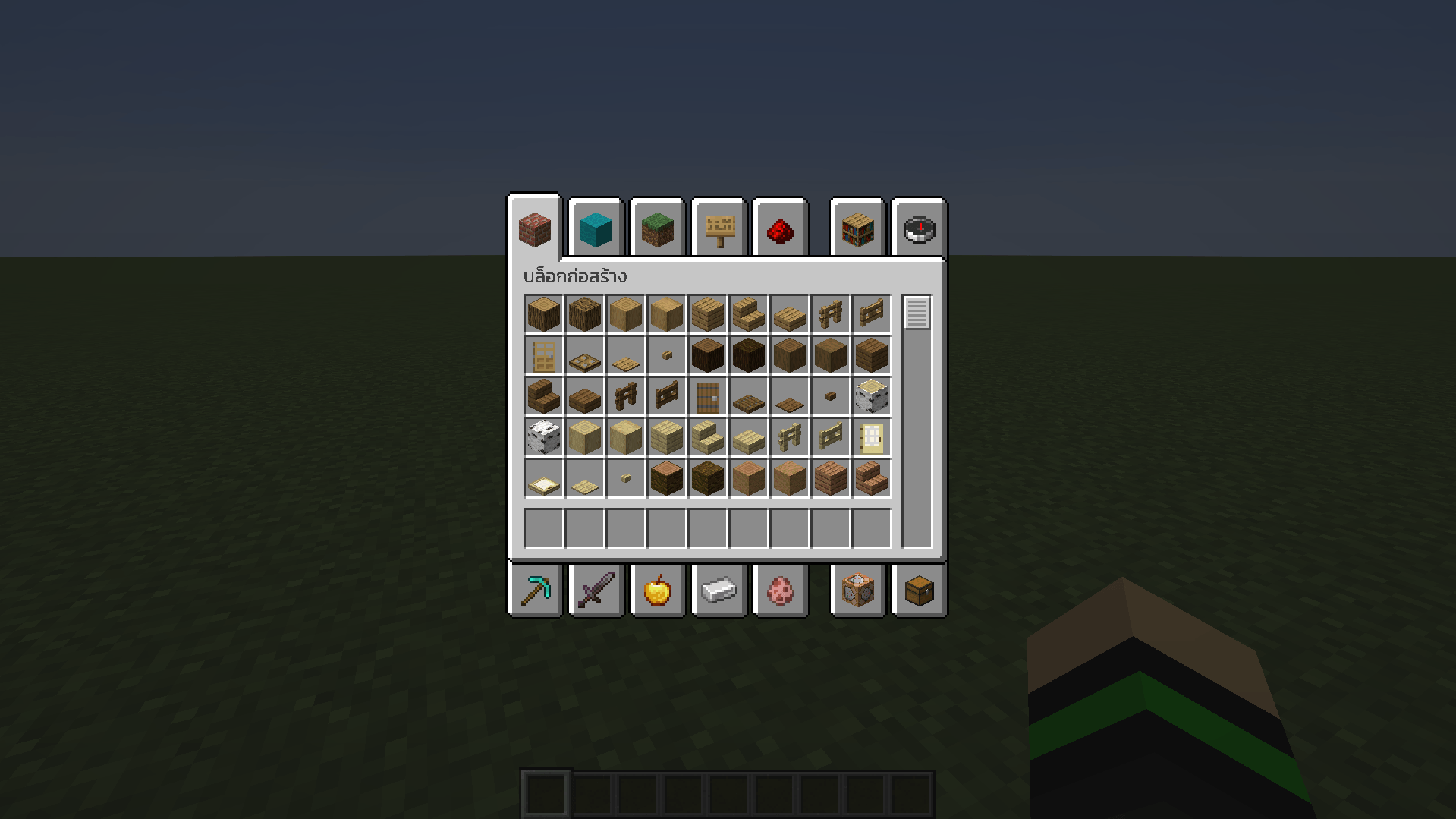
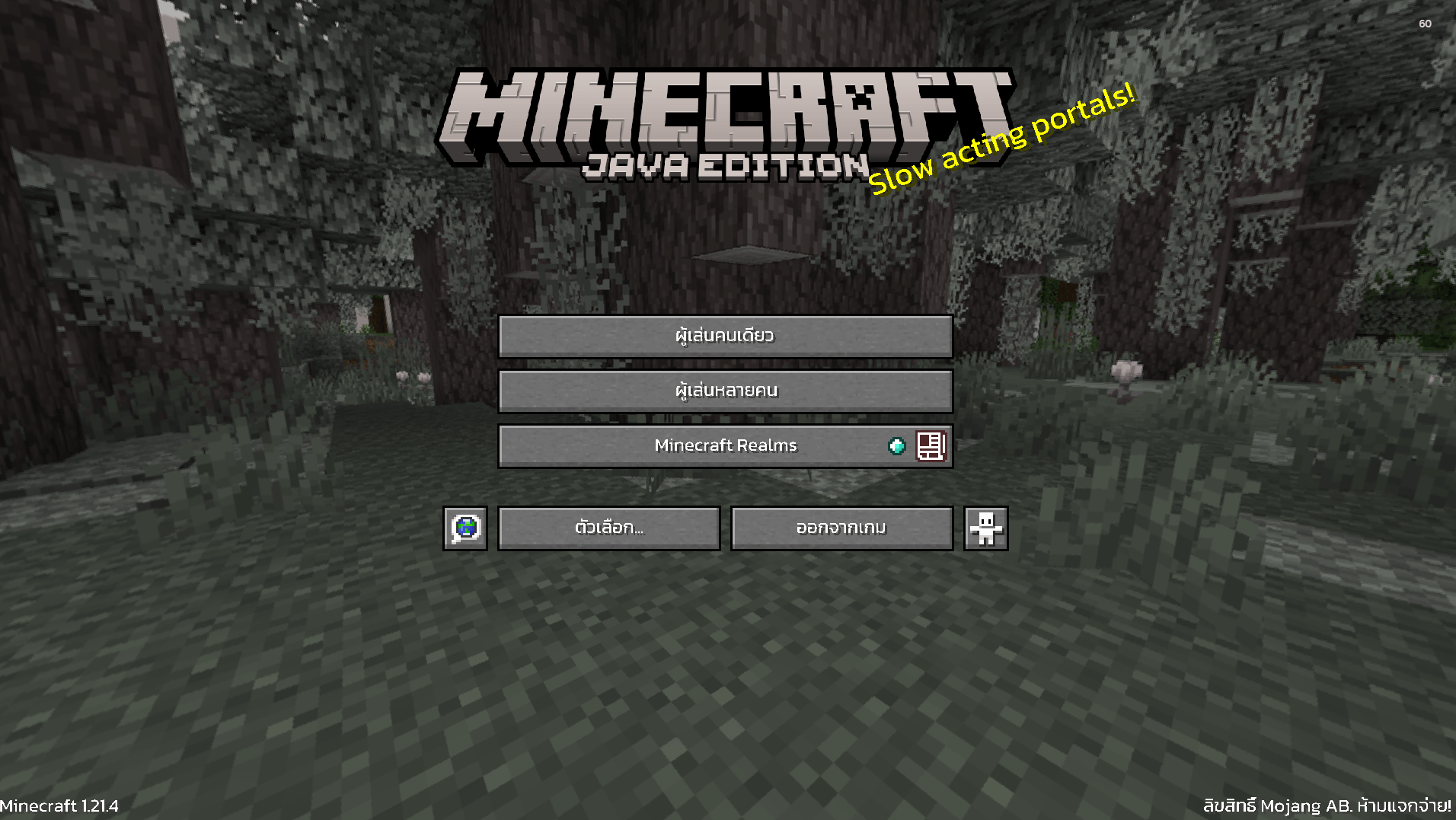
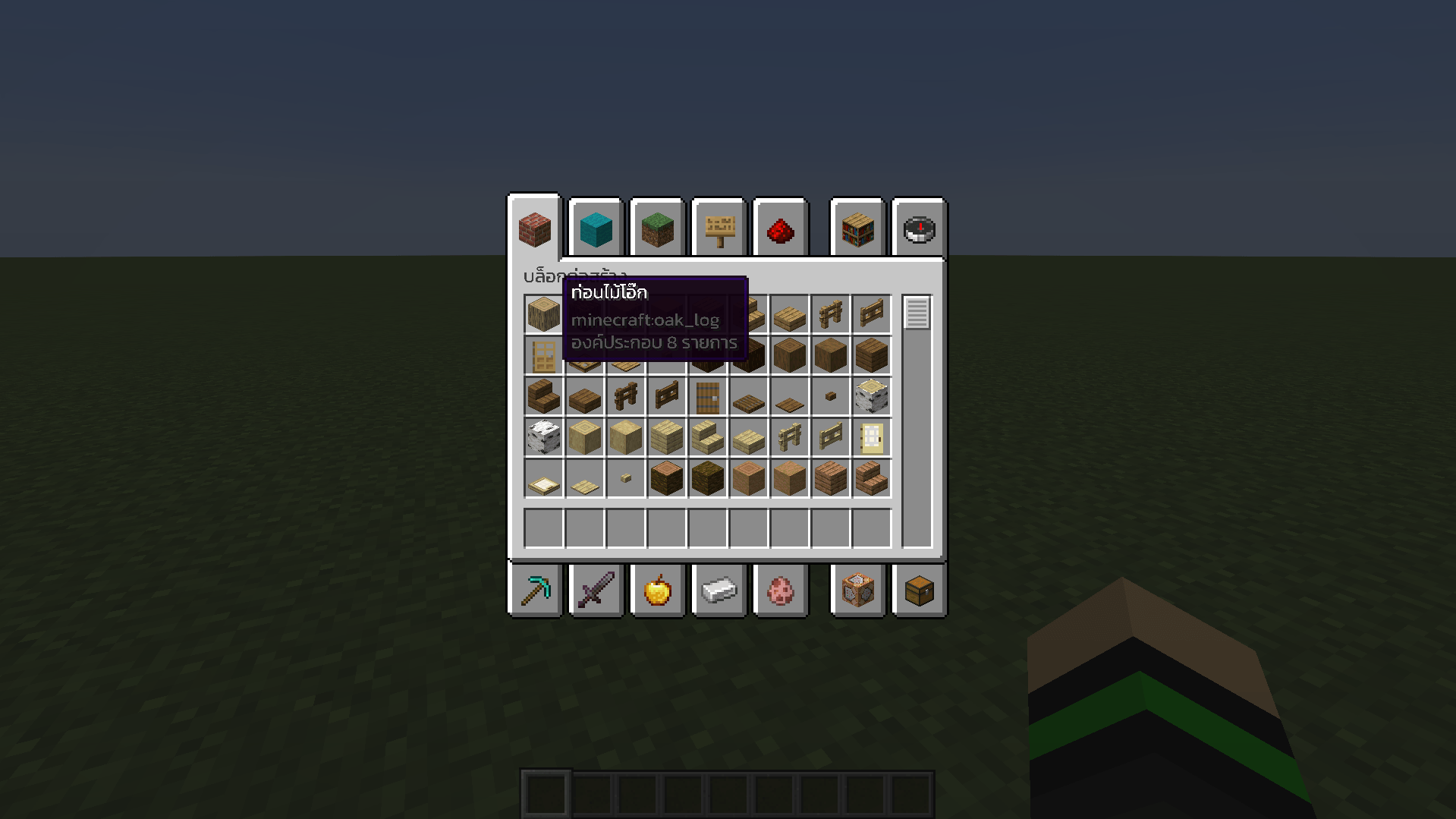
Example (ตัวอย่าง)

Home Pause Menu Item Menu Select Item Menu

Installation (วิธีการติดตั้ง)

  1. Download ThaiFontFix-Kanit. (ดาวน์โหลด ThaiFontFix-Kanit)
  2. Place the .zip file into the directory where the game is installed, for example: .minecraft\\resourcepacks. (นำไฟล์ .zip ไปใส่ในไดเรคทอรี่ที่ติดตั้งเกม เช่น .minecraft\\resourcepacks)
  3. Enable ThaiFontFix-Kanit in the game. (เปิดใช้งาน ThaiFontFix-Kanit ในตัวเกม)
ThaiFontFix-Kanit-v.1.0.2-1.21.4.zip
MC 1.21.4
Release 2024-12-20 Get

Requirements & install

How to use this resource pack in Minecraft
Resolution
Not specified
Minecraft
1.21.4
Install folder
.minecraft/resourcepacks

How to install resource packs

  1. Download the resource pack .zip file (do not extract it).
  2. In Minecraft open Options → Resource Packs → Open Pack Folder.
  3. Drop the .zip into the resourcepacks folder (.minecraft/resourcepacks).
  4. Move the pack to the Selected column and click Done.
Browse more: 16x resource packs 32x resource packs 64x resource packs 128x resource packs 256x resource packs 512x+ resource packs Resource Packs for 1.21.4 All resource packs

More from HewkawAr

Advertisement Remove ads with Premium →

You Might Also Like