Mineuniverse
Resource Packs
ThaiFixed

ThaiFixed

RESOURCE PACK
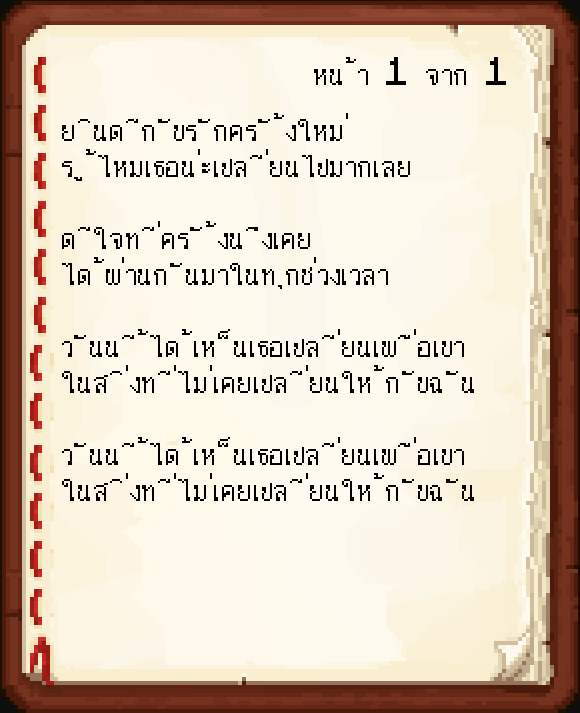
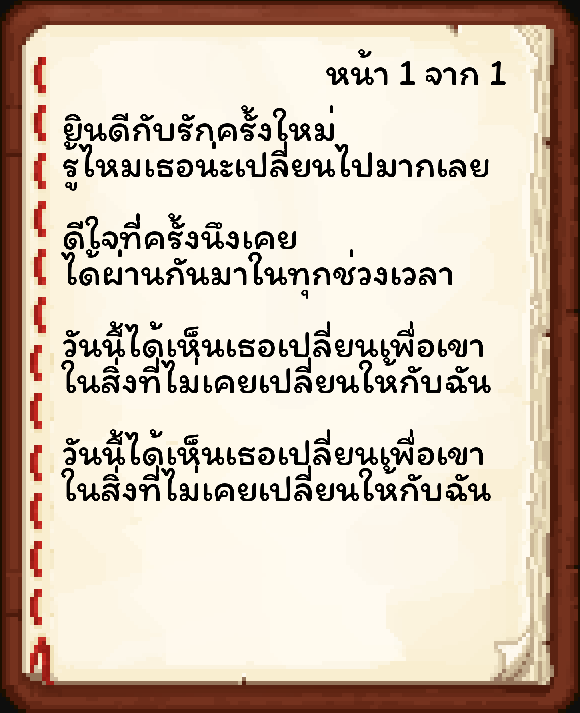
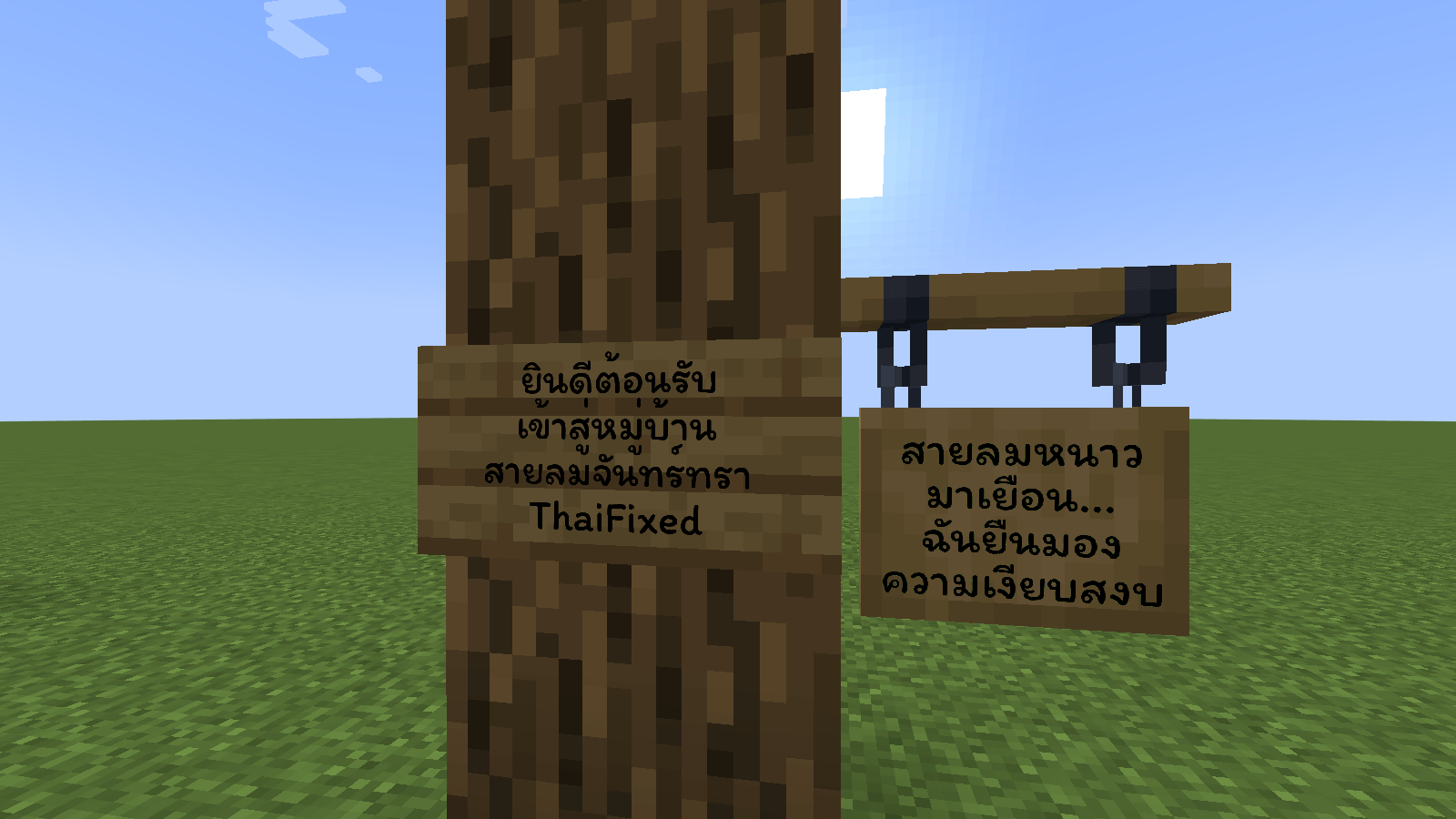
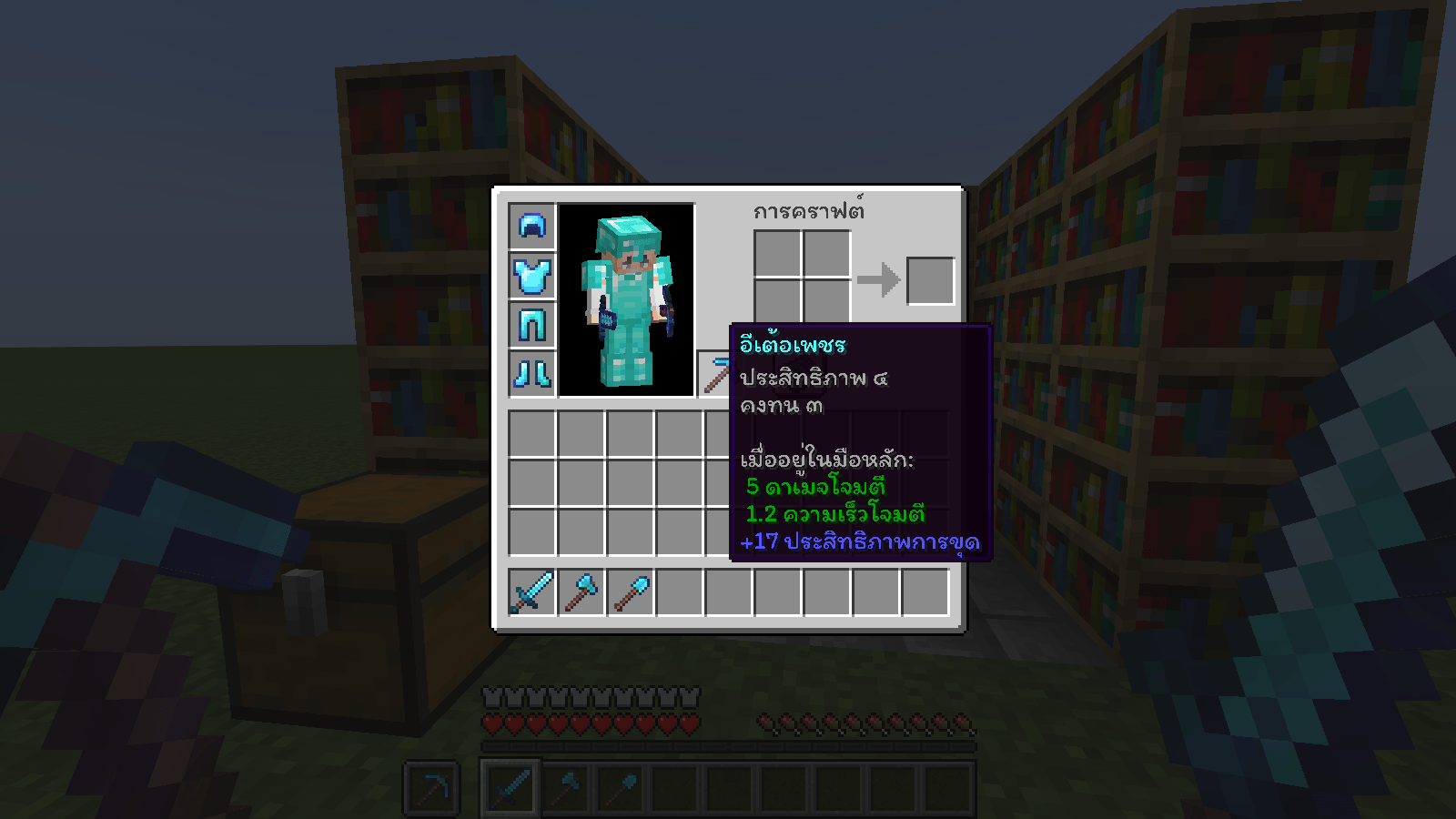
Resource Packs fix the issue of floating Thai vowels, making text easier to read and more visually comfortable.
by max180643
Download Claim this project
8,963 downloads
0 likes
Updated Oct 14, 2026
0 hypes
Font Packs
Advertisement Remove ads with Premium →

ThaiFixed

Resource Pack แก้ไขปัญหาการแสดงผลภาษาไทยไม่ถูกต้องใน สำหรับ Minecraft Java Edition (Resource Pack fix Thai language display incorrect for Minecraft Java Edition)

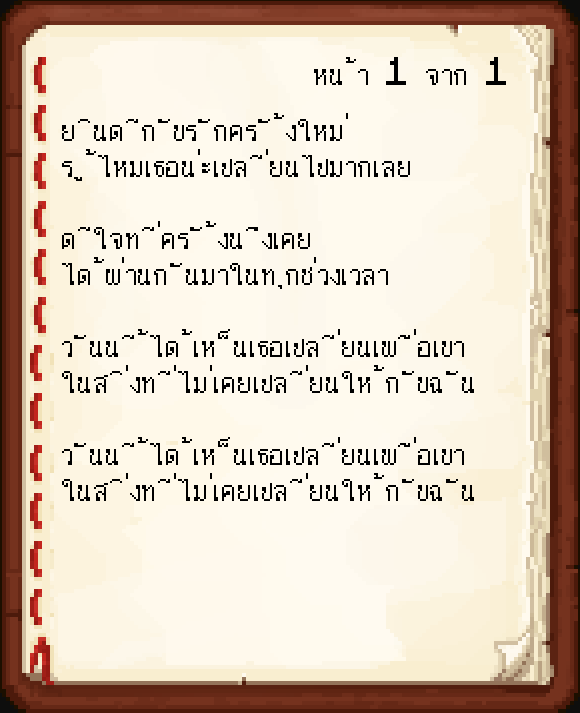
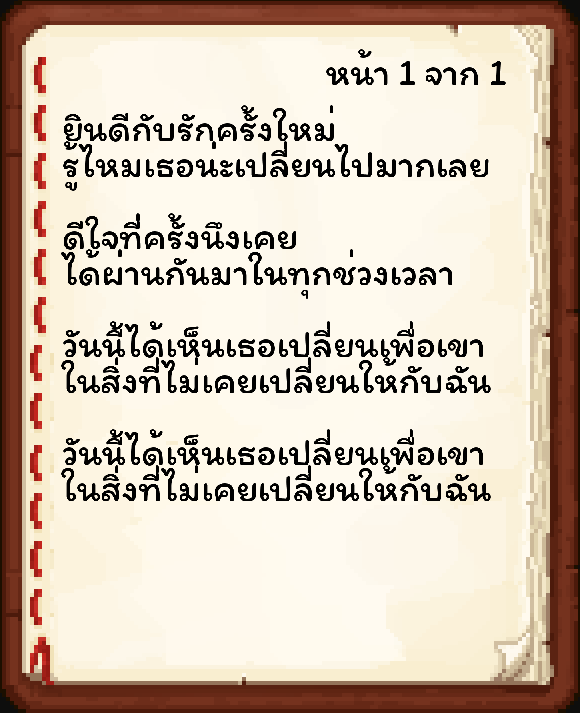
  • แก้ปัญหาภาษาไทยสระลอย (Fix Floating Thai Characters)
  • อ่านง่าย สบายตา ฟอนต์น่ารัก ("Easy to read, eye-friendly, cute font")


Font (ฟอนต์)

Modified from `Itim` font

  • ThaiFixed 1.21.3
  • ThaiFixed 1.21.4

Modified from `IBM Plex Sans Thai` font


  • ThaiFixed 1.13
  • ThaiFixed 1.15


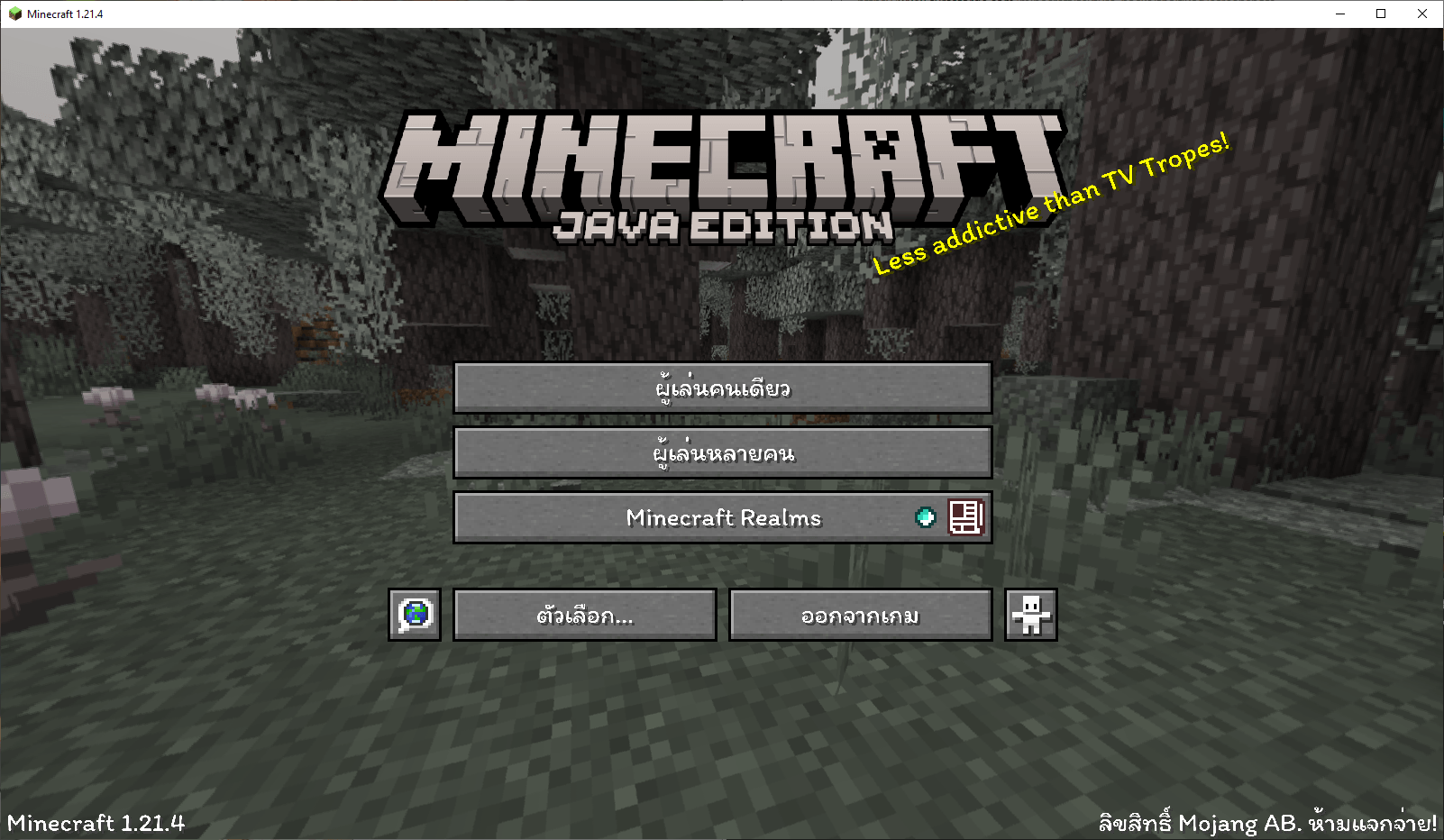
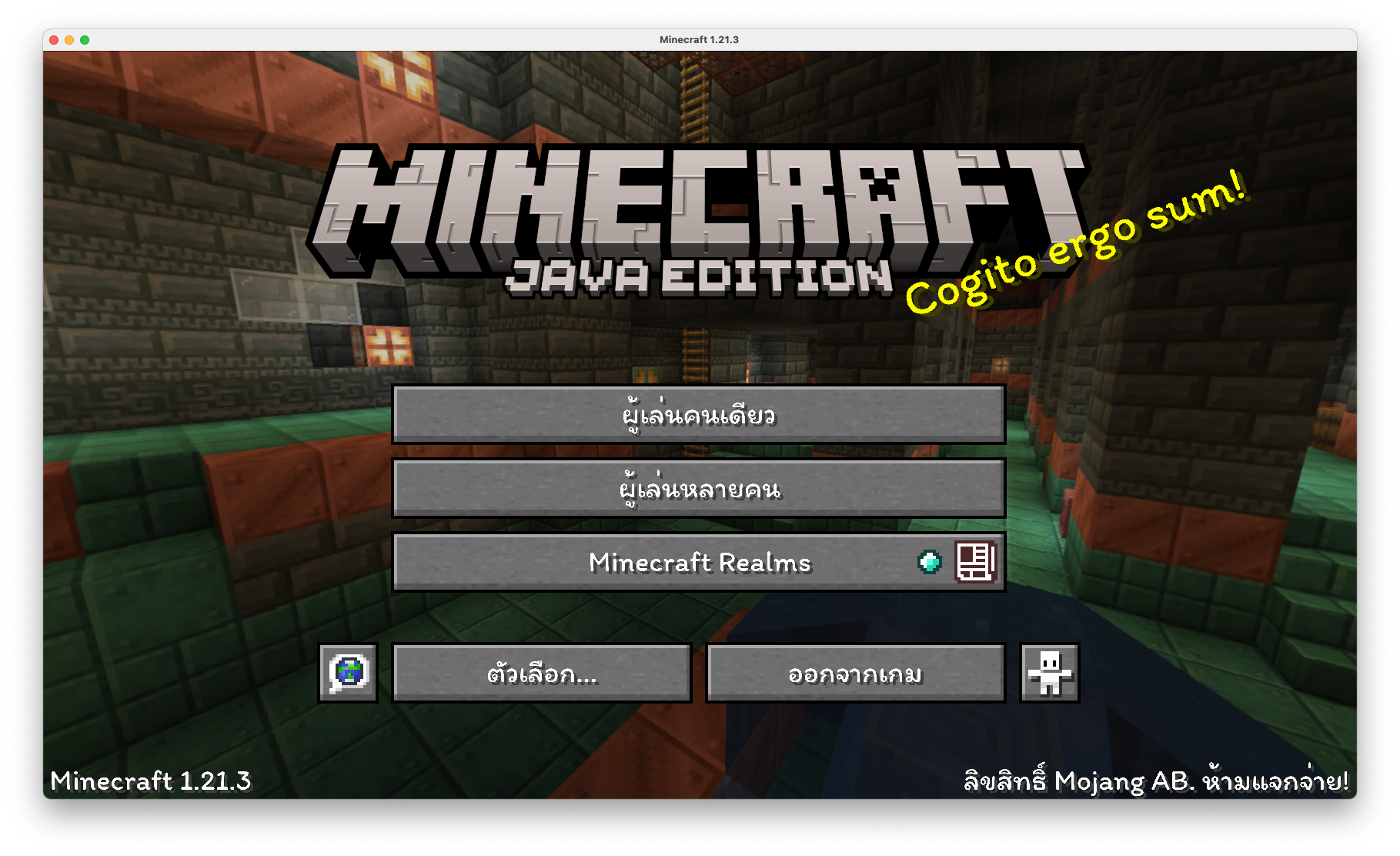
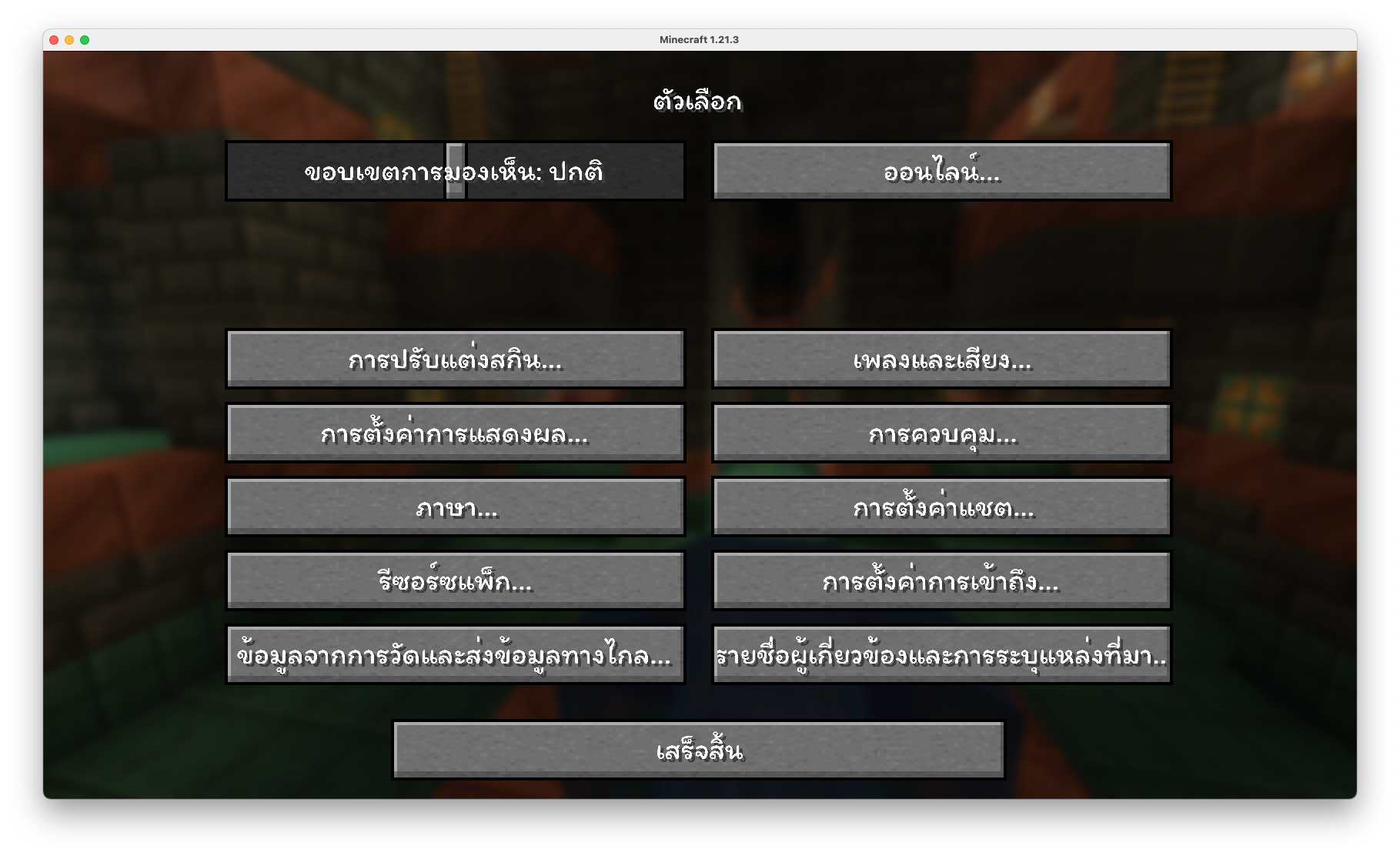
Preview (ตัวอย่าง)

  • Original

original

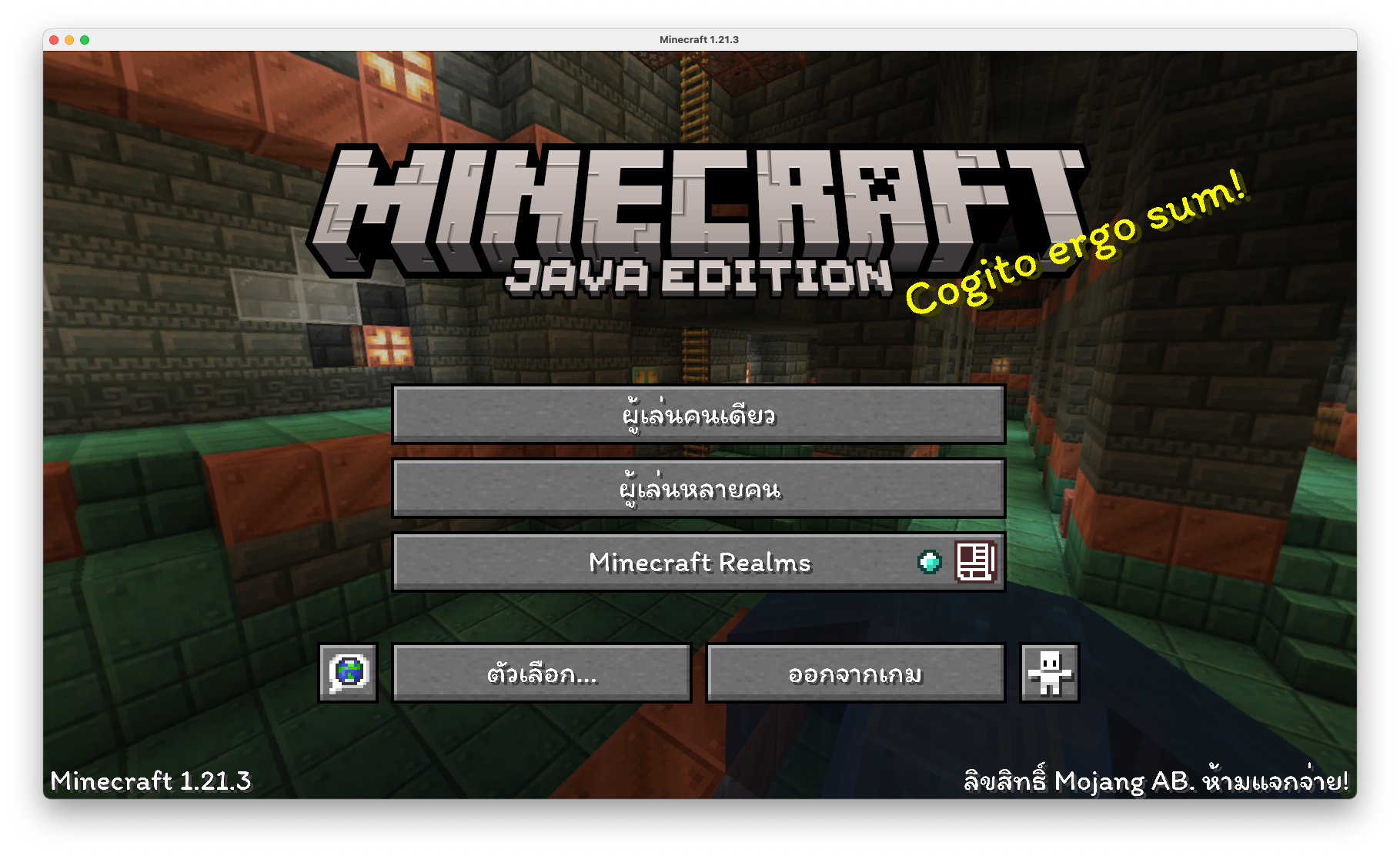
  • ThaiFixed

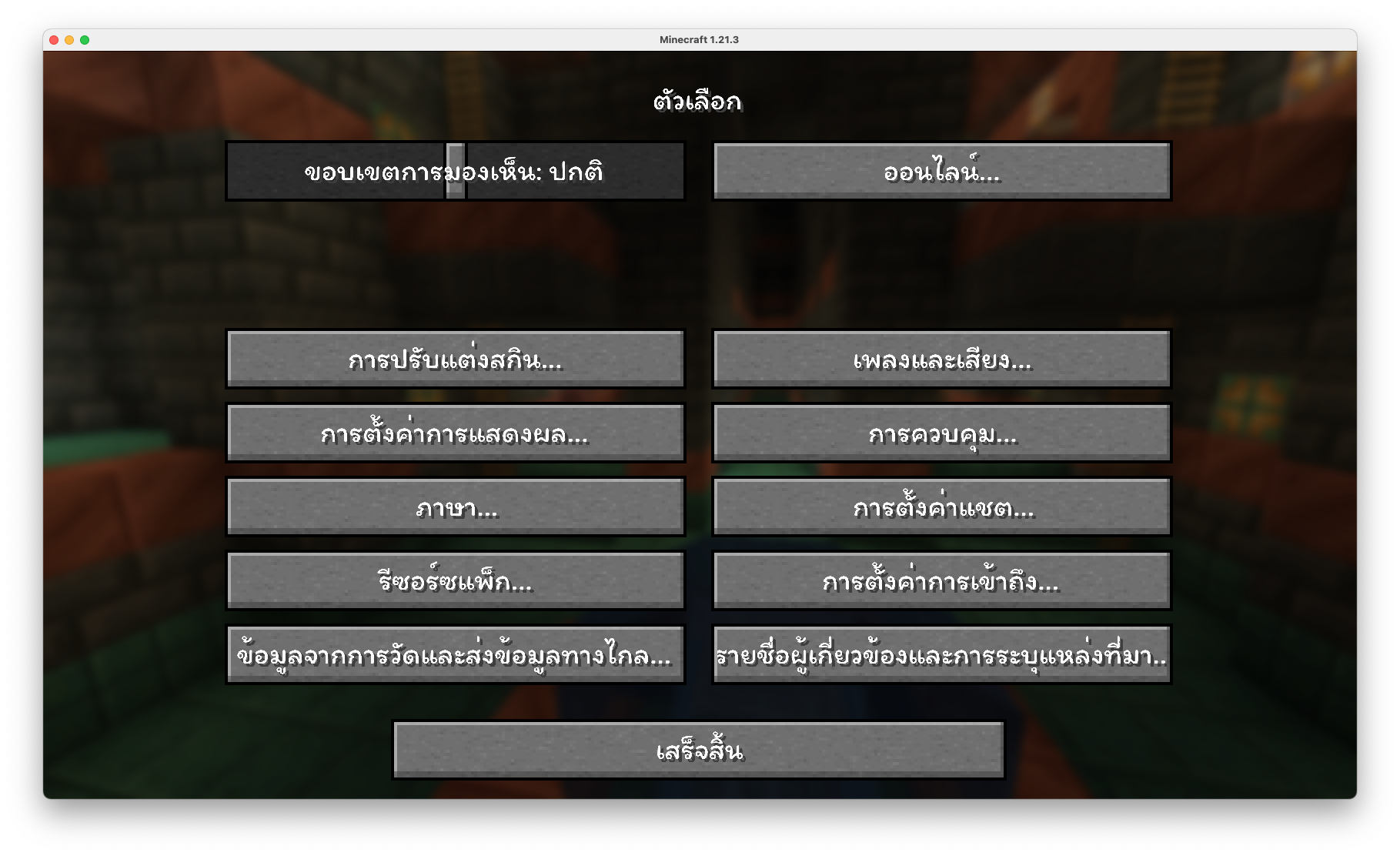
ThaiFixedmainmenuoptions


How to Install (วิธีการติดตั้ง)

1. Download ThaiFixed, you should get a .zip file (ดาวน์โหลด ThaiFixed จะได้รับไฟล์ .zip)
2. Open the folder to which you downloaded the file (เปิดโฟลเดอร์ที่คุณดาวน์โหลดไฟล์)
3. Copy the .zip file (คัดลอกไฟล์ .zip)
4. Open Minecraft (เปิด Minecraft)
5. Click on "Options", then "Resource Packs" (คลิกที่ "ตัวเลือก" แล้วเลือก "รีซอร์ซแพ็ก")
6. Choose "Open resource pack folder" (เลือก "เปิดโฟลเดอร์แพ็ก")
7. Paste the zip file into the resource folder in Minecraft (วางไฟล์ zip ลงในโฟลเดอร์ resourcepacks ของ Minecraft)
8. Go back to Minecraft, the resource pack should now be listed and you can activate it by choosing it and hitting "Finished" (กลับไปยัง Minecraft หน้า resource pack จะแสดงรายการ ThaiFixed ทำการเปิดใช้งานโดยการเลือกและทำการกด "เสร็จสิ้น")


ThaiFixed - 1.21.4
MC 1.21.4
Release 2024-12-04 Get
ThaiFixed - 1.13
MC 1.13
Release 2024-12-03 Get
ThaiFixed - 1.15
MC 1.15
Release 2024-12-03 Get
ThaiFixed - 1.21.3
MC 1.21.3
Release 2024-12-03 Get

Requirements & install

How to use this resource pack in Minecraft
Resolution
Not specified
Minecraft
1.13 – 1.21.4
Install folder
.minecraft/resourcepacks

How to install resource packs

  1. Download the resource pack .zip file (do not extract it).
  2. In Minecraft open Options → Resource Packs → Open Pack Folder.
  3. Drop the .zip into the resourcepacks folder (.minecraft/resourcepacks).
  4. Move the pack to the Selected column and click Done.
Browse more: 16x resource packs 32x resource packs 64x resource packs 128x resource packs 256x resource packs 512x+ resource packs Resource Packs for 1.21.4 All resource packs
Advertisement Remove ads with Premium →

You Might Also Like