Mineuniverse
Resource Packs
TFC Vexxed Visuals Anvil Helper

TFC Vexxed Visuals Anvil Helper

RESOURCE PACK
TFC Anvil Helper in the style of Vexxel's Vexxed Visuals Resource Pack
by Patchack
Download Claim this project
Add a badge to your pageLink to TFC Vexxed Visuals Anvil Helper from a README, website or forum post.
Preview: Badge

Badges update automatically and link to the resource pack page on MineUniverse.

24,424 downloads
0 likes
0 followers
Updated Oct 14, 2026
0 hypes
Follow0
16x Mod Support
Advertisement Remove ads with Premium →

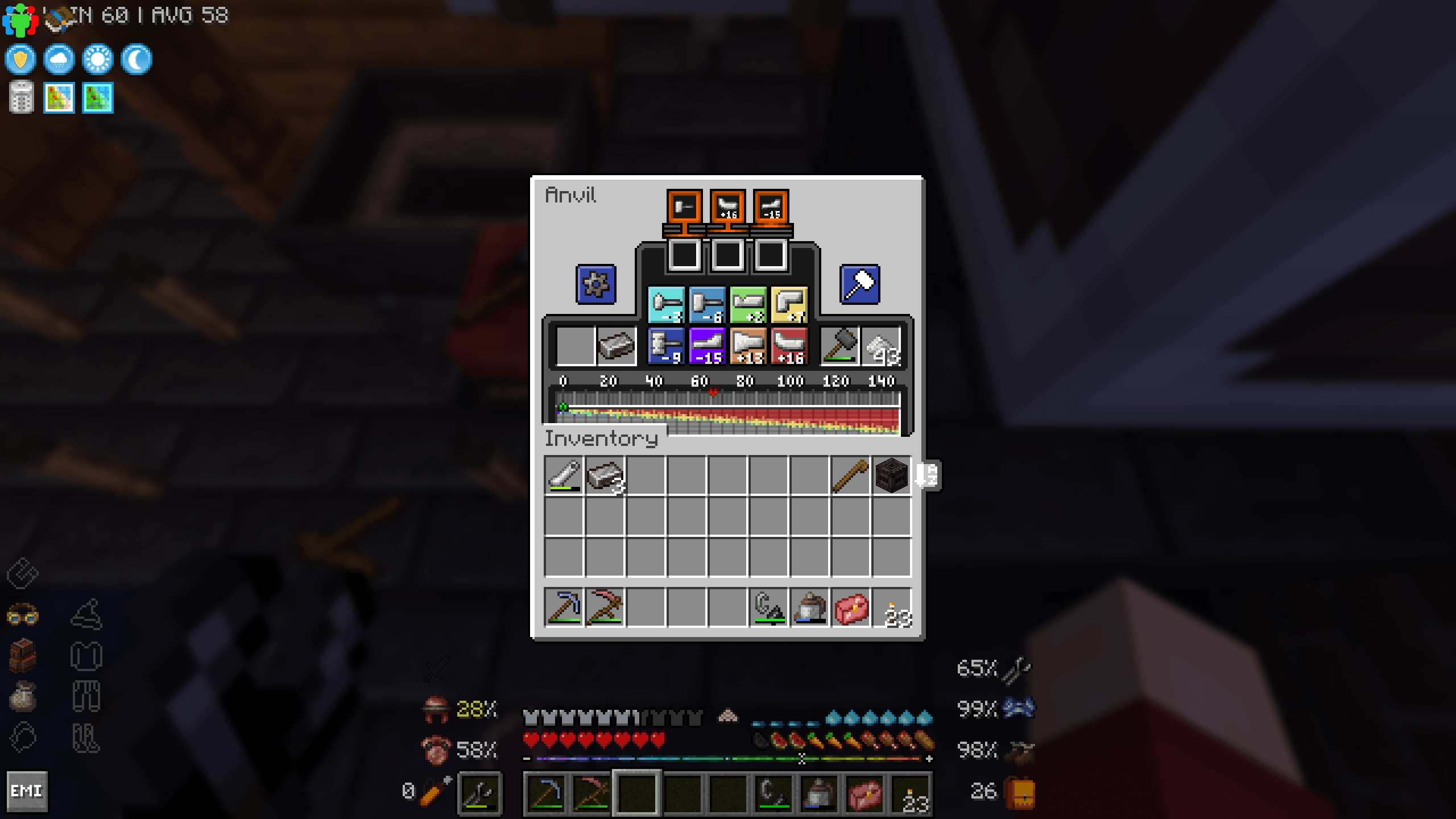
I really enjoy the updated anvil UI in Vexxed Visuals, but was surprised to see no one's made an anvil helper in the same style, so I made one! Basically wombo-combo'd TFC Anvil Helper by absolutespiceball with the anvil UI texture in Vexxed Visuals by Vexxel, alongside some minor edits to make it suit and be more coherent. 

Personally added black highlights to the small text to increase visibility and changed the little arrow indicators back to the default TFC bright green and red from the white and blue in Vexxed Visuals. Aside from that, all credits go to the original creators of the textures, as well as the team behind TerraFirmaCraft!

05.26: Update includes coloured pixel corrections to positions 3, 6, 19, and 22 done by VizzyDizzy from their TFC Anvil Helper Patched. Massive thanks to them for finding and correcting the issue!
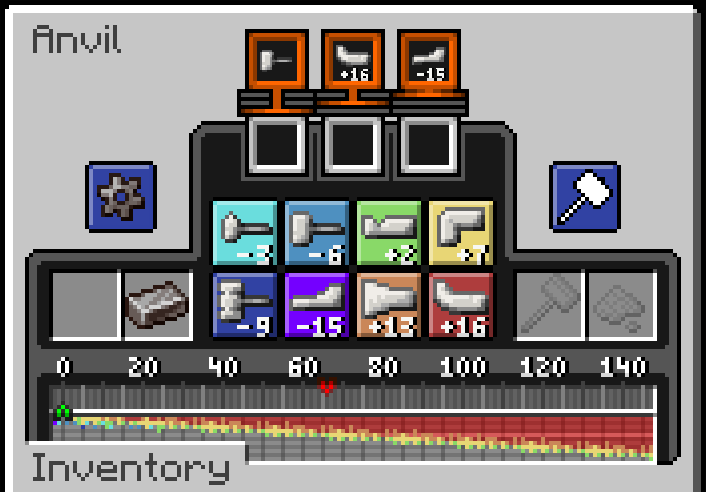
 

P.S Technically you don't have to use Vexxed Visuals to use this resource pack, but it wouldn't fit the vibe of the default TFC textures so it's up to you. The hammer and flux shadow icons wouldn't match, for example.

TFC Vexxed Visuals Anvil Helper.zip (Colour patch by VizzyDizzy)
MC 1.20.1
Release 2026-05-03 Get
TFC Vexxed Visuals Anvil Helper.zip
MC 1.20.1
Release 2026-01-22 Get

Requirements & install

How to use this resource pack in Minecraft
Resolution
16x
Minecraft
1.20.1
Install folder
.minecraft/resourcepacks

How to install resource packs

  1. Download the resource pack .zip file (do not extract it).
  2. In Minecraft open Options → Resource Packs → Open Pack Folder.
  3. Drop the .zip into the resourcepacks folder (.minecraft/resourcepacks).
  4. Move the pack to the Selected column and click Done.
Browse more: 16x resource packs 32x resource packs 64x resource packs 128x resource packs 256x resource packs 512x+ resource packs Resource Packs for 1.20.1 All resource packs
Advertisement Remove ads with Premium →

You Might Also Like