Mineuniverse
Resource Packs
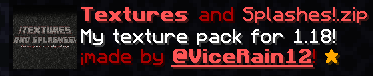
Textures and Splashes!

Textures and Splashes!

RESOURCE PACK
Textures, models, items, sounds, and custom splash texts for 1.12-26.1.
by ViceRain12
Download Claim this project
254 downloads
0 likes
Updated Oct 14, 2026
0 hypes
16x Animated Font Packs Miscellaneous Traditional
Advertisement Remove ads with Premium →

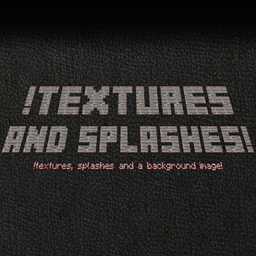
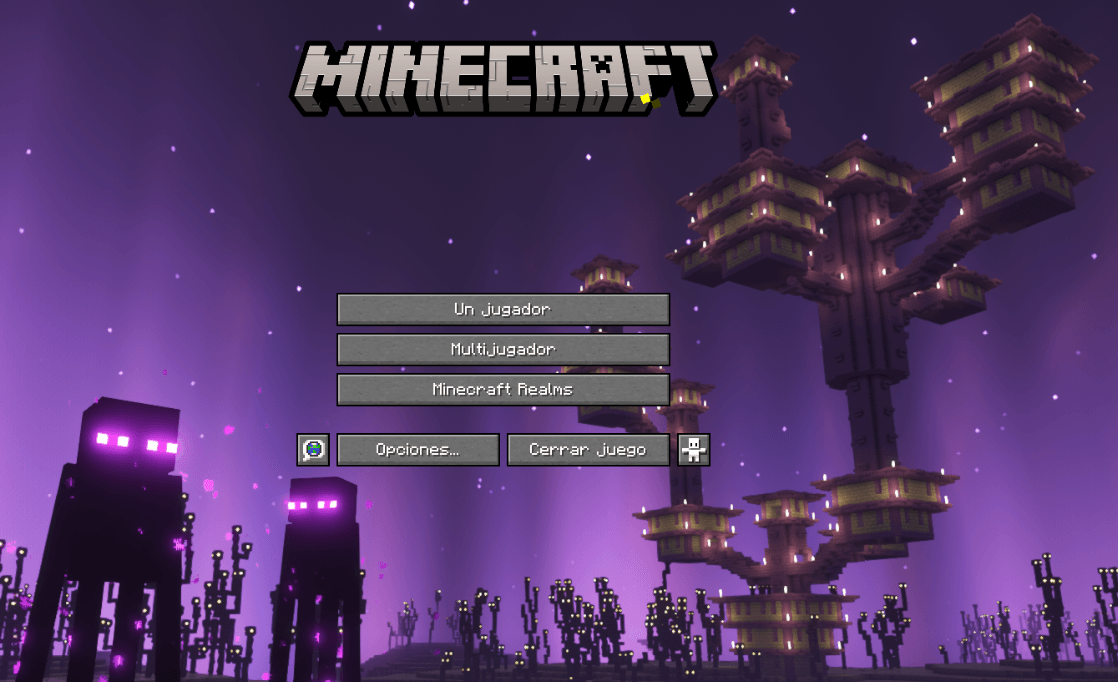
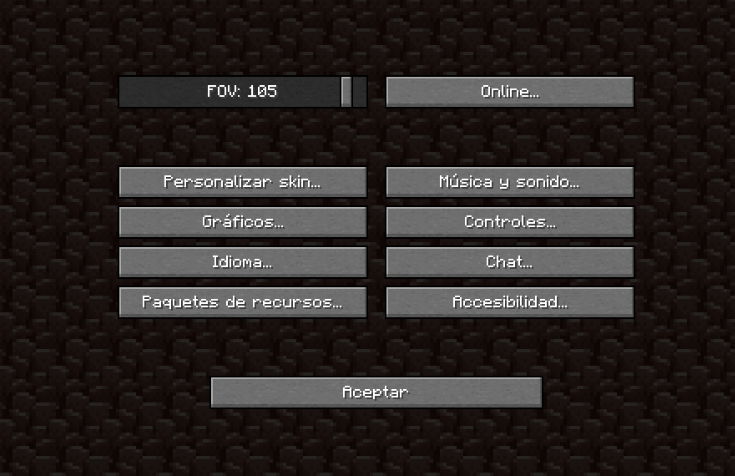
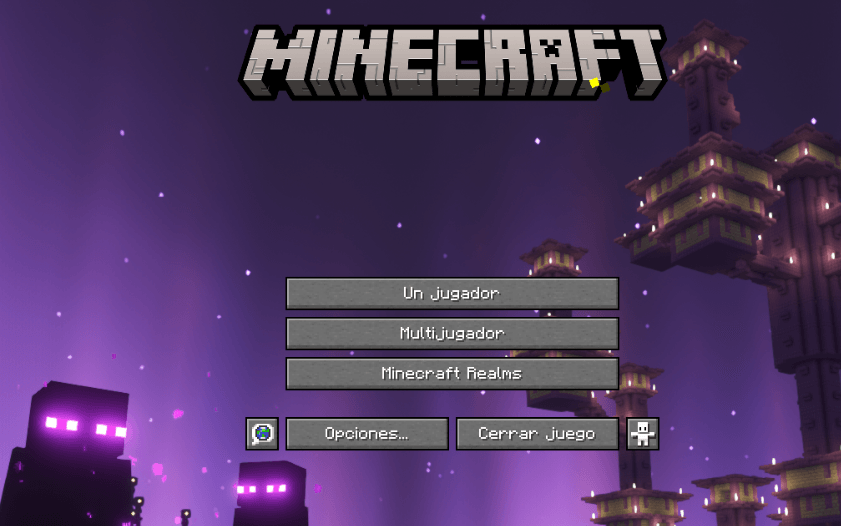
Welcome to my first texture pack of models, items, sounds, and custom splash text in the main menu.

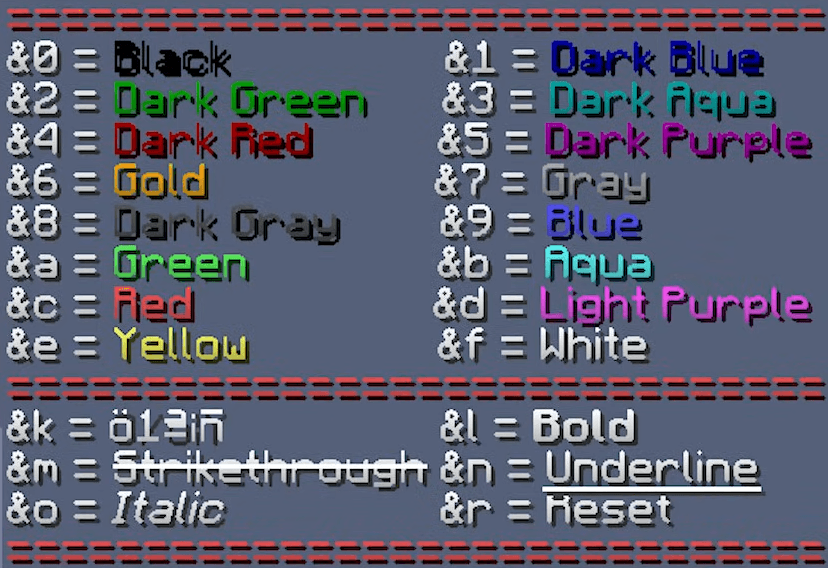
(you can edit the splash text in "C:\Users\"name"\AppData\Roaming\.minecraft\resourcepacks\§c§lTextures and Splashes!\assets\minecraft\texts").


THE CHANGES ADDED ARE IN THE CHANGELOG OF EACH VERSION.


(ALL TEXTURE AND SOUND ARE FROM VANILLA TWEAKS https://vanillatweaks.net/ EXCEPT THE CUSTOM SPLASHES THAT YOU CAN CHANGE AND THE BACKGROUND IMAGE THAT I FOUND IN REDDIT https://www.reddit.com/r/Optifine/comments/lvy6pf/reworked_the_end_dimension_in_the_justreleased/)

Textures and Splashes! 1.21.11-26.1
MC 1.21.11-snapshot, 1.21.11, 26.1, 26.1.1, 26.1.2
Release 2026-07-16 Get
Textures and Splashes! 1.16-1.16.5
MC 1.16.3, 1.16-Snapshot, 1.16.1, 1.16, 1.16.5, 1.16.2, 1.16.4
Release 2026-02-04 Get
Texture and Splashes! 1.19-1.19.4
MC 1.19-Snapshot, 1.19.3, 1.19.4, 1.19.4-Snapshot, 1.19.1, 1.19.2, 1.19, 1.19.3-Snapshot
Release 2026-02-04 Get
Textures and Splashes! 1.20-1.20.6
MC 1.20.2-Snapshot, 1.20.5-Snapshot, 1.20.2, 1.20.5, 1.20.1, 1.20, 1.20.6, 1.20-Snapshot, 1.20.4, 1.20.3-Snapshot, 1.20.3
Release 2026-02-04 Get
Textures and Splashes! 1.12-1.12.2
MC 1.12.1, 1.12, 1.12-Snapshot, 1.12.2
Release 2026-01-21 Get
Textures and Splashes! 1.17-1.17.1
MC 1.17.1, 1.17, 1.17-Snapshot
Release 2026-01-21 Get
Textures and Splashes! 1.18-1.18.2
MC 1.18.1, 1.18, 1.18.2, 1.18-Snapshot
Release 2026-01-20 Get

Requirements & install

How to use this resource pack in Minecraft
Resolution
16x
Minecraft
1.20.5-Snapshot – 26.1.2
Install folder
.minecraft/resourcepacks

How to install resource packs

  1. Download the resource pack .zip file (do not extract it).
  2. In Minecraft open Options → Resource Packs → Open Pack Folder.
  3. Drop the .zip into the resourcepacks folder (.minecraft/resourcepacks).
  4. Move the pack to the Selected column and click Done.
Browse more: 16x resource packs 32x resource packs 64x resource packs 128x resource packs 256x resource packs 512x+ resource packs Resource Packs for 26.1.2 All resource packs
Advertisement Remove ads with Premium →

You Might Also Like